Most brochures die in a folder. A PDF gets attached to an email, downloaded once, and forgotten. A virtual brochure fixes that: it opens in the browser, turns pages like paper, plays video, and tells you who read it. If you are hunting for inspiration, this article gathers real virtual brochure examples, free template formats, design ideas that hold attention and a fair comparison of online brochure makers. You can build every example below in minutes with Flipbooks AI, starting from a plain PDF.
Why Virtual Brochures Beat Static PDFs
A printed brochure costs money every time someone picks one up. A PDF costs nothing but gets ignored. A virtual brochure sits in between: it keeps the tactile feel of flipping pages and adds the reach of a link.
What Makes a Brochure "Virtual"
A virtual brochure is an interactive, browser-based version of a brochure. Readers click a link, the pages load instantly, and they swipe or click to turn them. No download, no app, no login unless you want one.
Typical features include:
- Realistic page-turn effects that mimic a folded or bound brochure
- Embedded video and audio for tours, testimonials or product demos
- Clickable links and buttons that send readers to booking or contact pages
- Mobile-responsive layouts that adapt to phones and tablets
- Analytics that show page views, time spent and drop-off points
Who Gets the Most Value
Any team that sends brochures to prospects benefits, but some see results faster than others.
| Industry | Typical Brochure | Why Virtual Works |
|---|
| Hotels and resorts | Property and room overview | Video tours sell the stay |
| Real estate | Listing brochure | Floor plans and photos in one link |
| Restaurants | Menu and event packages | Updates without reprinting |
| Automotive | Model and trim brochure | Spec sheets and walkaround clips |
| Travel agencies | Destination and itinerary | Easy to share on social and chat apps |
| Small retail shops | Product line overview | Cheap to update every season |
7 Virtual Brochure Examples That Work
Here are the formats that consistently perform, with the exact elements that make each one effective. Use them as a checklist when you plan your own.
Hotel and Resort Brochure
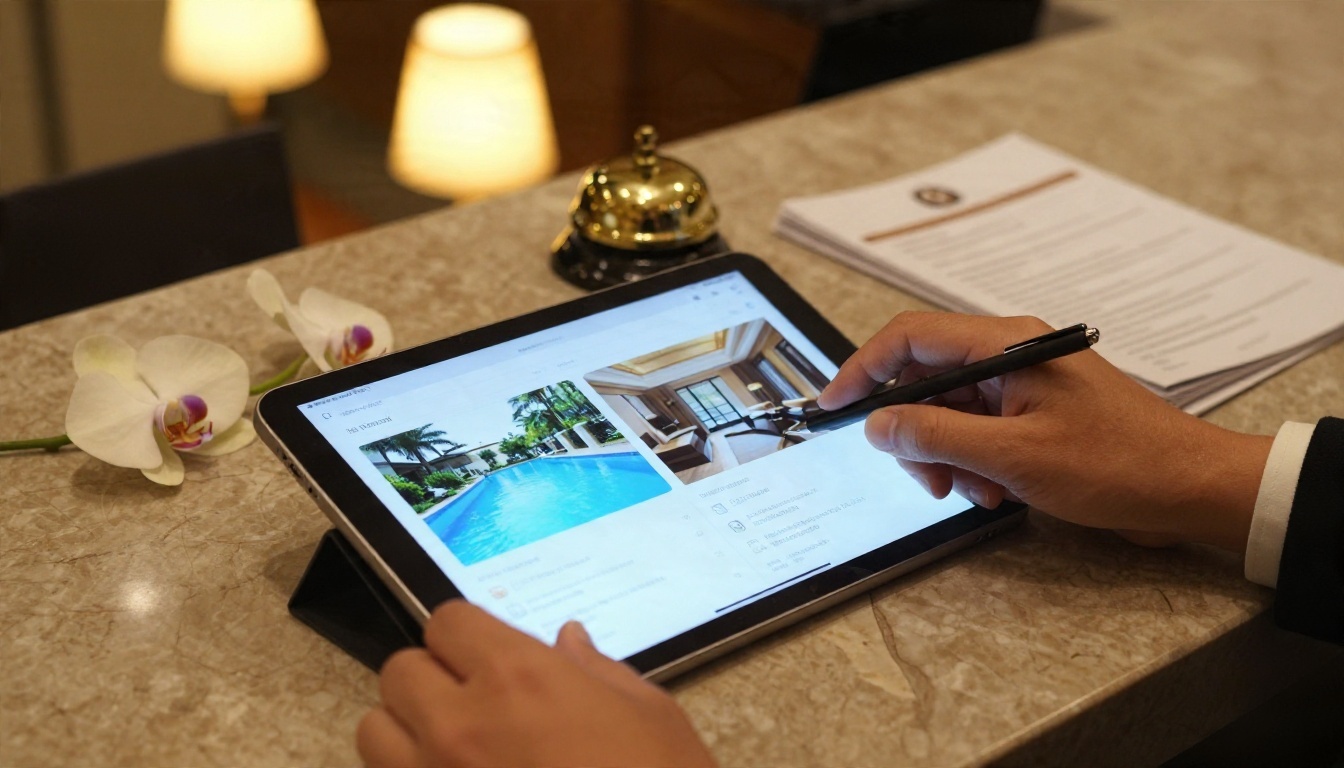
A boutique hotel opens with one full-bleed photo of the pool at sunset, followed by a two-page spread of room types. Each room page carries a short video clip and a "Check availability" button that links to the booking engine. The final page holds a map, a phone number and a QR code.
Why it works: guests see the atmosphere before they read a word. The Hotel Brochure Designer is built for exactly this layout.
Real Estate Property Brochure
An agent uploads a six-page listing PDF with a hero exterior shot, interior photos, a floor plan and neighborhood highlights. The virtual version adds a video walkthrough on page three and a contact form on the last page. Buyers receive one link by message, and the agent sees which pages they revisited.

💡 Pro tip: put the floor plan on its own page. Buyers who study the floor plan twice are usually the ones who book a viewing. The Real Estate Brochure Creator makes this easy to set up.
Restaurant and Menu Brochure
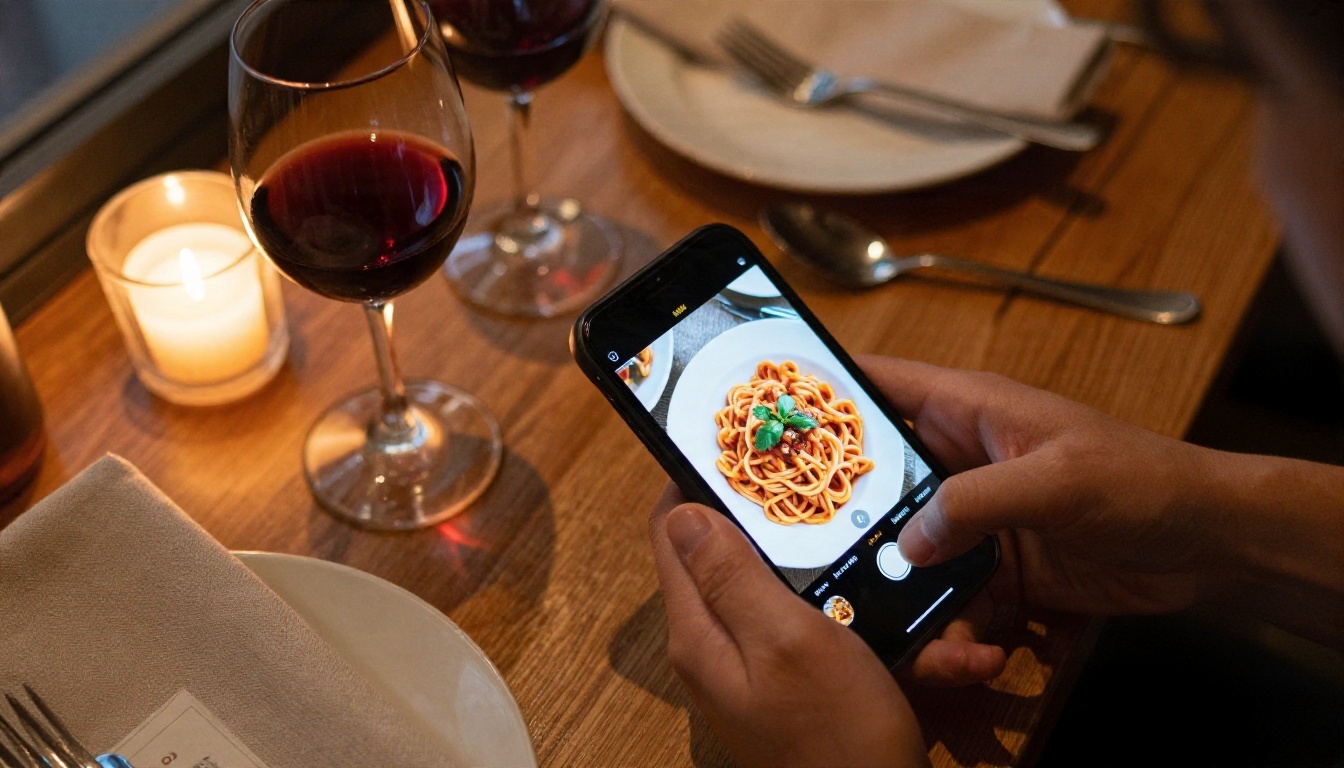
A restaurant combines its dinner menu, wine list and private dining packages in one brochure. A table QR code opens it on any phone. When the chef changes a dish, the team replaces the PDF and the link stays the same, so nothing needs reprinting.
Try the Restaurant Menu Creator if you want a ready-made starting point.
Automotive Showroom Brochure
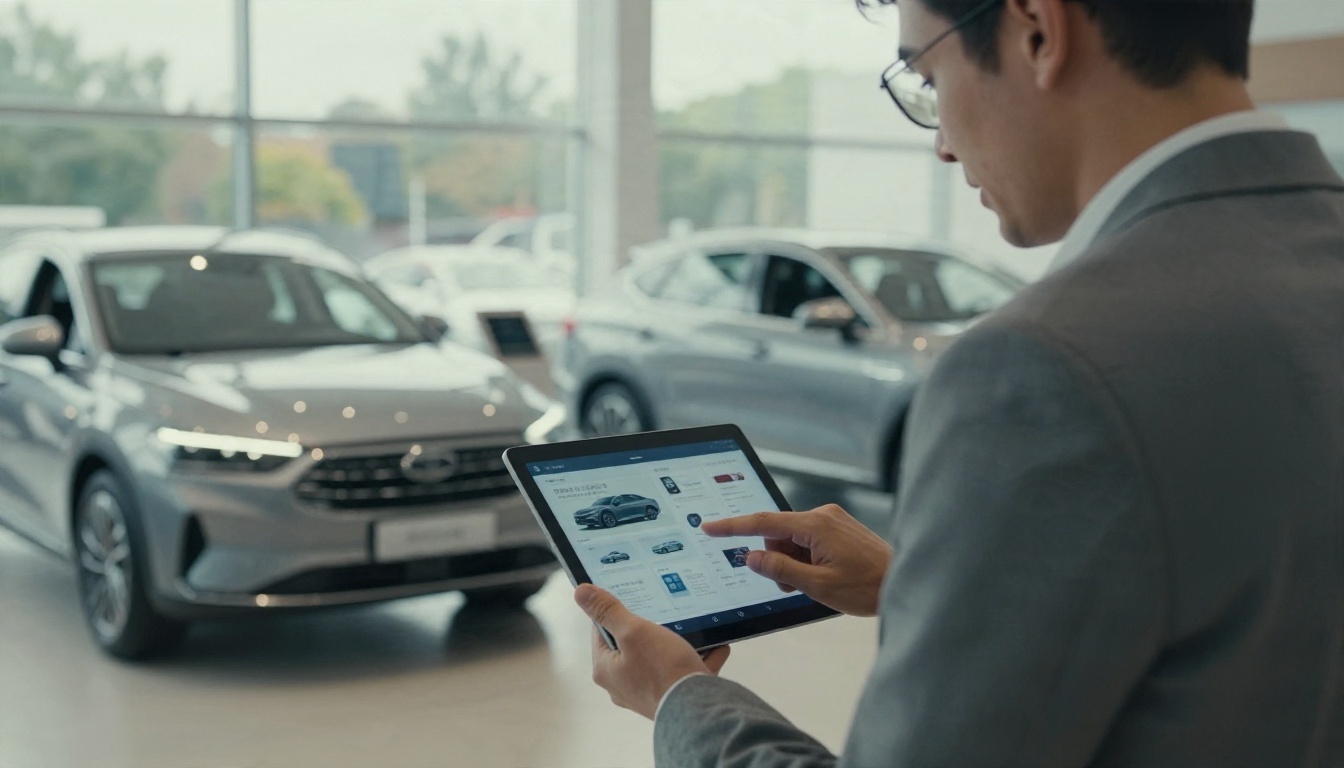
A dealership turns a heavy trim-level brochure into a fast, scannable experience. The first page shows the car in motion, the middle pages compare trims, and the last page lists financing options with a call button. Sales staff open it on a tablet during the visit, then email the same link afterward.
See the Automotive Brochure Generator for the matching layout.
Travel and Tourism Brochure
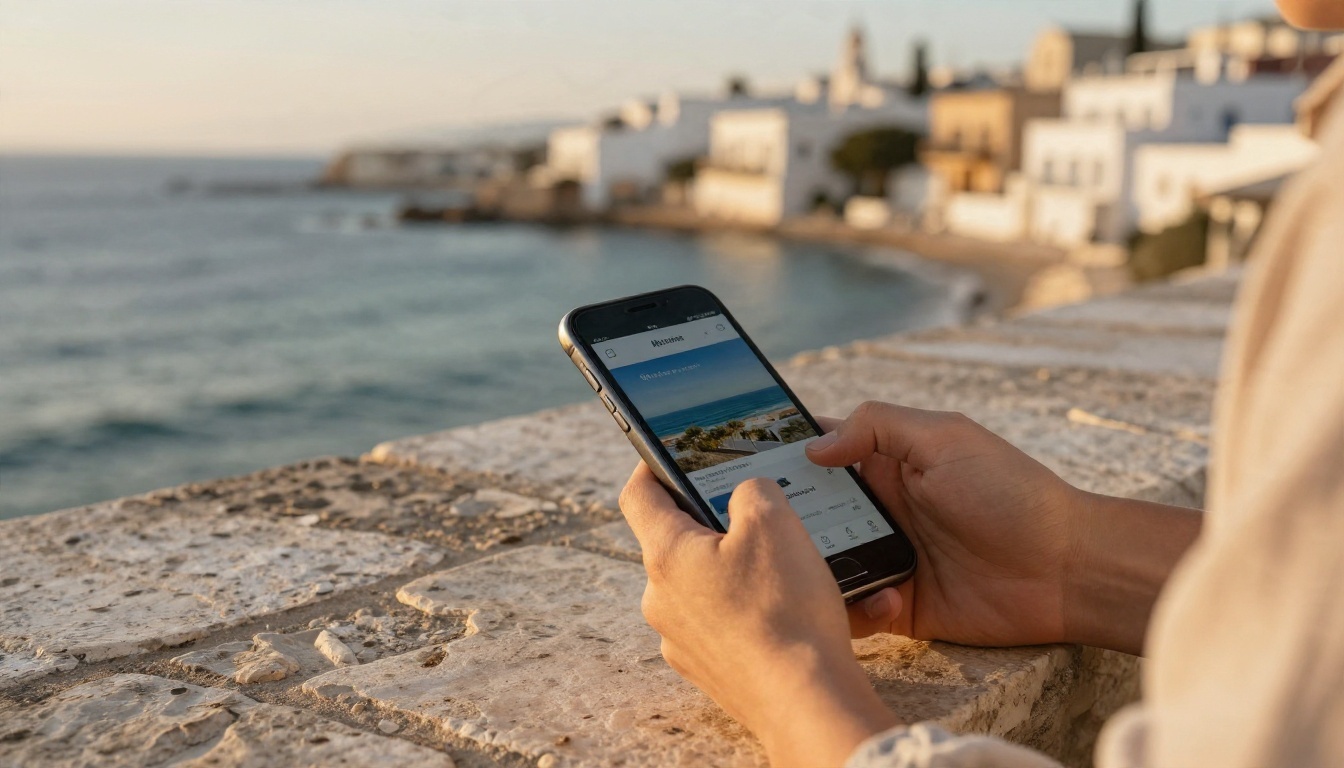
A tour operator builds a destination brochure with one spread per itinerary. Each spread includes a day-by-day outline, a short clip and a price range. Because the brochure is mobile-friendly, travelers read it on the move and forward it to friends planning the same trip.
Two More Worth Copying
- Product line brochure: a retailer groups products by collection, with each item linking to its store page. The Digital Catalog Maker suits this format.
- Event and conference brochure: a three-page schedule with speaker photos and a registration button. The Event Program Maker handles it well.
Free Templates Worth Starting From
You do not need to design from scratch. A good template gives you the page structure, and you supply the photos and copy.
Tri-Fold, Bi-Fold and Z-Fold Layouts
Each classic fold has a job. Pick the one that matches how much you need to say.
| Template Type | Page Count | Best For | Reading Flow |
|---|
| Bi-fold | 4 panels | Short pitches, menus, event info | Cover, inside spread, back panel |
| Tri-fold | 6 panels | Services, hotels, real estate | Panel by panel, left to right |
| Z-fold | 6 panels | Product reveals, step-by-step stories | Unfolds like an accordion |
| Gate-fold | 6 panels | Premium launches, luxury goods | Opens from the center |
| Multi-page booklet | 8 to 24 pages | Catalogs, portfolios, annual summaries | Standard page turning |
How to Pick Your Template
Ask three questions before you open any template library:
- How long is the story? Under 150 words per panel suits a tri-fold. More than that needs a booklet.
- Where will it be read? Phones favor fewer words per page and bigger type.
- What action do you want? Put that button on the first and last pages.
✅ Best practice: start with a template that matches your content length, not the one with the prettiest preview. Fitting content into the wrong layout is the most common reason brochures feel crowded.
Design Ideas That Hold Attention
Good brochure design is mostly restraint. These ideas come from the examples above and apply to almost any industry.
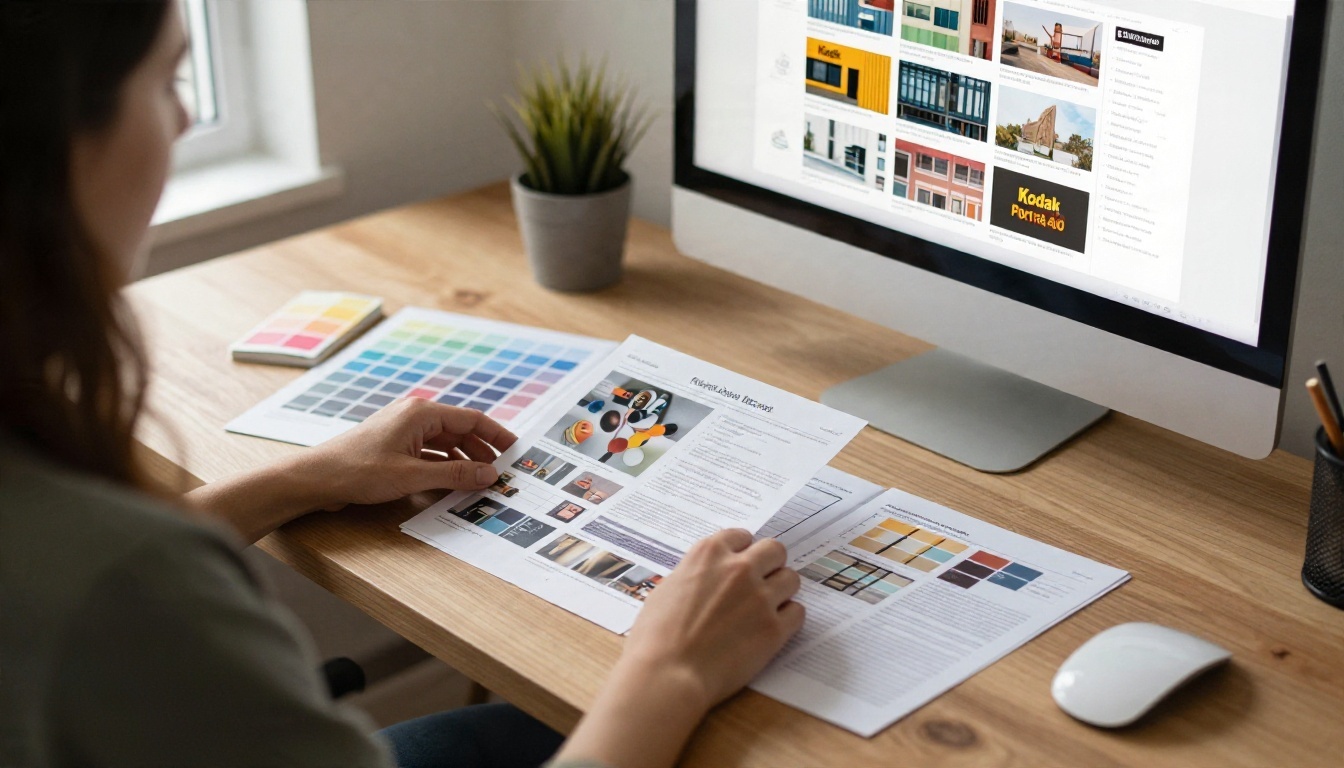
Lead With One Strong Photo
Your first page decides whether people keep reading. Use one large, well-lit photograph and a short headline. Skip the logo wall and the paragraph of introduction.
Keep Text Short and Scannable
Readers on phones skim. Use short paragraphs, descriptive subheads and bullet lists. If a panel needs more than 60 words, split it into two pages.
Add Motion Where It Helps
A 15-second video can replace three paragraphs. Put video where words struggle: a room tour, a product in use, a chef plating a dish. Leave static pages static, because too much motion becomes noise.
Stick to a Tight Color Palette
Choose two main colors and one accent. Pull them from your logo or hero photo. Consistent color makes a brochure feel designed even when the layout is simple.
Mistakes to Avoid
⚠️ Watch out for these:
- Tiny type: anything under 14 px is hard to read on a phone
- Stock-photo overload: real photos of your place, product or team build trust
- No next step: every brochure needs one clear action, such as "Book a visit"
- Exporting a print file as-is: crop marks and bleed areas look wrong on screen
Online Brochure Makers Compared
Not all tools do the same job. Some are design canvases, some are PDF viewers, and some are built around the page-turning experience. Here is a fair comparison of the categories.
| Feature | Flipbooks AI | Design-canvas apps | Basic PDF viewers | Print-first services |
|---|
| Page-turn effect | Yes | Limited | No | No |
| Starts from your PDF | Yes | Often rebuilds from scratch | Yes | Sometimes |
| Watermark-free output | Yes, always | Depends on plan | Yes | Depends on plan |
| Video and audio embeds | Yes | Varies | No | No |
| Password protection | Yes | Rarely | Rarely | No |
| Reader analytics | Yes, Professional plan | Rarely | No | No |
| Offline download | Yes | Varies | Yes | Print only |
| Best for | Sharing and tracking brochures | Creating layouts from nothing | Quick internal documents | Physical mailers |
The takeaway: if you already have a designed brochure and want it to behave like a real publication online, a flipbook-first tool saves the most time. If you are designing from a blank page, a canvas app is a good place to build the PDF first, then bring it into a flipbook maker.

How to Create a Virtual Brochure with Flipbooks AI
This tutorial takes about ten minutes. You need a finished PDF of your brochure, and nothing else.
Step 1: Sign In and Upload
- Go to Flipbooks AI and create an account.
- Click to create a new flipbook and upload your brochure PDF.
- Wait a few seconds while the PDF to Flipbook Converter turns each page into a turnable page.
For a dedicated starting point, open the Brochure Flipbook Maker or the Online Brochure Designer.
Step 2: Customize the Look
Open the settings panel and adjust the details that make it yours:
- Branding: add your logo and choose a background color that matches your palette
- Page effects: pick the page-turn style and speed
- Multimedia: drop in video or audio on the pages where they help
- Links: turn buttons and phone numbers into clickable actions
💡 Screenshot description: the editor shows a live preview of your brochure on the left and a settings sidebar on the right, so every change appears instantly.
Step 3: Share It Your Way
Once the brochure looks right, choose how people will reach it:
- Direct link for email, messaging and social posts
- Embed code to place it on your site, using the Embed Flipbook on Website tool
- Password protection for private or client-only brochures
- QR code for print materials, table cards and signage

Step 4: Track and Follow Up
On the Professional plan, you get analytics and lead generation. You can see which pages people open, how long they stay and where they leave. Add a lead form to a page and the contact details land in your dashboard. Offline downloads let customers keep a copy for later.
A quick plan comparison:
| Plan Feature | Standard | Professional |
|---|
| Unlimited flipbooks | Yes | Yes |
| No watermarks | Yes | Yes |
| Custom branding | Yes | Yes |
| Password protection | Yes | Yes |
| Analytics | Basic views | Detailed page-level data |
| Lead generation | No | Yes |
Check current details on the pricing page.
Virtual vs Print: The Real Cost
Printing still has a place, especially for trade shows and hotel lobbies. But the math changes quickly once you count updates and distribution.
| Factor | Printed Brochure | Virtual Brochure |
|---|
| Cost per reader | Printing and postage each time | Close to zero after setup |
| Updating prices or photos | Reprint the entire run | Replace the PDF, keep the link |
| Reach | Hand to hand or by mail | Anyone with a link, worldwide |
| Tracking | None | Views, time on page, leads |
| Interactivity | None | Video, audio, buttons, forms |
| Environmental footprint | Paper, ink, shipping | Digital only |
A smart approach is to use both. Print a small batch for in-person moments, put a QR code on it, and let the virtual version do the heavy lifting afterward.
✅ Best practice: treat the printed piece as the invitation and the virtual brochure as the full conversation.
Ready to Build Yours?
You have seen the examples, the templates, the design ideas and how the tools compare. The fastest next step is to take a brochure you already have and turn it into something people can flip through on their phones.
One brochure, one link, and a clear next step for every reader. That is all a good virtual brochure needs to do.



