A printed lookbook costs a fortune, ships slowly and is out of date the moment a buyer asks, "Do you have this in olive?" A virtual fashion look book fixes all three problems. It is a digital collection of your outfits, styled shots and product details that opens on any phone, turns pages like a real magazine and can be updated in an afternoon. With a tool like Flipbooks AI, you can take a simple PDF of your photos and publish it as an interactive flipbook with no watermark and no design degree.
This article walks through what a virtual lookbook actually is, shows digital lookbook examples that work for different kinds of fashion businesses, breaks down the templates worth copying, compares free online tools, and gives you a tutorial for building one yourself.
What a Virtual Look Book Is
A virtual look book is a curated visual presentation of a clothing collection, styled and photographed to show how pieces work together. Unlike a catalog, which lists every SKU with prices and sizes, a lookbook sells a mood. It answers the question "Who wears this and where?" before it answers "How much is it?"
The "virtual" part means the whole thing lives online. Instead of a stapled booklet, you share a link. Instead of a static PDF that readers download and forget, you offer a flipbook with realistic page turns, zoomable photos, clickable product links and even embedded video of the runway walk.
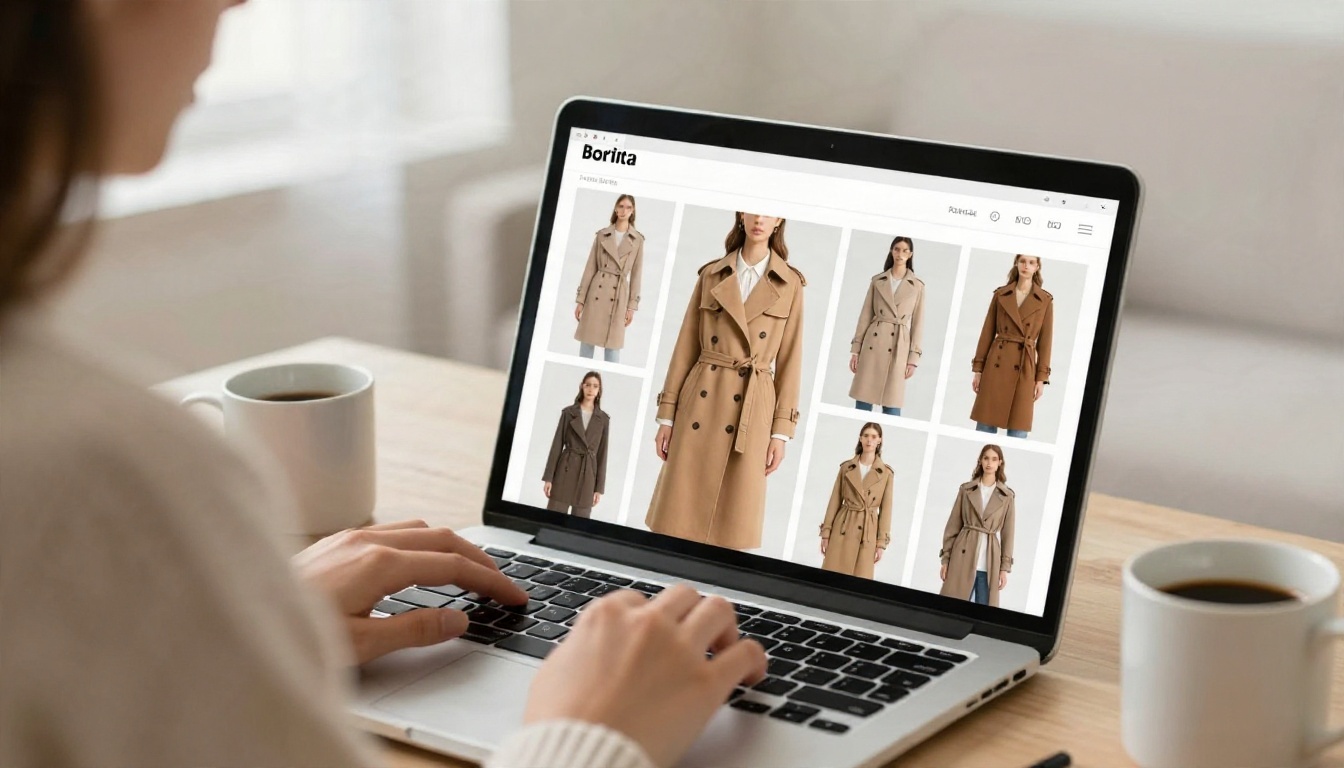
Digital vs Printed Lookbooks
The difference shows up fast once you compare the two side by side.
| Factor | Printed Lookbook | Virtual Lookbook |
|---|
| Cost per copy | High, rises with page count | Near zero after creation |
| Update speed | Reprint required | Replace the PDF in minutes |
| Distribution | Mail, courier, trade show | Link, QR code, email, embed |
| Interactivity | None | Links, video, audio, zoom |
| Tracking | Impossible | Views, time on page, leads |
| Environmental load | Paper, ink, shipping | Minimal |
| Shelf life | Weeks before it looks stale | Refreshed every drop |
💡 Pro tip: Keep a printed version for flagship events and press kits, but let the virtual version do the daily work. Buyers prefer clicking a link to carrying a booklet home.
Who Uses Them
Virtual lookbooks are not just for big labels. The most common users are:
- Independent designers who need a polished sales tool without an agency budget.
- Boutique owners showing new arrivals to loyal customers by message or newsletter.
- Stylists and influencers packaging seasonal outfit ideas for sponsors.
- Wholesale brands sending line sheets and mood pages to buyers before a market week.
- Fashion students assembling graduate collections for portfolio reviews.
Digital Lookbook Examples That Work
The best lookbooks follow a clear idea. Here are three real-world scenarios you can adapt.
The Seasonal Collection Lookbook
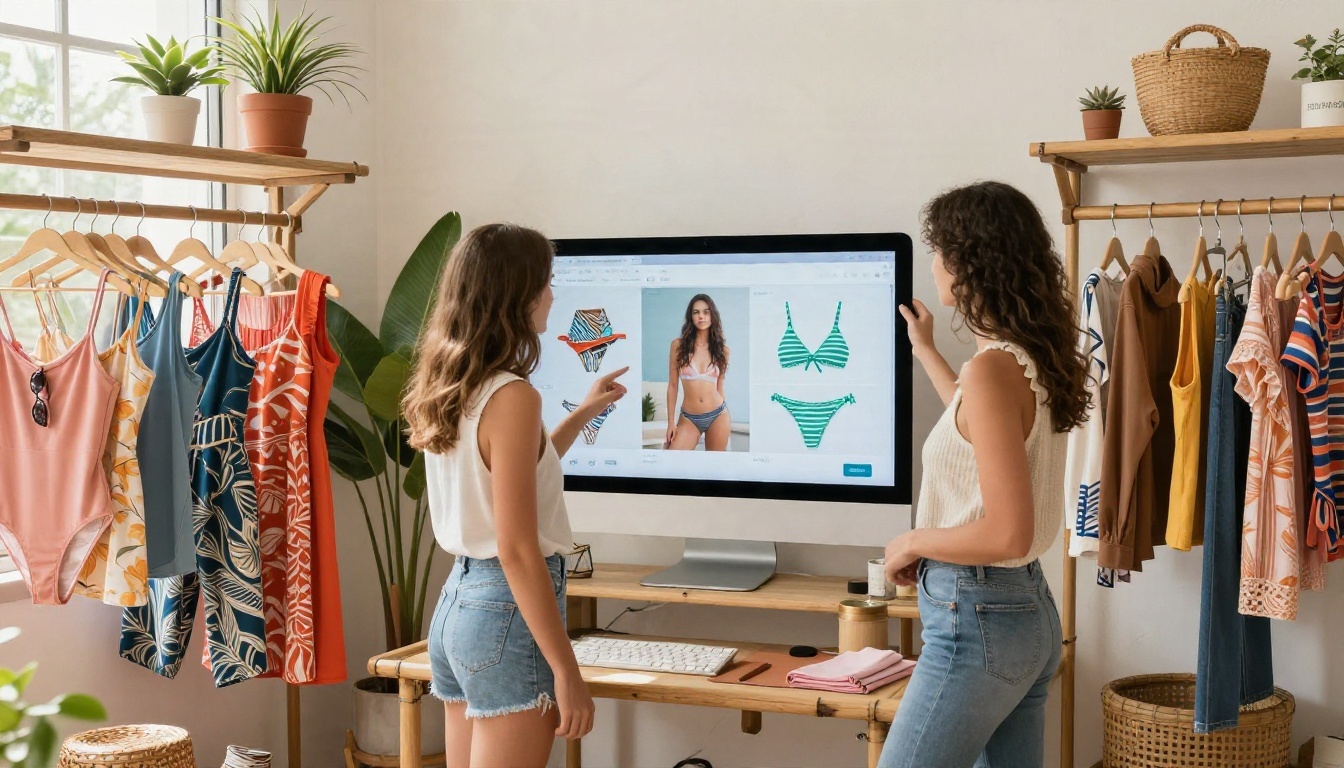
A small swimwear label shoots twelve looks on location, adds a one-line mood caption to each page and opens with a full-bleed photograph. The flipbook ends with a page of contact details. Because the format is lightweight, they release a new edition every season and link the previous one in an archive page.
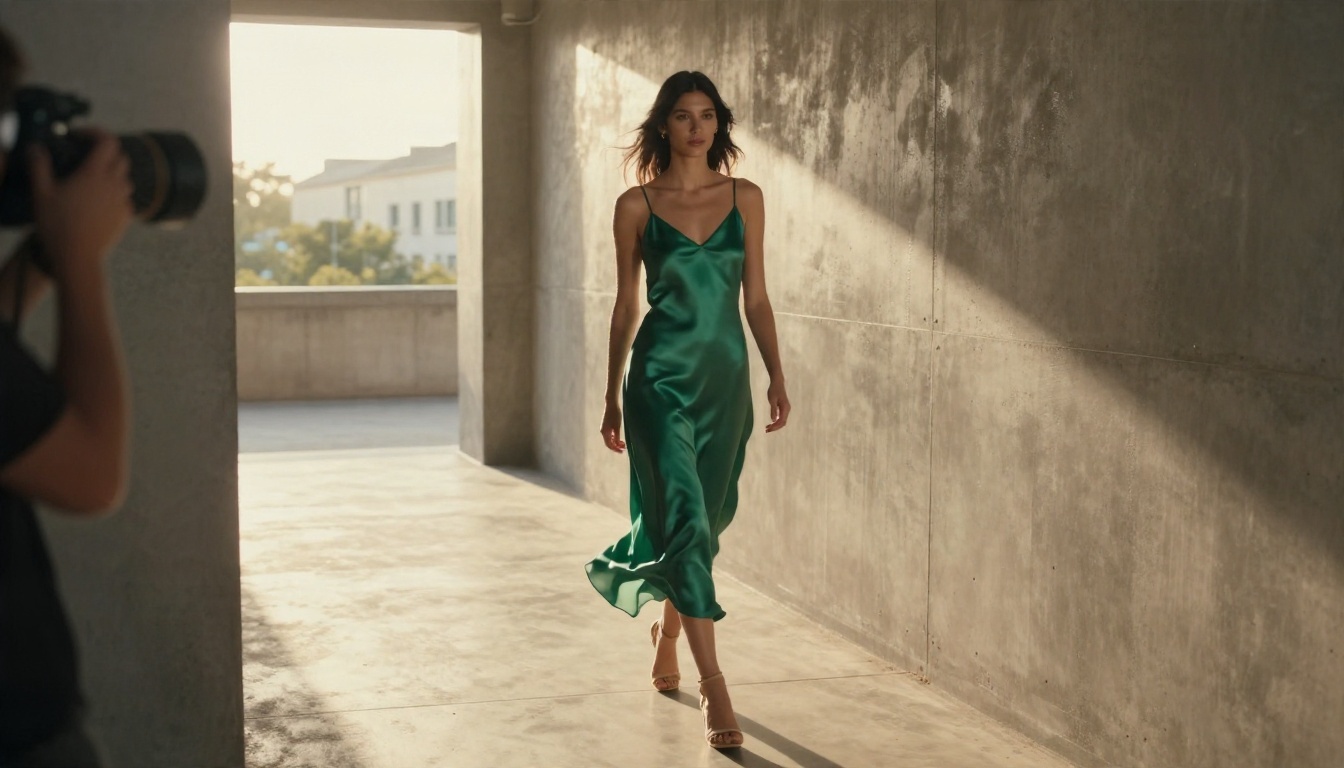
What makes it work:
- One location, one palette. Visual consistency makes twelve photos feel like a story.
- Short captions. Three to six words per look: "Linen, sand, sunset."
- Motion. One page includes a short clip embedded from the shoot.
The Boutique Showroom Lookbook
A neighborhood boutique photographs new arrivals on the shop floor with the owner styling real customers' favorite combinations. Each page shows one outfit with small tags for brand, size range and price. The owner sends the link by email every Friday and shows the same flipbook on a tablet at the counter.
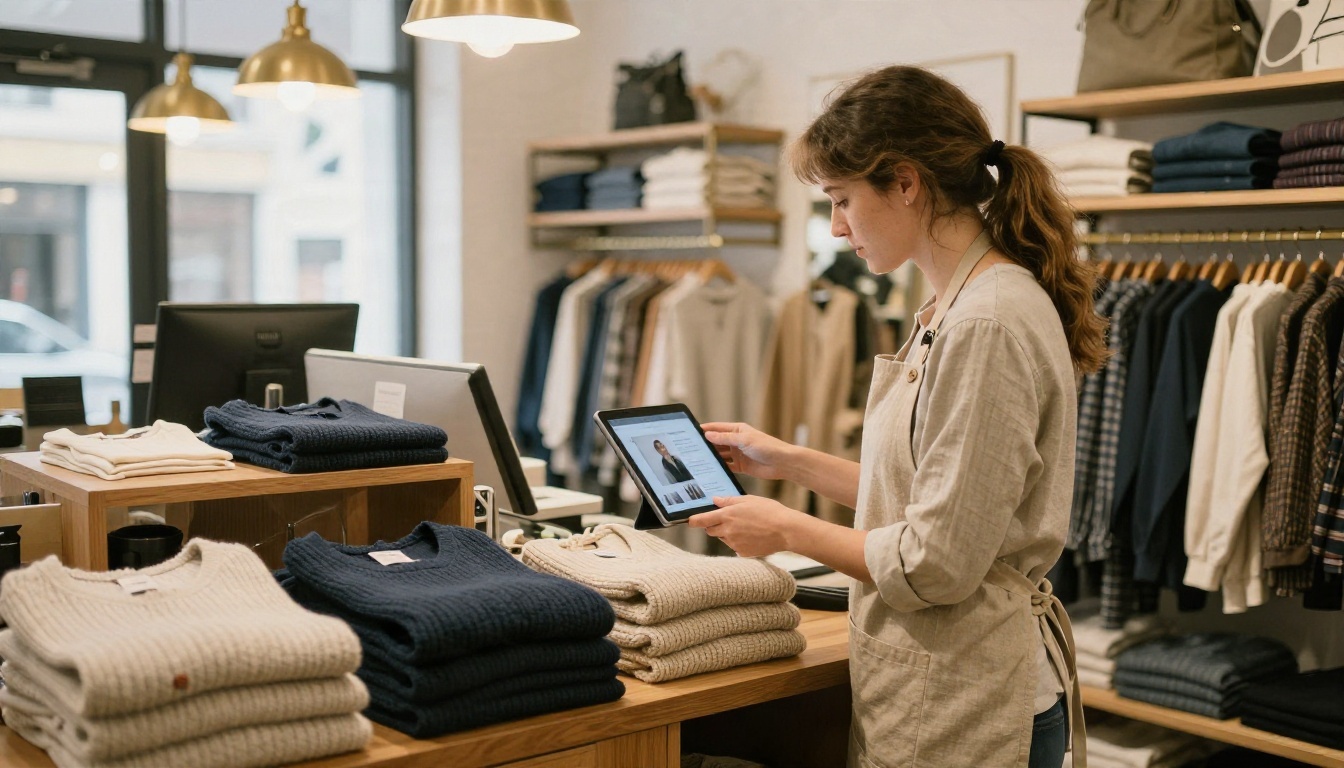
This format works because shoppers trust a familiar face. The lookbook becomes a personal recommendation, not an advertisement.
The Wholesale Buyer Lookbook
A mid-size womenswear brand needs to impress buyers who see dozens of lines in a week. Their virtual lookbook opens with a mood page, then groups looks by delivery window, and closes with an order contact. It is protected by a password so only invited buyers can view it, and the brand can see which pages each buyer lingered on.
✅ Best practice: Put your strongest three looks in the first five pages. Buyers decide quickly.
Lookbook Templates Worth Using
You do not need to invent a layout from scratch. Most successful lookbooks reuse a handful of proven page structures.
| Template Type | Best For | Typical Page Count | Visual Style |
|---|
| Editorial Magazine | Designer collections | 16 to 32 | Full-bleed photos, serif titles |
| Grid Catalog Hybrid | Boutiques, online shops | 12 to 24 | Four to six outfits per page |
| Minimal Gallery | Luxury and tailoring | 8 to 16 | One look per page, lots of white space |
| Moodboard Collage | Streetwear, youth brands | 10 to 20 | Overlapping photos, textures, handwritten notes |
| Line Sheet Lookbook | Wholesale buyers | 20 to 40 | Photo left, specs and sizes right |
Page Layouts That Sell
Five layouts appear in almost every strong lookbook:
- Opening spread: brand name, season and one hero image.
- Mood page: fabric swatches, color chips and a short statement about the collection.
- Single look: one model, one outfit, minimal text.
- Detail page: close-ups of stitching, buttons and texture, which build trust in quality.
- Closing page: website, social handles, wholesale or store contact.
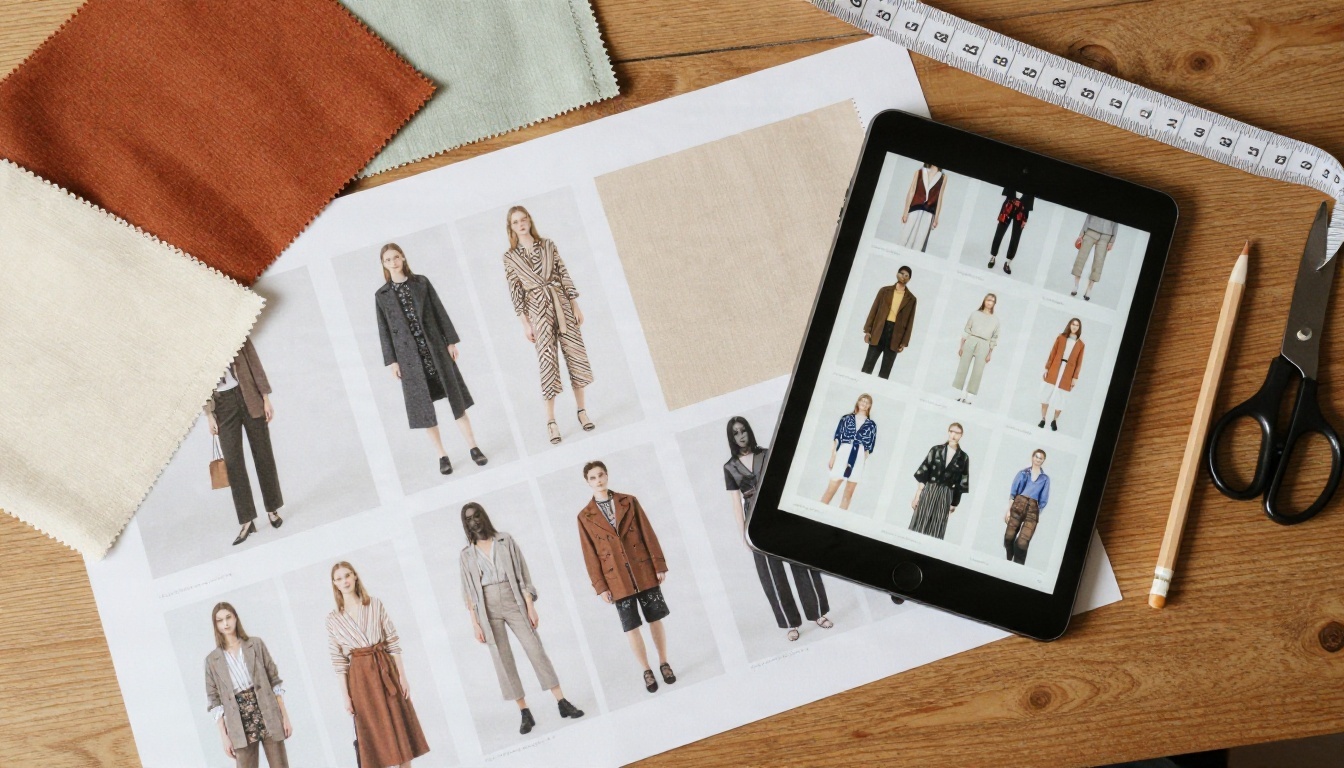
If you need a ready-made structure, the Interactive Lookbook Designer and the Lookbook Flipbook Builder are good starting points. For brands that need prices and sizes alongside photos, the Fashion Catalog Creator handles the catalog side.
Color and Type Choices
Fashion readers notice typography. Follow these simple rules:
- Limit yourself to two typefaces: one display font for titles, one clean sans-serif for details.
- Pull colors from the clothes. If the collection is terracotta and cream, use those for backgrounds and captions.
- Keep text small and sparse. The photo is the hero.
- Use consistent margins. Cheap-looking lookbooks usually have uneven spacing.
⚠️ Warning: Low-resolution photos are the fastest way to make a premium brand look cheap. Export images at least 2000 pixels on the long edge before building your PDF.
You can build a lookbook in several kinds of software. Each has trade-offs, especially around watermarks, interactivity and sharing.
| Tool Type | Cost | Watermark | Page-Turn Effect | Analytics | Best Use |
|---|
| Design apps (Canva style) | Free tier | Sometimes on exports | No | Basic | Creating the pages |
| Presentation software | Free or bundled | No | No | None | Quick internal decks |
| Basic PDF sharing | Free | No | No | None | Simple downloads |
| Free flipbook services | Free tier | Often yes | Yes | Limited | Testing the format |
| Flipbooks AI | Plans on pricing page | No watermarks, ever | Yes | Professional plan | Publishing and sharing |
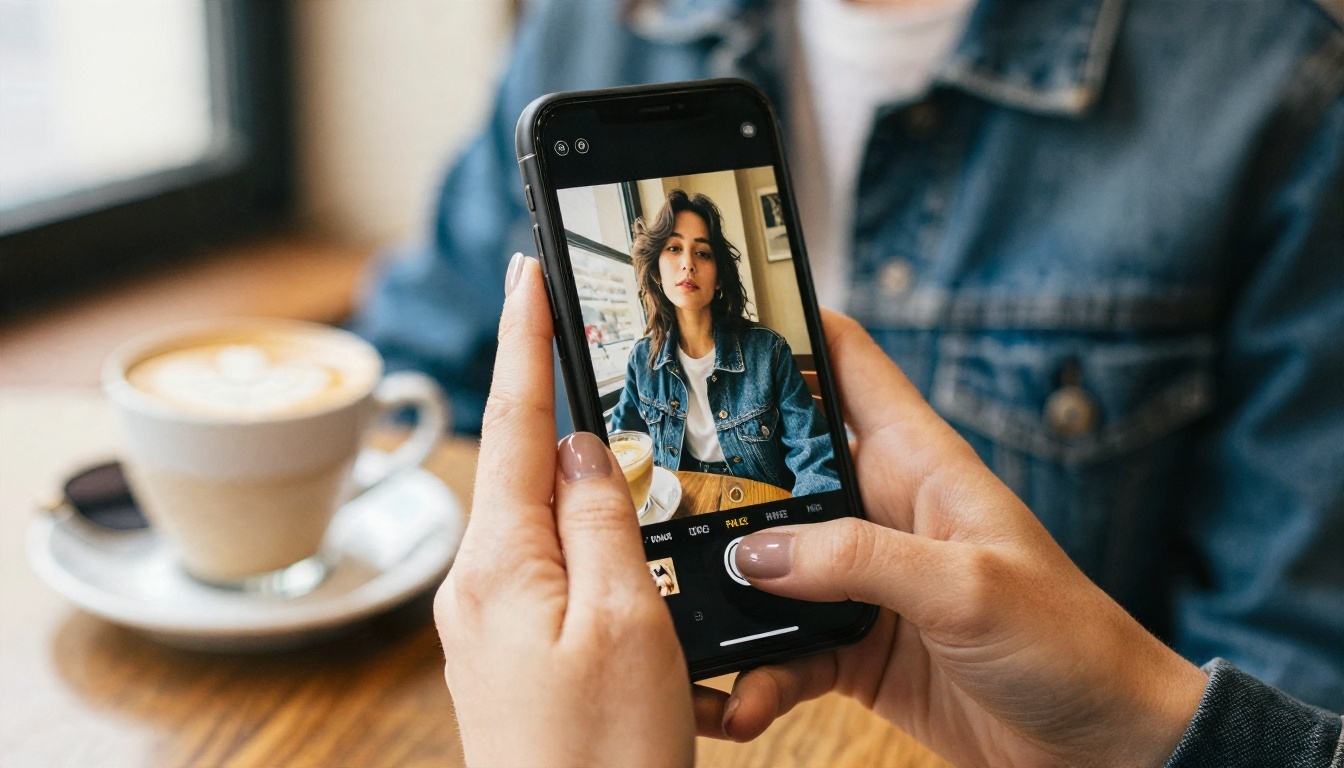
The smart workflow is to design the pages in whatever tool you already like, export a PDF, and convert it into a flipbook. That separation keeps your design flexible and your publishing professional. The PDF to Flipbook Converter does exactly that.
What to Check Before You Pick
Before committing to any platform, ask these questions:
- Does it add a watermark to the free version?
- Does the flipbook work well on mobile, where most fashion browsing happens?
- Can you embed it on your own website?
- Can you password protect it for wholesale buyers?
- Can you see who viewed it and for how long?
- Can you download it for offline use at a trade show?
How to Create a Lookbook with Flipbooks AI
Here is a practical tutorial for turning your photos into a virtual look book. Total time for a first attempt is usually under thirty minutes.
Step 1: Prepare Your PDF
Build your pages in any design app. Use landscape or square pages for a modern feel, keep images sharp and export as a single PDF. Name the file after the season, for example "Spring-Edit.pdf".
Step 2: Upload and Convert
- Go to Flipbooks AI and create an account.
- Click to create a new flipbook and upload your PDF.
- Wait a few seconds while the platform converts each page into a flipping page with realistic motion.
- Preview the result on desktop and on your phone.
Step 3: Customize the Look
Open the settings panel and adjust the experience to match your brand:
- Branding: add your logo, choose a background color that matches the collection and set a custom title.
- Page effects: pick the page-turn style and sound if you want a tactile feel.
- Multimedia: embed a runway clip, a behind-the-scenes video or an audio track with the collection's playlist.
- Links: add clickable hotspots from each outfit to its product page in your online shop.
Step 4: Share and Protect
Once the flipbook looks right, choose how to share it:
| Sharing Option | When to Use It |
|---|
| Direct link | Email, direct messages, social bios |
| Embed code | Your website, shop pages, blog posts. See the Embed Flipbook on Website tool |
| QR code | Hang tags, shop windows, event posters |
| Password protection | Wholesale buyers, private previews, press |
| Offline download | Trade shows with poor Wi-Fi |
Step 5: Track and Follow Up
On the Professional plan, you get analytics and lead generation. You can see which pages attract the most attention and capture contact details before a visitor opens the flipbook. For a wholesale brand, that means you can follow up with the buyer who spent four minutes on your outerwear pages instead of guessing.
💡 Pro tip: Want unlimited flipbooks for every season, capsule and collaboration? The Standard plan and above removes the cap. Compare the options on the pricing page.
Mistakes That Hurt Lookbooks
Even good clothes look bad in a rushed presentation. Watch for these problems.
Too Many Looks
Twenty-five outfits dilute the message. Edit ruthlessly and keep the best twelve to sixteen. If you have more, split them into two editions.
Weak Photography
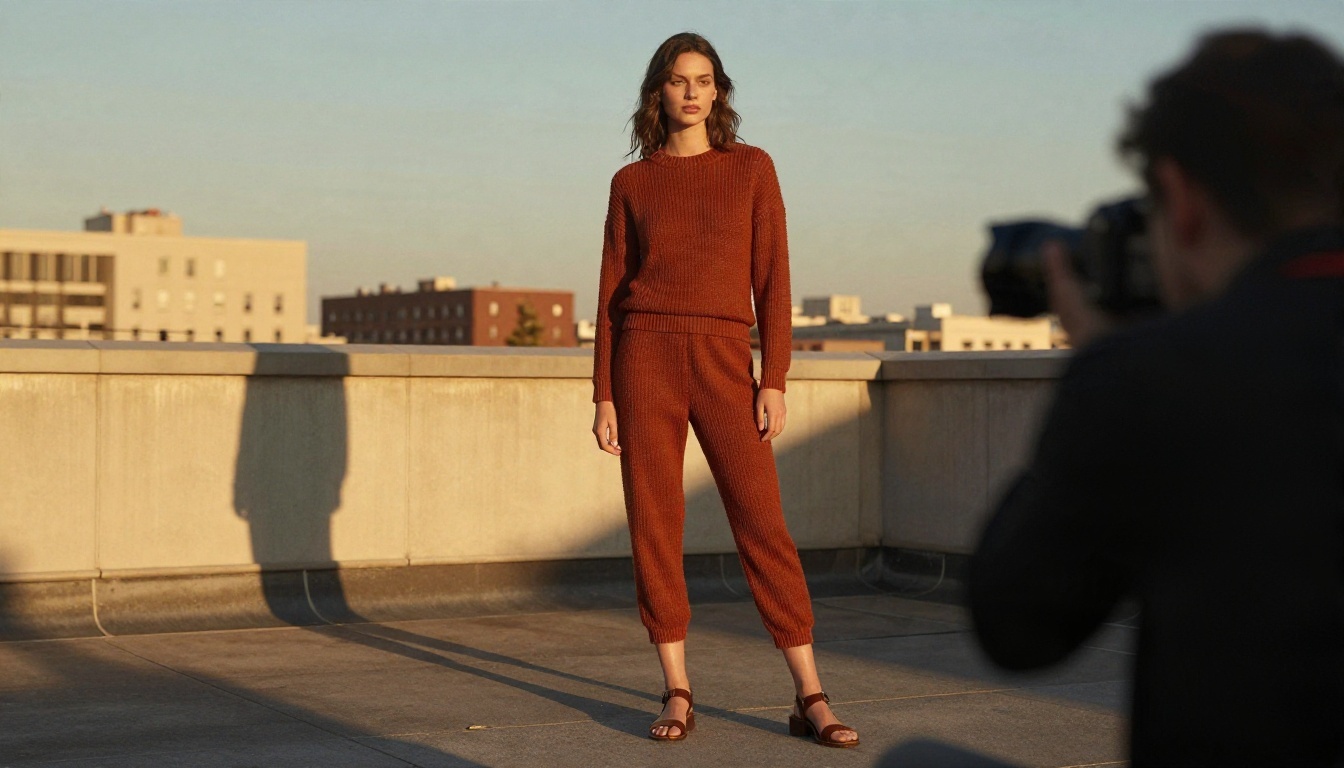
Poor lighting, wrinkled garments and cluttered backgrounds ruin a collection. Shoot in natural light when possible, steam every piece and keep the background simple.

No Next Step
A lookbook that ends without a call to action wastes the reader's interest. Always add a closing page with a shop link, an order email or a booking button.
Ignoring Mobile
More than half of your readers will open the flipbook on a phone. Test every page on a small screen. Tiny captions and dense tables become unreadable fast.
Forgetting the Details
Add sizes, fabrics and care notes somewhere, even if only on a final reference page. Buyers and shoppers both want this information, and it reduces emails asking for it.
Real Scenarios Worth Copying
Here are quick examples showing how different businesses put the format to work:
- A resort wear label sends a password-protected flipbook to ten boutique buyers, then watches analytics to see which looks get the most attention before the call.
- A vintage reseller publishes a monthly "Edit" flipbook and embeds it on the homepage, replacing a static banner.
- A tailoring studio uses a minimal gallery layout and shows it on a tablet during fittings, with every look linked to fabric options.
- A stylist builds a seasonal outfit planner and shares it as a QR code on printed business cards.
Many of these brands combine the lookbook with other publications. A Digital Catalog Maker can hold the full product range, while a Digital Portfolio Creator helps designers and stylists show their body of work to agencies and clients.
Quick Answers
Is a virtual lookbook the same as an e-catalog?
No. A lookbook focuses on styling and mood, with minimal text. An e-catalog lists products with prices, sizes and ordering details. Many brands publish both and link them together.
How many pages should it have?
Between 12 and 24 pages suits most collections. Fewer than eight feels thin, and more than thirty loses attention.
Can I update it after publishing?
Yes. Replace the PDF with a new version and the same link keeps working, so you never have to resend it.
Do I need professional models?
Not always. Many small brands use friends, customers or the founder. What matters is consistent lighting, good styling and a clear point of view.
Ready to Publish Yours
A virtual fashion look book does three jobs at once: it presents your collection, it supports sales and it gives you data on what people actually look at. The format is cheap, quick to update and works equally well for a one-person label and a growing wholesale brand.
Here is your next move:
- Pick your best twelve looks and edit the photos.
- Choose a template style from the table above that matches your brand.
- Export a PDF and create your first flipbook on Flipbooks AI.
- Browse all flipbook tools for catalogs, portfolios and press kits that pair with your lookbook.
- Compare pricing plans when you are ready for analytics, lead capture and unlimited editions.
Your collection deserves better than a forgotten attachment. Give it pages that turn, links that sell and a design that looks as good on a phone as it does on a runway.



