Nobody enjoys downloading a 40 MB PDF just to scroll through it sideways on a phone. A virtual flip book fixes that. It takes the same file and turns it into a page turning publication that opens instantly in any browser, curls its corners like paper, and can be shared with a single link. With Flipbooks AI, you can build one online in a few minutes, without a watermark and without touching design software.
This article walks through what a virtual flip book is, how free online makers compare, a step by step tutorial, real examples by industry, and every practical way to share the result.
What a Virtual Flip Book Is
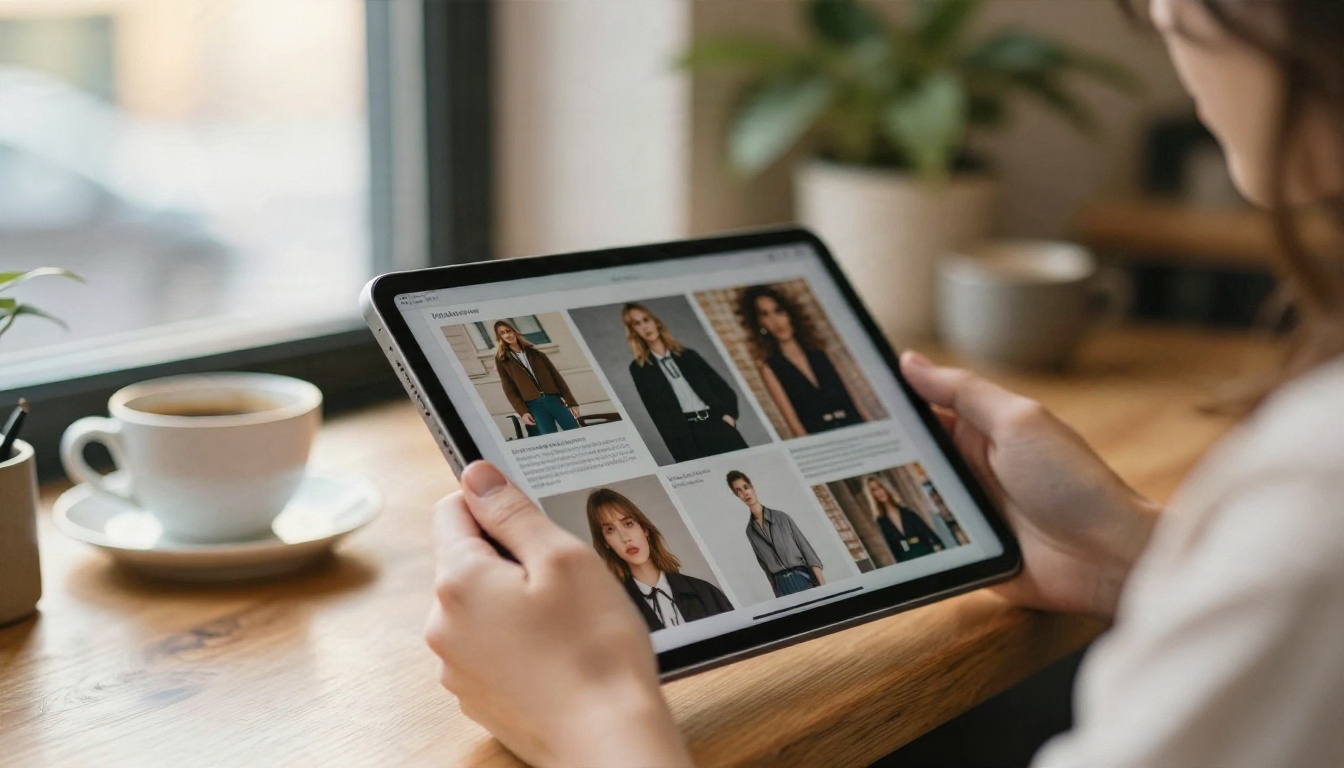
A virtual flip book is a digital publication that imitates the feel of a printed book or magazine. Readers click or swipe to turn pages, zoom into details, and often hear a soft paper sound as the page moves. Behind the scenes, it is usually built from a PDF that has been converted into web friendly pages.
How It Differs From a PDF
A PDF is a static file. A flip book is a experience wrapped around that file. The differences show up fast:
- Loading: pages stream in as the reader turns them, so there is no big download first.
- Layout: it adapts to phones, tablets and wide monitors instead of forcing pinch and zoom.
- Interactivity: links, videos, audio and forms can sit directly on a page.
- Control: you can set a password, change the file later, and see who opened it.
- Branding: your colors, logo and background replace a gray viewer window.
💡 Pro tip: Keep your original PDF. A good flip book maker lets you swap in an updated version without changing the link people already have.
Who Actually Uses One
Anyone who sends a document and wants it to be read. Restaurants publish menus, agents send property brochures, photographers show portfolios, teachers hand out course booklets, and small shops share seasonal catalogs. The format is especially common wherever visual layout matters more than raw text.
Free Online Makers Compared
Search for a free flip book maker and you will find dozens. Most look alike on the homepage and differ sharply once you start using them. The table below shows what usually separates a limited free tier from a tool built for real publishing.
| Feature | Typical limited free maker | What to expect from Flipbooks AI |
|---|
| Watermark | Large logo on every page | No watermarks, ever |
| Number of flipbooks | One to three | Unlimited on the Standard plan and above |
| Password protection | Locked behind a paid tier | Available for private content |
| Embed on a website | Often restricted | Embed codes and direct links |
| Video and audio | Rarely supported | Embed videos and audio |
| Analytics and leads | Not included | Professional plan |
| Offline download | Not available | Supported |
| Mobile layout | Shrunk desktop view | Mobile responsive design |
Check the current limits for each plan on the pricing page before you commit, since plans change over time.
What Free Should Really Mean
Free is fine, until your cover page carries someone else's advertisement. Before you upload anything, ask three questions:
- Will my flip book show a watermark or a forced banner?
- Can I share it with a normal link without making readers sign up?
- If I need more later, is upgrading a simple plan change, or do I have to rebuild?
Features Worth Checking Before You Commit
Skip the long feature lists and test these five things with a real file:
- Upload a PDF that has photos and small text. Does it stay sharp when zoomed?
- Open the link on your phone. Does it load fast?
- Try the embed code on a test page.
- Look for a password option.
- Check whether the page turn feels natural or jerky.
⚠️ Warning: Some free tools delete flip books after 30 days of inactivity. If the publication matters, confirm how long it stays online.
How to Create a Virtual Flip Book with Flipbooks AI
This tutorial assumes you already have a PDF. It can come from Canva, InDesign, Word, Google Docs or a scanner. The process takes about five minutes for a short document.

Step 1: Open Your Account
Go to Flipbooks AI and create an account. You will land on a dashboard where all your flipbooks live in one place. If you want a quick preview of how the conversion works, the PDF to Flipbook Converter is the most direct starting point.
Step 2: Upload and Convert the PDF
- Click the upload button on the dashboard.
- Drag your PDF into the window, or pick it from your computer.
- Wait while the pages are converted. Each page becomes a crisp, zoomable image with live links preserved.
- Open the preview and flip through it. Check that page order, margins and links look right.
What you will see: a clean viewer with a book shaped frame, thumbnail strip on the side, and page arrows on both edges.
✅ Best practice: Export your PDF at 150 to 200 DPI for text heavy documents and higher for photography. Larger pages are sharper, but they take longer to load.
Step 3: Customize the Look
This is where a plain conversion becomes your own publication.
- Branding: add your logo, choose a background color or image, and match the toolbar to your brand.
- Page effects: pick the page curl, turn speed and sound.
- Multimedia: drop a video, an audio clip or a link onto any page.
- Layout: choose single page or spread view, and decide whether to show thumbnails.
Step 4: Publish and Share
Press publish, and your flip book gets a public link right away. From there you can copy the link, grab an embed code, or add a password. The next section covers every option in detail.
Prefer to start from a template for your industry? Browse the full list of flipbook tools for catalogs, menus, brochures, portfolios and more.
Virtual Flip Book Examples That Work
Seeing real use cases helps more than any feature list. These are the setups that perform well because the flip book solves a specific problem.
Restaurant Menus
A cafe owner can upload a seasonal menu, add photos of the signature dishes, and place a QR code on every table. When prices change, the owner replaces the PDF and every QR code shows the new version instantly. The Restaurant Menu Creator is built for exactly this, and the Menu Flipbook Designer suits venues with larger drink and wine lists.

Real Estate Brochures
An agent can send one link that opens a property brochure with floor plans, photos and a contact page. Buyers flip through it on a phone during their commute. The Real Estate Brochure Creator handles layouts for listings, and a password can keep off market properties private.

Portfolios and Lookbooks
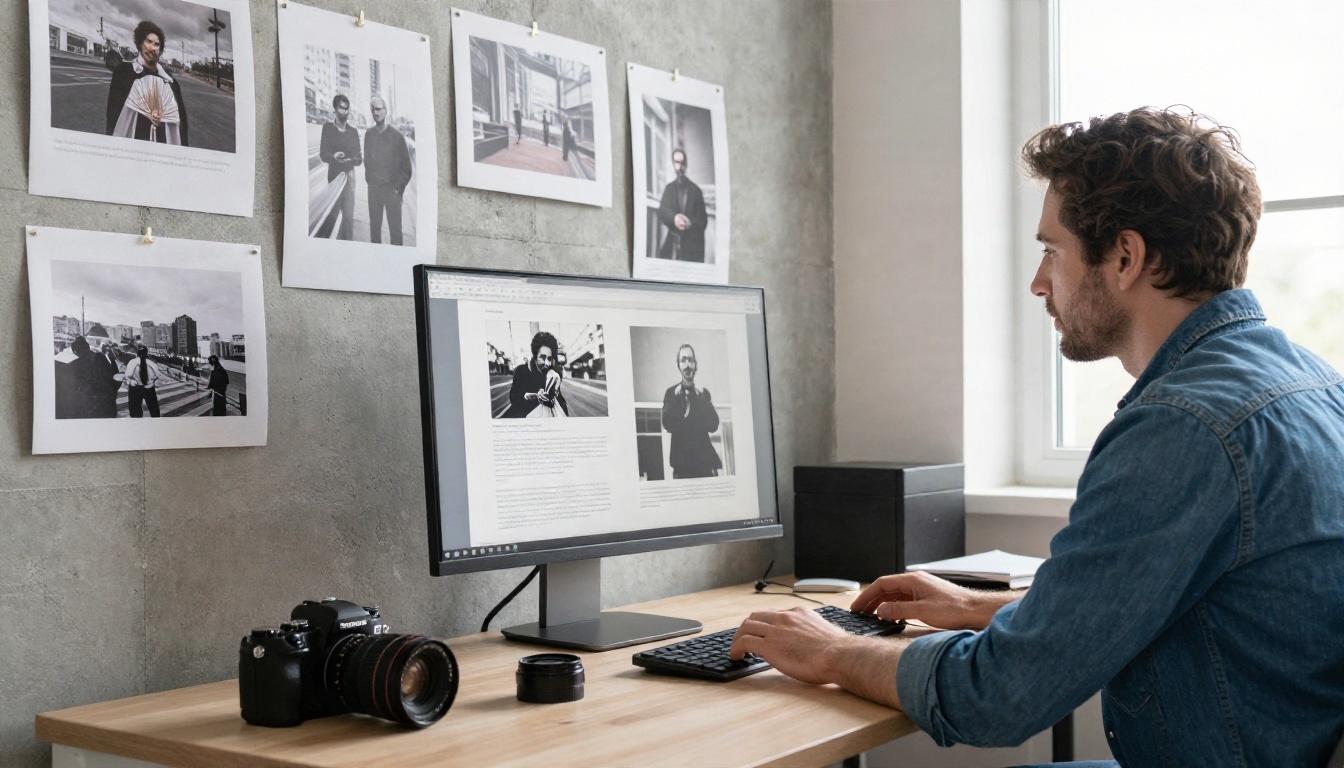
Photographers, designers and fashion labels have a particular need: large images that stay sharp. A flip book gives them a gallery that feels like a printed monograph. Try the Photography Portfolio tool or the Interactive Lookbook Designer for seasonal collections.
Course Material and Travel Flipbooks
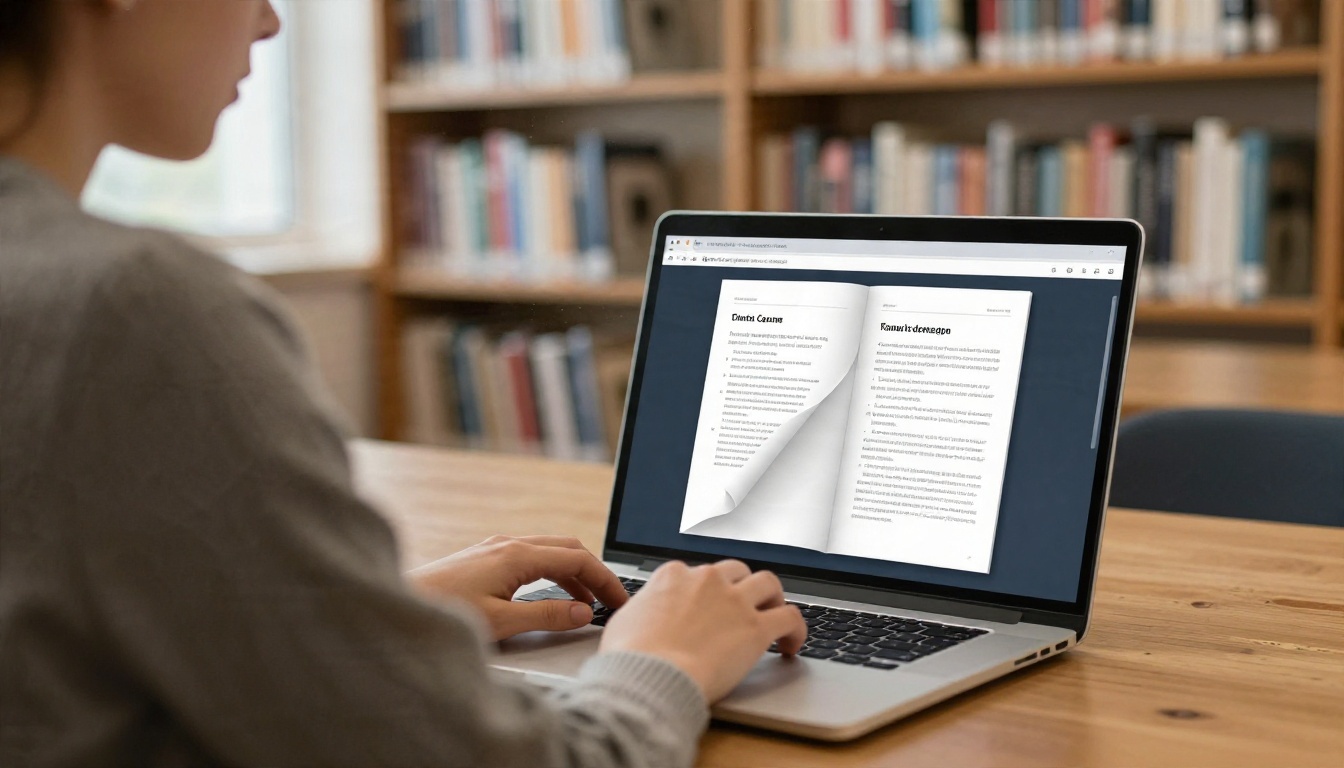
Teachers can share a syllabus, a reading pack or a training manual without printing a single sheet. Students open it on any device, with no account needed. The Course Material Publisher and Training Manual Flipbook are good starting points.
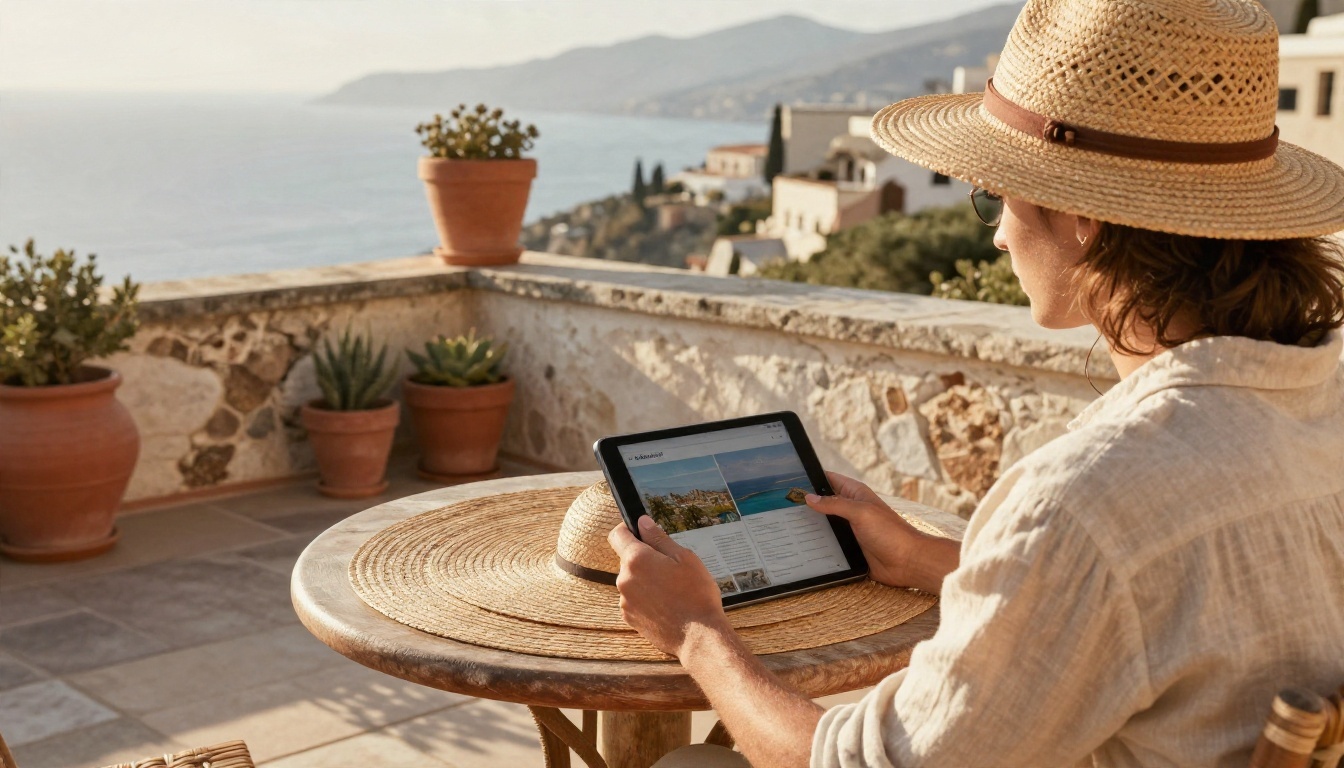
Travel writers and tour operators use the same format for itineraries and destination booklets. The Travel Guide Flipbook tool keeps maps and photos readable on small screens.
Examples at a Glance
| Use case | Best for | Helpful extras | Sharing method |
|---|
| Menu | Cafes, bars, hotels | QR code, photos | Printed QR, website embed |
| Property brochure | Agents, developers | Floor plans, contact links | Email link, password |
| Portfolio | Photographers, designers | High resolution pages | Direct link, social bio |
| Catalog | Shops, wholesalers | Product links, price list | Embed, newsletter |
| Course booklet | Teachers, trainers | Video, audio clips | LMS link, email |
| Travel booklet | Agencies, bloggers | Maps, bookings links | Social post, blog embed |
How to Share Your Flip Book
Making it is half the job. The format shines because it can travel in several ways, and each fits a different situation.

Direct Link
The simplest method. Copy the URL and paste it into an email, a chat message, a social bio or a QR code generator. No login, no download. Readers just tap and start turning pages.
Best for: newsletters, social posts, quick client updates.
Embed Code
Paste a short snippet into your website, and the flip book appears right inside the page, with no redirect. This keeps visitors on your domain and makes the publication feel like part of your brand. The Embed Flipbook on Website tool explains the process for common site builders.
- Open your published flip book and choose the embed option.
- Copy the code.
- Paste it into an HTML block on your website.
- Adjust width and height so it fits your layout.
💡 Pro tip: Set the embed width to 100 percent so it scales on phones automatically.
Password Protection
Not everything should be public. A password keeps price lists, internal manuals and draft proposals limited to the people who need them. Share the link in one message and the password in another.
Sharing Methods Compared
| Method | Setup time | Privacy | Best placement |
|---|
| Direct link | Seconds | Public unless protected | Email, chat, social |
| QR code | Two minutes | Public | Tables, posters, packaging |
| Embed code | Five minutes | Public page | Website, blog, landing page |
| Password link | Under a minute | Restricted | Clients, partners, staff |
| Offline download | Seconds | Controlled | Trade shows, poor connections |
Track What Readers Do
Sending a flip book without tracking it is like mailing a letter and never learning whether it arrived.

Analytics and Lead Capture
On the Professional plan, you get analytics that show how many people opened the flip book, which pages held attention, and where readers dropped off. You can also add a lead form before the first page, so you collect an email address in exchange for access. See the pricing plans for what each tier includes.
For a catalog, this is useful: if page 12 gets twice the views of every other page, move that product to the front in the next edition.
Offline Downloads
Some readers have weak signal at a trade show or on a flight. Offline downloads let them keep a copy on their device. That is handy for event programs, which the Event Program Maker is designed for.
Mistakes to Avoid
Most weak flip books fail for the same few reasons. Check this list before you publish.
- Low resolution source files. A blurry PDF stays blurry. Export from your design tool at a higher quality.
- Tiny text. A page that is readable in print can be too small on a phone. Use at least 10 point body text.
- Missing links. If you mention a product, link to it. Every page should have a next step.
- No title or description. Search engines and social previews rely on them.
- Too many pages. A 200 page file loads slower and loses casual readers. Split large documents into volumes.
- Forgetting to test on mobile. More than half of readers will open it on a phone.
⚠️ Warning: Never upload files that contain sensitive personal data without a password. A public link can be forwarded by anyone who has it.
Make Yours Today
A virtual flip book takes a document people ignore and gives it a form they actually open. It looks sharp on every screen, it can be shared in seconds, and you can update it without sending a new file to anyone.
Ready to build one? Get started for free on Flipbooks AI, upload your first PDF, and publish it with a link you can share today. Browse all tools and templates to find the right layout for your industry, or compare pricing plans when you are ready for analytics, lead capture and unlimited flipbooks.



