When someone you love dies, the last thing you want is to wrestle with web hosting, templates, and subscription pages. Yet families still feel the pull to gather photos and stories in one place, somewhere cousins overseas and old friends can visit. A tribute flipbook does that job with far less friction. You make a PDF, turn it into a page-turning online book with Flipbooks AI, and send one link by text or email.
This article walks through why a flipbook works as a virtual memorial website alternative, how to build one in an afternoon, and how to share it privately. It also covers costs, so you know what is free and where limits may apply.
💡 Quick answer: Gather photos and written memories, arrange them as a PDF, upload it to a flipbook tool, set a password if you want privacy, and share the link. No coding, no domain name, no watermark.
Why Memorial Websites Fall Short
Dedicated memorial sites are well meant, and some are lovely. But many families hit the same walls once they start.

Cost and Subscriptions
Plenty of memorial platforms start free, then ask for a monthly or yearly fee to keep the page online, remove ads, or unlock photo limits. If the payment lapses, the page can vanish. Nobody should have to worry about a credit card renewal when they are grieving.
Privacy and Guest Accounts
A public page can be indexed by search engines. Some sites also ask visitors to create accounts before leaving a message. Older relatives often give up at that step, and the people who most want to see the page never get there.
Time Pressure on Families
Funeral arrangements already eat days. A memorial site asks you to pick a theme, write a biography section, configure a guestbook, and moderate comments. A flipbook asks only for the content you already have.
| Feature | Typical memorial website | Tribute flipbook |
|---|
| Setup time | Several hours | 30 to 60 minutes |
| Account for visitors | Often required to comment | Never required to view |
| Ads on the page | Common on free tiers | None, no watermarks |
| Privacy | Public by default | Link only or password protected |
| Works on phones | Varies by template | Mobile responsive |
| Ongoing fees | Frequent | Free to start |
| Keepsake feel | Website page | Feels like a printed book |
What a Tribute Flipbook Looks Like
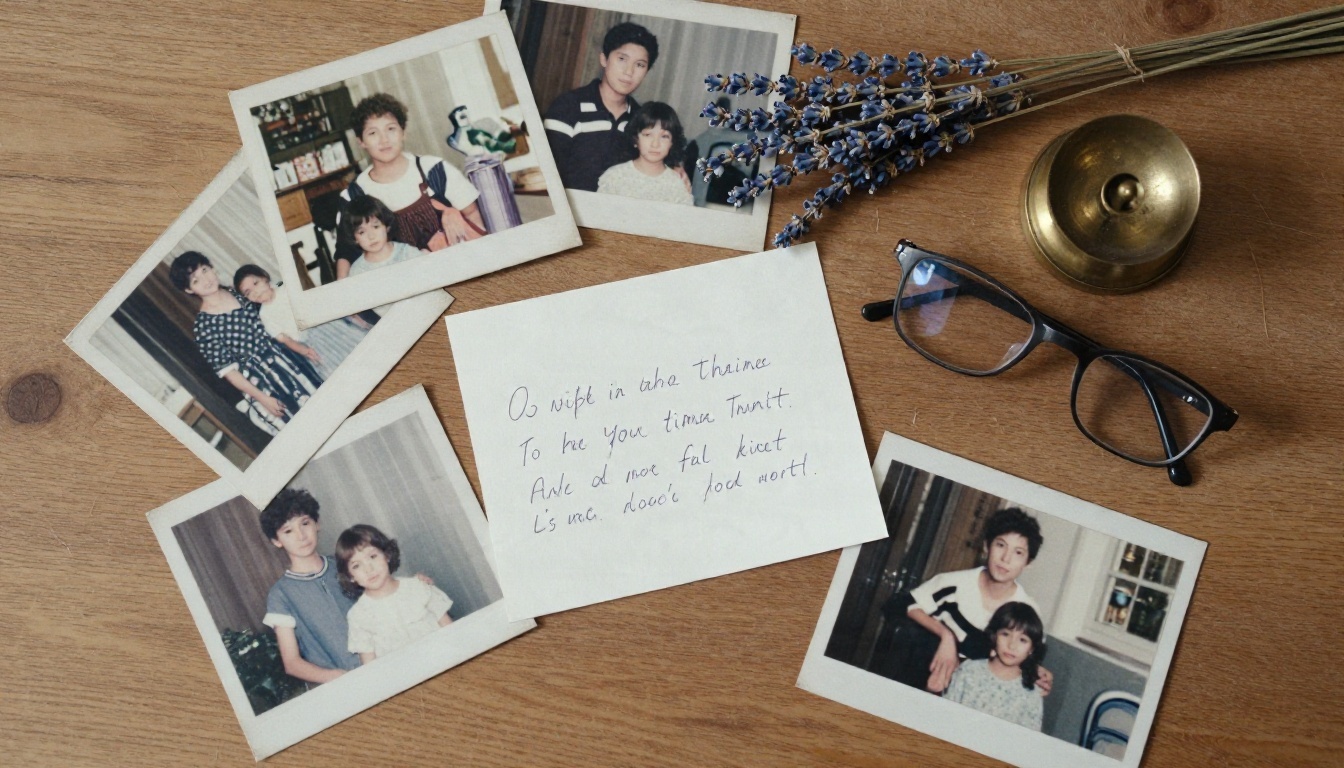
Think of a photo album you can hold in your hands, except it lives at a web address. Visitors click or swipe, and the pages turn with a soft paper effect. It reads the way a printed memorial booklet reads, which is why it feels familiar to people of every age.
Pages That Turn Like a Book
A flipbook preserves your layout exactly. Fonts, margins, captions, and photo placement stay as you designed them, because the flipbook is built from your PDF. That matters when a photo caption names every person in a family portrait and you do not want it reflowed into a mess.
What to Include
You do not need to write a biography. Most strong tributes follow a simple rhythm:
- A portrait page with name, dates, and a favorite line or saying
- A life story of one or two pages, written in your own voice
- Photo spreads grouped by decade or by place
- Shared memories from relatives, typed or pasted in
- A service page with date, location, and livestream details
- A closing page with a favorite recipe, poem, or song title
| Page idea | Who usually contributes | Time needed |
|---|
| Opening portrait | Immediate family | 10 minutes |
| Life story | One writer, reviewed by others | 45 minutes |
| Childhood photos | Parents, siblings | 20 minutes |
| Friends' memories | Friends, coworkers | A few days to collect |
| Recipes or favorite things | Grandchildren, cousins | 15 minutes |
| Service details | Funeral coordinator | 5 minutes |
Build Your Tribute Flipbook Step by Step
Here is the full process using Flipbooks AI. Set aside an afternoon, and ask a relative to sit with you if you can. Remembering together makes the work lighter.
Step 1: Gather Photos and Stories
Start with whatever is at hand. Phone galleries, shoeboxes, old albums, and message threads all hold material. If you only have prints, a flatbed scanner or a phone scanning app works well. Save scans at a decent resolution so faces stay sharp on a large screen.

✅ Best practice: Create one folder per decade. When you build pages later, you can drag in a whole chapter of someone's life without hunting through hundreds of files.
Step 2: Lay Out the Pages
You can design the PDF in any tool you already know: a word processor, a slide deck, a free design app, or a photo book template. Keep the layout calm. One or two photos per page with a short caption usually beats a crowded collage. Use a readable font size, since many visitors will open the book on a phone.

If you plan to print the same pages for the funeral service, the Event Program Maker is a handy companion. The order of service and the online tribute can share the same look.
Step 3: Upload and Convert
Sign in, choose to create a new flipbook, and upload your PDF. The platform converts each page into a flippable spread within moments. The PDF to Flipbook Converter handles the heavy lifting, and you can check the result right away by turning a few pages yourself.

Step 4: Customize the Look
This is where the book starts to feel personal. You can adjust:
- Background color: soft cream, sage green, or a deep navy all suit a tribute
- Page effects: a gentle page turn rather than anything flashy
- Branding: add a small family name or a monogram in place of a company logo
- Multimedia: embed a favorite song, a short video of a toast, or a voice recording of a story only they could tell
Audio and video embeds are especially moving. Imagine a grandchild opening the book and hearing a grandmother laugh on the page about her garden. That is something a printed booklet can never do.
💡 Pro tip: If you add audio, keep clips short, under two minutes. Long recordings are better as a single dedicated page so visitors can choose when to press play.
Step 5: Share by Link
Once the flipbook looks right, copy the share link. Paste it into a family group chat, an email, or a service announcement. Visitors open it in any browser with no app and no sign-up. A QR code printed on the order of service takes guests straight to the book.
Sharing Options and Privacy
How you share a tribute is as important as how you design it. A public link suits a well-known community figure. A password suits a private family keepsake.

| Sharing method | Best for | Privacy level |
|---|
| Direct link | Close family and friends | Medium (anyone with the link) |
| Password protected | Private family archives | High |
| Embed on a website | Church, club, or workplace pages | Matches the host page |
| Offline download | Relatives with weak internet | Controlled by you |
| QR code on printed program | Funeral and memorial guests | Medium |
Password Protection
Add a password and share it in a separate message, such as a phone call or a different chat. That keeps casual visitors out while letting relatives in. Choose something easy to type on a phone, like a family nickname plus a year.
Embedding on Another Page
If a church, a school, or a hobby club wants to share the tribute, the Embed Flipbook on Website tool gives you code to place it inside an existing page. Members read the book without leaving the site.
Offline Downloads
Not every relative has reliable internet. An offline download option lets a grandparent keep the tribute on a tablet and open it anywhere. Pair that with a printed copy for those who prefer paper.
⚠️ Heads up: Avoid posting home addresses, funeral location details for private services, or children's full names in a public tribute. Use a password if the flipbook includes details you would not hand to a stranger.
Real Situations Families Face
The same flipbook solves very different problems. Here are three that come up again and again.

Relatives Who Cannot Travel
A sister in another country cannot attend the service. A flipbook link lets her sit with the photos while the family gathers. She can leave the page open on her tablet and flip through during the livestream.
An Anniversary or Birthday Tribute
Many families make a new page each year on the anniversary or on the birthday. You can upload an updated PDF with a fresh page of photos and share the same flipbook link with the family again. It becomes a living album rather than a one-time project.
A Service Program With a Digital Twin
Print the booklet for the day and publish the same PDF as a flipbook. Guests who forgot to bring their copy home can reopen it later. If you are producing a longer tribute book with chapters, the Interactive E-Book Publisher suits that format well.
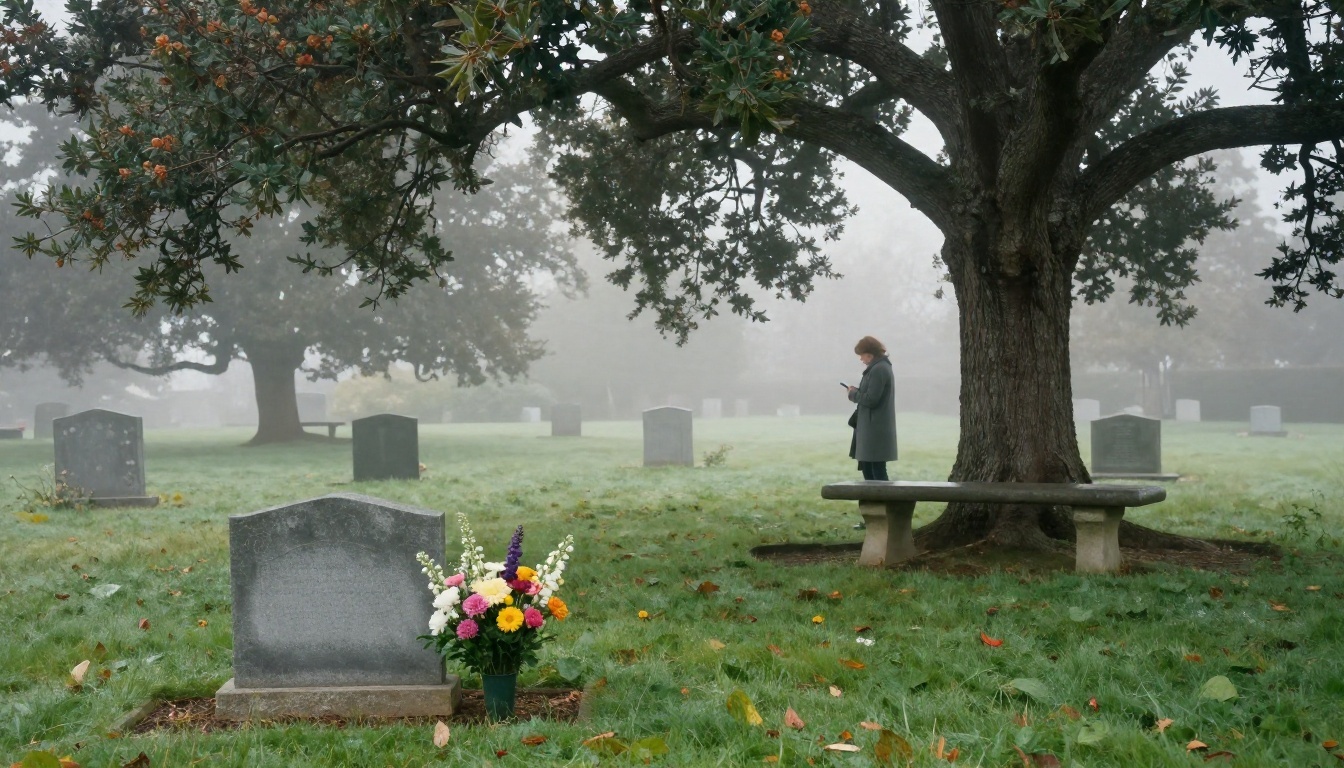
Even at the graveside, a QR code on a small card can take visitors to the book from their phones. It is a quiet bridge between the physical place and the online remembrance.
Costs Compared
Cost matters, especially when funeral bills are piling up. The goal is a tribute that costs nothing to keep alive. Flipbooks AI lets you start for free and publish without watermarks, so your tribute never carries branding that distracts from the person you are honoring. Paid plans add things such as unlimited flipbooks (Standard and above) and analytics with lead generation (Professional), though most families never need the latter.
| Option | Upfront cost | Ongoing cost | Ads or watermark |
|---|
| Dedicated memorial website | Often free or low | Annual renewal common | Ads on free tiers |
| Custom website with hosting | Domain plus hosting | Yearly fees | None, but you maintain it |
| Social media memorial page | Free | Free | Platform ads, data tracking |
| Printed memorial book | Printing per copy | One time | None |
| Tribute flipbook | Free to start | Check the pricing page for current plan limits | No watermarks |
💡 Worth knowing: A flipbook is not a replacement for a printed keepsake. Many families do both: a handful of printed books for the closest relatives, and a flipbook link for everyone else.
For anyone planning more than one tribute book, such as a series for different branches of a family, the pricing plans show which tiers allow unlimited flipbooks.
Tips for a Respectful Tribute
A few small decisions shape how the book feels when people open it.

Write in a Warm, Natural Voice
Skip stiff obituary phrasing. Write the way you would speak at a kitchen table. Include the funny habit, the favorite saying, the story about the time the car broke down on the way to the lake. Those details make a person present on the page.
Invite Others to Contribute
Ask friends, coworkers, and neighbors to send a short memory or a photo. Set a simple deadline, perhaps one week, then fold the contributions into a "Memories From Friends" section. When people see their own words in the book, the tribute becomes shared.
Keep a Tidy Photo Order
Chronological order reads naturally, but themes also work: family gatherings, travel, work, hobbies. Whichever you choose, stay consistent so visitors do not feel lost.
Check It on a Phone
Before sharing, open the link on your own phone. Pages should be readable without pinching and zooming. If a caption looks tiny, enlarge it in the PDF and upload again.
✅ Final check: Ask one trusted relative to read through for spelling, dates, and names before you send the link widely. A second pair of eyes catches the small slips that sting later.
Other creative formats also work well for remembrance. A photographer in the family might prefer the Photography Portfolio layout to present a loved one's own work, while a recipe collection can live in a Recipe Book Flipbook.
Create Yours Today
You do not need a website, a developer, or a long checklist to honor someone well. You need their photos, a few of your own words, and a link you can share with the people who loved them.
Ready to begin? Create your free account on Flipbooks AI, upload your PDF, and send the first link before the day is over. Browse all the flipbook tools if you want a format built for a specific purpose, or compare pricing plans when you are ready to publish more than one tribute.
A simple book, shared by link, is often all a family needs to keep someone close.



