When a family loses someone, the first thing most people do is pick up a phone and search. They are tired, grieving, and they need a funeral home that looks trustworthy within about five seconds. If your website is slow, outdated, or missing entirely, they will call the next name on the list. The good news is that a website creator for funeral businesses does not have to cost thousands, and you can pair a simple site with digital brochures built on Flipbooks AI so families can read your services at their own pace.
This article compares free website options, shows what the best funeral sites have in common, and walks through turning your printed brochures into flipbooks you can embed anywhere.
What Families Look For Online
The 2 a.m. Search
Funeral searches are rarely casual. Many happen late at night, on a phone, minutes after a hospice call or a hospital conversation. That context shapes everything about your site.
Visitors want three answers immediately:
- Who are you? A name, a location, and a calm photo of the building or team.
- Can you help right now? A tap-to-call number at the top of every page.
- What will it cost? Even a rough range builds trust.
💡 Pro tip: Test your homepage on a cheap phone with a slow connection. If the phone number is not visible without scrolling, fix that first.
Trust Signals That Matter
Grieving people read tone before they read content. A site feels trustworthy when it has:
- Real photos of your staff and facility, not stock images of handshakes.
- Plain language, with no jargon like "interment disposition."
- Licenses, association memberships, and years of service listed clearly.
- Reviews from families, with permission.
- A visible address and map.
Soft colors, generous white space, and readable type do more work than any slogan.
Free Website Creator Options
You have plenty of free routes. Each one trades something: a custom domain, speed, design control, or your time. Here is how the common types compare.
What Free Plans Usually Include
Most free website builders give you a handful of templates, a subdomain (yourname.builder.com), basic hosting, and a few pages. Some show the builder's banner on your site. For a funeral home, that banner can feel off-key, so check before you commit.
| Option | Typical Cost | Custom Domain | Best For | Main Limit |
|---|
| Drag-and-drop builders (free tier) | $0 | Usually paid | Fast launch in an afternoon | Builder branding, limited pages |
| Google Business Profile site | $0 | No | Very small or new operations | Few design choices, one page |
| Open-source CMS with free theme | $0 plus hosting | Yes | Owners comfortable with setup | Maintenance and security updates |
| Social media page only | $0 | No | Temporary presence | Not searchable like a real site |
| Funeral-specific website vendors | Monthly fee | Yes | Larger homes wanting full service | Contracts, less control |
The social page row deserves a warning. A page is not a website. Families searching "funeral home near me" want hours, services, and pricing in one place you control.
Hidden Limits to Check
Before you pick a free tier, ask these questions:
- Can I connect my own domain, and what does that cost per year?
- Are there page or storage caps?
- Can I embed outside content, such as a flipbook or a map?
- Is there a visible ad or banner?
- Can I export my content if I move later?
⚠️ Warning: Never launch a funeral site on a platform that forces third-party ads. An unrelated ad beside an obituary page can damage trust immediately.
When Paid Is Worth It
Free is a fine starting point. Upgrade when you need your own domain (this alone looks more professional), email addresses at that domain, and faster hosting. A typical small business can reach a polished setup for the cost of a few lunches per month.

Must-Have Pages for Funeral Sites
You do not need thirty pages. You need the right seven, written with care.
Services and Pricing
Families compare. A page that lists your direct cremation, traditional burial, and memorial options with starting prices saves them from feeling cornered on a phone call. In many regions, price transparency is also a regulatory expectation, so check your local rules and display your general price list accordingly.
A Digital Price List Generator can turn your price sheet into a clean, page-turning document that updates whenever your fees change.
Obituaries and Tributes
An obituary page keeps visitors returning. Keep it simple:
- Name, dates, and a photo
- Service time and location
- A guestbook or condolence form
- A short link to share by text or email
Pre-Planning Information
Pre-planning pages attract families who are not in crisis, which means they read more carefully. Include a short checklist, an explanation of what happens after you submit a form, and a downloadable planning brochure. This is where flipbooks work especially well, which we cover below.
Contact and Directions
Put your phone, 24-hour line, address, parking notes, and accessibility details on one page. Add an embedded map. Mention if you have a chapel, a reception room, or a family lounge.
Funeral Website Examples That Work
You will find the same patterns in sites that perform well. Rather than copy a design, borrow the structure.
The Family-Owned Home
Layout: a full-width photo of the building at golden hour, a one-sentence promise ("Serving the valley since 1962"), and a phone button. Below that, three large cards: Plan a Service, Pre-Plan, Obituaries. Staff photos sit lower on the page with a short story about each person.
Why it works: it feels like meeting someone, not buying something.
The Cremation Provider
Layout: pricing at the top. These providers often compete on clarity and cost, so the site leads with a short comparison of direct cremation, cremation with a service, and memorial options. A step-by-step "what happens next" section follows.
Why it works: it answers the question people hesitate to ask.
The Small-Town Chapel
Layout: one scrolling page with sections for services, upcoming memorials, a brief history, and directions. Handwritten-style touches and local photography replace generic icons.
Why it works: it signals belonging to the community.
| Example Type | First Thing Visitors See | Primary Button | Best Supporting Content |
|---|
| Family-owned home | Building photo and legacy line | Call now | Staff stories, obituaries |
| Cremation provider | Starting price | Request information | Comparison table, FAQ |
| Small-town chapel | Seasonal local photo | Directions | Event calendar, tribute flipbooks |
| Multi-location group | Location selector | Find a location | Shared brochure library |
Why Flipbook Brochures Fit
Printed brochures still matter at the arrangement table. But they sit in a drawer once a family leaves, and they cannot be shared with a sibling in another city. PDFs solve sharing but feel flat, download slowly on phones, and are hard to track.
Replace the Clunky PDF
A flipbook keeps the layout you designed and adds page-turning on any device. It opens in the browser without an app. Families can read your service options, forward a link to relatives, and come back to it later.
Where to Use Them
Funeral homes can publish more than one kind of brochure:
- Service packages and general price lists
- Pre-planning booklets with checklists
- Order-of-service programs built with the Event Program Maker
- Memorial keepsakes with photos, a life story, and favorite readings
- Grief support resources and local counselor lists
- Annual community newsletters for families you have served
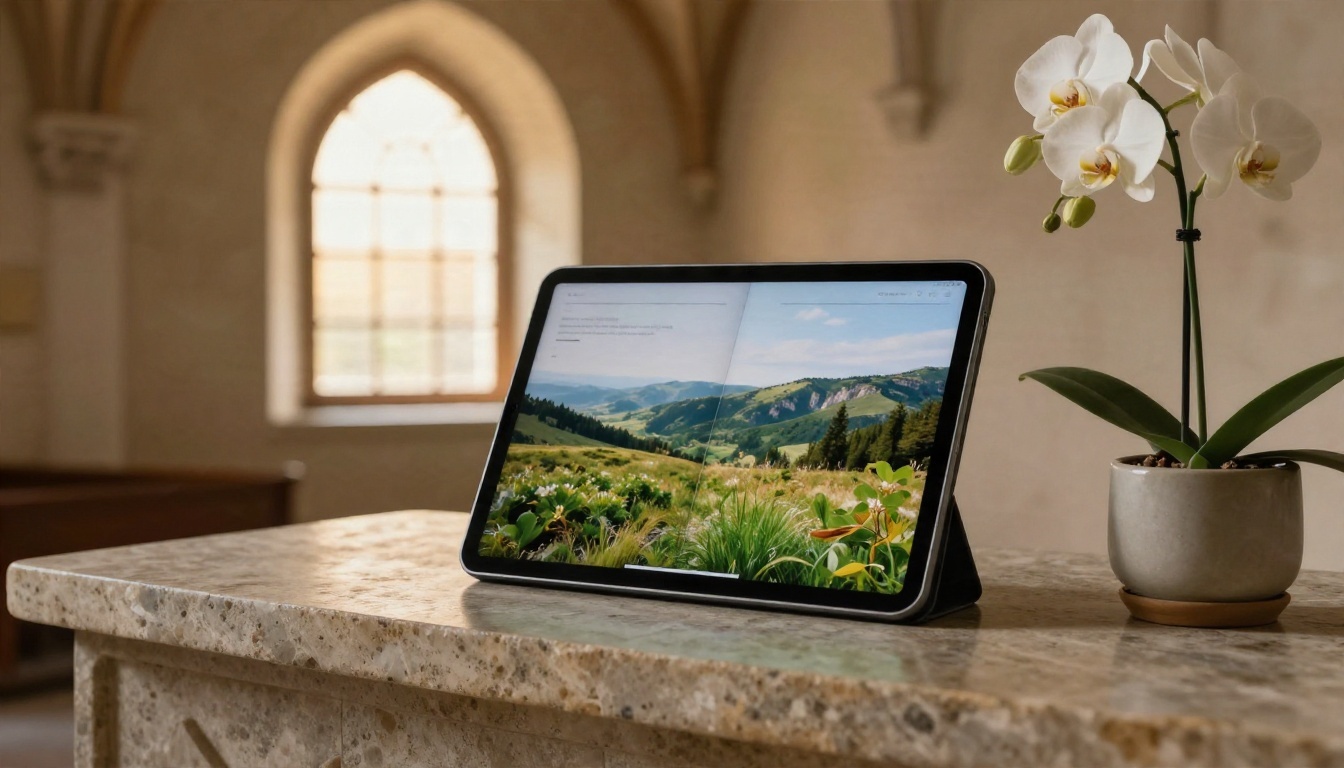
Print vs PDF vs Flipbook
| Feature | Printed Brochure | Standard PDF | Flipbook |
|---|
| Easy to share with relatives | No | Yes | Yes |
| Page-turning reading feel | Yes | No | Yes |
| Mobile-friendly | N/A | Poor | Strong |
| Update after publishing | Reprint needed | Re-upload and resend | Replace file, same link |
| Reading analytics | No | Limited | Yes (Professional plan) |
| Password protection | No | Sometimes | Yes |
| Embed on your website | No | Awkward | Yes |
✅ Best practice: Keep printed copies for the arrangement meeting and send the flipbook link in your follow-up email. Families appreciate having both.
How to Create a Funeral Brochure with Flipbooks AI
If your brochure already exists as a PDF, you are about ten minutes away from a flipbook. If it does not, the Online Brochure Designer helps you draft one first.
Step 1: Create Your Account
Go to Flipbooks AI and sign up. You can start on a free plan and check the pricing page later when you need more room.
Step 2: Upload Your PDF
Use the PDF to Flipbook Converter. Drag your PDF into the uploader. Each page becomes a flipbook page automatically, with the layout and fonts intact. A trifold or multipage service brochure typically finishes converting in under a minute.
💡 Tip: Export your PDF at the final page size, with images compressed but still sharp. Soft, high-quality photography matters a lot in this industry.
Step 3: Customize the Look
Open the editor and match the flipbook to your funeral home:
- Add your logo and brand colors.
- Choose a quiet background tone, such as ivory or soft gray.
- Select a gentle page-turn effect.
- Add a link to your contact page on the last page.
- Embed a short audio message or a video welcome from the director if you wish.
No watermarks appear on your flipbook, which keeps it consistent with the dignified feel your brand needs.
Step 4: Share It Where Families Look
You have several options:
- Direct link to send by text or email
- QR code printed on a funeral program or yard sign
- Embed code to place the flipbook on your Services page using the Embed Flipbook on Website tool
- Password protection for private tribute books shared with one family

Step 5: Use the Pro Features
On the Professional plan you can see which pages families read most, which helps you decide whether to rewrite a confusing section. You can also add lead capture so pre-planning readers can request a callback, and allow offline downloads for families traveling to a service. Review plan details to compare what each tier includes, including unlimited flipbooks on Standard and above.
| Feature | Why a Funeral Home Cares |
|---|
| No watermarks | Keeps the design respectful and on brand |
| Mobile-responsive reading | Most families open links on phones |
| Password protection | Private memorial books for one family |
| Audio and video embeds | Spoken tributes and welcome messages |
| Analytics (Professional) | See what families read before calling |
| Offline download | Out-of-town relatives can save the program |
Mistakes to Avoid
Too Much Sales Language
Words like "premium," "exclusive," and "limited offer" feel wrong here. Choose plain, warm sentences: "We can help you plan a service that fits your family."
Hiding the Phone Number
The most common error is burying contact details behind a menu. Put your phone number at the top of every page, make it tappable, and repeat it in the footer.
Stock Photos of Smiling Strangers
Families sense it. Use photos of your actual chapel, your actual flowers, and your actual team. Even simple phone photos taken in natural light beat generic imagery.
Forgetting Accessibility
Use large readable type, high contrast, alt text on images, and clear button labels. Many of your visitors are older adults, and some are viewing on small screens with shaky hands.
Neglecting Updates
A site that shows last year's holiday hours or an expired price list loses credibility. Flipbooks help here because you can replace the file and keep the same link, so every earlier email and embed stays current.
⚠️ Warning: Never publish a family's tribute flipbook publicly without written permission. Use password protection by default and share the password only with the family.
A Simple Launch Plan
If you want to move this week, here is a realistic schedule:
| Day | Task | Time Needed |
|---|
| 1 | Pick a builder, claim your domain, set up the homepage | 2 hours |
| 2 | Write services, pricing, and contact pages | 3 hours |
| 3 | Take real photos of the chapel and team | 1 hour |
| 4 | Convert brochures into flipbooks and embed them | 1 hour |
| 5 | Test on a phone, fix the slow parts, publish | 1 hour |
Within a week you can have a site that feels warm, loads fast, and gives families useful material they can read without pressure.
Start Your Funeral Website Today
A trustworthy online presence is no longer optional for funeral homes. Choose a free builder for your core site, keep the structure simple, and let flipbooks carry the heavier reading: price lists, pre-planning booklets, and service programs.
Ready to publish your first brochure? Get started for free on Flipbooks AI, browse all flipbook tools for brochures and programs, or compare pricing plans to see which tier suits your funeral home. For a direct path to a paid plan, use the account and pricing link and get your brochures online today.
Families will remember how gently you helped them. Your website should help them feel that before they ever pick up the phone.



