You have the photos, the articles, and a rough idea of the issue. What you do not have is a printing budget or a distribution plan. A website to make a magazine online solves both problems at once: you design the pages, convert them into a page-turning edition, and send readers a single link. Platforms like Flipbooks AI turn a finished PDF into a readable, shareable magazine in a few minutes, with no watermark on the result.
This article compares the free routes, shows where templates fit in, and walks through the exact steps to publish and share your first issue.
What an Online Magazine Really Is
An online magazine is not just a PDF attached to an email. It is a publication that opens in a browser, flips like paper, loads on a phone, and can be reached from one URL. Readers do not download anything, and you do not lose control of the file.
The Three Building Blocks
Every online magazine, whatever the tool, needs three things:
- A design source. Pages created in a layout app, a word processor, or a template editor.
- A conversion step. Something that turns those pages into an interactive reader.
- A sharing method. A link, an embed code, or a QR code that puts it in front of people.
Most confusion comes from tools that handle only one of these. A design app exports a PDF but has no reader. A hosting site shows the reader but gives you no design tools. Knowing which block you are missing saves hours.
Who Publishes This Way
Independent editors, school clubs, small brands, photographers, and travel bloggers are the typical users. A boutique can publish a seasonal lookbook. A school can circulate a termly newsletter. A photographer can bundle a series into a quarterly zine. If your content is page-based, the format works.
Free Options: What You Actually Get
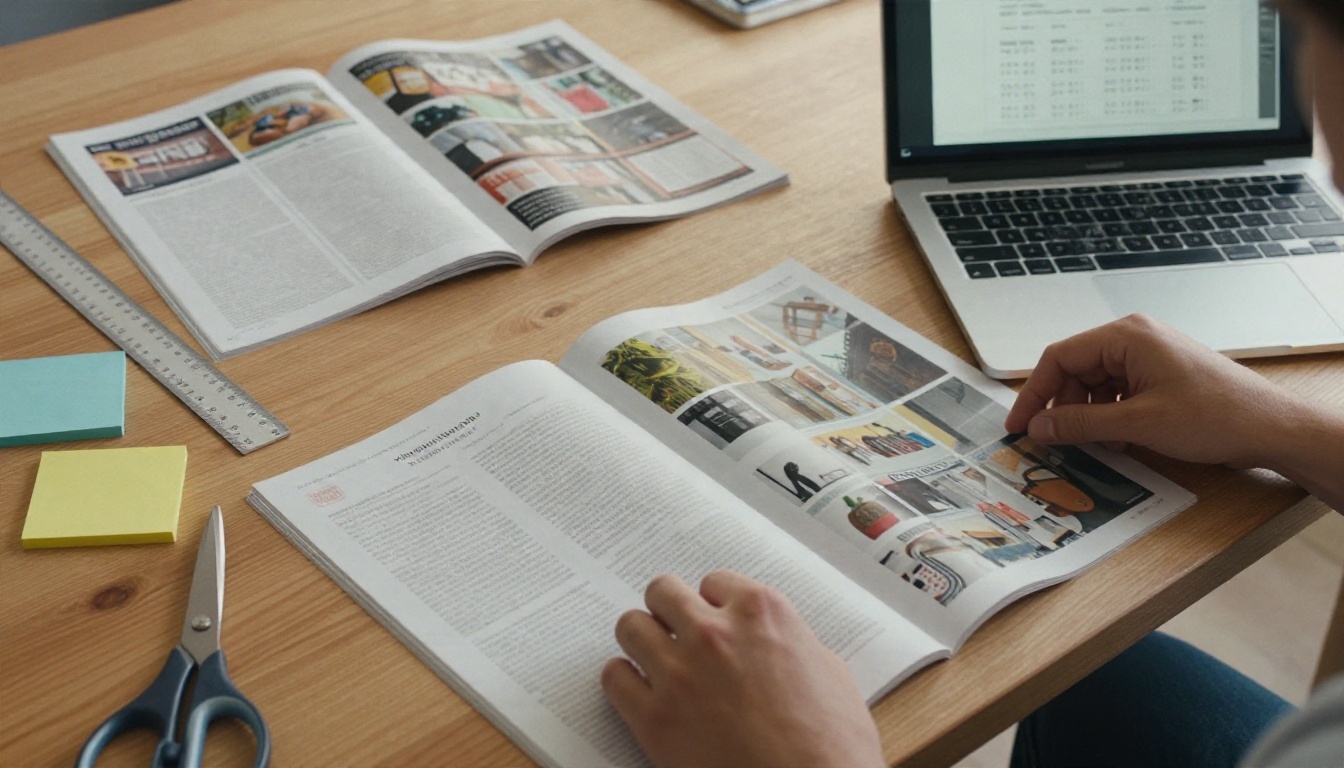
"Free" covers a wide range. Some tools are free forever with limits, some are free trials, and some are free to design but charge to publish. Reading the fine print before you build an issue matters more than the headline price.
Common Limits on Free Plans
Watch for these four restrictions:
- Watermarks or forced branding on every page.
- Page caps, often 10 to 30 pages per publication.
- Public only access, with no password option.
- No analytics, so you never see who read what.
⚠️ A watermark on page one of a client magazine looks unprofessional. Check the exported result before you commit a whole issue to any tool.
Comparing the Free Routes
| Route | Cost to Start | Templates | Link Sharing | Main Drawback |
|---|
| Word processor + PDF export | Free | Basic | Manual upload | No page-turn reader |
| Free design editor + PDF | Free tier | Large library | Via PDF host | Premium assets locked |
| Flipbook converter with free tier | Free tier | Via PDF | Direct link and embed | Limits on advanced options |
| Social document hosting | Free | None | Public link | Brand visibility, ads |
| Self-hosted web page | Hosting cost | Custom | Your own domain | Needs technical skill |
The sweet spot for most publishers is a free design editor plus a flipbook converter. You get the template library from the first and the reading experience from the second.
Templates That Save Hours
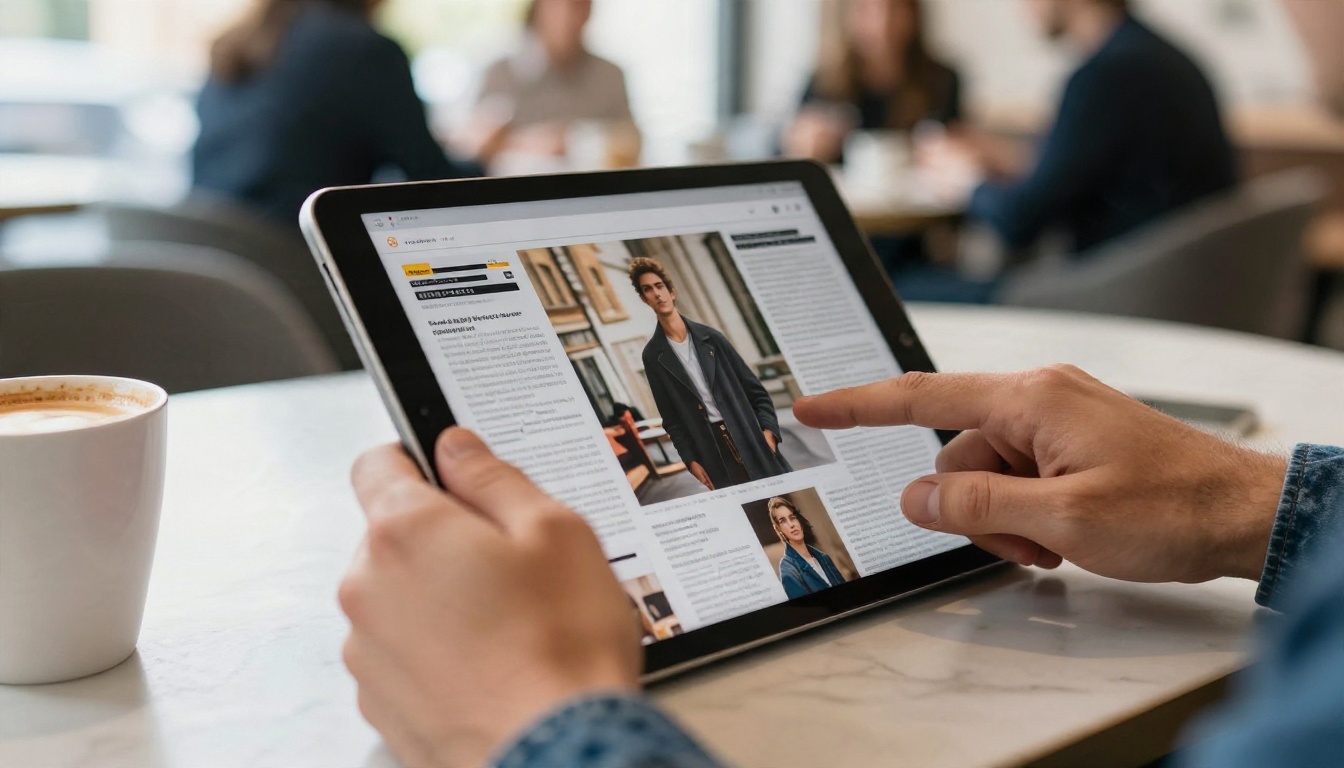
A template is a pre-built set of page layouts: cover page, contents, feature spread, full-bleed photo page, back page. You drop in your content and adjust colors. For a first issue, this is the fastest way to look professional.
Where to Find Templates
- Free design editors offer magazine layouts in A4, US Letter, and square formats.
- Presentation software can produce surprisingly clean magazines using slide masters.
- Stock marketplaces sell InDesign and Affinity packs if you want finer control.
- Purpose-built tools such as the Magazine Flipbook Creator and the E-Magazine Publishing Tool match the output format to the reader from the start.
Choosing a Layout That Reads Well
Not every print layout survives the move to a screen. Keep these rules in mind:
- Use body text of at least 11 pt so it stays readable on phones.
- Leave generous margins. Text touching the edge gets clipped in some viewers.
- Prefer two columns over three for narrow screens.
- Keep high contrast between text and background.
- Place important photos away from the center gutter, where the fold sits in spread view.
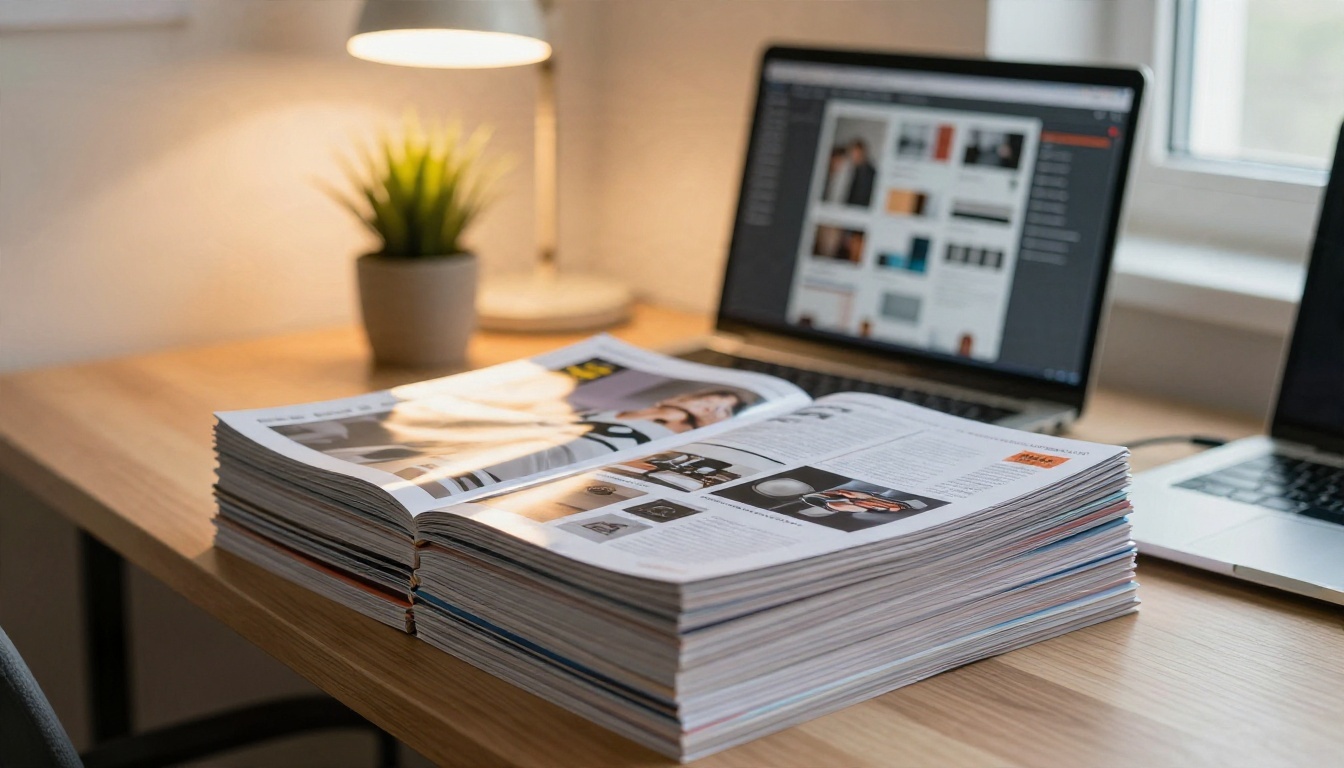
💡 Pro tip: Design in single pages, not spreads, if most of your readers are on phones. A spread splits awkwardly on a narrow screen.
How to Create a Magazine with Flipbooks AI
If you already have a PDF, or can export one from any design tool, this is the shortest path from file to published link.
Step 1: Sign Up and Upload
Go to Flipbooks AI and create an account. From your dashboard, choose to add a new publication and upload your magazine PDF. The PDF to Flipbook Converter processes each page, keeps your fonts and images sharp, and builds the page-turning reader. Most files finish converting within a minute or two.
Step 2: Customize the Look
Once the conversion finishes, open the editor and set up the reader:
- Branding. Add your logo and choose a background color that suits the issue.
- Page effects. Pick the page-turn animation and sound that feel right for your title.
- Multimedia. Add videos, audio, and clickable links on specific pages, for example a playlist on a music feature or a store link on a product page.
- Cover and thumbnail. Choose the image people see when the link is previewed.
Pick one or two options and stop. Too many effects distract from the writing.
Step 3: Choose How to Share
You get three main sharing paths:
- Direct link for email, chat apps, and social posts.
- Embed code to place the magazine inside your own site. The Embed Flipbook on Website tool covers this.
- Password protection when an issue is for subscribers, clients, or staff only.
Step 4: Pro Features Worth Knowing
On the Professional plan you can switch on analytics to see views and reading behavior, add lead generation forms that collect emails before readers continue, and allow offline downloads so people can read on a flight or a train. The Standard plan and above also give you unlimited flipbooks, so you can publish a new issue every month without hitting a ceiling.
✅ Best practice: Publish a test version first, open it on your own phone, and read the first five pages before sending the link to anyone.

Sharing by Link Without the Mess
A link is the simplest distribution method ever invented, and it works for magazines too. Readers click, the issue opens, and they start reading. There is no app to install and no attachment to lose.
Link, Embed, or QR Code
| Method | Best For | Setup Time | Works Offline |
|---|
| Direct link | Email, WhatsApp, social | Seconds | No |
| Embed code | Your website or blog | A few minutes | No |
| QR code | Print flyers, posters, packaging | A few minutes | No |
| Offline download | Travelers, field teams | Seconds | Yes |
| Password-protected link | Subscribers, clients | Seconds | No |
Writing a Link That Gets Clicked
The URL is only half of it. The text around it does the persuading:
- Name the issue and its main story in the message, not just "new issue out".
- Mention reading time, such as "a 12 minute read".
- Send a preview image of the cover page when the platform allows it.
- Use one link per message. Multiple links split attention.

Keeping Issues Private
Not every magazine should be public. An internal staff bulletin, a paid subscriber edition, or a client report needs access control. A password on the link keeps it limited to the people you choose, and you can change it between issues if a recipient list changes.
Real-World Examples
A concept is easier to judge with a concrete scenario. Here are five ways people use a website like this.
Independent Photographer
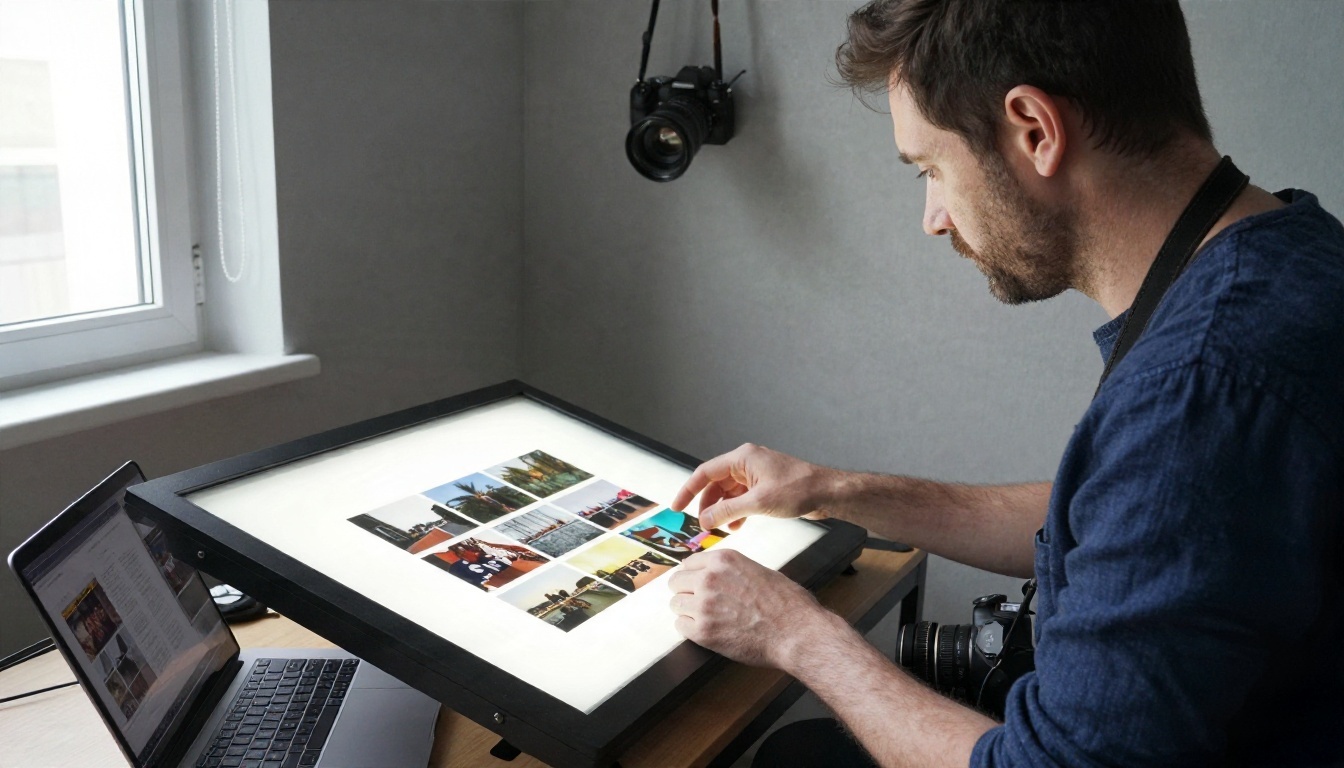
A photographer builds a quarterly zine from a shoot, exports the PDF, and shares a link in a newsletter. Readers see full-bleed images on any screen, and the photographer sees which pages get the most attention. For longer series, the Photography Portfolio tool suits a similar workflow.
School or University Club
Students assemble a termly magazine in a free design editor, then publish it so parents and alumni can read without printing costs. The School Newsletter Creator is built for this scenario.

Fashion Boutique
A shop publishes a seasonal edition with styled photos and shoppable links on each page. The Interactive Lookbook Designer pairs well with a magazine format when the goal is selling rather than storytelling.

Travel Blogger
A blogger packs destination stories, maps, and itineraries into a quarterly issue. Embedding it on the blog keeps readers on site, while a download option lets them keep it for the trip. See the Travel Guide Flipbook tool for a related format.

Small Business Newsletter
A local company turns a monthly update into a short magazine, so clients get news, offers, and case studies in one readable file. The Newsletter Flipbook Publisher handles this case.
Not every project needs the same setup. Use this table as a quick filter before you pick.
| Your Situation | Best Setup | Why |
|---|
| First issue, no budget | Free design editor + flipbook converter | Templates plus a real reader |
| Monthly publication | Standard plan or above | Unlimited flipbooks |
| Client or subscriber content | Password-protected link | Controlled access |
| Need to track readers | Professional plan | Analytics and lead capture |
| Heavy print heritage | Layout software + PDF | Fine typographic control |
Three Common Mistakes
- Designing for print only. Tiny text and edge-to-edge copy suffer on a phone screen.
- Uploading huge, unoptimized images. Compress photos so pages load quickly on mobile data.
- Skipping the test read. A typo or broken link found after sending is much harder to fix.
A Quick Pre-Publish Checklist
- Proofread every page once on a phone and once on a laptop.
- Click every link and play every video.
- Confirm the cover thumbnail looks right in a link preview.
- Decide whether the issue is public or password-protected.
- Save the PDF source so next month's issue starts from the same layout.
Publish Your First Issue Today
You do not need a print run, a large team, or a web developer. You need a PDF, a few minutes, and a place that turns it into something people want to open. Start free by creating your account on Flipbooks AI, upload your file, and send the link to one person for feedback.
When you are ready for more, compare pricing plans to see which one adds analytics, lead capture, and unlimited issues, or browse all the flipbook tools to find the format that matches your next project. Ready to go further? Continue to pricing after signing in and pick the plan that fits.



