Ten years ago, making a magazine meant a design studio, a print broker, and a budget that made most people quit before page one. Today you can build, publish, and share an entire issue from a laptop in an afternoon. The catch is that dozens of websites to make magazines compete for your attention, and each one hides a different trade-off in its free plan, its pricing, or its output format. This article sorts through them so you can pick the right tool, understand the real costs, and decide whether print, digital, or both makes sense. If you already have a PDF and just want it to look like a real magazine on screen, Flipbooks AI turns it into a page-turning publication in minutes.
What Magazine Websites Actually Do
Not every site that says "magazine maker" does the same job. Some help you design pages. Others publish finished pages. A few try to do both and end up average at each. Knowing which category a tool falls into saves you hours of switching between platforms.
Design Editors vs Flipbook Publishers
A design editor gives you templates, drag-and-drop text boxes, stock photos, and export options. You build the layout there and download a PDF. A flipbook publisher takes that PDF and turns it into an interactive reading experience with page-turn effects, a shareable link, and an embed code for your website.
Most successful independent publishers use one of each. They design in an editor, then publish through a flipbook tool so readers get a smooth experience on phones, tablets, and desktops.
Who Needs Which Type
| Your situation | Best starting point | Why |
|---|
| Never designed a page before | Template-based design editor | Pre-built layouts remove guesswork |
| Already have a PDF from InDesign or Word | Flipbook publisher | No redesign needed |
| Running a company newsletter | Newsletter flipbook tool | Fast, repeatable issues |
| Selling a premium issue | Publisher with password protection | Controls who can read |
| Printing physical copies | Design editor with print-ready export | Bleed and CMYK settings matter |
💡 Pro tip: Decide your final format before you design anything. A magazine built for print (portrait pages, bleed margins) can be converted to digital easily. The reverse is much harder.
Free is a real option in this space, but only if you know what you are trading. Free plans exist to get you hooked, so they usually limit exports, add watermarks, or cap the number of issues you can keep online.
What Free Plans Usually Include
Across the market, free tiers tend to follow a similar pattern:
- A small selection of templates, often the plainer ones
- Basic fonts and a limited stock image library
- PDF export at standard (not print) quality
- A cap on the number of projects or pages
- A watermark or badge on published output
That last item matters most. A watermark on a flipbook your clients see can make a professional magazine look like a school project. At Flipbooks AI, there are no watermarks, ever, which is rare among free-to-start platforms.
Where Free Plans Hit Limits
Here is a quick comparison of the typical limits you will meet when starting with no budget.
| Feature | Typical free plan | Typical paid plan |
|---|
| Watermark on output | Yes | No |
| Number of published issues | 1 to 3 | Unlimited or high cap |
| Password protection | Rarely | Usually |
| Custom branding and colors | Limited | Full |
| Analytics | None | Basic to detailed |
| Embed on your own website | Sometimes with branding | Clean embed |
| Offline download | Rare | Often included |
If you publish one experimental issue, free is fine. If you plan a monthly magazine, a watermark-free paid plan pays for itself in credibility.
⚠️ Warning: Read the export terms before building a full issue. Some free editors let you design for free but charge to download your own PDF.
Pricing Across Magazine Websites
Pricing is where most comparisons get vague, so here is a straight breakdown. Figures below are typical ranges for each category rather than exact quotes, since every vendor changes plans often. Always confirm on the vendor's own pricing page.
| Tool category | Typical monthly cost | Best for |
|---|
| Free template editors | $0 | One-off issues, testing ideas |
| Paid design editors | About $10 to $30 | Regular layout work |
| Professional desktop software | About $20 to $60 | Designers with print needs |
| Flipbook publishing platforms | Free to about $50+ | Interactive online delivery |
| Print-on-demand services | Per copy, no subscription | Small physical runs |
| Commercial offset printing | Per run, lower per copy | Large circulation |
For flipbook publishing specifically, see the current Flipbooks AI pricing plans. The Standard plan and above includes unlimited flipbooks, and the Professional plan adds analytics and lead generation.
Hidden Costs To Watch
The sticker price is rarely the full bill. Budget for these extras:
- Stock photography. Free libraries are fine for blogs, but magazines need high-resolution images. Paid licenses can add up quickly.
- Fonts. Commercial fonts for print often need a separate license.
- Export fees. Some tools charge extra for print-ready PDFs with bleed and crop marks.
- Hosting or bandwidth. Large image-heavy issues can hit data limits on cheap plans.
- Your time. A tool that is free but takes six hours per issue is expensive.
Cost Per Reader Math
Try this simple calculation before committing. Suppose you publish a 32-page issue every month to 1,000 readers.
- Print route: At roughly $2 to $4 per copy for a small run, you spend $2,000 to $4,000 per issue, plus shipping.
- Digital route: A flipbook subscription of $20 to $50 per month serves the same 1,000 readers, and the cost does not rise when readership does.
That gap explains why so many small publishers start digital and add print later for special editions.
Print vs Digital Magazines
This is the debate that never ends, and the honest answer is that both formats do something the other cannot. Here is how they compare head to head.
| Factor | Print | Digital |
|---|
| Upfront cost | High | Low |
| Cost per additional reader | Same or slightly lower | Nearly zero |
| Production time | Weeks | Hours |
| Reader tracking | Almost none | Page views, time, clicks |
| Multimedia | None | Video, audio, links |
| Tactile experience | Excellent | None |
| Shelf life | Years on a coffee table | Depends on link, searchable |
| Updating after publishing | Impossible | Instant |
| Distribution | Shipping, stores, mail | Link, email, QR code |
When Print Wins
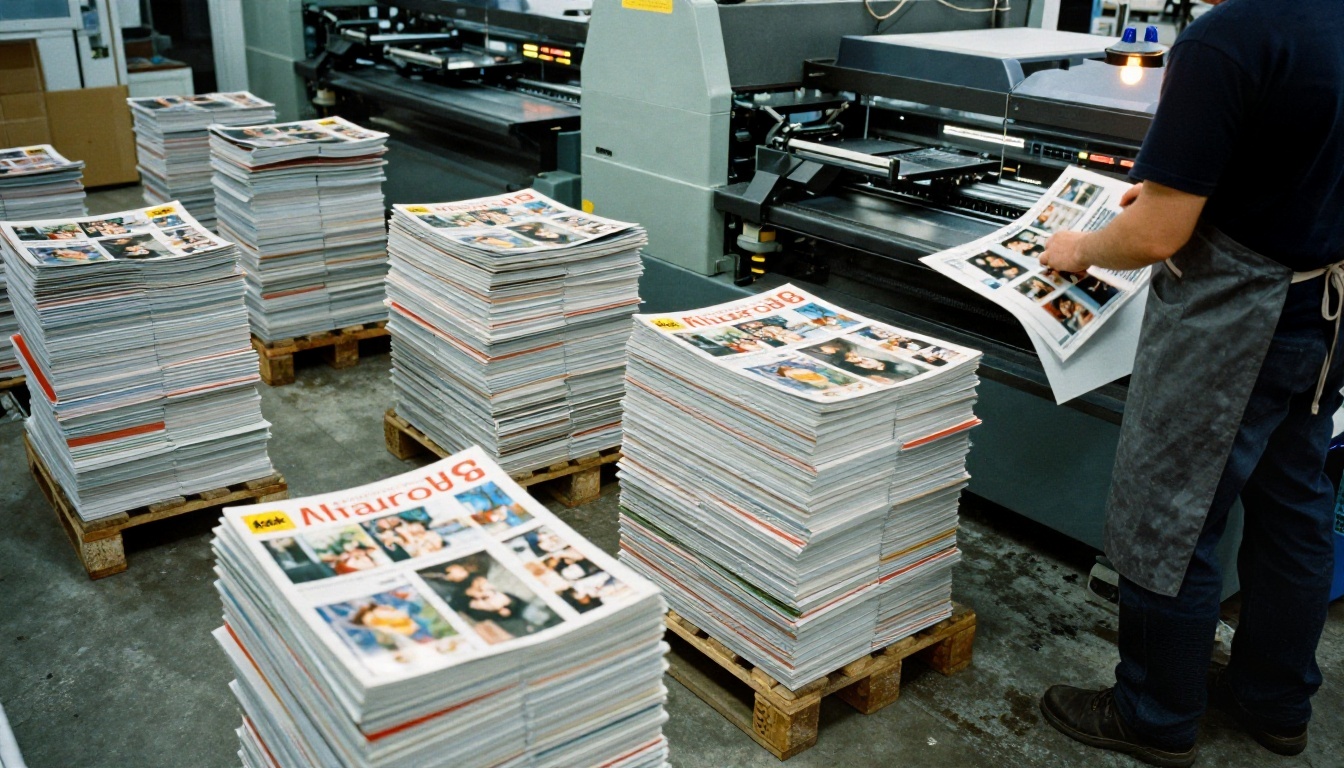
Print is still the better choice when the object itself is part of the value. Luxury brands, photography magazines, local lifestyle titles, and event programs often benefit from the weight and texture of real paper. Print also works well as a leave-behind in waiting rooms, hotels, and retail counters, where people browse without a device in hand.
When Digital Wins
Digital wins when speed, reach, or measurement matters. If you need to publish quarterly financial updates, send a monthly company newsletter, or share a lookbook with buyers across several countries, a digital magazine reaches everyone in seconds. You can also embed video, link directly to products, and see which pages readers actually spent time on.

The Hybrid Approach
The smartest publishers often do both. They produce one print-ready PDF, then use it twice: send it to a printer for a limited run, and upload the same file to a flipbook tool for everyone else. You pay for design once and get two formats out of it.
✅ Best practice: Design at print resolution (300 DPI) with proper margins from day one. You can always shrink a file for the web, but you cannot add detail to a blurry image later.
How to Create a Magazine with Flipbooks AI
If you already have a layout, or you build one in any design editor, the fastest way to publish it is with a flipbook platform. Here is the full process using Flipbooks AI.
Step 1: Prepare Your PDF
Export your finished issue as a PDF. Keep pages in the same order you want readers to see them, and check that fonts are embedded. If you need a layout first, build it in any editor, then come back with the file.
Step 2: Upload and Convert
- Create a free account on Flipbooks AI.
- Click to start a new flipbook and upload your PDF.
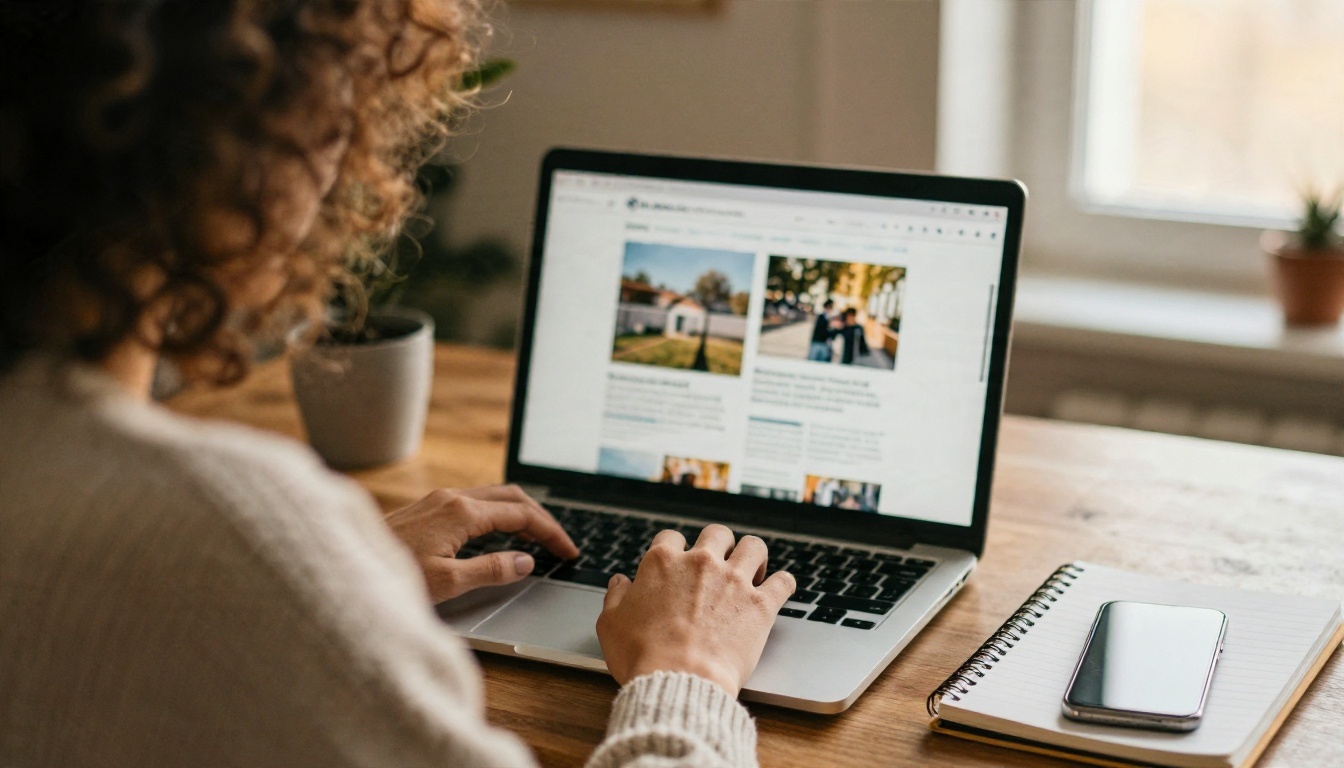
- Wait a few moments while the platform converts each page into a smooth page-turning spread. You can also use the dedicated PDF to Flipbook Converter for a quick one-off conversion.
For magazine-specific layouts, try the Magazine Flipbook Creator or the E-Magazine Publishing Tool. Publishing a recurring company update? The Newsletter Flipbook Publisher fits well.
Step 3: Customize the Look
Make the reading experience match your brand:
- Custom branding: Add your logo and pick background colors that fit your issue.
- Page effects: Choose how pages turn and how the book opens.
- Multimedia: Embed videos and audio so a restaurant review can include a short kitchen clip, or an interview can include the actual recording.
- Mobile-responsive design: Check the preview on a phone, since most readers will open it there.
Step 4: Share It
You have several options, and you can use more than one:
| Sharing method | Best use |
|---|
| Direct link | Email campaigns and social posts |
| Embed code | Publishing on your own site with the Embed Flipbook on Website tool |
| Password protection | Paid issues, client-only reports, internal staff magazines |
| Offline download | Readers with poor connections or travelers |
Step 5: Use the Professional Features
On the Professional plan, you get analytics and lead generation. Analytics show which pages hold attention and where readers drop off. Lead generation lets you gate a premium issue behind an email form, which turns a magazine into a list-building asset. Compare options on the pricing page.
💡 Pro tip: Put your most shareable article within the first five pages. Analytics from most digital magazines show a steep fall-off after the opening spreads.
Real-World Magazine Examples
Seeing how others use these tools helps you picture your own project.
- A neighborhood restaurant publishes a quarterly food and events magazine. They design in a template editor, convert to a flipbook, and share it by QR code on table cards.
- A real estate agency builds a monthly market magazine featuring new listings, then uses password protection to send a private edition to premium clients.
- A fashion boutique turns seasonal photos into a lookbook that opens like a glossy magazine on a phone.
- A photographer assembles a portfolio flipbook instead of sending heavy PDF attachments that clog inboxes.
- A school publishes a termly newsletter that parents open on their phones without downloading anything.
Each of these starts with the same insight: the content is a PDF, and the delivery is a flipbook.
3 Common Mistakes
- Choosing a tool before choosing a goal. If you want sales leads, you need analytics. If you want a luxury feel, you need print. Pick the goal first.
- Ignoring mobile readers. A two-column layout with tiny type looks elegant on a monitor and unreadable on a phone. Use larger body text and generous spacing.
- Overloading page one. A crowded opening page makes readers bounce. Give your best photo room to breathe.
⚠️ Warning: Do not publish a magazine with low-resolution images just because they look fine on your laptop. Zoomed-in tablet screens expose soft, pixelated photos instantly.
Ready to Publish Your Magazine?
The best website to make a magazine depends on your starting point, but the winning workflow is simple: design in whatever editor you like, export a clean PDF, and publish it as an interactive flipbook that readers can open anywhere. Start with free tools while you test your idea, then move to a watermark-free plan when your audience grows.
Your next issue could be live before the coffee gets cold.



