You have 1,200 wedding photos, a gallery link that expires in a few weeks, and a group chat full of relatives asking when they can finally see the pictures. A good wedding album maker solves all three problems at once: it lets you pick the best shots, arrange them into pages, export a clean PDF, and share the result as an album people can actually flip through. With a tool like Flipbooks AI, that last step takes minutes, and you never have to email a 300 MB attachment again.
This article compares the free online options, shows the PDF export settings that keep your photos sharp, and explains how page-flip sharing works on phones, tablets and laptops. You will also get a step-by-step tutorial, three real wedding scenarios, and a list of mistakes that ruin otherwise lovely albums.
💡 Quick answer: Design the album in any free editor, export it as a high-quality PDF, then convert that PDF into a flipbook with the PDF to Flipbook Converter. Share the link, embed it, or lock it with a password.
What a Wedding Album Maker Actually Does
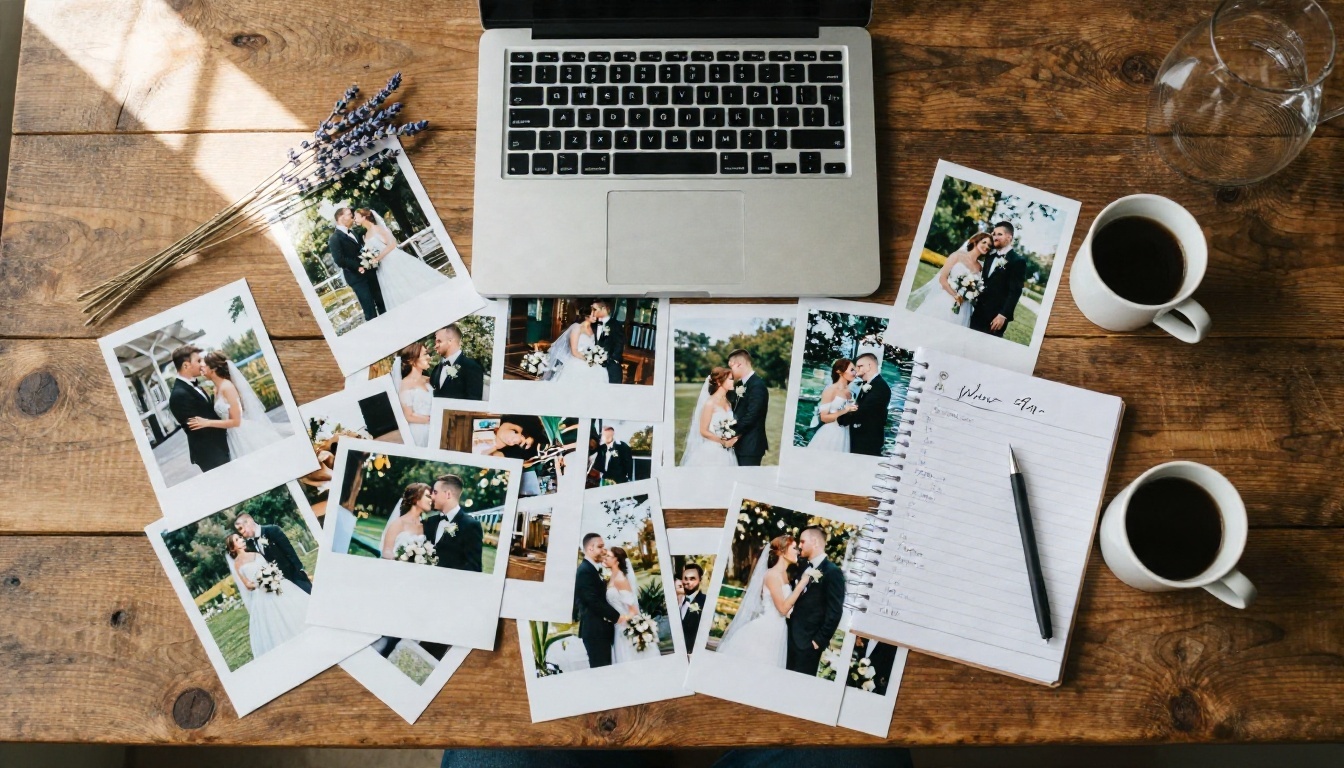
At its core, a wedding album maker is software that arranges photos into pages. Some tools stop there and hand you a file. Others add templates, text boxes, spreads, background colors and print ordering. What you want depends on where the album will live.
Printed albums versus digital albums
A printed album is a keepsake. It sits on a shelf, survives power cuts, and looks wonderful on a coffee table. It is also expensive, slow to produce, and impossible to send to your aunt in another country on a Tuesday afternoon.
A digital album is the opposite. It costs little or nothing, travels instantly, and can be updated if you find a better photo of the first dance. Many couples now build both: one design, exported once for print and once for screen.
The three jobs your album must do
- Tell the day in order. Getting ready, ceremony, portraits, reception, send-off.
- Look good on every screen. Half your guests will open it on a phone.
- Stay in your control. You decide who sees it, for how long, and whether they can download it.
If your tool only handles the first job, you will end up fighting with the other two later.
Free Online Options Compared
"Free" covers a wide range, from truly free design editors to print shops that give you a free editor and charge for the book. Here is how the main categories stack up.
| Option type | Typical cost | What you get | Page-flip sharing | Best for |
|---|
| Free browser design editors | Free, with paid extras | Templates, drag-and-drop layouts, PDF export | Usually a static link or PDF | Couples who want full design control |
| Print-shop album editors | Free editor, pay to print | Fixed templates sized for their books | Rarely, often preview only | Anyone who wants a printed book |
| Slideshow software | Often free or already installed | Slides you can export as PDF | No, unless you convert the PDF | Quick, simple albums |
| Cloud photo galleries | Free tier with storage limits | Grid galleries, easy uploads | Scrolling grid, no page turn | Sharing raw photo batches |
| PDF to flipbook converters | Free to start, paid upgrades | Realistic page-turn viewer from any PDF | Yes, built in | Sharing a finished album beautifully |
Where free tools fall short
Free design editors are generous with templates but sometimes limit export quality or add branding to the exported file. Print-shop editors lock you into their page sizes. Galleries are fast but feel like a spreadsheet of thumbnails, not an album.
⚠️ Watch the fine print. Before you invest an evening arranging 60 pages, check three things: whether the PDF export carries a watermark, whether there is a page or storage cap, and whether your album disappears if you stop paying.
The smart combination
The most reliable setup separates design from sharing. Use any free editor you like for the layout, then use a flipbook tool for delivery. That way you are never locked into one platform's viewer, and the finished album keeps working even if you change editors later.
PDF Export Done Right
The PDF is the hinge of the whole process. Export it badly and every later step looks worse. Export it well and your flipbook will feel like a real book.
Resolution and page size
Wedding photos need room to breathe. Aim for images at 150 to 200 DPI at the final page size for screen albums. That is sharp enough for tablets and large monitors without producing a monster file.
Choose your page shape before you place a single photo. Square pages suit portraits and detail shots. Landscape spreads suit venue and group photos. Portrait pages feel like a magazine.
File size without losing quality
A 60-page album with full-resolution photos can easily top 200 MB. Most online tools prefer something far smaller, and phones struggle with huge files. Here are settings that work well in practice.
| Setting | Recommended value | Why it matters |
|---|
| Image resolution | 150 to 200 DPI | Sharp on screens, reasonable file size |
| Image format inside PDF | JPEG, high quality | Smaller than PNG, no visible loss on photos |
| Color profile | sRGB | Matches phones and browsers, avoids dull colors |
| Page count | 30 to 80 pages | Enough story without overwhelming viewers |
| Total file size | Under 100 MB where possible | Faster upload and faster loading for guests |
| Fonts | Embedded | Keeps your script lettering from changing |
| Bleed and crop marks | Off for screen, on for print | Screen viewers do not need trim lines |
Spreads or single pages?
Export as single pages when you plan to convert to a flipbook. The flipbook viewer pairs them into spreads automatically, so the page turn looks natural. If you export pre-joined spreads, you can end up with double-width pages that display oddly on phones.
💡 Pro tip: Put your cover-style opening photo on page one alone, then let the interior pages pair up. The flipbook will treat it like a hardback book.
Page-Flip Sharing Explained
Sending a PDF is the old way. The recipient downloads it, waits, pinches, zooms, scrolls sideways, and gives up on page nine. A page-flip album behaves like a book: tap or swipe and the page turns, with a gentle curl and the sound of paper if you choose.
Why flipbooks beat attachments
- No download required. Guests open a link and start looking.
- Works on every device. The layout adapts to phones, tablets and desktops.
- One link for everyone. Update the album once and every guest sees the latest version.
- Easier on inboxes. A short link replaces a heavy attachment that bounces.
Older relatives especially appreciate the familiar page-turn. Many people who struggle with galleries and folders will happily flip through a book.
Comparing the ways to share
| Sharing method | Feels like a book? | Works on phones? | Privacy control | Effort |
|---|
| Emailed PDF | No | Poor | Low, file can be forwarded | Low |
| Cloud folder of photos | No | Good | Medium | Low |
| Social media posts | No | Good | Low | Medium |
| Printed album | Yes | Not applicable | High | High, plus cost |
| Page-flip album link | Yes | Excellent | High, with passwords | Low |
Sharing on a phone
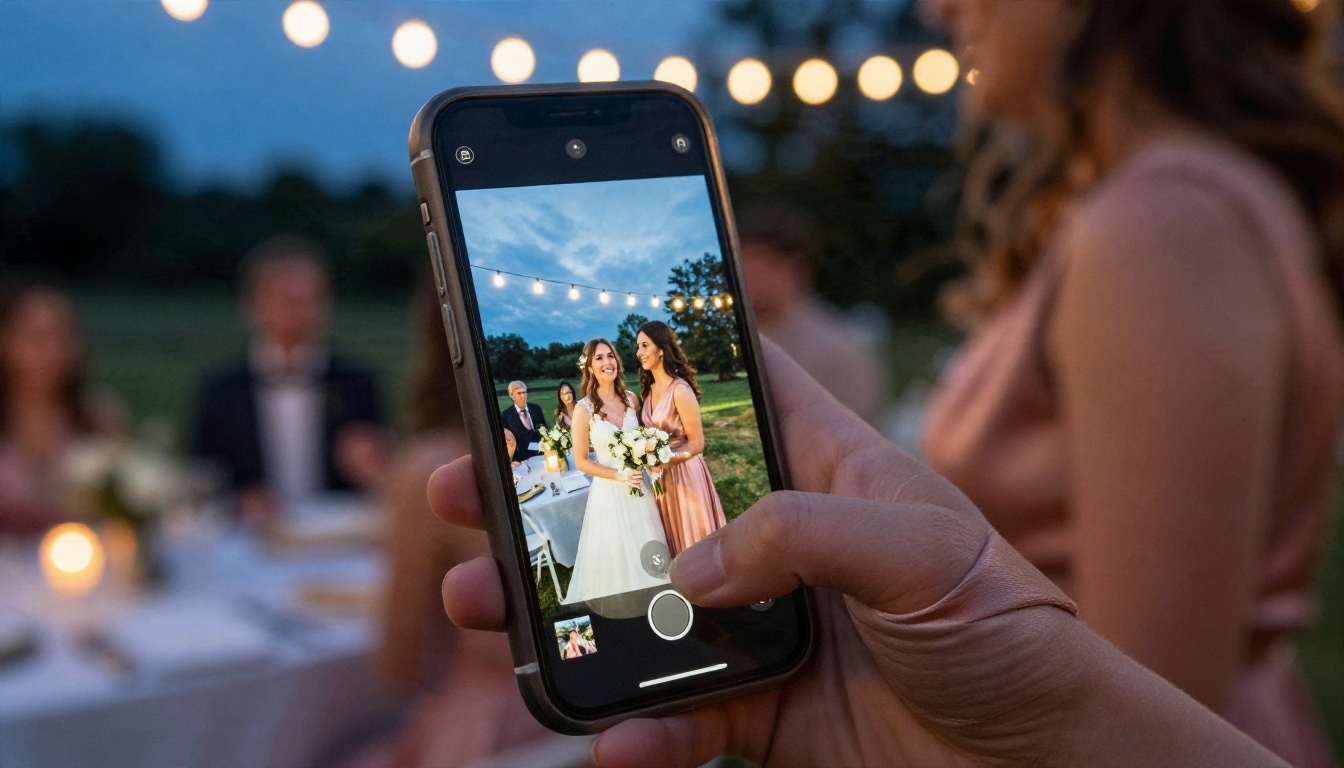
Most guests will open your album from a message or a QR code. Because a flipbook is responsive, it adjusts to a small screen without making people pinch and pan. You can even print a small QR code on a thank-you card so that anyone holding the card can open the album in seconds.
How to Create a Wedding Album with Flipbooks AI

If you already have your PDF, this is the fast part. The dedicated Wedding Album Flipbook tool is built for exactly this job, and the steps below follow its workflow.
Step 1: Open your account
Go to Flipbooks AI and create an account. You can try the platform before committing to a plan, and the pricing page lists exactly what each tier includes.
Step 2: Upload and convert the PDF
- Click the upload button and choose your exported album PDF.
- Wait a moment while the file is converted into a page-flip book.
- Preview the result. Flip through every page to check that photos sit where you placed them and that no text is cut off.
If something looks wrong, fix it in your design editor, re-export, and upload again. This is why single-page export matters: the converter handles pairing for you.
Step 3: Customize the look
Make the viewer match the day:
- Branding and colors: pick a background shade that suits your palette, such as ivory, blush or deep green.
- Page effects: choose the page-turn style and speed.
- Multimedia: embed a video of your vows or add audio, like your first-dance song, on the relevant page.
- Mobile layout: check the phone preview, since this is how most guests will see it.
✅ Best practice: Add a short video clip only where it adds something, such as the ceremony kiss or the toast. A few well-placed moments beat a video on every page.
Step 4: Choose how to share
| Wedding need | Flipbooks AI option |
|---|
| Send to family quickly | Direct link |
| Show on a honeymoon blog or wedding website | Embed code, see Embed Flipbook on Website |
| Keep it private | Password protection |
| Let relatives keep a copy | Offline downloads |
| Avoid distracting marks on your photos | No watermarks |
| Build more than one album | Unlimited flipbooks on Standard plan and above |
Step 5: Pro features worth a look
On the Professional plan, analytics and lead generation are available. Couples rarely need lead capture, but analytics can be fun: you see how many people opened the album and which pages got the most attention. Photographers delivering albums to clients will find these features far more useful. Compare the options on the pricing page before you decide.
Real Wedding Scenarios
The destination wedding
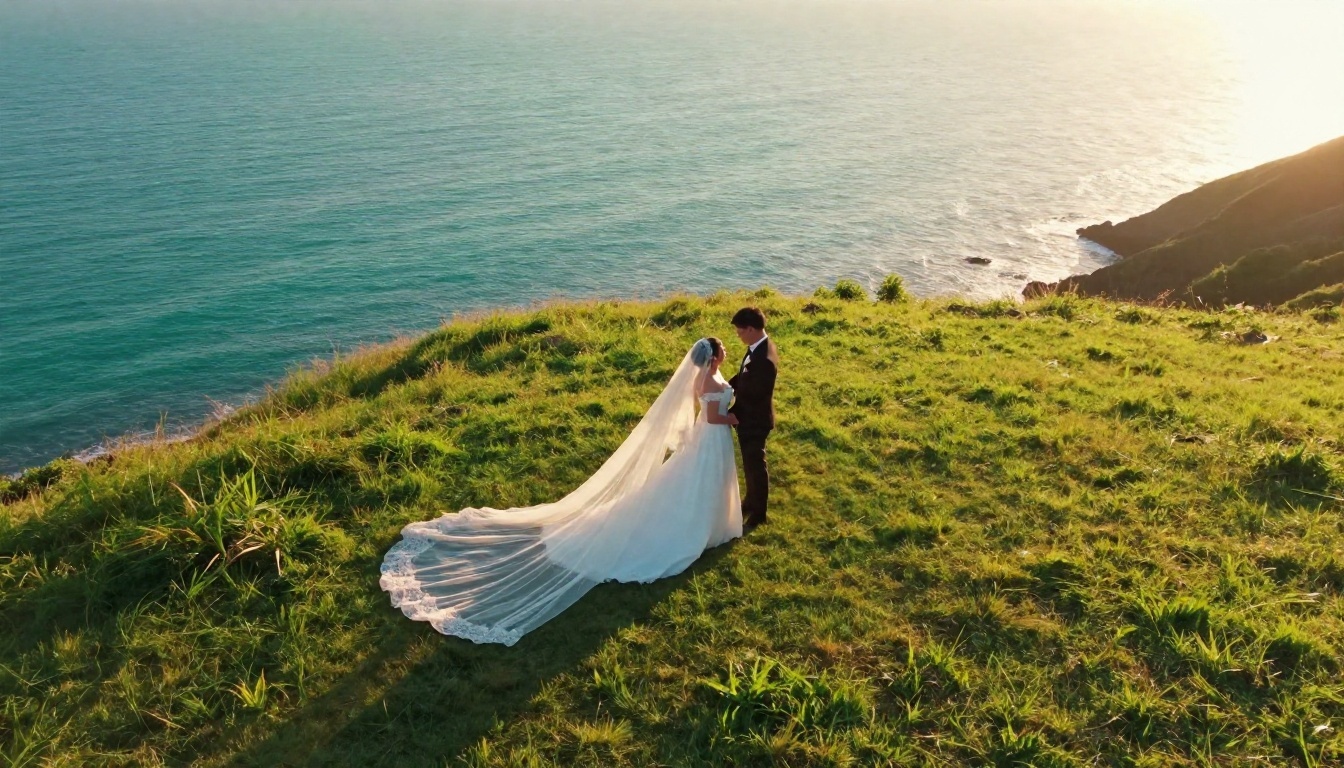
A couple marries on a clifftop in Portugal. Only 25 guests attend, but 120 people back home want to see everything. They design a 40-page album, export a PDF at 150 DPI, convert it to a flipbook, and share one link in the family chat. Nobody needs to install anything, and the album works equally well on a grandparent's tablet and a cousin's phone.
The surprise elopement
Two people elope on a Wednesday with a photographer and two witnesses. They want a small, private album to send to close family only. They upload a 20-page PDF, set a password, and share the link and the password in separate messages. The photos stay out of search results and social feeds.
The photographer's delivery
A wedding photographer builds an album proof for each client. Instead of emailing a heavy file, they send a flipbook link so the couple can review pages on their phones and request changes. Once approved, the same PDF goes to print. The photographer can link clients to a branded viewer, and with analytics they can see when the proof was opened. If you work in this field, you can also build a business showcase with the Photography Portfolio tool.

Planning for the whole event
An album is only one piece of the celebration. The same approach works for the order of service, the reception schedule and the thank-you booklet. The Event Program Maker turns a simple PDF into a program guests can open on their phones during the day, and you can reuse the design for the album afterward so everything matches.
Choosing Photos and Layout
Curate before you design
Cutting from 1,200 photos to 80 is the hardest part. Use this order:
- Remove duplicates and near-identical frames.
- Pick the single best frame from each moment.
- Group by story section, not by time on the camera clock.
- Leave out anyone's unflattering expression, even if the moment mattered.
- Keep a few candid frames for rhythm, such as laughing guests or a child asleep on a chair.
Pace the pages
| Page type | How many | Purpose |
|---|
| Full-bleed single photo | 8 to 12 | Big emotional moments |
| Two or three photo layouts | 15 to 25 | Story beats and details |
| Grid or collage pages | 3 to 6 | Reception energy and group shots |
| Text pages | 2 to 4 | Vows, a toast, a short note |
| Closing page | 1 | A thank-you, plus your names and date |
💡 Leave white space around photos. Crowded pages look rushed, and flipbook pages show best when each one has a clear focal point.
Mistakes That Spoil a Wedding Album
- Exporting at tiny resolution. Photos look soft once zoomed in. Stick to 150 DPI or more.
- Using too many fonts. Pick one script and one clean serif. That is enough.
- Cramming 300 photos into the book. A shorter album gets finished and gets seen.
- Forgetting to preview on a phone. If the text is too small there, it is too small for most of your guests.
- Sharing without a password. Wedding photos often include children and private moments. Lock the album if you do not want strangers viewing it.
- Skipping the backup. Keep the original PDF, the editable design file and the full-resolution photos in at least two places.
- Ignoring photographer licensing. Check your contract before posting or printing professional photos, and credit your photographer on the final page.
⚠️ Mind the copyright. Your photographer usually keeps the copyright even when you hold a print license. Confirm what your agreement allows before you share the album publicly.
Ready to Make Yours?
Your wedding photos deserve more than a folder named "Final_FINAL_2". Build the layout in the editor you like, export a crisp PDF, and give guests an album they can flip through in seconds.
When you are ready to move beyond the free tier, pick a plan that fits and keep every album you ever make in one place.



