A wedding hands you a thousand photos, a few minutes of video, and no good way to give any of it to eighty guests. Email attachments choke. Shared folders get ignored. A printed album takes weeks and only one person can hold it at a time. A wedding flip book solves all of that: it is an online album with real page-turning motion that opens on any phone, tablet, or laptop with a single link. With Flipbooks AI you can turn a PDF of your album into a flip book in minutes, with no watermarks and no app for guests to install.
This article walks through the ideas, the page layouts, three free template blueprints you can copy today, and the smartest ways to share the finished book with family and friends.
Why a Wedding Flip Book Works
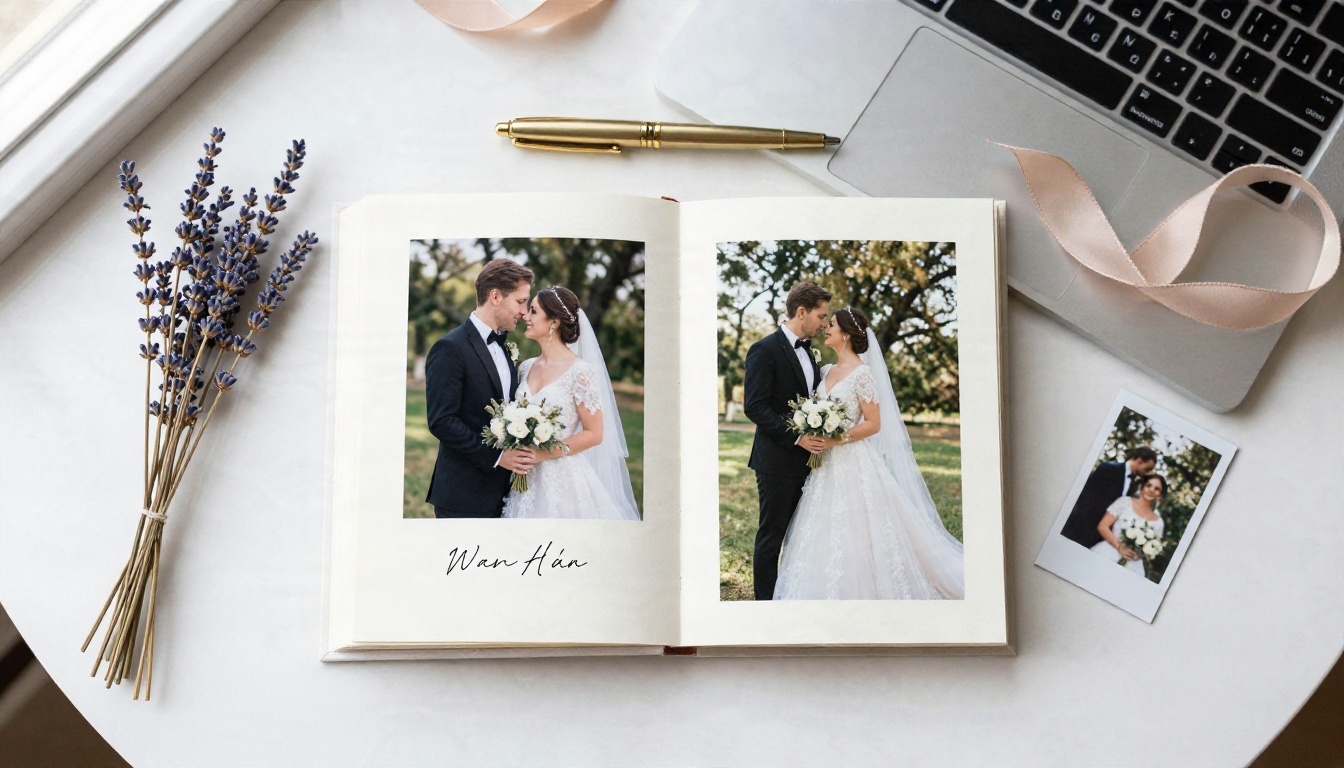
Couples used to choose between an expensive printed album and a loose gallery link. A flip book sits in the middle. It keeps the feel of turning pages, which is what makes an album emotional, but it costs nothing to reproduce and nothing to ship.
Flip Book vs Print Album vs Gallery
| Feature | Printed Album | Photo Gallery Link | Wedding Flip Book |
|---|
| Page turning feel | Yes | No | Yes |
| Cost per extra copy | High | None | None |
| Works on phones | No | Yes | Yes |
| Easy to edit after sending | No | Yes | Yes |
| Password protection | No | Sometimes | Yes |
| Embedded video and audio | No | Limited | Yes |
| Delivery time | 3 to 6 weeks | Instant | Instant |
Who Gets the Most Out of It
- Couples who want a shareable memory book for relatives overseas.
- Wedding photographers who want a polished delivery format that doubles as a portfolio piece.
- Planners who need a recap book to send vendors and sponsors.
- Guests who gave a speech, helped with the flowers, or simply want to see the moments they missed.
💡 Pro tip: A flip book does not replace a printed album. Many couples print one hero album for the shelf and send the flip book to everyone else.
Wedding Flip Book Ideas to Steal
The best wedding books have a point of view. Pick one idea and commit to it instead of dumping every photo in date order.
The Story in Chapters
Divide the book into chapters: Getting Ready, The Ceremony, Portraits, Reception, Last Dance. Add a short one-line title page before each chapter. Readers always know where they are, and it is easy to skip ahead.
The Guest Voice Edition
Ask guests for one sentence about the day, then drop each quote beside a photo of the person who wrote it. This turns a gallery into a keepsake, and guests will share it because they are in it.
The Vows and Toasts Book
Pair a full page of text (the vows, a toast, a letter from a parent) with a single large photo. Add an audio clip of the toast and the page becomes something you replay every anniversary.
The Destination Wedding Edition
Open with a map page, then give each location its own mini section: the arrival, the welcome dinner, the ceremony, the farewell brunch. Travelers who could not attend get the whole trip, not just the ceremony.
The Family Heritage Spread
Put old wedding photos of parents and grandparents on a few pages near the end, then match each with a photo of your own day. Families treat these pages like treasure.
Quick Idea Checklist
- A one-page cast of characters with every wedding party member
- A menu and cake page for the foodies
- A playlist page with the first dance song
- A thank you page with a handwritten signature photo
- A page of candid guest photos from disposable cameras
Page Layouts That Work
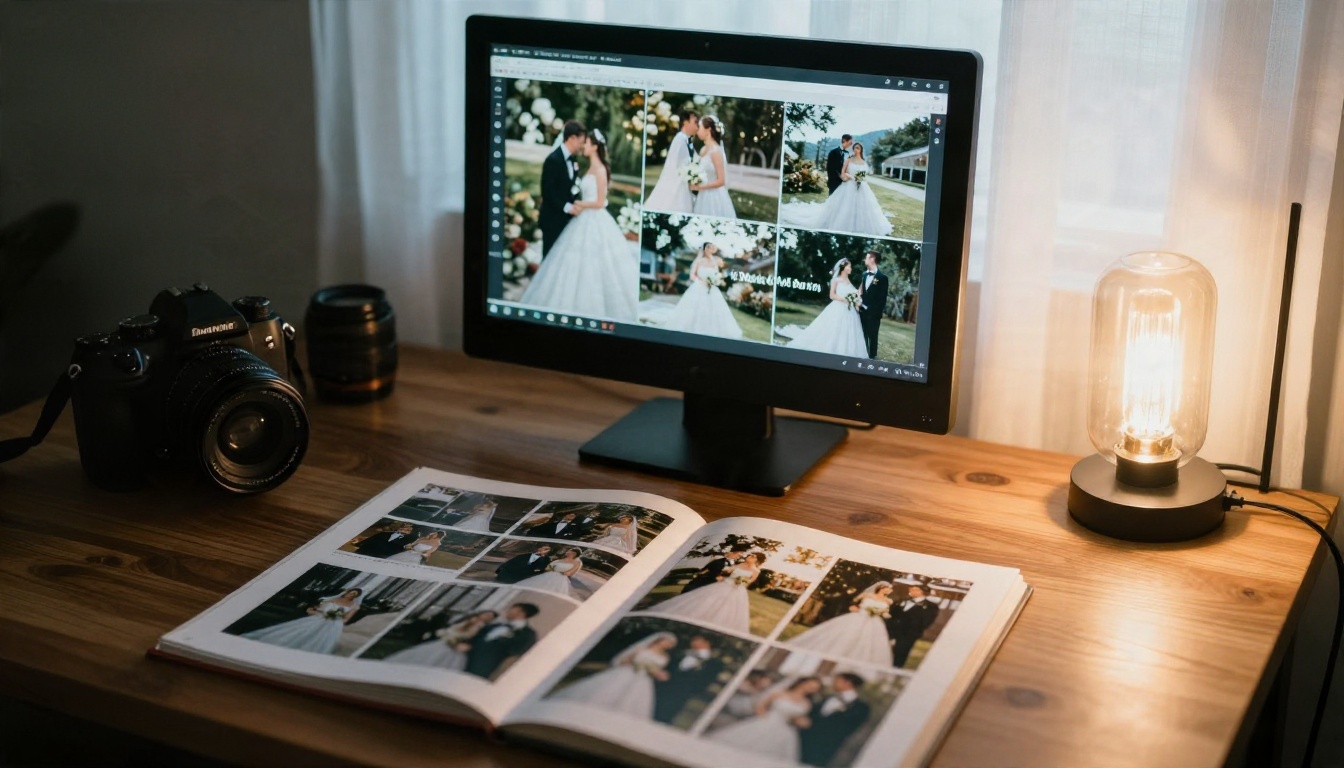
Layout decides whether a book feels like a wedding magazine or a camera roll. Use a small set of repeatable page designs and mix them with rhythm.
Full Bleed Opener
One photo fills the whole spread. Use it for the first page, the ceremony kiss, and the final page. Three full bleeds in a 24 page book is plenty. Overuse kills the impact.
Grid Pages
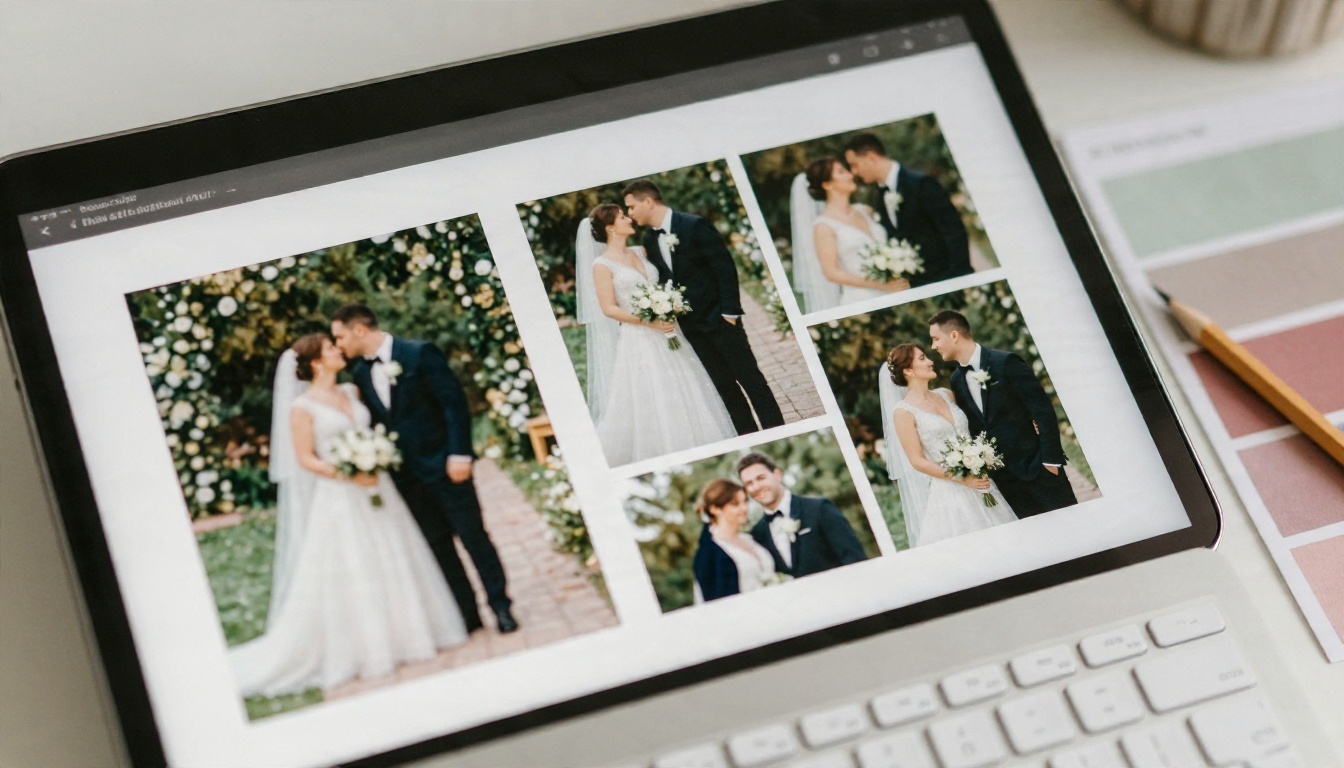
A grid of 3, 4, or 6 equally sized photos works for details: rings, shoes, bouquet, table settings, cake. Keep gutters narrow and consistent so the page feels tidy.
Photo and Text Pairing
Use the left page for a large image and the right page for a short quote or a caption. Keep text under 40 words. If you have more to say, give it its own page.
Layout Cheat Sheet
| Layout | Best For | Photos Per Page | Text Amount |
|---|
| Full bleed | Ceremony, portraits, final page | 1 | None |
| Two up | First look, family pairs | 2 | Optional caption |
| Grid of four | Details and decor | 4 | None |
| Collage of six | Dance floor, candids | 6 | None |
| Photo plus quote | Vows, toasts, guest notes | 1 | 20 to 40 words |
| Text only | Thank you, schedule, credits | 0 | 50 to 100 words |
✅ Best practice: Alternate heavy and light spreads. After a six photo collage, give the eye a rest with a single full page image.
Free Wedding Flip Book Template Blueprints
You do not need a paid design suite to get a good looking book. Build the pages in a free tool you already use (Canva, Google Slides, PowerPoint, or Pages), export to PDF at the page size you want, and upload. These three blueprints give you a starting structure, page by page.
The 12 Page Highlight Book
Perfect for a quick recap sent a week after the wedding.
- Full bleed opener
- Names and date, text only
- Getting ready grid of four
- First look, two up
- Ceremony full bleed
- Vows photo plus quote
- Family portraits grid of four
- Couple portraits full bleed
- Reception collage of six
- Toast photo plus quote
- Last dance full bleed
- Thank you page
The 24 Page Classic Album
The standard format for couples. Use the chapter structure from earlier and add two pages per chapter intro.
- Pages 1 to 2: Opener and names
- Pages 3 to 8: Getting ready and first look
- Pages 9 to 14: Ceremony and family
- Pages 15 to 18: Portraits
- Pages 19 to 23: Reception and dancing
- Page 24: Thank you and credits
The 40 Page Photographer Delivery
Built for professionals who want one polished file instead of an overwhelming gallery. Include a welcome page, a short story of the day in text, 8 chapters, a favorites section, and a contact page with links to your booking form. The Photography Portfolio tool pairs well with this layout when you also want to show past work.
Blueprint Comparison
| Template | Pages | Best For | Build Time | Suggested Photos |
|---|
| Highlight Book | 12 | Quick recap for guests | 1 hour | 20 to 30 |
| Classic Album | 24 | Couples and close family | 3 hours | 60 to 90 |
| Photographer Delivery | 40 | Professional delivery | 6 hours | 120 to 180 |
💡 Pro tip: Export your PDF at 300 DPI for crisp photos, but keep the file under 100 MB so it loads fast on mobile.
How to Create a Wedding Flip Book with Flipbooks AI
Once your PDF is ready, the conversion takes minutes. If you want a purpose built option, the Wedding Album Flipbook tool is designed for exactly this.
Step by Step
- Open the platform. Go to Flipbooks AI and create an account.
- Upload your PDF. Drag your album file into the PDF to Flipbook Converter. Each PDF page becomes a flip book page, and the page turning effect is added automatically.
- Check the page order. Flip through the preview and make sure every spread pairs correctly. Left and right pages should match what you designed.
- Customize the look. Add custom branding such as your wedding monogram, pick a background color that matches your palette (a soft cream or sage works well), and choose the page effects you like.
- Add multimedia. Embed a video of the first dance or an audio clip of the vows right on the relevant page.
- Set privacy. Turn on password protection if you only want invited guests to see it.
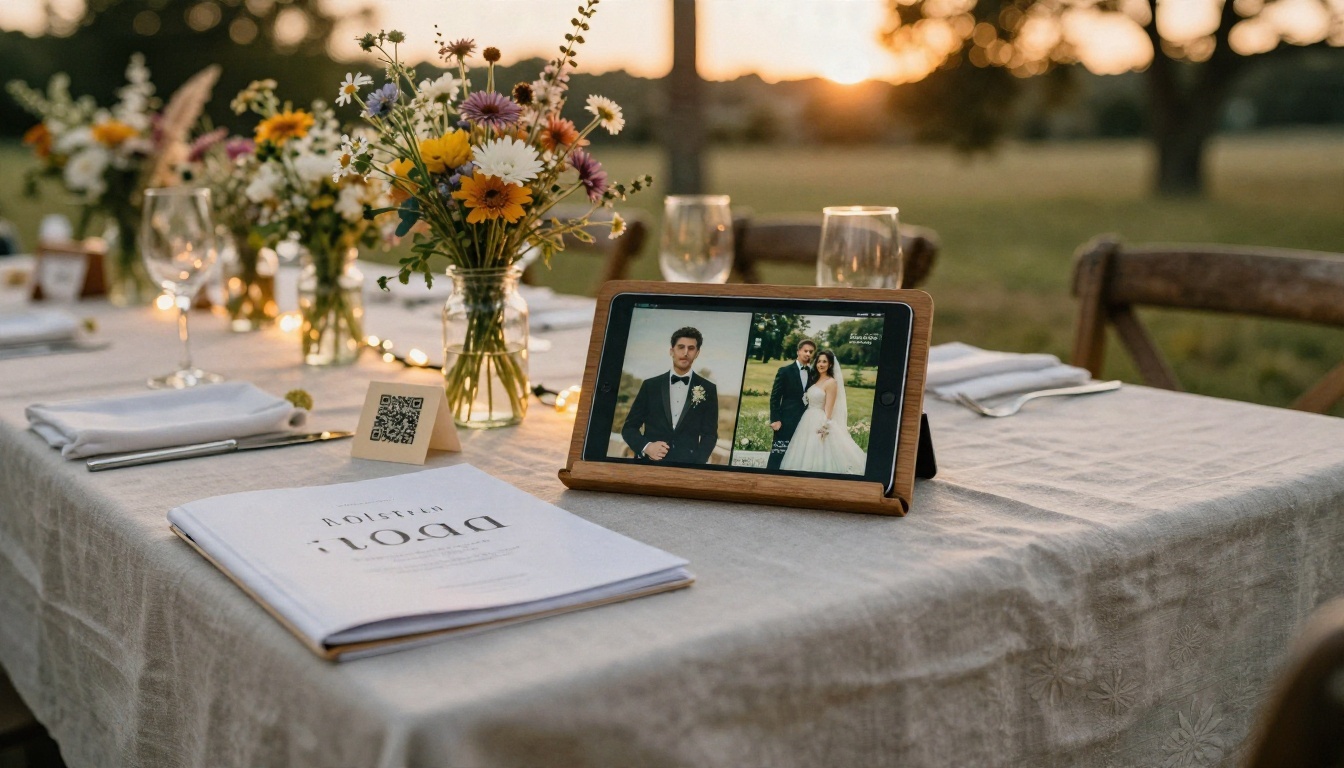
- Publish and share. Copy the link, generate a QR code, or grab an embed code for your wedding website.
What to Customize First
- Background color: Match your invitations for a cohesive feel.
- Logo or monogram: Place it in the corner for a subtle touch.
- Page effect: Soft page curls feel romantic. Skip anything that looks flashy.
- Mobile view: Preview on your phone first, since most guests will open it there.
Flipbooks AI never adds watermarks, so the book looks like yours alone. For details on plan limits, see the pricing page.
⚠️ Warning: Do not upload photos with other people's private information in the background, like visible addresses or license plates, if you plan a public link.
Guest Sharing Without the Chaos
Sharing is where most couples stumble. A great book that nobody opens is just a file. Pick the method that fits each group of people.
QR Codes on Paper
Print a small QR code on your thank you cards, on a table sign, or on the back of the wedding program. If you are planning one, the Event Program Maker can help you build a program that links straight to the book. Guests scan, the book opens, and no one needs to type a long URL.
Direct Links in Messages
For the wedding party and immediate family, a direct link in a group chat is the fastest route. Send it a few days after the wedding while memories are still fresh.
Password Protection for Privacy
If your wedding includes children, public figures, or sensitive family situations, use a password. Tell guests the password in the same message as the link, such as the wedding date or a nickname for the couple.
Embedding on a Wedding Website
Many couples already have a wedding site for the RSVP. Add the book to it with the Embed Flipbook on Website option and everything lives in one spot.
Sharing Methods Compared
| Method | Effort | Privacy | Best For |
|---|
| QR code on stationery | Low | Medium | Large guest lists |
| Direct link in chat | Very low | Low | Close family and friends |
| Password protected link | Low | High | Private or sensitive weddings |
| Embedded on website | Medium | Medium | Couples with a wedding site |
| Offline download | Low | High | Grandparents with poor internet |
✅ Best practice: Offer an offline download for older relatives who may have a weak connection. They can open the file once and keep it forever.
Real World Examples
- A couple married in Portugal sent a 24 page flip book to 60 relatives overseas. Every guest opened it on a phone, and several replied with their own photos, which were added in a second edition.
- A photographer replaced a gallery link with a branded 40 page delivery book. Clients forwarded it to relatives, which brought in two new inquiries the following month.
- A maid of honor built a surprise 12 page book of toasts and candid moments and gave it to the couple on their first anniversary.
- A planner assembled a vendor recap book with credits, floral photos, and a thank you page for each supplier, which became a handy portfolio piece.
Mistakes to Avoid
Too Many Photos
Two hundred photos in a row exhausts the reader by page ten. Choose the best 60 to 90 and let each one breathe.
Tiny Text
Phone screens are small. Keep body text at 14 pt or larger in your PDF and test on a real phone before you publish.
Ignoring Page Rhythm
A book of only grids feels like a spreadsheet. A book of only full bleeds feels like a slideshow. Mix them.
Skipping the Preview
Always flip through the entire book before sharing. A misplaced spread or a blurry photo is much easier to fix before eighty people see it.
Forgetting the Thank You
End with a simple page of thanks. It costs nothing, and it is the page guests remember.
Ready to Build Yours?
A wedding flip book takes an afternoon to make and lasts for decades. Pick a blueprint from above, design your pages, and convert your PDF.
Your photos deserve better than a forgotten folder. Give them pages.



