You have 2,000 photos from the best day of your life, and they are sitting in a shared folder that nobody opens. That is the real problem wedding photo album software solves. A good tool turns a pile of files into a story people actually want to flip through, on a phone, a laptop or a printed page. In this article we compare free options, online sharing methods, design features and real pricing, and we show how a flipbook platform like Flipbooks AI fits into the picture.
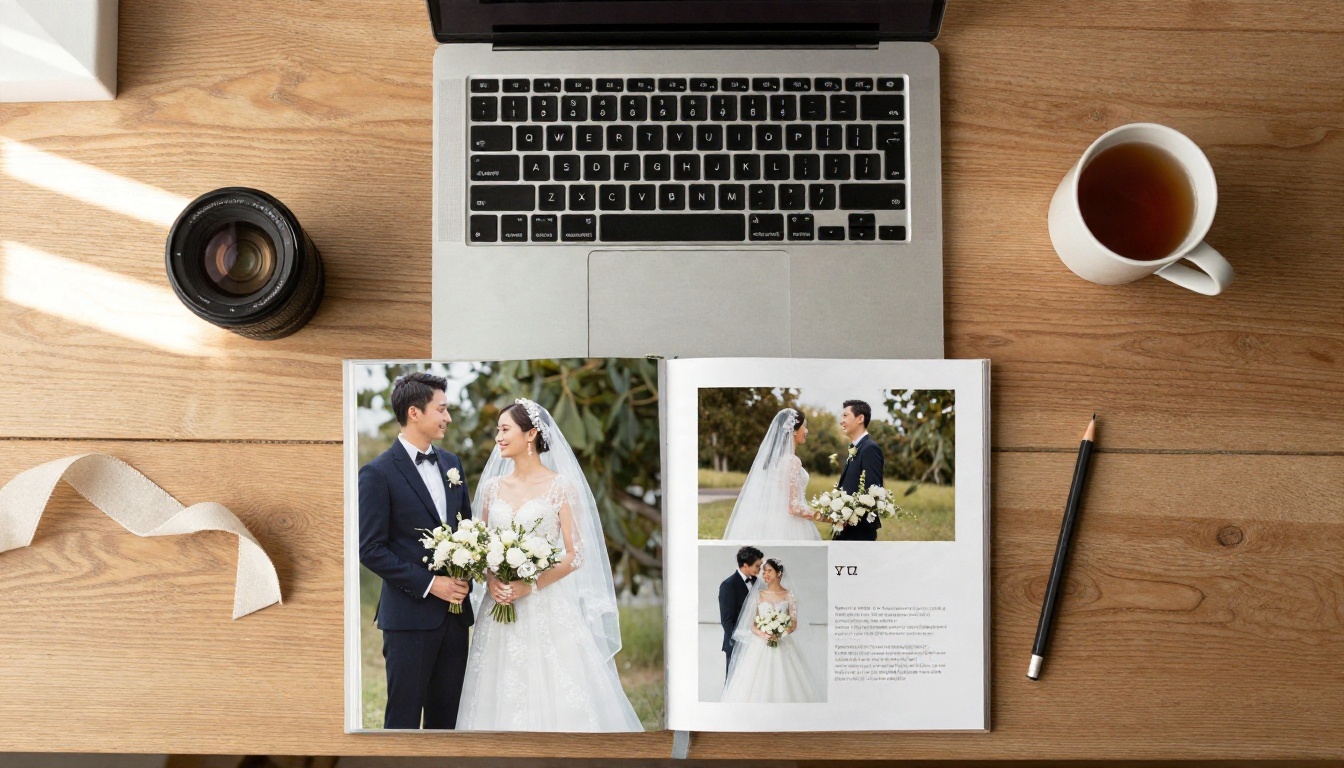
What Wedding Album Software Does
At its simplest, wedding album software lets you place photos on pages, add captions, and export the result as a printable file, a web gallery or an interactive book. The better tools also handle page layouts, bleed and margin settings, color profiles and sharing permissions.
There are three broad families of tools:
- Desktop layout apps that work offline and give you full control over spreads.
- Online album builders that run in the browser and often connect directly to a print lab.
- Flipbook platforms that convert a finished PDF or image set into a page-turning digital album you can share with a link.
Which one is right depends on what you want at the end. If you want a leather-bound printed book, a lab-connected builder makes sense. If you want everyone, including relatives overseas, to see the album within minutes, a flipbook is hard to beat.
💡 Pro tip: Decide the final format before you choose software. A printed album and a digital album have different resolution, margin and page count needs.
Who Needs It
- Couples who want a keepsake without hiring a designer.
- Wedding photographers who deliver albums as part of a package.
- Planners and venues who show sample albums to prospective clients.
- Family members assembling a gift album for the newlyweds.
Digital, Print or Both
Many couples now make both. A digital version appears in the inbox a week after the wedding, and the printed book arrives a few months later. We recommend this approach because it removes the pressure of waiting for the perfect print.
Free Options Worth Trying
Free does not have to mean poor. Several free routes can produce a clean album, as long as you know their limits.
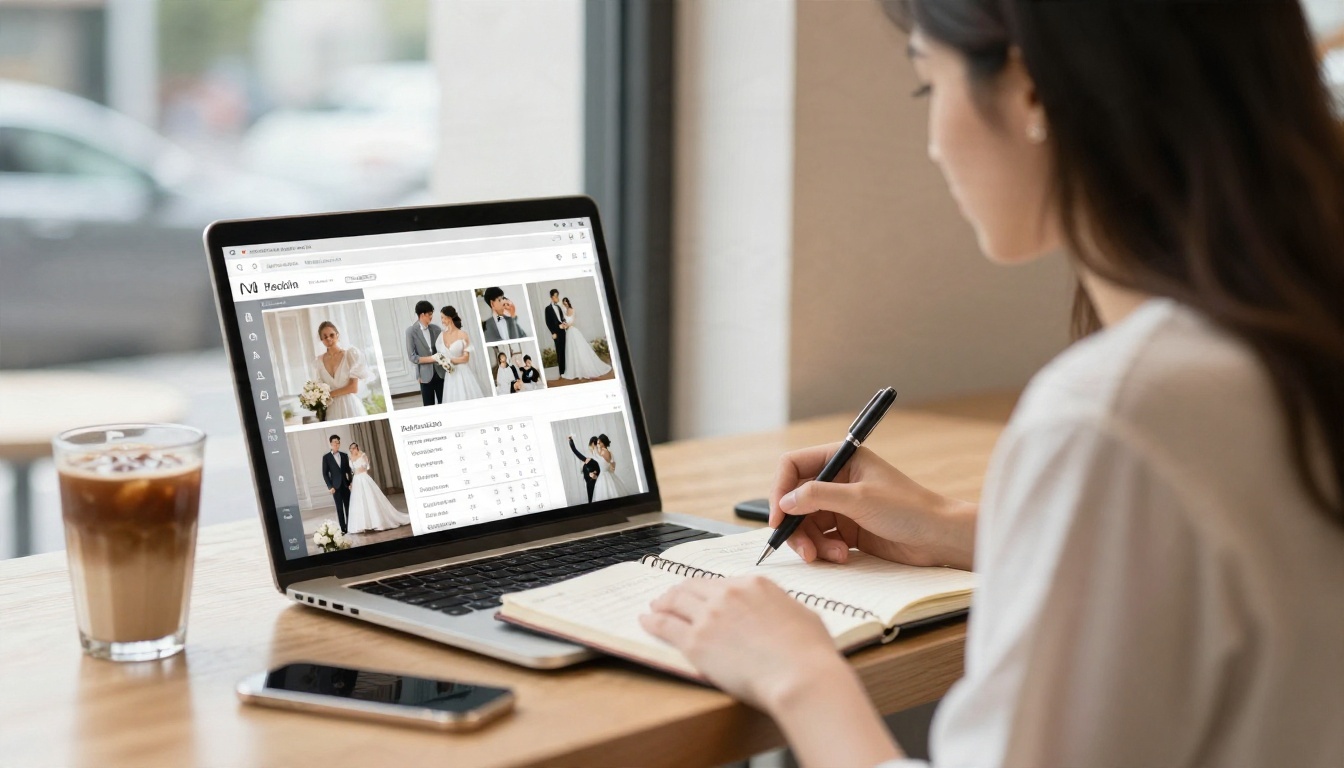
Built-In and Browser Tools
Your computer or phone probably already has a basic photo app with album and slideshow features. Browser-based design editors also offer free tiers with photo book templates. The trade-offs are usually small export limits, a watermark on higher quality files, or a prompt to buy a print.
Free Tiers of Dedicated Builders
Many online album builders let you design for free and only charge when you order a print or export in high resolution. That is fair, but read the terms. Some limit you to a handful of pages or lock the PDF download behind a paid plan.
Free Plus a Flipbook Converter
A smart low-cost workflow looks like this: design the pages in any free editor, export a PDF, then convert it with a PDF to Flipbook Converter. You get realistic page turning and a shareable link without paying for a full album suite.
| Free Route | Best For | Typical Limit |
|---|
| Phone or desktop photo app | Quick slideshows | Basic layouts only |
| Free tier of browser design editor | Simple photo books | Watermark or export cap |
| Free tier of album builder | Print-first couples | Pay at print or HD export |
| Free editor plus flipbook converter | Digital sharing | Needs a finished PDF |
⚠️ Watch out: Always check whether a free tool claims any rights over your uploaded photos. Wedding images are personal, and the terms should say they remain yours.
Online Sharing That Actually Works
Beautiful design is wasted if grandma cannot open the file. Sharing is where many album projects fall apart.

Links, QR Codes and Embeds
The most practical sharing methods are:
- A direct link sent by message or email.
- A QR code printed on a thank-you card or the back of a seating chart.
- An embed placed on your wedding website, so the album sits right beside the story of how you met. Here the Embed Flipbook on Website tool is useful.
Privacy and Passwords
Wedding photos often include children, drinks and candid moments that you do not want indexed by a search engine. Look for password protection, unlisted links and the option to disable downloads.
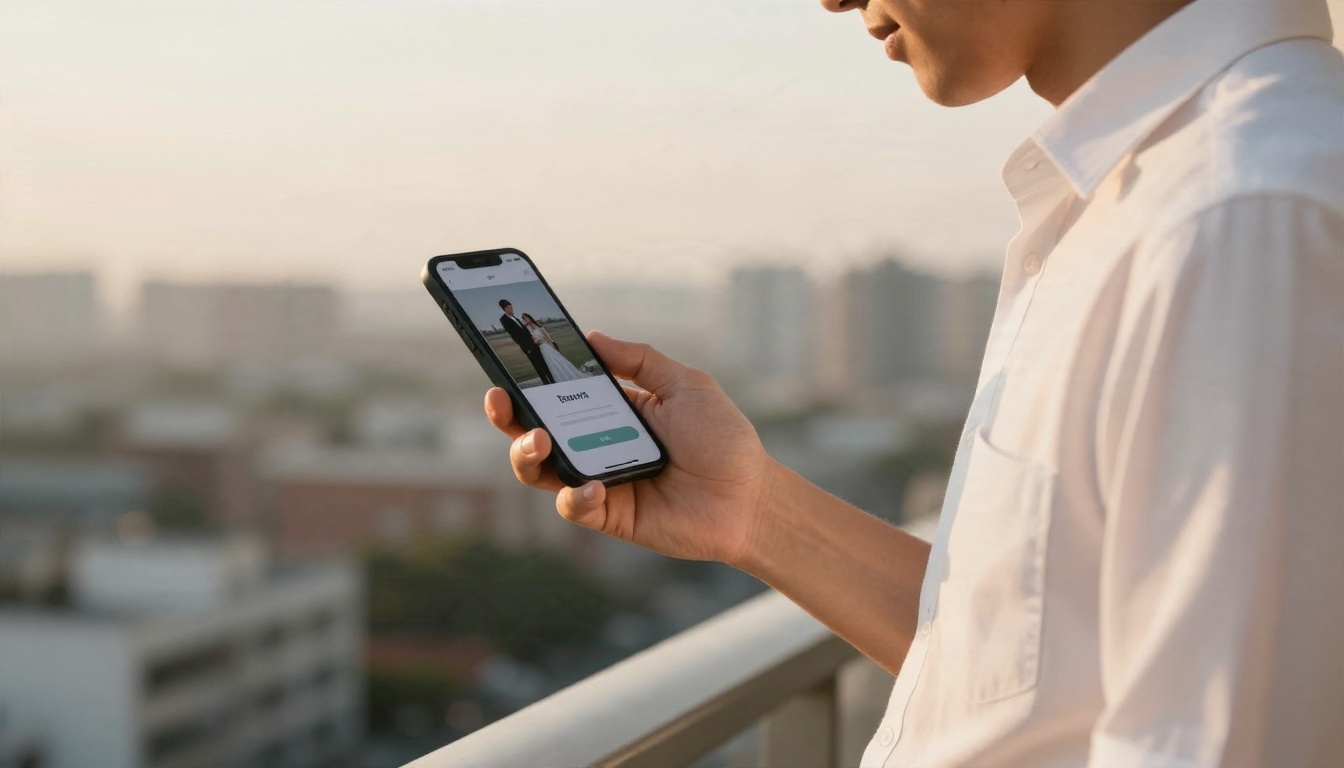
Mobile Experience
Most guests will open your album on a phone. Test it yourself on a small screen before sending it to anyone. Pinch to zoom should work, text should stay readable, and pages should load in a second or two, not ten.
| Sharing Method | Privacy | Effort | Best Audience |
|---|
| Public gallery link | Low | Very low | Close friends |
| Password-protected flipbook | High | Low | Family and wedding party |
| Embed on wedding site | Medium | Medium | Wider guest list |
| Printed QR code | Medium | Low | Older relatives |
| Email attachment (PDF) | High | Low | Small groups, but heavy files |
Design Features That Matter
Feature lists can be long and confusing. Focus on the ones that change how the album looks and feels.
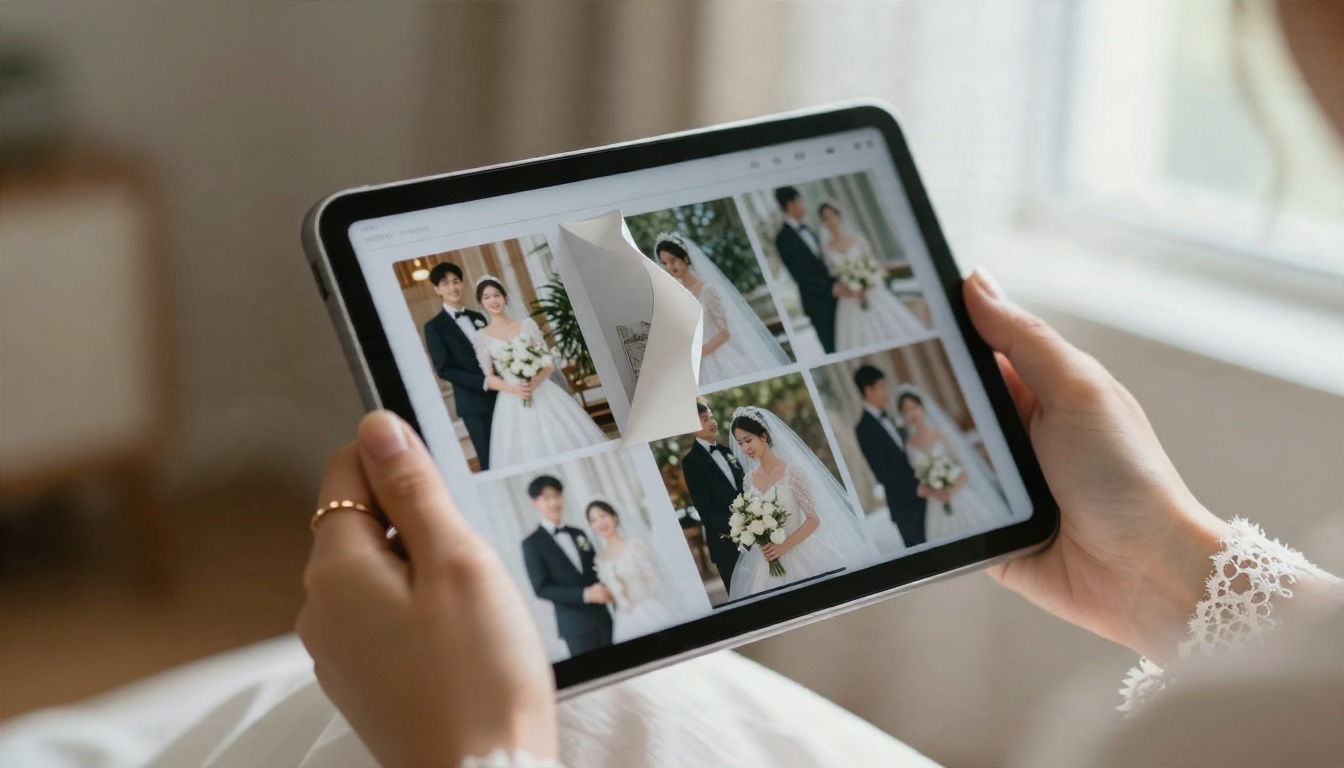
Layouts and Templates
Good templates give you a variety of spreads: full-bleed hero photos, grids of six or eight candid shots, and simple one-photo pages with generous white space. Avoid tools that force every page into the same grid, because the album will feel repetitive by page ten.
Typography and Captions
A short caption beneath a photo, such as the vow reading or the first dance song, adds meaning. Choose one serif font for titles and one clean sans-serif for captions. Two fonts is enough.
Page Effects and Multimedia
For digital albums, page-turn animation makes the experience feel physical. Some tools also let you embed audio (your first dance song) and short video clips (the confetti exit). That is where a flipbook beats a static PDF.

Print Readiness
If you plan to print, confirm these settings before you design:
- Resolution of at least 300 DPI at final print size.
- Bleed of about 3 mm on each edge.
- Safe margin so faces and text are not trimmed or lost in the binding.
- Color profile that matches your print lab.
✅ Best practice: Never place faces across the center fold of a lay-flat spread unless the album is truly seamless. Keep important details at least 10 mm from the gutter.
| Design Feature | Why It Matters | Free Tools Usually Offer It? |
|---|
| Custom page sizes | Matches print lab specs | Sometimes |
| Full-bleed photos | Dramatic opening spreads | Yes |
| Custom fonts | Matches invitations | Limited |
| Audio and video embeds | Brings the day to life | Rarely |
| Page-turn animation | Feels like a real book | Rarely |
| Branding and logo | Useful for photographers | Paid plans |
Real Pricing Compared
Prices change often, so treat the ranges below as typical market behavior, not a quote. Always confirm on the vendor's site before you commit.
Software Cost vs. Print Cost
People often forget that software and printing are separate costs. A browser tool might be free, but a premium hardcover with lay-flat pages can cost far more than any subscription. A digital flipbook, in contrast, has no per-copy cost, so sending it to 200 guests costs nothing extra.
| Option | Typical Software Cost | Per-Copy Cost | Notes |
|---|
| Free browser editor | Free | Print fee per book | Watermarks possible |
| Album builder with print lab | Free to low monthly fee | Mid to high | Convenient ordering |
| Desktop pro layout software | One-time or monthly license | Depends on lab | Best for photographers |
| Flipbook platform | Monthly or annual plan | None for digital copies | Easy unlimited sharing |
Hidden Costs to Watch
- Export fees for high-resolution PDFs.
- Storage limits that remove old albums after a year.
- Shipping and tax added at checkout.
- Re-order fees if you want extra copies for parents.
For current plan details on the flipbook side, see the Flipbooks AI pricing page.
Build Your Album With Flipbooks AI
If your priority is a beautiful, shareable digital album, this workflow takes under an hour. Flipbooks AI offers a dedicated Wedding Album Flipbook tool designed for exactly this case.
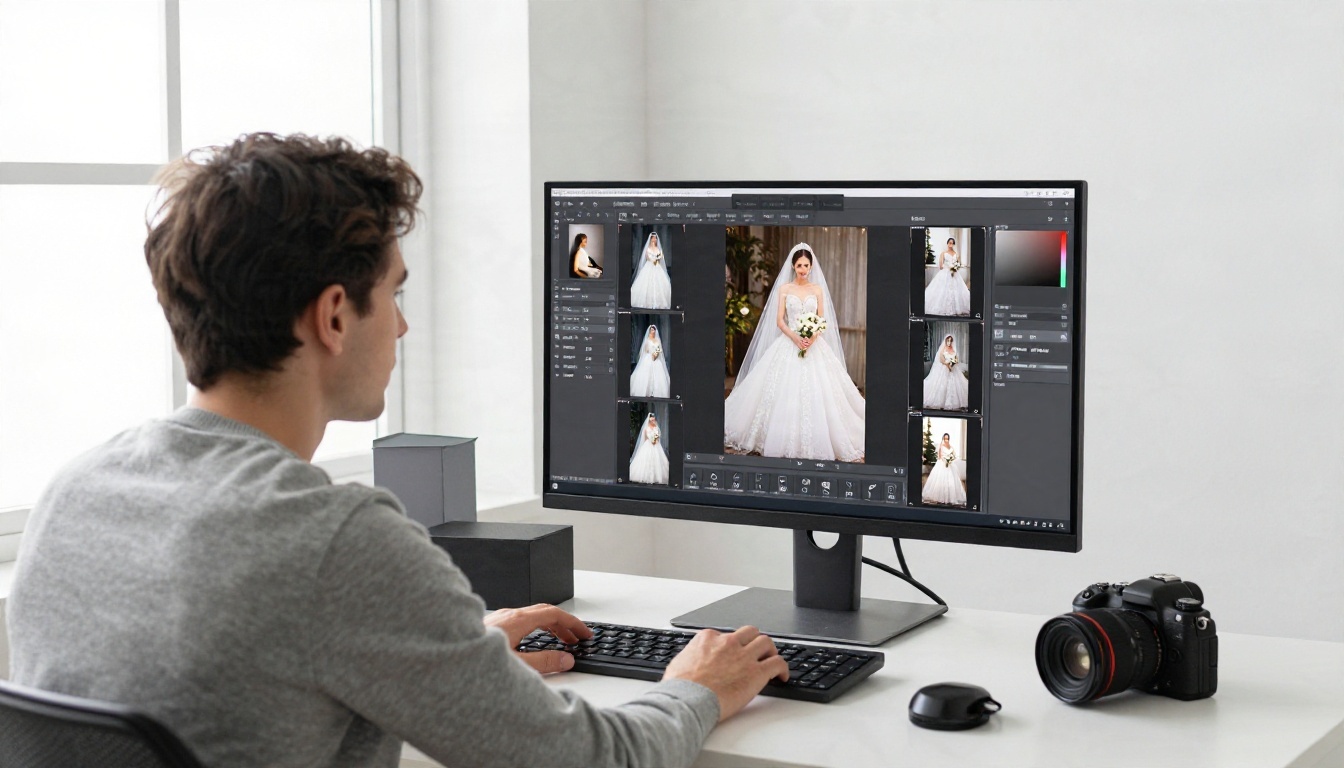
Step-by-Step Tutorial
- Create an account. Go to Flipbooks AI and sign up. You can start with a free account to test the workflow.
- Prepare your PDF. Design the album in any layout tool and export a PDF. Use spreads for a book feel, or single pages for a simple gallery.
- Upload and convert. Upload the PDF. The platform converts each page into a flip-ready page automatically, and no watermarks are added.
- Customize the look. Choose a background color that matches your wedding palette, add your logo or monogram, and pick a page-turn effect and sound.
- Add multimedia. Embed your first dance song or a short ceremony clip right into the pages.
- Set sharing options. Copy the direct link, grab the embed code for your wedding website, or turn on password protection for private viewing.
- Check it on mobile. The design is mobile-responsive, but open it on a phone and tablet anyway.
- Send it out. Share the link with your wedding party first, collect feedback, then send it to the full guest list.
💡 Pro tip: Send the album with a short note, such as "Tap the right edge to turn the page." Older relatives will thank you.
Analytics and Offline Extras
On higher plans you can see how many people opened your album and which pages they viewed. Photographers use this to follow up with clients and measure interest. Other useful extras include offline downloads, so the album can be viewed without a connection, and lead generation forms for businesses. These features sit on the Professional plan, so check the plan comparison before you pick.
| Feature | Free Account | Standard | Professional |
|---|
| PDF to flipbook conversion | Yes | Yes | Yes |
| No watermarks | Yes | Yes | Yes |
| Unlimited flipbooks | Limited | Yes | Yes |
| Password protection | Check plan | Yes | Yes |
| Analytics and lead capture | No | No | Yes |
| Offline downloads | Check plan | Check plan | Yes |
Real-World Scenarios
Here is how different people put this software to work.
The Budget Couple
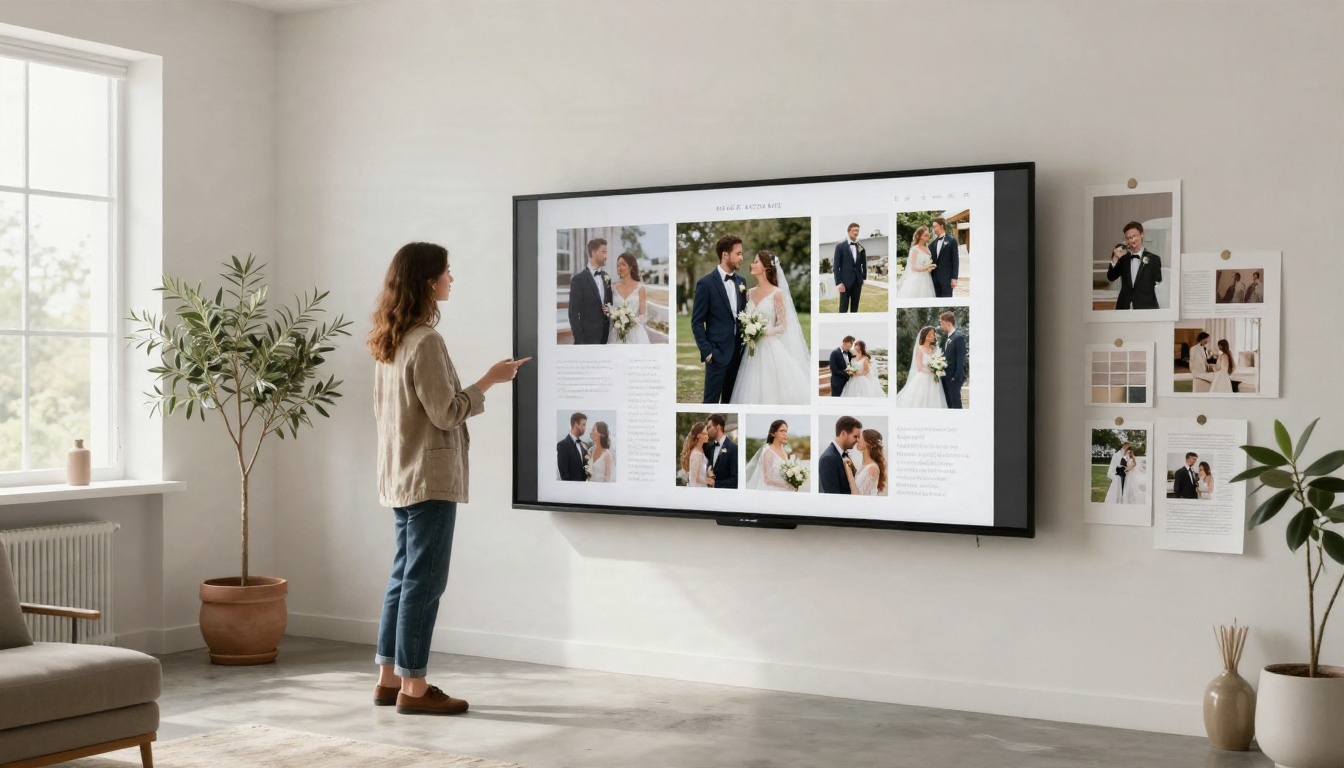
A couple designs the album themselves in a free editor, exports a PDF, converts it into a flipbook, and shares a password-protected link with 80 guests. Total software cost: close to zero. They order one printed book later for their living room.
The Wedding Photographer
A photographer delivers a branded digital album within a week of the event. Clients forward the link to relatives, and each open is a quiet advertisement. The photographer can also build a showcase with the Photography Portfolio tool and link to it from their website.
The Planner or Venue
A planner keeps three sample albums online, each themed differently: rustic, modern and beach. During consultations, the planner opens the right one on a tablet and the couple sees exactly what is possible. For a planner, event program flipbooks are a natural companion for the day itself.
The Family Gift
Siblings gather photos from every phone, build one album, and surprise the couple on their first anniversary. Because it is a link, it can include photos from guests who were not in the official shoot.
Mistakes to Avoid
- Using too many photos. Aim for 40 to 80 curated images, not 400. A tight album gets finished and shared.
- Ignoring file size. Huge PDFs load slowly on mobile. Compress images sensibly.
- Skipping the proofread. Check names, dates and place spellings twice.
- Forgetting backups. Keep the original PDF and photos in two places.
- Choosing software by price alone. A free tool that wastes ten hours is not free.
⚠️ Warning: If you collect guest photos, ask permission before including them. Credit the photographer in a caption where possible.
The best wedding photo album software is the one you will actually finish with. Use a free editor if budget is tight, a lab-connected builder if print is your goal, and a flipbook platform if you want fast, private, interactive sharing. Many couples combine all three.
Ready to see your photos turn into a page-turning album? Create your free account on Flipbooks AI, browse all flipbook tools and templates, or compare pricing plans to choose what fits your budget.



