Your guests have been celebrating for three hours, the toasts are about to start, and half the room is asking the same question: "When do we eat?" A clear wedding program for reception answers that before anyone has to ask. It tells people what happens, when it happens, and who is speaking, so the night feels relaxed instead of improvised. In this article you will get a realistic timeline, the standard order of events, layout examples and a free template. You will also see how to turn the finished design into a shareable digital program with Flipbooks AI, so guests can open it on their phones in seconds.
What a Reception Program Does
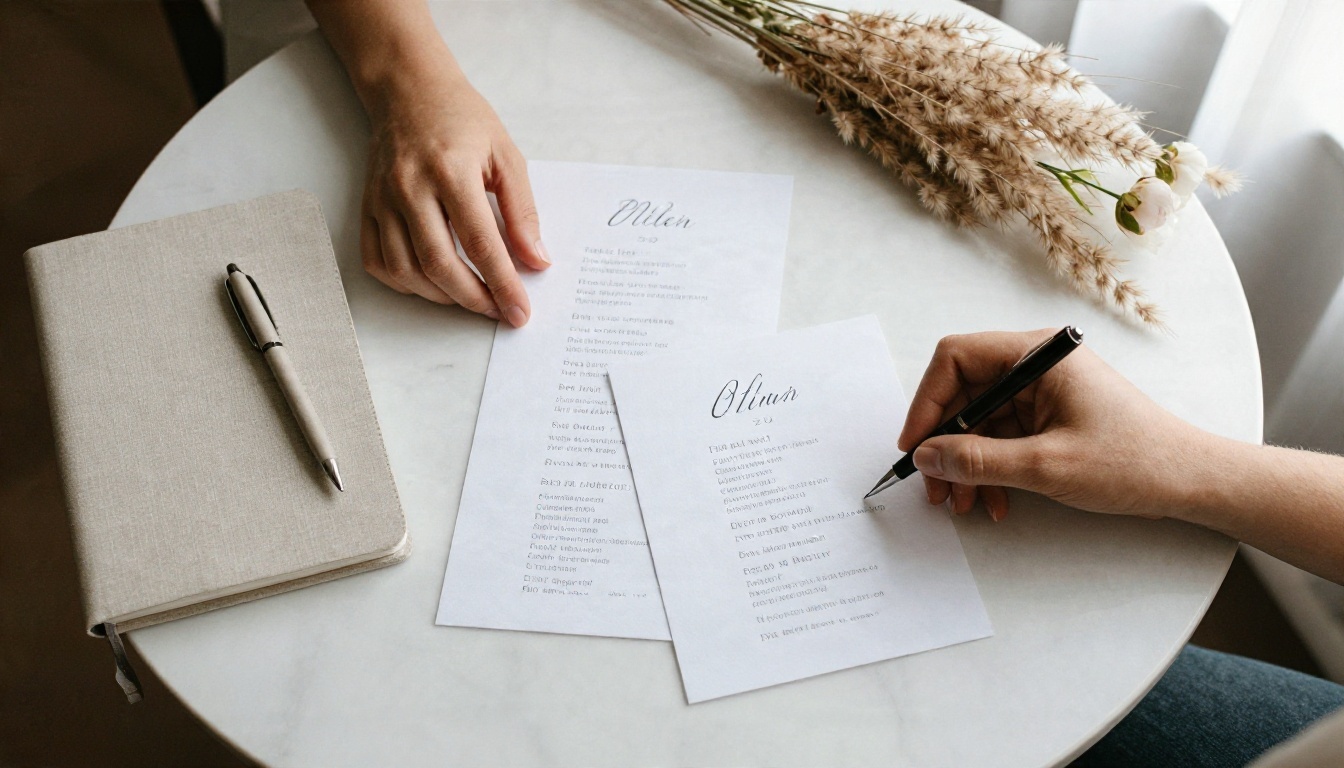
A reception program is a short document, usually one page or a folded card, that lays out the evening. It lists the main moments (grand entrance, dinner, toasts, first dance, cake cutting, send-off) with approximate times and the names of the people involved.
It is not a replacement for your ceremony program. It is a companion piece, and it has a different job.
Ceremony Program vs Reception Program
| Feature | Ceremony Program | Reception Program |
|---|
| Main purpose | Explain the vows, readings and music | Show the flow of the party |
| Typical length | 1 to 2 pages | 1 page or a half-page card |
| Names listed | Officiant, readers, wedding party | Emcee, speakers, DJ, band |
| Times included | Rarely | Almost always |
| Extras | Order of service, memorial note | Menu, bar notes, hashtag, thank-you |
| When guests read it | Before the ceremony starts | During cocktail hour and dinner |
💡 Pro tip: If you already have a ceremony program, keep the same fonts, colors and paper tone. Guests will read the two pieces as one set.
Why It Saves Your Evening
- Fewer questions for the wedding party. Your bridesmaids stop being the information desk.
- Better toasts. Speakers know their slot and keep it short.
- Happier vendors. The DJ, photographer and caterer all work from the same sequence.
- Older relatives feel included. They know when to expect the dancing and can plan their energy.
Standard Reception Order of Events
Every couple builds their own evening, but most receptions follow a similar arc. Here is the sequence that appears in the majority of programs.
| Order | Moment | Typical Length | Notes |
|---|
| 1 | Cocktail hour | 60 minutes | Photos with family often happen here |
| 2 | Guests seated | 10 minutes | Escort cards or a seating chart help |
| 3 | Grand entrance | 5 minutes | Introduced by the emcee or DJ |
| 4 | Welcome and blessing | 5 minutes | Optional, often by a parent |
| 5 | Dinner service | 60 to 75 minutes | Plated, buffet or family style |
| 6 | Toasts | 15 to 20 minutes | Best man, maid of honor, parents |
| 7 | First dance | 4 minutes | Followed by parent dances |
| 8 | Cake cutting | 10 minutes | Often right before dessert |
| 9 | Open dancing | 90 to 120 minutes | Include a bouquet toss if wanted |
| 10 | Last dance and send-off | 15 minutes | Sparklers, bubbles or a car exit |
Cocktail Hour and Grand Entrance
Cocktail hour is the buffer of the night. Guests mingle, snack and look at the program for the first time. Use this window to finish family portraits, because the couple is usually pulled away from the party.
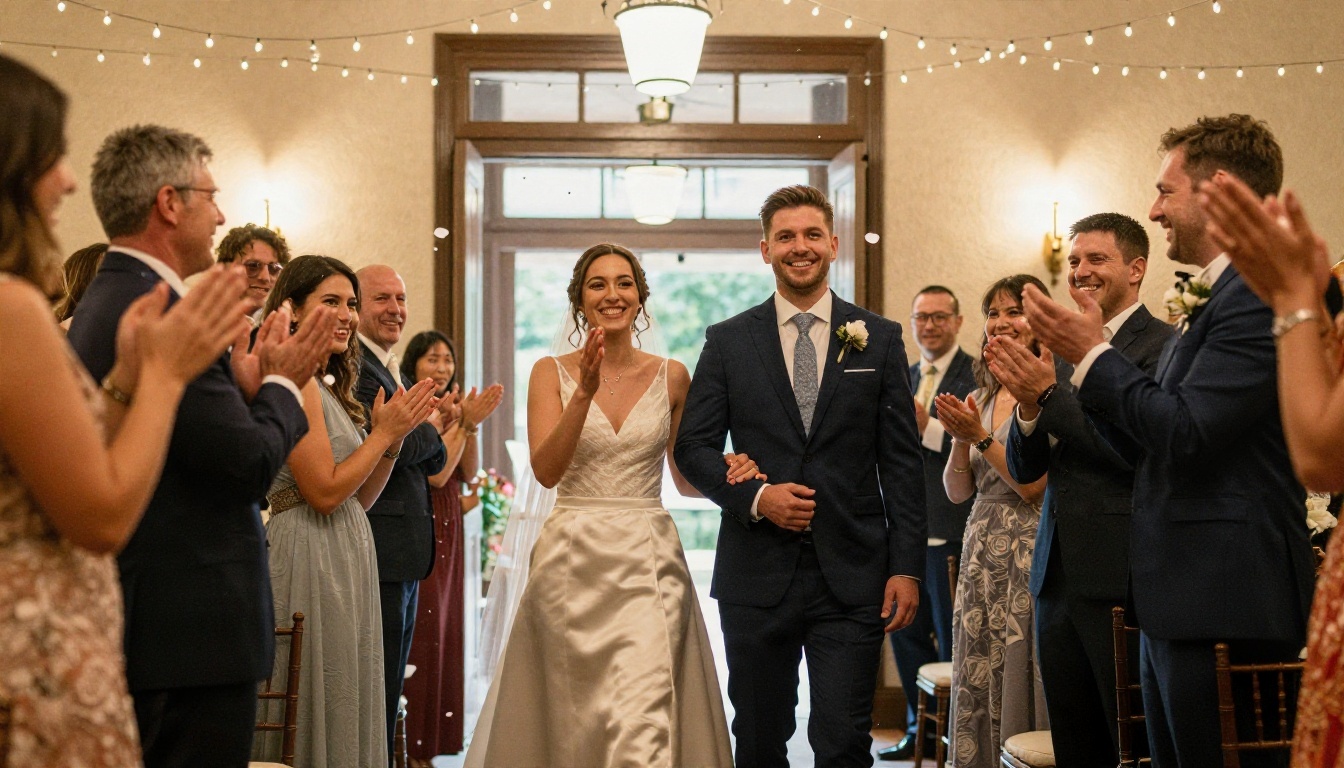
The grand entrance is the official start of the reception. The emcee announces the wedding party, and the couple walks in last. If you want a surprise, list it simply as "Introductions" and keep the names off the printed page.
Dinner, Toasts and Cake
Dinner is where the program does the most work. Guests are seated, hungry and reading. Put the menu and the toast order on the same page so people know what to expect while they wait for the first course.
A few timing rules that experienced planners rely on:
- Start toasts after everyone has been served, or during the salad course for a large guest list.
- Cap each speech at three minutes.
- Cut the cake after dinner is cleared, so the dessert service can begin right away.
Dances, Party and Send-Off
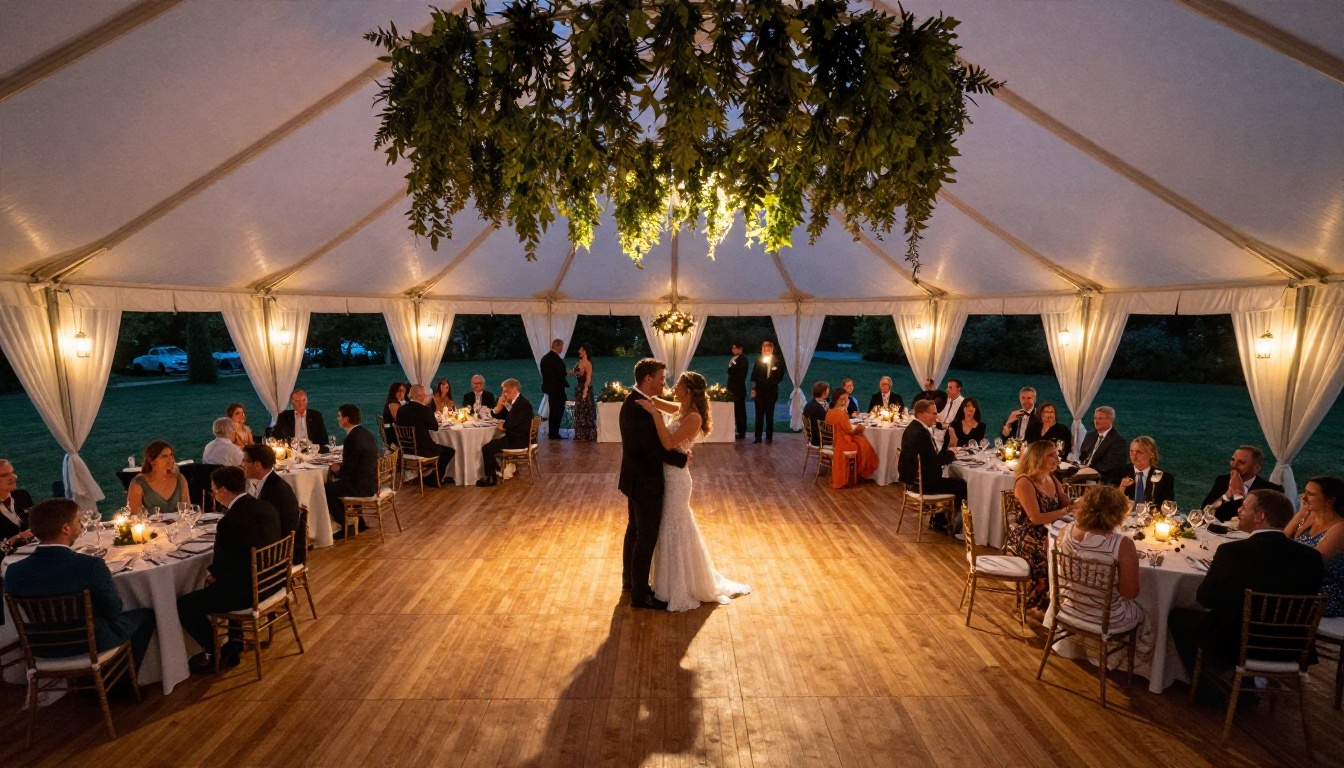
After dinner, the energy shifts. The first dance opens the floor, and parent dances follow. Then the DJ or band takes over for open dancing.
⚠️ Watch out: Do not schedule the send-off with an exact minute on the printed page. Write "Evening send-off" and let the emcee call it when the room is still lively.
A Sample Timeline You Can Copy
Here is a full example for a Saturday evening reception that begins right after a 4:00 PM ceremony. Adjust the clock times to match your venue.
Five-Hour Evening Reception Example
| Time | Event | Who Leads |
|---|
| 5:00 PM | Cocktail hour begins | Caterer |
| 6:00 PM | Guests invited to be seated | Emcee |
| 6:10 PM | Grand entrance | DJ |
| 6:15 PM | Welcome and blessing | Parent of the couple |
| 6:25 PM | Dinner served | Caterer |
| 7:25 PM | Toasts | Best man, maid of honor |
| 7:45 PM | First dance and parent dances | DJ |
| 8:00 PM | Cake cutting | Photographer cues |
| 8:15 PM | Open dancing | DJ |
| 9:45 PM | Bouquet toss and garter | Emcee |
| 10:00 PM | Last dance | DJ |
| 10:15 PM | Send-off | Wedding party |
Adjusting for Shorter Receptions
Not every couple has five hours. If your venue closes early or your budget is tight, use these adjustments.
- Three-hour reception: Shorten cocktail hour to 45 minutes, merge the welcome and toasts, and skip the bouquet toss.
- Brunch reception: Move cake cutting to the end of the meal, and replace open dancing with a short playlist set.
- Micro wedding (under 30 guests): Print a half-page card with only the meal, the toasts and the first dance.
✅ Best practice: Build a 10-minute buffer between the grand entrance and dinner. Something always runs late, and the buffer absorbs it quietly.
Reception Program Examples
The format you choose depends on your guest count, your budget and how much information you want to share. Below are the three layouts couples pick most often.
The Classic Printed Card
A single flat card, 4 by 9 inches, placed on each plate or napkin. It fits a short timeline, a few names and a thank-you line. It looks elegant, but it cannot be updated once it is printed. If your DJ changes the song list at the last minute, the card is already out of date.
The Interactive Digital Flipbook
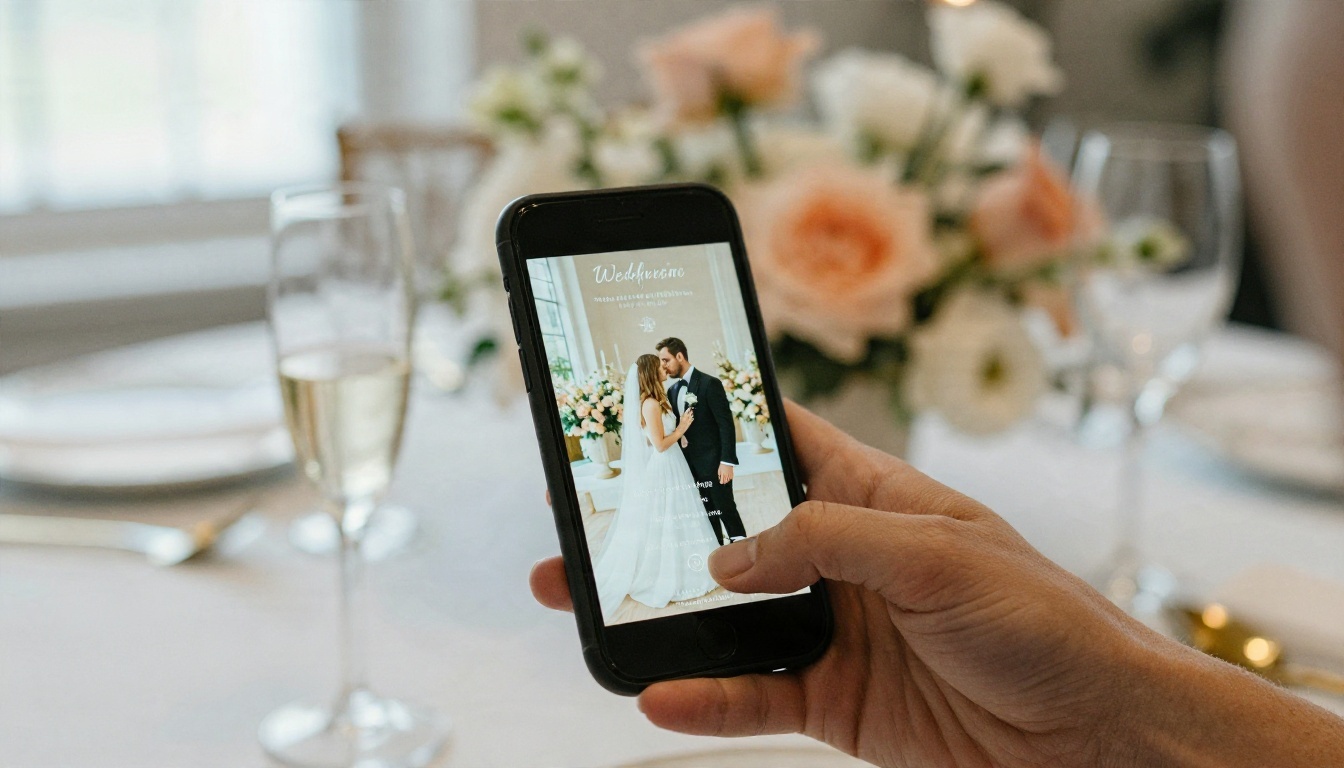
A flipbook is a page-turning online document that opens on any phone. Guests scan a QR code on the table, and the program appears with smooth page effects. You can include photos of the wedding party, a map, the menu and the playlist link. Because it is digital, you can fix a typo on the morning of the wedding and everyone sees the new version.
The Event Program Maker was built for this kind of document, and it runs on the same engine as the PDF to Flipbook Converter.
The Mini Program with Menu
A trifold or a small booklet that combines the timeline, the dinner menu and a short note from the couple. It costs more to print, but guests keep it as a memento. It suits plated dinners where the menu is a feature of the night.
Format Comparison
| Feature | Printed Card | Digital Flipbook | Mini Booklet |
|---|
| Cost per guest | Low | Almost none | Medium to high |
| Last-minute edits | Not possible | Instant | Not possible |
| Photos and video | Limited | Unlimited | Limited |
| Eco impact | Paper waste | Minimal | Paper waste |
| Works for remote guests | No | Yes | No |
| Keepsake value | Medium | High (shareable link) | High |
| Setup time | 1 to 2 weeks | 1 to 2 hours | 2 to 3 weeks |
Many couples mix formats. They print a small card for each table and share the full digital program for anyone who wants the extra details.
Free Template Wording
Use the text below as a starting point. Replace the brackets with your own names and times, then drop it into Canva, Word or any design tool and export it as a PDF.
Copy-and-Paste Template
[Partner One] and [Partner Two]
Wedding Reception
[Date] at [Venue Name]
Cocktail Hour, [Time]
Drinks, appetizers and lawn games
Grand Entrance, [Time]
Please welcome Mr. and Mrs. [Last Name]
Welcome and Blessing, [Time]
[Name of speaker]
Dinner, [Time]
[Starter] / [Main option 1] / [Main option 2] / [Dessert]
Toasts, [Time]
[Name], [Role]
[Name], [Role]
First Dance, [Time]
"[Song Title]" by [Artist]
Cake Cutting, [Time]
Open Dancing, [Time]
Music by [DJ or Band Name]
Send-Off, [Time]
Thank you for celebrating with us
Share your photos with #[YourHashtag]
Wording for Special Moments
Some moments deserve their own line. A few phrases that read well on paper:
- Cultural traditions: "A Tea Ceremony honoring our families" or "The Hora, led by our friends and cousins".
- Memorial note: "A seat is reserved in memory of [Name], who is always with us."
- Dietary note: "Please ask your server about vegetarian, vegan and gluten-free options."
- Thank-you: "Your presence is the best gift we could ask for."
💡 Pro tip: Keep each line under 10 words. A guest glances at the program between conversations, and short lines get read.
Create Your Program with Flipbooks AI
Once your template is ready as a PDF, turning it into a digital program takes only a few minutes. Here is the process I recommend.
Step 1: Upload Your PDF
- Open Flipbooks AI and create an account.
- Click the upload button and select your reception program PDF.
- The platform converts each page into a flipbook automatically, so there is no layout work to redo.
You can also start from the Wedding Album Flipbook tool if you want to add your photos right after the program.
Step 2: Customize the Look
- Branding and colors: Match your wedding palette so the flipbook feels like part of the day.
- Page effects: Choose a soft page-turn animation for an elegant, paper-like feel.
- Multimedia: Embed a short video message, a song preview or an audio greeting for guests.
- Mobile layout: The design adapts to phone screens, which is where most guests will read it.
Step 3: Share It with Guests
| Sharing Option | Best For | How Guests Use It |
|---|
| Direct link | Text messages and group chats | Tap and read |
| QR code on table cards | Reception tables | Scan with a phone camera |
| Embed code | Your wedding website | Read inside the page |
| Password protection | Private guest lists | Enter the code from the invitation |
For the website option, the Embed Flipbook on Website tool gives you a ready-to-paste snippet. And because there are no watermarks, ever, the finished piece looks like yours alone.
Step 4: Use Pro Features Wisely
Higher plans add tools that wedding planners and venues find useful:
- Analytics: See how many guests opened the program and which pages they viewed.
- Lead generation: Planners can add a contact form on the last page and collect inquiries from engaged couples in the room.
- Offline downloads: Guests with weak venue reception can save the program ahead of time.
Compare options on the pricing page. The Standard plan and above include unlimited flipbooks, which is handy if you also want a separate ceremony program, a rehearsal dinner schedule and a thank-you album.
✅ Best practice: Test the QR code on both iPhone and Android before you print the table cards. Do it in the venue lighting if you can.
Common Mistakes to Avoid
Most program problems are small, and every one of them is avoidable.
| Mistake | Why It Hurts | Quick Fix |
|---|
| Exact times to the minute | Delays make the page look wrong | Use rounded times or "approx." |
| Too much text | Guests skim and miss details | Keep each line short |
| Tiny fonts | Older guests cannot read it | Use 10 pt minimum, ideally 12 |
| Forgetting the emcee's name | Confusion about who runs the room | List the DJ or emcee clearly |
| No dietary note | Guests with allergies feel unsure | Add a one-line request |
| Typos in names | Embarrassing and permanent in print | Have two people proofread |
| Printing too early | Late changes cannot be fixed | Use a digital version as a backup |
A few more habits that help:
- Share the draft with your venue coordinator and DJ at least two weeks ahead.
- Confirm the spelling of every name with the person themselves.
- Keep one master copy of the PDF so every version matches. Label it with the date.
- Add your wedding hashtag only once, near the bottom, so it does not clutter the page.
Ready to Build Yours?
A good reception program is simple. It lists the moments, respects your guests' time and looks like the rest of your wedding. Start with the template above, adjust the timeline to your venue, then decide whether you want ink on paper, a pixel-perfect digital page, or both.
If you want the digital route, get started for free on Flipbooks AI and upload your PDF today. Browse all flipbook tools to find layouts for your ceremony, your rehearsal dinner and your photo album. When you are ready for analytics, offline downloads and lead capture, review the plans and pricing and choose what fits your event.
Your guests will not remember every line of the program. They will remember that the night felt effortless, and the right program is how you get there.



