You have the venue, the flowers and the playlist. Then someone asks what size the wedding programs should be, and suddenly you are staring at a dozen formats, three paper weights and a printer asking about bleed. The good news: only a handful of sizes are truly standard, and each one suits a specific kind of ceremony. This article walks through the dimensions that work, the print specs your printer will want, and a modern extra that more couples are adding: an online version built with Flipbooks AI that guests can open on their phones.
By the end, you will know which size fits your ceremony, how to prepare the file, how many copies to order, and how to publish a digital edition in minutes.
Standard Wedding Program Sizes
Most wedding programs fall into a small range of sizes because they match common paper sheets and standard envelopes, which keeps printing affordable. Going outside these sizes is possible, but it usually means custom cutting and a higher price.
The Most Common Dimensions
Here are the sizes you will see on almost every printer's order form:
| Format | Finished Size (inches) | Finished Size (mm) | Best For |
|---|
| Slim card | 4 x 9 | 102 x 229 | Short ceremonies, single sheet |
| Classic card | 5 x 7 | 127 x 178 | Simple order of service |
| Half letter booklet | 5.5 x 8.5 | 140 x 216 | Multi page programs |
| A5 booklet | 5.8 x 8.3 | 148 x 210 | European and international weddings |
| Quarter letter | 4.25 x 5.5 | 108 x 140 | Compact folded cards |
| Tri fold | 3.67 x 8.5 | 93 x 216 | Timeline plus bios in one sheet |
| Square | 6 x 6 | 152 x 152 | Modern, design led layouts |
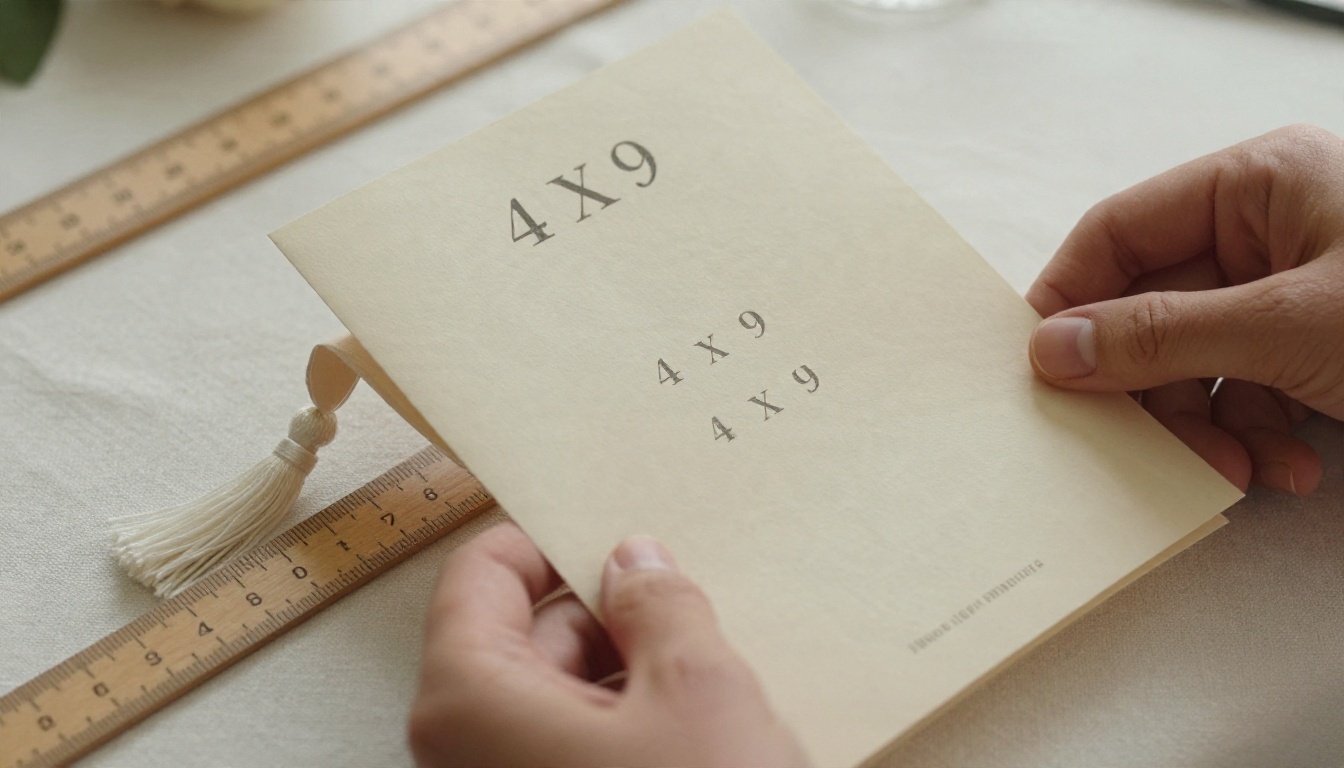
The 4 x 9 slim card is the favorite for a reason. It fits a standard guest's hand, slides into a pocket or clutch, and leaves enough room for a timeline, names and a short thank you note.
💡 Pro tip: If you plan to print at home or at a copy shop, work backward from letter (8.5 x 11) or A4 sheets. A letter sheet folded once gives you a 5.5 x 8.5 booklet with no waste at all.
Choosing by Ceremony Length
Size should follow content, not the other way around. Before you pick, list everything the program needs to say.
- 15 to 20 minute ceremony: a single 4 x 9 or 5 x 7 card, printed on one or both sides.
- 30 minute ceremony with readings: a 5.5 x 8.5 folded booklet with four pages.
- Religious or multicultural ceremony: an eight page booklet, so you can add translations, hymn lyrics or explanations of rituals.
- Large wedding party: a tri fold or booklet, because bios and thank you notes take real space.
Size is only half the decision. The format, meaning how the paper is folded or shaped, changes the feel of the whole day.
Single Card vs Folded Booklet
| Feature | Single Card | Folded Booklet |
|---|
| Page count | 1 or 2 sides | 4, 8 or more pages |
| Typical content | Names, timeline, thanks | Full order of service, bios, readings |
| Printing cost | Lowest | Moderate to high |
| Assembly | None | Folding, sometimes binding |
| Guest handling | Easy, one hand | Easy, feels more formal |
| Digital conversion | Simple 1 to 2 page flipbook | Natural page turning experience |
A booklet always needs a page count divisible by four, because every sheet folded in half creates four pages. Plan your layout in multiples of four and you will avoid awkward blank pages at the end.
Fan, Scroll and Tri Fold Styles
Beyond the standard card and booklet, a few playful formats are worth considering:
- Fan programs: a printed paddle on a wooden stick, popular for outdoor summer weddings. Typical size is about 4.5 x 9 inches.
- Scroll programs: rolled paper tied with a ribbon. Pretty, but harder to read and expensive per piece.
- Tri fold programs: a letter sheet folded in thirds. Great for separating "Ceremony," "Wedding Party" and "Thank You" panels.
Printing Specs That Matter
You can design the perfect layout and still lose a week to printing problems. Most of them come down to a few technical details.
Paper Weight and Finish
Paper choice affects how the program feels in the hand and how it behaves in the weather.
| Paper Option | Weight | Feel | Notes |
|---|
| Standard text paper | 80 to 100 lb (120 to 150 gsm) | Light, flexible | Good for inside booklet pages |
| Card stock | 100 to 130 lb (270 to 350 gsm) | Sturdy | Best for single cards and booklet front panels |
| Cotton paper | 110 lb and up | Soft, textured | Premium look, takes letterpress well |
| Kraft or recycled | 80 to 100 lb | Rustic | Pairs well with barn and garden venues |
Matte and uncoated finishes are easier to read in bright sun, because glossy paper reflects glare. If your ceremony is outdoors, avoid high gloss.
Bleed, Margins and Resolution
Give your printer a file that matches their specs and you will skip most reprints.
- Bleed: extend backgrounds and borders 0.125 inch (3 mm) past the trim line on all sides.
- Safe margin: keep all text at least 0.25 inch (6 mm) inside the trim edge.
- Resolution: export images at 300 dpi at the final size.
- Color mode: use CMYK for professional printing and RGB for screen only files.
- File format: a flattened PDF with fonts embedded is the safest choice.
⚠️ Watch out: Text placed too close to the fold or trim edge is the most common reason a program looks off center after cutting. When in doubt, move it inward.
How Many Copies to Order
You do not need one per guest. Couples and families usually share.
| Guest Count | Suggested Copies | Reasoning |
|---|
| 50 | 35 to 40 | Many guests come as pairs |
| 100 | 65 to 75 | Families share copies |
| 150 | 95 to 110 | Add a small buffer for keepsakes |
| 200 | 125 to 145 | Add extras for the wedding party and parents |
Always order about 10 percent extra for spoilage, late guests and the copies you will want to frame or tuck into a memory box.
What It Costs and How Long
Prices change by region, paper and quantity, so treat these as rough ranges only.
- Home or office printing: the cheapest, but you pay in time for cutting and folding.
- Online print services: moderate cost, usually 5 to 10 business days with shipping.
- Local print shop: higher cost per piece, but you can touch the paper before approving it.
- Letterpress or foil: the highest cost, and lead times of three weeks or more.
Order a single printed proof before the full run. Check the fold, the trim, the color and the typos. Proofs cost a few dollars and can save hundreds.
✅ Best practice: Start the design six weeks before the wedding, send files to print four weeks before, and keep one week as a safety buffer.
Why Add an Online Flipbook
A printed program is lovely, but it has limits. It cannot be updated after printing, it is hard to read for guests with low vision, and it is easy to lose. A digital edition solves those problems without replacing the paper.
Digital Program Benefits
- Last minute edits: fix a name spelling or change a reading order after the print run.
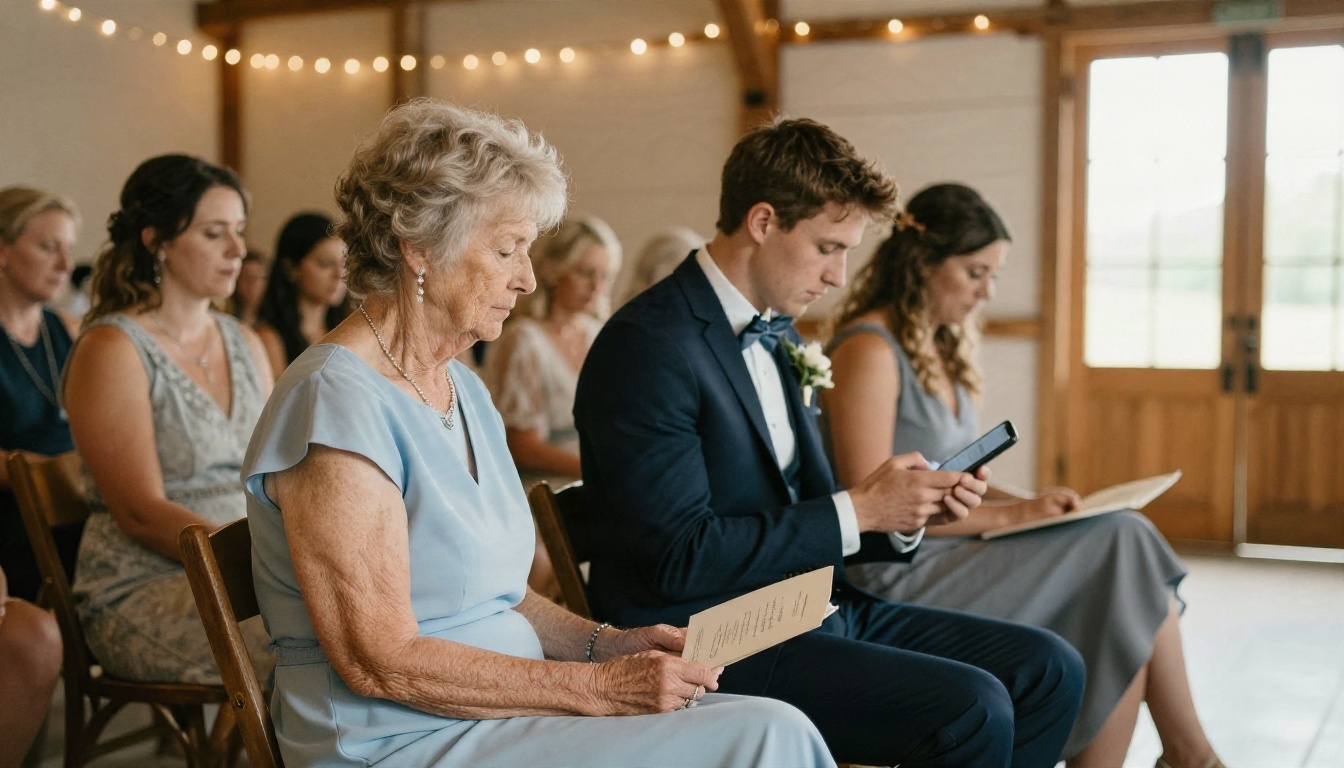
- Accessibility: guests can zoom in on text, which helps older relatives.
- Remote guests: relatives who cannot travel can follow along live.
- Extra content: add a photo gallery, audio of your vows or a short welcome clip.
- Lower paper use: print fewer copies and still reach everyone.
- A keepsake: guests can reopen the link months later.
Print and Digital Together
The most practical setup is a hybrid. Print a slim card or small booklet for the ceremony, and place a small sign near the entrance with a QR code pointing to the online edition. Guests who want more detail, like song lyrics, translations or the full wedding party bios, can open the flipbook on their phone.
| Approach | Pros | Cons |
|---|
| Print only | Traditional, tactile keepsake | Fixed content, higher cost |
| Digital only | Cheap, instantly updatable | Needs phones and signal |
| Hybrid | Best of both, lower print run | Needs a little setup |
A PDF to Flipbook Converter turns the same file you send to the printer into a page turning online booklet. You design once and publish twice.
Build Yours with Flipbooks AI
If your program is already a PDF, you are about ten minutes from a shareable digital edition. The Event Program Maker is built for exactly this kind of project, and the Wedding Album Flipbook tool works well for the photo gallery you might share afterward.
Upload Your PDF
- Go to Flipbooks AI and create an account.
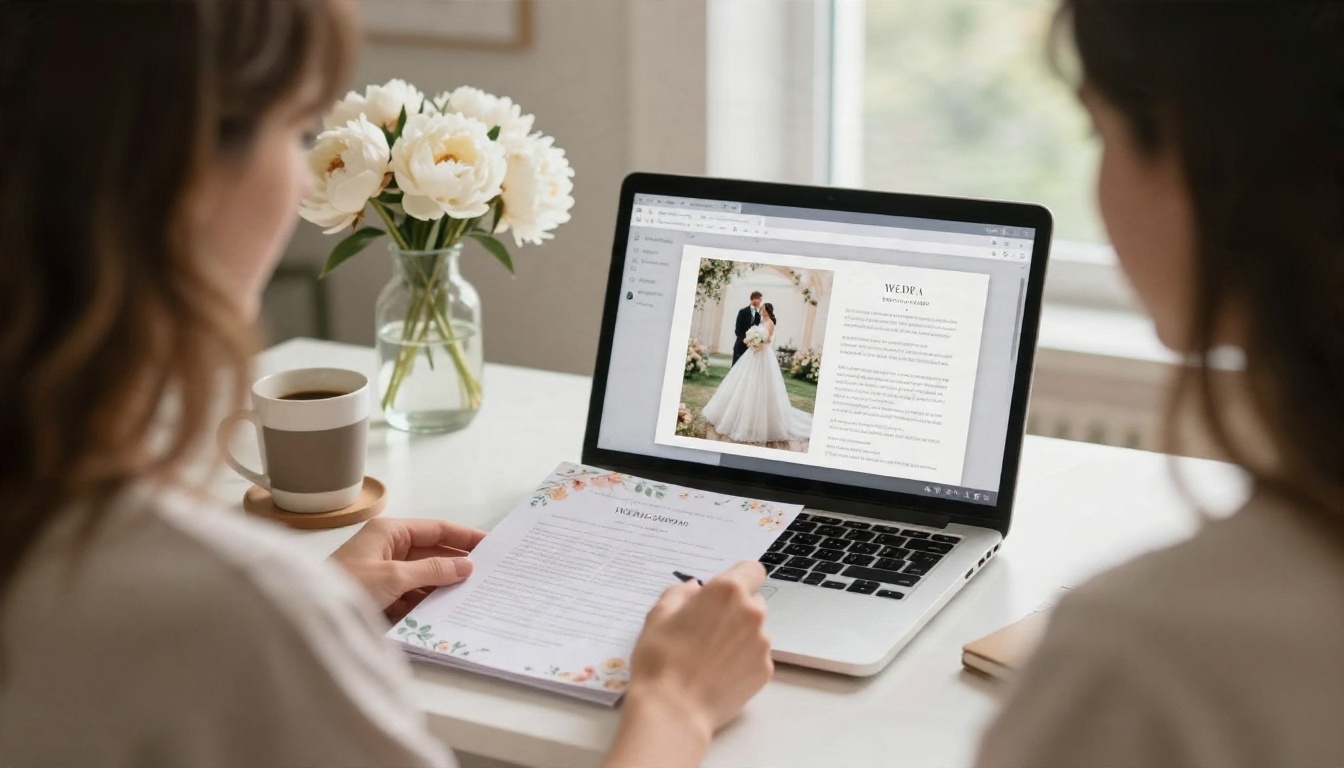
- Click to start a new flipbook and upload your program PDF.
- Wait a few moments while the file is converted into turning pages.
- Preview the result on both desktop and mobile.
Export your PDF with pages in reading order, not as printer spreads, so the online version flips in the right sequence.
Customize the Look
- Branding and colors: match the background to your wedding palette, such as sage, blush or ivory.
- Page effects: choose a soft page turn that suits the mood of the day.
- Multimedia: embed a video or audio clip, such as your first dance song or a message from the couple.
- Mobile layout: the flipbook is mobile responsive, so guests can read comfortably on any phone.
- No watermarks: your wedding program stays clean, with no third party branding.
Share and Track
| Sharing Option | Best Use |
|---|
| Direct link | Text it to guests or add it to your wedding website |
| QR code | Print on a sign, table card or the back of the physical program |
| Embed code | Place it on your wedding site using the Embed Flipbook on Website tool |
| Password protection | Keep the program private to invited guests |
| Offline download | Let guests save a copy for venues with weak signal |
On the Professional plan you also get analytics, so you can see how many guests opened the program, plus lead generation features that wedding planners and venues can use. Compare options on the pricing page.
💡 Pro tip: Venues often have poor reception. Enable the offline download and mention it on your sign so guests can grab the file at home before they arrive.
Mistakes to Avoid
Even well organized couples run into the same few problems. Check this list before you hit print.
- Choosing the size before the content. Write the text first, then pick the format.
- Skipping the bleed. White slivers along the edge are the classic result.
- Using tiny type. Keep body text at 10 pt or larger, and go bigger for older guests.
- Ignoring the lighting. Dark paper with light text is hard to read at an evening ceremony.
- Forgetting the digital link. If you add a QR code, test it on two different phones.
- No proofreading. Have two people read every name aloud against the guest list.
A Real World Example
Maya and Daniel planned a 120 guest garden wedding. They first sketched an eight page booklet, then realized their content only filled four pages. They switched to a 5.5 x 8.5 folded booklet on 100 lb text paper with a heavier front panel, ordered 80 copies plus 10 percent extra, and printed a QR code on a small easel sign. Their flipbook held the full wedding party bios and a translation for Daniel's grandparents. The print bill dropped, nobody ran out of copies, and the link was still being opened weeks later.
Ready to Publish Yours?
Choosing a wedding program size comes down to three questions: how much do you need to say, how will guests hold it, and how much can you spend? A 4 x 9 slim card handles short ceremonies, a 5.5 x 8.5 booklet handles anything longer, and a digital flipbook picks up whatever does not fit on paper.
Here is where to go next:
Your guests will remember the ceremony, but the program is what they will hold while it happens. Make it easy to read, easy to keep and easy to share.



