Most couples spend a surprising amount of money on a single sheet of paper that guests glance at for ten minutes and then leave on their chair. If you want wedding programs cheap enough to barely register in your budget, you have more choices than ever: free templates, a home printer, a local copy shop, or a digital program that guests open on their phones. With a tool like Flipbooks AI, you can even turn a simple PDF into a page-turning online booklet and send it as a link.
This article breaks down what each option really costs, which templates are worth your time, how to print without overspending, and how to share your program by link or QR code so nobody needs a paper copy at all.
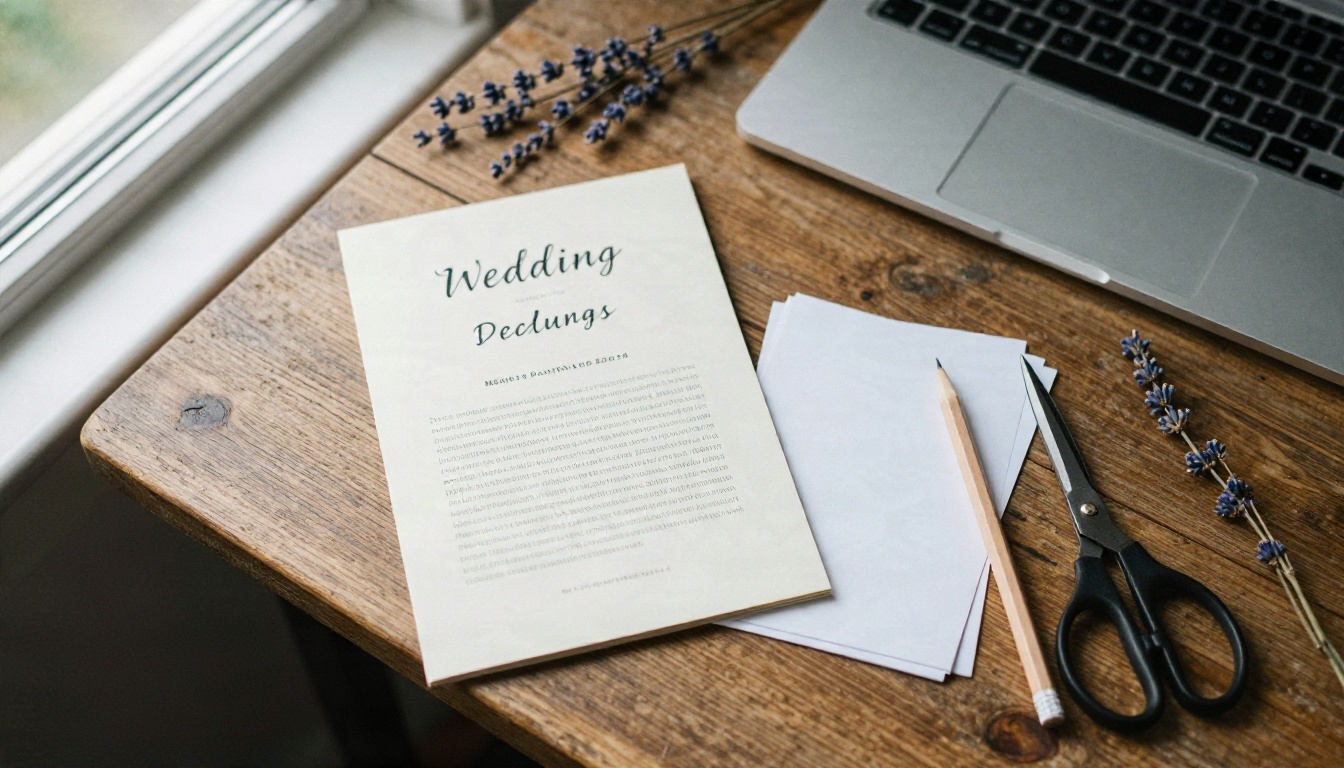
Why Programs Cost More Than They Should
Wedding vendors price programs as a "stationery suite" item, which is why a simple folded card can show up as a surprisingly large line on a quote. The paper itself is not the problem. The markup on design, finishing and rush shipping is.
The Real Cost of Printed Programs
A typical custom order adds up quickly once you count the extras. Think design fees, premium paper, envelope-free packaging, tassels or ribbons, and delivery. Even a modest guest list can push a "simple" order well beyond what most couples expect.
Here is where the money usually goes:
- Design time: custom layouts from a designer or a stationery shop
- Paper weight: heavier cardstock costs more per sheet
- Finishing: folding, trimming, ribbons, wax seals
- Minimum order sizes: you pay for 100 even if you need 60
- Shipping and rush fees: especially when the date is close
What Guests Actually Need
A program has a short job. Guests want to know who is who, what happens next, and when they can eat. Nothing more. That means a single page, or a small booklet at most, does the work.
💡 Pro tip: Ask yourself one question before ordering anything: "If this program vanished, what would guests miss?" Usually the answer is the order of events, the names of the wedding party, and a short thank-you note. Build around those three things.
Free and Cheap Options Compared
Before choosing, compare the realistic paths side by side. The table below uses typical cost ranges, not fixed prices, because paper, printers and local shops vary a lot.
| Option | Typical Cost | Effort | Best For |
|---|
| Fully digital (link or QR code) | Free to very low | Low | Tech-friendly crowds, destination weddings |
| Home printed on cardstock | Low (paper and ink) | Medium | Small guest lists under 80 |
| Copy shop printing | Low to moderate | Low | Larger guest lists, sharper results |
| Online print service | Moderate | Low | Fancy finishes, folded cards |
| Custom designer stationery | High | Low | Couples who want a fully bespoke look |
Free Digital Options
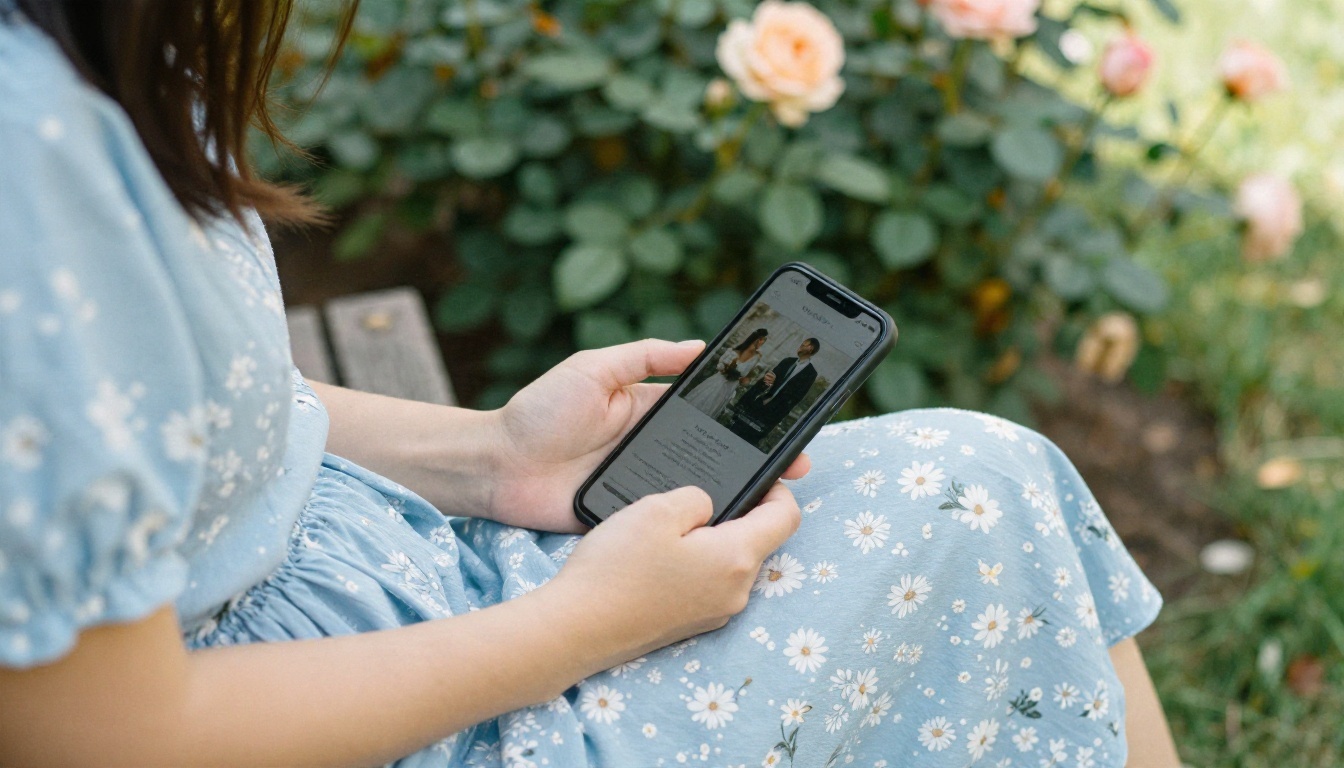
A digital program costs almost nothing and updates instantly. If the officiant changes the order of the vows an hour before the ceremony, you fix it once and everybody sees the change. No reprinting, no stickers.
You can build one in a slide tool or a word processor, export it as a PDF, and convert it into a flipbook with the PDF to Flipbook Converter. Guests open a link, flip through pages on their phone, and that is that.
Cheap Print Options
If you still want something tangible, print only what you need. A common rule is one program per two guests, since couples and families tend to share. That alone cuts the print run nearly in half.
✅ Best practice: Count households, not individuals. Fifty-two guests often means around thirty programs.
Free Templates Worth Using
You do not need to pay for a template. Free ones are everywhere, but quality varies. Look for layouts with generous margins, readable fonts and a clean hierarchy. Avoid templates with tiny script type, because guests will be reading in dim chapels or bright sun.
What to Put on the Page
A strong program usually follows a simple structure. Use the list below as your checklist:
- Title and date: couple's names, venue, date
- Order of ceremony: processional, readings, vows, ring exchange, recessional
- Wedding party: names and roles
- Short thank-you note: two or three sentences
- Next steps: where the reception is and when dinner begins
- Link or QR code: to your wedding website or photo gallery
Wording Samples You Can Borrow
Not sure what to write? Try these short, human lines:
- "Thank you for being here. Today would not feel the same without you."
- "Dinner and dancing begin at six. Please join us under the string lights."
- "Phones away during the ceremony, please. Our photographer has you covered... with pictures to share later."
Keep every line short. Ten words beats thirty on a small page.

💡 If you want an even simpler start, the Event Program Maker is built for exactly this kind of one-day schedule.
How to Print Programs for Less
Printing is where small decisions compound. The paper you choose, whether you print one-sided or two, and how you finish them all change the final number.
Printing at Home
A home inkjet or laser printer is fine for a guest list under 80. The cost is mostly ink and paper, so lower the ink load with light backgrounds and dark text on white or cream stock. Avoid full-bleed colors that drink ink and leave streaks.
A simple process:
- Export your design as a PDF at the final size
- Print one test sheet and check margins
- Use 65 to 80 lb cardstock for a sturdy feel
- Trim with a paper trimmer instead of scissors for clean edges
- Fold once, crease with a bone folder or the back of a spoon
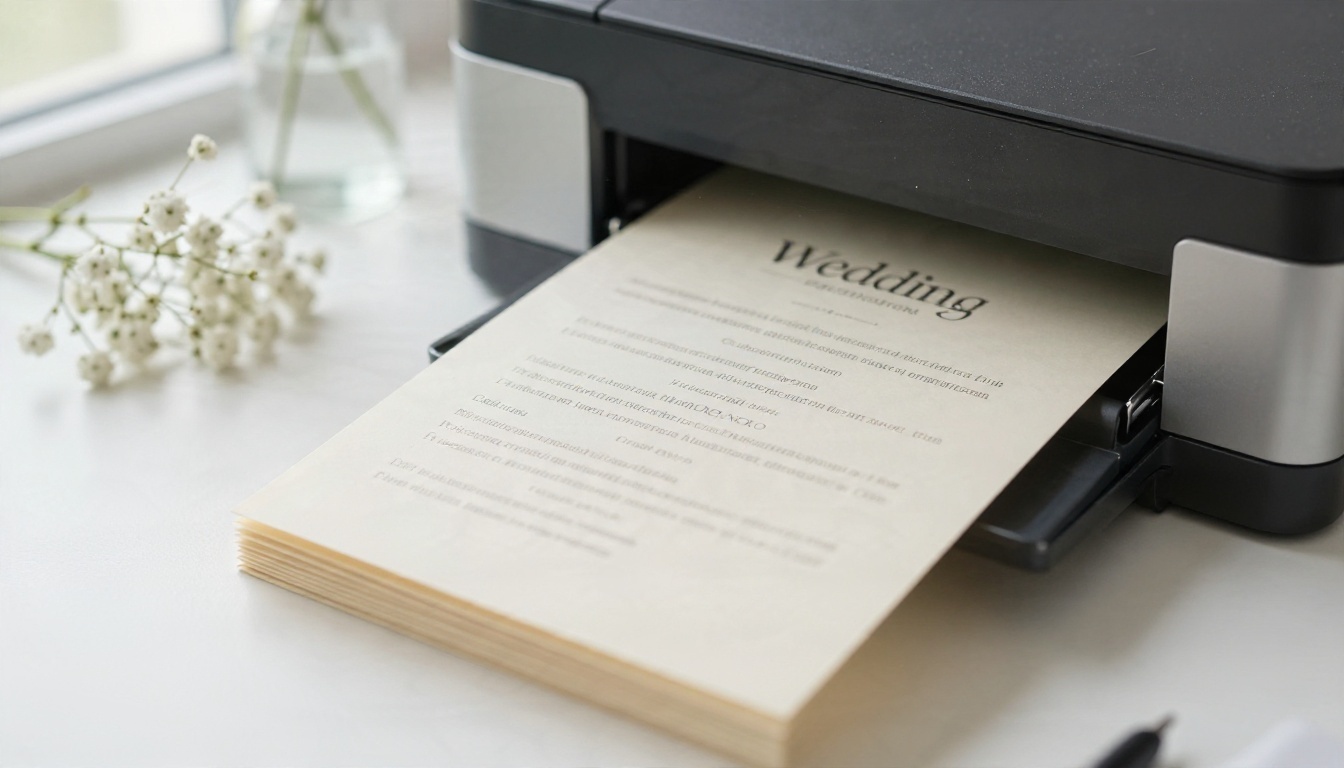
⚠️ Warning: Do not print all copies at once without a test run. Home printers sometimes shift margins by a few millimeters, and you will not notice until the whole stack is trimmed.
Using a Local Copy Shop
For larger lists, a local copy shop often beats home printing on both price and quality. Ask for a quote on single-sheet, double-sided prints on cream or white cardstock. Bring your PDF on a USB stick or send it by email in advance.
Here is a rough comparison of printing routes:
| Method | Cost per Copy | Quality | Turnaround |
|---|
| Home inkjet | Low, but ink adds up | Good | Same day |
| Home laser | Very low per page | Sharp text, limited paper weight | Same day |
| Copy shop | Low | Consistent, clean cuts | 1 to 2 days |
| Online print service | Moderate | Premium finishes | Several days plus shipping |
How to Create a Digital Program with Flipbooks AI
If you want the cheapest and most flexible route, a digital program is hard to beat. This tutorial walks through building a shareable flipbook from the PDF you already designed.
Step by Step
- Open the platform. Visit Flipbooks AI and create an account.
- Upload your PDF. Drag your finished program into the uploader. The platform converts each page into a smooth, page-turning flipbook in moments.
- Customize the look. Set background colors that match your wedding palette, choose page-turn effects, and add your logo or monogram if you have one.
- Add multimedia. Embed a short audio clip of your processional song or a video message to guests. Audio and video can live right inside a page.
- Preview on mobile. Most guests will open it on a phone, so check how it looks on a small screen first. The design is mobile-responsive, but it is worth a quick look.
- Publish and copy your link. Share the direct link by text, email or on your wedding website.
💡 The flipbooks have no watermarks, so your program looks like yours, not like an ad for the tool.
Sharing and Privacy Settings
Wedding details can be personal. You may not want the schedule, the venue address or the guest names to show up on a public search. Flipbooks AI supports:
- Direct links that you control
- Embed codes so the program can live on your wedding website. See how to embed a flipbook on a website
- Password protection so only invited guests can view it
- Offline downloads for guests with weak signal at rural venues
If you want to know which guests opened the program, analytics and lead generation are available on the Professional plan. Compare the options on the pricing page to see what fits your plan. Most couples will not need those extras, but wedding planners and venues often do.
Other Tools Worth a Look
Once your program is done, the same platform handles related pieces of the day. Build a Wedding Album Flipbook after the party, a Recipe Book Flipbook as a family keepsake, or a Travel Guide Flipbook for out-of-town guests. Browse everything in the tools directory.
Sharing by Link, QR Code and Text
A link is only useful if people actually open it. Think about when and where guests will look for it.
Using a QR Code Sign
Print one small sign at the entrance with a QR code that points to your flipbook link. Place a few at the guest book table and in the restroom too, since people tend to browse their phones there. Make the code large enough to scan from arm's length and test it before the day.
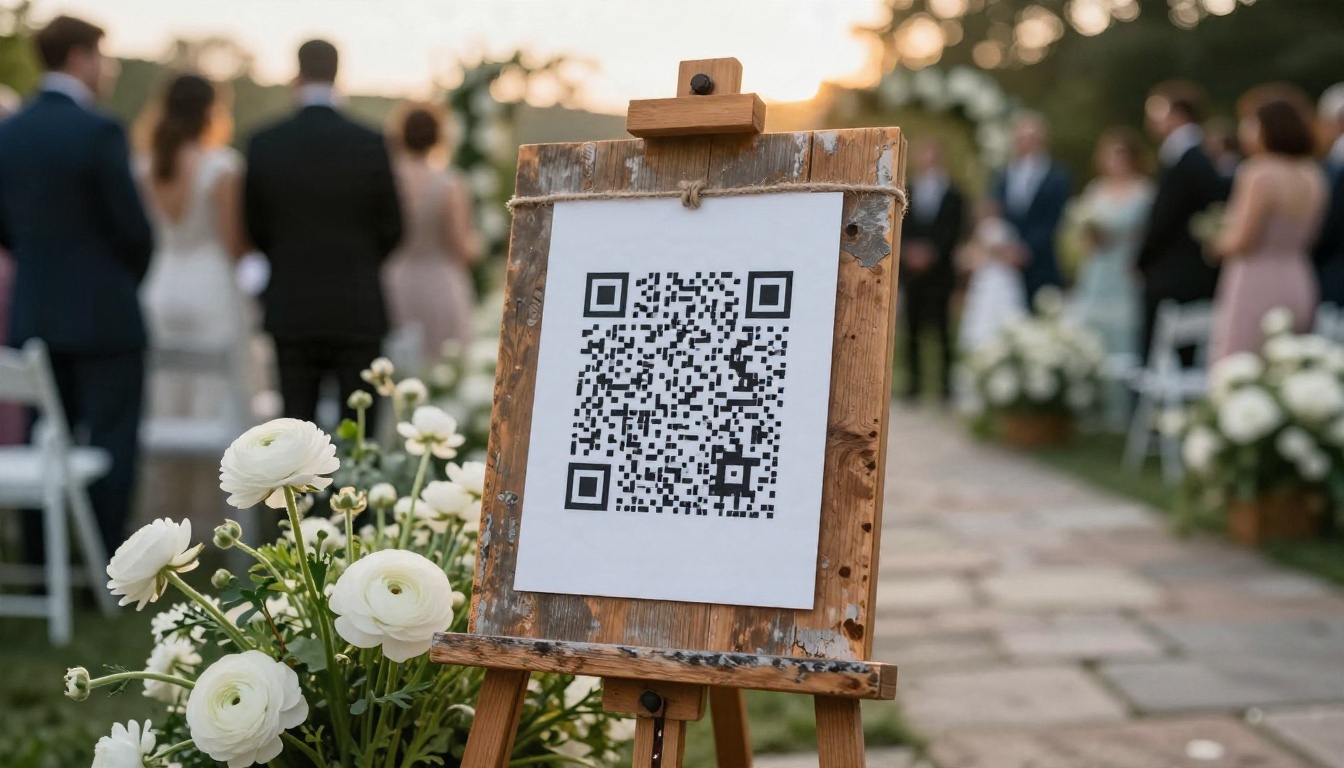
✅ Best practice: Put the QR code on matte paper. Glossy finishes reflect sunlight and make scanning difficult outdoors.
When to Send the Link
Timing matters more than most couples expect. Here is a simple schedule:
| When | What to Send | Why |
|---|
| One week before | Link in your wedding website or email | Guests can plan arrival and dress |
| Morning of | Text message with the link | Reminder for guests already traveling |
| At the ceremony | QR sign at the entrance | Catches anyone who missed the earlier messages |
| After the wedding | Same link, now with a thank-you page | A keepsake for guests |
Handling Guests Without Smartphones
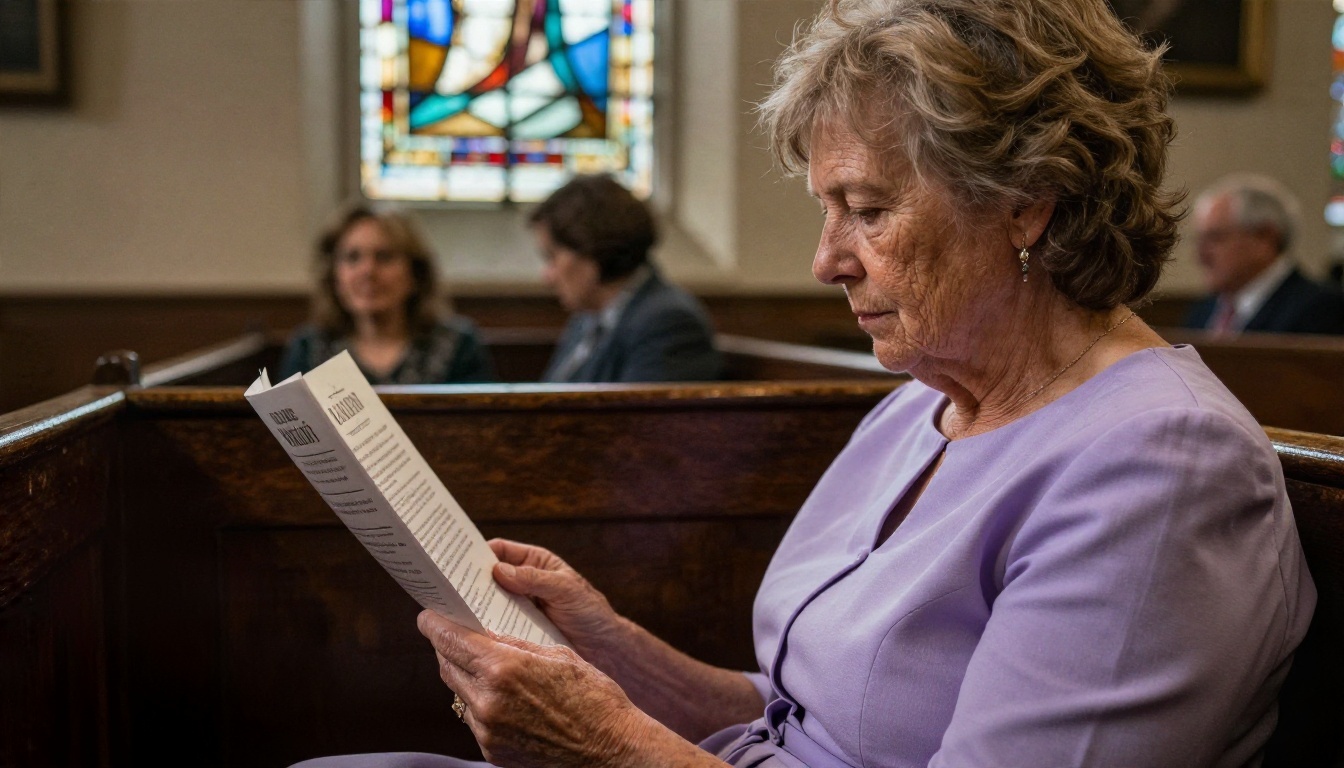
Plan for your grandparents. Print a handful of copies, even if the rest of the program is digital. A ten-copy print run costs almost nothing, and it prevents awkward moments at the door. Place them in a small basket and let ushers hand them out quietly.
Mixing Print and Digital
The smartest budget approach is rarely all or nothing. A hybrid plan gives you a tactile moment for guests who want it and keeps costs low for everyone else.
Three Real-World Setups
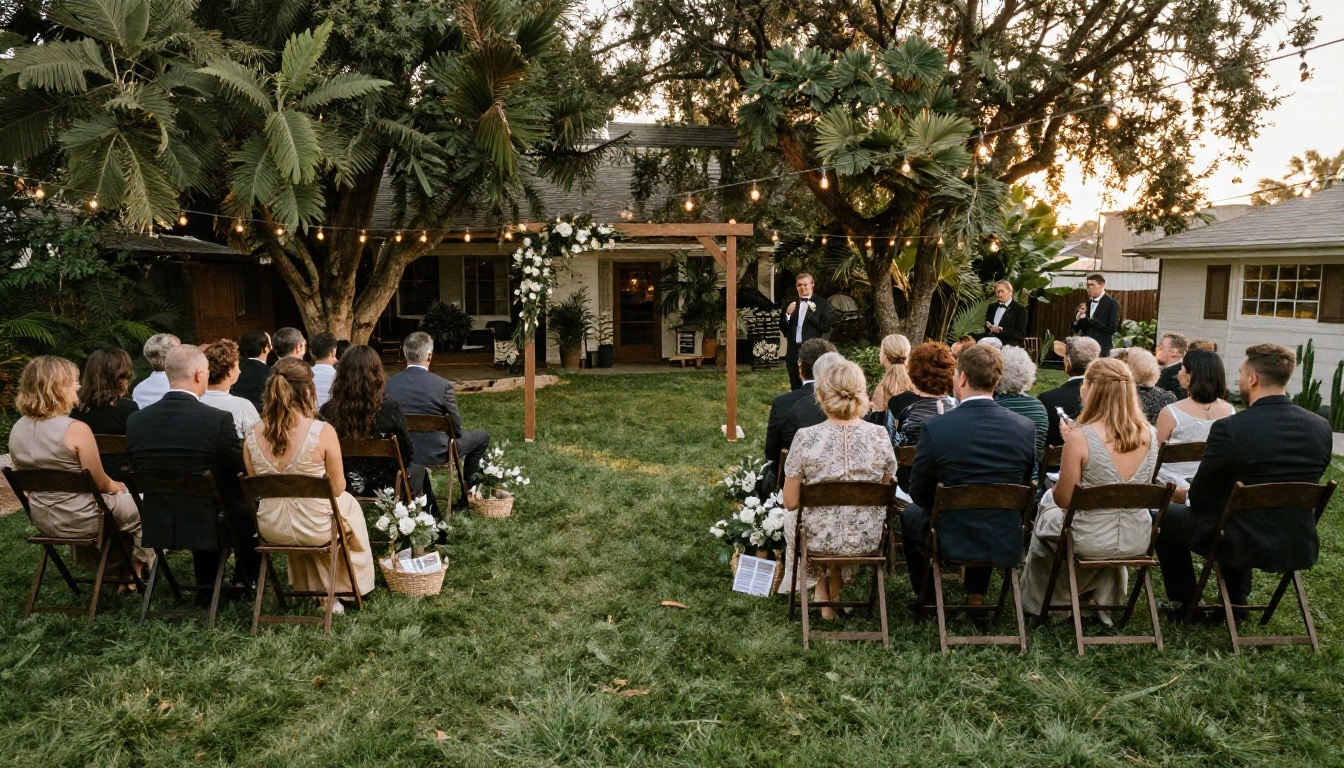
- Backyard wedding for 40 people: Print 20 programs at home, add a QR code on a small easel for the rest. Total spend stays tiny.
- Church ceremony for 120 guests: Print 50 at a copy shop for the front pews and older relatives. Everyone else uses the link, which is also posted on the wedding website.
- Destination wedding abroad: Go fully digital. Guests arrive from different countries, and not everyone packs a printer. Send the link a week before, and let guests download it for offline reading.
Extra Uses for the Same File
Once you have a program PDF, you can reuse it:
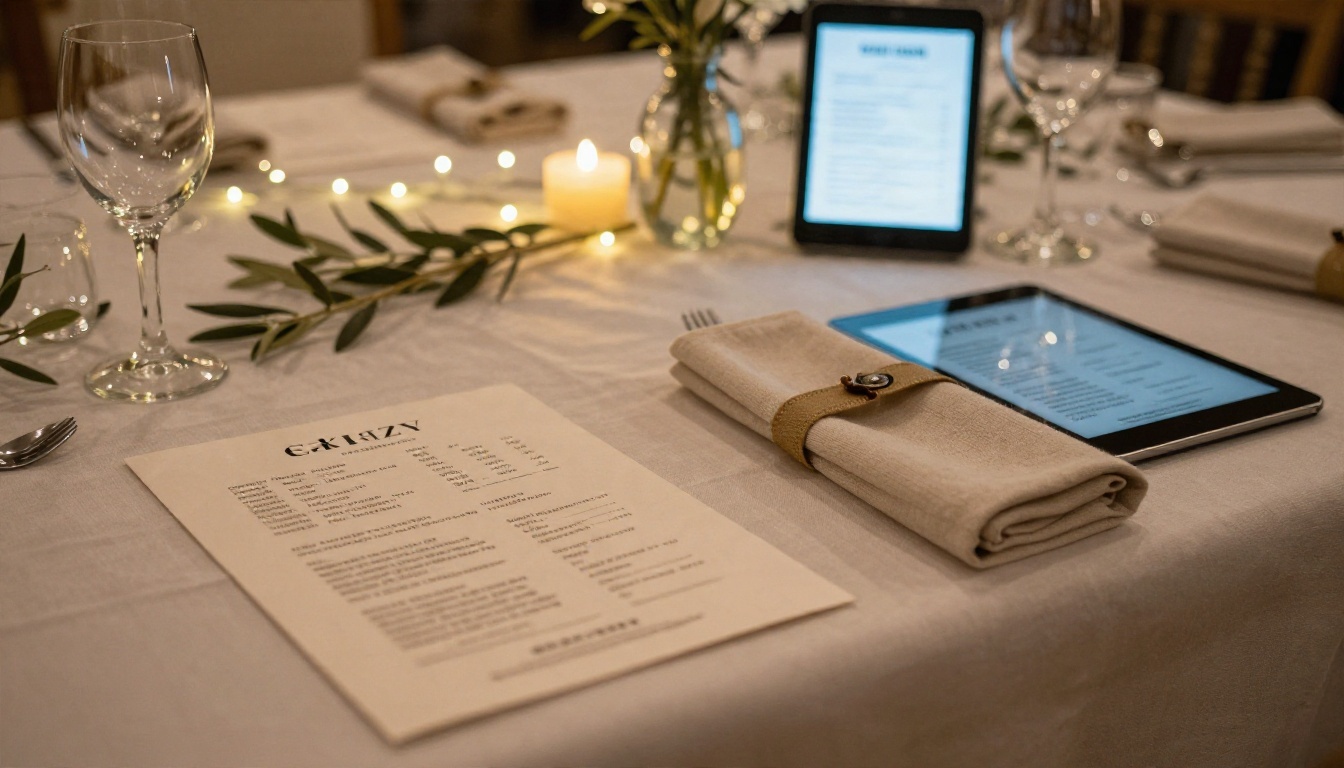
- Put a copy on the reception table as a tented card
- Send it with thank-you notes as a digital memento
- Add it to your wedding album so the order of the day is part of the story
Mistakes That Waste Money
Even a cheap project can go wrong. Watch for these:
- Ordering by guest count, not household count. You will print twice what you need.
- Choosing tiny fonts. Guests in low light will squint, and you will reprint.
- Skipping the proofread. A typo in a name on 100 printed copies is expensive to fix, and one in a digital file is free.
- Forgetting offline access. Venues in the countryside often have poor signal. Offer a download or print a few copies.
- Sending the link too late. Guests who find it at the last minute will not use it.
⚠️ Warning: Always have one trusted person read the program aloud before you publish or print. Names are the most common place for mistakes.
Ready to Build Yours?
You now have a clear path: write a short program, decide how many copies you truly need, and let a link carry the rest. Start your digital version by creating a free account on Flipbooks AI, upload your PDF, and share the link with your guests. If you want to compare plans first, check the pricing options or go straight to the account page with pricing. For more ideas, browse all flipbook tools and templates, and when the big day is over, turn your photos into a wedding album flipbook as well.



