A pitchbook gets about ninety seconds of real attention before the reader decides whether to keep going. In that window, layout does more work than your best sentence. A well designed pitchbook guides the eye from claim to proof in a straight line, and it arrives in the reader's inbox as something they actually want to open. This article shows layout examples page by page, templates for three common situations, and a practical way to share the finished file as a flipbook using Flipbooks AI.
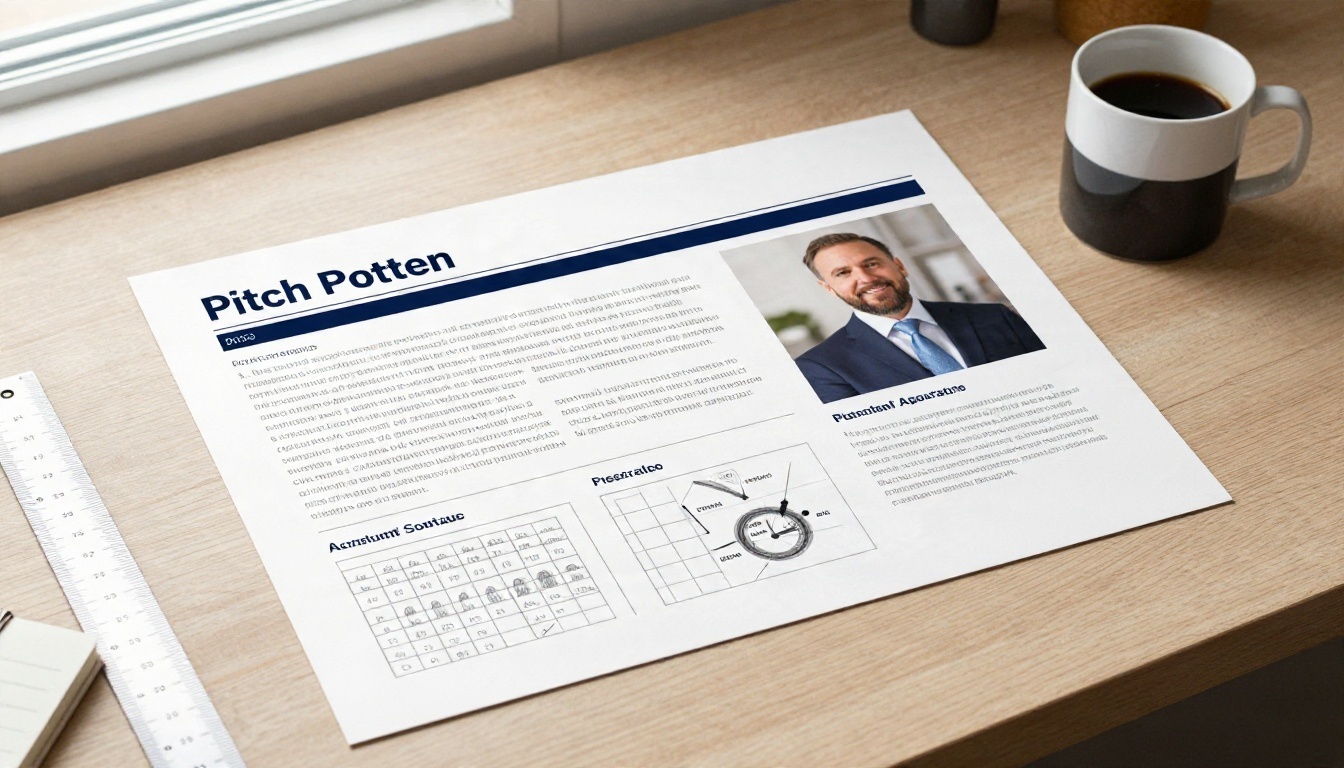
Why Pitchbook Design Matters
A pitchbook is a persuasion document. Investors, clients and partners compare dozens of them, often late in the day and often on a phone. Weak design signals weak thinking, even when the numbers are strong.
Good design does three jobs at once:
- It sets the order of reading. The reader should know what to look at first, second and third on every page.
- It lowers the effort of trust. Clean grids and consistent charts make figures feel checked.
- It survives the trip. The file has to look right in an email preview, on a laptop and on a small screen.
Most pitchbooks fail at the third job. They are built as slide decks, exported as heavy PDFs, and then forwarded as attachments that nobody tracks. We will fix that at the end.
💡 Pro tip: Design the pitchbook for a reader who is alone, with no presenter beside them. If a page needs you in the room to make sense, rewrite the page.
Search Intent Behind Pitchbook Design
People who look for pitchbook layouts usually want one of three things: a visual reference to copy, a ready template to fill in, or a better way to distribute the finished file. The sections below follow that order.
Pitchbook Layout Examples That Work
Every strong pitchbook, whether it has 12 pages or 40, repeats a small set of page types. Here are the four that decide most outcomes.
The Title Page
Keep it quiet. One strong photograph or a flat brand color, the company name, the document type and the date. Nothing else.
- Place the logo in a fixed corner, never centered over an image.
- Use one typeface family with two weights.
- Add a short confidentiality line in small type at the bottom.
The Executive Summary
This is the page most readers will actually finish. Use a two column layout: a short statement on the left (three sentences at most), and on the right a stack of three or four headline numbers with one line of context each.
Example: A B2B software company opens with "Revenue up 142% in 18 months" in large type, then adds smaller blocks for retention, customer count and payback period.
The Data Page
A data page works when it makes one point. The title states the conclusion ("Mid-market churn fell by half"), the chart proves it, and a single callout box explains why.
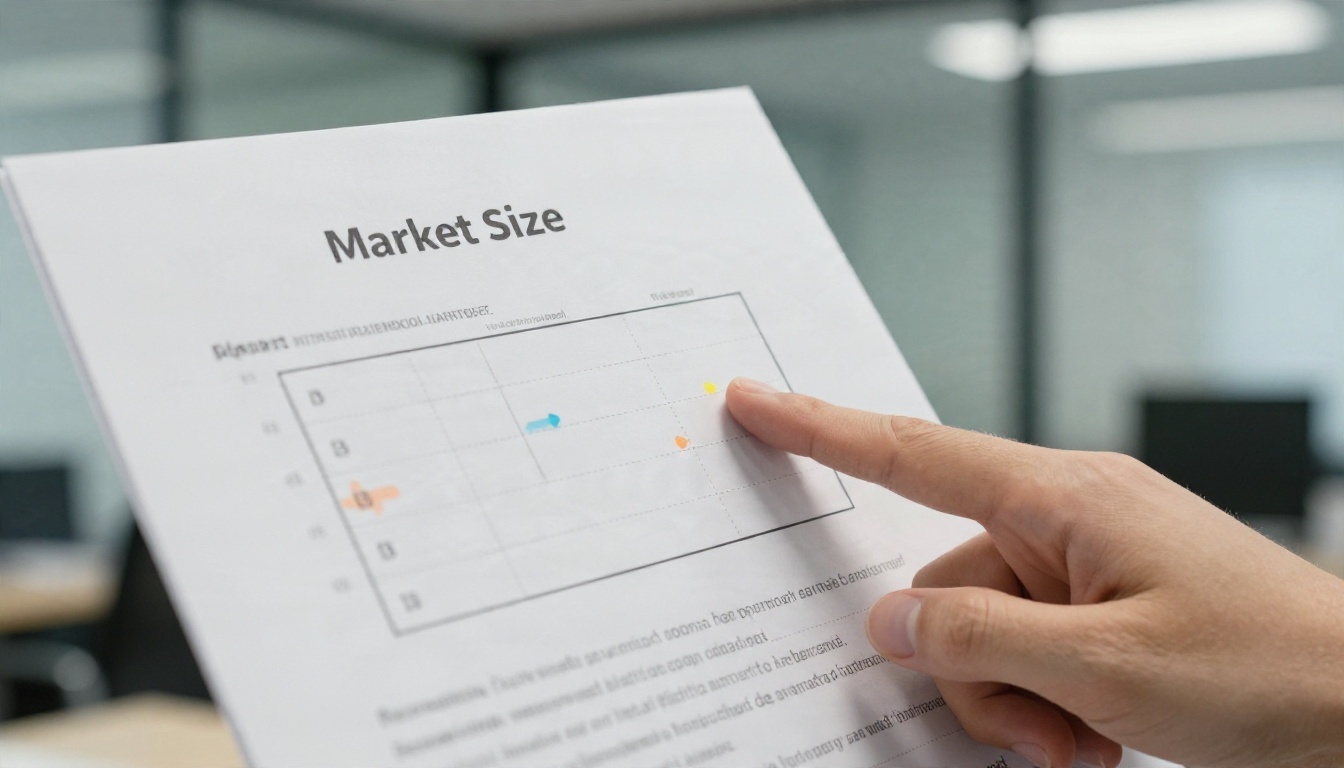
Use one chart type per page, label values directly on the bars or lines, and drop legends whenever you can.
The Team Page
A grid of equal portraits with name, role and one credential line each. Resist the urge to write biographies here. Readers want proof of relevant experience, so use a line such as "Led pricing at a 400 person retailer" rather than a job history.
Pitchbook Templates by Use Case
A template saves time only if its structure matches your goal. These three outlines cover most real situations.
| Template | Typical length | Opening page | Closing page | Best audience |
|---|
| Startup fundraising | 12 to 18 pages | Problem and market | The ask and use of funds | Seed and Series A investors |
| Investment banking | 30 to 60 pages | Situation overview | Valuation and next steps | Boards and acquirers |
| Sales and agency pitch | 10 to 20 pages | Client challenge | Proposal and pricing | Procurement teams |
Startup Fundraising
The story arc is simple: problem, solution, traction, market, model, team, ask. Keep one idea per page, and make the traction page the visual peak. A founder of a logistics app, for example, might show a single rising line of weekly deliveries with three milestones annotated.
Investment Banking
Bankers favor density, but density still needs structure. Use a strict grid, a footnote zone of fixed height at the bottom of each page, and a numbered section tracker in the header. A 40 page book stays readable when every page follows the same skeleton.
Sales and Agency Pitches
Lead with the client's problem, not your history. A creative agency might open with a full page photograph of the client's own product in use, followed by three pages of findings and a final page with a simple pricing table.
For related formats, the Sales Presentation and Presentation Flipbook Designer tools suit pitch material well.

Design Rules Worth Following
Templates give structure. These rules give polish.
Typography and Color
- Choose one typeface family, with a serif or sans serif for headings and the same family for body text.
- Set body text no smaller than 11 points in print and 16 pixels on screen.
- Limit the palette to one dark neutral, one light neutral and a single accent color.
- Use the accent only for the thing you want noticed on that page.
White Space and Grid
Build every page on a 12 column grid with consistent outer margins. Leave at least 15 percent of each page empty. White space is not wasted room: it is what lets the reader rest on your main number.
✅ Best practice: Align the top edge of every page title to the same position. Readers feel the consistency even if they cannot name it.
Charts That Read Fast
| Chart goal | Best format | Avoid |
|---|
| Show change over time | Simple line chart | 3D bars |
| Compare categories | Horizontal bars, sorted | Pie charts with 6+ slices |
| Show composition | Stacked single bar | Overlapping donuts |
| Highlight one number | Large figure with small label | Dense tables |

Why Share a Pitchbook as a Flipbook
A PDF attachment is static. It cannot tell you who opened it, it gets stripped by strict mail filters, and large files bounce. A flipbook solves each of those problems while keeping the design you worked on.
| Feature | PDF attachment | Flipbook link |
|---|
| File size limits | Often blocked above 10 to 25 MB | None, opens from a link |
| Reading experience | Scroll and zoom | Page turning, fast loading |
| Mobile friendly | Needs pinch and zoom | Responsive layout |
| Access control | Anyone with the file | Password protection available |
| Tracking | None | Analytics on Professional plan |
| Updates | Resend a new file | Replace and keep the same link |
| Embedding | Not possible | Embed on any website |
The link version also changes how investors behave. They can open it from a calendar invite, a message app or an email signature, and they can forward it to a partner without creating an unsecured copy.
Real World Scenarios
- A fundraising founder sends one private link to twenty investors and sees which ones reached the traction page.
- A boutique advisory firm embeds a teaser book on its website and keeps the full version behind a password.
- A sales rep drops the link into a proposal email and updates pricing without resending anything.
How to Create a Pitchbook Flipbook with Flipbooks AI
You can go from PDF to shareable flipbook in a few minutes. The steps below use Flipbooks AI, and the output carries no watermarks.
Step 1: Prepare and Upload the PDF
- Export your pitchbook from your design tool as a PDF at 150 to 200 DPI. Keep one page per page, with no spreads merged unless you want them to display that way.
- Create an account on Flipbooks AI.
- Choose the upload option and drop in your file. The PDF to Flipbook Converter turns each page into a turnable page and keeps your fonts and charts sharp.
- Check the page order in the preview before moving on.
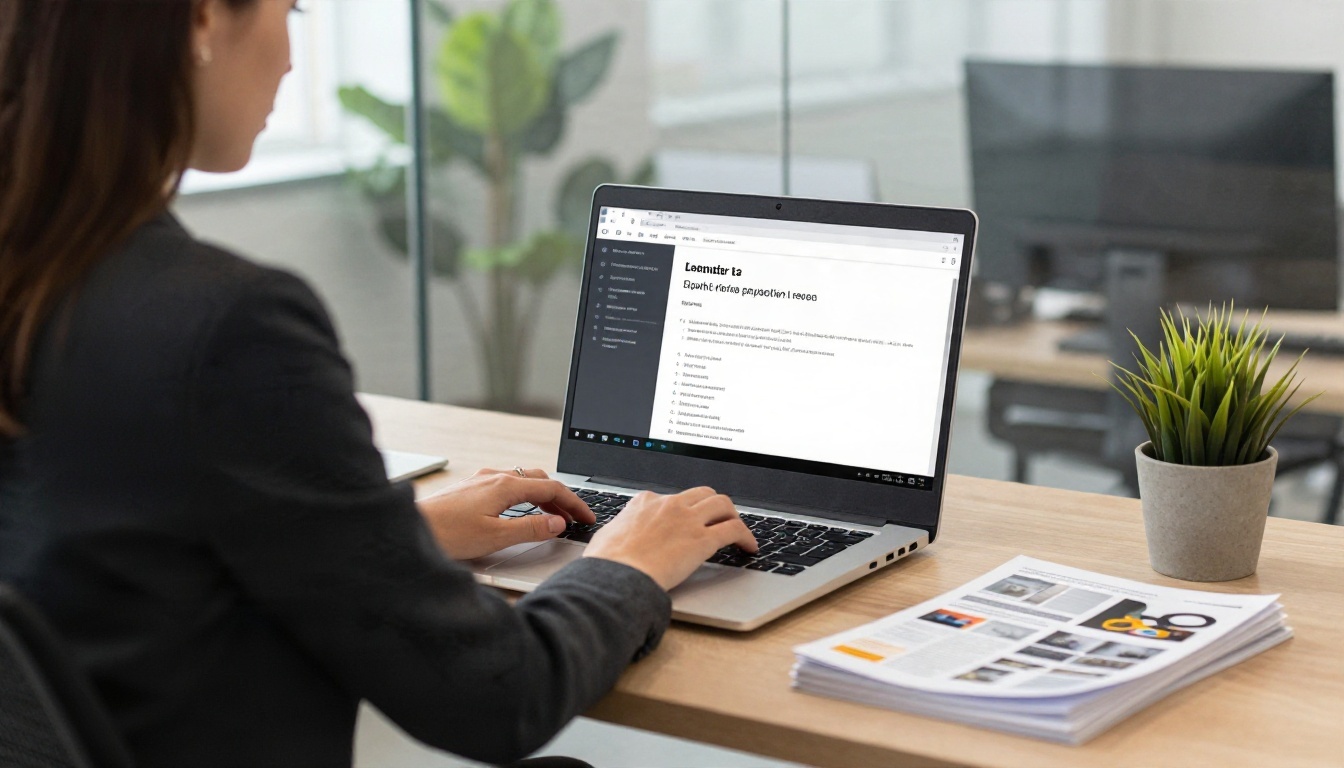
💡 Screenshot description: After upload, you will see a thumbnail strip of every page along the bottom and a live preview of the open book above it.
Step 2: Customize the Look
- Add your custom branding: logo, background color and a favicon so the viewer feels like your own property.
- Pick a page effect. For a pitchbook, choose a subtle page turn with soft shadow over anything flashy.
- Add multimedia where it helps: embed a 60 second product video on the traction page, or an audio note from the CEO on the opening page.
- Confirm the mobile-responsive view by previewing on a phone size screen.
If your document is closer to a report, the Corporate Report Maker offers a similar workflow.
Step 3: Set Sharing and Access
- Copy the direct link for emails and messages.
- Use the embed code to place the pitchbook on your site or investor page. The Embed Flipbook on Website tool explains the options.
- Turn on password protection for private deals, and send the password in a separate message.
- Enable offline downloads for readers who travel and need the file on a plane.
| Sharing option | Best for | Setup time |
|---|
| Direct link | Email, chat, calendar invites | Under 1 minute |
| Embed code | Website, investor portal | 2 minutes |
| Password protection | Confidential deals | 1 minute |
| Offline download | Travelling readers | 1 minute |
Step 4: Track Interest
On the Professional plan, you get analytics and lead generation. See how many people opened the book, which pages held attention, and where readers dropped off. Add a lead form before page one if you want names and emails from public viewers. Compare the plans to see which one fits. The Standard plan and above include unlimited flipbooks, so you can keep a separate version for each audience.
Common Mistakes to Avoid
Even a good template can fail when these habits creep in.
- Too many fonts. Three families look like three authors.
- Walls of text. If a paragraph runs longer than four lines, split it or cut it.
- Unlabeled charts. Every axis and unit must be readable without the presenter.
- Inconsistent margins. Pages that shift by a few millimeters feel unfinished.
- Oversized files. Compress images to under 300 KB each before export.
- No mobile check. Open your own link on a phone before you send it to anyone.
⚠️ Warning: Never send a pitchbook with tracked changes, hidden comments or old figures in the file metadata. Export a fresh PDF every time.
A quick pre-send checklist:
- Names, dates and figures match across all pages
- File opens from the shared link in a private browser window
- Password works and is sent separately
- Analytics are on, and your own test views are excluded

Ready to Publish Yours?
A strong pitchbook is built on a short list of repeatable pages, a clear grid and a single accent color. Delivering it as a flipbook adds reach, control and feedback on top of that design work.
Here is your next move:
- Pick the template above that matches your audience.
- Build your pages with the layout rules in this article.
- Get started for free on Flipbooks AI and upload your PDF.
- Browse all flipbook tools for related formats such as the Annual Report Creator or the Press Kit Designer.
- Check the pricing plans when you are ready for analytics and lead capture.

When the pages are clean and the link is easy to open, the conversation moves faster. Ready to send yours? Create your flipbook now and give your next pitch a better first impression.



