A good brochure used to mean a designer, a week of revisions and a print quote that made your eyes water. Now you can type a short brief, pick a layout and have a polished draft in minutes. The catch is that dozens of tools claim to do this, and they are not built the same way. Some are template editors with an AI button bolted on. Others generate whole layouts from a prompt. A third group, like Flipbooks AI, turns a finished PDF into an interactive page-turning brochure you can share with a single link.
This article sorts the field into clear categories, shows what free plans really give you, compares templates and pricing models, and walks through a full example. By the end you should know which type of platform fits your project and budget.
💡 Quick answer: For a printed tri-fold, start with a template editor that has AI text and image tools. For a brochure that lives online, convert your PDF with a flipbook publisher so readers get page turns, links, video and tracking.
What Counts as an AI Brochure Maker
The phrase gets used loosely, so it helps to set a baseline. A platform earns the label when AI does real work in at least one of these stages:
- Writing: headlines, service descriptions and calls to action drafted from a short brief.
- Layout: the tool arranges text and images into a balanced page without manual dragging.
- Imagery: background removal, image generation or smart cropping.
- Brand matching: colours and fonts pulled from your logo or website.
- Publishing: exporting to print-ready PDF or an online format.
A tool that only offers static templates is a design editor, not an AI platform. That is fine, but it changes what you should expect in terms of speed.
Who Actually Needs One
Three groups get the most out of these tools:
- Small business owners who need a leaflet for a market stall, a clinic waiting room or a trade show.
- Marketing teams producing many variations for different regions, audiences or product lines.
- Agents and hospitality managers who refresh property or room brochures every season.
Most products fall into one of four groups. Knowing which group you need saves a lot of trial and error.
Template Editors With AI Assist
These are the familiar drag-and-drop design apps. You pick a tri-fold or bi-fold template, then use AI helpers to rewrite copy, remove backgrounds or generate an image. Control is high, and the learning curve is gentle. The drawback is that you still make most layout decisions yourself.
Prompt-First Generators
You describe the brochure in a sentence or two, and the tool produces a full multi-panel layout. They are fast and good for first drafts. Results can feel generic, and fine control over spacing or typography is often limited.
Layout Engines for Existing Content
Here you paste in your text or upload a document, and the AI flows it into a layout. This suits teams who already have approved copy and just need it to look right.
Flipbook Publishers
These take a finished PDF and publish it as an interactive brochure with realistic page turns. You keep full design freedom in your preferred design software, and the publisher handles sharing, branding and tracking. See the Brochure Flipbook Maker for an example of this approach.
| Platform type | Best for | Speed | Design control | Print ready | Online sharing |
|---|
| Template editor with AI | Small businesses, one-off projects | Medium | High | Yes | Basic link |
| Prompt-first generator | Fast first drafts | Very fast | Low to medium | Often | Basic link |
| Layout engine | Teams with approved copy | Fast | Medium | Yes | Varies |
| Flipbook publisher | Interactive, trackable brochures | Fast | Depends on your PDF | Not its focus | Advanced sharing, embeds, analytics |
Free Options and Their Limits
Almost every platform advertises a free tier. The question is what you can actually ship with it.
What Free Plans Usually Include
- A limited set of templates, often the simpler or older designs
- Basic AI writing or image credits, usually capped per month
- Standard-quality PDF export
- A handful of fonts and stock photos
Where Free Plans Stop
The common walls are predictable:
- Watermarks on exports or on shared online pages
- Locked premium templates and stock assets
- Export limits, such as low resolution or no print-ready bleed
- No brand kit, so you re-enter colours and fonts each time
- No analytics, which means you never learn who opened your brochure
⚠️ Watch out: A free plan that adds a watermark to your brochure is a trial, not a free tool. Check the export and sharing settings before you invest hours in a design.
For online brochures specifically, Flipbooks AI publishes without watermarks, which matters when the brochure is going in front of clients. You can try it free and see the output before you commit to a plan.

Templates That Actually Work
A template is only useful if it matches how the brochure will be read. A leaflet handed over at a counter needs a different structure than one emailed to a buyer.
Tri-Fold Layouts
The tri-fold remains the standard for a reason. The front panel makes the pitch, the inside spread tells the story, and the back panel carries contact details. A good template respects the fold, keeping text away from the creases and putting the strongest image on the outside panel.
Product and Service Brochures
Look for templates with repeatable blocks: image, short title, two lines of description, price or call to action. These are easy to swap content in and out of. For larger ranges, a Product Catalog format may serve you better than a brochure.
Real Estate and Hospitality Brochures
These lean heavily on photography. Pick templates with full-bleed images and minimal text. Dedicated tools such as the Real Estate Brochure Creator and the Hotel Brochure Designer are built around exactly that pattern.
| Brochure type | Ideal format | Image style | Text amount | Typical goal |
|---|
| Local business | Tri-fold | Product and people | Medium | Walk-in visits |
| Property listing | Bi-fold or 4 to 8 pages | Wide interior shots | Low | Viewing requests |
| Hotel or resort | 8 to 16 pages | Full-bleed lifestyle | Low | Direct bookings |
| Automotive | 8 to 12 pages | Detail and studio shots | Medium | Test drive bookings |
| Corporate services | 4 to 8 pages | Team and office | High | Enquiries |
What Brochure Software Really Costs
Prices change often, so treat the patterns below as a framework rather than a quote. Always confirm current rates on each vendor's pricing page.
Subscription Versus One-Off
Most platforms charge monthly or yearly. A yearly plan usually costs noticeably less per month. A few tools sell single exports or credit packs, which can work out cheaper if you only make two or three brochures a year.
Hidden Costs
- Print costs are separate from design software. Printing a few hundred tri-folds can cost more than a month of software.
- Stock photos may be extra on lower tiers.
- Extra seats add up fast for teams.
- Credit limits on AI features can run out mid-project.
💡 Pro tip: Match the plan to your workload. If you publish brochures regularly, pay for a tier with no caps. If it is a single project, a one-month plan is plenty.
For online brochures, plan structure matters more than the price tag. The Standard plan on Flipbooks AI includes unlimited flipbooks, while the Professional plan adds analytics and lead generation. Compare both on the pricing page before choosing.
| Feature | Free trial | Standard plan | Professional plan |
|---|
| Publish interactive brochures | ✅ | ✅ | ✅ |
| No watermarks | ✅ | ✅ | ✅ |
| Unlimited flipbooks | No | ✅ | ✅ |
| Custom branding | Basic | ✅ | ✅ |
| Password protection | No | ✅ | ✅ |
| Analytics | No | No | ✅ |
| Lead generation | No | No | ✅ |
Plan contents can change, so check the live pricing page for the latest details.
How to Create a Brochure with Flipbooks AI
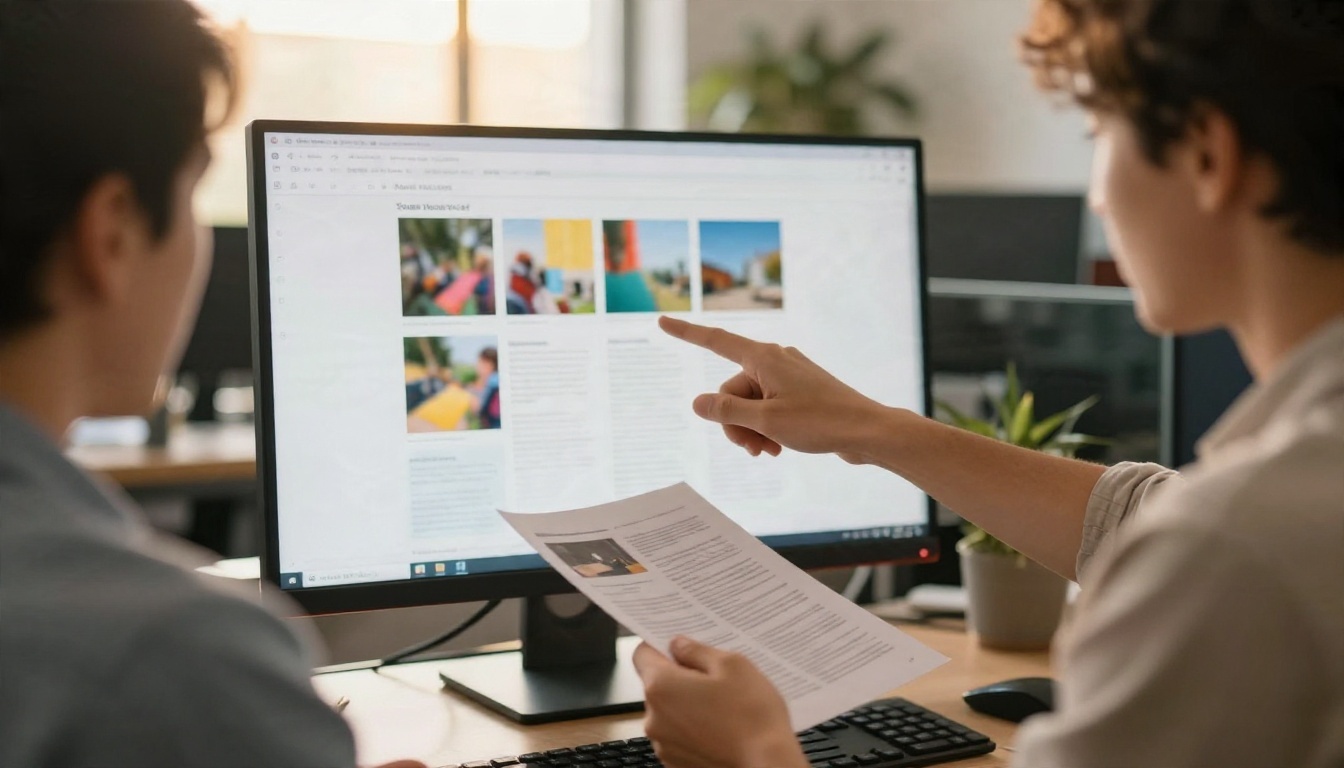
If your brochure will be read on screens, an interactive version beats a plain PDF attachment. Readers get realistic page turns, clickable links and a layout that adapts to phones. Here is the full process using Flipbooks AI.
Step 1: Upload Your PDF
- Open Flipbooks AI and create an account.
- Click the upload button on your dashboard and select your brochure PDF.
- Wait a few seconds while the platform converts every page into a flipbook. You will see a preview with the page-turn effect, much like opening a real leaflet.
The PDF to Flipbook Converter handles the conversion, and you can design the original file in any tool you like, including the AI editors covered above.
💡 Pro tip: Export your PDF at a moderate resolution. Very heavy files load slowly on mobile, and readers leave quickly.
Step 2: Customize Branding and Pages
Next, make the flipbook look like yours:
- Branding: add your logo and choose background colours that match your brand.
- Page effects: set the page-turn style and speed.
- Multimedia: embed videos and audio on the pages where they help, such as a welcome clip on the first spread.
- Links: make phone numbers, booking buttons and website addresses clickable.
The result is mobile-responsive by default, so the same brochure works on a phone, tablet or desktop.
Step 3: Share and Protect
You have several ways to get the brochure to readers:
- Direct link: paste it into email, WhatsApp or social posts.
- Embed code: place the flipbook on your site using the Embed Flipbook on Website option.
- Password protection: limit access for private pricing or partner-only material.
- Offline downloads: let readers keep a copy for when they have no connection.
Step 4: Track Results
On the Professional plan you get analytics showing how many people opened the brochure and which pages held their attention. Lead generation lets you ask for an email address before the reader gets in. That turns a brochure from a handout into a measurable sales tool. See the pricing plans to compare tiers.
Examples You Can Copy
Theory only goes so far. These three scenarios show how different teams combine AI design tools with online publishing.
A Neighbourhood Bakery
The owner uses a template editor to produce a tri-fold with menu highlights and catering options. AI writes short descriptions for each product line, and a background remover cleans up the photos. The printed version goes on the counter. The same PDF becomes an online brochure, linked from the bakery's social profile, so event planners can browse catering packages from their phones.
A Real Estate Agent
An agent drops listing photos and details into a prompt-first generator, then adjusts the layout manually. The finished PDF is published as a flipbook, and the agent sends the link to buyers before viewings. Agents in this position often pair it with the Real Estate Brochure Creator for a consistent look across listings.
A Regional Hotel
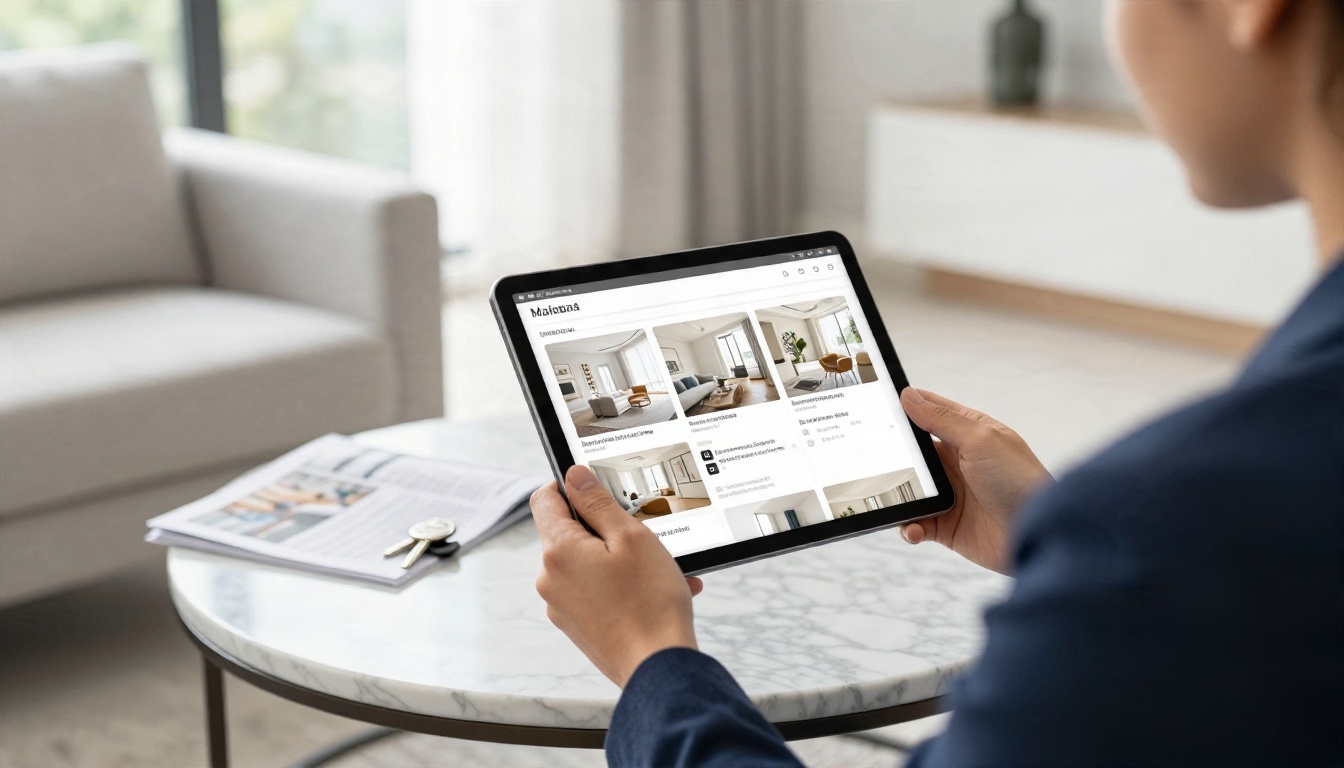
The marketing manager designs a 12-page brochure with full-bleed photography, then adds a short video of the pool and restaurant inside the flipbook. A password-protected version goes to travel agents with net rates, while a public version stays on the website. The Hotel Brochure Designer page shows the format in action.
| Scenario | Design tool type | Publishing | Result |
|---|
| Bakery | Template editor | Print plus flipbook link | More catering enquiries |
| Real estate agent | Prompt-first generator | Flipbook link before viewings | Better prepared buyers |
| Hotel | Layout engine plus photography | Public and private flipbooks | Direct bookings and agent sales |
Common Mistakes to Avoid
Even with strong tools, brochures fail for ordinary reasons.
- Too much text. AI can write endlessly. Cut hard, and keep each panel to one idea.
- Generic imagery. Stock-looking pictures make a business feel interchangeable. Use real photos of your product, team or property whenever possible.
- No clear action. Every brochure needs one next step: call, book, scan or visit.
- Ignoring the fold. Check where creases fall before you place key text or faces.
- Skipping a proofread. AI copy can contain invented claims or wrong details. Verify every price, date and statistic.
⚠️ Warning: Never publish AI-written claims about certifications, awards or guarantees without checking them yourself.
Use this short checklist to decide:
- Need a printed leaflet this week? Choose a template editor with AI writing and image tools.
- Need a rough draft from a one-line idea? Try a prompt-first generator, then refine it.
- Already have a finished PDF? Convert it with a flipbook publisher and share it as an interactive brochure.
- Need to know who is reading? Pick a platform with analytics and lead capture.
Most professionals end up combining two tools: one to design, one to publish. That pairing gives you printed material for the room and a trackable online version for everyone else.
Ready to turn your brochure into something readers actually flip through? Get started for free on Flipbooks AI, browse all flipbook tools and templates, or compare pricing plans to find the tier that fits your workload.



