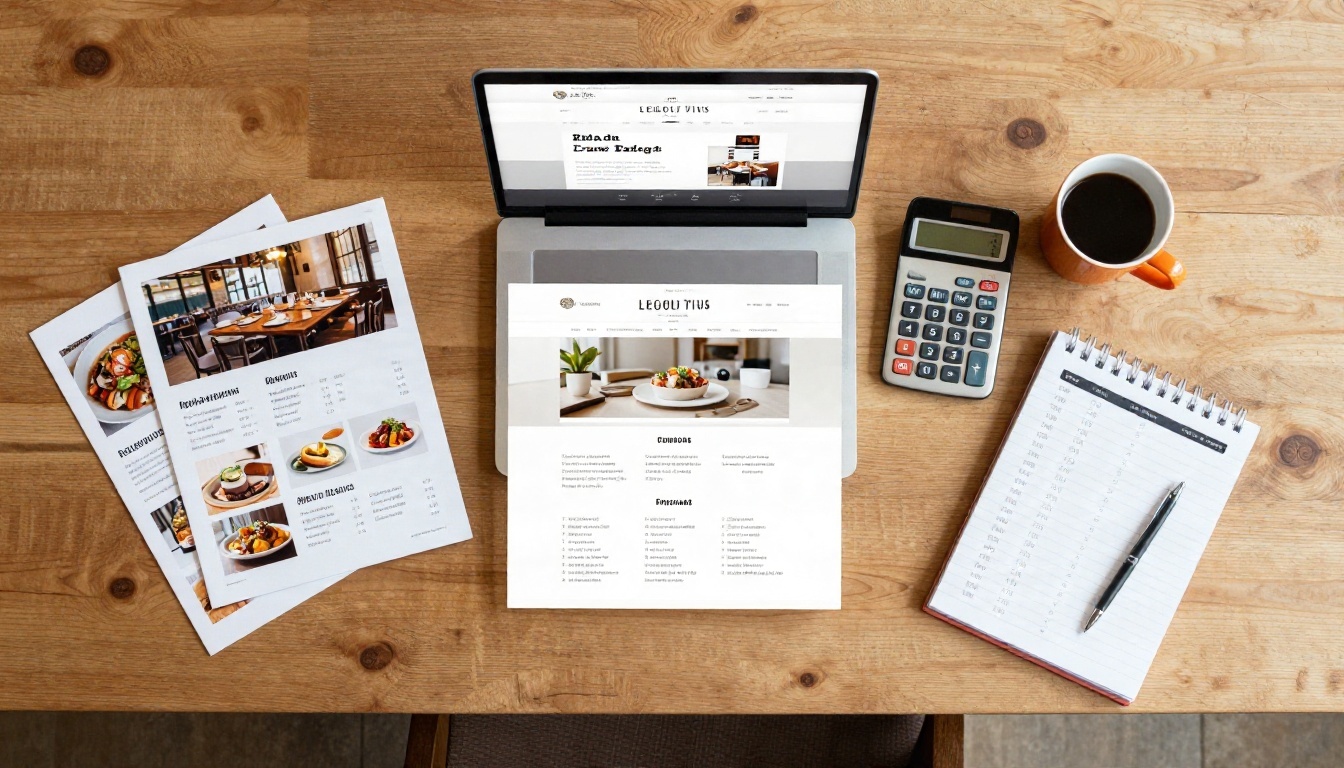
A brochure website is a small, mostly static site that does one job: it tells people who you are, what you offer, and how to contact you. Think of a printed tri-fold brochure, rebuilt as a handful of web pages. No shopping cart, no member login, no complicated features. If you run a local business and need a credible online presence without a big budget, this is probably the first thing someone suggested to you. But it is not the only option. A digital flipbook from Flipbooks AI can do the same presentation job in an afternoon, and in some cases it does it better.
This article explains what a brochure website is, shows examples by industry, breaks down what it costs, and gives you a clear rule for when a flipbook is the smarter pick.
What a Brochure Website Actually Is
The name comes straight from print. A paper brochure is a fixed set of pages that you hand to a prospect. A brochure website is the same idea online: a fixed set of pages that present your business, with the content changing only when you decide to edit it.
The Core Idea
A brochure website is informational, not transactional. Visitors read, look at photos, and then call, email, or walk through your door. The site does not process payments, manage accounts, or pull data from a database. That simplicity is the whole point. It is cheaper to build, faster to load, and easier to maintain than a full web application.
Typical Pages
Most brochure sites follow the same short structure:
- Home: a hero photo, a one-line promise, and a clear contact button.
- About: who you are, your story, and a few team photos.
- Services or Products: what you do, usually as a simple list with short descriptions.
- Gallery or Portfolio: photos of finished work.
- Contact: a form, a phone number, a map, and opening hours.
Some sites add a testimonials block or a short FAQ. Rarely do they go beyond five to ten pages.

💡 Pro tip: If you can describe your whole business in five pages and one contact form, you are the target audience for a brochure website. If you need to sell 200 products online, you are not.
Brochure Website Examples by Industry
The format shows up almost everywhere small businesses operate. Here is how it looks in practice.
Local Service Businesses
A plumber, an electrician, or a cleaning company usually needs three things on screen: the service area, a phone number, and proof that past customers were happy. A brochure site gives them exactly that. The homepage carries a call button, the services page lists jobs, and a reviews section builds trust.
Creative Studios and Freelancers
Photographers, interior designers, and architects use a brochure site as a visual calling card. The gallery matters most here, and the text stays short. A photographer might have a home page, a gallery, a pricing page, and a contact form. That is the entire site.
Hospitality and Food
Restaurants, cafes, and boutique hotels often run brochure sites with a menu or room page, photos, a location map, and a booking link that points to an outside reservation tool. The site itself stays simple while the booking happens elsewhere.
Professional Practices
Law firms, accountants, dentists, and consultants use brochure sites to look established. The content is mostly a list of services, a short biography for each partner, and a contact page.
| Industry | Typical Pages | Main Goal | Primary Action |
|---|
| Plumber or electrician | 4 to 6 | Generate calls | Phone call |
| Photographer | 4 to 5 | Show work | Contact form |
| Restaurant | 4 to 6 | Share menu and hours | Reservation click |
| Boutique hotel | 5 to 8 | Show rooms and location | Booking link |
| Law or accounting firm | 5 to 8 | Build trust | Consultation request |
| Real estate agent | 5 to 7 | Show listings | Enquiry form |
What a Brochure Website Costs
Pricing varies widely, and the cheapest route is not always the cheapest in the long run. Here are the three common paths.
DIY Website Builders
Drag-and-drop builders let you assemble a site yourself. Expect roughly $10 to $40 per month for a hosted plan with a custom domain, plus your own time. Realistically, that time is 15 to 40 hours the first time, especially if you are choosing a template, writing copy, and resizing photos.
Freelancers and Small Agencies
A freelance designer typically charges $500 to $3,000 for a brochure site, depending on page count, custom design, and copywriting. A small agency often lands between $3,000 and $10,000, particularly if photography, branding, and search optimization are included.
Hidden Ongoing Costs
The launch price is only part of the bill. Budget for these as well:
- Domain name: about $12 to $20 per year.
- Hosting: $5 to $30 per month if you are not on an all-in-one builder.
- SSL certificate: usually free, but some hosts charge.
- Updates and maintenance: $50 to $200 per month if you hire someone to handle it.
- Photography and copywriting: often the biggest surprise, ranging from a few hundred to a few thousand dollars.
| Route | Upfront Cost | Monthly Cost | Time to Launch | Best For |
|---|
| DIY builder | $0 to $100 | $10 to $40 | 2 to 4 weeks | Owners with spare time |
| Freelancer | $500 to $3,000 | $10 to $50 | 3 to 6 weeks | Custom look on a budget |
| Agency | $3,000 to $10,000+ | $50 to $200 | 6 to 12 weeks | Larger firms |
| Flipbook | Low | Plan-based | Hours | Fast, visual presentations |
⚠️ Watch out: A site that is cheap to build but never updated quickly looks neglected. Outdated opening hours or an old price list cost more in lost trust than a monthly maintenance fee.
Brochure Website vs Other Site Types
People often confuse these categories, so a quick comparison helps.
| Feature | Brochure Site | Ecommerce Site | Web App |
|---|
| Sells products online | No | Yes | Sometimes |
| User accounts | No | Often | Yes |
| Content changes | Rarely | Constantly | Constantly |
| Build cost | Low | Medium to high | High |
| Maintenance | Light | Heavy | Heavy |
| Best for | Presenting a business | Selling goods | Delivering software |
If your site mostly says "here is what we do, please call us," you have a brochure site, whatever your web developer calls it.
When a Flipbook Works Instead
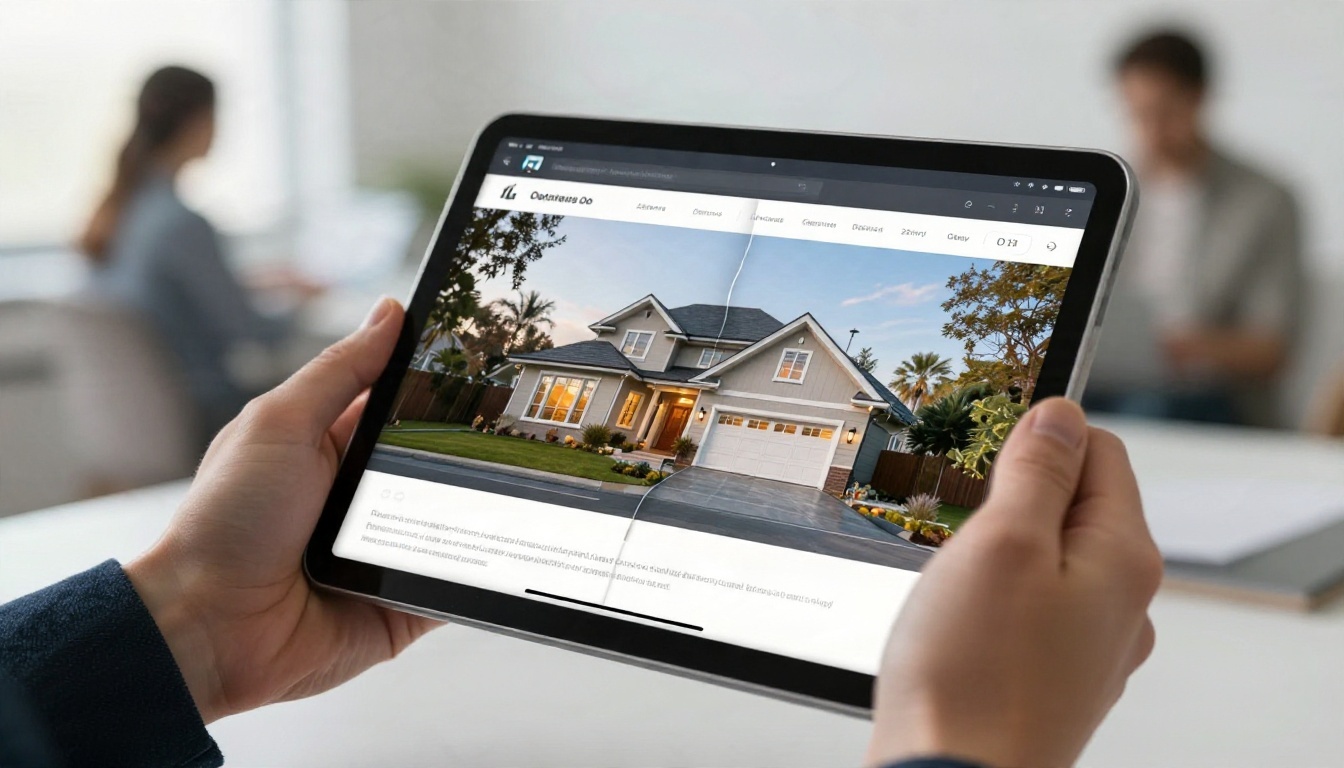
A flipbook is a digital document, usually converted from a PDF, that readers page through with a realistic page-turn effect. It lives at a shareable link and can be embedded on any page. For many small businesses, it replaces a brochure website outright. For others, it sits next to one.
Situations Where a Flipbook Wins
A flipbook is the better choice when:
- You already have a PDF or print brochure. Upload it, and it becomes a web-ready document in minutes. No rebuilding pages.
- Your content is visual and sequential. Menus, lookbooks, property listings, and price lists read naturally as pages.
- You update seasonally. Swap a PDF and the link stays the same.
- You need to share by link. Email, WhatsApp, QR codes on a window, or a social bio all work with a single URL.
- You want control over access. Password protection suits private price lists or client proposals.
- You have no budget for a build. A flipbook costs a fraction of a designed website and takes hours, not weeks.
Situations Where It Falls Short
Be honest about the limits. A flipbook is not the right primary tool if:
- You need a blog or regular long-form content that ranks in search.
- You sell products with a checkout flow.
- You need dozens of separately indexed pages for local search.
- Visitors expect a conventional site with a menu bar and sub-pages.
✅ Best practice: Treat the flipbook as your presentation layer and the website as your address. Even a one-page site with an embedded flipbook is stronger than either alone.
Real-World Examples
Flipbook vs Brochure Website Side by Side
| Factor | Brochure Website | Flipbook |
|---|
| Setup time | Weeks | Hours |
| Starts from | Blank pages | Existing PDF |
| Reading experience | Scrolling | Page-turning |
| Updates | Edit each page | Replace the file |
| Sharing | Domain link | Link, embed, or QR code |
| Search visibility | Strong with good SEO | Limited alone, better when embedded |
| Private access | Needs custom setup | Built-in password option |
| Analytics | Third-party tools | Built-in on higher plans |
How to Create a Brochure Flipbook with Flipbooks AI
If a flipbook fits your situation, here is the full process. It takes less time than choosing a website template.

- Sign up. Go to Flipbooks AI and create an account. You can start with a free trial and upgrade later.
- Prepare your PDF. Export your brochure from Canva, InDesign, Word, or any design tool. Use high-resolution images and keep page size consistent.
- Upload and convert. Drop the file into the PDF to Flipbook Converter. Conversion usually finishes in under a minute, and every page keeps its original sharpness.
- Customize the look. Add your logo, pick background colors that match your brand, and choose the page-turn effect. For brochure-style layouts, the Brochure Flipbook Maker offers sensible defaults.
- Add multimedia. Embed a short video tour, an audio greeting, or clickable links to your booking page. The result is more interactive than a plain PDF.
- Choose your sharing method. Copy the direct link, grab the embed code, or generate a QR code. If the document is private, turn on password protection.
- Embed it on your site. Use the embed tool to place the flipbook on any page of an existing website.
- Publish and test. Open the link on your phone and on a desktop. The design is mobile-responsive, so pages resize automatically.
Every flipbook is published without watermarks, so the result looks like your own brand and not a template demo.
Professional Plan Features
When you are ready for more control, the Professional plan adds the following:
- Analytics: see how many people opened your flipbook and which pages held their attention.
- Lead generation: ask for a name and email before a reader can open the document.
- Offline downloads: let readers save the document to read without a connection.
- Unlimited flipbooks: available from the Standard plan and above, handy if you run several brochures or seasonal catalogs.
💡 Pro tip: Put a lead form on your most valuable document, such as a full price list, and leave the general brochure open. That gives you a steady stream of warm contacts without blocking casual visitors.
Combining Both for the Best Result
You do not have to pick one. Many small businesses get strong results with a hybrid setup:
- A one-page or three-page website with your name, address, phone number, and a short summary.
- An embedded flipbook that holds the detailed brochure, menu, or catalog.
- A QR code printed on shopfront stickers, receipts, and business cards that opens the same flipbook.
This keeps your website cheap and easy to maintain, while the flipbook carries the visual heavy lifting. When prices change, you replace one PDF and everything stays current.
A Quick Decision Checklist
Choose a brochure website if you:
- Need to rank for local searches across several service pages
- Want a branded domain with email addresses
- Plan to add a blog later
Choose a flipbook if you:
- Already have a print brochure or PDF
- Need to launch this week
- Update content often, or share it by link and QR code
Choose both if you want a strong first impression and low upkeep.
Common Mistakes to Avoid
- Paying for features you never use. A booking engine, a membership area, and a blog are unnecessary for a plumber.
- Using low-resolution photos. Poor images hurt a brochure site and a flipbook equally.
- Hiding contact details. Put your phone number and address on every page or inside the first spread of your flipbook.
- Never updating. Old prices and expired offers damage trust.
- Skipping mobile testing. Most visitors will open your link on a phone.
Ready to Publish Yours?
A brochure website is a perfectly good way to introduce a small business, but it is not the only way, and often not the fastest. If you already have a PDF or a print brochure, you can have a polished, shareable version online today.
Create your first flipbook on Flipbooks AI, browse the full list of flipbook tools to find a template for your industry, or compare pricing plans to see which one fits your needs. Prefer to go straight to a paid plan? Use this account and pricing link and be live in minutes.



