A digital storybook is a picture book made to be read on a screen. It has illustrated pages, text, and often a few extras like narration, background music, or a tap that makes a character wave. Think of it as the paper book your child already loves, rebuilt for tablets, phones, and laptops. If you want to turn your own drawings or a finished PDF into one, a tool like Flipbooks AI does it in a few minutes, and this article shows you exactly how.
Below you will find clear definitions, real examples, a comparison of free makers, online template ideas, 25 story prompts for kids, and a short tutorial you can follow today.
What Is a Digital Storybook?
At its simplest, a digital storybook is a story told through pages of images and text that you view on a device instead of holding paper. Some are plain page-by-page readers. Others are closer to an interactive app. The format sits between a printed picture book and a short animated film.
You will also see these related terms used almost interchangeably:
- E-storybook or online storybook
- Interactive picture book
- Digital picture book
- Children's ebook (usually the same thing, just labeled for stores)
- Read-along book (a storybook with narration)
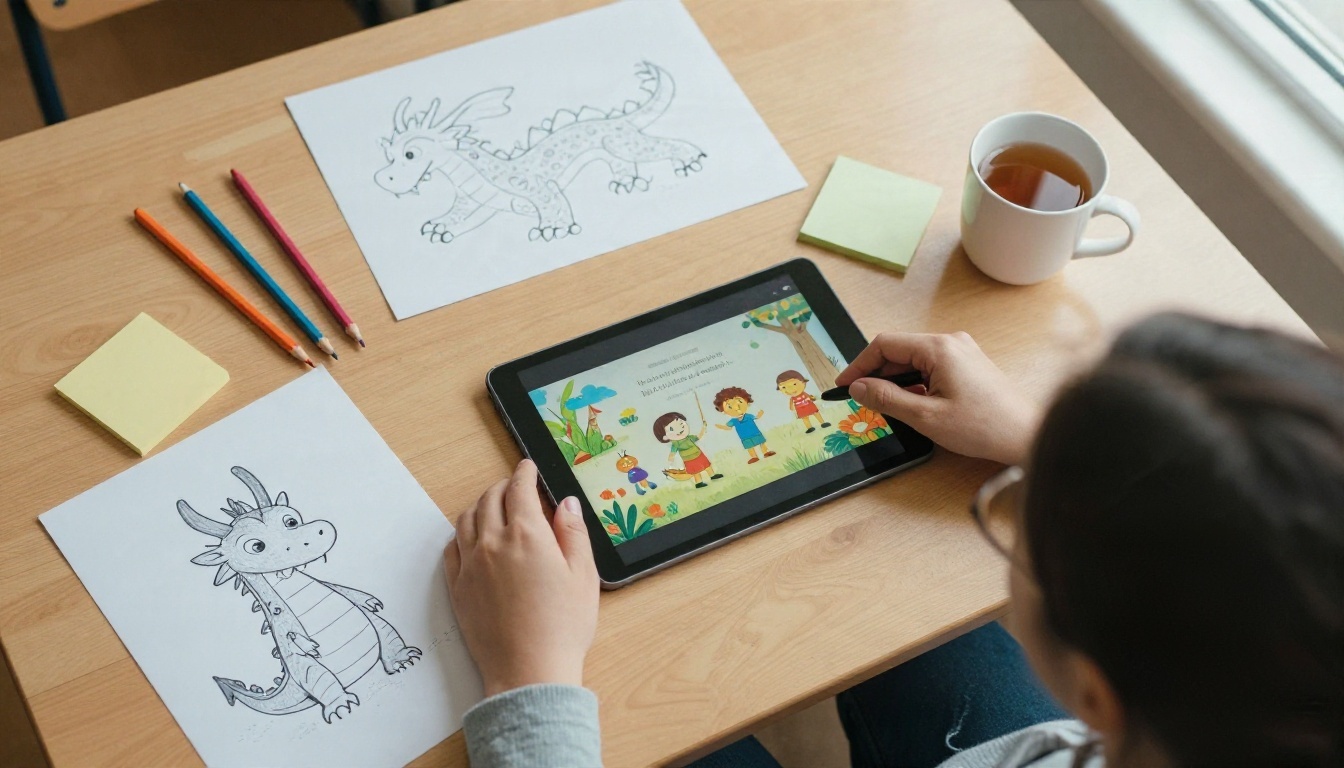
How It Differs From a Printed Book
The biggest differences are not about the story. They are about how the story travels. A printed book lives on a shelf. A digital one lives at a link, which means grandparents overseas can open the same book at the same moment as the kids.
How It Differs From an Ebook
Plenty of children's ebooks are just scanned pages with no extras. A true digital storybook usually adds a page-turn effect, sound, or tap targets. The line is blurry, and honestly, it does not matter much. What matters is whether a child can pick it up and enjoy it without help.
💡 Quick test: if a five-year-old can open it, flip pages by swiping, and understand what to do next without asking you, it is a good digital storybook.
Types of Digital Storybooks
Not every storybook needs animation. Here is how the main types compare.
| Type | What it includes | Best for | Effort to make |
|---|
| Static page reader | Images and text, page-turn effect | Quick sharing, classroom handouts | Low |
| Read-along | Narration audio, highlighted text | Early readers, language practice | Medium |
| Interactive tap book | Tap to reveal sounds or animations | Toddlers and preschoolers | High |
| Choose-your-path | Links that branch the story | Ages 7 to 12, creative writing | Medium to high |
| Video-enhanced | Embedded clips or author readings | Libraries, author events | Medium |
Most teachers and parents begin with the first type and add audio later. That is a sensible order, because the story and pictures matter more than the effects.
Why Kids Love Them
Children respond to motion, sound, and control. A digital storybook gives them a bit of each without losing the calm of a bedtime read.
- Swiping feels like turning a page. Kids as young as two pick it up quickly.
- Audio supports new readers. A child can hear a word while seeing it.
- Zoom helps with details. Tiny illustrations become big enough to point at.
- One device holds a whole library. Long car rides get easier.
- Kids can star in the book. Photos and drawings go straight onto the page.
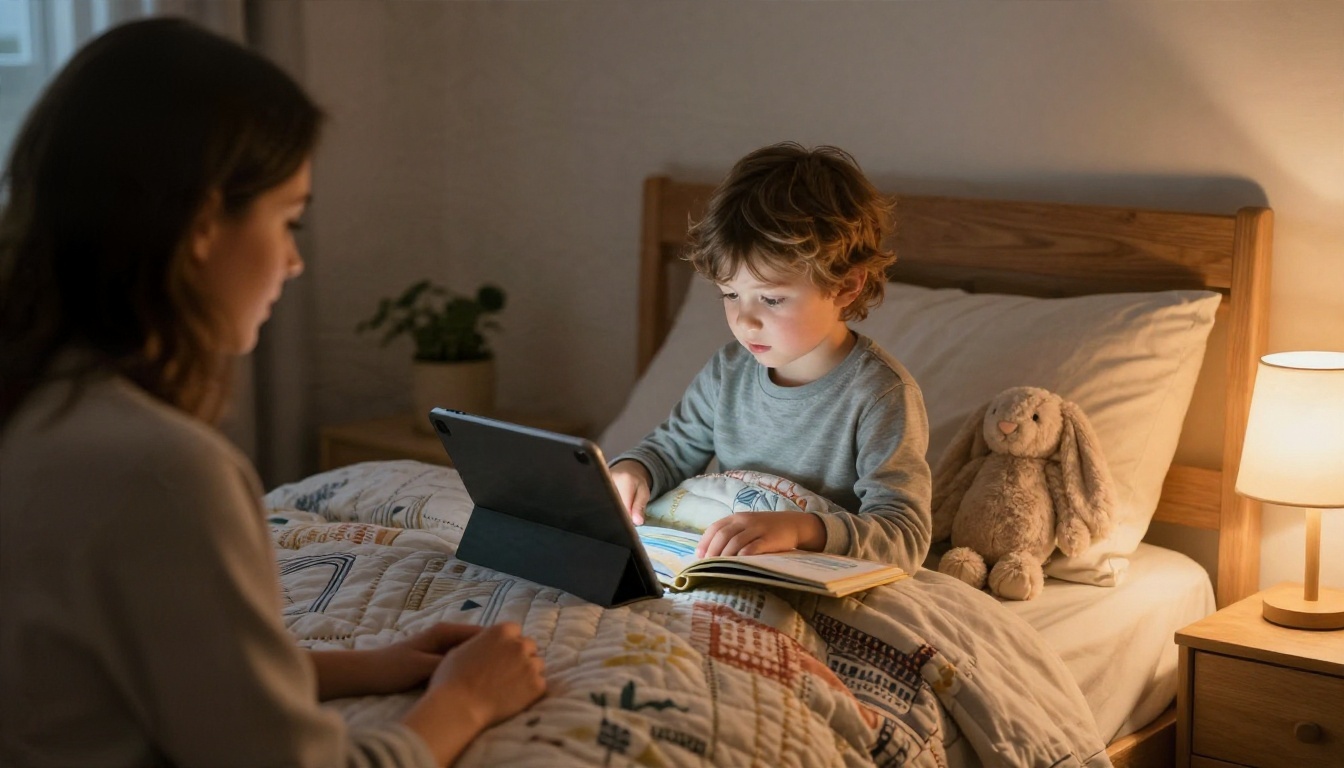
⚠️ A fair warning: screens before bed are a personal choice. Many families use a digital storybook in the afternoon and keep paper for the last read of the night. Do what fits your house.
Digital Storybook Examples
Seeing real formats makes the idea click faster. Here are practical examples that people actually build.
Examples for Parents
- A family adventure book. Photos from a beach trip with a short rhyme under each one. Share the link with relatives.
- A bedtime story starring your child. Swap in their name, their pet, their favorite stuffed animal.
- A new sibling book. A gentle story that prepares an older child for a baby's arrival.
- A potty training story. Simple pictures, short sentences, and a celebratory last page.
Examples for Teachers
- A class-made story. Each student draws one page, and the teacher assembles the whole book.
- A vocabulary storybook. Ten new words used in a short tale, with a picture for each.
- A science story. The life cycle of a butterfly told as a narrative.
- A classroom newsletter in story form. A School Newsletter Creator turns weekly updates into something parents actually open.
Examples for Young Authors
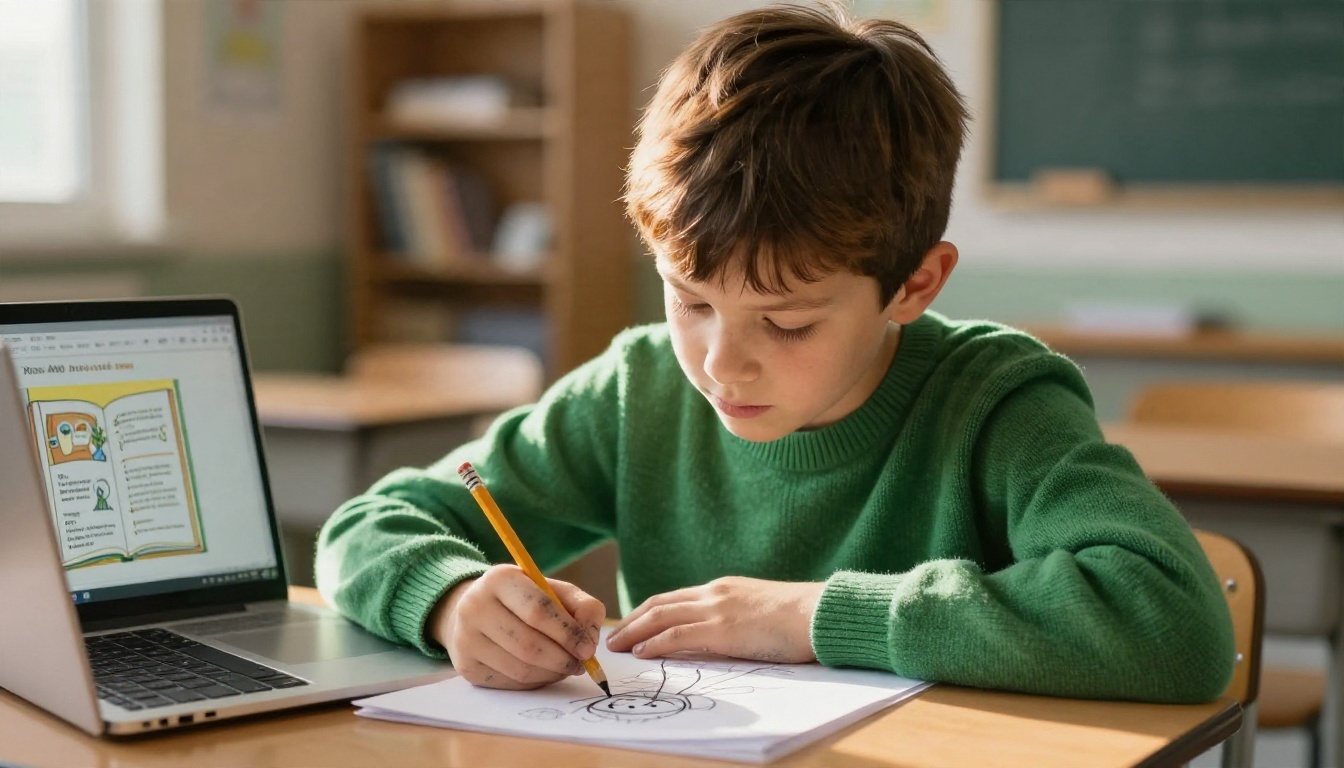
A ten-year-old with a pencil and a laptop can publish a real book. Kids write mystery stories, comic-style adventures, and retellings of family legends. Seeing their work as a flipbook that turns pages gives them a feeling of being a real author.
Examples for Authors and Illustrators
Independent children's authors use digital storybooks as a free preview. A sample of the first six pages, shared by link, helps parents decide whether to buy the print edition. You can also build a portfolio from finished work with a Digital Portfolio Creator.
Free Digital Storybook Makers Compared
There are many ways to build one. The right pick depends on how much time you have and what you start with. This table compares the common routes.
| Approach | Starting point | Page-turn effect | Watermark risk | Easiest for |
|---|
| Slides software (any presentation tool) | Blank slides | Not built in | None | Quick drafts |
| Document or design app | Templates | Usually exported as PDF | Varies on free plans | Layout control |
| Dedicated storybook app | In-app templates | Yes | Often on free tiers | Young kids |
| PDF to flipbook converter | Any finished PDF | Yes, realistic | None with Flipbooks AI | Sharing and publishing |
| Paper scans | Photos of real drawings | Added at conversion | None | Hand-drawn books |
A lot of people combine two of these. Design the pages in whatever app feels familiar, export a PDF, then convert it so it flips like a real book. The PDF to Flipbook Converter is built for exactly that last step.
What to Look for in a Free Maker
Free is great, but check these before you commit your time:
- No watermark. A logo stamped on every page ruins a gift book.
- Mobile friendly. Most children read on tablets and phones.
- Shareable link. Relatives should not need an account.
- Audio support. Even if you skip it now, you may want it later.
- Export or download. You should own your work.
✅ Best practice: build your book in a layout app you already know, and use a converter only for the reading experience. This saves hours.
Online Templates and Layout Ideas
A template saves you from staring at a blank page. Here are layouts that work well, and when to use each.
| Template style | Layout | Words per page | Good for ages |
|---|
| Full-bleed picture | One big image, a line of text on top | 5 to 15 | 2 to 4 |
| Split page | Image on left, text on right | 20 to 40 | 4 to 7 |
| Comic panels | 3 to 6 small boxes per page | 30 to 60 | 7 to 12 |
| Chapter book | Mostly text, spot illustrations | 150 or more | 8 to 12 |
| Photo story | Real photos with captions | 10 to 25 | All ages |
Page Count That Works
Most picture books run 24 to 32 pages. For a first digital storybook, aim for 12 to 16 pages. It is long enough to tell a full story and short enough to finish in a weekend.
Colors and Fonts
Pick two or three colors and stick with them. Use a clear, rounded font for text, at least 18 points for kids under seven. Leave plenty of empty space around words. Cramped text tires small eyes quickly.
25 Story Ideas for Kids
Stuck on what to write? Pick one and change the details.
For ages 2 to 5
- A bear who cannot find his hat
- The day the moon came to breakfast
- A puppy learns to share a bone
- Colors that hide around the house
- A very small snail on a very big trip
For ages 5 to 8
6. A dragon afraid of campfires
7. The school bus that flew on Fridays
8. A girl who talks to the garden
9. How the zebra got extra stripes
10. A robot who wants to bake bread
For ages 8 to 12
11. A mystery in the school library
12. A map found inside an old coat
13. Twin explorers on a floating island
14. The last day before summer
15. A detective cat in a busy city
Personal and family stories
16. Grandma's recipe, told as an adventure
17. Our first day at a new school
18. The night the power went out
19. My pet's imaginary diary
20. How my parents met, as a fairy tale
Classroom projects
21. A weather story with a rainy-day hero
22. A history event told by a witness
23. A rhyming story with spelling words
24. A kindness chain across the class
25. A story set in a country we are studying
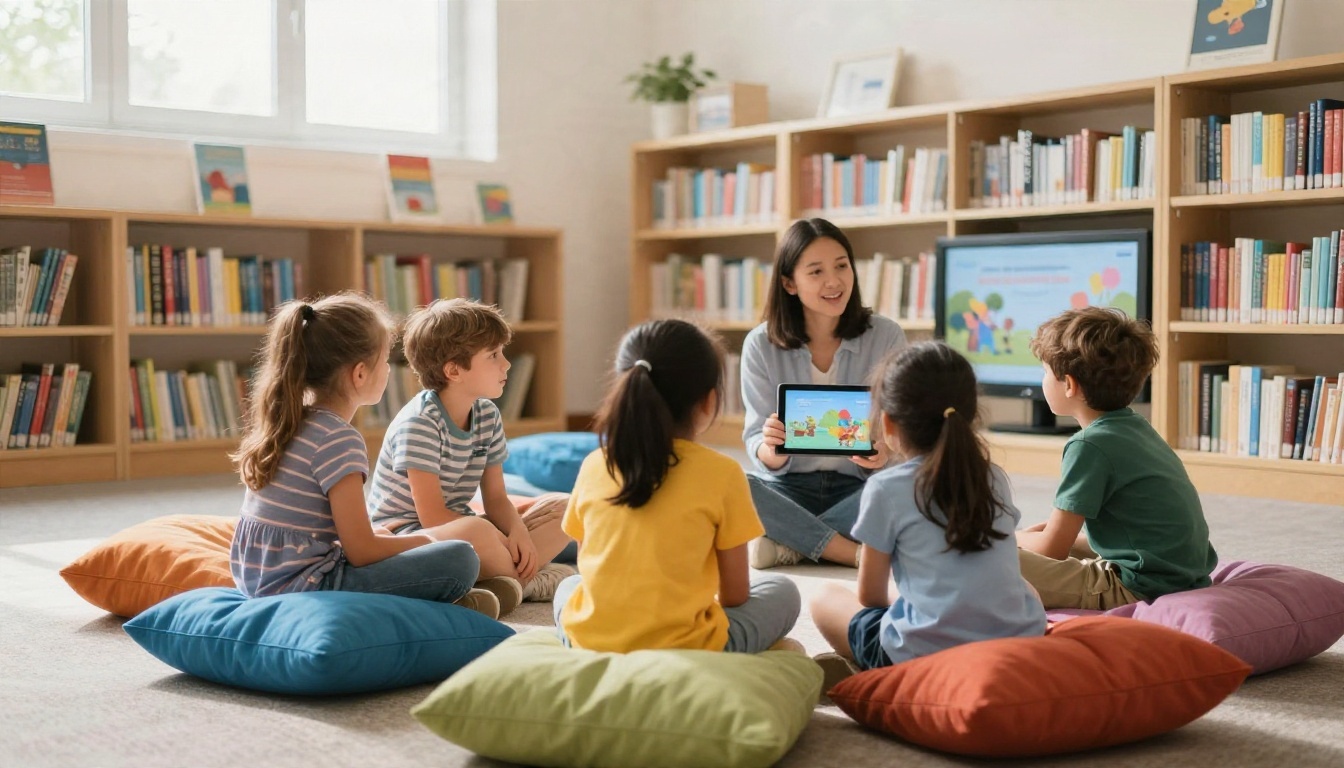
How to Create a Digital Storybook with Flipbooks AI
If you want your pages to flip like a real book and open on any device, this is the simplest route. The platform converts a PDF into a realistic flipbook with no watermark, and the process takes only a few minutes.
Step 1: Write and Design the Pages
Draft the story in a notebook first. Then build the pages in a design app, a presentation tool, or scan your child's hand-drawn art. Keep pages in landscape or square for tablets. Export the final result as a PDF.
Step 2: Get Started on the Platform
Head to Flipbooks AI and create an account. You can browse all flipbook tools to see which one fits your project. For a picture book, the Interactive E-Book Publisher and the E-Book Flipbook Generator are the closest matches.
Step 3: Upload Your PDF
- Click the upload button in your dashboard.
- Select the PDF from your device.
- Wait a few seconds while the pages are converted.
- Preview the book. Each page should turn with a soft paper effect.
Step 4: Customize the Look
- Branding and colors: set a background color that matches your illustrations. A warm cream or soft blue works well.
- Page effects: choose the page-turn style and speed.
- Multimedia: add narration audio or short video clips to chosen pages.
- Custom branding: add your name or a school logo if needed.
💡 Pro tip: record narration in a quiet room with a phone. Keep each page's audio under 30 seconds so kids do not lose interest.
Step 5: Share the Book
| Sharing option | How it works | Best for |
|---|
| Direct link | Copy and send by message or email | Family and friends |
| Embed code | Paste into a website or blog | School sites, author pages |
| Password protection | Only people with the password can open it | Private class or family books |
| Offline download | Save a copy to read without internet | Flights and car trips |
To put the book on a school site or author page, use the Embed Flipbook on Website tool and paste the code.
Step 6: Track Who Reads It
On the Professional plan, you get analytics showing how many people opened the book and how far they read. Authors can also collect emails with lead generation forms. See the pricing plans for the full breakdown. Unlimited flipbooks come with the Standard plan and above.
Common Mistakes to Avoid
Even good stories stumble on small details. Watch for these.
- Too much text per page. Small readers need breathing room.
- Low-resolution images. Blurry pictures look worse on large tablets. Export at high quality.
- Portrait pages for a landscape screen. Match page shape to the device.
- Skipping a test read. Hand it to a child and watch where they get confused.
- Forgetting a title page. A clear first page with the title and author sets the tone.
- Heavy audio files. They slow loading on mobile connections.
Ideas for Using Storybooks Beyond Reading
A finished storybook can do more than sit in a folder.
- Gifts: a personalized birthday story, shared as a link in a card.
- School events: a class book shown on a screen at open house.
- Language practice: the same story in two languages, side by side.
- Fundraising: a student-made book that parents can purchase as a print edition.
- Therapy and counseling: social stories that help children prepare for new situations.
- Yearbook memories: a younger class can build a story version with the Yearbook Flipbook Maker.
For teachers building bigger materials, the Course Material Publisher handles longer lesson packs in the same flipbook style.
Start Your First Storybook Today
You do not need to be an illustrator or a developer. Pick one of the 25 ideas, sketch twelve pages, export a PDF, and turn it into a flipbook. Kids will care far more about the story than the polish.
Ready to publish? Get started for free on Flipbooks AI, browse all tools and templates, and compare pricing plans when you want analytics, unlimited books, and password protection. Your first digital storybook could be live before dinner.



