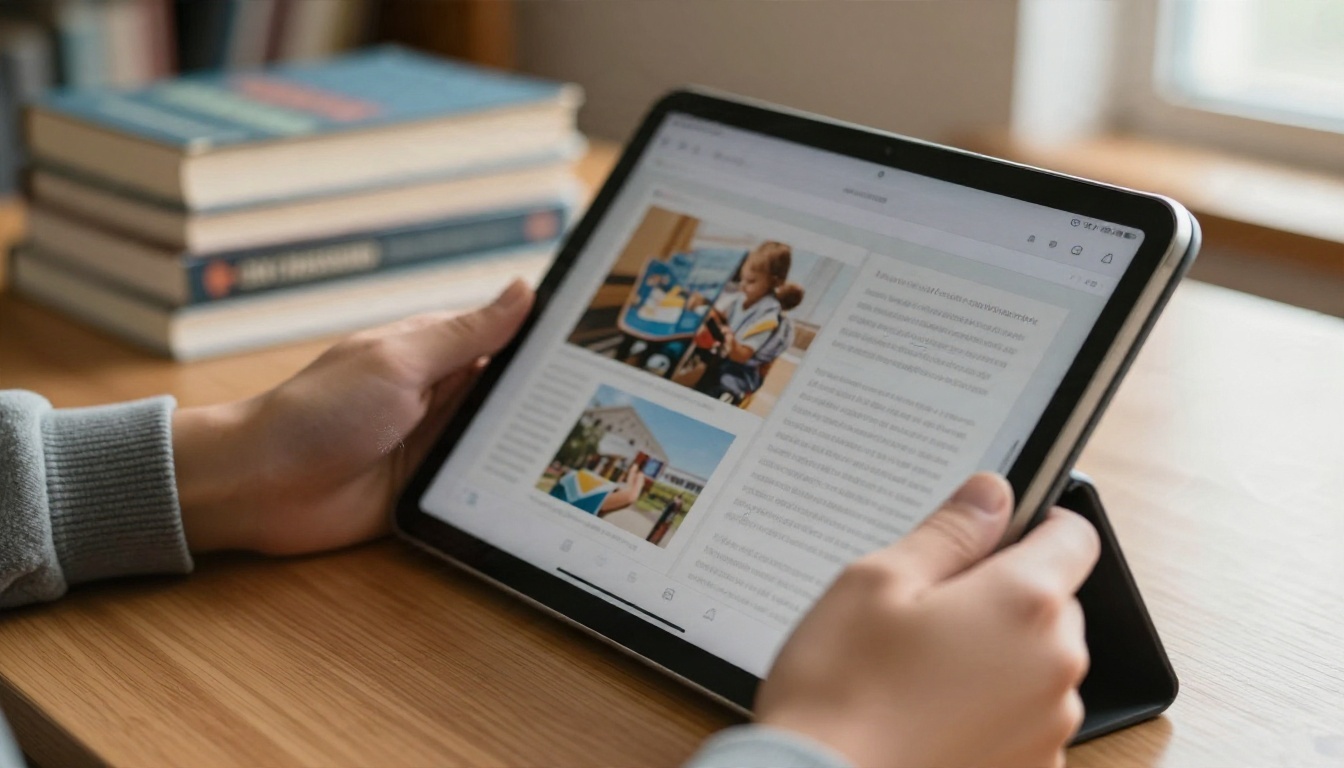
A flipbook in education is a digital publication that looks and feels like a real book: students see two pages, click or swipe, and the page curls over. Under the surface it is usually just a PDF that someone converted into a browser-friendly format. That small change matters more than it sounds. A worksheet that used to sit in a download folder becomes a lesson students actually open on a phone, a Chromebook or the classroom projector. If you want to see the idea in action, Flipbooks AI turns a PDF into a shareable flipbook in a few minutes, and this article shows where that fits in a school day.
Below you will find a plain definition, classroom examples by age group, practical uses beyond lessons, a step-by-step tutorial, and an honest look at free tools and their limits.
What a Flipbook Means in Class
The Simple Definition
Think of a flipbook as a PDF with manners. A regular PDF scrolls endlessly, loads slowly on weak school Wi-Fi, and looks tiny on a phone. A flipbook splits the same content into pages, loads them progressively, adapts to the screen size, and adds the familiar page-turn motion that even a six-year-old understands without instructions.
In a school setting, flipbooks usually carry one of these things:
- Lesson packs and reading passages
- Class newsletters and parent updates
- Student-made stories, portfolios and research projects
- Training manuals and course readers
- Yearbooks, event programs and school magazines
Flipbook vs PDF vs Slides
Teachers already have plenty of formats, so it helps to see where a flipbook sits among them.
| Format | Best for | Weak spot | Works on phones |
|---|
| Plain PDF | Printing and archiving | Clumsy to read on screen, no page-turn feel | Poorly |
| Slide deck | Live presentations | Hard to read alone without a presenter | Reasonably |
| Word document | Editing and drafting | Layout shifts between devices | Poorly |
| Flipbook | Self-paced reading, sharing and display | Needs a source PDF first | Very well |
💡 Pro tip: Keep your original design in Canva, Word or Google Docs. Export to PDF, then convert. You never have to redesign anything.
Classroom Examples That Work
Here is where flipbooks earn their place, grouped by age level. Each example is something a teacher could build in one planning period.
Elementary School: Story and Picture Books
Young students respond to the page-turn effect almost like a toy. A second-grade teacher can have every child write and illustrate a short story on paper, scan the pages into one PDF, and publish the class anthology as a flipbook. Parents open it on the sofa, and the child sees their own work in a "real" book.
Other ideas for younger classes:
- Phonics readers with one sound per page
- Weekly reading packs that families open at home
- Class pet diaries with a photo and two sentences per day
- Picture dictionaries built by students over a term

Middle and High School: Projects and Portfolios
Older students benefit when projects stop living in a teacher's inbox. A science class can publish lab reports as one class flipbook. A history group can build a magazine of primary-source profiles. An art teacher can turn a term of sketches into a digital show that families open from a link.
Group work gets easier too. Each student exports their section as a PDF, the teacher merges the files, and the finished product is a single flipbook with everyone's name in it. Students tend to care about the result more when they know it will be shared beyond the classroom.
Higher Education: Course Readers and Syllabi
Professors often send a 90-page syllabus as an attachment that half the class never opens. A flipbook version with a clickable contents page, an embedded lecture video and a password gives students one place to go. It also keeps the material off public search results when you need that.
Here is a quick view of how the same idea scales across levels:
| Level | Example flipbook | Who reads it | Typical length |
|---|
| Elementary | Class story anthology | Students and families | 10 to 20 pages |
| Middle school | Science fair report collection | Class and judges | 20 to 40 pages |
| High school | Art or writing portfolio | Teachers, colleges | 15 to 30 pages |
| University | Course reader with video | Enrolled students | 50 to 150 pages |
| Vocational | Safety and procedure manual | Apprentices | 30 to 80 pages |
Uses Beyond the Lesson Plan
A teacher's week is not only lessons. A lot of the paperwork around a school works better as a flipbook, too.
School Newsletters and Yearbooks
Printing 400 newsletters is expensive, and emailing a PDF means half of it gets clipped by mail apps. A flipbook newsletter opens from one link, shows photos at full size, and can be posted on the school website. The School Newsletter Creator is built for exactly this, and the Yearbook Flipbook Maker lets students keep a digital copy of the book long after the printed one is lost in a drawer.

Training Manuals for Staff and Apprentices
Vocational schools and teacher training programs hand out thick manuals that get outdated quickly. A digital version can be corrected in minutes and re-shared at the same link. The Training Manual Flipbook tool suits safety procedures, equipment instructions and onboarding packs, and the Course Material Publisher works for full course readers.

Parent Communication
Parents rarely read long emails. They do open a link that looks like a magazine. Term overviews, handbooks, trip information and sports schedules all land better as a short flipbook than as a wall of text. Because the layout is responsive, it reads well on the phone a parent checks at the school gate.
Student Portfolios
Students applying to art programs, design courses or internships need a polished way to present work. A portfolio flipbook gives them one link for an application form. The Digital Portfolio Creator is a good fit for photography, writing samples and sketchbook pages.

Why Teachers Choose Flipbooks
The appeal is less about novelty and more about removing friction. Here is what teachers report valuing most.
| Benefit | What it means in practice |
|---|
| Open on any device | No app, no download, works on shared school tablets |
| Familiar reading feel | Page-turning makes dense material less intimidating |
| One link for everyone | Students, parents and colleagues see the same version |
| Fast updates | Fix a typo once and the link stays the same |
| Rich media | Videos and audio sit beside the text |
| Access control | Password protection keeps student work private |
✅ Best practice: Always separate public flipbooks (newsletters, yearbook previews) from private ones (student work, grades, assessments). Use a password on anything with student names or photos.
Student privacy is not a detail you can skip. Before publishing any work with names, faces or marks, check your school's policy and get the required consent. A password-protected link is a safeguard, not a substitute for permission.
Create a Flipbook with Flipbooks AI
This tutorial uses a class reading pack as the example. The same steps apply to a newsletter, a syllabus or a portfolio. The whole process takes around ten minutes once your PDF is ready.
Step 1: Prepare and Upload Your PDF
- Finish your document in whatever tool you prefer (Google Docs, Word, Canva, PowerPoint).
- Export it as a PDF. Use landscape or portrait, but stay consistent across pages.
- Go to Flipbooks AI and create an account.
- Upload the file. The platform converts each page into a flipbook page automatically. The PDF to Flipbook Converter page explains the process in detail.
💡 Keep images at a decent resolution before exporting. Blurry scans make for blurry pages, and zooming will not fix them.
Step 2: Customize the Look
Once the pages are converted, open the settings screen. You will find options for:
- Custom branding: add your school name, logo and brand colors
- Page effects: choose the page-turn style and background
- Multimedia: embed videos and audio, such as a recording of a student reading aloud
- Mobile-responsive layout: preview how it looks on a phone before sharing
Picture the screen like this: your flipbook sits in the center of the preview, a side panel holds the color and logo options, and a toolbar above it handles media embeds. Change a setting and the preview updates right away.
Step 3: Share with Students and Parents
Pick the sharing method that matches your audience:
| Method | Best for |
|---|
| Direct link | Emailing parents, posting in a class chat |
| Embed code | Placing the flipbook on a school website or LMS page, see Embed Flipbook on Website |
| Password protection | Student work, assessments, staff-only manuals |
| Offline download | Students with weak connections at home |
Step 4: Track Who Reads It
With the Professional plan, you get analytics showing how many people opened the flipbook and how they moved through it. Lead generation forms are also available, which some schools use to collect enquiries from prospective families. See the pricing plans to compare what each tier includes. Every plan is free of watermarks, and the Standard plan and above allow unlimited flipbooks.

Budgets in schools are tight, so free matters. The honest answer is that free options exist, but each one trades something away. Plans and limits change often, so check the current terms before you commit a whole department.
What Free Plans Usually Limit
Common restrictions to look for before you sign up:
- A watermark or logo placed on every page
- A cap on the number of flipbooks or pages
- No password protection, which matters for student work
- No embed option for your school site
- Limited or missing analytics
Tool Types Compared
| Approach | Cost | Page-turn effect | Privacy controls | Good fit for |
|---|
| Dedicated flipbook platform such as Flipbooks AI | Free trial, paid plans | Yes | Password protection | Newsletters, readers, manuals |
| Slide or design apps with sharing links | Often free | Partial | Depends on the app | Quick class projects |
| LMS file upload | Included with your school | No | Strong, tied to enrolment | Private coursework |
| Printed handouts | Paper and ink costs | Physical | Physical | Younger students without devices |
⚠️ Warning: A free tool that adds a watermark to every page can look unprofessional on a parent newsletter or a college portfolio. Decide whether that matters before you build fifty pages.
You can try Flipbooks AI free to test the workflow with one document, then decide whether a paid plan makes sense. To find a template that fits your project, browse all flipbook tools.
A Quick Selection Checklist
- Does it keep student work private?
- Can you embed it where students already go?
- Does it work on the cheapest device in your school?
- Can you update the file without changing the link?
- Is the pricing clear for the whole year?
Mistakes to Avoid
Most flipbook projects fail for dull reasons, not technical ones.
- Uploading a 200-page file with no contents page. Add a clickable index or split the document into smaller flipbooks.
- Tiny text. If it is hard to read on a phone, students will give up. Use at least 12 point body text.
- Forgetting accessibility. Include alt text in the source document, strong contrast, and a plain-text option for students who use screen readers.
- Skipping consent. Never publish student photos or names publicly without permission.
- Making it too clever. A video on every page slows loading. Use media where it clarifies something.
- Not telling students why. A link with no instruction gets ignored. Give students a task: read pages 3 to 6 and answer two questions.
💡 Start with one low-risk project, like a class newsletter. Once it runs smoothly, move on to readers and portfolios.
Start Your First Flipbook
A flipbook in education is not a gimmick or a replacement for good teaching. It is a better container for material you already have: a clearer way to hand students a lesson, show parents a newsletter, or let a graduate share a portfolio.
Ready to build one? Get started for free on Flipbooks AI, upload a PDF you already use, and see how it looks on your phone. Browse the tools directory for a template that matches your project, from course materials to yearbooks. When you are ready for analytics, offline downloads and unlimited flipbooks, compare the plans and pick the one that fits your school.



