You open the same ebook on a phone, a tablet and an e-reader, and somehow the text looks right on all three. That is not luck. It is the work of a reflowable ebook, a format that rearranges its content to fit whatever screen it lands on. Other digital books refuse to bend at all, and PDFs sit somewhere in between. If you publish, sell or share documents online, knowing which format you are dealing with saves hours of frustration. And if your content is a designed PDF that must stay pixel-perfect, a tool like Flipbooks AI can turn it into a page-turning flipbook without breaking the layout.
This article breaks down what reflowable means, how it differs from fixed layout, where PDF fits, and how to choose the right format for your next project.
What Is a Reflowable Ebook?
The Simple Meaning
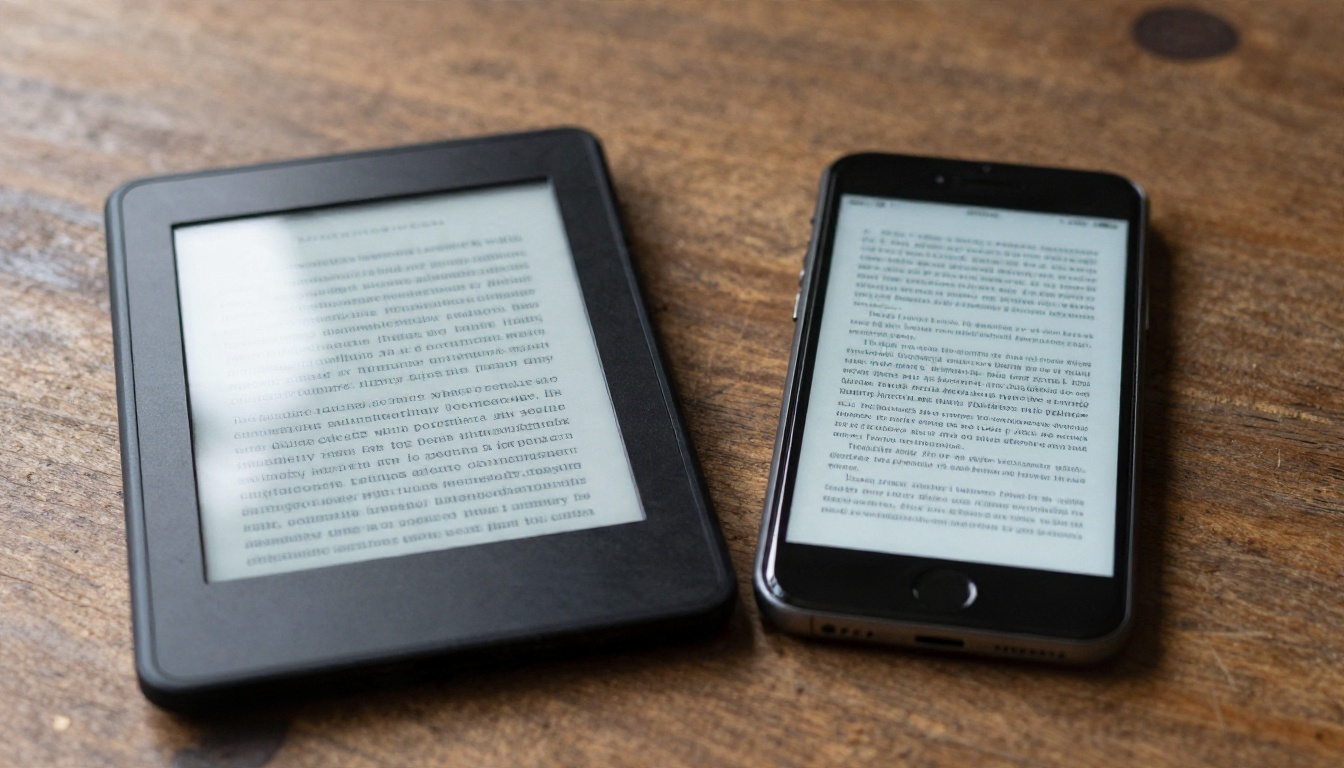
A reflowable ebook is a digital book whose text is not tied to fixed pages. The content is stored as a flowing stream of paragraphs, headings and images. When you open it, the reading app decides where each line breaks and where each page ends, based on three things:
- The screen size of your device
- The font and size you pick
- The margins and line spacing you set
Make the font bigger and the words spill onto more pages. Switch from portrait to landscape and the lines rewrap instantly. Page 42 on your phone might be page 118 on someone else's e-reader, and that is perfectly normal.
💡 Quick test: if you can change the font size and the text rewraps, you are reading a reflowable ebook. If everything just zooms in, it is fixed layout or a PDF.
How Reflow Works Behind the Scenes
Most reflowable ebooks are built on EPUB, which is essentially a zipped bundle of HTML, CSS and image files. Because the text is plain markup rather than a picture of a page, the reading app can restyle it on the fly. Amazon's Kindle formats such as AZW3 and KFX follow the same idea with their own packaging.
Here is what the reading app does every time you open the book:
- Reads the markup and the publisher's basic style rules
- Applies your font, size and spacing preferences
- Calculates line breaks to fit the current screen width
- Splits the result into pages or a continuous scroll
That is why reflowable books also work well with screen readers, text-to-speech and dyslexia-friendly fonts. The text is real text, not a flat picture.
Fixed Layout vs Reflowable
Side-by-Side Comparison
A fixed-layout ebook does the opposite. Each page is built as a precise canvas, with every image, text box and decorative element placed at exact coordinates. In EPUB 3, publishers flag this with a "pre-paginated" setting. The reading app shows the page as designed and scales it to fit the screen, but it never rearranges anything.
| Feature | Reflowable | Fixed Layout |
|---|
| Text adapts to screen | Yes | No, the page scales instead |
| Reader can change font size | Yes | Usually no |
| Page numbers | Vary by device | Match the original design |
| Design control | Limited | Pixel-level |
| Best content | Novels, essays, manuals | Cookbooks, comics, catalogs |
| Accessibility | Strong by default | Needs extra effort |
| File size | Small | Larger, image-heavy |
| Production effort | Low to moderate | High |
When Reflowable Wins
Pick reflowable when the words matter more than the arrangement. That covers most books people read for hours at a time:
- Novels and short story collections
- Non-fiction and business books
- Academic texts with footnotes
- Long-form articles and essays
- Manuals that readers search through constantly
Readers keep control, files stay light, and you publish once for every device. The trade-off is that you cannot guarantee how a page looks, because there is no single page.
When Fixed Layout Wins
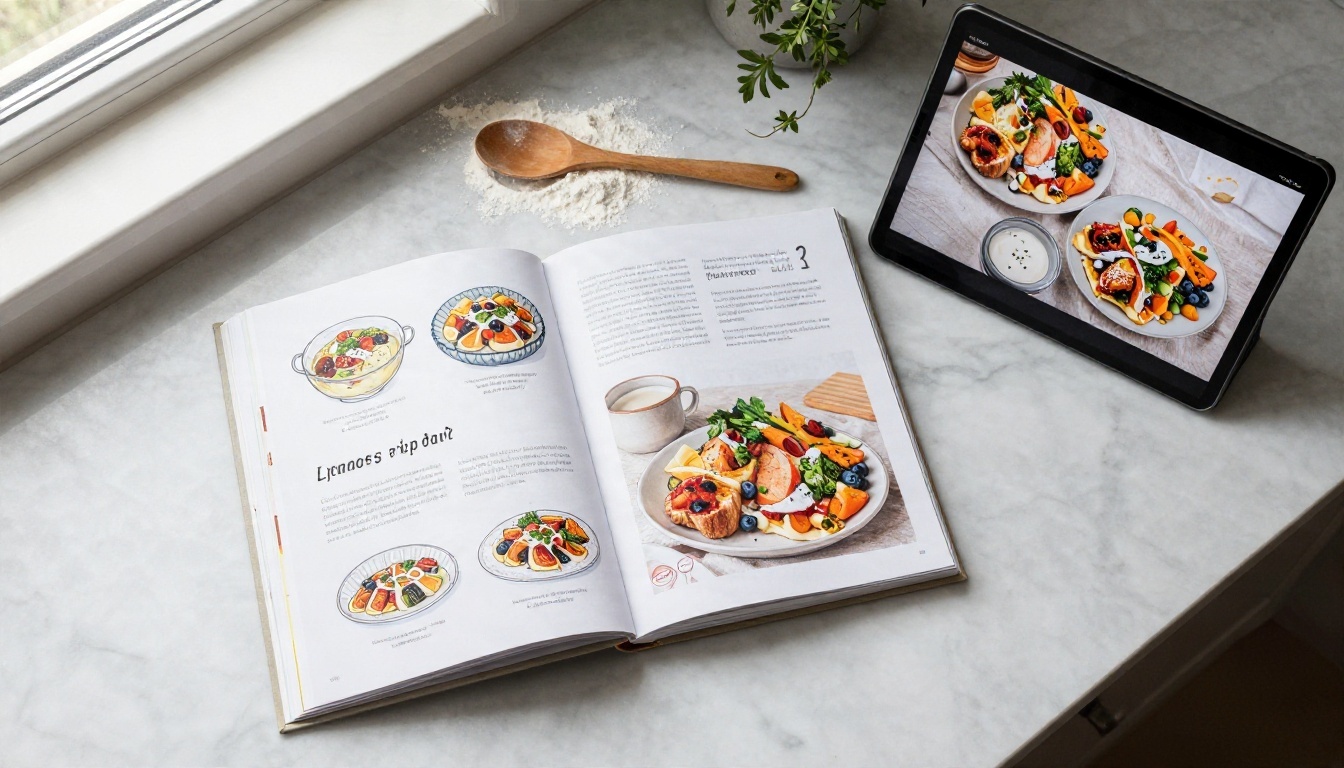
Choose fixed layout when the design is the content. Picture a children's book where a drawing wraps around a sentence, or a recipe where the photo, ingredient list and method must sit together. If a line breaks in the wrong place, the page falls apart.
Typical fixed-layout projects include:
- Children's picture books
- Comics and graphic novels
- Cookbooks and lifestyle books
- Magazines and lookbooks
- Product catalogs and brochures
⚠️ Watch out: fixed layout on a small phone screen can shrink text to an unreadable size. Always test on the smallest device your audience might use.
Where PDF Fits In
Why PDFs Do Not Reflow
A PDF is fixed by design. It was created to look identical on every computer and printer, which is exactly why businesses love it for contracts, reports and brochures. Text positions are stored as exact coordinates on a page of a set size, so the file cannot rewrap itself for a narrow screen.
On a phone, that means the familiar pinch, zoom and sideways scroll just to read one paragraph. Some readers offer a "reflow" mode that tries to re-extract the text, but the results are often messy, especially with columns, tables and images.
| Reflowable EPUB | Fixed-Layout EPUB | Standard PDF |
|---|
| Layout | Dynamic | Locked | Locked |
| Mobile reading | Excellent | Good with large text | Often awkward |
| Print-ready design | No | Partly | Yes |
| Easy to create from existing files | No | No | Already done |
| Works in any browser | Needs a reader app | Needs a reader app | Yes |
PDF Flipbooks as a Middle Path
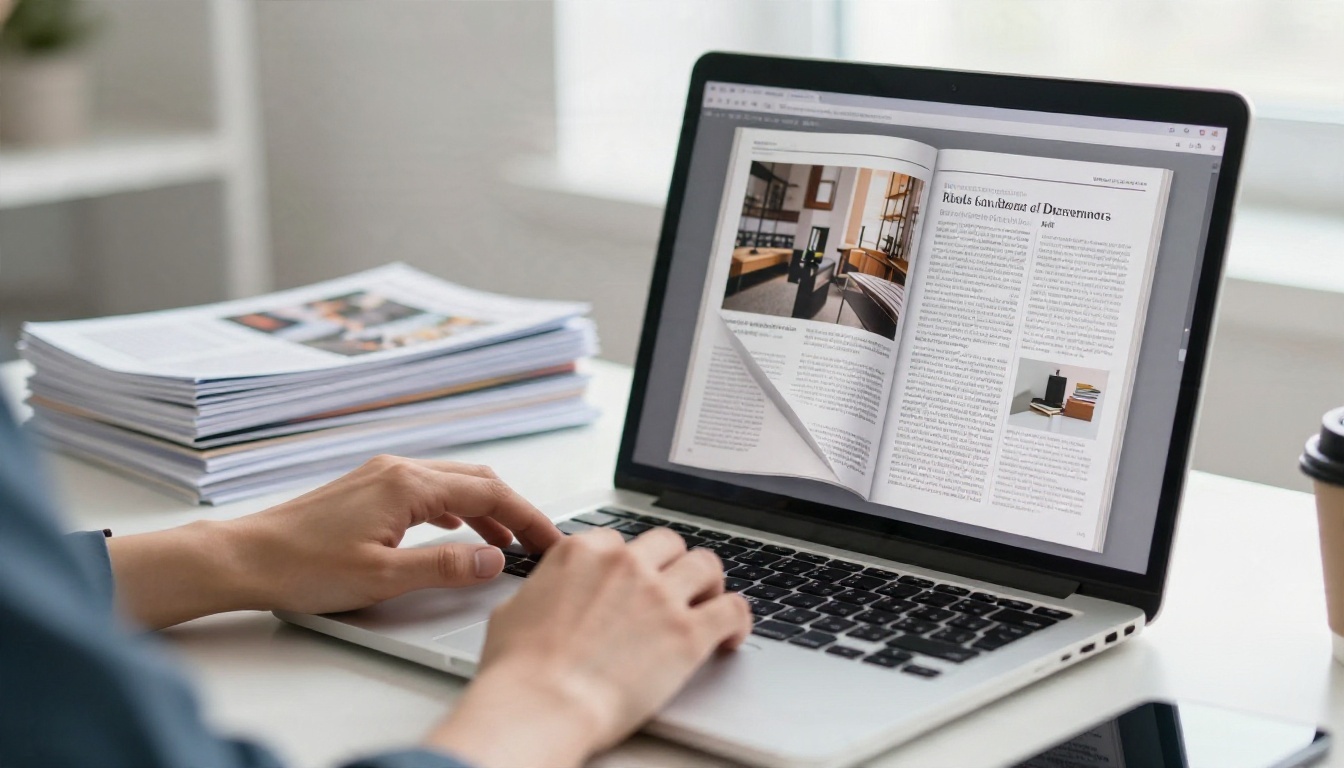
If you already have a beautifully designed PDF, rebuilding it as an EPUB can take days and may still lose details. A PDF flipbook takes a different route. It keeps your pages exactly as designed, then wraps them in an interactive viewer with realistic page-turning, zoom, search and sharing options. Readers open it in a browser, with no app to install.
Think of it as fixed layout with less pain:
- No conversion headaches. Your PDF is the source file.
- Mobile-responsive viewing. The flipbook adapts to the screen, switching between spreads and single pages.
- Easy distribution. Share a link or embed it on a website.
- Rich extras. Add video, audio and links that a static PDF cannot offer.
The honest limitation: a flipbook is a visual format, so it does not offer the user-controlled text resizing of a true reflowable ebook. For design-led publications, though, that is rarely what readers want anyway.
Real-World Examples
Novels and Long Reads
A self-published author finishes a 90,000-word thriller. Readers will scroll through it on buses, in bed and at lunch, often changing font size. Reflowable EPUB is the clear winner. Upload it to major retailers and let each device handle the presentation.
Cookbooks and Catalogs
A restaurant group wants to release a seasonal recipe collection with full-bleed photography. Rewrapping would break every spread. A fixed layout or flipbook keeps the design intact. For this kind of project, a Recipe Book Flipbook or a Digital Catalog Maker fits naturally.
Reports and Manuals
A company publishes its yearly results with charts, tables and branded pages. A reflowable version would scramble the tables. A flipbook built through the Annual Report Creator preserves every figure while making the document pleasant to browse. A training team could do the same with a Training Manual Flipbook.
| Content type | Best format | Why |
|---|
| Novel | Reflowable EPUB | Readers control the text |
| Picture book | Fixed layout or flipbook | Art and words must stay together |
| Cookbook | Fixed layout or flipbook | Photo and recipe pairing |
| Annual report | PDF flipbook | Charts and tables stay intact |
| Product catalog | PDF flipbook | Brand-accurate pages, trackable links |
| Academic text | Reflowable EPUB | Searchable, accessible, resizable |
| Magazine | PDF flipbook | Editorial layout is the product |
How to Create a Flipbook from a PDF
When the layout is the point, converting your PDF into a flipbook is the quickest route. The PDF to Flipbook Converter handles it in minutes. Here is the full process.
Step-by-Step Setup
- Open the platform. Head to Flipbooks AI and create an account.
- Upload your PDF. Drag the file into the uploader. Conversion starts automatically and each PDF page becomes a flipbook page, with text, images and links preserved.
- Check the preview. Flip through every spread and confirm that nothing was cropped.
- Customize the look. Set your background color, logo and page-turn effect so the viewer matches your brand.
- Add multimedia. Embed video and audio directly on pages, which a static PDF cannot do.
- Publish. Save the flipbook and grab your link.
✅ Best practice: export your PDF at a consistent page size with fonts embedded and images at 150 DPI or higher. It keeps the flipbook crisp without making it slow to load.
Branding and Sharing
Every flipbook can carry custom branding, and there are no watermarks, ever. Once it is live, you can share it in several ways:
- Direct link for emails, social posts and messaging apps
- Embed code so the flipbook sits inside your own site, as shown in the Embed Flipbook on Website tool
- Password protection for private content such as investor decks or internal manuals
- Offline downloads for readers who need the document without a connection
Professional Plan Extras
If you publish at scale, the Professional plan adds analytics and lead generation. You can see how many people opened a flipbook and which pages held their attention, and you can ask readers for their details before they view it. Standard plans and above give you unlimited flipbooks. Compare the options on the pricing page.
| Capability | What it gives you |
|---|
| Unlimited flipbooks | Publish as many titles as you need (Standard and above) |
| Password protection | Restrict access to chosen readers |
| Analytics | Track views and page-level behavior (Professional) |
| Lead generation | Capture reader details before viewing (Professional) |
| Offline downloads | Let readers keep a copy |
| Video and audio | Make pages interactive |
For longer titles, the E-Book Flipbook Generator and the Interactive E-Book Publisher are built for exactly this workflow.
5 Questions to Ask First
Run through these before you commit to a format:
- Is the text the main attraction? If yes, lean reflowable.
- Would a line break in the wrong place ruin a page? If yes, go fixed layout or flipbook.
- Do you already have a finished PDF? A flipbook saves enormous production time.
- Will readers mostly use phones? Reflowable or a mobile-responsive flipbook beats a raw PDF.
- Do you need to track who reads it? Flipbook analytics beat any downloadable file.
| If you need... | Choose |
|---|
| Resizable text and tiny files | Reflowable EPUB |
| Exact design on e-reader apps | Fixed-layout EPUB |
| Exact design in any browser, with sharing and tracking | PDF flipbook |
| Print or formal records | Standard PDF |

Common Mistakes
Even experienced publishers trip over these:
- Forcing a designed PDF into reflowable EPUB. Tables, columns and captions usually come out broken.
- Publishing fixed layout without testing small screens. Text that looks fine on a tablet can be microscopic on a phone.
- Ignoring accessibility. Reflowable files are accessible almost automatically, while fixed layout needs alt text and a clear reading order.
- Sending raw PDFs to mobile readers. Zooming and panning cost you readers. A flipbook removes that friction.
- Choosing one format for everything. Many publishers release a reflowable edition for text-first readers and a flipbook for the designed edition.
💡 Pro tip: you do not have to choose just one. A cookbook can ship as a flipbook for browsing and a reflowable text edition for accessibility, both drawn from the same content.
Start Publishing Today
A reflowable ebook gives readers control, a fixed-layout ebook gives designers control, and a PDF flipbook gives you both a faithful design and a smooth reading experience in any browser. The right answer depends on whether your words or your pages carry the message.
Ready to see your own PDF as a page-turning publication? Get started for free on Flipbooks AI, browse all the flipbook tools to find the right fit for your project, and compare pricing plans when you are ready to publish without limits.



