You have probably held a paper brochure, glanced at it for four seconds and dropped it in a bag. Now picture the same brochure on a phone: pages that turn under your thumb, a video that plays inside the layout, a button that opens a booking form. That second version is an interactive brochure, and it is quickly becoming the default way businesses present products, properties and services. With a tool like Flipbooks AI, you can turn a plain PDF into one in a few minutes, so this article walks through what the format is, who uses it, which tools exist and where the free options stop being free.
What Is an Interactive Brochure?
A Simple Definition
An interactive brochure is a digital brochure that reacts to the reader. Instead of a flat file that only scrolls or prints, it includes clickable links, embedded video and audio, animated page turns, forms and trackable behavior. It opens in a browser or on a phone, needs no app, and can be shared with a single link.
Think of it as a brochure with a pulse. A hotel can show a pool video next to the room rates. A car dealer can link each trim level to a quote form. A boutique can let a visitor tap a dress photo and land on the checkout page.
💡 Quick test: if the reader can do something other than look and scroll, the brochure is interactive. Tapping, playing, filling in or jumping to another page all count.
How It Differs From a PDF
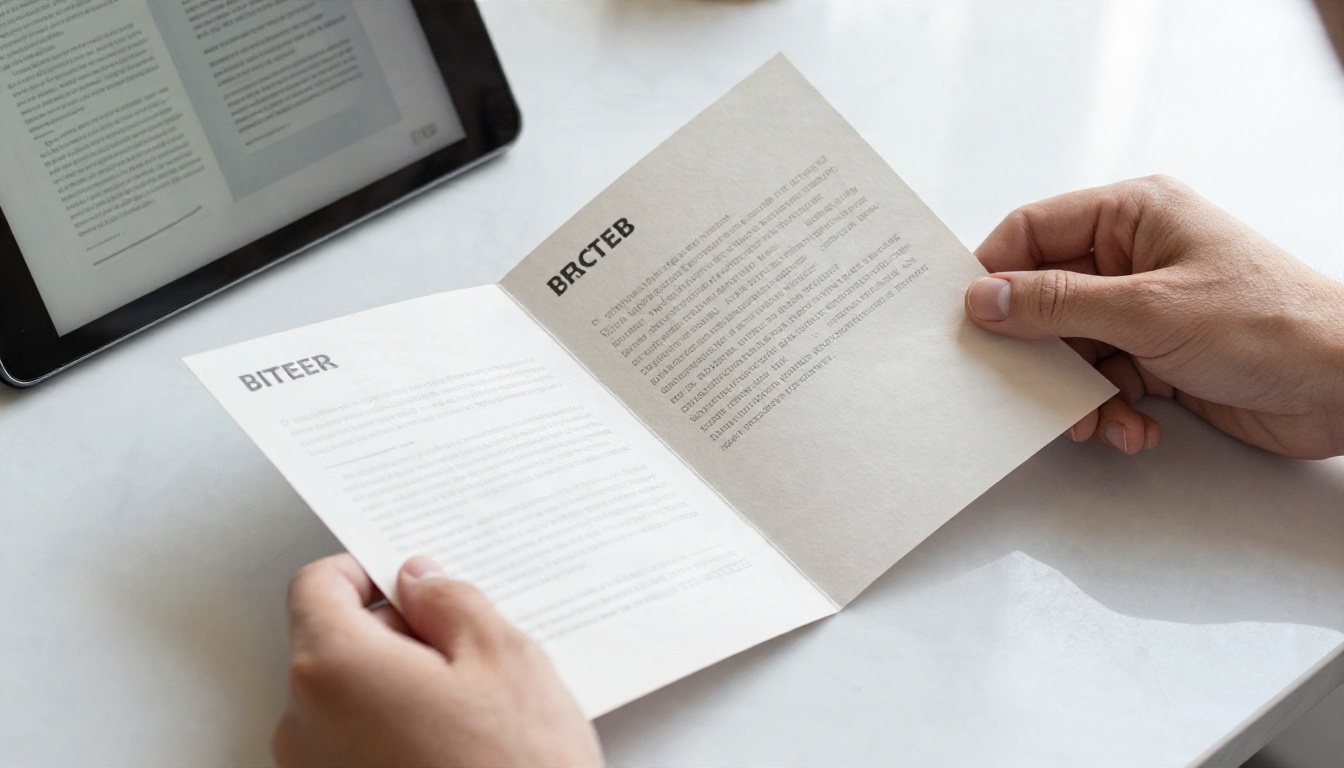
A PDF is a digital copy of paper. It keeps the same fixed layout, often loads slowly on mobile and gives you almost no information about who read it. An interactive brochure keeps the familiar page format but adds behavior on top.
| Feature | Printed brochure | Standard PDF | Interactive brochure |
|---|
| Clickable links and buttons | No | Basic links only | Yes, with hotspots and CTAs |
| Video and audio | No | Rarely works | Embedded inside pages |
| Page turn effect | Physical | None | Realistic flip animation |
| Mobile friendly | Not applicable | Often needs pinching and zooming | Responsive layout |
| Reader tracking | None | Download count at best | Views, time on page, leads |
| Update after sharing | Reprint needed | Resend the file | Edit once, link stays the same |
| Cost per copy | Printing and shipping | Free | Free after setup |
What Makes One Interactive
Not every digital brochure earns the label. Three groups of features separate the real thing from a PDF with a few links.
Page Turns and Hotspots
The flip effect is the most recognizable trait. Pages curl, slide and settle like paper, which makes the reading feel natural and gives readers a clear sense of progress. On top of that, hotspots turn any image, headline or icon into a link. A floor plan can open a virtual tour. A price can open a purchase page.
Video, Audio and Links
Short clips beat long paragraphs. A 20 second video of a hotel terrace says more than a block of copy. Audio works well for guided tours, product explanations or a founder's welcome note. Most platforms, including the Brochure Flipbook Maker, let you embed media straight into a page so nothing sends the reader off to another site.
Forms and Lead Capture
This is where a brochure stops being a pamphlet and starts acting like a salesperson. A built-in form can ask for a name and email before the reader sees premium pages, or after the last page as a request for a quote. Lead capture is part of the Professional plan on Flipbooks AI, along with detailed analytics.
⚠️ Watch out: do not gate the first page. Readers who hit a form before seeing any value usually leave. Offer a few pages freely, then ask.
Real Examples by Industry
The format fits any business that sells something visual or complicated. Here are four setups that work well in practice.
Real Estate Listings
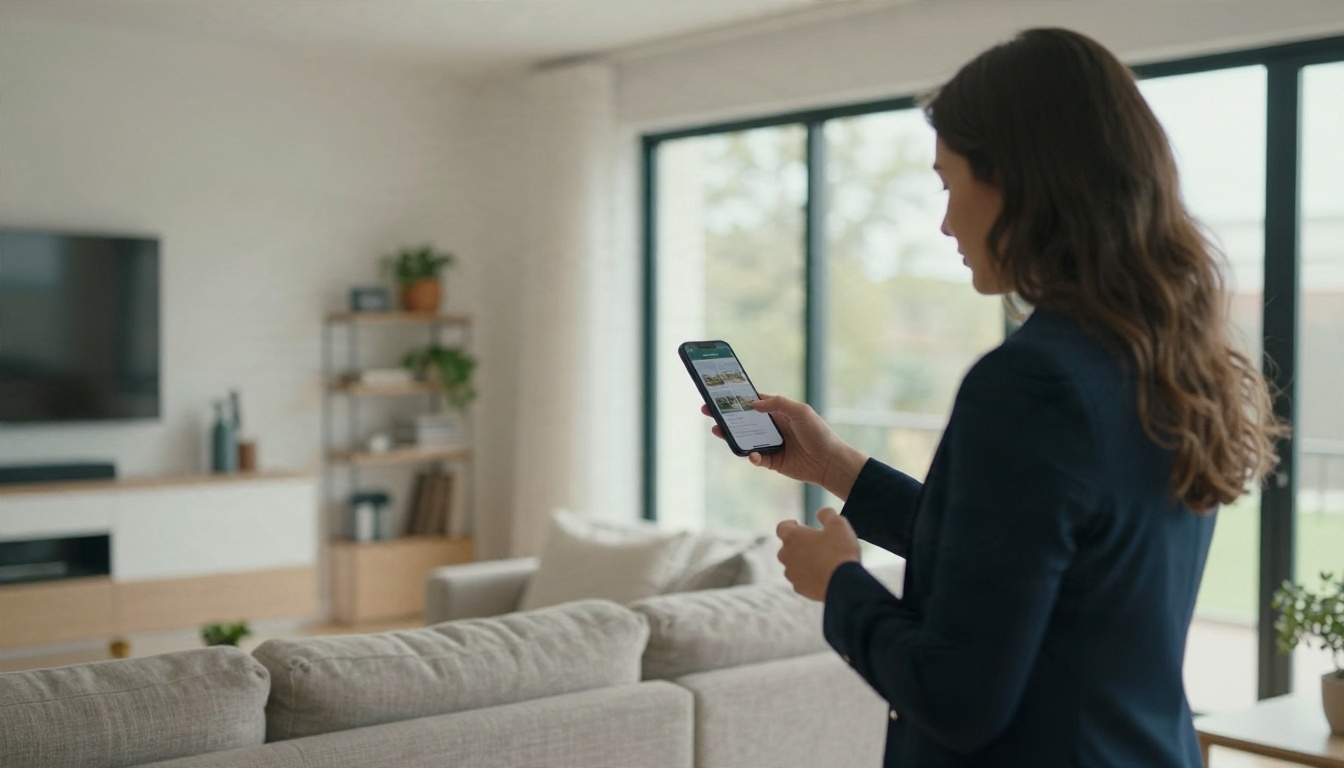
Agents often send a static PDF with ten photos and a price. An interactive version lets the buyer tap through rooms, watch a walkthrough clip and open the map in one move. The Real Estate Brochure Creator is built for this use, and the result opens cleanly on the phone a buyer is already holding during a viewing.
Hotels and Travel
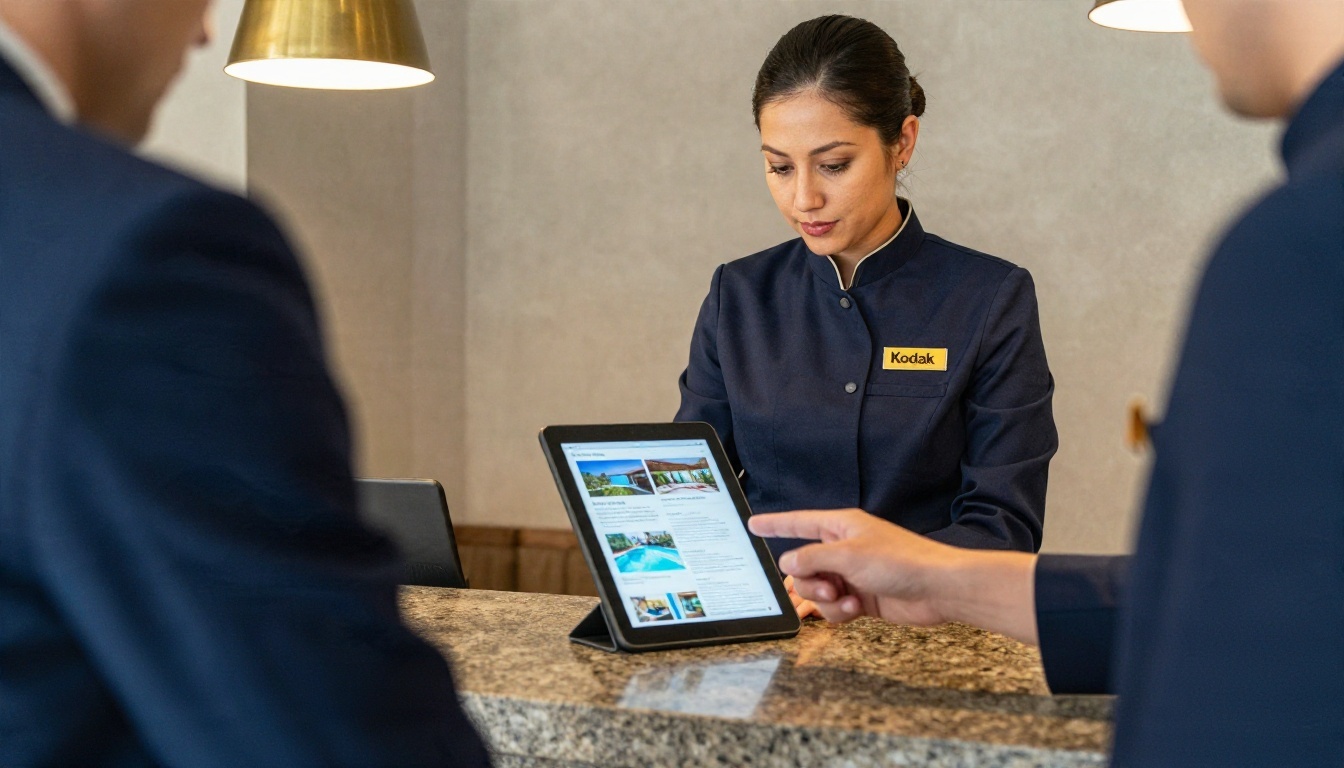
A hotel brochure has a hard job: sell a feeling before the guest arrives. Video of the pool, audio of the restaurant ambience and a button straight to the booking page do that far better than paper. A front desk can also hand over a tablet or send a link by message, which saves printing seasonal rate sheets. Try the Hotel Brochure Designer for a ready layout.
Automotive Showrooms
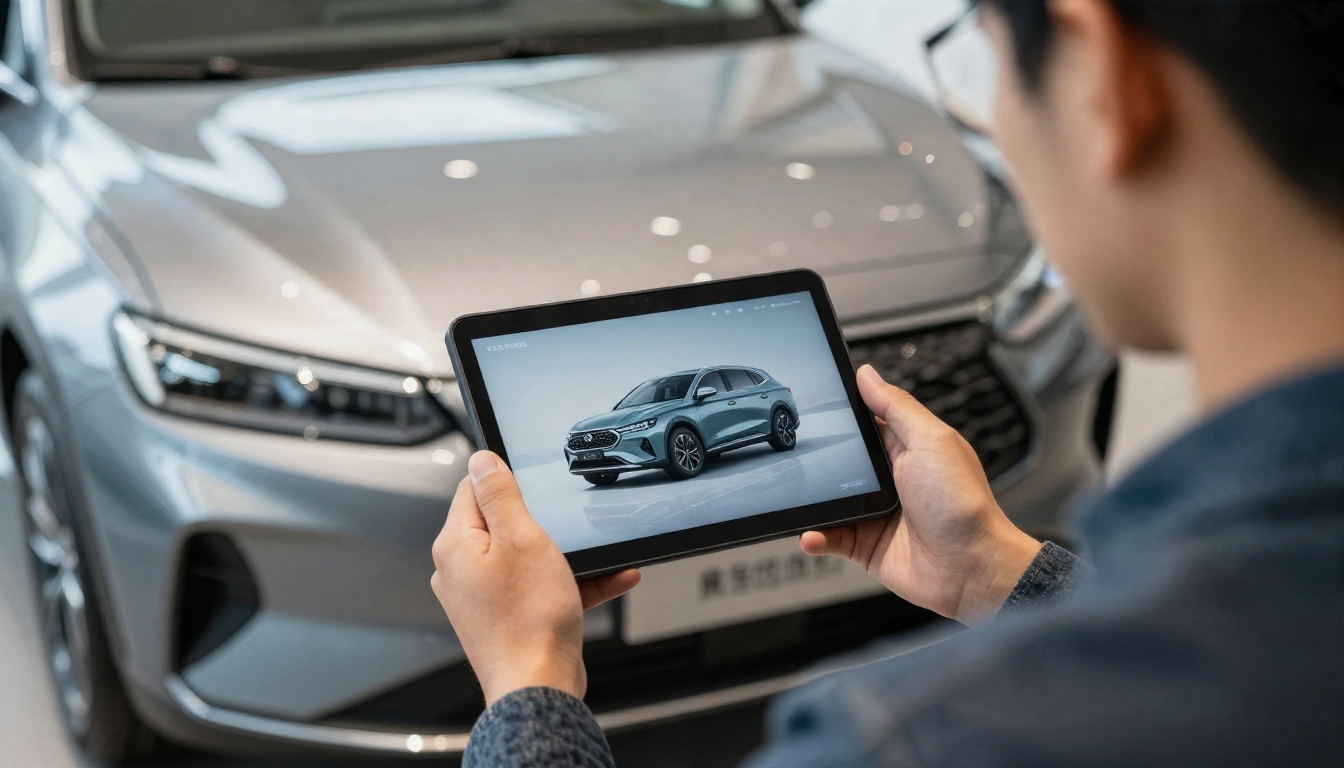
Specs, trims, colors and financing are a lot to cram onto folded paper. In an interactive version, each trim links to its own page, a short clip shows the interior, and the last page holds a test drive form. The Automotive Brochure Generator handles this layout, and a salesperson can send it to a buyer who is still deciding at home.
Restaurants and Cafés
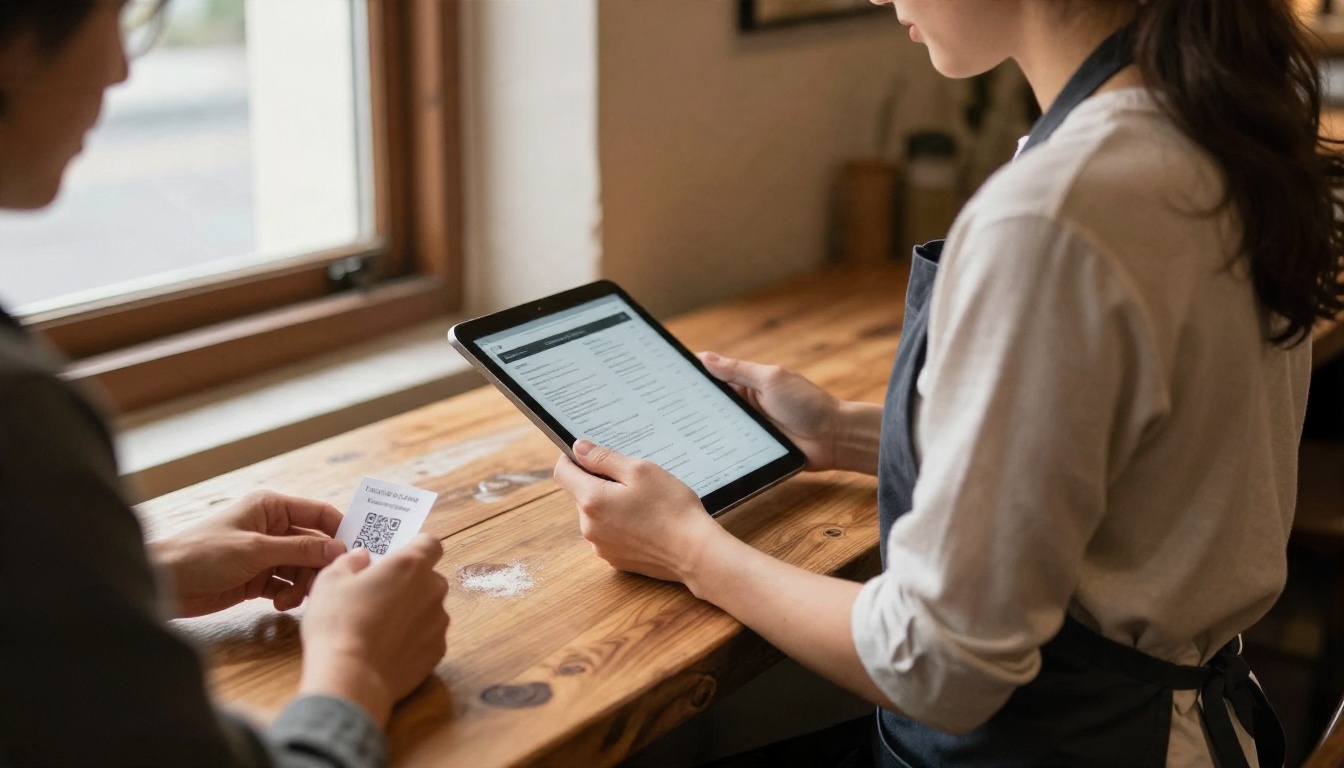
A menu is a brochure that people actually read. A digital version can be updated when a dish sells out, show photos of the plates and be reached with a QR code on each table. The Restaurant Menu Creator lets you do this without a designer.
| Industry | Best interactive elements | Main goal | Success signal |
|---|
| Real estate | Photo hotspots, tour video, map link | Book a viewing | Viewing requests |
| Hotels | Pool and room video, booking button | Direct bookings | Clicks to booking page |
| Automotive | Trim links, interior clip, test drive form | Test drives | Form submissions |
| Restaurants | Photo menu, QR access, live updates | Faster ordering | Menu views per table |
| Retail | Product hotspots, checkout links | Online sales | Click-through to store |
What to Look For
Before you pick a tool, check seven things:
- Watermarks. Many free plans stamp their logo on every page, which looks bad on a client-facing document.
- Input format. Can you upload an existing PDF, or must you rebuild the brochure from scratch?
- Media support. Does it handle video and audio inside pages, or only links?
- Mobile behavior. Open a sample on your own phone before committing.
- Branding control. Colors, logo, custom background and a clean link.
- Sharing options. Direct link, embed code and password protection.
- Tracking. Even basic view counts help you see what works.
Three Types of Tool
Most products fall into one of three groups. The table compares them in general terms, so always check the current plan details of any tool you consider.
| Tool type | Typical strength | Typical limit | Best for |
|---|
| Design suites with brochure templates | Big template libraries, design freedom | Interactive features may be limited or tied to a paid tier | Building a brochure from nothing |
| Free flipbook makers | Quick results, no cost | Watermarks, page limits, branding locked | One-off tests |
| PDF to flipbook platforms | Keep your existing design, add media and tracking | Needs a finished PDF first | Teams that already have a brochure |
If your design already exists in a PDF, the third group is the fastest route. The PDF to Flipbook Converter takes your file and keeps every layout detail intact.
Free Options and Their Limits
What Free Plans Usually Include
Free tiers are useful for testing. Expect to get a handful of pages, a limited number of publications and basic sharing. Expect to lose some control too: a visible logo from the tool, restricted branding, no password protection and no data on your readers.
For a school project, a personal portfolio or a quick pitch to a single client, that trade-off is fine. For a brochure that carries your company name, it rarely is.
✅ Best practice: build your first brochure on a free option to confirm the format suits your audience. Then move the final version to a plan with a clean link and your own branding.
When Paying Makes Sense
Pay when the brochure starts doing real work. The signals are easy to spot:
- You send it to customers or investors and a foreign watermark hurts your image.
- You need more than a few publications (seasonal menus, several properties, multiple product lines).
- You want to know who opened it and for how long.
- You need private sharing for pricing or contracts.
The table shows how that maps to plan features on Flipbooks AI. Check the pricing page for current plan names and costs.
| Need | What to look for | Available on Flipbooks AI |
|---|
| Clean look | No watermarks | Yes, no watermarks, ever |
| Many brochures | Unlimited flipbooks | Standard plan and above |
| Private content | Password protection | Yes |
| Reader data | Analytics and lead generation | Professional plan |
| Offline reading | Downloads | Yes |
| Rich media | Embedded video and audio | Yes |
| Brand identity | Custom branding | Yes |
How to Create One With Flipbooks AI
If you have a PDF brochure, you are about ten minutes away from an interactive one. Here is the full process.
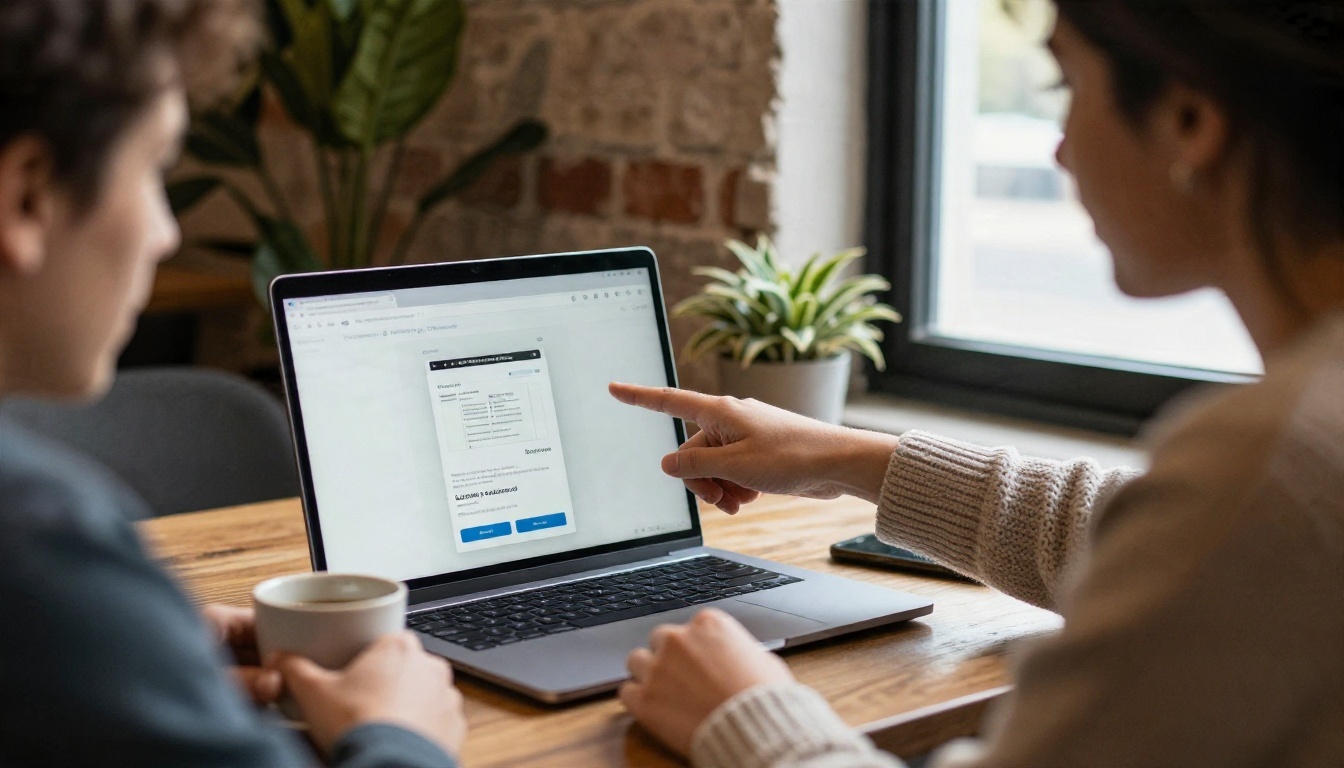
- Open the platform. Go to Flipbooks AI and create an account. You will land on a dashboard that lists your publications.
- Upload your PDF. Click the upload button and choose your brochure file. The platform converts each PDF page into a flipbook page, keeping fonts, images and layout as designed. Large files take a little longer, and you can see the progress on screen.
- Check the preview. Flip through every page. Look for cropped text, low-resolution images and pages in the wrong order. Fix those in your design file and upload again if needed.
- Apply your branding. Set your logo, brand colors and background. Choose the page effect that suits your tone: a soft curl feels elegant, a quick slide feels modern. Your brochure stays free of third-party watermarks.
- Add multimedia. Place video or audio on the pages where they help most. Add links to your booking page, store or contact form. Use the Online Brochure Designer when you want extra layout control.
- Choose how to share. Pick one of three routes: a direct link for messages and email, an embed code for your site (see the Embed Flipbook on Website tool), or a password-protected link for private material.
- Turn on the Professional features. If you want data, enable analytics to see views and reading time, add a lead form to capture contacts and allow offline downloads for readers who travel.
- Publish and test. Open the link on a phone, a laptop and a tablet. Send it to a colleague and ask them to find the contact button without help.
💡 Pro tip: put your most important link on the first or second page and repeat it on the last. Readers drop off quickly, so do not make them wait for the call to action.
You can also browse the full set of flipbook tools if your project is a catalog, menu or portfolio rather than a brochure.
3 Common Mistakes to Avoid
Even a polished design can fail when the setup is wrong. These three errors show up again and again.
- Uploading a low-resolution PDF. Pages look sharp on a laptop and blurry on a large screen. Export at a high resolution and compress only after checking quality.
- Adding too many effects. Video on every page, pop-ups and animations slow the brochure and tire the reader. Use media where it explains something, and leave the rest clean.
- Ignoring the mobile view. Most readers open links on a phone. Small text and tiny buttons lose them. Test on a real device, not only in the editor.
Measure What Happens Next
An interactive brochure gives you numbers that paper never could. Track a few simple ones and act on them:
- Opens: how many people clicked your link.
- Reading time: whether they stayed past page three.
- Drop-off page: where readers leave, which tells you what to rewrite.
- Clicks and leads: which button or form did the job.

A boutique owner, for example, might notice that most readers stop at page six, where a long size chart sits. Moving that chart to the end and putting the new arrivals up front is a ten minute edit that can lift clicks to the shop. With a printed brochure, you would only find out after the whole run was gone.
Ready to Build Yours?
An interactive brochure is a normal brochure that finally does something: it plays, links, collects and reports. You do not need a new design to get there. If you already have a PDF, the conversion is the only real step, and the rest is choosing where to add a video or a button.

Here is where to go next:
Start with one brochure, send it to ten people and watch the numbers. That small test will tell you more than any amount of planning.



