You have probably done it without thinking: drawn a stick figure in the corner of a notebook, changed it slightly on every page, then flicked the pages to watch it run. That is flipbook animation, and it is one of the oldest and simplest ways to make a drawing move. Today the same idea powers page-turning digital publications too, and with a tool like Flipbooks AI you can build one online without printing, binding, or stapling anything.
This article answers the question in plain language. You will get a clear definition, a short history, real examples, a paper tutorial, and a step-by-step workflow for making a flipbook online.
Flipbook Animation, Defined
The Simple Definition
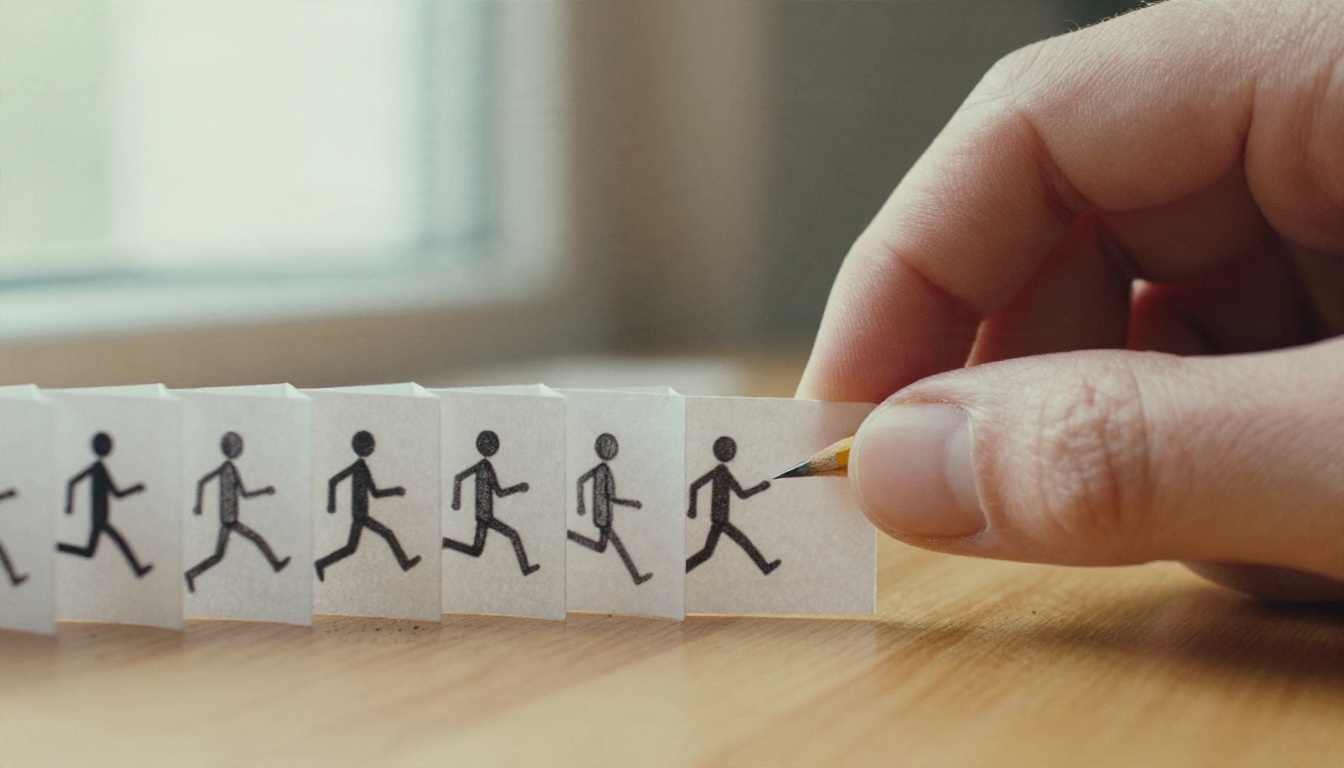
Flipbook animation is a series of sequential images, each one changed a tiny bit from the last, bound together so that flipping through them quickly creates the illusion of movement. Each page is one frame. The viewer's thumb is the projector.
A flipbook needs only three ingredients:
- A stack of pages that can be fanned in order.
- A sequence of drawings or photos with small changes between pages.
- A flipping motion fast enough that the eye blends the frames together.
Why Your Brain Fills the Gaps
When images change quickly enough, your visual system stops seeing separate pictures and starts seeing motion. Psychologists often link this to apparent motion, sometimes called the phi phenomenon. Film, cartoons, and GIFs all rely on the same effect. A flipbook is simply the most hands-on version of it.
💡 Pro tip: If your animation looks jittery, the problem is almost never your flipping speed. It is usually that the drawing changes too much from one page to the next.
A Short History of the Flipbook
From the Kineograph to the Mutoscope
The flipbook was patented in England in 1868 by John Barnes Linnett under the name kineograph, which roughly means "moving picture." It arrived before cinema, so it was among the first ways ordinary people could watch a photograph or drawing move in their own hands.
In the 1890s the idea went mechanical. The Mutoscope put a large flipbook on a rotating drum inside an arcade machine. Customers turned a crank and watched a short scene through a viewfinder. It was a coin-operated flipbook, and it competed with early film projectors for years.
Why Flipbooks Never Died
Animators still use flipbooks to test timing, because paper is a fast way to check whether a movement feels right. Artists publish flipbook sketchbooks, and teachers use them in classrooms to explain frame rate. Online, the format lives on as the page-turning digital publication: same flipping gesture, different medium.
Here is how the main formats compare:
| Format | How motion happens | Needs a device? | Best for |
|---|
| Paper flipbook | Thumb flicks pages | No | Classroom projects, sketch tests |
| Animated GIF | Looping frames play automatically | Yes | Social posts, short loops |
| Video | Continuous playback | Yes | Long stories, tutorials |
| Digital page-turn flipbook | Reader turns or auto-flips pages | Yes | Catalogs, portfolios, magazines, sequences |
Flipbook Animation Examples
Classic Hand-Drawn Examples
If you want inspiration before you start, these are the most common subjects:
- Bouncing ball: The standard first project. It teaches spacing, because the ball moves faster near the ground and slower at the top of its arc.
- Stick figure walking or running: Simple, readable, and forgiving.
- Growing plant: A seed becomes a stem, then a flower. Great for science lessons.
- Face expressions: A smile slowly forming, or one eye blinking.
- Photo flipbooks: Burst photos printed and bound, so a real jump or wave becomes the animation.
- Corner doodles: The classic textbook margin animation that every student has tried at least once.
Digital Flipbook Examples
Digital flipbooks go beyond hand-drawn motion. Businesses and creators use the page-turn format to present content in a way that feels like holding a real publication. A few real-world scenarios:
| Use case | Content type | Why the flipbook format works |
|---|
| Hobby animation | Drawn frames exported as PDF pages | Viewer controls speed by flipping |
| Product launch | Catalog or lookbook | Familiar page-turn feel, one shareable link |
| Education | Manuals and course material | Works on any device, no software to install |
| Events | Program and schedule | Easy to update and re-share |
| Portfolio | Photo or design series | Sequence tells a visual story |
How Flipbook Animation Works
Frames, Pages, and Timing
Every page is one frame. When you flip a book with your thumb, you typically show somewhere between 8 and 12 frames per second. That is slower than film at 24 fps, which is why flipbook motion has a charming, hand-made rhythm.
A quick planning table helps you decide how many pages you need:
| Pages | Approx. duration (at 10 frames per second) | Good for |
|---|
| 20 | 2 seconds | A blink, a bounce |
| 40 | 4 seconds | A short walk cycle |
| 60 | 6 seconds | A small story beat |
| 100 | 10 seconds | A mini scene |
Keep Changes Small
The biggest rule of flipbook animation is this: change as little as possible between pages. If a hand moves five centimeters in one frame, the eye sees a jump. If it moves five millimeters, the eye sees smooth motion.
⚠️ Warning: Do not start with a complex character. A circle, a line, or a stick figure will teach you more about timing than a detailed portrait.
Plan Your Anchor Poses First
Professionals sketch the start, middle, and end of the motion first. Then they fill in the pages between. This keeps the movement controlled and stops it from drifting off the page.
How to Make a Paper Flipbook
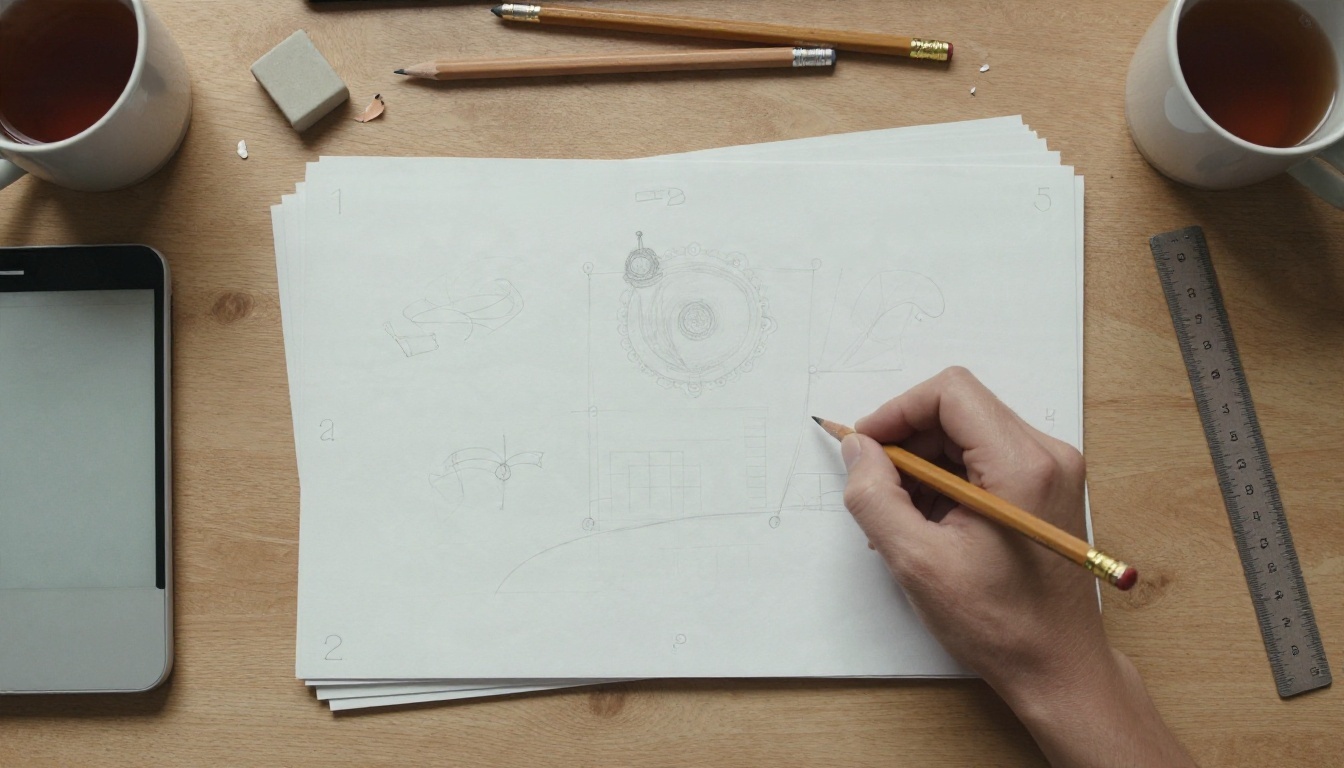
You do not need special equipment. Here is the simplest route:
- Pick a small idea. A ball bouncing or a flower opening is plenty.
- Cut your pages. Stack 30 to 60 sticky notes or index cards, all the same size.
- Draw the last page first. Work from the back of the stack. Your first drawing goes on the final page, so that the thickest part of the book is under your thumb.
- Trace each next frame. Hold the page above up to a window or a light table, copy the previous drawing, and change one small detail.
- Number the corners lightly. This saves you if the pages get shuffled.
- Bind the left edge. Use a binder clip, a stapler, or a rubber band.
- Flip and adjust. Test it, mark pages that jump, and redraw them.
✅ Best practice: Draw on the bottom right corner of each page. That is the area your thumb holds, so the drawing stays visible while you flip.
How to Make One Online
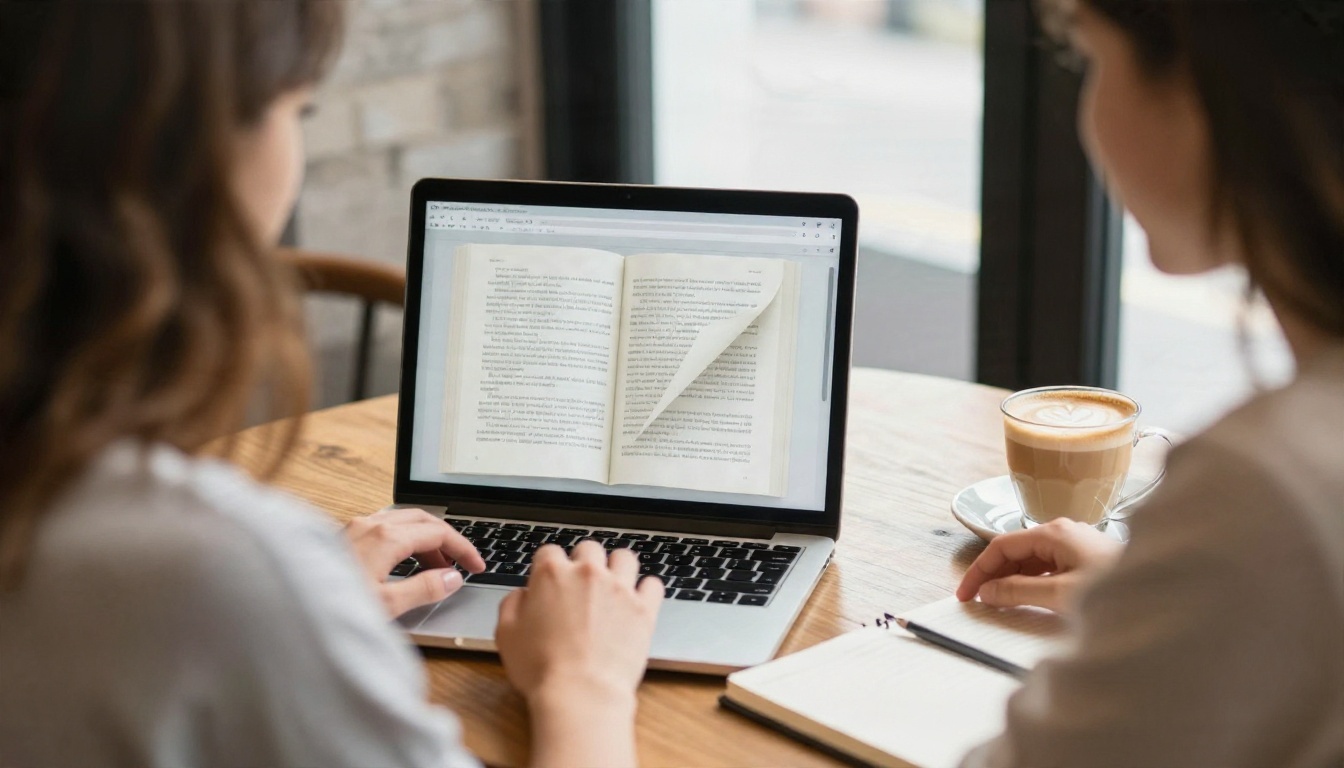
A paper flipbook is fun, but it is hard to share. You cannot send it in an email, and you cannot update it once it is bound. An online flipbook solves both problems. Here is the simplest workflow using Flipbooks AI.
Prepare Your Frames as a PDF
Create each frame as one page. You can do this in any tool you like:
- Sketch on paper, photograph or scan each page, and place the images into a document.
- Draw digitally on a tablet, one frame per page.
- Use burst photos and place one photo per page.
Export the final file as a PDF. Keep every page the same size and orientation so the flipping stays steady.
Create Your Flipbook Step by Step
Follow these steps to publish your animation or any other page-turn publication:
- Open Flipbooks AI. Go to flipbooksai.com and create an account.
- Upload your PDF. The PDF to Flipbook Converter turns each page of your file into a flippable page. Conversion takes a short moment, and each page stays in order.
- Preview the flip. Turn the pages to check pacing and spot any frame that jumps.
- Customize the look. Add custom branding, choose background colors, and pick how the pages move. You can also embed video and audio, which is useful if you want a soundtrack behind your sequence.
- Choose privacy. Keep it public, or add password protection for private content.
- Share it. Copy the direct link, or use the embed option to place the flipbook on your own website.
Sharing Options at a Glance
| Sharing method | Best for | Notes |
|---|
| Direct link | Email, chat, social bios | Fastest way to publish |
| Embed code | Websites and blogs | The flipbook sits right inside your page |
| Password protection | Client work, internal material | Only people with the password can open it |
| Offline download | Events, travel, low connectivity | Readers can open it without internet |
Features for Professionals
If you publish for a business, the Professional plan adds analytics and lead generation. Analytics show how many people opened your flipbook, and lead capture lets you collect contact details before a reader sees the content. Every plan stays free of watermarks, and the Standard plan and above allow unlimited flipbooks. The flipbooks are also mobile-responsive, so they work on phones without any extra setup.
💡 Pro tip: Not sure which plan fits? Compare the options on the pricing page before you publish your first project.
Paper vs Online: Which Should You Choose?
Both have a place. Use this table to decide:
| Question | Paper flipbook | Online flipbook |
|---|
| Can I send it to someone far away? | Only by post | Yes, with one link |
| Can I fix a mistake later? | Redraw the page | Replace the PDF and republish |
| Do I need tools or materials? | Paper, pencils, a clip | A PDF and a browser |
| Can I see who viewed it? | No | Yes, with analytics on Professional |
| Does it feel tactile? | Very | Page-turn effect on screen |
Many creators do both. They sketch on paper to test the motion, then scan the pages and publish online so more people can see the result.
Common Mistakes to Avoid
Changing Too Much Between Pages
This is the number one problem. Slow down, and move your subject in tiny steps.
Inconsistent Page Sizes
If one frame is cropped differently, your animation will wobble. Before exporting, check that every page has the same dimensions, margins, and orientation.
Too Few Pages
Ten pages flip by in a blink. If you want a clear, readable movement, plan for at least 30.
Ignoring Mobile Viewers
Many people will open your flipbook on a phone. Use bold shapes, strong contrast, and avoid tiny details that vanish on a small screen.
Forgetting Where the Thumb Goes
On paper, keep your drawing away from the binding. Online, leave a bit of margin so nothing important sits at the very edge of the page.
Ready to Flip? Start Here
Flipbook animation is a simple idea with a long history: tiny changes, many pages, one fast flick. You can make one at your desk in an afternoon, then give it a second life online where anyone can open it with a click.
Here are your next steps:
- Make your frames on paper or on a tablet, and export them as a PDF.
- Create your free account and get started on Flipbooks AI.
- Browse all flipbook tools to find templates for catalogs, portfolios, menus, and more.
- Compare pricing plans if you want analytics, lead generation, or unlimited flipbooks.
Your first flipbook is only a PDF away. Create it now.



