A flipbook is a document that turns its pages like a real book, only it lives on a screen. You upload a PDF, and the software wraps it in a page-turning viewer that opens in any browser, on any phone, with a shareable link. No downloads, no attachments that bounce, no 40 MB email. If you have ever opened a glossy digital catalog and watched the page curl under your finger, you have already used one. Platforms like Flipbooks AI make that format available to anyone with a PDF and five minutes.
This article answers the questions people actually search for: what a flipbook is, what good examples look like, which free makers are worth trying, what you should expect to pay, and where flipbooks beat a plain PDF. You will also get a short tutorial so you can publish your first one today.
What a Flipbook Actually Is
At its simplest, a flipbook is a digital publication with a page-turn interface. The content is usually a PDF: a catalog, a magazine, a menu, a report. The flipbook layer adds the feel of paper (realistic page curl, sound, thumbnails, zoom) plus the things paper can never do, like clickable links, embedded video and tracking.
Where the Name Comes From
The original flipbook was a small stack of drawings, each one slightly different from the last. Thumb through the edge quickly and the drawings seem to move. Kids make them in the margins of school notebooks, and animators still use the same principle for quick tests.
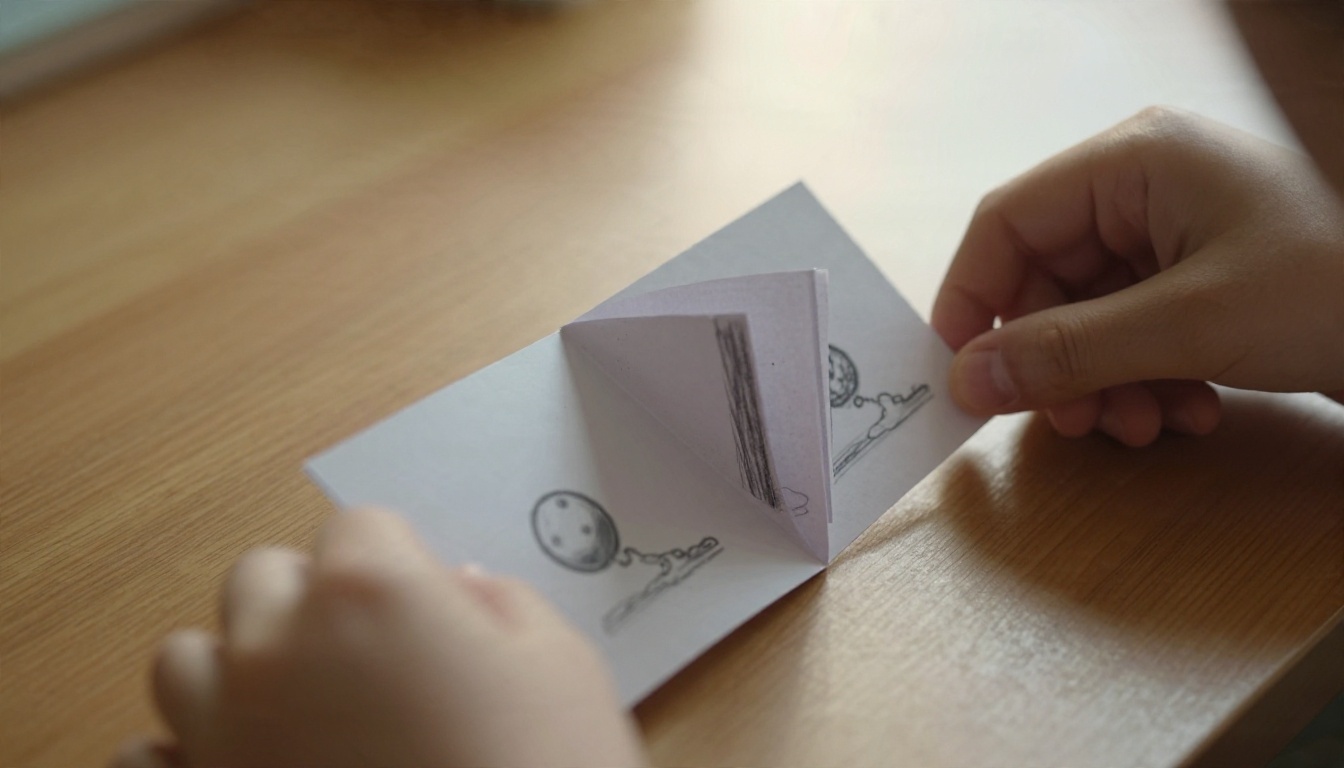
The digital version borrowed the name because the experience feels similar: you move through pages with a flick instead of scrolling through one long sheet. The purpose changed, though. Today a flipbook is less about animation and more about presenting a finished document in a format people enjoy opening.
How Digital Flipbooks Work
Most platforms follow the same pipeline:
- You upload a PDF (or sometimes images or slides).
- The system converts each page into a web-friendly image or HTML layer.
- A viewer wraps those pages with page-turn effects, zoom and navigation controls.
- You get a public link, an embed code, or both.
- Readers open it in any browser. Nothing to install.
💡 Pro tip: Export your PDF at the final page size, with fonts embedded and images at 150 to 200 DPI. That gives a crisp flipbook without a slow load.
Flipbook Examples That Work
The format shines wherever a document benefits from being browsed rather than read linearly. Here is a quick map before we go through the strongest examples.
Catalogs and Price Lists
Catalogs are the classic case. A furniture brand, a wholesaler or a fashion label can turn a 60-page PDF into something that feels like leafing through a printed showroom book. Buyers zoom into fabric swatches, click a product to open its page, and forward the link to a colleague.
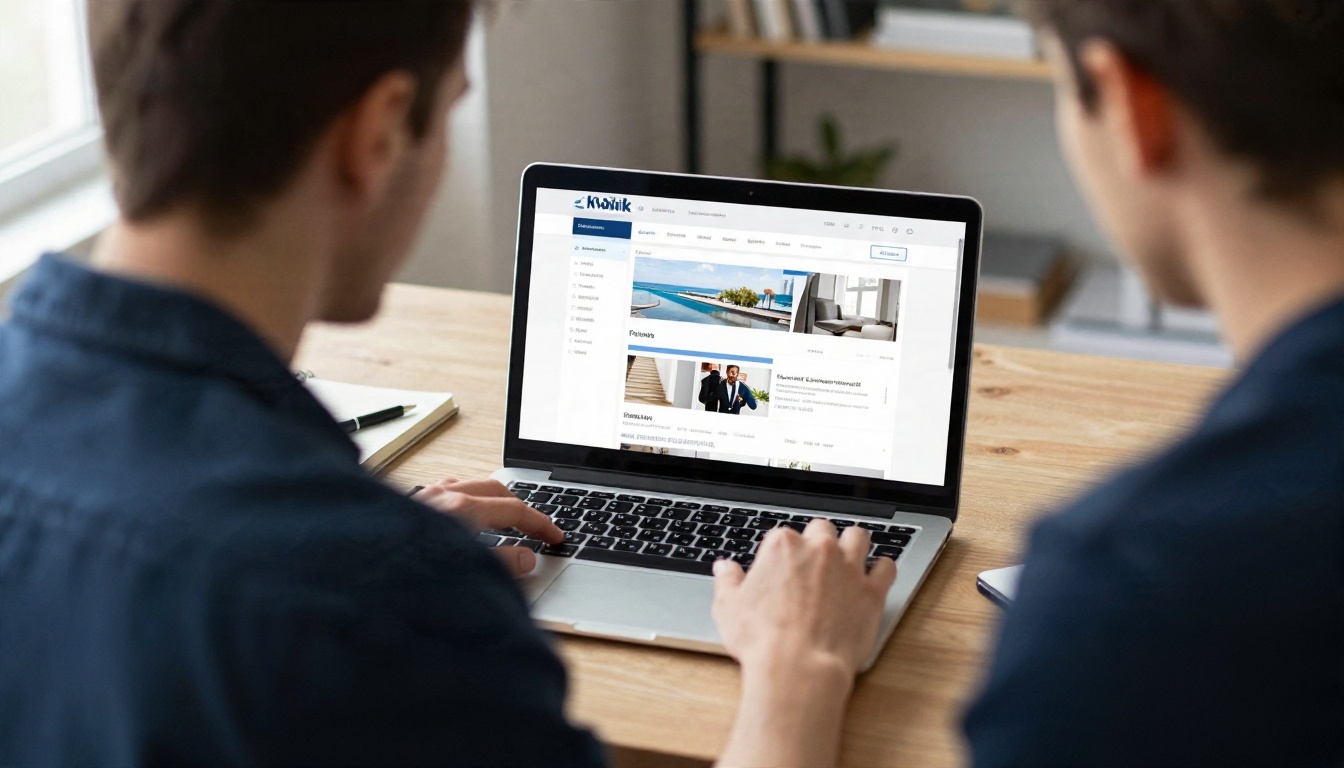
Compared with a PDF attachment, the link never goes stale: when prices change, you replace the source file and every shared link shows the update. If you sell furniture or clothing, try the Furniture Catalog Maker or the Fashion Catalog Creator. For plain price sheets, the Digital Price List Generator keeps things simple.
Menus That Update in Minutes
A printed menu costs money every time a dish or price changes. A flipbook menu behind a QR code costs nothing to update. A café owner can swap the seasonal page on Monday morning and every table sees it by lunch.
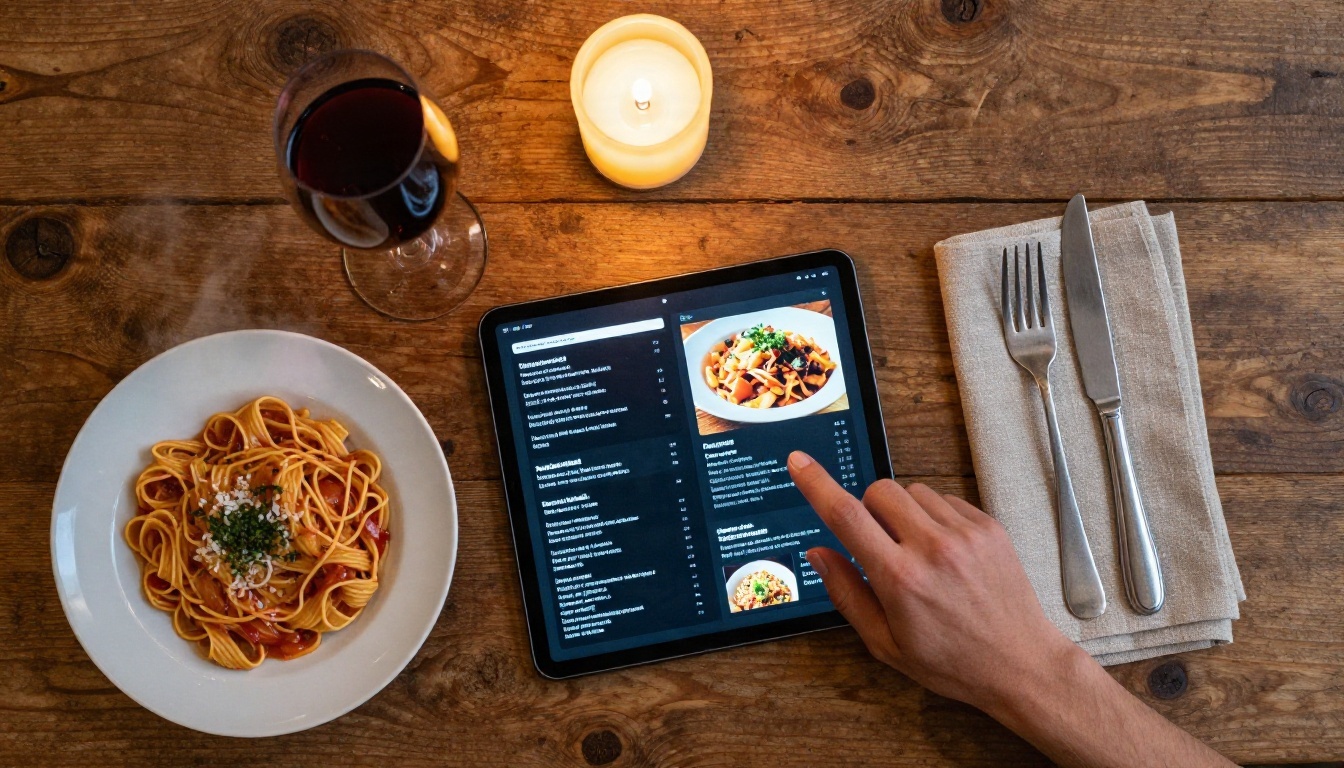
Spas, bars and hotels use the same approach for treatment lists and room service. The Menu Flipbook Designer and the Spa & Wellness Menu Creator are built for exactly this.
Brochures and Real Estate
Agents send brochures to dozens of prospects. A flipbook lets them send one link instead of a heavy file, and the photos load fast on a phone. When a couple is standing in a living room, the agent can pull up the neighborhood pages on a tablet without fumbling through paper.

Hotels and car dealers do the same. See the Hotel Brochure Designer and the Automotive Brochure Generator.
Portfolios and Lookbooks
Photographers, architects and designers want the first impression to feel considered. A flipbook portfolio gives the pacing of a printed photo book, with one spread at a time, and it still opens in a browser. Fashion brands use the same format for seasonal lookbooks, and wedding photographers deliver albums that clients can flip through on the sofa.
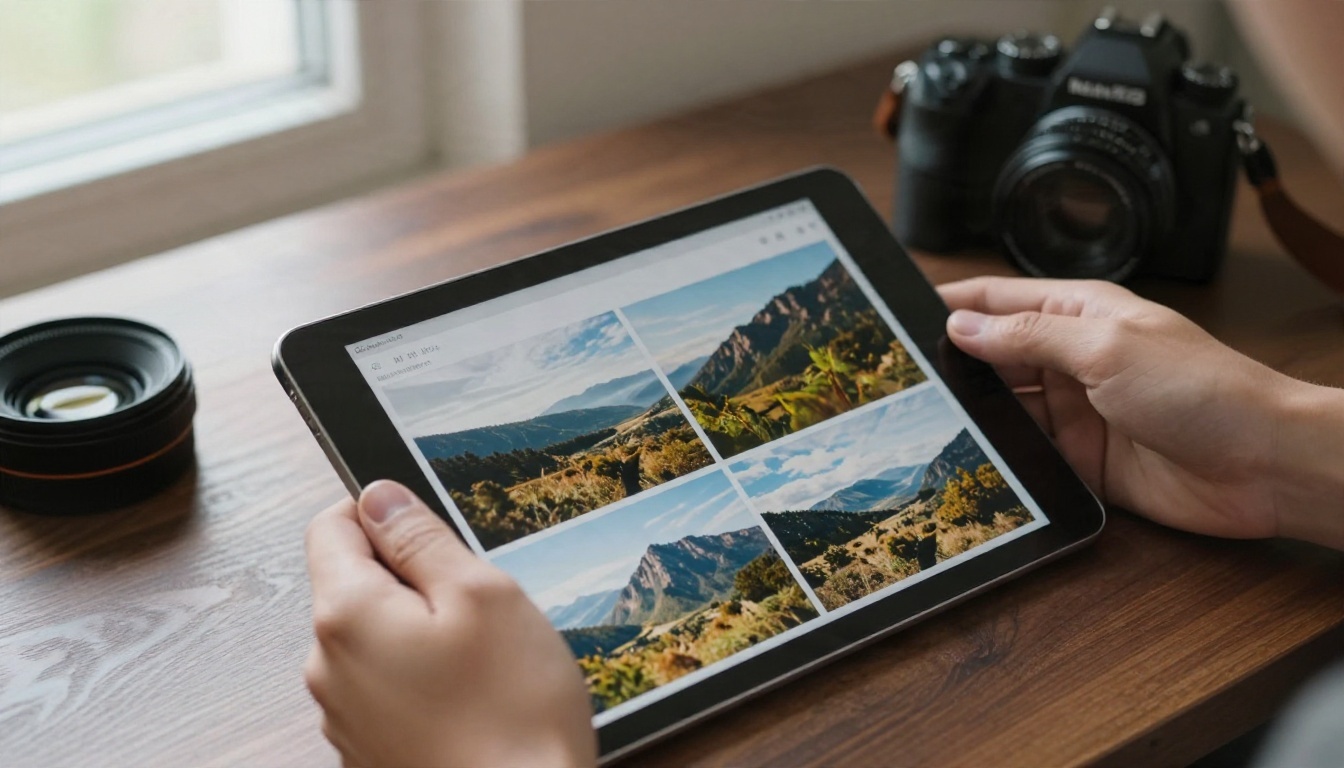
Good starting points: the Digital Portfolio Creator, the Interactive Lookbook Designer and the Wedding Album Flipbook.
Training and Education
Teachers and corporate trainers use flipbooks for manuals, workbooks, newsletters and even yearbooks. A single link works on school tablets, home laptops and phones, and revisions go live without reprinting. Try the Course Material Publisher, the School Newsletter Creator or the Yearbook Flipbook Maker.

Reports and Business Documents
Annual reports, sales decks and press kits look dull as email attachments. As flipbooks they feel like finished publications, and with analytics you can see which pages people actually read. A nonprofit can publish its yearly impact report once and share it with donors, board members and press from one link.
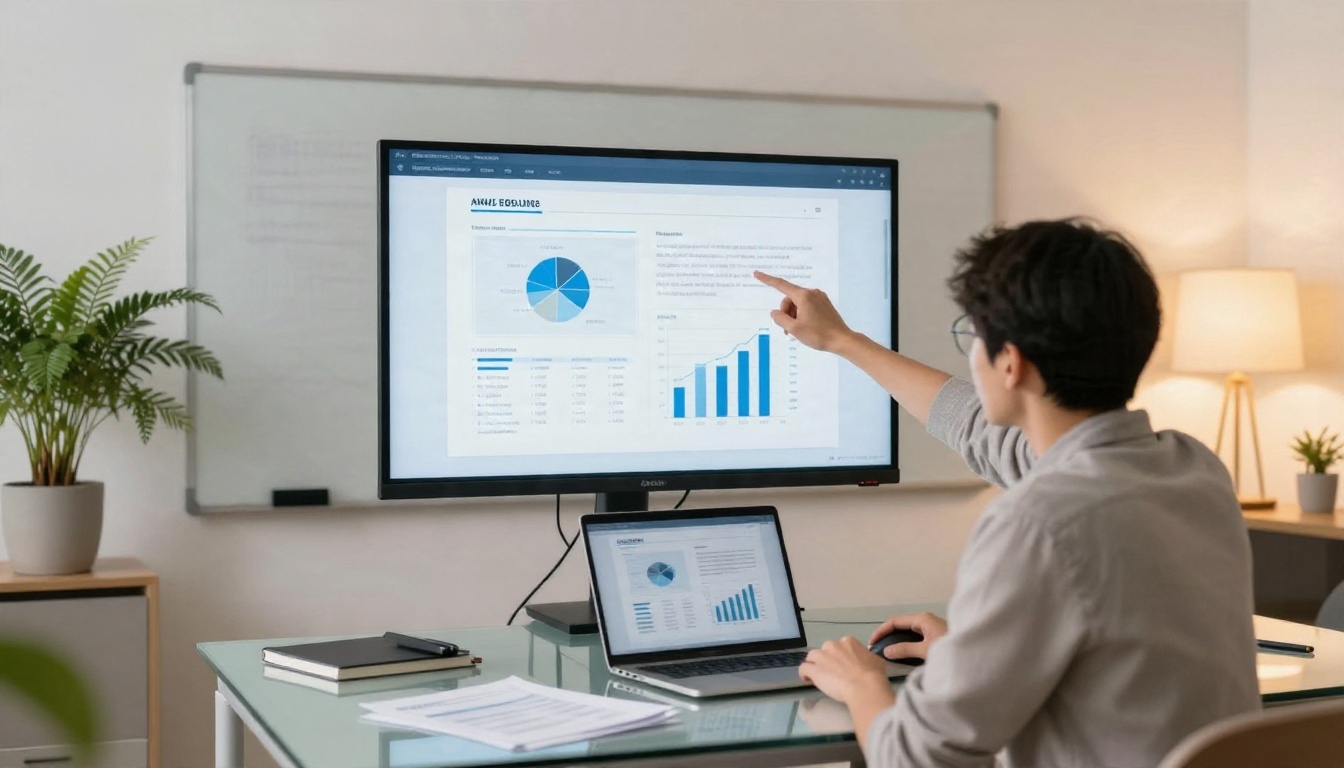
Useful tools here include the Corporate Report Maker, the Sales Presentation Flipbook and the Press Kit Designer.
Flipbook vs PDF vs Website
People often ask whether a flipbook is just a fancier PDF. Partly, yes, but the delivery is very different.
| Feature | Plain PDF | Flipbook | Web page |
|---|
| Page-turn feel | No | Yes | No |
| Opens without download | Sometimes | Yes | Yes |
| Mobile friendly | Pinch and zoom | Responsive viewer | Yes |
| Update after sharing | No, resend the file | Yes, same link | Yes |
| Reader tracking | Almost none | Page-level analytics | Yes, with setup |
| Embedded video and audio | Limited | Yes | Yes |
| Build time | Minutes | Minutes | Hours or days |
The sweet spot is clear: if you already have a designed document and want it to feel good online, a flipbook is the fastest route. If you need search ranking for every paragraph, a web page still wins.

✅ Best practice: Over half of readers will open your link on a phone. Preview your flipbook on a small screen before you share it, and keep body text at a size you can read without zooming.
Free Flipbook Makers Compared
"Free" is a broad word in this space. Most tools fall into one of three groups.
| Type of maker | Typical cost | Watermark | Page or file limits | Best for |
|---|
| Free browser trials | $0 | Often yes | Few flipbooks, small PDFs | Testing the idea |
| Desktop software | One-time fee or free | Varies | Local files, manual hosting | Offline projects |
| Subscription platforms | Monthly plan | None on paid plans | Generous or unlimited | Regular publishing |
What Free Plans Usually Limit
Before you build anything on a free plan, check these five items:
- Watermarks or ads shown on every page
- Number of flipbooks you can keep online
- Expiry, since some free links disappear after 30 days
- Branding, because you may not be able to change colors or add a logo
- Export and embed, which free plans often block
A flipbook with someone else's logo across it undermines the point of publishing professionally.
Where Free Makes Sense
Free is perfectly fine for a school project, a one-off family photo album or a quick test of whether your PDF looks right in the viewer. It is a poor fit for customer-facing catalogs, where a watermark or expiring link costs you trust. Whatever you choose, look at what happens to your link in three months, not just today.
⚠️ Watch out: A free tool that deletes inactive flipbooks can silently break links you have already printed on packaging or business cards.
Flipbook Pricing Explained
Pricing across the industry usually follows a three-step ladder. Exact numbers vary by provider, so treat the table below as a map of what each tier tends to include rather than a quote.
| Tier | Who it suits | Typically included |
|---|
| Free or trial | Individuals testing | A few flipbooks, limits on size, sometimes branding |
| Standard | Small businesses, creators | Unlimited flipbooks, no watermarks, custom branding, password protection |
| Professional | Marketing teams, agencies | Everything in Standard plus analytics, lead generation, offline downloads |
You can see current plans and what each includes on the Flipbooks AI pricing page.
Hidden Costs to Watch
Sticker price is only part of the story. Ask these questions before you commit:
- Is the price per flipbook, per page, or per account?
- Do you pay extra for removing the provider's branding?
- Are analytics locked behind an upper tier?
- Can you download your flipbooks if you cancel?
- Does bandwidth have a cap that throttles popular documents?
If you publish more than a few documents a year, unlimited plans almost always end up cheaper than pay-per-flipbook models.
How to Create a Flipbook with Flipbooks AI
Here is the whole process, from file to shareable link. It takes about five minutes for a typical catalog.
Step 1: Upload Your PDF
- Go to Flipbooks AI and create an account.
- Click the upload button and drop in your PDF.
- Wait a few seconds while the file converts. Each page becomes a crisp, zoomable page in the viewer.
If you only need a quick conversion, the PDF to Flipbook Converter is the fastest path. Prefer to start from a use case? Browse the full list of flipbook tools.
💡 Tip: Name your file clearly before uploading. A title like "spring-collection" is easier to find later than "final_v7".
Step 2: Brand It
Open the customization panel and set up:
- Logo and colors to match your brand
- Background that suits the document, such as a soft neutral for photography
- Page effects, including curl style and sound
- Multimedia, by embedding videos and audio on specific pages
Mobile-responsive design is built in, so the flipbook adapts to phones and tablets automatically. And there are no watermarks, ever.
Step 3: Share It
You can distribute your flipbook in several ways:
| Option | When to use it |
|---|
| Direct link | Email, chat, social posts |
| Embed code | Your website or blog, see Embed Flipbook on Website |
| QR code | Menus, packaging, printed flyers |
| Password protection | Private price lists, internal manuals, client proposals |
Step 4: Use the Pro Features
If you need to know who is reading, the Professional plan adds:
- Analytics showing views, time on page and popular spreads
- Lead generation, which asks for an email before the reader gets access
- Offline downloads so people can keep a copy
A sales team can, for example, send a protected catalog to a prospect and see within an hour whether pages three to ten were opened. Compare the options on the pricing page.
Three Common Mistakes
1. Uploading a low-quality PDF. A flipbook cannot improve a blurry source. Export from your design software at the right resolution.
2. Skipping the mobile test. Open the link on your own phone. If you have to squint, increase font sizes in the source file.
3. Forgetting the call to action. A beautiful flipbook with no next step wastes the reader's attention. Add a clickable link on the last page and on any product or service page.
| Mistake | Quick fix |
|---|
| Huge file, slow load | Compress images to around 150 to 200 DPI |
| Tiny text | Use at least 10 pt body copy |
| No link to follow | Add buttons or links on the final page |
| Open to everyone by accident | Turn on password protection |
Ready to Publish Your First Flipbook?
A flipbook is simply the friendliest way to put a finished document in front of people. It works for catalogs, menus, brochures, portfolios, reports and school materials, and it takes minutes rather than days.
Here is your next move:
- Create a free account and upload a PDF you already have.
- Browse all flipbook tools and templates to find one matching your use case.
- Check the pricing plans when you are ready for unlimited flipbooks, analytics and lead generation.
Prefer to jump straight to a paid plan? Go to Flipbooks AI and pick the one that fits.



