You can print a zine on a single sheet of paper, but the moment you want friends in other cities to read it, you need a digital version. The good news: the best digital zine template costs nothing, takes an afternoon to fill in, and can be published as a page-turning flipbook through Flipbooks AI. The bad news is that most template lists skip the part that matters most, which is how the finished zine actually reaches readers.
So this ranking covers both halves. First, which free templates deserve your time. Second, which examples show what works. Third, how to share the finished zine online without losing the paper-and-staples charm that made you want to make one in the first place.
💡 Short answer: for most people, a free eight-page folded layout in a design app like Canva or Google Slides is the best digital zine template. Export it as a PDF, then turn that PDF into a flipbook. Details below.
What Makes a Zine Template Good
A zine is not a brochure and it is not a slide deck. It is small, personal, a little messy on purpose, and usually made by one person or a tiny group. A template that forgets this ends up looking like a corporate handout. Before you pick one, check it against a few practical points.
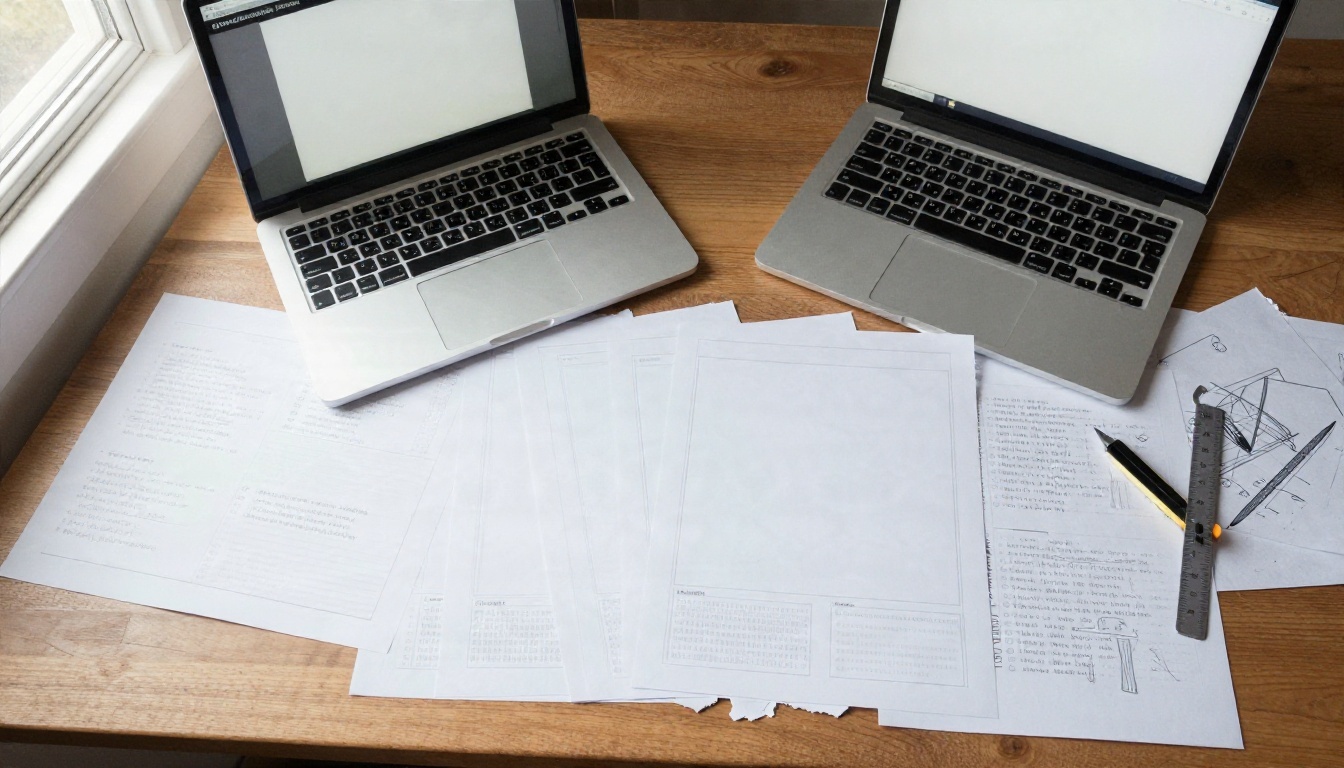
Page Count and Format
The classic mini zine uses one sheet of paper folded into eight pages: a front page, a back page, and six inside pages. If you want to print at home, this is the format to look for. If you only plan to read on screens, you can go much further, with 12, 16, or 24 pages, and use a standard portrait or square page size instead.
Pick your page count before you pick a template. Changing it later means redoing every spread.
Space for Handmade Texture
Good templates leave room for scanned drawings, torn paper edges, tape, stamps, and photocopy grain. Look for layouts with loose margins, simple text boxes, and no heavy borders. A template that locks you into rigid columns will fight your collage instinct.
Export and Sharing Support
Your template must export a clean PDF at a reasonable file size. This matters because the PDF is the starting point for every online sharing option. If the tool exports only low-resolution images or adds a watermark, skip it.
Here is a quick checklist:
- Exports to PDF at print or screen quality
- No forced watermark on the free plan
- Editable text boxes and image frames
- Custom page sizes or a ready-made folded zine layout
- Easy image replacement so you can drop in scans and photos
Free Digital Zine Template Options
Three families of tools handle zines well. Each has trade-offs, and the right choice depends on how much design control you want.
Word Processors and Slide Decks
Google Slides and PowerPoint are underrated for zines. Set the slide size to a portrait page, add text boxes and images, and you have a layout engine that anyone can use. Slide decks are also easy to share with co-authors, which suits group zines.
The downside is typography. Fine control over letter spacing and text wrapping is limited, so long text pages can look clumsy. Keep text short and let images carry the page.
Design Apps with Free Tiers
Canva, Adobe Express, and similar apps offer ready-made zine and booklet layouts. You pick a style, replace the sample images, and change the fonts. This is the fastest route for first-time makers, and the results look polished with little effort.
Watch out for premium-only elements. Many free templates include a few paid stickers or photos, and they get a watermark if you export them. Stick with free elements or upload your own artwork.
Open Source Layout Software
Scribus is a free desktop layout program that gives you true print-style control: master pages, bleed settings, precise text flow, and PDF export for professional printing. It has a learning curve, but it never charges you and never adds a watermark.
Pair it with a free image editor for scans and you have a full publishing pipeline at zero cost.
Free Template Options Compared
| Option | Cost | Skill Level | Best For | PDF Export |
|---|
| Google Slides | Free | Beginner | Group zines, quick drafts | Yes |
| Canva free tier | Free (premium extras) | Beginner | Polished collage and photo zines | Yes |
| Adobe Express | Free (premium extras) | Beginner | Fast social-style zines | Yes |
| PowerPoint | Paid or trial | Beginner | Offline work, text-light zines | Yes |
| Scribus | Free, open source | Intermediate | Print-ready, text-heavy zines | Yes |
| Affinity or similar | Paid | Intermediate | Detailed illustration zines | Yes |
✅ Best practice: build your zine at the final page size from the start. Resizing later shifts margins and crops images.
Which Template Fits Your Zine
The best digital zine template depends on what you are making. A photo zine needs different bones than a diary zine.

Photo Zines
Choose a template with full-bleed image frames and very little text. Square pages work well for phone viewing, and a single caption per spread keeps the focus on the pictures. If you are a photographer, a photography portfolio flipbook turns the same layout into a polished presentation for clients.
Perzines and Diary Zines
Personal zines thrive on text. Pick a layout with generous text boxes, a handwritten or typewriter font, and a few spots for doodles. Use a high-contrast font size so people can read on a small screen. Aim for 12 to 16 pages so the story has room to breathe.
Art and Collage Zines
Here you want maximum freedom. A blank grid, no fixed text frames, and a transparent PNG import are all you need. Scan your cut-outs, remove the background, and layer them. Handmade texture is the whole point, so do not clean it up too much.
Quick Match Table
| Zine Type | Ideal Pages | Layout Style | Recommended Tool |
|---|
| Mini folded zine | 8 | One sheet, folded | Canva or Google Slides |
| Photo zine | 12 to 24 | Full-bleed images | Canva or Adobe Express |
| Perzine | 12 to 20 | Text-led, doodle space | Google Slides or Scribus |
| Art and collage zine | 8 to 16 | Free layers, no grid | Scribus or Canva |
| Music or fan zine | 16 to 32 | Mixed text and photos | Scribus |
| Event or club zine | 8 to 16 | Bold headers, short blocks | Canva |
Real Zine Examples Worth Copying
You do not need to invent the format. Look at how working zine makers build theirs, and borrow the structure.
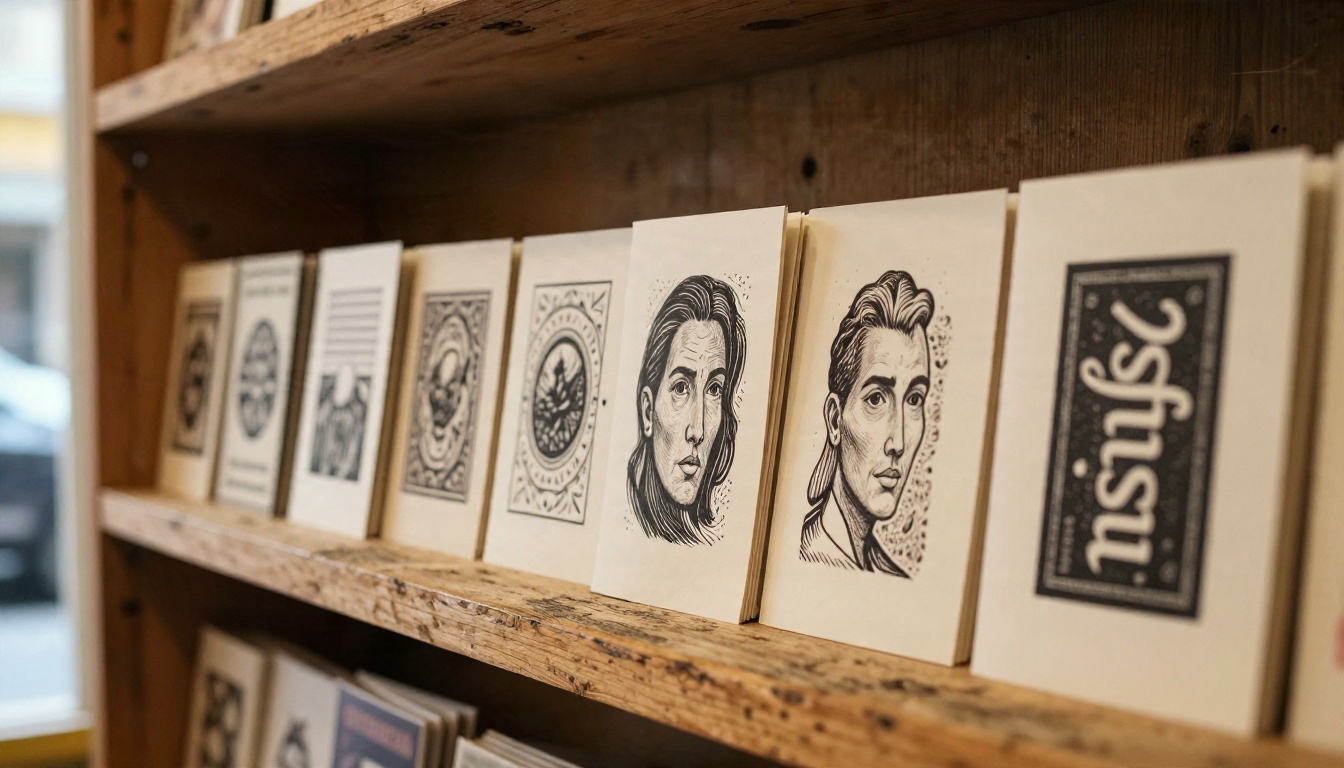
The neighborhood food zine. A local writer collects ten favorite cheap eats, one per page, with a photo, a short note, and a hand-drawn map on the last spread. It works because the template is repetitive. Every page has the same bones, so the reader always knows where to look. Food-focused creators can take this further with a recipe book flipbook.
The travel notebook zine. A traveler scans ticket stubs, sketches, and snapshots, then lays them out on a loose grid. The template is nearly blank, and the personality comes from the artifacts. A travel guide flipbook suits this style.
The band or club zine. Photographs from gigs, a short interview, and a back-page calendar. Bold headers and tight text blocks keep it scannable. Many of these are shared at shows as QR codes that open the flipbook.
The art school portfolio zine. Eight to twelve pages, one project per spread, minimal captions. Students use it as a lightweight alternative to a website. A digital portfolio creator handles the online side.
💡 Pro tip: open three zines you admire, count the elements per page, and match that density. Most beginners cram in too much.
How to Create a Zine Flipbook
Once your template is filled in, you can turn it into a shareable, page-turning zine. This is the part most template articles skip. Here is the full process using Flipbooks AI.
Step 1: Export Your Template as PDF
In your design app, choose PDF export. Pick the standard quality for screens or print quality if you also plan to run copies. Keep pages in reading order, not printer-spread order. If you used a folded eight-page layout, export one page per PDF page.
Step 2: Upload and Convert
Go to Flipbooks AI and create a free account. Then upload your PDF using the PDF to Flipbook Converter. The conversion takes seconds, and your zine appears as a realistic page-turning book that works on phones, tablets, and desktops. For longer zines or recurring issues, the Magazine Flipbook Creator is a closer fit.
Step 3: Customize the Look
Now make it feel like yours:
- Background color: pick something that suits the zine, like a warm paper tone or a dark charcoal.
- Page effects: turn on the page curl and flip sound for a tactile feel.
- Custom branding: add your own logo or zine name. There are no watermarks, ever.
- Multimedia: embed audio, such as a playlist track or a spoken intro, and add videos or links on specific pages.
- Mobile view: check that the zine reads well on a small screen, since most readers will open it on a phone.
✅ Screenshot tip: capture the first spread and use it as your preview image when you post the link. A good thumbnail doubles the number of clicks.
Step 4: Pick Sharing Settings
Choose how the zine is shared: a direct link, an embed code for your website, or a password-protected link for subscribers. On the Professional plan you also get analytics to see how many people open the zine and where they stop reading, plus lead generation and offline downloads. Unlimited flipbooks start with the Standard plan, which suits anyone releasing a new issue every month.
Online Sharing Options Compared
A zine that no one can open is just a file on your hard drive. Here are the practical ways to get it in front of readers.

| Method | Reader Experience | Control | Best For |
|---|
| Raw PDF download | Scrolling, zoom and pan | Low | Printing at home |
| Social media images | One page at a time | Low | Teasers and previews |
| Flipbook link | Page-turning, mobile friendly | High | Main release |
| Website embed | Reads inside your own page | High | Artist sites, blogs, shops |
| Password link | Private, invite only | Very high | Paid zines, patrons, clubs |
| QR code on print | Opens flipbook from a printed copy | High | Shows, markets, shops |
Embed on Your Own Site
If you have a blog or portfolio, you can embed the flipbook on your website so readers never leave the page. Paste the embed code into your page builder and the zine appears in a clean frame. This also helps with search traffic, because visitors stay longer.
Private Links and Passwords
Selling a zine or sharing it with a small group? Turn on password protection. Only people with the password can read it, which works well for supporter-only issues or zines for a class or collective.
Offline Downloads and Print
Some readers want a copy for the train. Enable offline downloads so they can save it. For people who prefer paper, keep your original print-ready PDF handy, and add a QR code on the printed edition that opens the flipbook.
Mistakes That Ruin Digital Zines
After seeing plenty of zines that nearly worked, a few errors show up again and again.
- Tiny text. What looks fine on a desktop is unreadable on a phone. Use body text of at least 12 points on a standard page and test it on your own device.
- Heavy image files. A 120 MB PDF takes forever to load. Compress scans before placing them, and keep the final file reasonable.
- Wrong page order. Printer-spread order and reading order are different. Export in reading order for digital use.
- Ignoring the cover page. The first page decides whether anyone keeps reading. Give it a strong image and a short title.
- No sharing plan. Many makers finish the zine, then post one screenshot and stop. Decide on your link, your embed, and your QR code before you publish.
⚠️ Warning: if you borrow images or fonts, check the license. Free to view is not the same as free to publish.
Ready to Publish Your Zine?
Here is the whole plan in short: pick a free template that matches your zine type, build it at the final page size, export a clean PDF, and publish it as a flipbook that people can open with one tap.
A zine is small, but it still deserves a proper home online. Fill in a template this week, hit export, and send the link to one friend. That is how most zine communities start.



