You found a PDF on Google, clicked it, and landed on a page full of ads with a flipping magazine in the middle. The logo said Yumpu. Now you are asking the obvious questions: what is this site, is it safe, and can you publish your own documents there for free? Short answers: it is a real company, it is safe to browse with normal caution, and yes, you can publish for free, with strings attached. This article walks through all of it, then shows you cleaner free options, including Flipbooks AI, which never puts a watermark on your work.
What Is Yumpu?
Yumpu is a digital publishing and reading platform. You upload a PDF, it turns the file into a page-turning online document, and the result lives on a public page that anyone can open in a browser. Think of it as a mix between a document host and a magazine kiosk.

Where It Comes From
Yumpu is operated by a company based in Switzerland and has been around since the early 2010s. It built its audience by hosting huge volumes of magazines, brochures, manuals and catalogues, many of them uploaded by publishers and businesses. Because every upload gets its own indexable page, Yumpu pages show up constantly in search results, which is exactly why so many people stumble onto the site without ever signing up.
What It Actually Does
At its core, the platform offers three things:
- Hosting: your PDF is stored and displayed as a flipbook-style reader.
- Discovery: public documents can be found through Yumpu search and through Google.
- Monetization and branding options: paid tiers add features such as removing ads and customizing the reader.
That mix explains the confusion. Some visitors treat Yumpu as a library. Others treat it as a publishing tool. It is both, and the free plan leans heavily toward the library side.
💡 Quick tip: if you only need to read a document someone linked, you never need an account. An account matters only when you want to publish.
What the Free Plan Includes
Free plans always trade something for the price of zero. Here the trade is control over how your document looks and who sees it.

What You Get
Based on how the platform has operated, a free account lets you:
- Upload a PDF and have it converted into a flipbook-style reader.
- Get a public link you can share on social media or by email.
- Embed the document on a website in many cases.
- Reach readers who find your document through search on the platform.
That is a decent starting point for a hobby magazine, a school newsletter, or a one-off brochure you do not mind sharing publicly.
The Catches
Here is where free users start to frown:
- Advertising: free documents are typically shown alongside ads, and you do not receive control over which ones appear.
- Platform branding: the reader carries the host's identity rather than yours.
- Public visibility: free publications are generally listed publicly, so a private sales deck or an internal price list is a poor fit.
- Limited customization: colors, logos, and reader behavior are mostly locked to paid tiers.
⚠️ Warning: plan limits and prices change. Always check the official pricing page before you upload anything you care about, because what was free last year may be gated today.
Free vs Paid at a Glance
| Feature | Typical free plan | Typical paid plan |
|---|
| PDF to flipbook conversion | Yes | Yes |
| Ads beside your document | Usually yes | Usually removed |
| Custom branding | Very limited | Available |
| Private or hidden documents | Limited | Available |
| Detailed reader statistics | Basic or none | Fuller reporting |
| Best for | Casual sharing | Business publishing |
Is Yumpu Legit?
Now the question that brings most people here.

The Short Answer
Yes, it is a legitimate business. It is a registered company with a long operating history, a working product, and paying customers. Opening a Yumpu page is not like opening a phishing link.
Where the Doubts Come From
Legitimate does not mean flawless. Several things make people uneasy:
- Search result clutter. Yumpu pages rank for thousands of random queries, so you often arrive on a page you never intended to visit.
- Ad-heavy pages. Ads can be loud, and some ad networks serve questionable offers. That is an ad problem, not a malware problem, but it feels shady.
- User-uploaded content. Anyone can upload a PDF, so quality varies. Some documents are outdated, scraped, or posted without the original owner's permission.
- Billing complaints. As with many subscription products, some users online report frustration with renewals or cancellations. Read the terms and set a calendar reminder before you pay for anything.
A Quick Safety Checklist
Use this before trusting any document host, Yumpu or otherwise:
- Confirm the URL starts with the real domain and uses HTTPS.
- Do not download files from pop-up buttons that are not part of the reader.
- Never enter a password or card number on a page reached through an ad.
- Use an ad blocker or a browser with tracker protection.
- For paid plans, check the cancellation steps before entering payment details.
✅ Best practice: treat any free host the same way. If you would not be comfortable with a stranger reading the file, do not upload it to a public listing.
Who Should Still Use Yumpu?
Plenty of people are perfectly happy there, and it would be unfair to pretend otherwise.

Good Fits
- Hobby publishers who want readers and do not care about ad placement.
- Clubs and associations sharing a public newsletter.
- Authors testing an idea with a public sample before investing in tools.
- Readers who simply use it as a library of public magazines.
Poor Fits
- Businesses that need a clean, branded reader with no third-party ads.
- Sales teams sending confidential proposals.
- Agencies that must show clients a polished experience on their own domain.
- Anyone who needs lead capture or detailed reader reporting without paying for a higher tier.
A local bookshop is a perfect example. A public catalogue with a few ads beside it might be fine. But once the owner wants a clean embedded catalogue on their own website, matching the shop's colors, the free plan starts to feel like a rented billboard.
Free Alternatives Worth Trying
Many platforms offer a free tier. They all draw the line in different places, so the right pick depends on which limitation hurts you least.

What to Compare
Before you commit, line up these five questions:
- Does the free plan add watermarks or ads to the reader?
- Is the document public by default, or can you keep it private?
- Can you embed it on your own site?
- Does it work well on phones?
- What happens when you outgrow the free tier?
Side-by-Side Comparison
Tools like Issuu and Flipsnack also run free tiers with limits, so they belong on your shortlist too. Check each provider's current terms, since free allowances change often.
| Approach | Watermark or ads | Privacy options | Embed on your site | Best for |
|---|
| Yumpu free plan | Ads and platform branding | Limited | Often yes | Public, casual sharing |
| Flipbooks AI | No watermarks, ever | Password protection | Yes, via embed code | Branded, professional flipbooks |
| Other hosted flipbook tools (free tiers) | Varies by provider | Varies | Varies | Testing a workflow |
| Plain PDF on your own site | None | You control it | Link or download only | Simple documents, no page-turn effect |
The plain PDF route is underrated. If nobody needs a page-turning effect, a simple download link avoids every limitation above. But if you want the reading experience, with page effects, mobile-friendly layouts, and embedded media, a dedicated flipbook tool is the better route.
💡 Pro tip: open your own PDF on your phone first. If the text is hard to read there, no flipbook tool will fix the layout. Reformat the source file before you convert it.
How to Create a Flipbook with Flipbooks AI
Here is the step-by-step process, from account to shared link. It takes only a few minutes for a typical PDF.
Step 1: Create Your Account
Head to Flipbooks AI and sign up. You can compare plans on the pricing page at any time, so you will know exactly what each level includes before you spend anything.
Step 2: Upload Your PDF
- Click the upload option in your dashboard.
- Select your PDF file from your computer.
- Wait for the conversion. Each page becomes a flippable spread in the reader.
The PDF to Flipbook Converter handles the heavy lifting, so there is no design software involved. If your file is a specific type of document, there are dedicated tools too, such as the Catalog Flipbook Creator, the Magazine Flipbook Creator, and the Brochure Flipbook Maker.
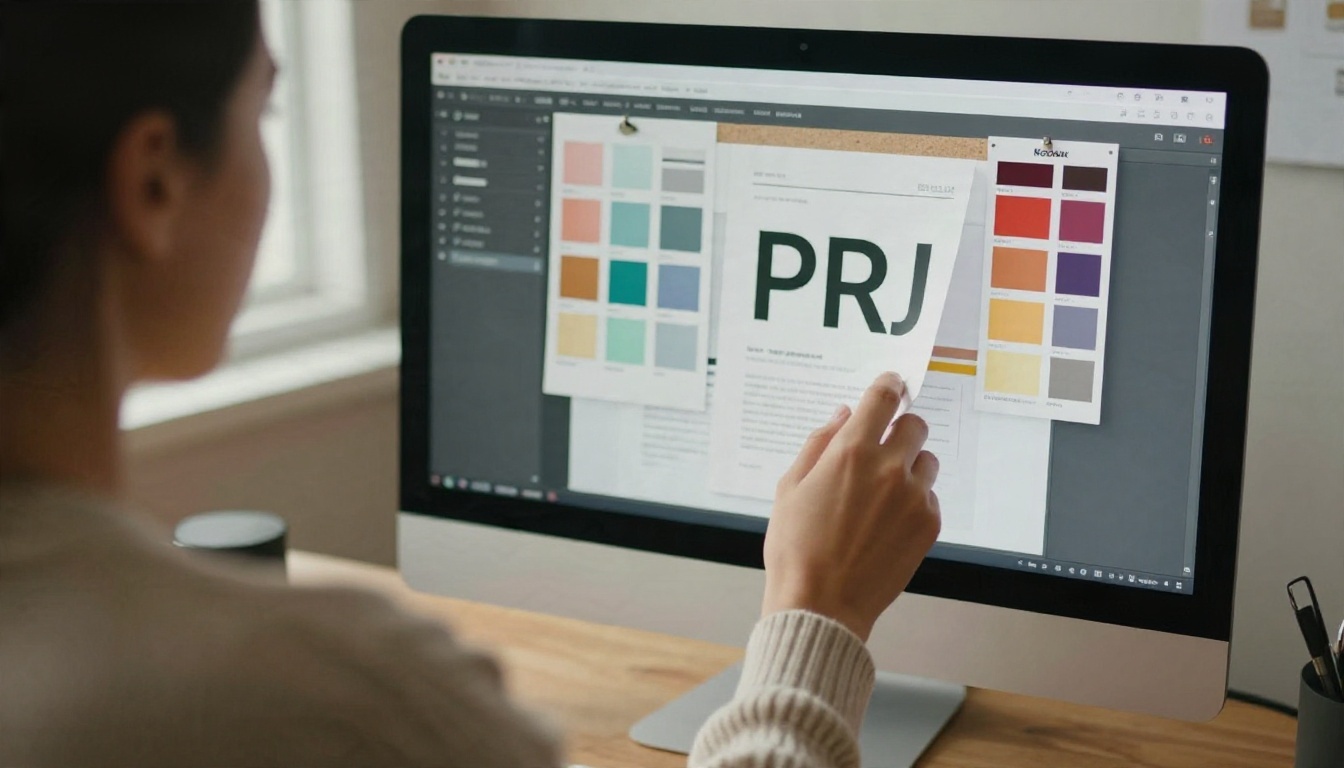
Step 3: Customize the Look
In the editor you can adjust:
- Branding: add your logo and name so the reader feels like your own.
- Colors: match your brand palette for the background and controls.
- Page effects: choose how pages turn.
- Multimedia: embed videos and audio to turn a static page into something interactive.
A screenshot of this step would show the preview on the right and the settings panel on the left. Every change appears in the preview immediately, so you can experiment freely.
Step 4: Share It Your Way

Once you are happy with the result, pick how to deliver it:
| Sharing option | What it does | Use it when |
|---|
| Direct link | Gives readers a URL | Email and social posts |
| Embed code | Places the flipbook inside your page | Your website or landing page |
| Password protection | Locks the flipbook behind a password | Private proposals and internal documents |
| Offline download | Lets readers keep a copy | Events and low-connectivity areas |
For website owners, the Embed Flipbook on Website tool shows how to paste the code into your page. That is the exact thing a free Yumpu listing makes awkward, because the ads and branding come along for the ride.
Step 5: Analytics and Lead Capture

On the Professional plan you get reader analytics and lead generation. You can see which pages hold attention and where readers drop off, and you can collect contact details before someone opens a gated document. Plan details live on the pricing page. Standard plans and above include unlimited flipbooks, which matters if you publish regularly.
✅ Best practice: publish a free sample flipbook first, then gate the full version behind a form. That gives you a lead list and a public preview at the same time.
Real-World Use Cases
Theory is nice. Here is how different people would actually pick between the two routes.

Where a Branded Flipbook Wins
- Real estate agents can send a property brochure that opens cleanly on any phone. The Real Estate Brochure Creator is built for exactly that.
- Restaurants can embed a menu on their site and update it when dishes change, using the Restaurant Menu Creator.
- Photographers and designers can present work in a Digital Portfolio Creator without a third party's ads competing with the images.
- Sales teams can protect a proposal with a password and send it to one client.
Quick Decision Table
| Your situation | Better fit |
|---|
| Public hobby magazine, ads are fine | Yumpu free plan |
| Client-facing brochure with your branding | Flipbooks AI |
| Private price list for a few customers | Flipbooks AI with password protection |
| Simple document, no page effects needed | Plain PDF link |
| Want to track readers and capture leads | Flipbooks AI Professional plan |
Your Next Step
Yumpu is real, and its free plan works if you accept ads, public listing, and the host's branding. If those trade-offs bother you, you do not have to pay a Yumpu subscription to escape them. Pick the tool that matches the way your document will actually be used.
Ready to publish without watermarks? Create your first flipbook on Flipbooks AI. Browse all the flipbook tools to find a template for your document type, and compare pricing plans to see which level fits your needs.



