A flip book is the simplest animation machine ever built: a stack of pages, each one slightly different, that comes alive when you riffle the edge with your thumb. Today the same name also describes something quite different, a digital publication that turns pages like a real book on any phone, tablet or laptop. This article explains both meanings, compares them honestly, shows real examples from restaurants, schools and agencies, and walks you through making a digital one for free with Flipbooks AI.
💡 Short answer: a paper flip book creates the illusion of motion through fast page flipping. A digital flipbook turns a PDF into an interactive, page-turning experience you can share with a link.
What Is a Flip Book?
The Simple Definition
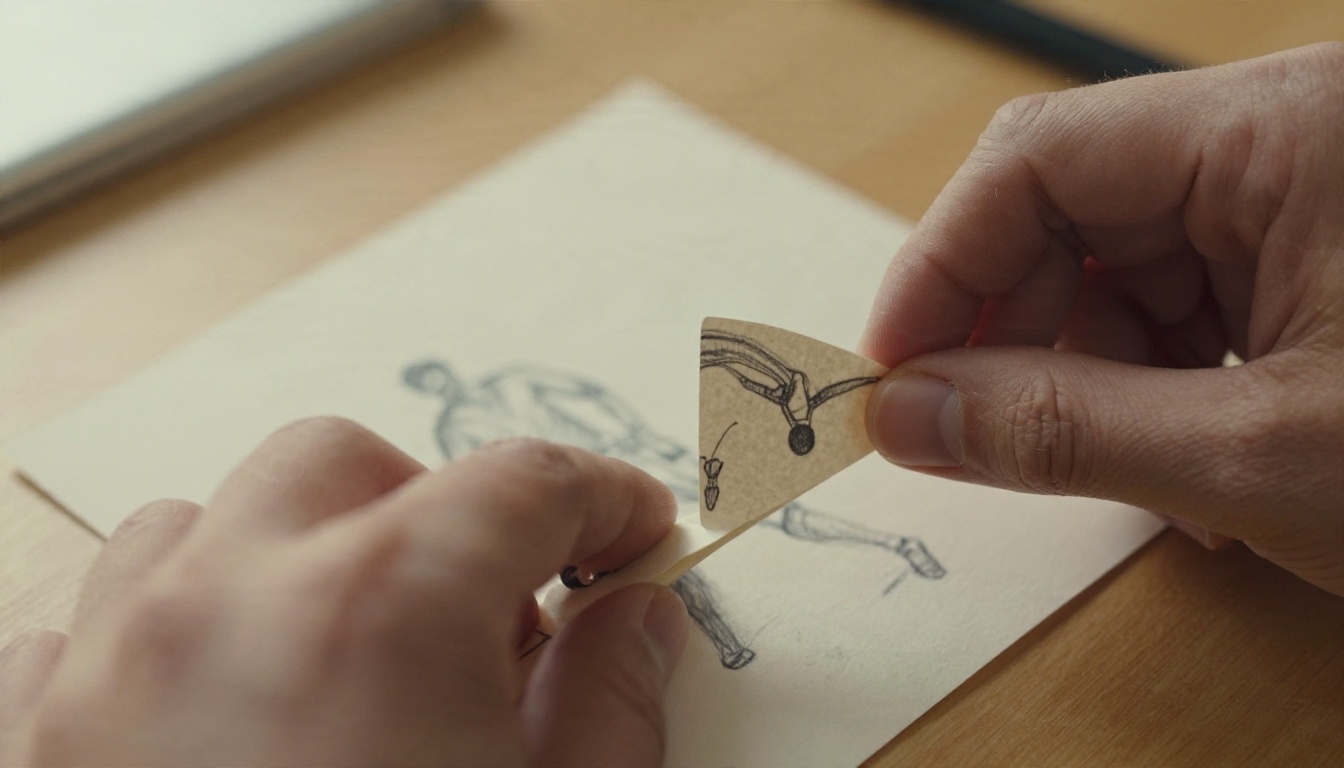
A flip book (also written flipbook) is a small book made of many sequential images. When you hold it in one hand and release the pages quickly with your thumb, the images blend into a short moving scene. Think of a stick figure that runs, a ball that bounces, or a flower that opens. No electricity, no screen, no software.
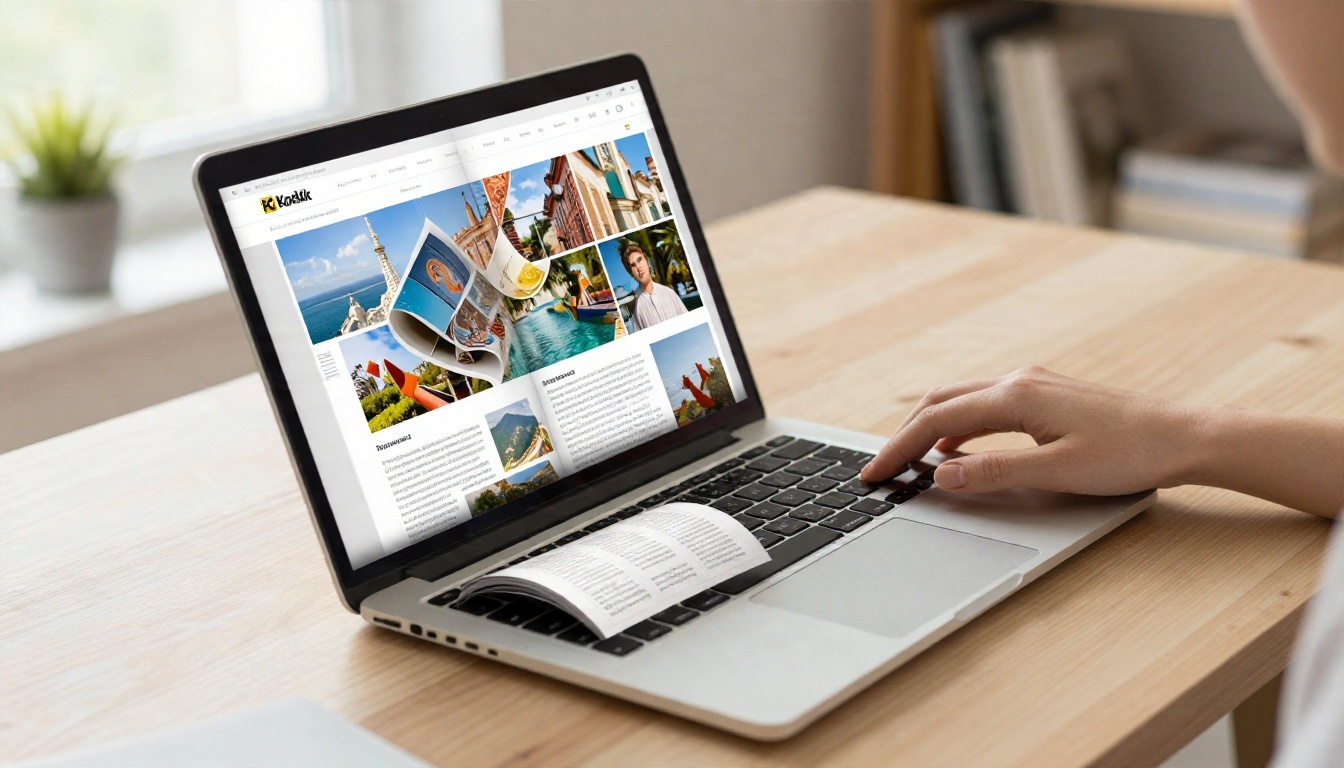
The second meaning is newer. A digital flipbook is an online version of a magazine, catalog, brochure or report that keeps the familiar page-turning feel, including the curl of the paper and the sound of a flip, but works in a browser. Readers do not download anything. They click a link and start reading.
A Short History
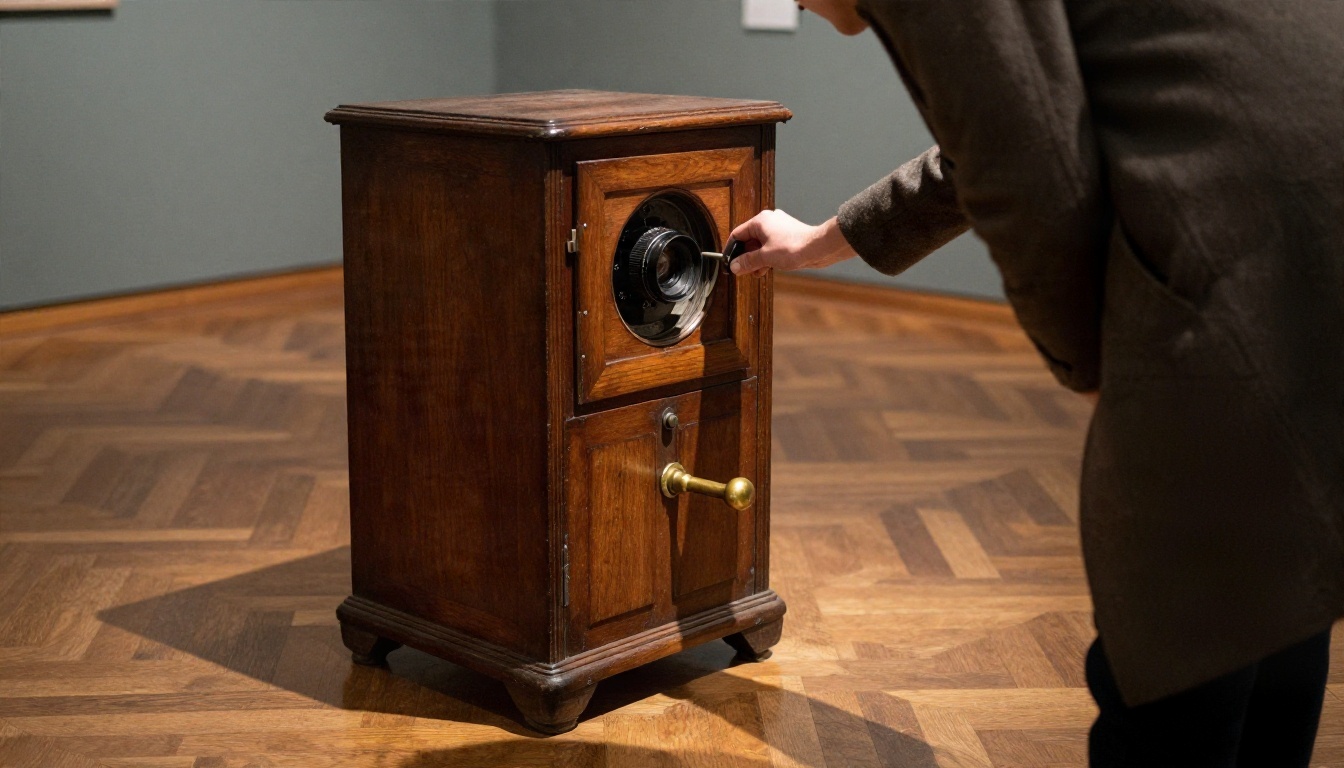
Flip books are older than cinema. English printer John Barnes Linnett patented the kineograph in 1868, a hand-held book of drawings that animated when flipped. In 1894 Herman Casler patented the mutoscope, a crank-driven machine that flipped a drum of photographic cards behind a viewer. For a few years, penny arcades made more money from mutoscopes than from many early film projectors.
The digital meaning arrived in the 2000s, when early flash-based viewers let publishers show PDFs as turning books. Modern tools now use HTML5, so they work on iPhones and Android phones without plugins.
How Paper Flipbooks Work
The Mechanics
The trick is called persistence of vision. Your eye holds an image for a fraction of a second after it disappears. If a new, slightly different image arrives fast enough, your brain reads the sequence as movement. A good paper flip book has these traits:
- 20 to 100 pages, each with one small change from the last
- Thick, slightly stiff paper so pages snap back cleanly
- A tight binding edge, usually staples, glue or a binder clip
- Drawings placed near the free edge, so your thumb does not hide them
Where Paper Still Wins
Paper flipbooks are a joy for children, a classic school art project, and a popular promotional gift. Animators still use them to test timing before moving to software. A printed flipbook is also memorable because it is a physical object that people keep on a desk.
The limits show up quickly, though. A printed piece cannot be updated after it leaves the printer, cannot play a video, cannot tell you who read it, and costs more with every copy you ship.
Digital Flipbooks in Plain English
What Makes Them Digital
A digital flipbook starts with a file you already have, usually a PDF from Canva, InDesign, Word or PowerPoint. A flipbook platform converts each page into a high-resolution image layer, adds a page-turning animation, and hosts the result at a web address. You can then share it by link, embed it in a website, or send it in an email.
Features Readers Notice
Readers do not care about file formats. They care about what the experience feels like:
- Realistic page turns with a soft shadow and curl
- Zoom so small print and product details stay sharp
- Mobile-responsive layouts that adapt to a phone screen
- Embedded video and audio inside the pages
- Clickable links to product pages, forms and maps
- Fast loading, with no download or app install
Features Publishers Notice
Publishers see a second layer of benefits. You can fix a typo in minutes, swap an outdated price, protect a private report with a password, and, on the Professional plan, see analytics and lead generation data that a printed brochure could never provide.
Digital vs Paper: The Honest Comparison
Neither format is better in every case. The table below shows where each one fits.
| Factor | Paper Flipbook | Digital Flipbook |
|---|
| Cost per copy | Rises with every print run | Close to zero after publishing |
| Update after release | Impossible | Replace the PDF in minutes |
| Video and audio | Not possible | Embedded inside pages |
| Reach | Local or mailed | Anyone with a link, worldwide |
| Tracking | None | Views, time on page, leads (Professional) |
| Animation effect | Hand-flipped motion | Page-turn effect, not frame animation |
| Environmental impact | Paper, ink, shipping | No printing or shipping |
| Emotional feel | Tactile and collectible | Smooth, instant, interactive |
Cost Over Time
A 40-page printed catalog can easily cost several dollars per copy once you count design proofs, printing, packaging and postage. Send 1,000 copies and the budget stings. A digital version costs the same whether 10 or 10,000 people open it, and updates cost nothing.
When Paper Wins
⚠️ Be honest about the goal. If you want a child to see a drawing move in their hands, or you want a luxury piece on a hotel nightstand, print is the right answer. Many brands do both: a short printed teaser that points to a full digital flipbook through a QR code.
Real Examples That Work
Here is how different people use digital flipbooks today.
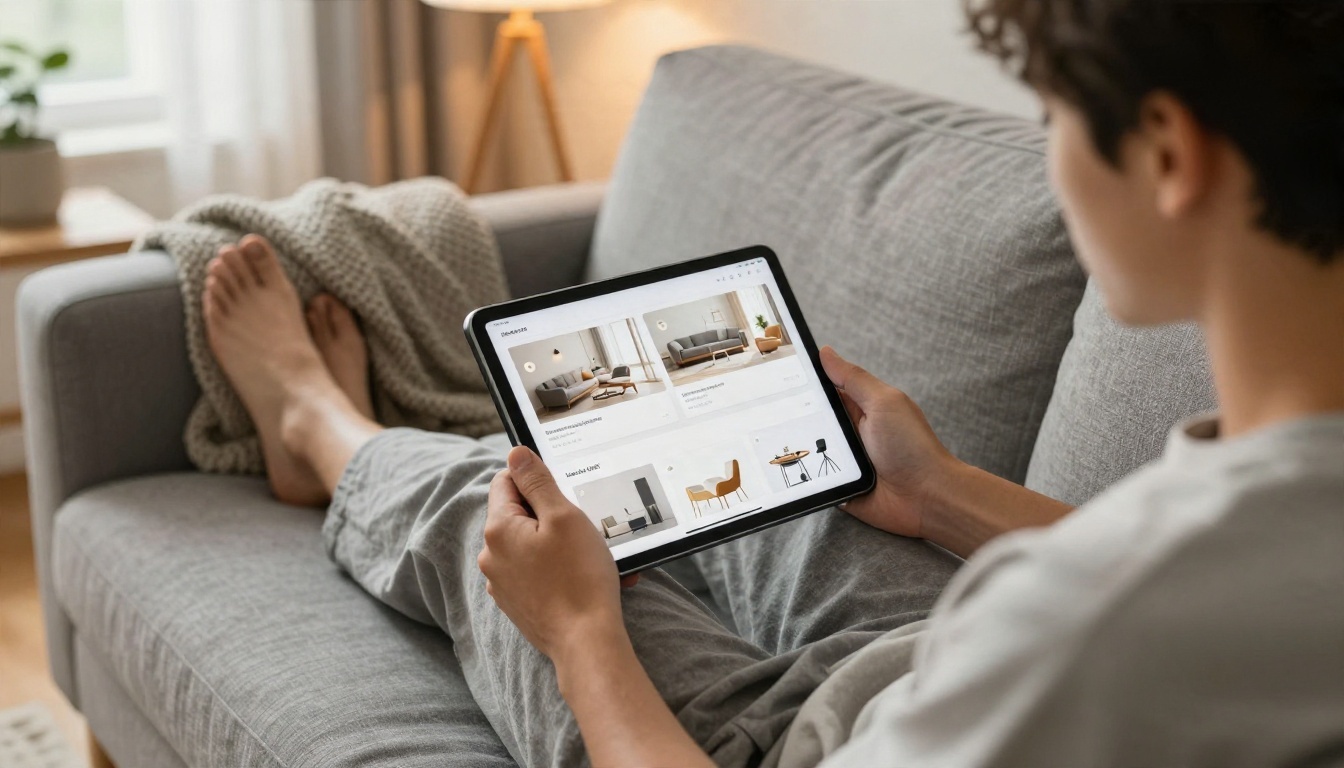
Restaurants and Cafés
A restaurant can replace a worn laminated menu with a flipbook that opens from a table QR code. When the chef changes the seasonal dishes, the owner uploads a new PDF and every QR code shows the update at once. The Restaurant Menu Creator and the Menu Flipbook Designer are built for this.
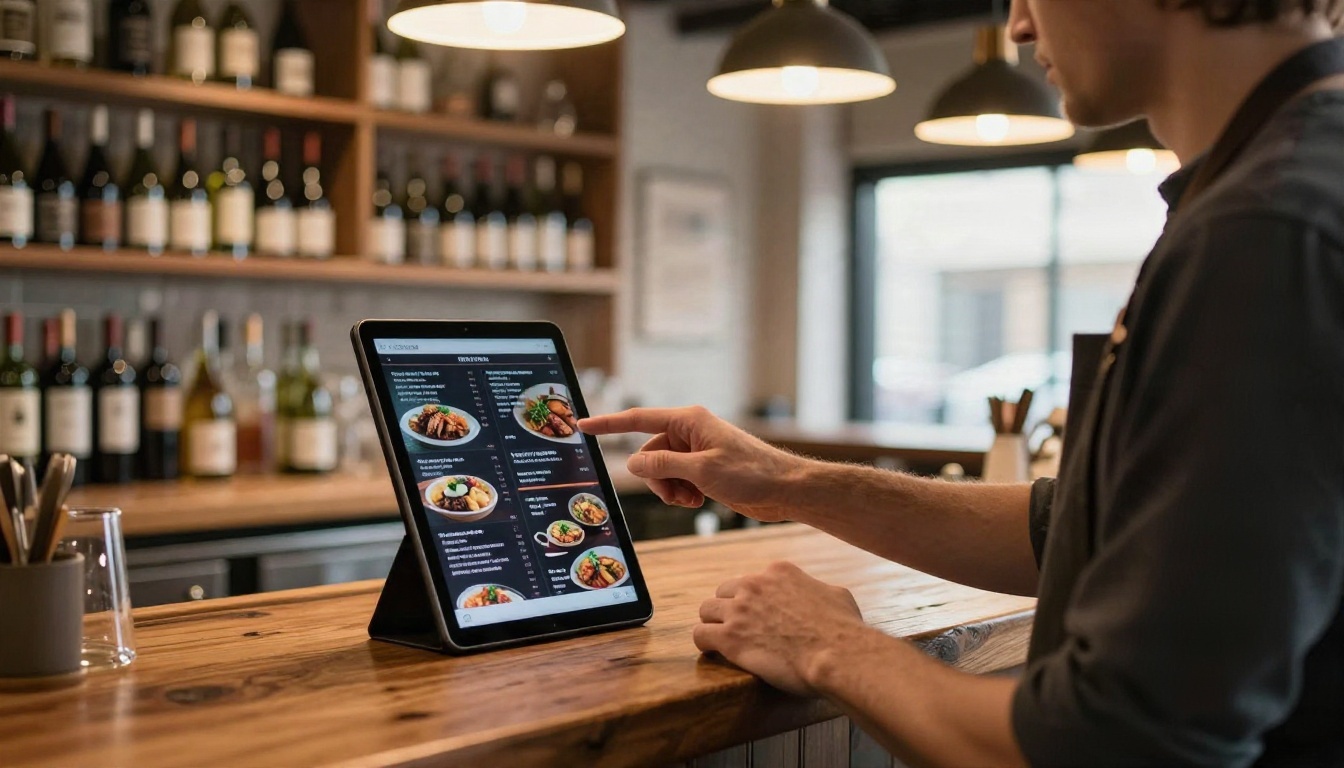
Real Estate Agents
Agents who send a flipbook instead of a heavy PDF attachment see fewer bounced emails and faster replies. Photos load quickly, floor plans zoom cleanly, and a video tour can sit right inside the page. Try the Real Estate Brochure Creator for property listings.
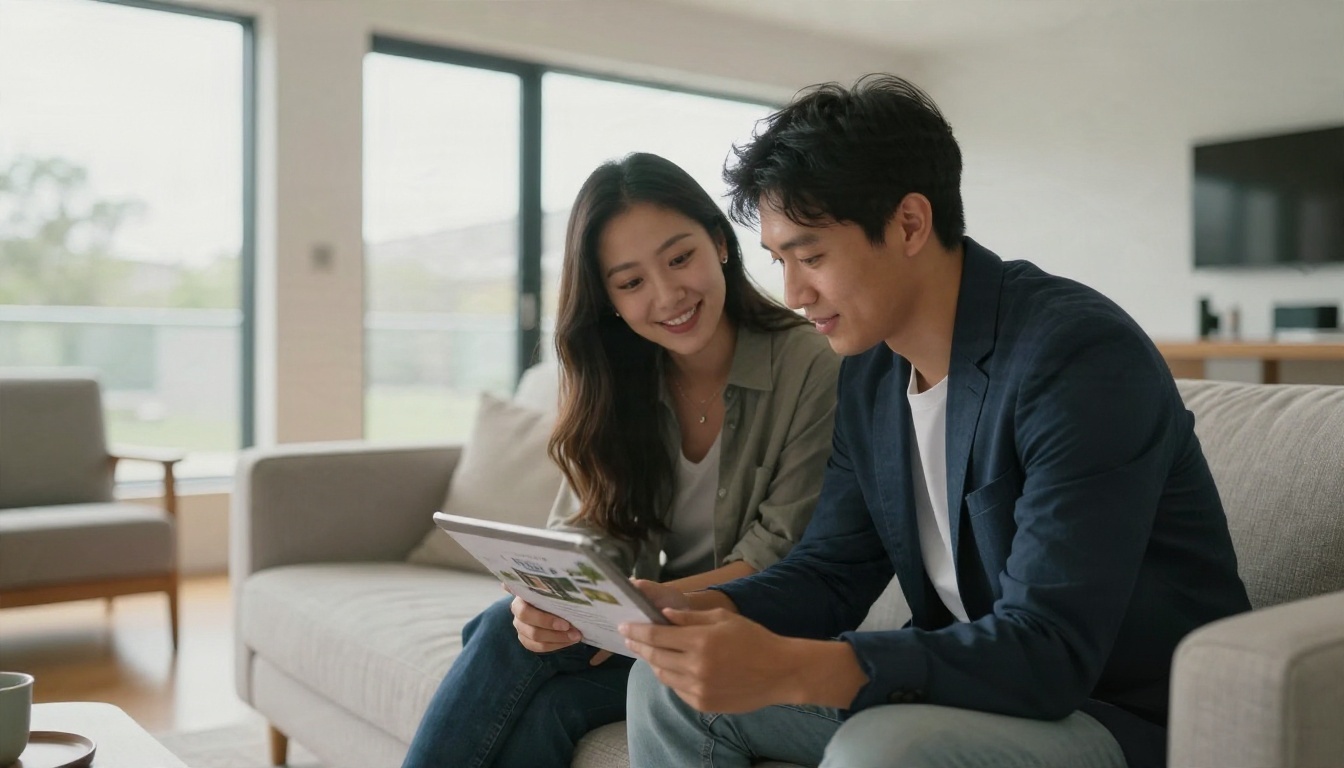
Schools and Trainers
Teachers share course packs, newsletters and yearbooks that students open on any device. Corporate trainers publish manuals that stay current. The Course Material Publisher and Training Manual Flipbook tools fit these cases.

Shops, Designers and Photographers
Retailers publish seasonal catalogs, designers show portfolios, photographers deliver wedding albums, and fashion brands release lookbooks. Each of these benefits from large images and a calm page-turning pace.
✅ Best practice: pick one clear goal for each flipbook, such as "get a booking" or "show the new range", and place a link or button for that action on the first and last pages.
How to Make a Flipbook Free
You do not need design skills or a developer. If you can export a PDF, you can publish a flipbook. Here is the full process with Flipbooks AI.
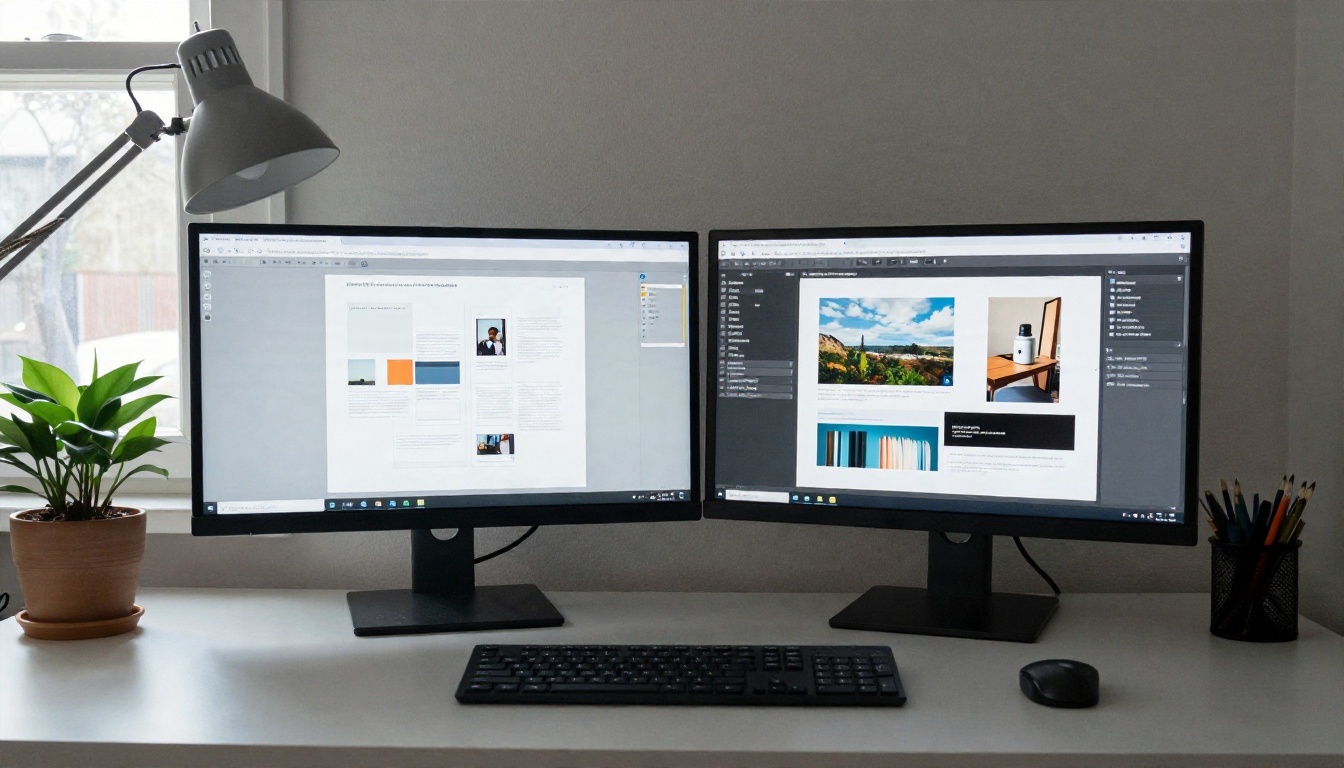
Step 1: Create Your Account
Go to Flipbooks AI and create a free account. The sign-up takes under a minute, and no credit card is needed to try the editor.
Step 2: Upload Your PDF
From the dashboard, choose to add a new flipbook and drop in your PDF. The PDF to Flipbook Converter splits the file into pages and builds the turning effect automatically. A 30-page file usually finishes in seconds. If you do not have a PDF yet, export one from Canva, Google Docs, Word or PowerPoint.
💡 Pro tip: export at 150 to 300 DPI with page margins of at least 5 mm. Sharp source files produce sharp zoomed pages.
Step 3: Customize the Look
This is where the flipbook becomes yours. Typical options include:
- Branding: add your logo and choose your brand colors
- Background: pick a solid color, gradient or image behind the book
- Page effects: adjust the flip animation, shadow and speed
- Multimedia: add video, audio and clickable hotspots on any page
- Toolbar: show or hide zoom, sharing, fullscreen and download buttons
A reminder worth repeating: Flipbooks AI never adds a watermark to your publication, so the pages stay clean and professional.
Step 4: Choose How to Share
Once the design looks right, publish and pick the delivery method:
| Sharing Option | How It Works | Best For |
|---|
| Direct link | One short URL, paste anywhere | Email, social posts, messaging apps |
| Embed code | Paste a snippet into your site, see Embed Flipbook on Website | Landing pages, blogs, online shops |
| Password protection | Readers need a code to open | Private reports, client proposals |
| Offline download | Readers save a copy | Events, travel, low connectivity |
| QR code | Scan to open instantly | Print materials, shop windows, menus |
Step 5: Track Results and Capture Leads
On the Professional plan you can see how many people opened your flipbook, which pages held attention, and who left their details through a lead form. Compare the pricing plans to see which level fits. The Standard plan and above also gives you unlimited flipbooks, which suits anyone publishing monthly newsletters or many client files.
Free Features vs Paid Plans
Most people start free to test the workflow, then upgrade when the volume or reporting needs grow. Check the pricing page for current limits, since plans can change.
| Feature | Where It Applies | Why It Matters |
|---|
| No watermarks | All plans | Keeps client-facing documents clean |
| Mobile-responsive reading | All plans | Most readers open links on a phone |
| Custom branding | Logo, colors, background | Looks like your company, not a template |
| Embedded video and audio | Inside any page | Adds product demos and voice notes |
| Unlimited flipbooks | Standard plan and above | Ideal for agencies and frequent publishers |
| Analytics and lead generation | Professional plan | Turns readers into measurable contacts |

Common Mistakes to Avoid
Even a simple project can go wrong. These are the issues that show up most often:
- Uploading a low-resolution PDF. Blurry source pages stay blurry when readers zoom.
- Packing too much text on a page. Phone readers scroll quickly; keep paragraphs short.
- Forgetting the call to action. Every flipbook needs a next step, such as "book now" or "request a quote".
- Ignoring the first page. It works like a shop window. Use a strong image and a clear title.
- Never updating. A digital flipbook can change at any time. Fix prices, dates and links regularly.
- Skipping a mobile test. Open your flipbook on your own phone before you share it.
⚠️ Watch file size. Very heavy PDFs with dozens of uncompressed photos can slow loading on mobile data. Compress images before export.
Make Your First Flipbook Today
A paper flip book gives you a small moment of magic in your hands. A digital flipbook gives your content a better life: easier to share, simple to update, and measurable. Many creators enjoy both, a hand-drawn flipbook for fun and a digital one for work.
Ready to publish yours? Get started for free on Flipbooks AI, browse all flipbook tools to find a template for your use case, or compare pricing plans when you need analytics, lead generation and unlimited publishing. Upload one PDF, choose your colors, and you can send a page-turning link before your coffee gets cold.



