Your customers already live inside WhatsApp, so the fastest way to sell is to put your products right where the conversation happens. The problem is that the built in catalogue is limited, and a pile of loose photos sent one by one looks messy. A better route is a polished catalogue you build once and share as a single link. With a WhatsApp catalogue maker like Flipbooks AI, you turn a PDF into a page flipping catalogue that opens in a tap, loads fast on mobile data, and looks the same on every phone.
This article walks through the right sizes, a simple template structure, a free online workflow, and the exact way to share the PDF link so people open it instead of scrolling past.
What a WhatsApp Catalogue Really Is
Before picking a tool, it helps to separate two things that people often mix up. Both are called a "WhatsApp catalogue", but they behave very differently.
Native catalogue vs PDF catalogue
The native catalogue lives inside WhatsApp Business. You add products one at a time with a photo, a title, a price and a short description. It is handy for small ranges, but it has limits on how many items you can list, it offers almost no control over layout, and you cannot design pages around a brand.
A PDF or flipbook catalogue is a designed document. You choose the layout, the order, the fonts and the colours. You can group products by collection, add a cover story, show bundles and place a clear call to action on every page. Then you share one link.
| Feature | Native WhatsApp catalogue | PDF or flipbook catalogue |
|---|
| Layout control | Fixed grid | Full control |
| Branding | Minimal | Colours, fonts, logo |
| Product limit | Capped by the app | As many pages as you need |
| Works outside WhatsApp | No | Yes, shareable anywhere |
| Page flip feel | No | Yes |
| Analytics | Basic | Detailed, on paid plans |
| Cost | Free | Free to start, paid for extras |
Who needs which one
If you sell fewer than 20 simple products with fixed prices, the native catalogue is enough. If you sell fashion, home decor, food, handmade goods, wholesale lines or anything seasonal, a designed catalogue wins. It lets you tell a story, show variants side by side and refresh the whole range in minutes.
💡 Pro tip: Use both. Keep the native catalogue as a quick storefront and send the designed catalogue link to anyone who asks "what else do you have?"
The Right Size for Every Element
Size is where most catalogues fail. Photos get cropped, text becomes unreadable, or the file is so heavy that it takes forever to download on a weak signal.
Image sizes that look sharp
Most customers will view your catalogue on a phone held upright. Design for that screen first.
- Product photos in the native catalogue: square images, at least 500 x 500 pixels, saved as JPG or PNG and kept under 5 MB. Check the current limits inside the app, because they change from time to time.
- Profile and link preview image: 640 x 640 pixels works well, and keep the subject in the centre since WhatsApp crops it into a circle or a rectangle depending on the view.
- Catalogue pages for phones: 1080 x 1350 pixels (4:5) or 1080 x 1920 pixels (9:16) fill the screen without black bars.
- Catalogue pages for desktop viewing: A4 or US Letter works, but text must be larger than you think.
PDF page size and file weight
A PDF can technically be very large, since WhatsApp allows documents up to 2 GB. In practice, nobody wants to wait for that. Aim for under 15 MB so it opens quickly on mobile data. A flipbook link avoids the download wait entirely, because pages load as the reader swipes.
| Element | Recommended size | Format | Notes |
|---|
| Native product photo | 1000 x 1000 px | JPG or PNG | Square, white or neutral background |
| Link preview image | 1200 x 630 px | JPG | Shows in the chat bubble |
| Mobile catalogue page | 1080 x 1350 px | PDF page | Portrait, 4:5 ratio |
| Story style page | 1080 x 1920 px | PDF page | Full screen on phones |
| Body text | 14 pt minimum | Any | Readable without zooming |
| Total PDF weight | Under 15 MB | PDF | Compress images before export |
⚠️ Watch out: A scanned brochure exported at print resolution can reach 80 MB. Compress it first or your customers will give up before page one.
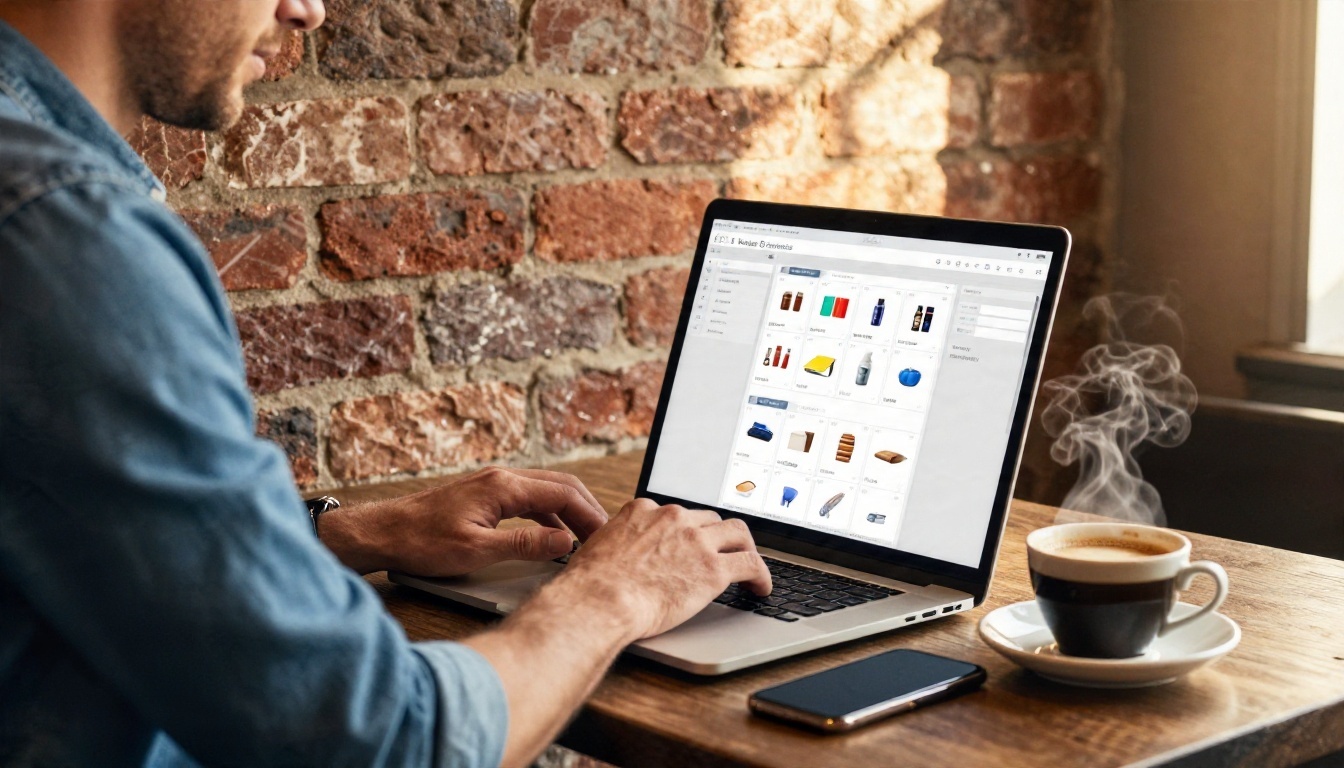
You do not need design software to build this. Several free online options exist, and they suit different needs.
What to look for in a tool
Whatever you pick, check these points before you invest hours:
- No watermark on the exported or shared catalogue.
- Mobile friendly viewing, since most opens happen on a phone.
- A shareable link, not just a file download.
- Easy updates, so a price change does not mean rebuilding the file.
- Brand control for logo, colours and fonts.
Side by side comparison
| Option | Best for | Shareable link | Page flip effect | Watermark |
|---|
| Native WhatsApp catalogue | Tiny ranges | Inside WhatsApp only | No | None |
| Slide or document editors | Quick one off PDFs | Basic | No | Depends |
| Free template sites | Simple layouts | Often limited | Rarely | Often yes |
| Flipbooks AI | Branded, shareable catalogues | Yes | Yes | No watermarks, ever |
If your catalogue is mainly a product range, the Product Catalogue Generator and the Digital Catalog Maker are built for exactly this job.
Make Your Catalogue with Flipbooks AI
Here is the practical workflow. It takes about ten minutes once your photos are ready.
Step 1: Prepare your PDF
Build your pages in any editor you like and export a PDF. Use the sizes from the table above. Keep one product group per spread, for example "New arrivals" on pages 2 and 3, and "Best sellers" on pages 4 and 5.
Step 2: Upload and convert
Go to the PDF to Flipbook Converter or create an account and drag your PDF into the dashboard. The platform converts every page into a smooth, page turning flipbook in seconds.

Step 3: Add your branding
Set your logo, brand colours and background. Choose the page effects that fit your style, such as a soft flip or a slide. You can also embed videos and audio, which is useful for a short product demo or a spoken welcome from the owner.
Step 4: Share the link
Copy the direct link and paste it into WhatsApp. For private ranges such as wholesale prices, turn on password protection and send the password in a separate message. If you also run a website, grab the embed code and place the same catalogue on your shop page, as explained in the Embed Flipbook on Website tool.
Step 5: Go further with paid features
The Professional plan adds analytics and lead generation, so you can see which pages get attention and collect contact details before someone views the full catalogue. Offline downloads let buyers save the file for later. See the pricing plans to compare what each tier includes.
✅ Best practice: Name your flipbook with the shop name and season, like "Maya Home Spring Range". That title often appears in the link preview inside the chat.
A Template That Actually Sells
You do not need to be a designer. A repeatable structure is enough, and customers get used to it quickly.
The 8 page structure
| Page | Content | Purpose |
|---|
| 1 | Brand photo, shop name, season | Set the mood |
| 2 | Short intro and how to order | Remove doubt |
| 3 to 4 | Best sellers, 4 products per page | Quick wins |
| 5 to 6 | New arrivals or a themed collection | Fresh interest |
| 7 | Bundles and special offers | Raise order value |
| 8 | Contact, payment, delivery info, order button | Close the sale |
Layout rules for each product
Every product block should show the same four things in the same order:
- A clear photo on a plain background
- Product name in bold
- Price in a large, easy to spot size
- A short line with size, colour or material
Add a product code such as "A104" under each item. Customers can then reply with just the code, which makes ordering far faster in a chat.
Specialised layouts
Different businesses need slightly different pages. A boutique can lean on the Fashion Catalog Creator and the Interactive Lookbook Designer. A home decor shop will like the Furniture Catalog Maker. If your main need is a simple list of prices, try the Digital Price List Generator.

Share the PDF Link Without Friction
A great catalogue is useless if nobody taps it. How you present the link matters almost as much as the design.
A message that gets opened
Short, personal and specific beats long and formal. Try this:
"Hi Sara! Here is our spring range: [link]. Page 3 has the linen pieces you asked about. Tell me the product codes and I will reserve them for you."
Notice the three parts: a greeting, a pointer to a relevant page, and a clear next step.
Where to place the link
- Business profile: add the link in the website field so it is always one tap away.
- Auto reply: include it in your greeting message for new chats.
- Status updates: post a teaser photo and add the link in the caption.
- Broadcast lists: send to customers who opted in, never to strangers.
- QR code: print it on bags, receipts and shop windows so walk in customers can message you.
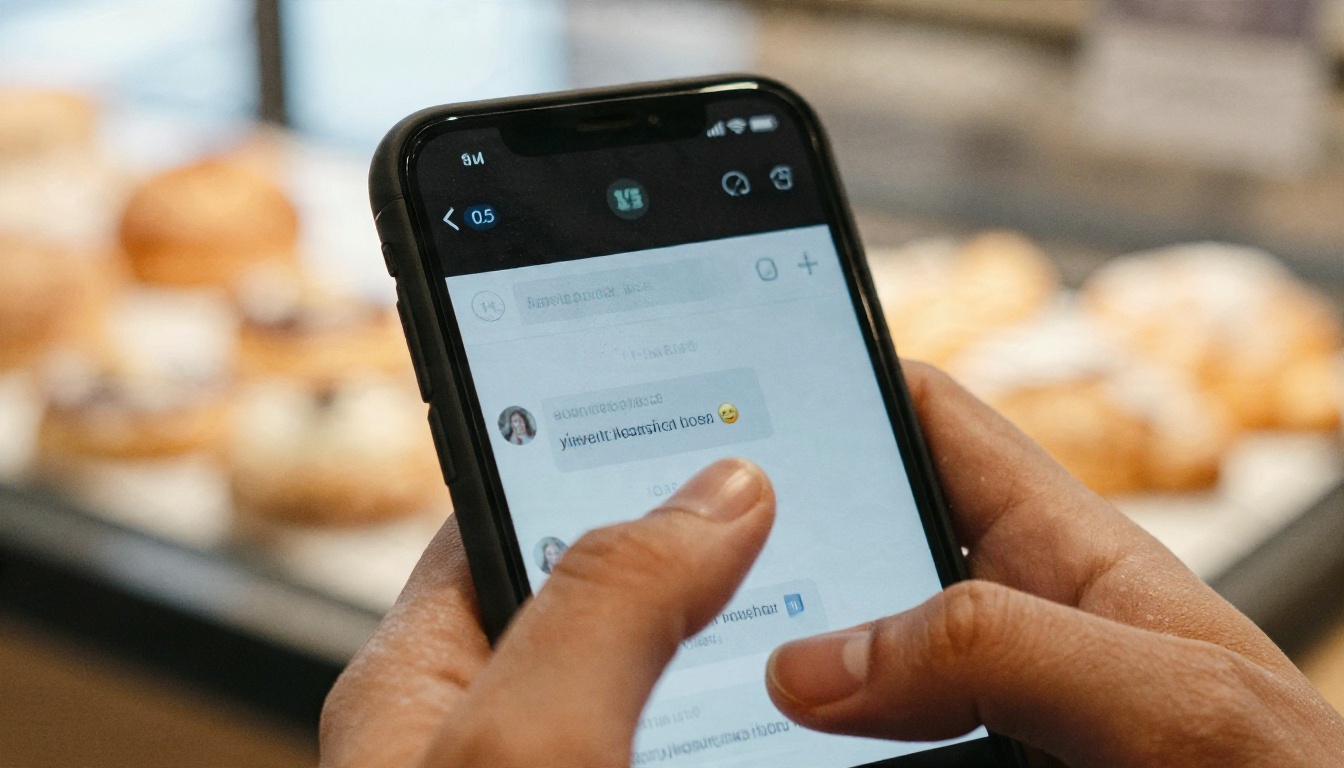
Link vs file attachment
| Method | Pros | Cons |
|---|
| Send the PDF file | Works offline once downloaded | Heavy, hard to update, old versions linger |
| Send a flipbook link | Fast, always current, trackable | Needs a connection to open |
| Send both | Covers every case | Slightly longer message |
💡 Pro tip: Update the catalogue behind the same link whenever prices change. Everyone who saved the old message instantly sees the new version.
Real Examples from Small Shops
Theory is fine, but here is how it plays out for real kinds of sellers.
The boutique owner
A small clothing shop sends a 12 page seasonal lookbook as a link every Monday to its broadcast list. Replies arrive with product codes, and the owner confirms sizes right in the chat. Because the link never changes, she only edits the file once a week.
The market vendor
A vendor selling woven bags and textiles keeps a short flipbook on her phone. When someone stops at her stall, she shows the catalogue and sends the link, so the customer can order a different colour later that evening. It turns a quick browse into a follow up sale.

The wholesale supplier
A supplier of ceramics creates a password protected catalogue with trade prices. Retail buyers get the link and the password separately. With the Professional plan, the supplier sees which pages were opened most and follows up on those lines first.
| Business type | Catalogue size | Main goal | Best sharing method |
|---|
| Boutique | 8 to 12 pages | Weekly new arrivals | Broadcast list |
| Market stall | 4 to 6 pages | Capture later orders | QR code and chat |
| Wholesaler | 16 to 30 pages | Trade orders | Password protected link |
| Home bakery | 4 pages | Seasonal menu orders | Status and auto reply |
Mistakes That Cost Sales
Even good catalogues stumble on the same few issues. Check this list before you hit send.
- Tiny text. If readers must pinch to zoom, they leave.
- Missing prices. "DM for price" slows the chat and loses impulse buyers.
- Too many products per page. Four per page is a comfortable maximum on a phone.
- No order instruction. Say exactly what to reply, such as the product code and size.
- Outdated stock. Remove sold out items so you never disappoint a buyer.
- Heavy files. Compress images and test the link on a slow connection.

⚠️ Warning: Only message people who agreed to hear from you. Unwanted broadcasts lead to blocks and reports, which can limit your business account.
Your Next Step
You now have the sizes, the page structure and the sharing routine. The only thing left is to build it. Start with 8 pages and your best 12 products, then improve as replies come in.
One link, one clean catalogue, and a chat that turns into an order: that is all your customers need.



