You have a PDF, a catalog, a magazine issue or a portfolio, and you want people to read it online without emailing a heavy attachment. The hard part is not creating the content. It is picking a digital content publisher that fits your budget, looks professional and does not slap someone else's logo across every page. Platforms like Flipbooks AI turn a plain PDF into a page-turning experience in minutes, but they are only one option in a crowded market. This article compares free platforms, pricing tiers and alternatives so you can decide quickly and avoid the traps.

What Digital Content Publishers Actually Do
A digital content publisher is a service that takes static files, usually PDFs, and presents them as interactive, shareable publications. Think of a magazine you can flip through on your phone, a product catalog with clickable links, or an annual report that opens in a browser tab with no download.
Platforms vs. Marketplaces
This distinction trips people up. A platform gives you the tools to publish your own content and host it under your control. A marketplace or public library, on the other hand, lists your publication next to thousands of others and often decides who sees it.
- Platforms: you control branding, links, privacy and embedding.
- Marketplaces: you gain discovery, but you share the stage with competitors and ads.
- Hybrids: some services offer both, with trade-offs in the free tier.
Who Needs One
Almost anyone who shares documents with an audience benefits. A bakery owner with a seasonal menu, a realtor with property brochures, a school with a monthly newsletter, a photographer with a portfolio. If your PDF gets forwarded, downloaded and lost, a flipbook gives you one clean link that always shows the latest version.
💡 Pro tip: Before comparing tools, write down three things: what you publish, who reads it, and whether you need to track results. That list will cut your shortlist in half.
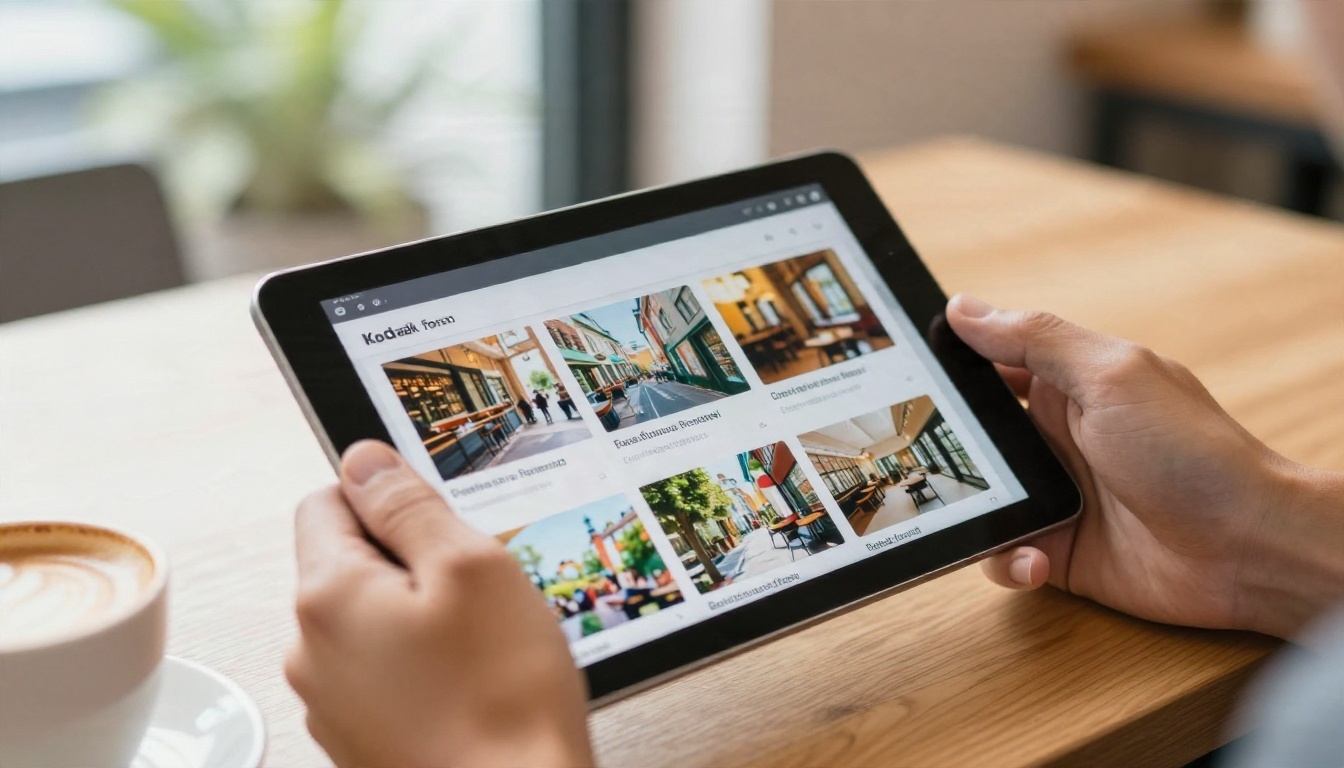
Free plans are the entry point for most people, and they are genuinely useful for testing. Just read the fine print. Free almost never means identical to paid.
What Free Plans Really Include
Across the industry, free tiers tend to follow a similar pattern. You get a limited number of publications, a platform watermark or ad, basic page-turning and a public link. What you usually do not get is custom branding, password protection, analytics or the ability to remove the provider's logo.
Here is a general comparison of what to expect from common free plans. Features change often, so treat this as a framework and confirm on each provider's site.
| Feature | Typical Free Plan | Typical Paid Plan | Why It Matters |
|---|
| Number of publications | Very limited (1 to 5) | Larger or unlimited | Limits stall growing catalogs |
| Watermark or ads | Present | Removed | Affects professional image |
| Custom branding | Rarely | Yes | Logo, colors, domain |
| Password protection | Rarely | Yes | Needed for private documents |
| Analytics | Basic or none | Detailed | Shows what readers open |
| Offline download | Rarely | Sometimes | Useful for events and travel |
| Embedding on your site | Limited | Full | Keeps visitors on your domain |
The Watermark Problem
Watermarks are the most common complaint. A logo in the corner of your restaurant menu or investor report looks fine for a quick test, but it signals a draft to clients. If the document represents your business, plan to leave free tiers behind or choose a provider with a no-watermark policy from the start. Flipbooks AI, for example, does not place watermarks on published flipbooks.
⚠️ Watch out: Some free plans delete inactive publications after a set period or limit monthly views. A link that dies after you printed it on a flyer is expensive to fix.
Free Tools Worth Bookmarking
If you only need a one-off flipbook, check whether a single-purpose tool handles it. A PDF to Flipbook Converter is the fastest route for a single document, while design suites like Canva let you build the layout first and export a PDF for publishing elsewhere. Public libraries such as Issuu and Yumpu offer free hosting with discovery, at the price of ads and less control.
Pricing Tiers Compared
Pricing pages are designed to make cheap plans look limited and expensive plans look necessary. The trick is to match tiers to what you actually do.

Typical Monthly Costs
Most platforms follow a three-step ladder. Entry plans suit freelancers and small shops, mid-range plans suit growing teams, and professional plans add tracking, lead capture and priority support. Exact numbers vary by billing cycle and region, so check the current pricing page of any tool before you decide.
| Tier | Who It Fits | Common Inclusions | Watch For |
|---|
| Free | Testers, students | Few publications, public links | Watermarks, ads, deletions |
| Entry or Standard | Freelancers, small businesses | More or unlimited flipbooks, branding | Caps on storage or pages |
| Professional | Agencies, sales teams | Analytics, lead generation, offline downloads | Per-seat pricing |
| Enterprise | Large organizations | SSO, custom domains, support | Custom quotes, annual contracts |
Hidden Fees to Watch
The sticker price is rarely the whole story. Before you commit, scan for these:
- Per-user charges that multiply when a second teammate joins.
- View or traffic caps that throttle popular publications.
- Add-on pricing for custom domains, white labeling or video embedding.
- Annual-only discounts that lock you in before you have tested the product.
- Export limits that block downloading your own flipbook.
✅ Best practice: Always test the export and embed features on the plan you intend to buy. A feature listed on the pricing page is not a feature you have verified.
Alternatives to the Big Names
Searching for the best digital content publishers usually brings up the same few brands. Good alternatives exist, and the right one depends on what you build.

Design-First Tools
If you start from a blank page, tools with built-in layout editors let you design and publish in one place. They are great for social-style content and short brochures. The trade-off is that very long documents or print-ready PDFs may be awkward to import.
Hosting-First Libraries
If you already have polished PDFs from InDesign or Word, you want a fast converter and good hosting. This is where dedicated flipbook platforms shine. You keep your design pipeline and simply publish. Specialized options such as the Digital Catalog Maker or the Online Brochure Designer are built for this workflow.
Self-Hosted and Open Options
Developers sometimes prefer open-source page-flip libraries embedded in their own site. You pay nothing for licensing but spend time on hosting, mobile responsiveness and updates. For a single project this can work. For a business that publishes monthly, the maintenance cost usually exceeds a subscription.
Here is how the three approaches compare:
| Approach | Setup Time | Ongoing Effort | Best For |
|---|
| Design-first tools | Hours | Low | Social content, short brochures |
| Hosting-first platforms | Minutes | Very low | PDFs, catalogs, reports, menus |
| Self-hosted libraries | Days | High | Developers with unique needs |
| Public libraries | Minutes | Low | Discovery and casual readers |
How to Create a Flipbook with Flipbooks AI
Here is what the process looks like in practice, using a no-watermark platform. It takes about five minutes for a typical PDF.

Step 1: Sign Up and Upload
Create a free profile at Flipbooks AI. Choose the upload option and drop in your PDF. The platform converts every page into a flipbook automatically, preserving images, fonts and layout. You should see a preview in under a minute for most files.
Step 2: Customize the Look
This is where a flipbook stops looking generic. In the editor you can:
- Add your logo and brand colors.
- Pick a page-turn effect and background.
- Insert video and audio directly into pages.
- Add clickable links to products, forms or booking pages.
- Check the mobile-responsive preview before publishing.
💡 Pro tip: Export your PDF at the final trim size before uploading. Cropping afterward can shift links and ruin carefully placed hotspots.
Step 3: Share and Protect
Once you are happy with the result, publish and choose how people reach it:
- Direct link for emails, social posts and QR codes.
- Embed code for your website, using the Embed Flipbook on Website tool.
- Password protection for private proposals and internal documents.
Step 4: Track Results and Capture Leads
On the Professional plan, analytics show which pages readers open and how long they stay, and lead generation lets you request an email before someone reads. You can also enable offline downloads for event handouts. Compare options on the pricing page to see which plan matches your needs.
Real-World Use Cases
Features matter less than fit. Here are scenarios where the right publisher pays for itself.


| Use Case | Priority Feature | Suggested Plan Level |
|---|
| Menu or price list | Easy updates, stable link | Entry or Standard |
| Sales catalog | Branding, embedded links | Standard |
| Investor or client report | Password protection | Standard or Professional |
| Marketing brochure | Analytics, lead capture | Professional |
| Portfolio | Image quality, mobile view | Entry or Standard |
You can browse more templates and formats in the tools directory.
How to Choose in 10 Minutes
Skip the endless review sites. Run this short test on every platform on your list.

The Quick Checklist
- Upload your real PDF, not a sample file.
- Check whether a watermark or ad appears on the free plan.
- Open the link on a phone, a tablet and a laptop.
- Test password protection and embed on a page of your own site.
- Find the analytics screen, if you need one, and see what it reports.
- Read the cancellation and export policy.
Three Common Mistakes
- Choosing by price alone. A cheap plan with a watermark costs more in lost credibility than a mid-tier plan without one.
- Ignoring mobile. Most readers will open your flipbook on a phone. If pinch and zoom feels clumsy, move on.
- Forgetting growth. If you publish one flipbook today and twenty next year, unlimited publications matter more than a low entry price.
✅ Best practice: Pick the tool that handles your hardest document well. If it manages a 100 page catalog with videos, it will handle a simple menu.
Free vs. Paid: A Simple Rule
Stay on a free plan if the publication is a draft, a school assignment or an internal test. Upgrade the moment a customer, investor or client will see it. The cost of a paid month is small compared to the impression of a clean, branded reading experience.

Your Next Move
The best digital content publisher is the one that makes your content look professional, loads fast on every device and charges for what you actually use. Free platforms are good for trials. Paid plans are worth it once your audience is real. Alternatives are plentiful, so test two or three with your own files before paying anyone.
Ready to see how your document looks as a flipbook? Get started for free on Flipbooks AI, browse the tools and templates built for catalogs, menus, brochures and reports, or compare pricing plans to choose what works for you.



