You have a finished issue, a loyal handful of readers, and one nagging question: where do you actually put it up for sale? The honest answer is that there is no single best home for a magazine. Some publishers earn most of their income from a Shopify store, others from a newsletter tool with paid tiers, and a growing number sell interactive issues built with Flipbooks AI and delivered by a simple link. This article lays out every realistic option, what each one costs, how to price an issue, and how to avoid the mistakes that quietly drain small publishers.
💡 Quick take: If you publish fewer than four issues a year, start with single-issue sales and a flipbook link. If you publish monthly, build a subscription first and add single issues later.
Four Ways to Sell Magazines Online
Before comparing logos and fee schedules, decide which type of channel matches your magazine. Each one trades control for reach.
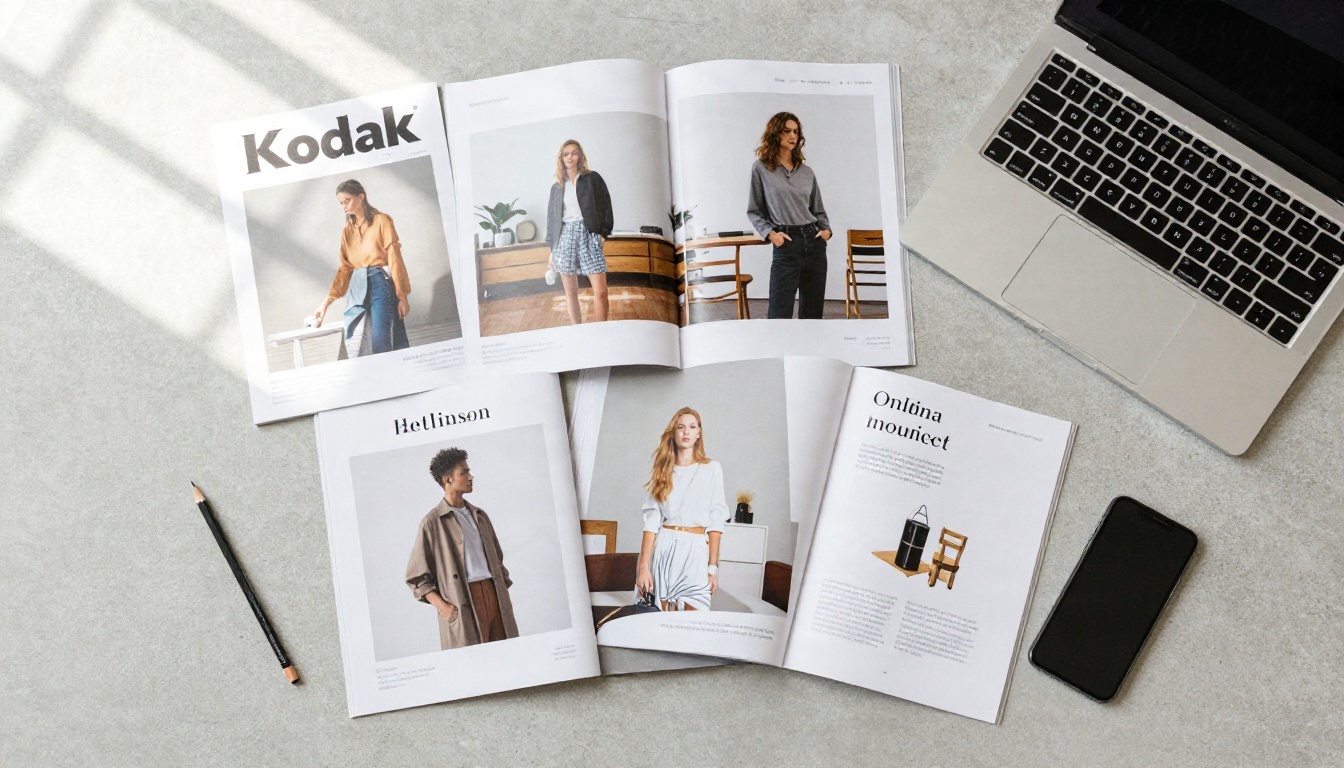
Your Own Store
A store on Shopify, Squarespace, WooCommerce or Ghost gives you the customer list, the branding and the pricing power. You pay a monthly fee plus payment processing, and you do the marketing yourself. This is the strongest long-term position because nobody can change the rules on you.
Marketplaces and Newsstands
Etsy, Amazon and independent magazine retailers bring built-in traffic. Digital newsstands such as Magzter or Readly work differently: readers pay the platform, and publishers receive a share of the revenue based on reading activity. Reach is wide, but revenue per reader is usually lower, and you rarely get email addresses.
Subscription Platforms
Substack, Patreon, Ghost and similar tools make recurring payments easy. They suit magazines with a strong editorial voice and a regular schedule. Many publishers pair them with a PDF or flipbook attached to each paid issue.
Direct Sales by Link
Sell through Gumroad, Stripe Payment Links or a simple checkout page, then deliver a private flipbook link. It is the fastest route to your first sale and needs almost no setup.
| Channel type | Setup time | Control of customer data | Reach | Best for |
|---|
| Own store | 1 to 2 weeks | Full | Low at first | Established brands |
| Marketplace or newsstand | 1 to 3 days | Limited | High | Discovery |
| Subscription platform | 1 day | High | Medium | Regular schedules |
| Direct link sales | A few hours | Full | Low | First issues, tests |
Fees change often, so treat the numbers below as ballpark figures and check each provider's current pricing page before committing.
Typical Fee Comparison
| Platform | Monthly cost | Cut of each sale | Notes |
|---|
| Shopify | From about $29 | Payment processing, roughly 2.9% plus 30 cents | Full storefront, apps for subscriptions |
| Etsy | Free to list, small listing fee | Around 6.5% transaction fee plus processing | Works best for printed copies |
| Gumroad | Free | Around 10% plus processing | Very simple digital delivery |
| Substack | Free | About 10% plus processing | Newsletter and paid tiers built in |
| Patreon | Free | Roughly 8% to 12% depending on plan | Community and tiers |
| Ghost | From about $15 | Processing only | Memberships on your own domain |
| Digital newsstands | Free | Revenue share, set by contract | Reach without customer data |

Hidden Costs Publishers Forget
The platform fee is rarely the biggest number. Watch for these:
- Shipping and packaging for print copies, which can eat a third of a $12 sale.
- Refunds and chargebacks, especially with digital files that are easy to share.
- Sales tax and VAT, which vary by country and by product type.
- Customer support time, since every lost download link becomes an email.
- Piracy, because a bare PDF can be forwarded to a hundred people for free.
⚠️ Warning: Selling a downloadable PDF without any protection is the most common way small publishers lose revenue. One purchase can become a hundred free readers.
Pricing Your Magazine Without Guessing
Pricing feels personal, but it works better as a simple formula. Start with what comparable independent titles charge, then adjust for page count, photography quality and how niche your audience is.

Single Issue or Subscription
A single issue is an impulse buy. A subscription is a relationship. Offer both, and make the subscription clearly cheaper per issue so readers feel rewarded for committing.
A Sample Price Ladder
| Offer | Suggested range | Who buys it |
|---|
| Digital single issue | $4 to $9 | New readers testing the magazine |
| Print single issue | $10 to $18 plus shipping | Collectors, gift buyers |
| Digital annual plan | $25 to $60 | Regular readers |
| Print plus digital bundle | $50 to $110 per year | Superfans |
| Back issue archive | $20 to $40 | Late discoverers of your title |
Three Pricing Mistakes
- Pricing by cost alone. Readers pay for value and rarity, not for your printing invoice.
- Discounting every issue. Constant sales teach readers to wait. Reserve discounts for launches and holidays.
- Hiding the price. A checkout page with surprise shipping costs kills conversions.
Subscriptions That Keep Readers Paying
Recurring revenue is what turns a hobby into a business. One-off buyers drift away; subscribers fund your next issue before you have written it.

Monthly, Annual, or Both
Offer both. Monthly plans lower the barrier to entry, while annual plans improve cash flow and reduce the number of times a reader has to decide whether to stay. A discount of two months free on the annual option is a common and effective offer.
Keeping Subscribers Longer
- Send a welcome email with the latest issue link within minutes of purchase.
- Publish on a predictable schedule and tell readers the next date.
- Offer a pause option instead of forcing cancellation.
- Share behind-the-scenes extras such as photographer notes or interview audio.
- Ask for feedback after each issue and answer it publicly in the next one.
✅ Best practice: Email subscribers a reminder a week before an annual renewal. It feels honest, and it cuts angry refund requests.
Print, PDF, or Flipbook?
The format you deliver matters as much as the platform you choose. It shapes how the magazine feels, how easily it spreads without payment, and how much you learn about readers.

Why Plain PDFs Fall Short
A PDF is a flat file. It opens in a separate app, zooms awkwardly on a phone, cannot play video, and tells you nothing about who read what. Large files also bounce back from email inboxes. For a magazine built on layout and photography, that is a poor first impression.
What Flipbooks Add
A flipbook keeps your original design and adds the feel of turning pages, on any screen. Readers open it from a link, with no download or app install.
| Feature | Plain PDF | Flipbook |
|---|
| Page-turning feel | No | Yes |
| Mobile-friendly reading | Poor | Responsive |
| Embedded video and audio | No | Yes |
| Password protection | Limited | Yes |
| Reader analytics | None | Available on the Professional plan |
| Embed on your own site | No | Yes |
| Watermark added | No | None on Flipbooks AI |
If you want to see how this works for periodicals specifically, the Magazine Flipbook Creator and the E-Magazine Publishing Tool are built for exactly this job.
How to Sell a Magazine with Flipbooks AI
Flipbooks AI is not a payment processor, so the cleanest setup pairs it with a checkout tool. You sell through Shopify, Gumroad, Stripe or Substack, and deliver the issue as a protected flipbook link. Here is the full workflow.

Step 1: Upload and Convert
- Go to Flipbooks AI and create an account.
- Click to create a new flipbook and upload your finished issue as a PDF. Export at the highest quality your layout software allows, so photography stays sharp.
- Wait a few moments while the file converts. The PDF to Flipbook Converter keeps your fonts, spreads and links intact.
- Preview the result on desktop and on your phone. You should see crisp pages and a smooth page-turn effect.
Step 2: Brand and Protect
- Add your logo, pick background colors that match your masthead, and choose a page-turn effect that fits your tone. Quiet and elegant works better for fashion titles than a dramatic curl.
- Embed any video interviews, soundtracks or audio notes right on the page.
- Turn on password protection so only paying readers can open the issue. Send the password or private link in your purchase confirmation email.
- Because there is no watermark, ever, your branding stays clean and professional.
Step 3: Share, Embed, Track
- Copy the direct link and paste it into your checkout confirmation, or use the embed option to place a free preview issue on your sales page.
- Enable offline downloads for subscribers who read on flights or trains.
- On the Professional plan, turn on analytics and lead generation to see which pages hold attention and to collect email addresses from sample readers. Compare options on the pricing page.
💡 Pro tip: Publish the first six to eight pages of every issue as a free flipbook preview, then embed it on your store. Previews sell magazines better than any product description.
Standard plans and above allow unlimited flipbooks, which matters when you build an archive of back issues to sell individually.
Real Examples That Work
Theory is easier to trust with scenarios. These are realistic setups for different kinds of publishers.

The Quarterly Art Journal
A four-issue-per-year art magazine sells printed copies on a Shopify store and digital editions as password-protected flipbooks. Collectors choose print, while international readers choose digital because shipping is expensive. The flipbook preview is embedded on each product page.
The Local Food Monthly
A city food magazine prints for cafes and restaurants, then sells an annual digital plan through Substack. Each month, subscribers receive a private flipbook link containing restaurant menus and recipe videos. The team can also build companion pieces with the Restaurant Menu Creator for advertisers.
The Travel Zine
A two-person team sells single issues through Gumroad at $6 each. Their flipbooks include maps and short video clips from each trip, and readers consistently mention the experience in reviews. They also publish destination extras with the Travel Guide Flipbook tool.
| Publisher | Main sales channel | Delivery format | Revenue model |
|---|
| Art journal | Shopify | Print plus flipbook | Single issues and annual bundle |
| Food monthly | Substack | Flipbook link | Annual subscription plus advertisers |
| Travel zine | Gumroad | Flipbook link | Single issues |

Selling to Readers on Their Phones
More than half of magazine reading in many niches now happens on a phone. A flipbook adapts to the screen, so a reader on a commute sees a clean layout instead of a pinch-and-zoom PDF.

Choosing where to sell comes down to three questions:
- Do you want reach or ownership? Newsstands bring readers; your own store brings customers you can email.
- Do you publish on a schedule? If yes, build around subscriptions.
- Is your layout the product? If yes, deliver a flipbook, not a flat file.
A sensible first month looks like this:
- Choose one checkout tool (Gumroad for speed, Shopify for growth).
- Convert your latest issue into a flipbook and protect it with a password.
- Publish a free preview and link it from your social profiles.
- Price a single issue and an annual plan using the ladder above.
- Review your analytics after 30 days and adjust.
Ready to try it? Create your first flipbook free on Flipbooks AI, browse all flipbook tools for newsletters, catalogs and e-books, or compare pricing plans to see which tier matches your publishing schedule.



