You spent months shooting, sorting, and editing the photos. Now comes the part that decides how people feel when they see them: the presentation. A zip file feels like homework. A shared folder feels like a filing cabinet. An online flipbook album feels like holding the real thing, and that difference is why so many photographers, couples, and families are switching. This article puts the main options side by side so you can pick the right service for your own album, and it shows how a platform like Flipbooks AI fits into the picture.
I will be direct about trade-offs. No single service wins every category, and the best choice depends on whether you care most about print quality, privacy, speed, or a polished viewing experience on a phone.
What "Elegant" Really Means for Albums
Before comparing anything, it helps to define the word. People use "elegant" loosely, but in album presentation it comes down to a handful of concrete traits you can actually test.
Pages That Feel Like Paper
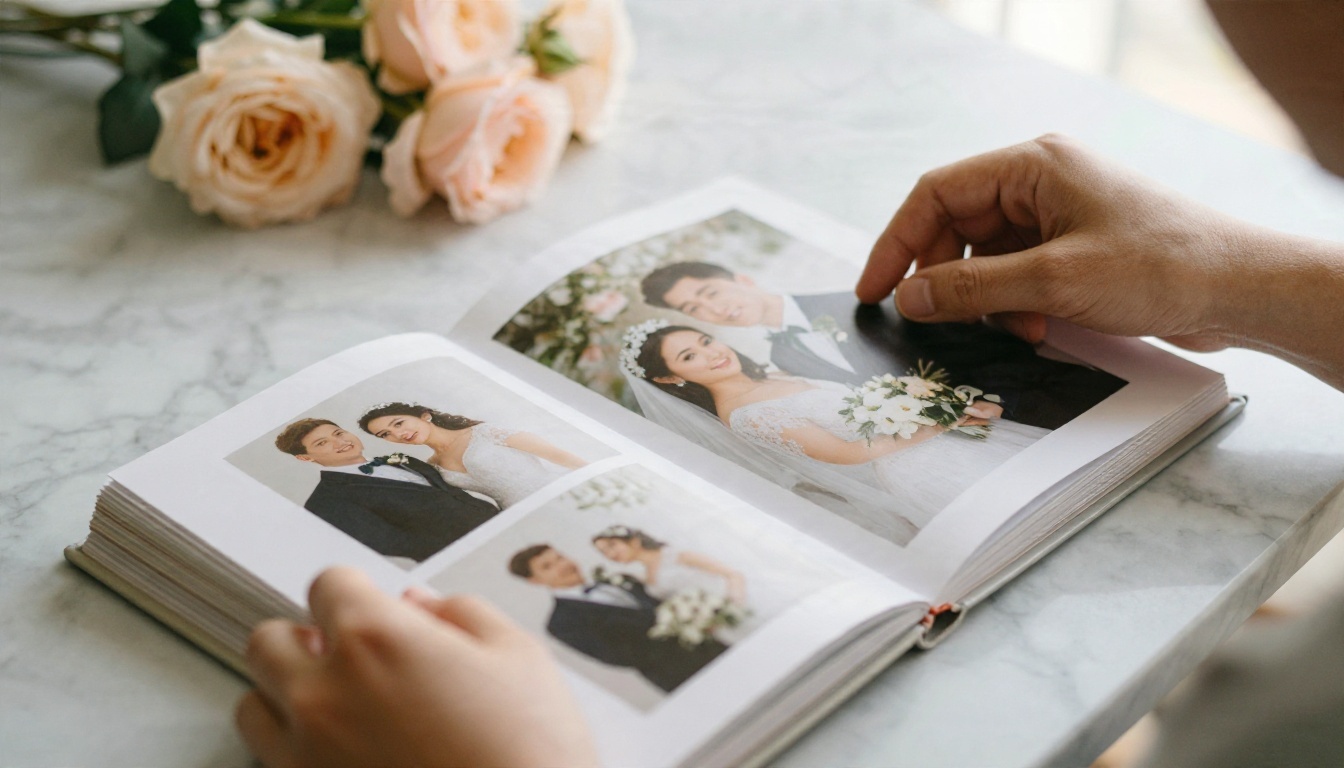
A good digital album mimics the physical object. That means a realistic page turn, a visible spread with two facing pages, and a soft shadow along the spine. Scrolling a vertical gallery is functional, but it does not create the small ritual of turning a page, and that ritual is what makes viewers slow down and look.
Look for these signs of a well-made flipbook:
- Smooth, responsive page curl with no stutter
- Facing-page spreads on desktop, single pages on small screens
- Zoom that stays sharp instead of turning to mush
- A clean background with no ads or clutter around the album
- Sensible loading, where the first spread appears quickly
Quality at Every Screen Size
Your album will be opened on a 27-inch monitor, a laptop, a tablet, and a phone held in one hand on a train. An elegant service adapts to each without breaking the layout.

💡 Pro tip: Test any service on your own phone before you commit. Open the sample album, rotate the device, pinch to zoom, and tap through ten pages. Thirty seconds of testing reveals more than any feature list.
The Four Types of Album Services
Most "album" tools fall into four families. Knowing which family you are shopping in saves you from comparing apples to oranges.
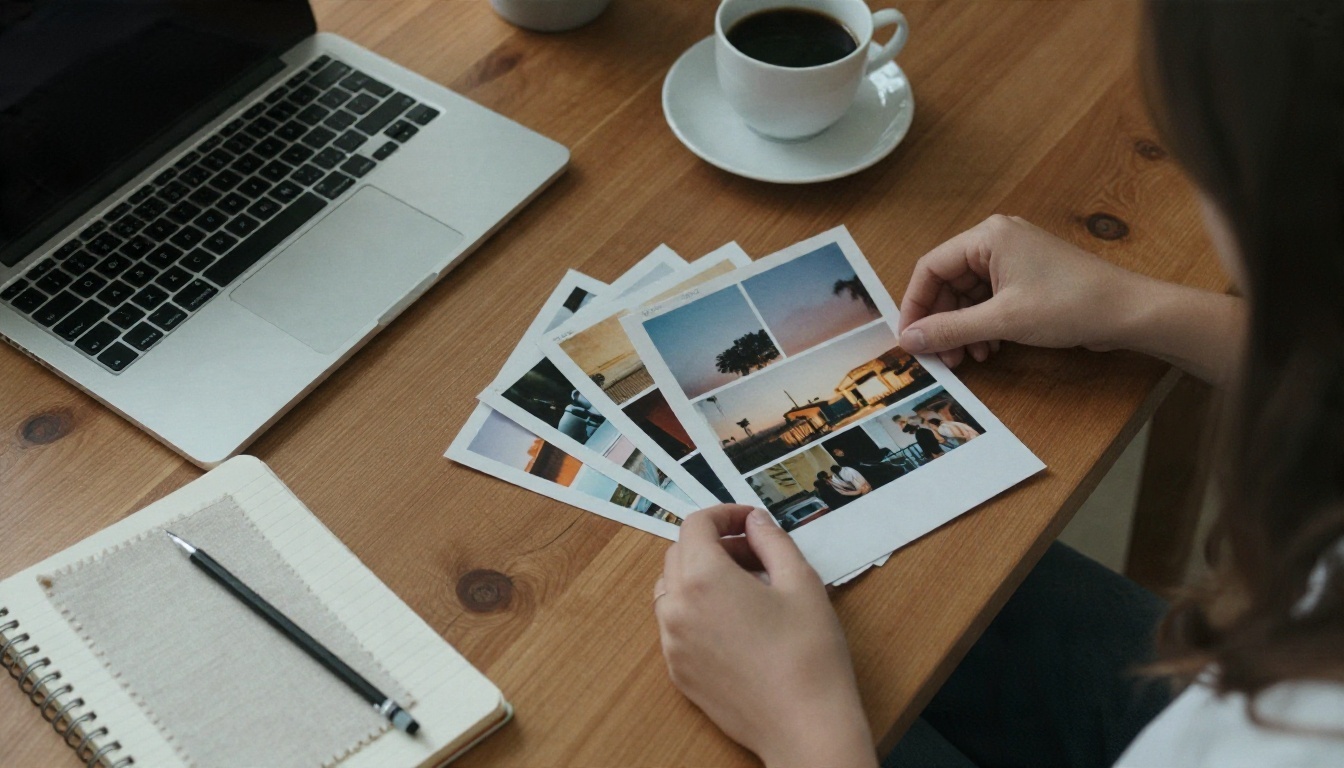
| Service Type | Main Output | Best For | Biggest Limit |
|---|
| Print-on-demand photo book sites | Physical book, plus a basic preview | Keepsakes you can hold | Digital sharing is an afterthought |
| Cloud gallery platforms | Scrollable online gallery | Client proofing and delivery | No page-turn experience |
| Slideshow and video makers | Video file or timed slideshow | Music-driven highlights | Viewers cannot go at their own pace |
| PDF to flipbook platforms | Interactive page-turning album | Elegant digital presentation | Needs a finished PDF first |
Print-on-Demand Photo Book Sites
These services are built around the physical book. You design pages in a browser editor, pay for printing, and receive a hardcover in the mail. Many offer a digital preview link, but it is usually a rough proof rather than a polished viewing experience.
Strengths: genuine paper, lay-flat binding options, and a keepsake that outlasts any hard drive.
Weaknesses: a shipping wait, a per-copy cost, and layouts locked to the template library. If a relative overseas wants to see the album today, the preview link rarely feels special.
Cloud Gallery Platforms
Gallery platforms are the workhorses of professional photography. They are excellent for delivering hundreds of images, letting clients favorite their picks, and selling prints.
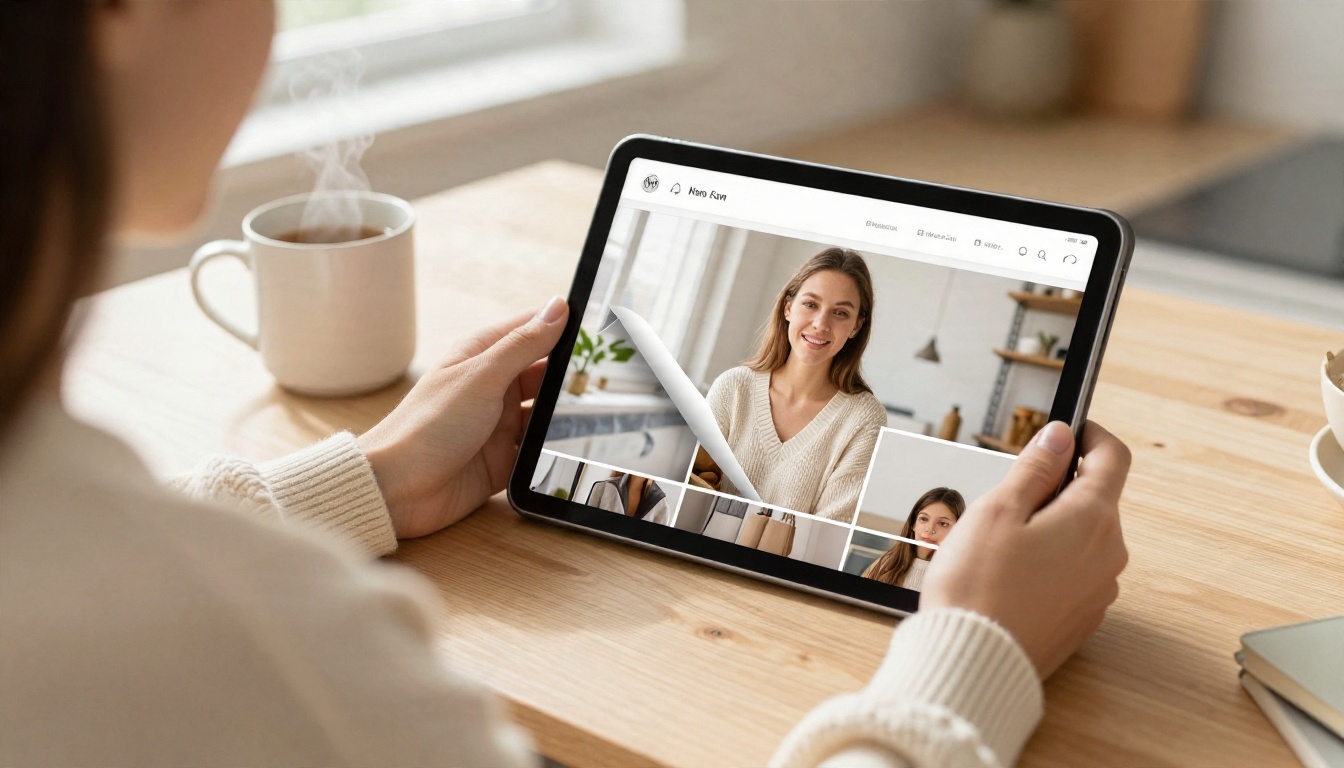
The catch is presentation. A gallery is a grid. It answers the question "where are my photos?" but not "how should this story be told?" A wedding album has a sequence: getting ready, ceremony, portraits, party. A grid flattens that arc.
Slideshow and Video Makers
Slideshows add music and motion, which can be lovely for a three-minute highlight reel. They struggle with albums, though. Viewers cannot linger on a favorite spread or skip ahead to the portraits, and large image sets turn into long videos that people abandon halfway.
PDF to Flipbook Platforms
This family is where the page-turning digital album lives. You design your layout in the tool you already like (a layout app, a word processor, a design program), export a PDF, and the platform converts it into an interactive flipbook with realistic page turns, zoom, and sharing controls.
The advantage is control: your design stays exactly as you made it. The PDF to Flipbook Converter on Flipbooks AI works this way, and the Wedding Album Flipbook tool is tuned for exactly this kind of project.
Side by Side Scorecard
Here is a practical scorecard using criteria that matter for an elegant presentation. Ratings reflect the general strengths of each service family, not a specific brand's marketing claims.
| Criteria | Print-on-Demand | Cloud Gallery | Slideshow Maker | Flipbook Platform |
|---|
| Realistic page turn | Limited preview | None | None | Strong |
| Layout freedom | Template bound | Grid only | Timeline based | Full, via your PDF |
| Image sharpness on zoom | Good | Excellent | Fixed video resolution | Good to excellent |
| Phone viewing | Basic | Strong | Strong | Strong when responsive |
| Password protection | Varies | Common | Varies | Common, built in |
| Embed on your own site | Rare | Sometimes | Easy (video) | Easy |
| Physical keepsake | Excellent | Add on | None | Via separate printing |
| Speed to publish | Slow (printing) | Fast | Fast | Fast |
Where Each Option Falls Short
No honest comparison skips the weak spots:
- Print-on-demand is slow and costs money for every copy you order.
- Cloud galleries deliver files well but rarely tell a story.
- Slideshow makers remove the viewer's control over pace.
- Flipbook platforms require a finished PDF, so you need a layout tool for the design step. Some also add watermarks or limit the number of flipbooks on free tiers, so read the plan details.
⚠️ Warning: Watch for watermarks and page limits on free plans. A small logo stamped across your wedding spreads defeats the whole point of an elegant presentation. Flipbooks AI states plainly that there are no watermarks, ever, which is worth verifying on any service you test.
Privacy and Sharing Compared
Albums are personal. A christening, a honeymoon, a family reunion: these are not photos you want indexed by a search engine. Privacy controls deserve as much weight as visual polish.

Passwords and Private Links
Ask three questions of any service:
- Can I password protect a single album without upgrading to an expensive plan?
- Can I change or revoke access later?
- Is the link unlisted, or could it show up in public searches?
Flipbooks AI includes password protection for private content, so a family album can stay between the people you choose.
Embeds on Your Own Site
Photographers often want the album to live on their own website rather than on someone else's page. Embedding keeps visitors in your brand environment and makes your portfolio feel cohesive. With the Embed Flipbook on Website tool you can paste a snippet into a page and the album appears inline.

| Sharing Method | Best Use | Privacy Level |
|---|
| Direct link | Quick send to family | Medium |
| Password protected link | Private events, client delivery | High |
| Embedded on a website | Portfolios and wedding pages | Depends on page |
| Offline download | Venues without signal, archives | High |
How to Build an Album with Flipbooks AI
If a page-turning album is what you want, here is the full workflow from files to shared link. It takes less time than most people expect, because the design work happens before you ever upload.
Build the Album
- Prepare your PDF. Lay out your spreads in your preferred design tool. Use high-resolution images (at least 150 DPI for screen viewing, more if you plan to allow zoom) and keep consistent margins.
- Open your account. Create an account on Flipbooks AI and choose the plan that fits your needs. You can check the pricing page first if you want to compare tiers.
- Upload the PDF. Drag the file into the uploader. The platform converts each page into a flipbook page automatically, preserving fonts, colors, and layout.
- Customize the look. Add your custom branding, choose a background color that suits the photography (soft ivory and charcoal both flatter images), and set the page-turn effect. Subtle works better than flashy for elegant albums.
- Add multimedia. Embed video and audio where it helps: a clip of the first dance on the ceremony spread, or the sound of waves beside a beach photo.
💡 Pro tip: Keep audio optional. Let viewers press play rather than starting music on page load. Unexpected sound in an office is the fastest way to lose a viewer.
Share It Safely
- Set a password if the album is private.
- Copy the direct link for messages and email, or grab the embed code for your website.
- Test on mobile. The layout is mobile-responsive, but you should still swipe through it on your own phone before sending it to guests.
Use Pro Features
On the Professional plan, you get analytics and lead generation. For a photographer, that means you can see how many people opened a portfolio album and capture contact details from interested couples. Offline downloads are also handy: a copy that opens without internet is useful for a venue with poor signal or for a client's archive. Browse the pricing plans to see which features sit on which tier, and note that unlimited flipbooks begin on the Standard plan.
If you are building a portfolio rather than a single event album, the Photography Portfolio and Digital Portfolio Creator tools are worth a look. For lookbooks, try the Interactive Lookbook Designer.
Real Scenarios, Real Winners
Theory is nice, but your project has a specific shape. Here is how each service type holds up in common situations.
| Scenario | Best Fit | Why |
|---|
| Wedding album for family abroad | Flipbook platform | Instant, private, elegant |
| Printed heirloom for grandparents | Print-on-demand | Physical object matters most |
| Delivering 600 proofs to a client | Cloud gallery | Favoriting and downloads |
| Three-minute highlight for social media | Slideshow maker | Music and motion |
| Photographer portfolio on own site | Flipbook platform | Embeds and lead capture |
| Travel album for friends | Flipbook platform | Fast, mobile-friendly sharing |
A Wedding Photographer's Workflow
A realistic setup combines services instead of choosing only one. The photographer delivers the full set of proofs through a cloud gallery, then designs a curated 40-page story album as a PDF. The curated album becomes a password-protected flipbook sent to the couple the same week, long before the printed book arrives from the lab. The couple shares the link with parents and the printed book follows later as the keepsake.
That workflow gives each tool a single job, which is usually where people end up after trying to force one service to do everything.
Family Anniversaries and Reunions

For personal projects, simplicity wins. Scan old prints, combine them with recent photos, export a PDF, and publish. A grandparent who struggles with logins can open a link on a tablet and flip through pages the way they would with a physical album. That familiarity is the whole point: nobody needs a tutorial to turn a page.
✅ Best practice: Use no more than two typefaces and a restrained color palette in your PDF. Elegance comes from restraint, and the flipbook viewer will faithfully reproduce whatever you give it.
The Real Cost of Each Option
Pricing structures differ enough that a direct comparison needs a framework rather than exact numbers, because plans change often.
| Cost Factor | Print-on-Demand | Cloud Gallery | Slideshow Maker | Flipbook Platform |
|---|
| Pricing model | Per book | Monthly or yearly | Free or subscription | Monthly or yearly |
| Cost of extra copies | High | None | None | None |
| Cost of a second album | Another book | Usually included | Usually included | Included on unlimited plans |
| Hidden costs | Shipping, upgrades | Storage tiers | Export limits | Free tier watermarks elsewhere |
Three questions will settle most budget debates:
- How many albums will I make this year? If the answer is more than two, unlimited plans save money.
- Do I need analytics? Only the Professional plan on Flipbooks AI includes analytics and lead generation.
- Will I also want a printed copy? If yes, budget for a print lab separately and treat the flipbook as the digital edition.
Your Next Step
If elegance is the priority, the winner for most people is a flipbook platform paired with a print lab when you want paper. Print-on-demand gives you the object, cloud galleries give you delivery, and a flipbook gives you the experience of the album itself, instantly and privately, on any device.
Ready to see your own photographs in a page-turning album? Get started for free on Flipbooks AI, browse all available tools and templates to find the right layout for your story, or compare pricing plans to choose what works for you. Your photos already took the time and care. Give them a presentation that matches.



