Your first digital catalog took an afternoon, looked great, and cost almost nothing. Then you added a second collection, a wholesale price list and a holiday lookbook, and the tool that felt generous started to feel like a cage. If that sounds familiar, you are not alone. Most retailers hit the ceiling of basic flipbook software within a year, and the fix is rarely "work harder inside the same tool." This article breaks down exactly why retailers outgrow entry-level flipbook software, which features and pricing models deserve your attention, and which alternatives are worth testing. Along the way, we will show how a platform like Flipbooks AI handles the problems that push growing shops to switch.
Basic flipbook software is built for a single, simple job: take a PDF, make the pages turn. That is fine for a one-off brochure. It becomes a problem when your catalog is a living part of how you sell.

The Page and File Limit Wall
Many free and entry plans cap page counts, file sizes or the number of flipbooks you can keep online. A fashion retailer with 180 SKUs per season can blow through a 50-page cap in a single upload. When that happens, teams split catalogs into awkward "Part 1" and "Part 2" files, and shoppers lose the flow.
Watermarks and Forced Branding
A watermark on every page tells customers you are using the cheap version. For a boutique charging premium prices, that mismatch costs trust. Look for tools with no watermarks, ever, because removing a logo should never be a paid upgrade that resets every year.
Zero Insight Into Buyer Behavior
Basic tools show you nothing. You cannot tell which pages people read, where they drop off, or whether the wholesale buyer you emailed even opened the file. Without that data you are guessing which products to feature next season.
💡 Pro tip: If you cannot answer "which catalog page gets the most attention?" in under a minute, your software has already stopped working for you.
Slow Updates and Broken Links
Prices change. Items sell out. In many basic tools, fixing one product means re-uploading, re-publishing and re-sending a new link. Old links keep circulating with outdated prices, and customers quote you numbers that no longer exist.
Warning Signs You Have Outgrown It
Not every shop needs to switch right away. Use this quick checklist to see where you stand.
- You maintain more than three catalogs at once (retail, wholesale, seasonal, clearance).
- Your team spends time on workarounds such as splitting PDFs or screenshotting pages.
- You have asked "can we see who opened this?" at least once.
- Customers complain that pages load slowly on mobile.
- You pay per flipbook or per seat, and the bill grows every quarter.
- Wholesale partners need private access, but you share the same public link with everyone.
If you checked three or more, the cost of staying is probably higher than the cost of moving.
Features Retailers Need at Scale
Once you sell across channels, features that looked like "nice extras" become the baseline. Here is how entry-level tools compare with what a scaling retailer typically requires.
| Feature | Basic Flipbook Tool | What Growing Retailers Need |
|---|
| Watermark | Present on free plans | None, on any plan |
| Number of flipbooks | Limited (often 3 to 10) | Unlimited |
| Password protection | Missing or paid add-on | Built in for wholesale and VIP lists |
| Analytics | Basic views at best | Page-level reading data and lead capture |
| Embed on website | Limited or branded iframe | Clean embed on product and landing pages |
| Offline download | Rare | Included, for trade shows and field sales |
| Multimedia | Images only | Video and audio inside pages |
| Mobile experience | Desktop layout squeezed down | Responsive, fast, touch friendly |
| Custom branding | Logo only | Colors, domain feel, page effects |
Catalog Updates Without Re-Sharing
The best setups let you replace a file and keep the same link. That means newsletters, QR codes in your store and old emails all point to the latest version automatically. For a retailer printing QR codes on shelf cards, this one feature saves hours every season.
Mobile Reading Speed
Most browsing happens on phones. A flipbook that takes six seconds to load on a mobile connection loses shoppers before page one. Test every candidate on a mid-range phone, not on your office fiber connection.
Password Protection for Wholesale
Retail prices belong on a public page. Wholesale prices do not. Password protection lets you send a trade-only catalog to approved buyers without building a separate portal. It is one of the fastest wins for B2B retailers moving off basic software.
Embedding That Looks Native
A branded frame around your catalog on your own website feels off. Look for a clean embed option, like the Embed Flipbook on Website tool, so the catalog sits inside your product pages as if it were built there.
✅ Best practice: Put your catalog embed on category pages, not just a hidden "Catalog" link in the footer. Shoppers who read a flipbook tend to browse more products per visit.
The Real Cost of Cheap Software
"Free" and "cheap" rarely stay that way. The sticker price of a basic tool is only part of what it costs your business.

Per-Flipbook Fees Add Up
Some vendors charge per flipbook, per page view or per seat. A retailer with ten seasonal catalogs, a wholesale list and regional editions can end up with 15 or more flipbooks. At per-item pricing, every new collection is a new line on the invoice. Flat plans with unlimited flipbooks remove that friction, and you can compare them directly on the Flipbooks AI pricing page.
Hidden Costs of Workarounds
Staff time is the cost nobody tracks. If two people spend three hours each season splitting PDFs, fixing links and answering "where is the new catalog?" emails, that is real payroll spent on a tool problem.
Lost Sales From Bad Experience
A watermarked, slow or hard-to-read catalog quietly lowers conversion. You will never see a line item for it, but you will see it in how few catalog readers turn into orders.
Here is how common pricing models stack up for a growing retailer.
| Pricing Model | Typical Pattern | Risk for Growing Retailers |
|---|
| Free tier | Watermark, small page cap | Looks unprofessional, forces an upgrade fast |
| Per-flipbook pricing | Each catalog counts | Cost rises with every collection |
| Per-view pricing | Pay as traffic grows | Success becomes expensive |
| Per-seat pricing | Each team member costs extra | Blocks collaboration |
| Flat plan, unlimited flipbooks | One predictable bill | Lowest surprise, best for multi-catalog shops |
⚠️ Warning: Always check what happens to your flipbooks if you downgrade or cancel. Some tools take published catalogs offline immediately, breaking every link you have shared.
Alternatives Worth Comparing
Switching does not always mean choosing another flipbook tool. Here are the realistic paths.

Plain PDF Downloads
PDFs are simple and universal, but they offer no analytics, no interaction and an awkward mobile experience. They work as a backup, not as your main catalog.
Full E-commerce Catalog Features
Your store platform already lists products. The drawback is that a grid of product cards cannot replace a designed, story-driven catalog. Lookbooks, buying guides and seasonal narratives sell differently than a plain product list.
Design Suites and Presentation Apps
Design tools produce beautiful layouts, but publishing is clumsy. Sharing often means exporting PDFs again, which brings you back to the original problem.
Dedicated Flipbook Platforms
This is where most retailers land. A dedicated platform keeps your existing PDFs, adds the page-turn experience, and layers on analytics, access controls and embeds.
| Option | Best For | Main Limit |
|---|
| Plain PDF | Quick internal sharing | No analytics, poor mobile reading |
| E-commerce product pages | Standard product listings | Weak storytelling and lookbooks |
| Design suite exports | Layout creation | Publishing and tracking gaps |
| Basic flipbook tool | First catalog, low volume | Caps, watermarks, no insight |
| Dedicated flipbook platform | Multi-catalog retailers | Needs a short setup period |
How to Build a Retail Catalog with Flipbooks AI
If you are weighing a move, the setup effort is the part most people overestimate. Here is a realistic walkthrough using Flipbooks AI.
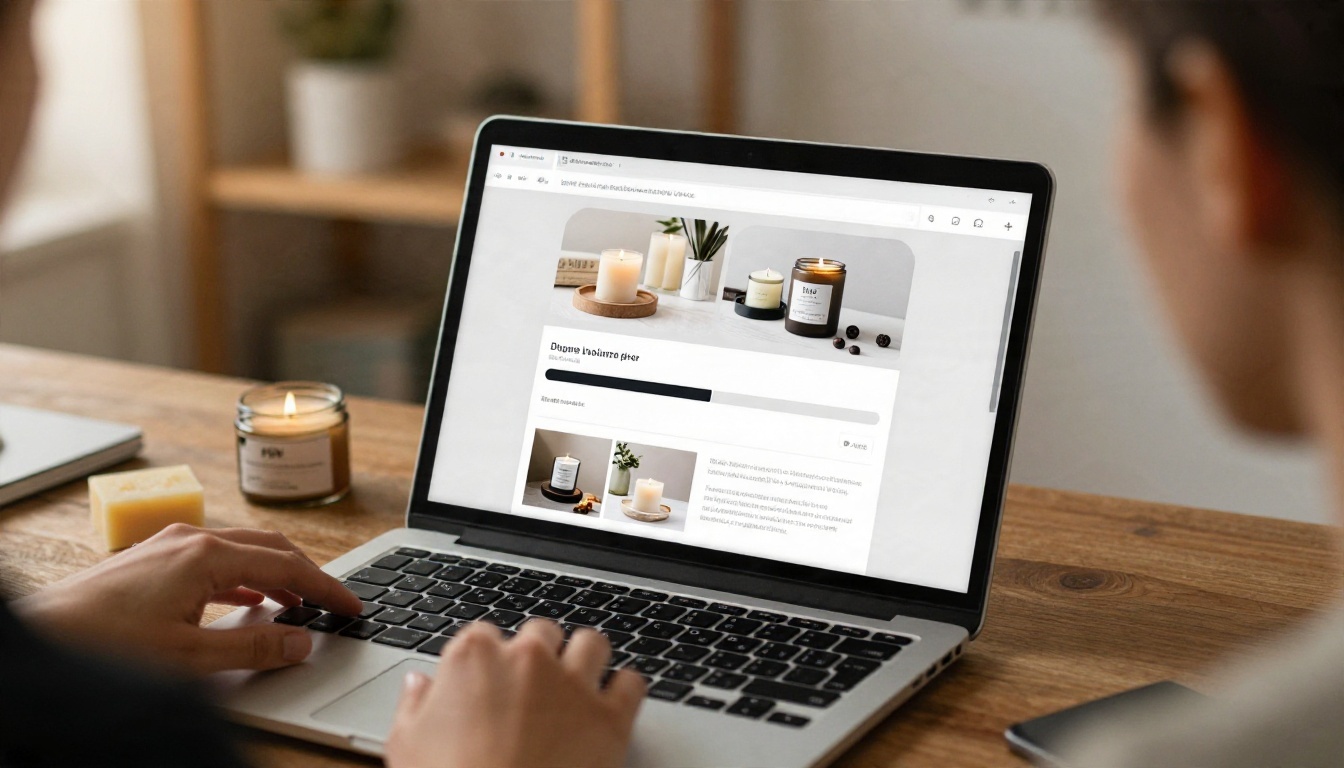
Step 1: Create Your Account
Create an account and choose a plan. Retailers with more than a couple of catalogs usually go for a plan with unlimited flipbooks. You can compare options on the pricing page.
Step 2: Upload Your PDF
Drag in the PDF you already have, whether it came from InDesign, Canva or your supplier. The PDF to Flipbook Converter turns it into a page-turning flipbook in moments. For product-heavy files, the Product Catalog Generator is a good starting point, and the Digital Catalog Maker suits broader ranges.
Expected result: a clean preview where you can flip through every page on desktop and mobile.
Step 3: Customize the Look
Set your brand colors, background and page-turn effect. Add video or audio where it helps, such as a 20-second styling clip on the dress page or a product demo beside a gadget listing. Because there are no watermarks, the finished catalog looks like part of your brand.
Step 4: Choose Sharing Options
You have three main routes:
- Direct link for newsletters, social bios and QR codes.
- Embed code for category and landing pages.
- Password protection for wholesale and VIP catalogs.
Step 5: Turn On Pro Features
On the Professional plan you get analytics and lead generation. Use analytics to see which pages hold attention, and add a lead form before a wholesale catalog opens so you capture buyer details. Offline downloads help sales reps who visit stores without reliable internet.
💡 Pro tip: Start with one catalog, replace the file in the next season instead of creating a new link, and let your QR codes keep working all year.
Real Retail Scenarios
Theory is fine, but results come from real shops. Here are three situations where switching made a clear difference.

The Furniture Showroom
A showroom with 400 products cannot fit inside a page cap. A Furniture Catalog Maker setup lets staff hand customers a tablet on the floor, embed room sets on the website, and share a private trade catalog with interior designers using a password.
The Fashion Wholesaler
A wholesale brand sends lookbooks to buyers every season. With the Interactive Lookbook Designer, the same file works on a phone at a trade show and on a laptop in a buyer's office, and analytics show which styles got the longest reading time before the follow-up call.

The Multi-Location Boutique Chain
A chain with five stores runs regional promotions. Unlimited flipbooks allow one catalog per region without extra fees, and a Digital Price List Generator keeps pricing sheets current in each shop.

| Retail Scenario | Main Problem Before | Fix After Switching |
|---|
| Furniture showroom | Page cap, no private trade access | Unlimited pages, password-protected trade catalog |
| Fashion wholesaler | No view data on lookbooks | Page-level analytics and lead capture |
| Boutique chain | Per-flipbook fees for regional editions | Unlimited flipbooks on a flat plan |
A Simple Switching Checklist
Moving platforms sounds painful, but a short plan keeps it calm.
- List every catalog you currently publish, including old ones that still get traffic.
- Gather the source PDFs. If you lost them, export from the old tool before canceling.
- Pick one pilot catalog and rebuild it on the new platform first.
- Test on mobile, on a slow connection, in two browsers.
- Update links in newsletters, QR codes, social bios and your website.
- Keep the old account for 30 days as a safety net, then close it.
- Review analytics after two weeks to see which pages work.
✅ Best practice: Rebuild your top-traffic catalog first. If that one runs smoothly, the rest take minutes.
Ready to Move Up?
Basic flipbook software is a smart starting point, and there is no shame in using it. The trouble starts when caps, watermarks, missing analytics and per-flipbook fees begin to shape your decisions instead of your strategy. Retailers who switch tend to report the same relief: one predictable bill, links that stay valid, and real data about what shoppers read.
Ready to see the difference? Get started for free on Flipbooks AI, browse all flipbook tools and templates, or compare pricing plans to find the one that fits your catalog volume. If you already know what you need, create your account and go straight to pricing.



