A wine list is a sales tool that happens to be printed on nice paper. Guests spend barely a minute with it, and in that minute they decide whether to order a bottle, a glass, or just water. A clear wine list template makes that decision easy. A cluttered one sends people straight to the cheapest line on the page. This article lays out the format, layout, descriptions and prices that work in real dining rooms, and shows how to publish the finished list as a digital flipbook with Flipbooks AI so you can update it in minutes instead of reprinting it every season.
Why Your Wine List Matters
Most restaurants treat the wine list as an afterthought. The kitchen gets the photography, the cocktail menu gets the clever names, and the wine list gets a spreadsheet exported to a word processor. That is a missed opportunity, because wine carries some of the highest margins in the building.
What Guests Actually Do
Watch a table with a wine list for a few minutes and the pattern is predictable:
- They scan the first and last item in each section first.
- They look at the price column before they read a single description.
- They ask the server for "something around" a price, which is a sign the list did not help them.
- They pick the second or third cheapest bottle, because it feels safe.
A good template works with this behavior instead of fighting it. It makes the middle of each section look appealing and gives the guest a reason to trade up by a few dollars.
What a Template Gives You
A template is a repeatable structure: the same section order, the same type sizes, the same description length and the same price format on every page. When the structure is fixed, you only swap the content. That means a new vintage, a new by-the-glass pour or a seasonal rosé takes five minutes, not an afternoon.
💡 Pro tip: Build the template once, then keep a "master" spreadsheet of wines with columns for name, producer, region, vintage, style, description and price. Every edit starts in the spreadsheet, never on the page.
The format is the physical or digital shape of the list. It sets the tone before anyone reads a word. A casual wine bar and a tasting menu restaurant need very different things.
| Format | Best For | Wines Listed | Update Speed | Typical Cost |
|---|
| Single card (one page) | Bistros, pizzerias, cafes | 10 to 25 | Slow (reprint) | Low |
| Folded two to four pages | Casual dining, brasseries | 25 to 60 | Slow (reprint) | Low to medium |
| Bound book or folder | Fine dining, steakhouses | 60 to 500+ | Very slow | High |
| Digital flipbook | Any venue, any size | Unlimited | Instant | Low |
Single Page Card
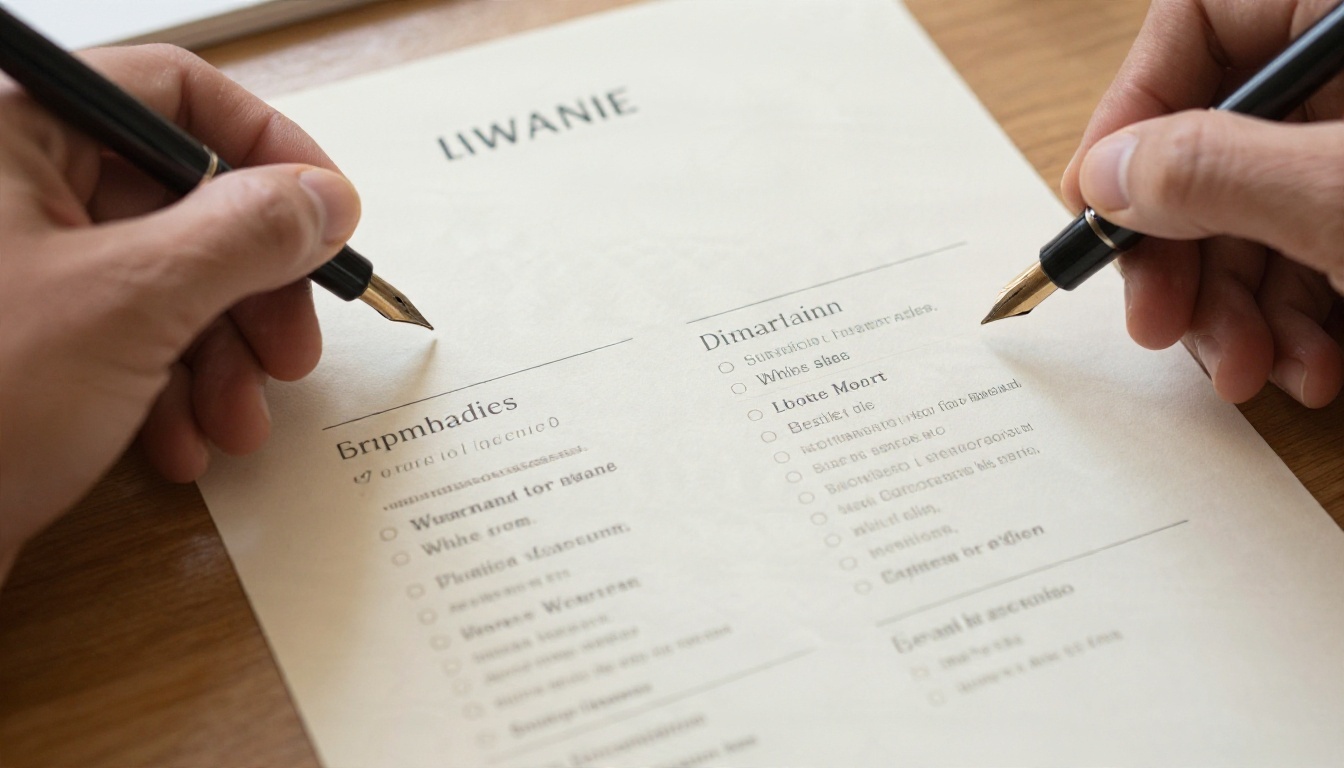
If you list fewer than 25 wines, keep everything on one side of one page. Guests see the whole offer at once, and your servers can talk through it without flipping. Use two columns: whites on the left, reds on the right, with sparkling and dessert wines in a narrow strip at the top or bottom.
Folded or Bound Lists
Once you pass 40 wines, you need page breaks. Put the most profitable section on the first inside page, because that is where eyes land when the list opens. For bound lists, add a short table of contents and tab dividers only if you have more than 150 wines. Below that number, a contents line is clutter.
Digital Flipbook Lists
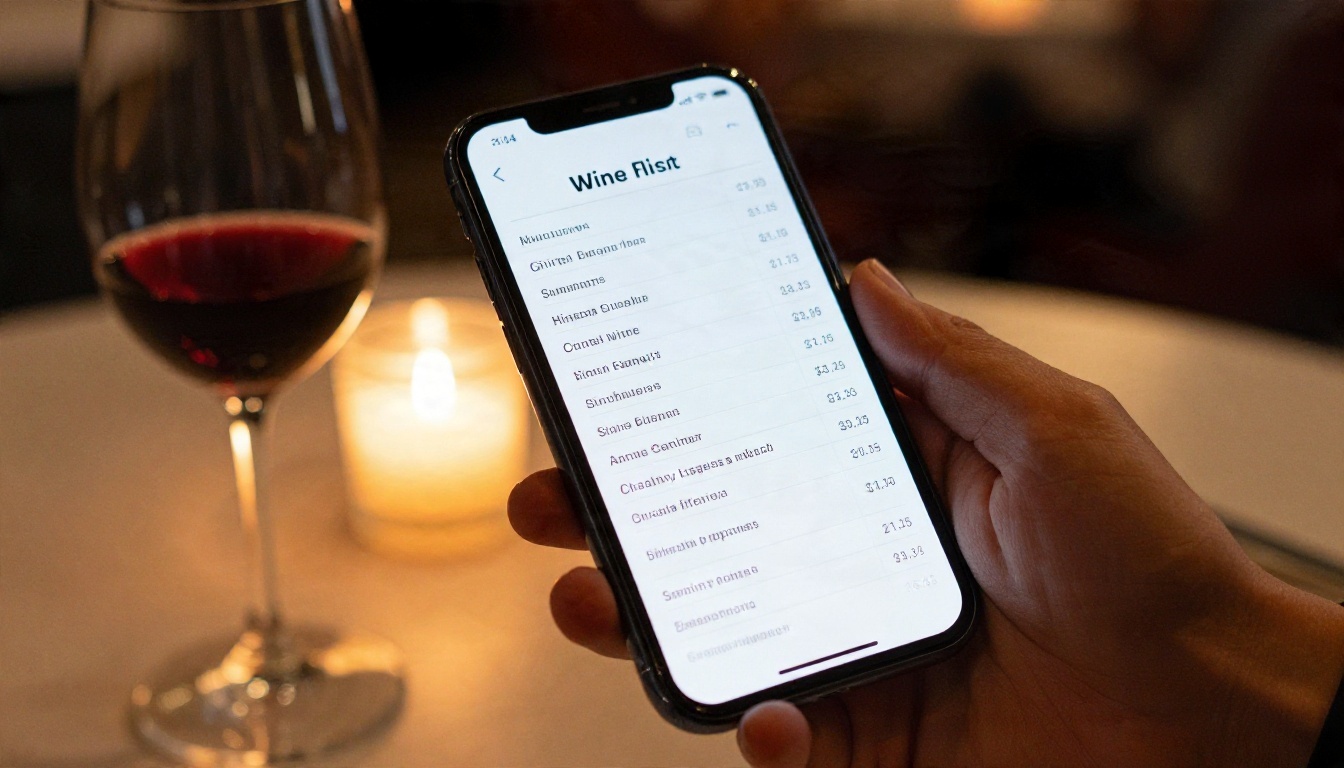
A digital list built with the Restaurant Menu Creator behaves like a real page turn but lives on a phone. Guests scan a QR code on the table, the list opens in the browser, and they can zoom into a description without squinting. It also solves the common problem of a list that is out of date the day after it is printed.
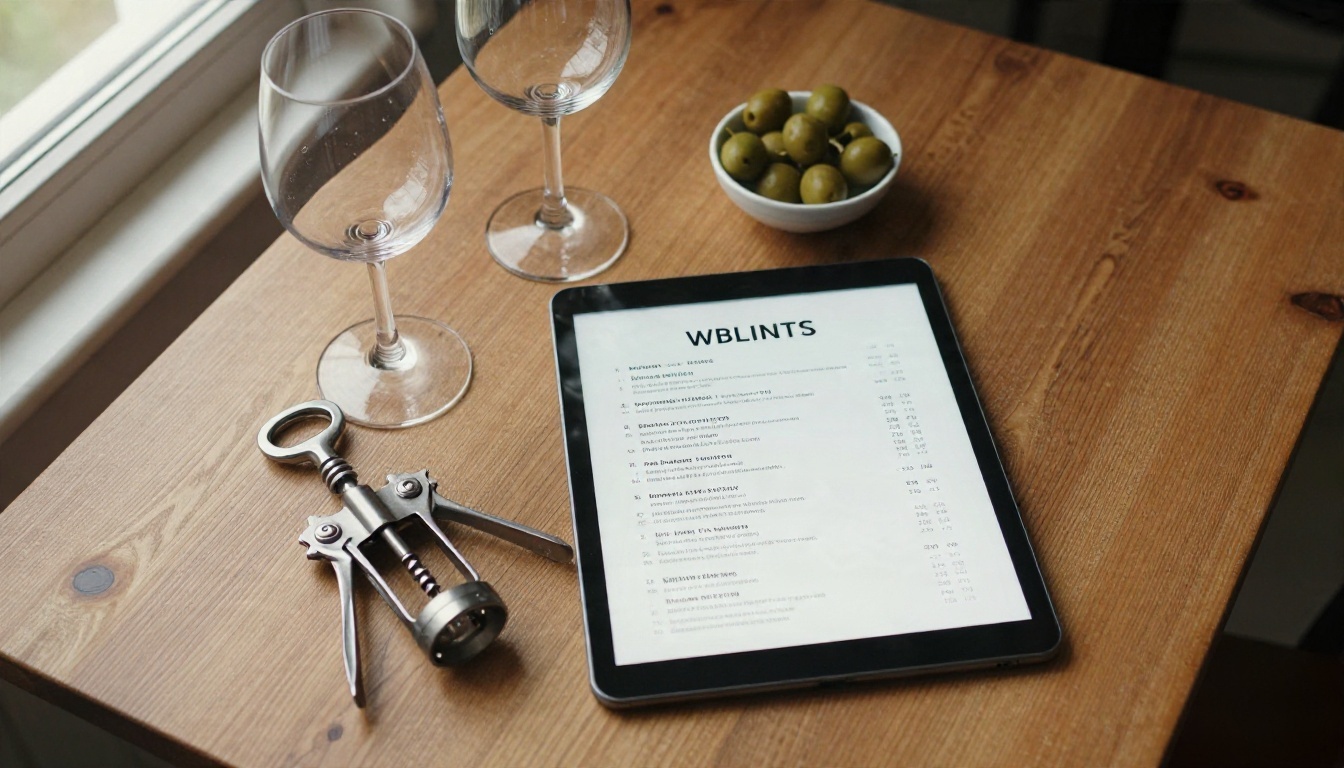
✅ Best practice: Offer both. A printed list on the table feels generous. A digital version behind a QR code handles the long tail of rare bottles and lets you mark sold-out wines immediately.
Layout That Moves the Eye
Layout is where a wine list template earns its place. The goal is simple: a guest should find a wine in under 20 seconds.
Organize by Style First
There are three common ways to organize wines. Each has a clear use.
| Method | How It Works | Works Best When | Risk |
|---|
| By style | Light whites, rich whites, light reds, bold reds | Guests are not wine experts | Regional pride is hidden |
| By region | France, Italy, Spain, and so on | Cellar is deep and classic | Confusing for beginners |
| By grape | Chardonnay, Pinot Noir, Malbec | Many New World wines | Blends get awkward |
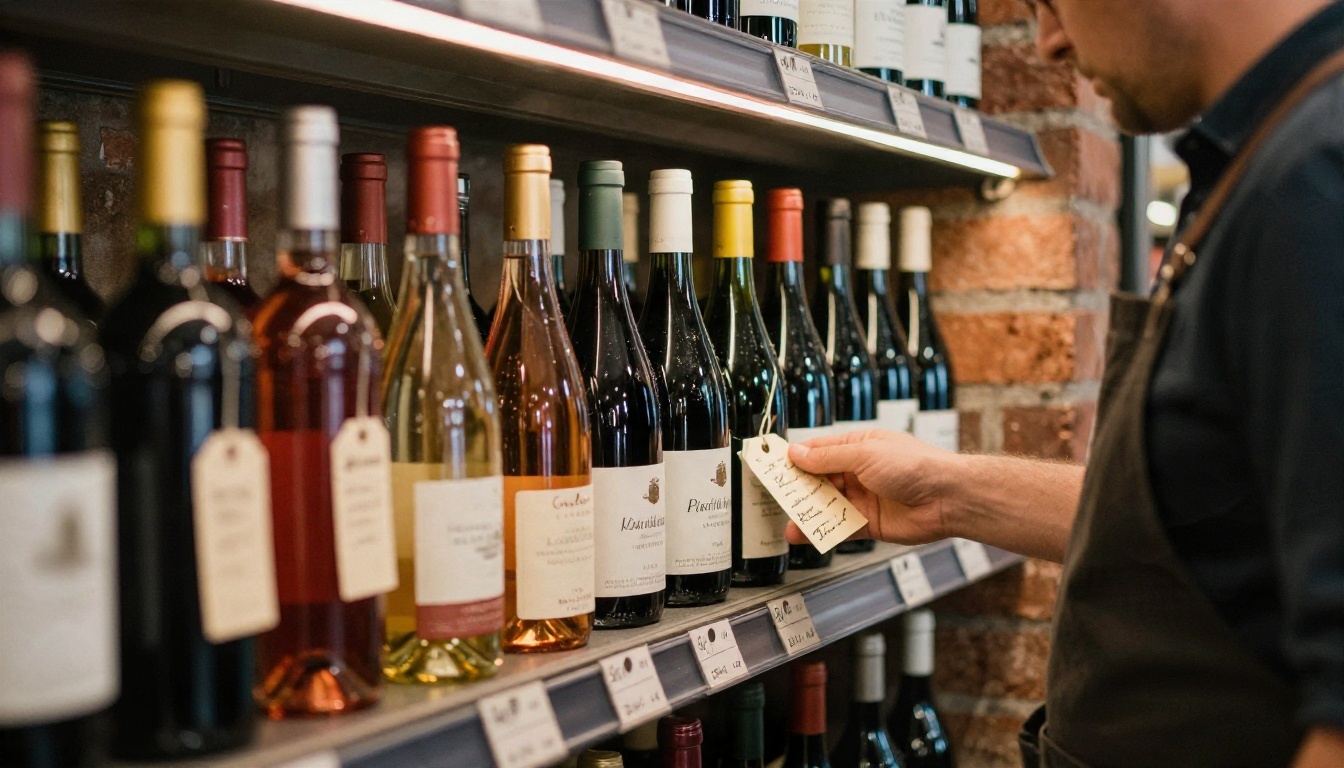
For most restaurants, style first is the safest choice. Guests think in terms of "something crisp" or "something big," not "something from the Loire." You can still show the region inside each entry.
Type, Spacing and Margins
Readable beats pretty. These are working numbers you can paste into your template:
- Wine names: 11 to 12 pt serif, bold.
- Descriptions: 9 to 10 pt serif or light sans, regular or italic.
- Section headings: 14 to 16 pt, small caps or letterspaced.
- Line spacing: 1.3 to 1.4 for descriptions.
- Margins: at least 0.75 inch on printed pages, so thumbs do not cover the text.
- Colors: two inks at most. Dark ink on cream or white paper beats any gradient.
Dim restaurants are the real test. Print a draft, carry it into your dining room at 8 pm, and read it by candlelight. If you squint, the type is too small.
The Standard Entry Format
Every entry should follow one pattern so guests learn how to read it in the first few lines:
- Wine name or producer, in bold.
- Region and country, in regular type.
- Vintage, right next to the name.
- A one line description in italic.
- Price, right aligned in its own column.
⚠️ Warning: Do not use dot leaders (the row of dots from name to price) on a long list. They draw the eye along the line to the number, which makes price the first thing guests judge.
Write Descriptions That Sell
Good descriptions help a nervous guest say yes. Bad ones use wine jargon or repeat the grape name three times.
The 15 Word Rule
Keep each description under 15 words. Mention taste, texture and a food hint, in that order. Skip scores, long producer histories and words like "complex" that tell the guest nothing.
Before and After Examples
| Weak Description | Stronger Description |
|---|
| A complex and elegant Chardonnay with notes. | Ripe pear, toasted almond, creamy finish. Lovely with roast chicken. |
| Bold Cabernet from a great vintage. | Blackcurrant, cedar, firm tannins. Made for ribeye. |
| Refreshing rosé for summer. | Crisp strawberry and citrus. Pairs with grilled prawns. |
| Spanish red with character. | Dark cherry, smoky spice, soft and easy. Try it with paella. |
Notice what changed: the stronger versions name real flavors a guest can picture and point to a dish on your menu. That is both helpful and a quiet nudge to order food.
Tone and Vocabulary
Pick a voice and stay in it. A steakhouse can be confident and direct. A natural wine bar can be playful. A fine dining room can be calm and precise. Whatever you pick, use the same words for the same ideas: if "bright" means high acidity in one entry, it should not mean "fruity" in the next.
💡 Pro tip: Ask your servers which three wines they recommend most and why. Their words are usually better than any marketing copy, because guests already respond to them.
Price Wines Without Scaring Guests
Pricing a list is part math and part psychology. Start with the math, then adjust for how the page reads.
Markup Ranges That Work
Restaurants commonly price bottles at two to three times wholesale cost, with a lower multiple on expensive bottles so they still sell. These are starting points, not rules. Adjust for your market and your cost structure.
| Wholesale Bottle Cost | Typical Multiplier | Example Menu Price |
|---|
| $8 to $12 | 3.0x to 3.5x | $28 to $40 |
| $13 to $25 | 2.5x to 3.0x | $38 to $70 |
| $26 to $60 | 2.0x to 2.5x | $60 to $140 |
| $60 and above | 1.6x to 2.0x | $100 and up |
Glass, Carafe and Bottle
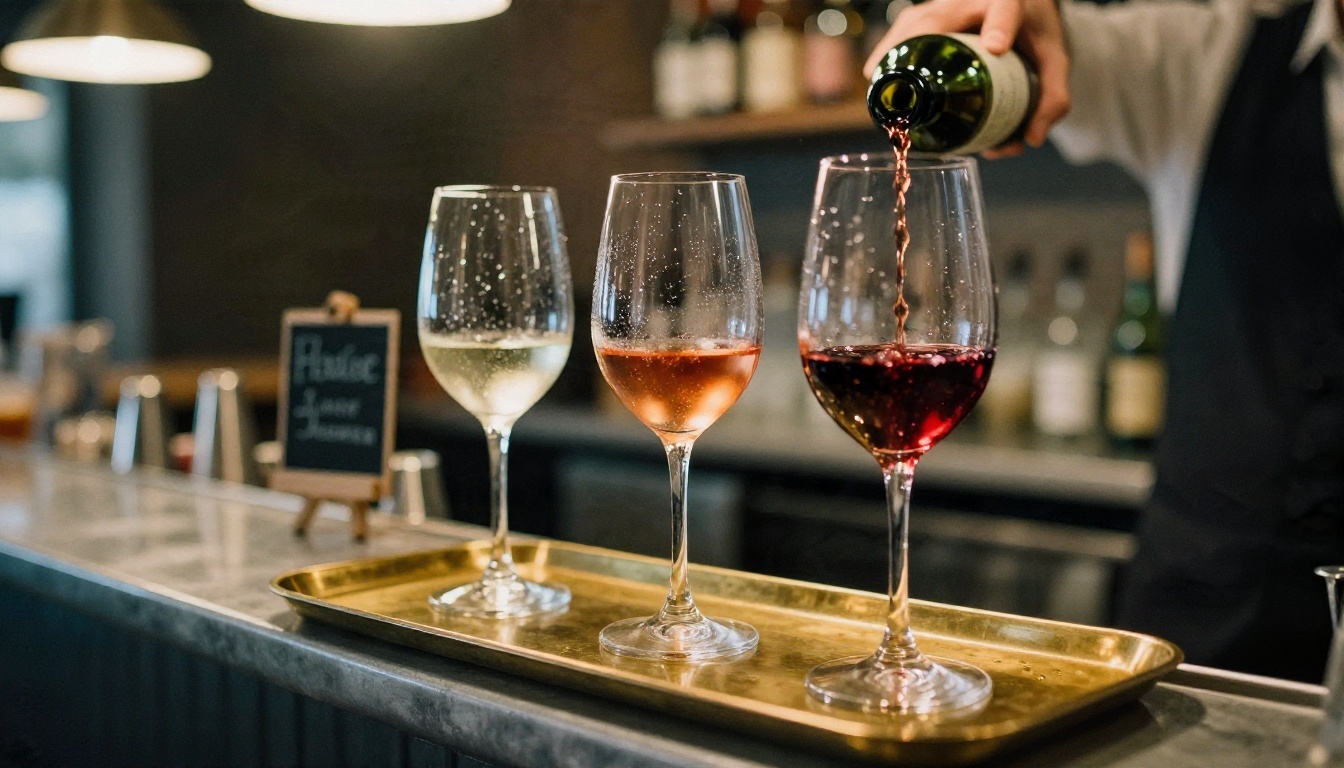
By the glass pours are your entry point. A common benchmark is to price a glass so that two to three glasses recover the bottle cost, with a 5 oz pour for standard service. Offer a 3 oz taste for adventurous guests and a carafe (half liter or full liter) for tables of three or more. Show all sizes in a small grid next to the wine rather than in a separate section, so guests compare easily.
| Wine | 3 oz | 5 oz | Bottle |
|---|
| House Sauvignon Blanc | 7 | 11 | 42 |
| Pinot Noir, Willamette | 9 | 14 | 56 |
| Rioja Reserva | 10 | 16 | 62 |
Format the Numbers
Small formatting choices change how price feels:
- Drop currency symbols and decimals: write 56, not $56.00.
- Align prices in a single right hand column.
- Never list prices in descending order inside a section. Go from low to high.
- Place one or two "anchor" bottles at a much higher price in each section so the middle looks fair.
How to Create a Wine List with Flipbooks AI
If you already have your wine list in a PDF, you are about ten minutes from a shareable digital version. The same steps work whether you have 15 wines or 400. For a ready-made starting point, try the Menu Flipbook Designer, or browse the full flipbook tools directory.

Step by Step Setup
- Create your account. Go to Flipbooks AI and sign up. You can try it free before you pick a plan.
- Export your list as a PDF. Use the template layout from this article in any design or office tool. Keep fonts embedded and use at least 300 dpi for images.
- Upload the PDF. Drag the file into the PDF to Flipbook Converter. Each page becomes a flip page, and text stays sharp when guests zoom.
- Customize the look. Add your logo, set a background color that matches your menu paper, and choose a soft page turn effect. Flipbooks AI exports without watermarks, ever.
- Add extras. Embed a short video of the sommelier or an audio note about your house wine. Multimedia is supported inside the page.
- Share it. Copy the direct link, generate a QR code for your tables, or place the flipbook on your site with the embed code.
- Protect private lists. Use password protection for a reserve or private event list that only certain guests should see.
Pro Features Worth Using
On the Professional plan, you get analytics that show which pages guests open most, lead capture for wine club signups and offline downloads for events without Wi-Fi. Compare the options on the pricing page.
| Feature | What It Does for a Wine List |
|---|
| Mobile responsive layout | Reads cleanly on any guest's phone |
| Custom branding | Matches your logo, colors and paper tone |
| Analytics | Shows which sections get attention |
| Lead generation | Collects emails for tastings and wine club |
| Offline downloads | Works at events and cellar tastings |
| Unlimited flipbooks | One list per location or per season (Standard plan and above) |
✅ Best practice: Keep the flipbook link the same when you update. Replace the PDF inside the existing flipbook and every printed QR code on your tables keeps working.
Real World Example
A 45 seat bistro prints 30 copies of a bound list twice a year and pays for it each time. The owner switches to a digital list with a laminated QR card on each table. When a vineyard runs out of the house red, the owner swaps one page that afternoon. Over a year, the reprinting budget drops, and servers stop apologizing for wines that are not available.
Mistakes to Avoid
Even a good template fails if the content is sloppy. These are the problems that come up again and again.
Too Many Wines
A 300 wine list in a 40 seat room is a cellar inventory, not a menu. Guests freeze. Trim to what you can actually sell and keep rare bottles in a separate "reserve" page.
Sold Out Wines
Nothing damages trust faster than a guest choosing a bottle and hearing "we are out." Digital lists fix this immediately. For print, mark the list with a date in the footer and check it before every service.
Missing Vintages and Errors
A wrong vintage is a legal and trust issue. Proof every entry against your invoices, and have a second person read the final PDF out loud, line by line.
Ignoring Food
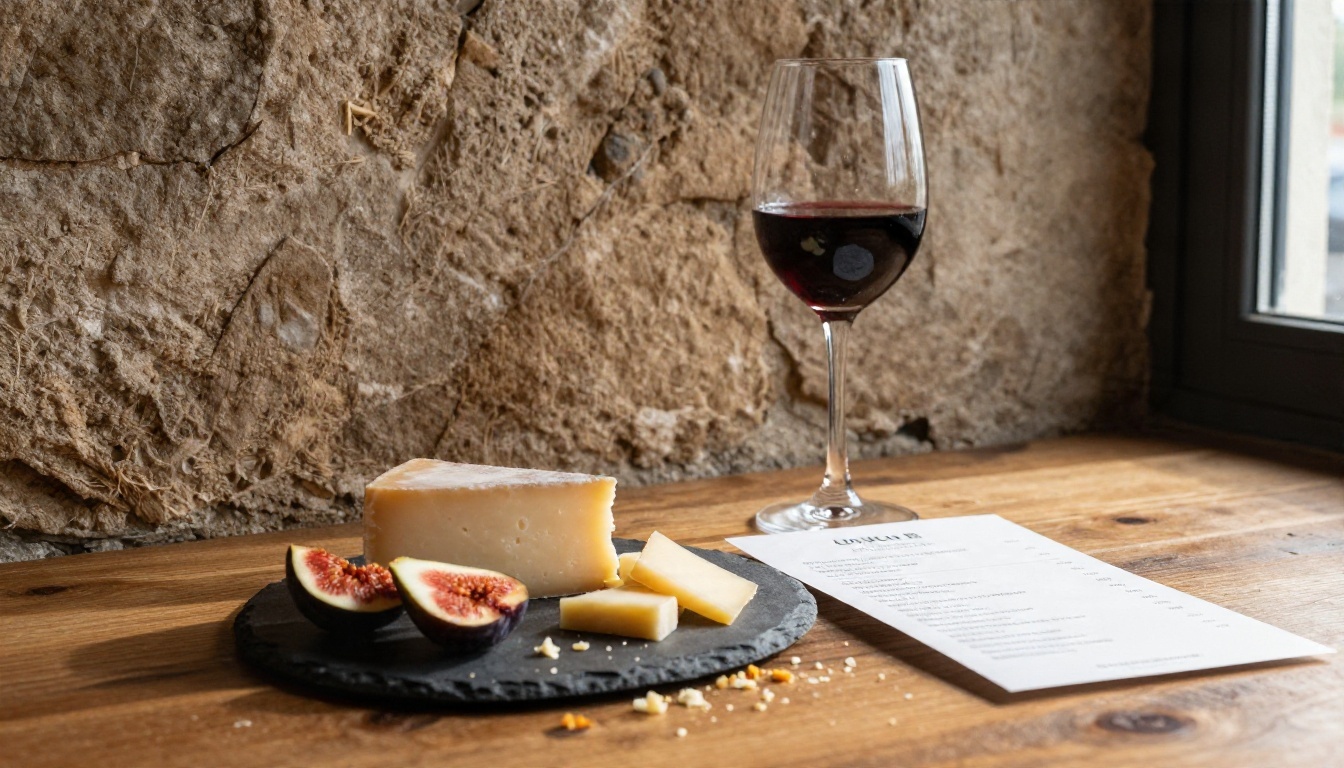
A wine list that never mentions your menu leaves money on the table. Add a small "pairs well with" line to the most popular dishes, or group a few wines under a "with the steak" heading.
Quick Template Checklist
Before you print or publish, run through this list:
- Sections follow a logical order (sparkling, white, rosé, red, dessert).
- Every entry uses the same five part format.
- Descriptions stay under 15 words.
- Prices are right aligned, without symbols, in ascending order.
- By the glass pours appear first or in a clear box.
- Type is readable in dim light.
- A date or version number sits in the footer.
- A QR code points to the live digital version.
Ready to Build Your Wine List?
You now have the format, layout, wording and pricing rules that make a wine list sell. The only step left is to put it into practice. Get started for free on Flipbooks AI, upload your PDF and share a polished digital list by the end of the day. If you are also updating other documents, the Digital Price List Generator and the Spa and Wellness Menu Creator use the same workflow. When you are ready for analytics and lead capture, compare pricing plans and pick the one that suits your restaurant.



