Your phone holds roughly three thousand photos from this year, and you will probably never scroll back far enough to see the ones from March. A year in review photo album fixes that. It picks the best moments, puts them in order, adds a few words, and gives you something you can actually flip through with a coffee in hand. With Flipbooks AI you can turn a simple PDF of your photo pages into a page-turning online album, share it with one link, and skip the print shop queue entirely.
This article walks through the whole process: the album ideas worth stealing, the page layouts that look good without design skills, a free maker workflow, and the safest ways to share the finished album online.
Why a Year in Review Works
A yearly album is not about perfect photography. It is about proof that the year happened and that it was yours. People who build one tend to notice something surprising: the small, ordinary days end up mattering more than the big events.
What Goes Into One
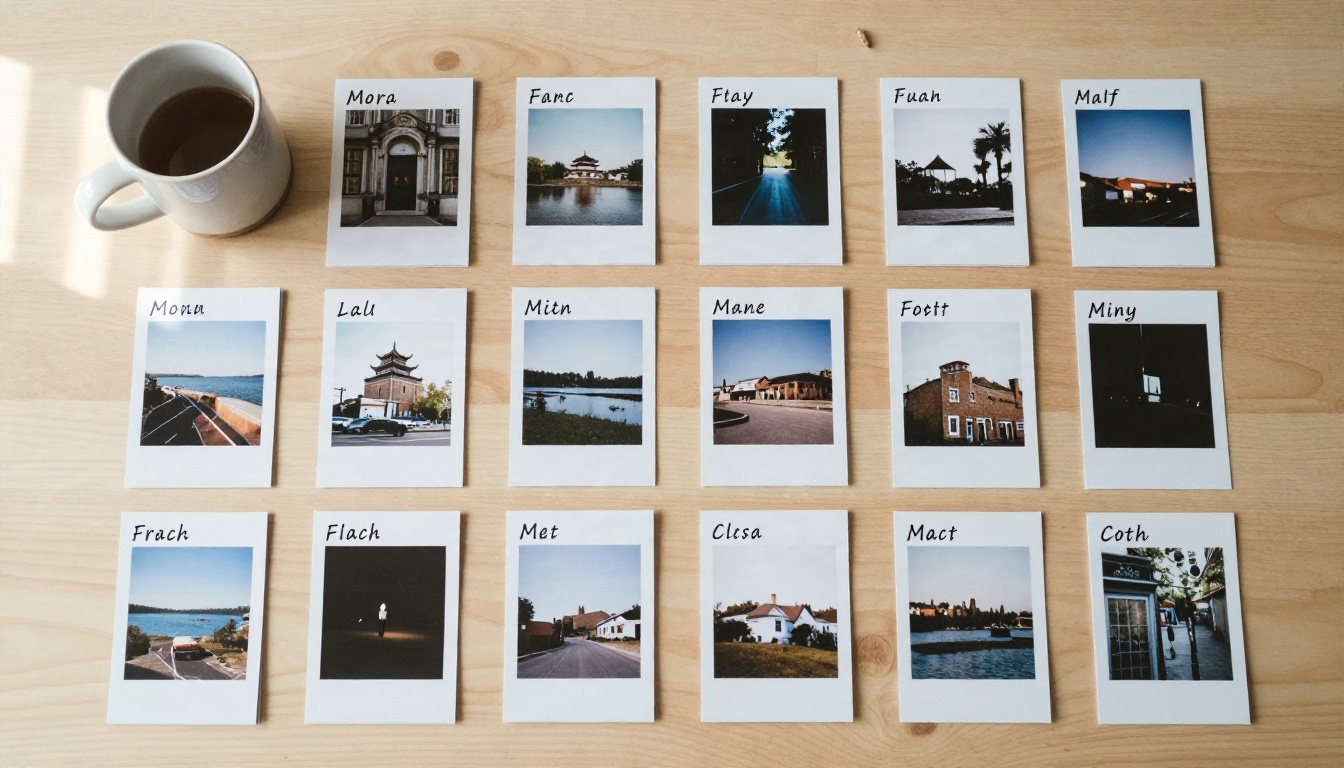
Most good albums mix five ingredients:
- Milestones: birthdays, graduations, moves, new jobs, weddings.
- Trips: even a weekend away deserves a spread.
- Everyday life: breakfast tables, pets asleep on laundry, the messy desk.
- People: group shots, candid laughs, the friend who always photobombs.
- Little extras: ticket stubs, screenshots of funny messages, a favorite quote.
Print, Photo Book or Flipbook?
Before you open any software, decide where the album will live. Each format has a different cost, speed and lifespan.
| Format | Typical Cost | Time to Finish | Easy to Share | Best For |
|---|
| Printed photo album | Medium (prints plus album) | Several evenings | Low, one copy only | Shelf keepsake |
| Ordered photo book | Medium to high | A weekend plus shipping | Low to medium | Gifts for grandparents |
| Digital flipbook | Free to low | One evening | High, one link | Sending to everyone at once |
| Social media slideshow | Free | An hour | High, but short lived | Quick recap |
💡 Pro tip: You do not have to pick only one. Build the digital flipbook first, then use the same pages to order a printed copy for the people who still love paper.
Ideas for Your Album Theme
A theme gives your album a spine. Without one, a year of photos tends to become a long, shapeless scroll.
Month by Month
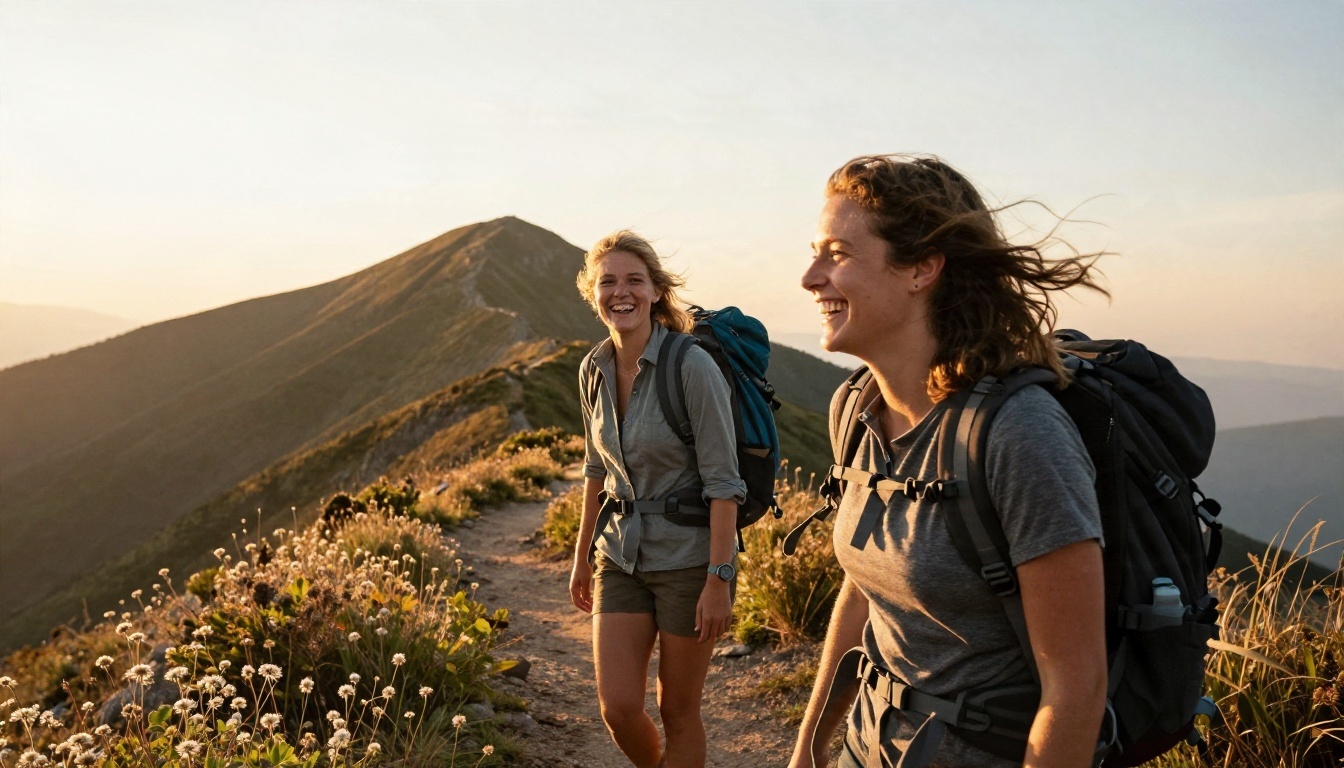
The classic. Twelve sections, one per month, each with three to six photos. It is the easiest structure to follow because your camera roll is already sorted by date. Add a one-line headline for each month, such as "The month we finally painted the kitchen."
Top 10 Moments Only
If your year was packed, do not try to include everything. Choose ten moments and give each a full page or spread. The result feels like a highlight reel and takes half the time.
Seasons and Chapters
Group the year into four chapters: winter, spring, summer, autumn. This works well for people who travel a lot or whose lives change with the weather. Each chapter opens with one big image.
Numbers and Fun Facts
Add one or two playful stat pages. Think "47 coffees at the corner café," "6 hikes," "2 new hobbies, 1 abandoned." These pages break up the photo rhythm and almost always get a laugh.
| Theme | Photos Needed | Effort | Mood |
|---|
| Month by month | 40 to 70 | Medium | Calm, chronological |
| Top 10 moments | 20 to 30 | Low | Punchy, celebratory |
| Seasons and chapters | 30 to 50 | Medium | Story-driven |
| People in my year | 30 to 60 | Medium | Warm, personal |
| Numbers and fun facts | 15 to 25 plus stats | Low | Funny, light |
Page Layouts That Work
You do not need a design degree. Four layouts handle about ninety percent of any photo album, and mixing them is what gives the pages a rhythm.
The Full Bleed Opener
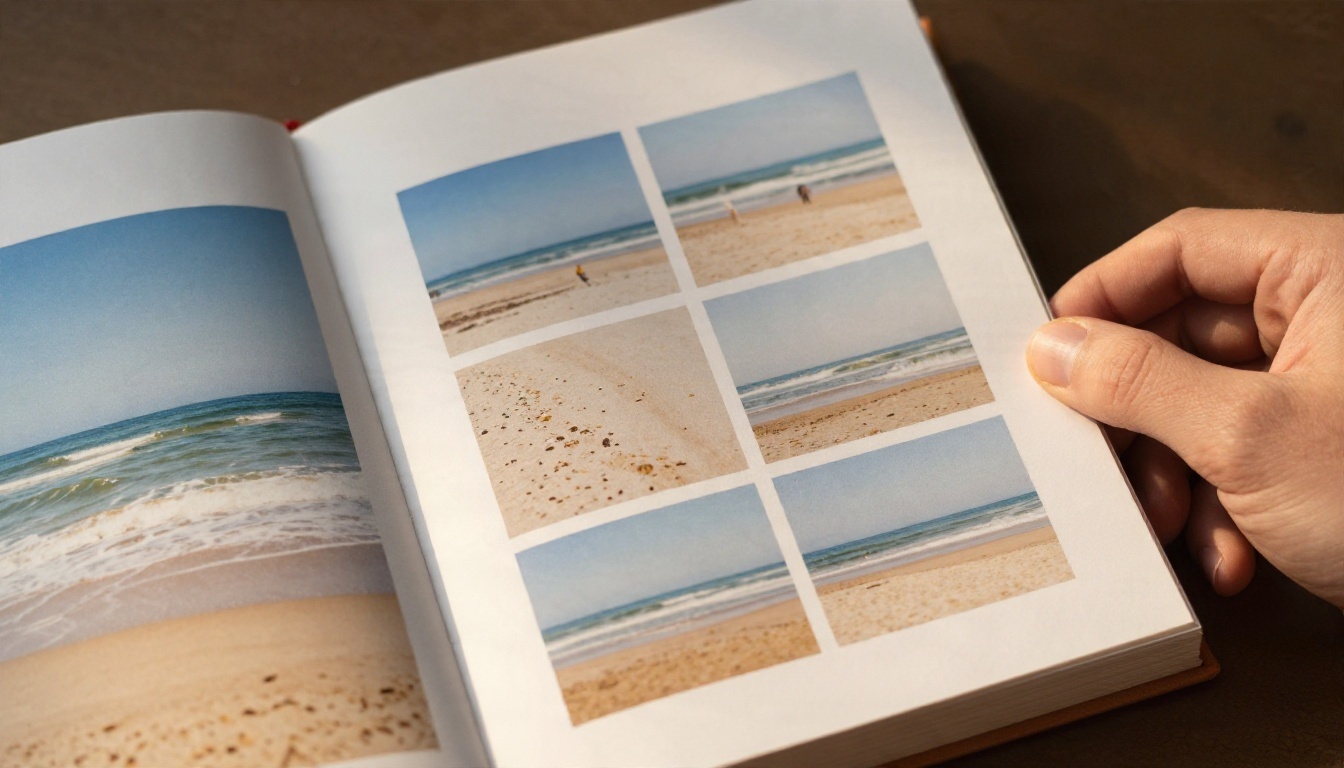
One photo, edge to edge, no border. Use this at the start of the album and at the start of each chapter. Pick an image with some quiet space, like sky or sand, so you can place a short title on top.
The Clean Grid
Four to six photos of equal size with even gaps. Grids are perfect for a weekend trip or an event with many small moments. Keep the gaps the same on every page, and the album will look professional instantly.
The Hero Plus Small Shots
One large photo takes about two thirds of the page, and two or three smaller ones sit beside it. It shows the main moment and its supporting cast. Birthdays and holidays work especially well here.
The Text Breather
A page with a single sentence or a short paragraph on a plain background. After a run of busy photo pages, these pauses let the reader catch their breath.
| Layout | Photos per Page | Best Used For | Watch Out For |
|---|
| Full bleed | 1 | Openers, big moments | Low resolution images look soft |
| Clean grid | 4 to 6 | Trips, events | Tiny faces if you add too many |
| Hero plus small | 3 to 4 | Birthdays, holidays | Mismatched color tones |
| Text breather | 0 | Quotes, month intros | Too much text for a photo album |
| Two page spread | 2 to 8 | Chapter openers | Faces falling into the fold |
⚠️ Warning: Avoid placing faces across the center fold of a spread. In a flipbook, the fold sits right in the middle, and someone's smile can end up split in two.
Pick Photos Without the Pain
The hardest part is not the design. It is deciding which photos stay. A simple system makes it painless.

The Three Pass Method
- Pass one, bulk cut: Scroll through the year and favorite anything that makes you smile. Do not overthink it.
- Pass two, remove duplicates: From every burst of similar shots, keep only the best one.
- Pass three, balance: Check that every month, every person and every major event is represented.
Write Captions That Sound Like You
A good caption is short and specific. Skip "Fun day at the beach" and write "The day Leo found a crab and refused to let it go." Use dates, names, small jokes and the odd detail you would otherwise forget by next year.
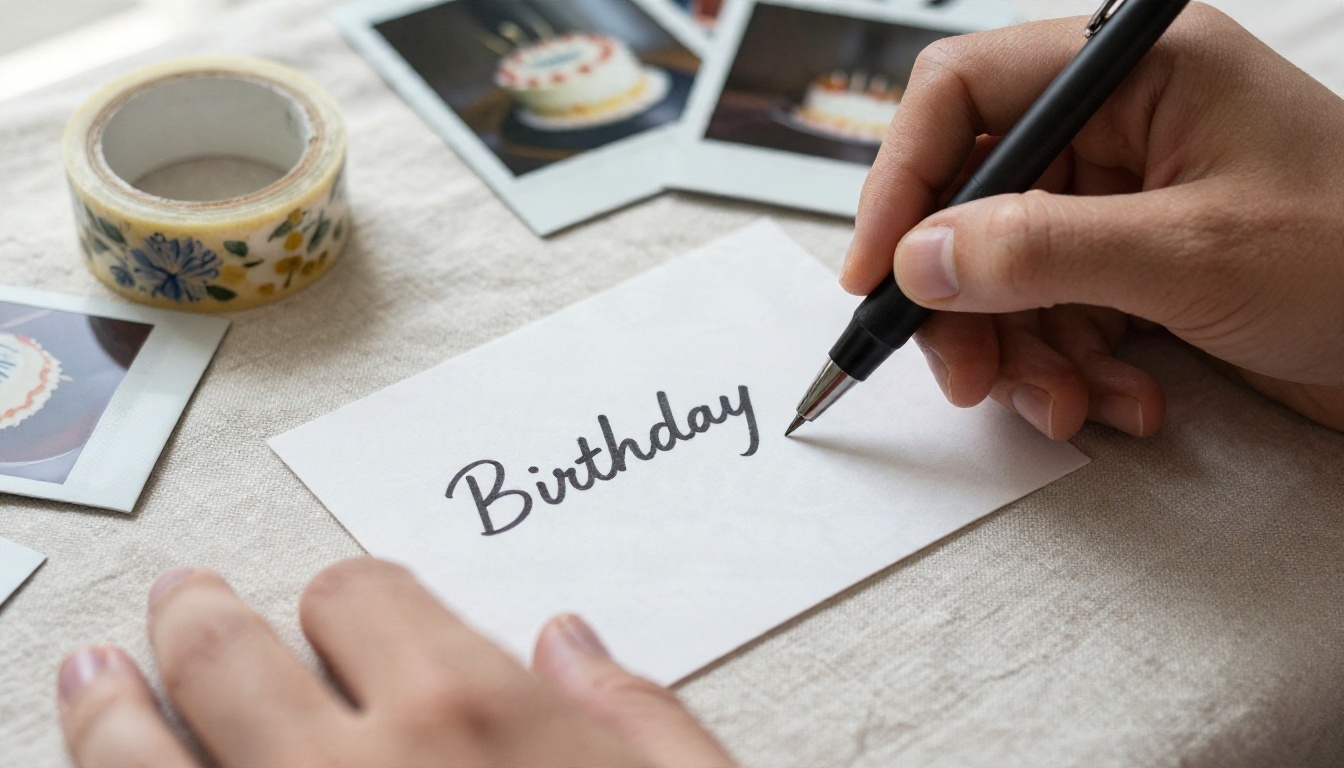
✅ Best practice: Write captions while the memories are fresh, ideally the same week you assemble the pages. By January you will have forgotten half the stories.
Build Your Album with Flipbooks AI
Once your pages are ready as a PDF, the rest takes minutes. If you design your pages in any free tool, including a slide editor or a basic layout app, you can export them as a PDF and convert them with the PDF to Flipbook Converter.
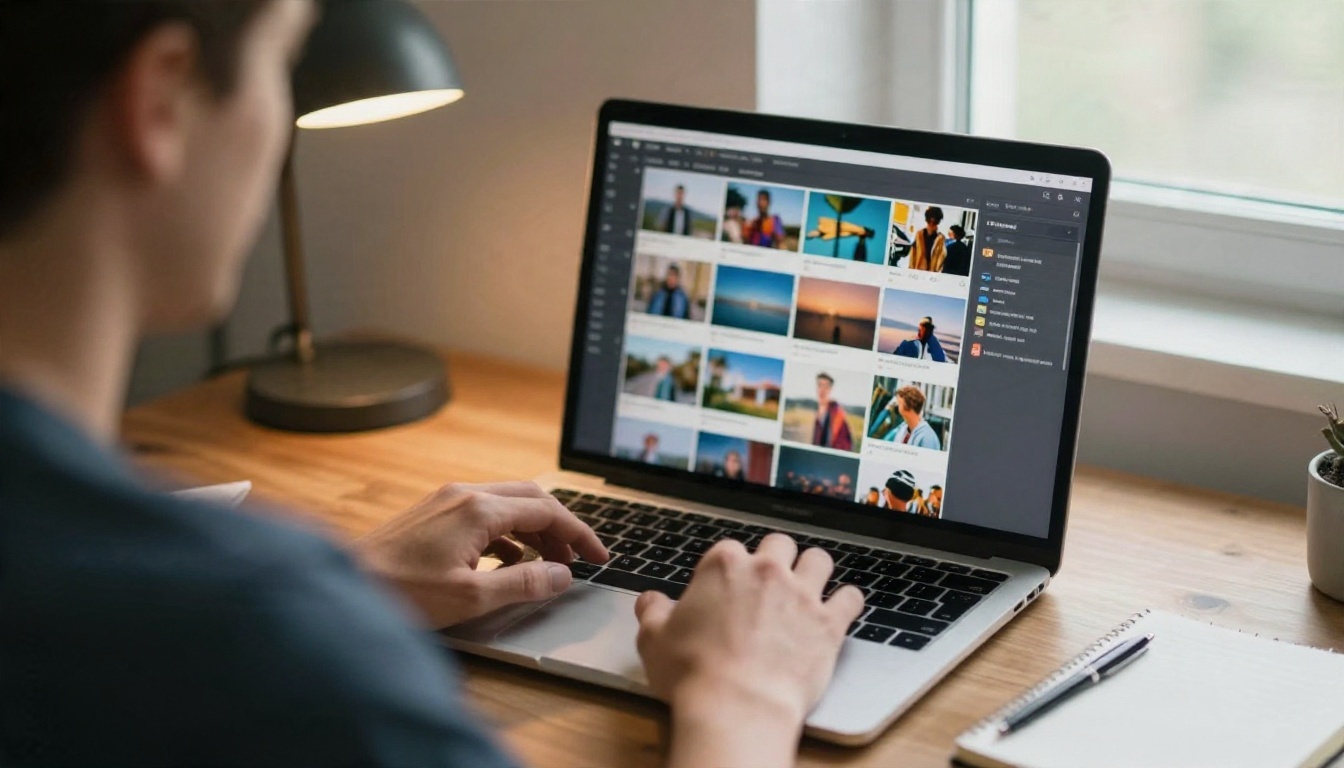
Step by Step
- Make your pages. Use a free design or slide tool. Set a landscape page size, drop in your photos using the layouts above, and add captions.
- Export a PDF. Choose the highest quality setting so photos stay sharp when readers zoom in.
- Open the maker. Go to Flipbooks AI and create an account to start.
- Upload your PDF. The platform converts each page into a flipbook page with a realistic turning effect. Large files can take a minute or two.
- Preview on desktop and phone. Flip through every page to check that no text is cut off and no face is lost in the fold.
- Publish and copy your link. You now have an album anyone can open in a browser, with nothing to install.
Customize the Look
Make it feel like your album, not a generic document:
- Background color: Use a warm cream or deep navy to match your photo tones.
- Page effects: Enable the page curl and sound for a physical feel.
- Custom branding: Add a small logo or a family name on the viewer frame.
- Multimedia: Embed a short video clip from a trip or an audio message from a grandparent. This is the real advantage over a printed book.
💡 Pro tip: A flipbook is the one album format where a photo can literally move. Attach a ten second clip to your favorite page of the year and watch people tap it first.
Is It Really Free?
You can start building without paying anything, and your pages stay clean, because Flipbooks AI never adds watermarks. If you plan to make an album every year, or one for each family branch, the pricing plans include unlimited flipbooks from the Standard plan up, and the Professional plan adds analytics and lead generation, which is useful if you share albums for a business or a club.
| Feature | Why It Matters for a Photo Album |
|---|
| No watermarks | Your photos stay clean and gift-ready |
| Mobile responsive | Relatives open it on a phone without pinching and zooming |
| Password protection | Keeps family photos private |
| Offline downloads | Keep a copy for trips with bad signal |
| Embed video and audio | Add voices and clips to key memories |
| Analytics (Professional) | See which pages get the most views |
If you want inspiration for more personal projects, try the Wedding Album Flipbook tool for event-style albums or the Photography Portfolio tool if your year review doubles as a showcase of your best shots. Families with kids in school can also look at the Yearbook Flipbook Maker.
Share It Online Safely
A finished album that nobody sees is just a nicer version of your camera roll. The good news is that sharing a flipbook is far simpler than mailing a book.

Links, Embeds and Messages
- Direct link: Paste it into a family group chat or email. Everyone opens the same album.
- Embed code: Add the album to a personal blog or family website using the Embed Flipbook on Website tool.
- QR code: Print a small QR code on a holiday card so relatives can open the album from the card itself.
- Offline copy: Download the file for relatives who prefer to keep it on a tablet.
Keep Private Photos Private
Photos of children and home interiors deserve care. Use a password so only people you trust can open the album, and share the password in a separate message. If you post publicly, remove anything showing your address, school names or license plates.
| Sharing Method | Privacy Level | Setup Time | Best Audience |
|---|
| Public link | Low | 1 minute | Open community, friends |
| Password protected link | High | 2 minutes | Close family |
| Embedded on private site | Medium to high | 10 minutes | Relatives who visit your page |
| QR code on a card | Medium | 5 minutes | Holiday card recipients |
| Offline download | High | 1 minute | Grandparents and travelers |
⚠️ Warning: Before sharing publicly, ask the people who appear in your photos. A friend may be fine with a family album but not with a link that circulates.
Mistakes to Skip
After seeing many albums go from idea to unfinished project, the same pitfalls come up again and again.

Too Many Photos
More is not better. A reader loses interest after about fifty pages. Aim for 30 to 40 pages for a single year, and cut without mercy.
Low Resolution Surprises
A photo that looks fine on your phone can look soft on a full bleed page. Use original files, not images saved from messaging apps, which compress heavily.
No Visual Rhythm
If every page has a six photo grid, the album feels flat. Alternate between full bleed pages, grids, hero layouts and text breathers.
Waiting Until December
The best albums are built in small pieces. Spend ten minutes at the end of each month adding pages, and the January you is going to be extremely grateful.
| Mistake | Quick Fix |
|---|
| 100 plus pages | Limit to 30 to 40 pages |
| Blurry images | Use original files, not chat copies |
| Faces in the fold | Keep faces away from the center line |
| Inconsistent fonts | Use one font for headings, one for captions |
| Waiting until the last week | Add a page each month |
Make Yours This Week
You do not need a free month or a design degree. You need a theme, thirty good photos, a few honest captions and an evening. Pick one of the ideas above, build your pages in any free tool, and turn them into a flipbook you can send anywhere.
Ready to start? Get started for free on Flipbooks AI and upload your first PDF today. Browse all the flipbook tools to find the format that suits your next project, or compare the pricing plans if you want unlimited albums, analytics and more room for your memories. When you are ready to commit, create an account and pick your plan in one step.
Your year happened. Give it a proper place to live.



