An elementary yearbook is not a smaller version of a high school one. It is louder, messier, funnier and far more honest. Seven-year-olds do not want a formal senior-style spread. They want to see their missing front tooth, their best friend and the day the class hamster escaped. This article gives you practical yearbook ideas for elementary school: front page concepts, the pages worth including, themes children genuinely enjoy, and a simple way to publish everything as a digital flipbook with Flipbooks AI so every family can open it on a phone.
💡 Quick take: Pick one theme, keep each page to one idea, and mix posed portraits with candid photos at roughly a 40/60 ratio. That single rule fixes most weak school yearbooks.
Why Elementary Yearbooks Are Different
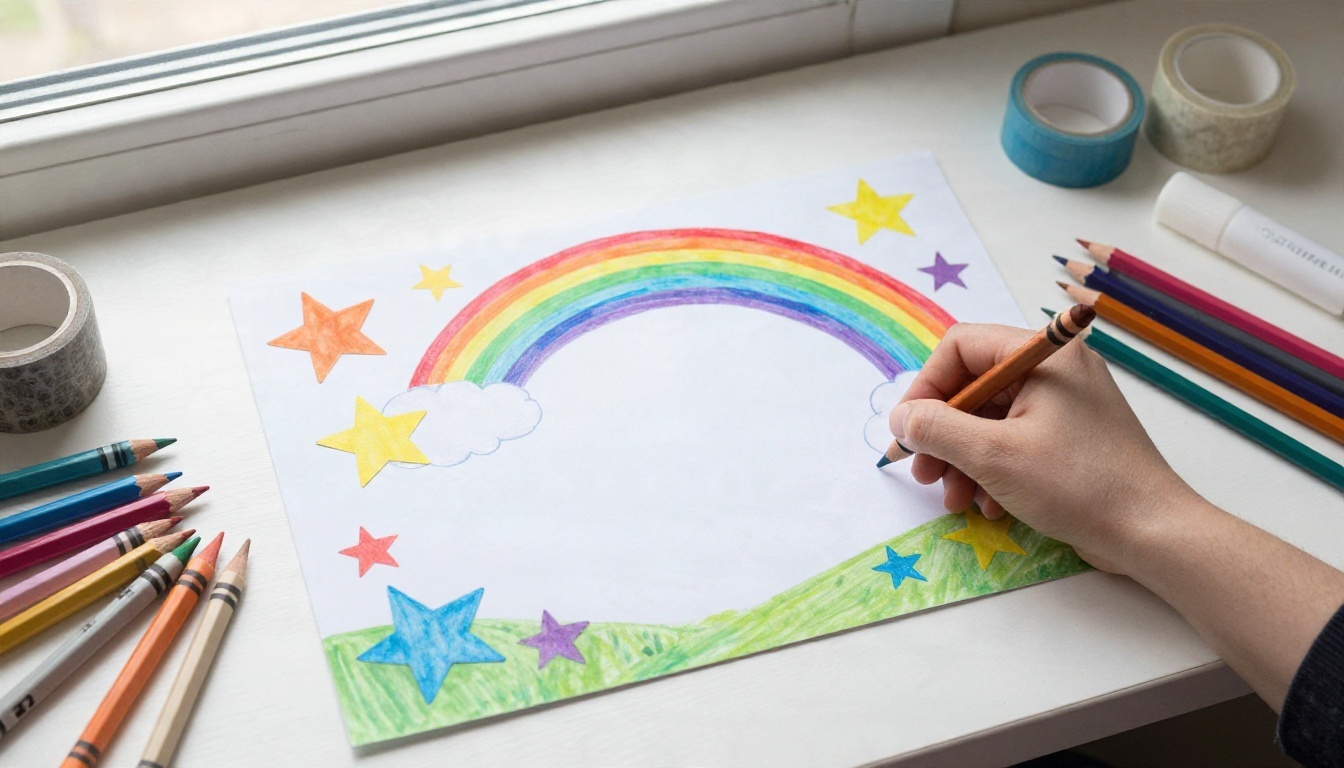
Younger students change fast. A first grader in September looks like a different person by June. That is exactly why a yearbook at this age matters: it freezes a very short chapter of childhood.
Short attention spans, big feelings
Children flip through a yearbook in bursts. They look for themselves first, then their friends, then anything funny. Your design should reward that behavior:
- Use large photos and short captions of one or two lines.
- Add bold color blocks so each page feels distinct.
- Include kid-written quotes, because they are the first thing students read aloud.
- Keep text at a readable size, ideally 14 pt or larger for body copy.
Who is the real audience?
The students open it first, but parents keep it. Grandparents often request a second copy. A good elementary yearbook therefore works on two levels: playful for the child, sentimental for the adult.
| Audience | What they look for | Design response |
|---|
| Students | Their own face, friends, jokes | Candid photos, doodle borders, fun facts |
| Parents | Proof of a happy school year | Clear captions, event highlights, teacher notes |
| Grandparents | Easy viewing, big images | Large type, digital zoom, shareable link |
| Teachers | Memories of the class | Staff page, class mottos, thank-you notes |
Front Page Ideas That Work
The front page sets the mood before anyone reads a word. For young students, handmade textures and bright color beat polished corporate layouts every time. Here are three concepts that work well.
Handprint and Paint Collage
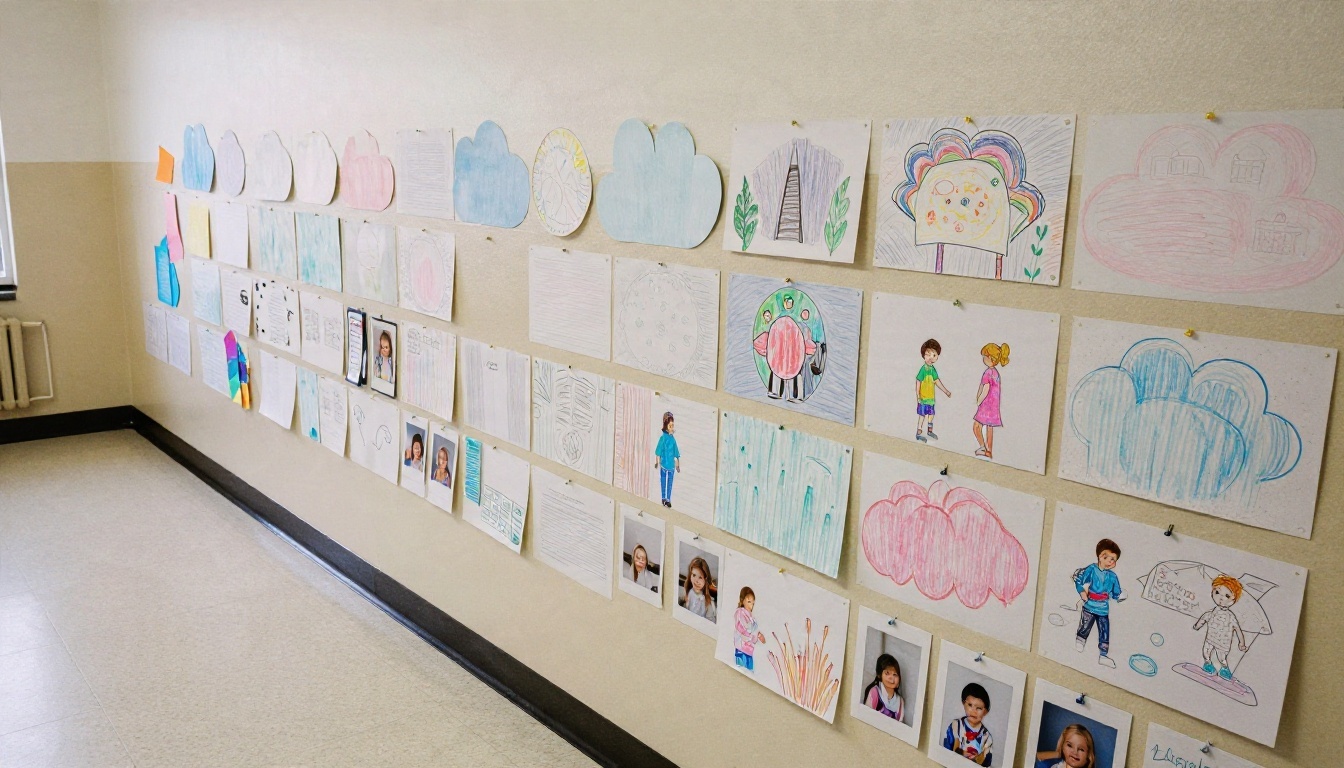
Ask each student to press a painted hand on a large sheet of paper, then scan or photograph it. Arrange the prints into a rainbow arc, a tree canopy or a flower bed. Each child can spot their own handprint, which makes the front page personal from the first second.
Self-Portrait Mosaic
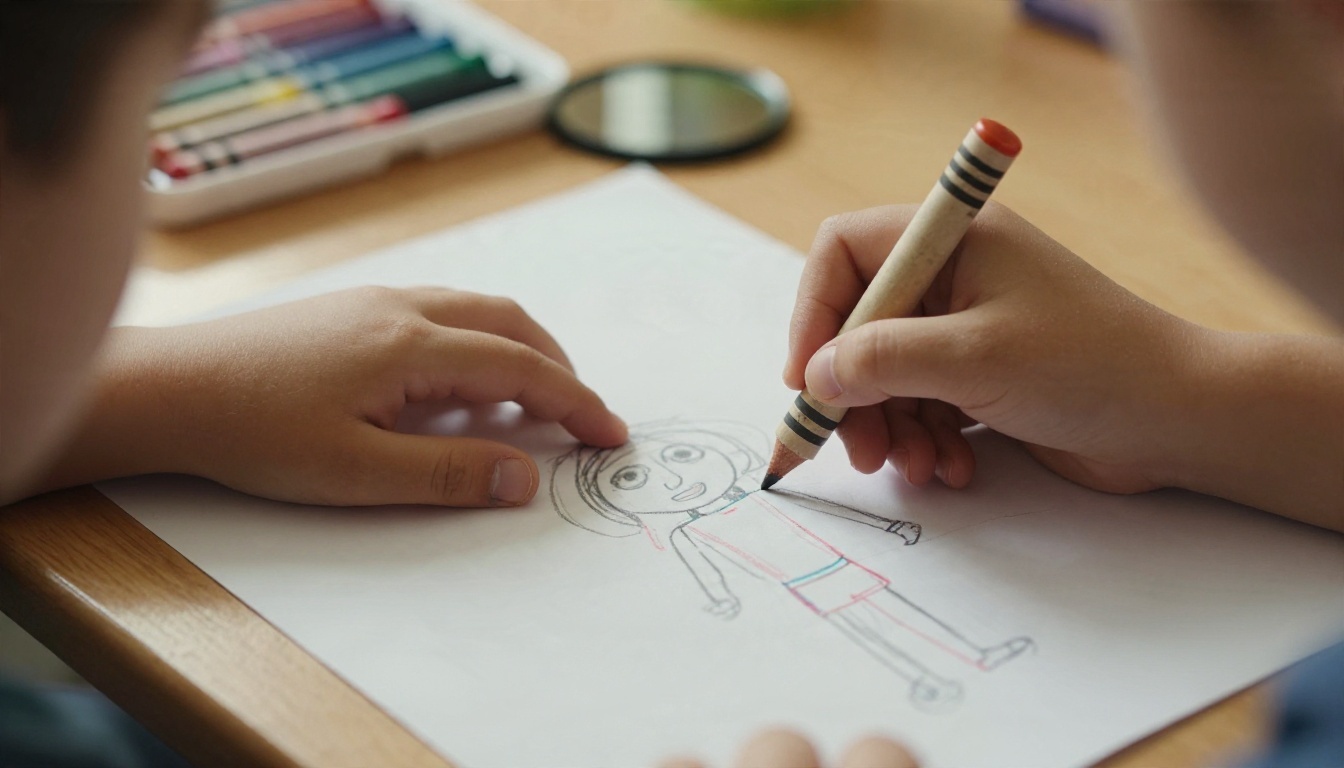
Have every student draw a self-portrait on a small square. Tile them into a grid that fills the whole page. It costs almost nothing, looks charming and gives every child equal space. You can place a title banner across the center in a solid color.
Class Mascot Design
A class mascot, such as a fox, a sunflower or a friendly robot made from cardboard, gives you a recurring character for the whole book. Photograph the mascot in different places around school and bring it back on divider pages.
| Front page idea | Difficulty | Materials | Best for |
|---|
| Handprint collage | Easy | Paint, paper, scanner or phone | Kindergarten and grade 1 |
| Self-portrait mosaic | Easy | Pencils, crayons, paper squares | Grades 1 to 3 |
| Class mascot | Medium | Craft supplies, camera | Grades 2 to 5 |
| Photo cutout collage | Medium | Printed photos, scissors, glue | Grades 3 to 5 |
| Student-drawn school scene | Medium | Large paper, markers | Whole-school books |
✅ Best practice: Keep the title short, three to five words, and leave one clean area for the school year. Busy designs are fine, but the title needs breathing room.
Pages Every Elementary Yearbook Needs
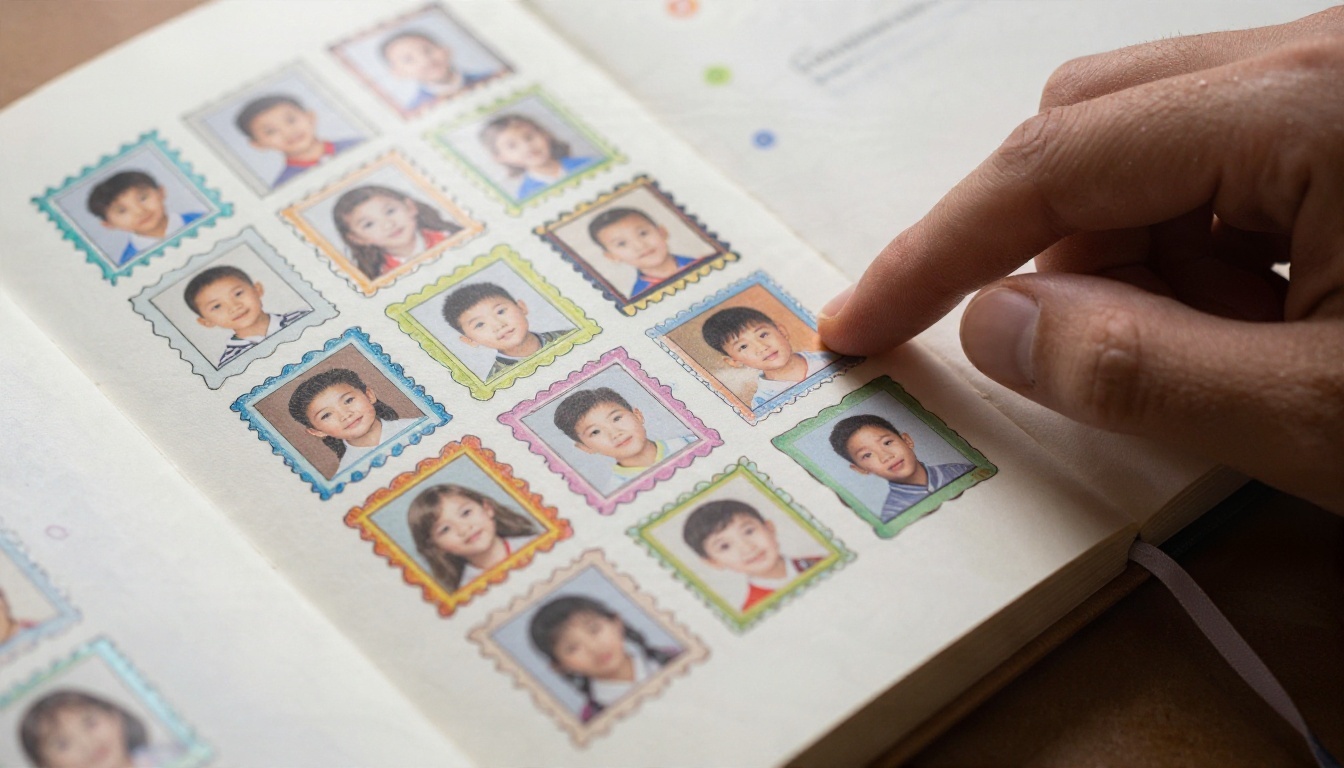
You do not need 100 pages. Most elementary yearbooks work well between 24 and 48 pages. Below is a page-by-page plan you can adapt.
Opening Spread and Welcome Letter
Start with a double page that shows the school building, the mascot or a wide group photo. Add a short welcome note from the principal or class teacher. Keep it under 80 words. Parents skim, so a warm, human voice wins over formal language.
Class Portraits and Group Shots
This is the backbone of the book. Give each class its own spread with:
- A group photo, ideally with a silly pose as a second option.
- Individual portraits in a tidy grid, always in the same order (alphabetical works best).
- A teacher photo with a one-line quote.
- A class motto or favorite song title.
Favorites and Fun Facts
This page is the one students quote for years. Collect simple answers: favorite food, favorite animal, what I want to be, the funniest thing this year. Present them as speech bubbles next to photos.
| Page type | Suggested count | Purpose | Photo style |
|---|
| Opening spread | 2 pages | Set the mood | Wide, bright |
| Class portraits | 1 to 2 per class | Record every child | Posed grid |
| Favorites and fun facts | 2 to 4 pages | Add personality | Candid plus quotes |
| Events and field trips | 4 to 8 pages | Tell the year's story | Action shots |
| Staff and helpers | 2 pages | Thank the adults | Casual portraits |
| Autograph or message page | 1 to 2 pages | Let friends write | Blank, light colors |
| Closing page | 1 page | Say goodbye | Class group photo |
Themes Kids Actually Love
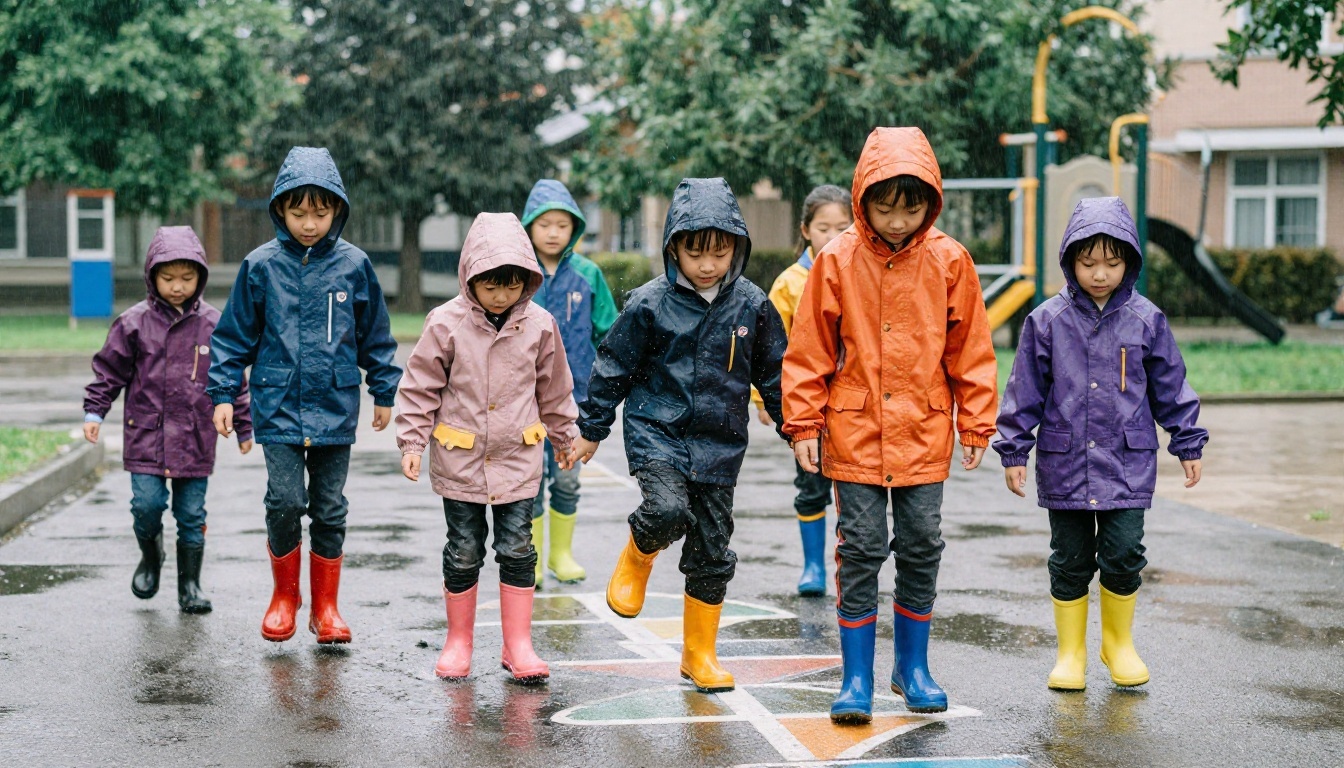
A theme gives your design decisions a shortcut. Colors, fonts, page titles and even captions follow from it. Choose something that fits the age group and the real personality of your school.
Space Adventure
Dark blue backgrounds, star shapes and planet stickers appeal strongly to children aged 6 to 10. Page titles like "Mission: Grade 2" or "Launch Day" make captions easy to write. Use real photographs on the dark background so faces stay warm and natural.
Rainbow and Weather
Weather is perfect for elementary students because it is familiar and visual. Sunny days become sports day pages, rainy days become indoor reading time, and snow becomes the winter concert. A rainbow ribbon along the page edge ties it all together.
Our Class Is a Garden

Seeds in September, flowers in June. Each child becomes a plant, and the book follows the growing season. This theme works well with science projects and gives you a natural reason to feature the classroom plant corner.
| Theme | Color palette | Fun page titles | Age range |
|---|
| Space adventure | Navy, yellow, silver | "Mission Report", "Launch Day" | 6 to 10 |
| Rainbow and weather | Multicolor, white | "Sunny Days", "Puddle Season" | 5 to 8 |
| Class garden | Green, coral, cream | "Planting Day", "Growing Up" | 5 to 9 |
| Under the sea | Teal, sand, coral | "Deep Dive", "Our School Reef" | 5 to 8 |
| Storybook | Warm red, gold, brown | "Chapter One", "The End?" | 6 to 11 |
💡 Pro tip: Let students vote on the theme. Offer three options, count raised hands, and announce the winner. Children care far more about a book they helped shape.
Photo and Page Layout Tips
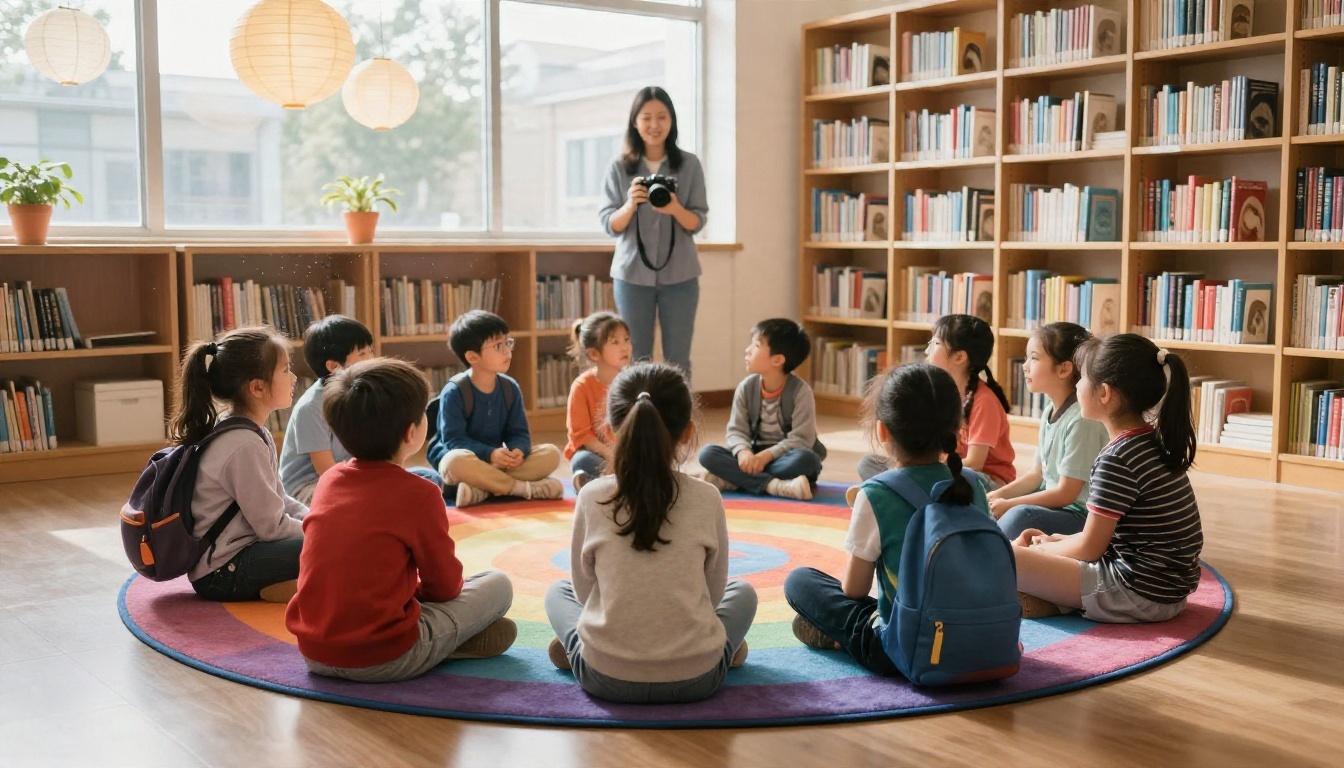
Great photography does most of the work. Even a basic phone camera produces excellent images if you follow a few habits.
Candid Beats Posed
Get down to the child's eye level. Shoot near a window. Capture the moment right after the "official" photo, when everyone relaxes. Those laughing frames are the ones that make adults smile when they open the book.
- Use natural light and avoid flash indoors.
- Take 10 shots for every one you plan to use.
- Photograph hands doing things: painting, planting, building.
- Balance the book so every child appears at least three times.
Privacy and Permissions
Always check school photo policies before publishing. Some families opt out of image sharing. Keep a simple spreadsheet of consent status, and use illustrations, handprints or back-of-head shots for those students. If you plan to share the book online, a password-protected flipbook keeps it limited to your school community.
⚠️ Warning: Never publish full names alongside photos in a public link. First names or initials are safer, and password protection adds another layer.
How to Create a Yearbook with Flipbooks AI

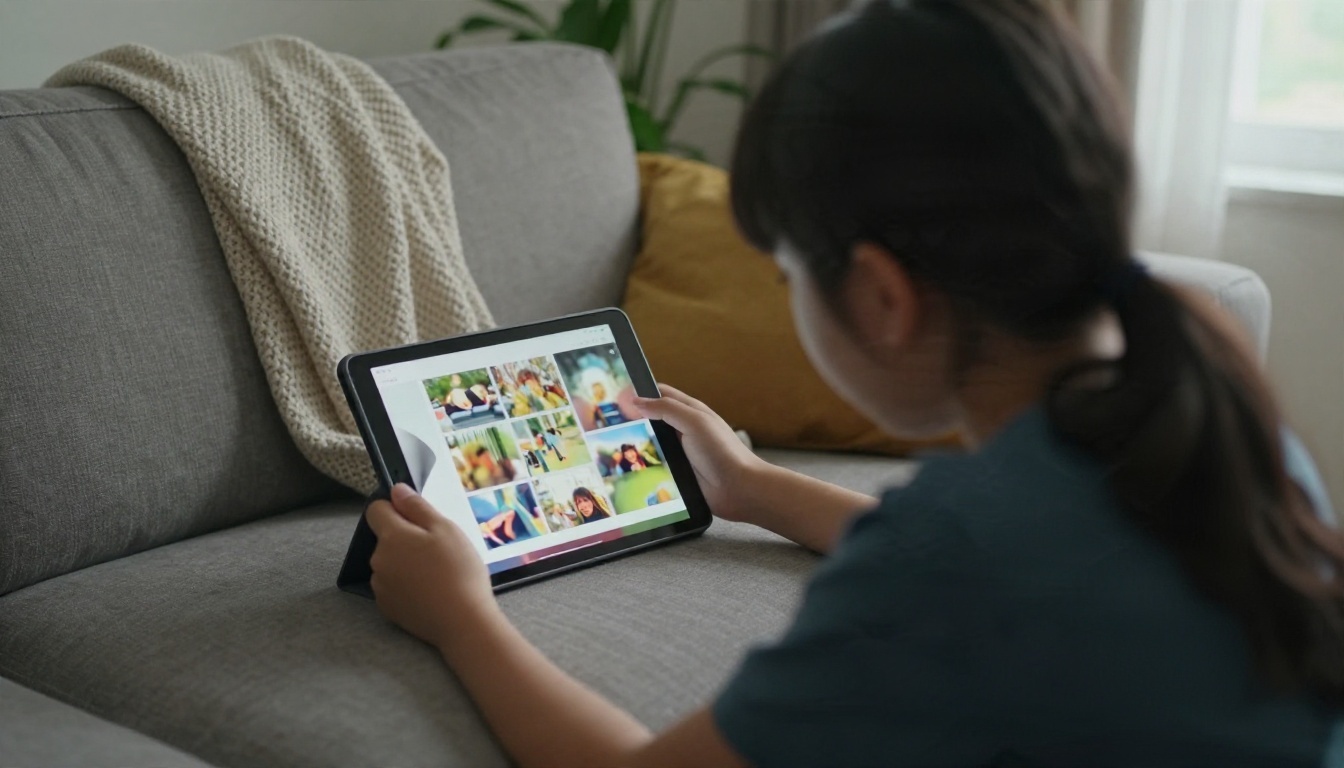
Printing is lovely, but a digital edition lets every family see the book instantly, even those who live far away. The Yearbook Flipbook Maker turns a finished PDF into a page-turning book with realistic page effects. Here is the process.
Upload and Convert
- Design your pages in any tool you like, such as Canva, Google Slides or Word.
- Export the file as a PDF, using high-quality settings so photos stay sharp.
- Go to Flipbooks AI and create a free account.
- Upload your file. The PDF to Flipbook Converter processes it in moments and keeps your layout intact.
Brand and Customize
Once the flipbook appears, adjust the look so it matches your theme:
- Set the background color to match your front page palette.
- Add the school logo for custom branding.
- Choose a page-flip sound and animation that feels playful.
- Embed videos and audio, such as a class song, a short field trip clip or a message from the principal.
- Check the layout on a phone, since the viewer is mobile-responsive.
Share and Protect
Sharing options are flexible, which suits schools with different needs:
- Direct link for emails and class chats.
- Embed code to place the yearbook on your school website, using the Embed Flipbook on Website tool.
- Password protection for private distribution to parents only.
- Offline downloads so families can save a copy.
| Feature | Free and Standard use | Professional plan |
|---|
| No watermarks | Yes | Yes |
| Unlimited flipbooks | Standard and above | Yes |
| Password protection | Yes | Yes |
| Analytics and lead generation | Not included | Yes |
| Offline downloads | Yes | Yes |
💡 Tip for school offices: With analytics on the Professional plan, you can see how many families opened the yearbook, which helps when deciding whether to order printed copies.
You can also pair the yearbook with a School Newsletter Creator issue to announce the release, or build a smaller class edition with the Course Material Publisher.
Budget, Timeline and Mistakes to Skip
A yearbook does not need a big budget, but it does need a calendar. Most teams underestimate how long photo collection takes. Use this schedule as a baseline for a book released in early June.
| Month | Task | Owner |
|---|
| January | Choose theme, set page count | Teacher or committee |
| February | Collect consent forms | School office |
| March | Start taking candid photos | Teachers and volunteers |
| April | Draw self-portraits, gather quotes | Students |
| May | Build layouts, proofread | Yearbook team |
| Early June | Export PDF, publish flipbook | Coordinator |
Three Common Mistakes
- Waiting until May to take photos. The book then feels rushed and shows only end-of-year events. Collect photos monthly.
- Leaving some students out. Count appearances per child. Equal presence matters more than perfect composition.
- Cramming too much text. If a caption needs more than two lines, shorten it or move it to a callout box.
✅ Best practice: Assign one proofreader who did not design the pages. Fresh eyes catch misspelled names, which are the mistakes parents notice first.
Ready to Build Yours?
Elementary yearbooks succeed when they feel like the children who inspired them: bright, curious and a little chaotic. Pick a theme, plan your pages, gather candid photos all year, then publish a digital edition that every family can open in seconds.



