Every company produces a year's worth of stories: the product launch that almost slipped, the office dog who became a mascot, the intern who fixed a spreadsheet nobody else dared to touch. Most of it vanishes into chat threads. A work yearbook catches those moments on pages people can actually flip through, and with a tool like Flipbooks AI you can publish it as a digital flipbook in an afternoon instead of wrestling with a print shop.
This article gives you concrete yearbook ideas for work: team page layouts, themes that fit different company cultures, real-world examples, a planning timeline, and a step-by-step tutorial for turning your finished PDF into an interactive book.
Why a Work Yearbook Works
A yearbook does something an annual report cannot. It makes people feel seen. Reports talk about revenue and headcount. A yearbook shows the person in accounting who runs marathons, the night-shift crew that always brings snacks, and the sales team's very questionable karaoke night.
What It Actually Is
Think of it as a company memory book. It usually includes team portraits, short profiles, event photos, milestones, awards, quotes and a handful of playful extras like superlatives or a year-in-numbers page. It can run from 12 pages for a small studio to 80 or more for a large organization.
Who Benefits Most
- Growing teams that want new hires to absorb the culture quickly
- Remote and hybrid companies where people rarely share a room
- Departments after a big project, such as a launch, merger or office move
- HR and people teams who need a tangible recognition tool beyond a pizza party
- Agencies and consultancies that want a polished piece to show clients how they work
💡 Pro tip: Frame the yearbook as a celebration, not a performance review. The moment it feels like another corporate deliverable, participation drops.
Team Page Ideas That People Read
Team pages are the backbone of any yearbook. If these are dull, the whole book feels like a staff directory. Here are four layouts that keep people turning pages.
The Classic Grid
Rows of headshots with a name, role and one line of personality. It is the easiest layout to build and the most familiar. Make it work by using a consistent photo style (same background, same crop) and adding a short caption such as "Favorite meeting snack: pretzels." The caption is what separates a yearbook from an org chart.
Fun-Fact Cards
Give each person a half-page card with a portrait, three quick facts and a quote. Questions that produce good answers:
- What was your proudest moment this year?
- What is the one tool you could not work without?
- What would your autobiography be called?
- What is your most-used emoji in team chat?
Day in the Life Spreads
Pick two or three people per department and show a timeline of their day, from first coffee to final email. This works wonderfully for teams that people rarely see in action, such as warehouse, support or finance.
Desk and Workspace Tours
A top-down photo of a desk tells you more about a person than a job title. Add small callouts: the plant that has survived three offices, the framed drawing from a kid, the mug collection. For remote staff, ask for a photo of their home setup.

Layout Comparison
| Layout | Effort | Best For | Page Space |
|---|
| Classic grid | Low | Large teams, 50+ people | 8 to 12 people per page |
| Fun-fact cards | Medium | Mid-size teams | 2 to 4 people per page |
| Day in the life | High | Showcasing departments | 1 to 2 pages per feature |
| Desk tours | Medium | Hybrid and remote teams | 2 to 3 desks per page |
Yearbook Themes for Work
A theme gives the design a voice. It tells readers what tone to expect before they read a single caption. Pick one that matches how your team already talks.
Retro School Yearbook
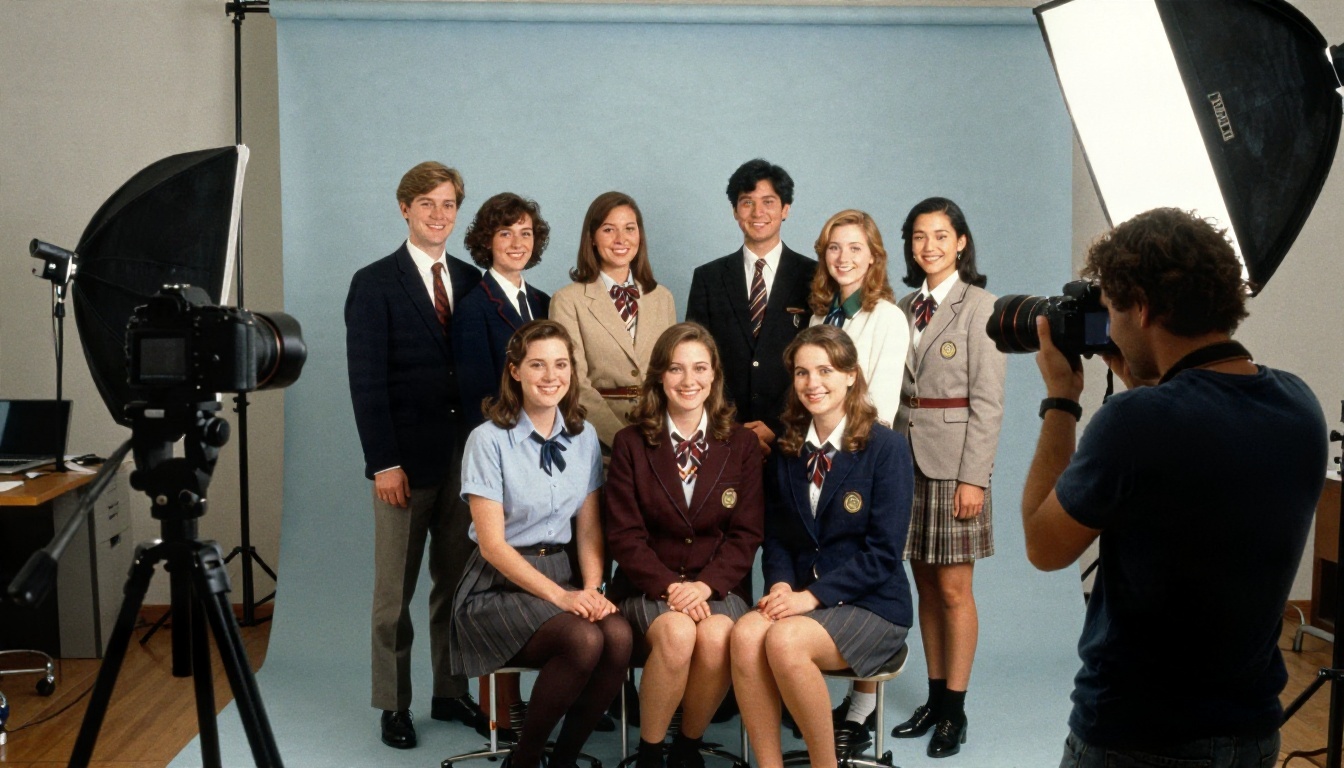
The nostalgic favorite. Think 1990s portrait backdrops, "Most Likely To" awards, club listings (the Coffee Club, the Walking Meeting Society) and handwritten-style signatures. It is silly in the best way, and people enjoy dressing up for the photo day. A coordinated outfit theme, such as varsity jackets or cardigans, makes the portraits cohesive.
Magazine Edition
For creative or media-minded teams. Use a front page headline, an "interview of the month," a letter from the editor and short feature stories about big projects. This is also a natural fit if you already publish an internal newsletter. Our Magazine Flipbook Creator is built for exactly that layout style.
Year in Review Timeline
Organize the book by month. Each spread highlights wins, milestones, new hires and one memorable photo. It is the cleanest structure for companies that want the yearbook to double as a record of what happened and when.
Superlatives and Awards
Run a vote and publish the results: Best Dressed on Video Calls, Most Likely to Reply in Under a Minute, Chief Snack Officer. Keep categories positive and inclusive, and give every person at least a chance of appearing somewhere.
Theme Comparison
| Theme | Tone | Photo Effort | Ideal Company |
|---|
| Retro school | Playful, nostalgic | High (photo day) | Startups, agencies, retail |
| Magazine edition | Polished, editorial | Medium | Media, marketing, tech |
| Year in review | Clean, factual | Low | Large or traditional firms |
| Superlatives | Funny, social | Low | Any team with strong rapport |
| Minimal portfolio | Calm, elegant | Medium | Design, law, architecture |
⚠️ Watch out: Avoid jokes that rely on someone's appearance, age, background or private life. A good rule: if the person would not repeat it at a family dinner, cut it.
Real Examples by Company Type
Ideas land better when you can picture them in context. Here are scenarios that match common workplaces.
A 25-Person Design Studio
The studio runs a magazine edition with a cover story on its biggest client project, a two-page spread of studio dogs, and desk tours of every designer. The whole book is 32 pages and is shared as a link in the all-hands channel. Clients get a trimmed version as a "meet the team" piece.
A Hospital Department
A nursing unit creates a superlatives and thank-you yearbook. Each page features a nurse, a short quote from a patient or colleague, and a photo from the unit's holiday party. It becomes a morale tool during a tough winter and is shared with new hires on day one.
A Hybrid Software Company
With staff in six time zones, the company chooses a year-in-review timeline. Each month features a product release, a remote team meetup and photos submitted by employees from their home offices. The yearbook is delivered as an interactive flipbook with embedded video messages from each team lead.
A Regional Retail Chain
Each store gets its own two-page spread with a team photo, store stats ("12,400 coffees poured") and an employee of the year. The corporate team compiles all spreads into one master book that every location can view on a break-room tablet. Compare that with a typical school yearbook: same joy, different audience.
Example Content Mix
| Company Type | Pages | Must-Have Sections | Format |
|---|
| Small studio | 24 to 36 | Team grid, desk tours, client wins | Flipbook plus print |
| Hospital unit | 20 to 30 | Staff spotlights, thank-you notes | Flipbook, password protected |
| Hybrid software firm | 40 to 60 | Monthly timeline, video messages | Interactive flipbook |
| Retail chain | 50 to 80 | Store spreads, awards, stats | Flipbook on shared tablets |

Plan It in Six Weeks
A yearbook falls apart when it is treated as a last-minute side task. A short, structured timeline protects the quality and your sanity.
The Timeline
- Week 1: Pick a theme and a small crew. Two or three volunteers from different departments is enough. Assign one person as editor.
- Week 2: Send the questionnaire. Use a simple form for fun facts, quotes and photo uploads. Set a clear deadline.
- Week 3: Run photo day. Book a corner of the office with a plain backdrop, or ask remote staff to send a photo that follows a simple prompt.
- Week 4: Collect event photos and stories. Search shared drives and chat channels for the best moments of the year.
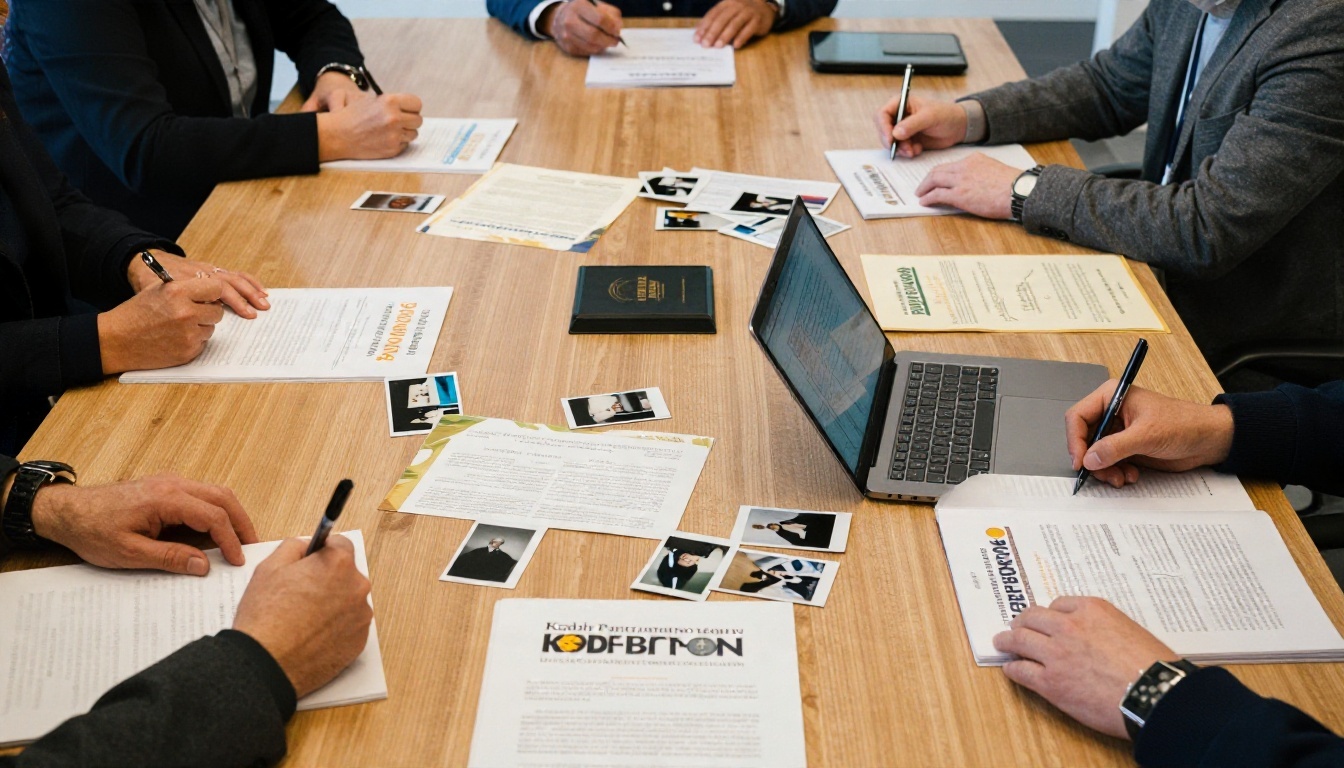
- Week 5: Design and proofread. Build the layout in your favorite design tool, export a PDF, and have two people check every name spelling.
- Week 6: Publish and celebrate. Share the flipbook, host a short reveal, and invite people to leave comments.
Three Common Mistakes
- Leaving people out. Check the final list against HR records. A missing name stings.
- Using inconsistent photos. Mixed crops and lighting make pages look messy. Give simple photo instructions.
- Making the book too long. Quality beats quantity. A tight 30 pages gets more attention than a bloated 100.
✅ Best practice: Ask for approval from every person featured, especially for personal facts and photos. A quick "okay to publish?" message avoids awkward moments later.
How to Create a Work Yearbook with Flipbooks AI
Once your pages are designed, you need a format people will actually open. A PDF attachment gets ignored. A page-turning flipbook feels like a real book, loads on any phone and can be shared with one link. Here is the process in Flipbooks AI.
Step 1: Create Your Account
Head to Flipbooks AI and sign up. You can compare plans on the pricing page if you plan to publish several yearbooks, such as one per department.
Step 2: Upload Your PDF
Export your layout from Canva, InDesign, PowerPoint or Google Slides as a PDF and upload it. The platform's PDF to Flipbook Converter turns each page into a flippable spread within seconds. If you want a purpose-built starting point, try the Yearbook Flipbook Maker.
Step 3: Customize the Look
- Add your company logo and brand colors to the viewer
- Choose a background that matches your theme, such as a wood desk for a retro book or a clean white for a minimal one
- Pick page-turn effects and sounds for a tactile feel
- Embed videos and audio, like a thank-you message from the CEO or a team sing-along
Step 4: Choose How to Share
| Sharing Option | Best Use | Notes |
|---|
| Direct link | Team chat, email | Fastest way to distribute |
| Embed code | Intranet, careers page | See the Embed Flipbook on Website tool |
| Password protection | Sensitive or internal content | Keeps the yearbook limited to staff |
| Offline download | Staff without steady internet | Useful for field and retail teams |
Step 5: Track and Refine
On the Professional plan you get analytics showing who opened the yearbook, which pages drew the most views, and where people stopped reading. You can also add lead generation forms if you plan to share a public version with prospective hires or clients. See what is included on the pricing page.
💡 Pro tip: There are no watermarks on your flipbooks, so the finished piece looks like it belongs to your brand. Standard plans and above also offer unlimited flipbooks, handy if every department wants its own edition.
Print vs Digital: Which Should You Choose?
You do not have to pick one. Many teams publish digitally for everyone and order a handful of printed copies for leadership and long-serving staff.
| Factor | Print | Digital Flipbook |
|---|
| Cost per copy | High, especially for color | Low after setup |
| Delivery time | Days to weeks | Minutes |
| Reach for remote staff | Needs shipping | Instant worldwide |
| Videos and audio | Not possible | Embedded |
| Edits after publishing | Reprint required | Re-upload the PDF |
| Sentimental value | Very high | Medium to high |
| Usage data | None | Views and page analytics |
A practical split: digital for the whole company, print for milestones. Hand out printed copies at a year-end event, and send the flipbook link to everyone else the same day.
Ideas to Make the Digital Version Special
- Add audio captions where colleagues read their own quotes
- Link team pages to short intro videos
- Include a "guestbook" page that links to a shared form for signatures
- Add a hidden bonus page with a team trivia challenge
Start Your Yearbook Today
The best work yearbooks are not the most polished. They are the ones that make people laugh, point at a photo, and say "remember that?" Start small: pick a theme, gather photos, and build five or six pages as a test. You can always add more.
Ready to publish? Create your account on Flipbooks AI, browse all flipbook tools, or compare pricing plans to see which one fits your team. If your yearbook is also a recap of business results, pair it with an Annual Report Creator edition, or send a lighter update through the Newsletter Flipbook Publisher. Your team already made the memories. Now give them a home.



