A zine is the cheapest, fastest way to put a strong idea into someone's hands. One sheet of paper, a pair of scissors and a photocopier are enough. The hard part is not the making, it is the decisions: which size, which layout, which collage style, which template. This article walks through all of them with practical examples, and shows how to turn the finished zine into a shareable digital flipbook on Flipbooks AI so people far from your zine fair table can read it too.
What Makes a Zine Work
A zine is a small, self-published booklet, usually made by one person or a tiny collective. It can hold photography, comics, poetry, recipes, field notes, band flyers or political rants. There is no rule book, but the zines people actually keep share a few habits.
Small Format, Big Voice
Limits create style. A zine with eight pages forces you to cut ideas down to the strongest ones. Every spread has to earn its place. That is why the best zines feel confident: the maker had no room to waffle.
💡 Pro tip: Write your zine's single sentence pitch before you open any design tool. If you cannot say it in one line, the pages will wander.
Print, Digital, or Both
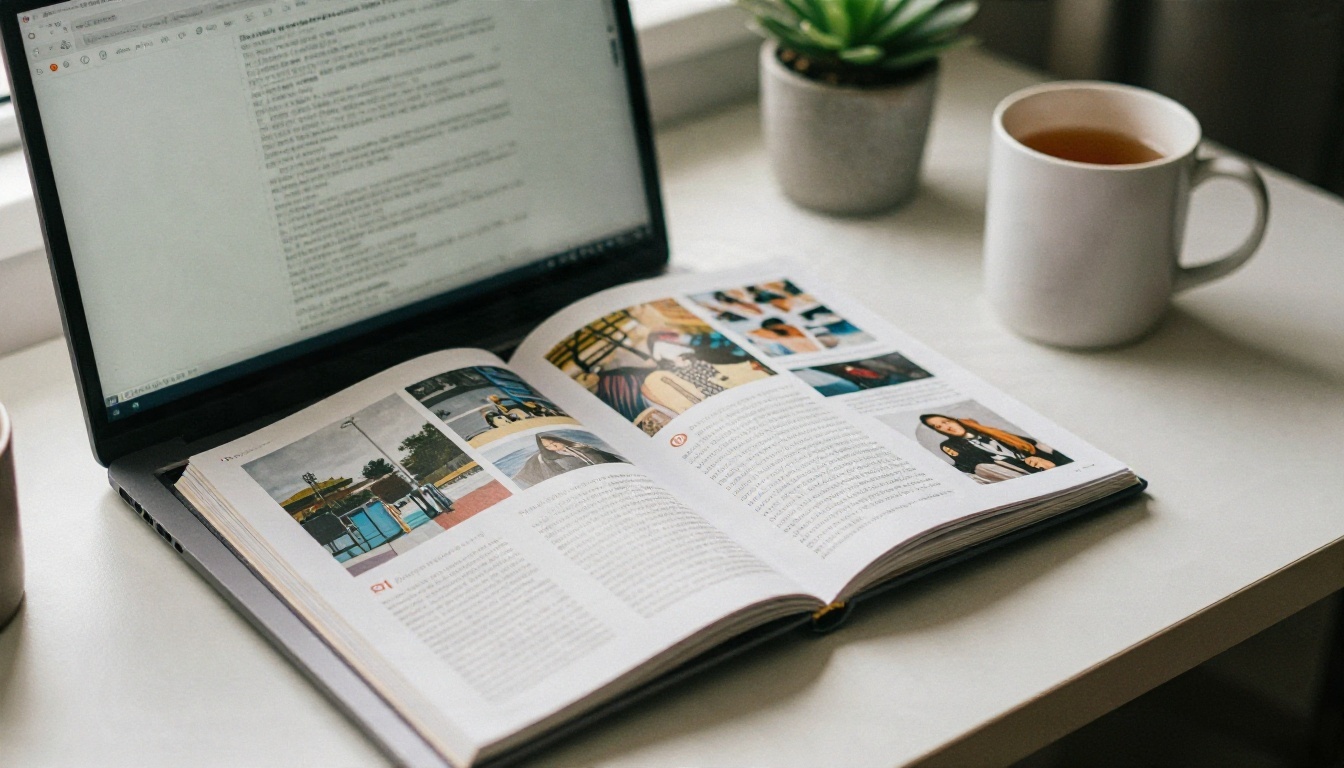
Most makers now work in both worlds. The paper copy sells at fairs and sits in bookshops. The digital copy travels by link. A PDF to flipbook converter lets the same file you send to the printer become a page-turning online edition, which is handy when a friend overseas wants to read it.
| Format | Best For | Main Limit |
|---|
| Printed zine | Fairs, trades, bookshops | Print run cost, shipping |
| PDF download | Quick sharing | Flat reading experience |
| Digital flipbook | Link sharing, embeds, mobile reading | Needs a good PDF first |
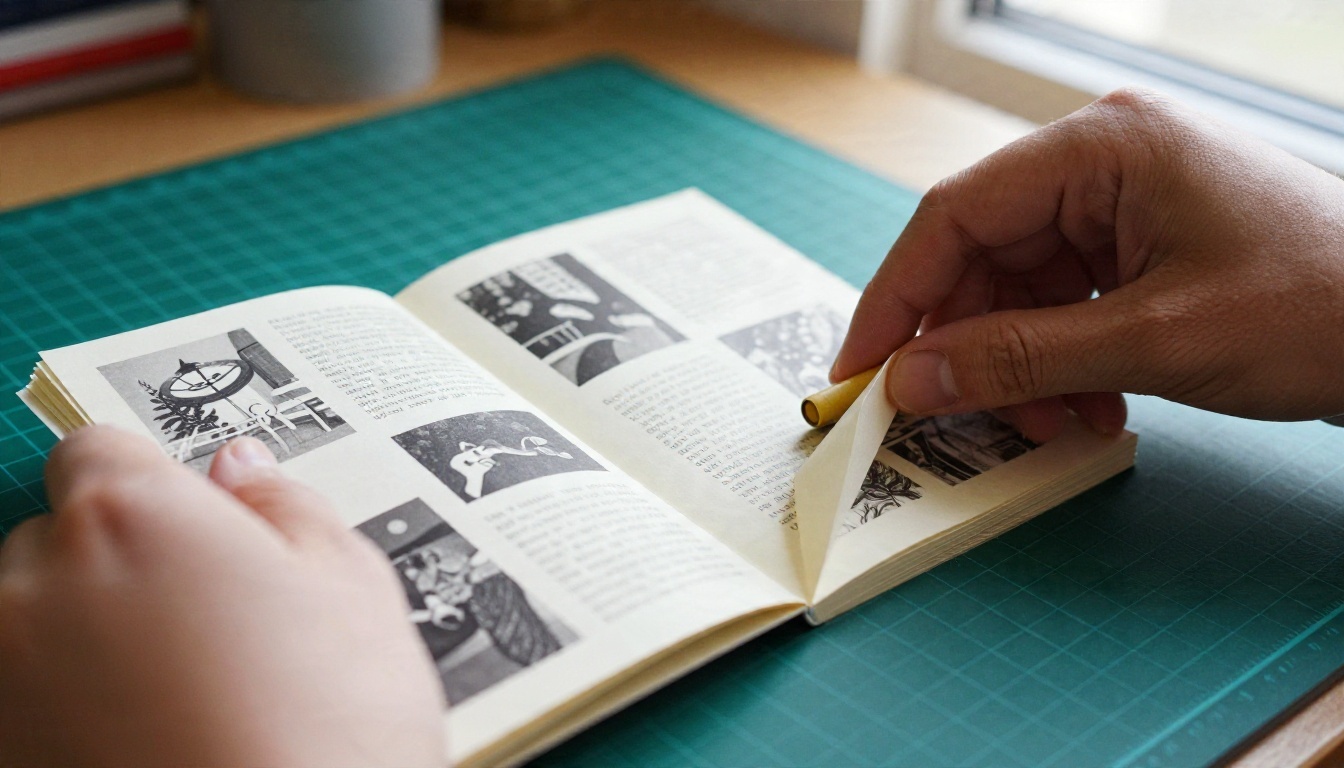
Page Sizes That Actually Fold Well
Size decides your budget, your printer options and how the zine feels in the hand. Pick it first, because every layout decision depends on it.
| Size | Dimensions | How It Is Made | Typical Use |
|---|
| Mini (A6) | 105 x 148 mm | One A4 sheet, folded and cut | Poems, photo sets, quick comics |
| Quarter Letter | 2.75 x 4.25 in | One US Letter sheet, folded and cut | Pocket zines, cut and paste work |
| A5 | 148 x 210 mm | A4 sheets folded in half | Essays, art, longer stories |
| Half Letter | 5.5 x 8.5 in | Letter sheets folded in half | Perzines, how-to booklets |
| Square | 6 x 6 in or 150 x 150 mm | Custom print or trimmed sheets | Photography, album style |
| Tabloid Fold | 11 x 17 in folded | Large sheets folded once | Newsprint style, posters inside |
The One Sheet Eight Page Fold
This is the classic starter format. Fold one sheet in half three times, unfold it, then cut a single slit along the center fold between the middle pages. Refold it and push the ends together so the pages form a small booklet.
The page order on the flat sheet looks like this when you lay it out in landscape with two rows and four columns:
| Row | Column 1 | Column 2 | Column 3 | Column 4 |
|---|
| Top row (rotate each page 180 degrees) | 5 | 4 | 3 | 2 |
| Bottom row (upright) | 6 | 7 | 8 | 1 |
Page 1 is your front page and page 8 is the back. Build this grid as a template in any layout tool and you have a reusable free template that costs nothing.
Half Letter and A5 Booklets
If you want more room, fold sheets in half and nest them. The page count must be a multiple of four, so plan for 12, 16, 20 or 24 pages. A16 booklet needs four sheets folded and nested together, printed double sided. Use your layout software's booklet or imposition export so the pages land in the right order.
Square and Odd Formats
Square zines look great for photography because the format feels like an old print album. Slim tall zines suit vertical comics and lists. The trade off is cost: custom sizes may waste paper and need a trimmer, so check your print shop's sheet sizes before you commit.
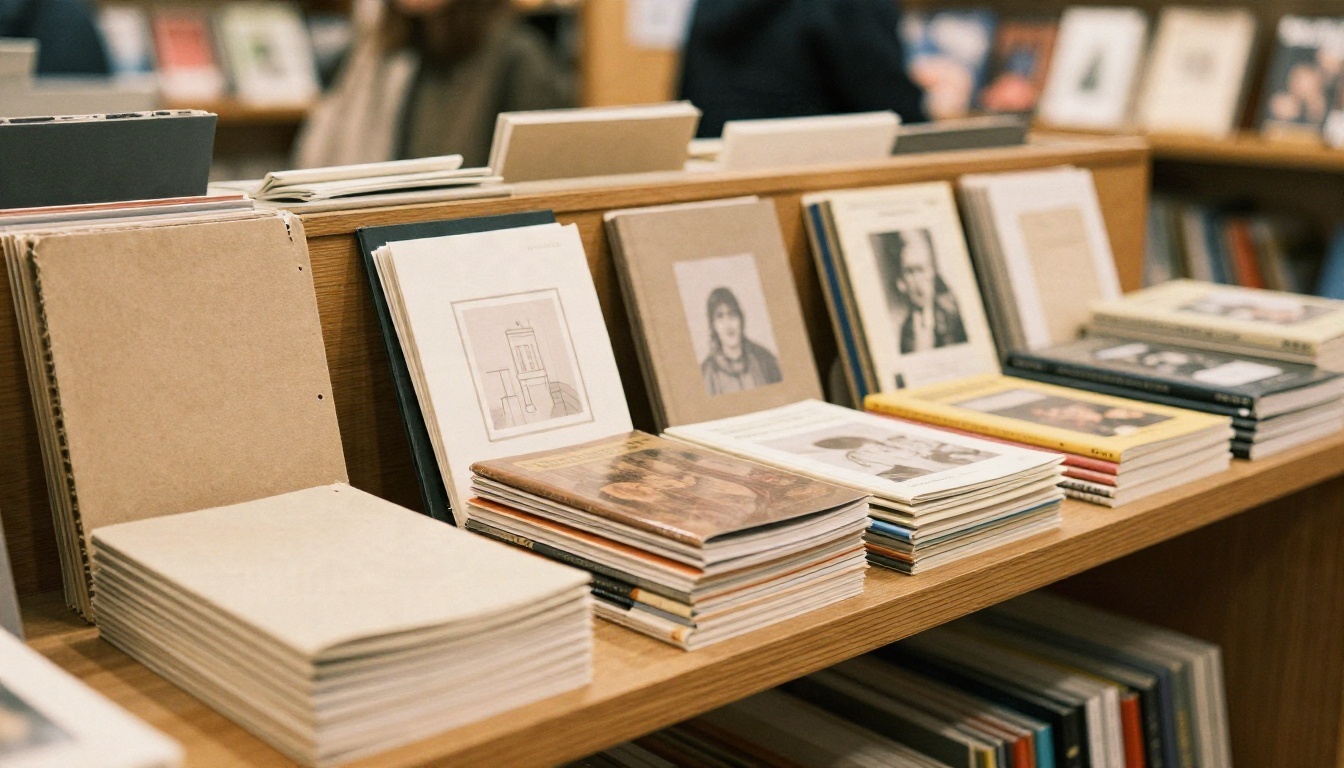
⚠️ Watch the margins: Keep text at least 5 mm (0.25 in) inside every trim edge, and extend backgrounds 3 mm (0.125 in) past it as bleed. Home printers rarely print to the edge, so leave a wide safe zone if you plan to print at home.
Layout Ideas That Hold Together
Good layout is mostly about repeating a few rules so the reader never feels lost. A zine can be wild on the surface and still follow a quiet structure underneath.
Grid Layouts for Beginners
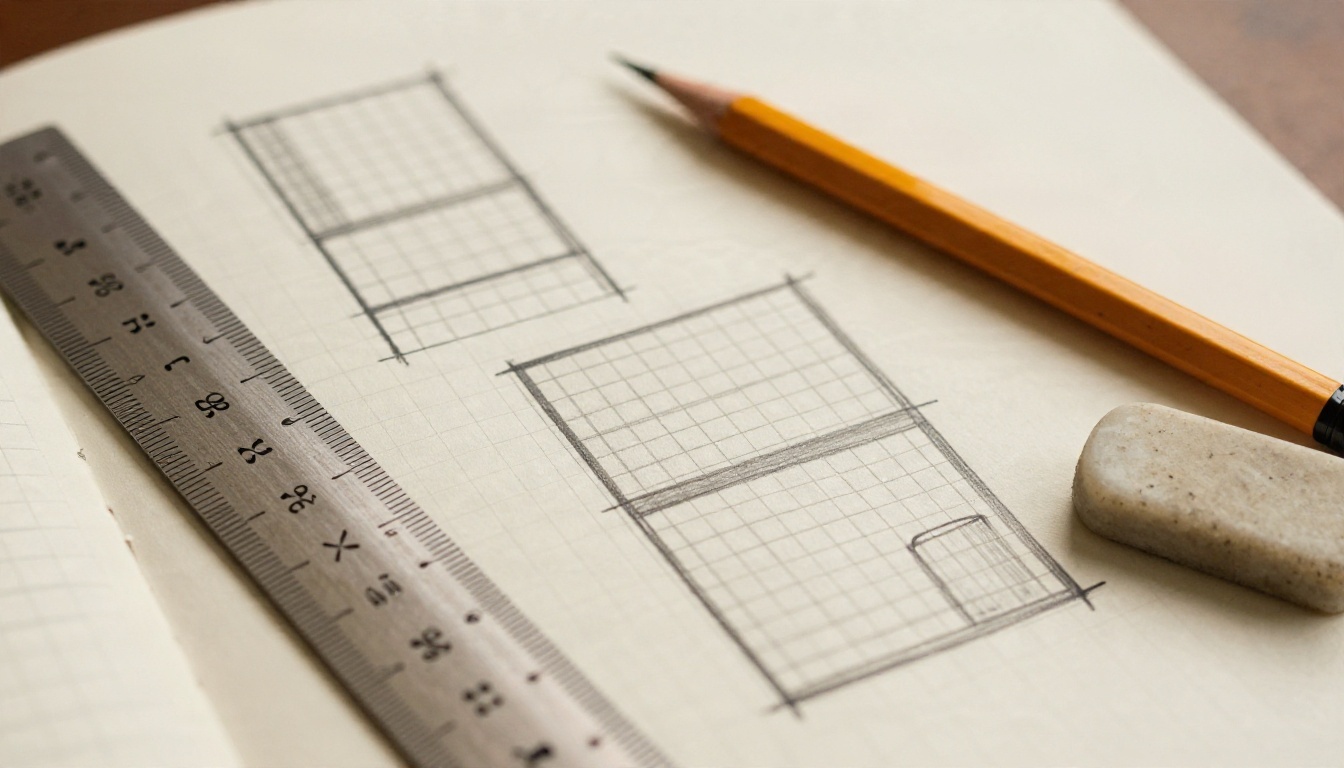
A simple two or three column grid keeps text readable and makes photos line up. Start with thumbnails: tiny pencil rectangles, one per page, showing where the image sits and where the text blocks go. Ten minutes of thumbnails saves an hour of rearranging.
Here is a basic setup that works for most A5 zines:
- Margins: 12 mm outer, 15 mm inner (the inner side loses space to the fold)
- Columns: 2 for text heavy pages, 1 for essays
- Body text: 9 to 10 pt, a plain serif or a clean sans
- Headings: one bold typeface used everywhere
- Page numbers: tiny, in the same corner on every page
Broken Grid and Overlap
Once the grid is in place, break it on purpose. Let a photo bleed off the edge. Rotate a headline ten degrees. Layer a torn paper strip across two columns. The reader senses the order beneath the mess, and that is what makes it look designed instead of random.
Pacing a Spread
Think in spreads, not single pages, because the reader sees two at a time. Alternate dense pages with airy ones. Put a loud full bleed image after three pages of text. Finish with a quiet back page that contains a contact line or a small drawing.
| Layout Style | Feel | Works Best For |
|---|
| Strict grid | Calm, editorial | Essays, interviews, recipes |
| Full bleed images | Bold, cinematic | Photography, travel |
| Broken grid | Energetic, punk | Music, art, protest zines |
| One idea per page | Minimal, poetic | Poems, short quotes |
| Comic panels | Narrative | Stories, diary comics |
Collage Styles Worth Stealing
Collage is the visual language most people picture when they think of zines. It also happens to be forgiving: if you can cut a straight line or a deliberately wobbly one, you can make a page that looks intentional.
Cut and Paste Punk
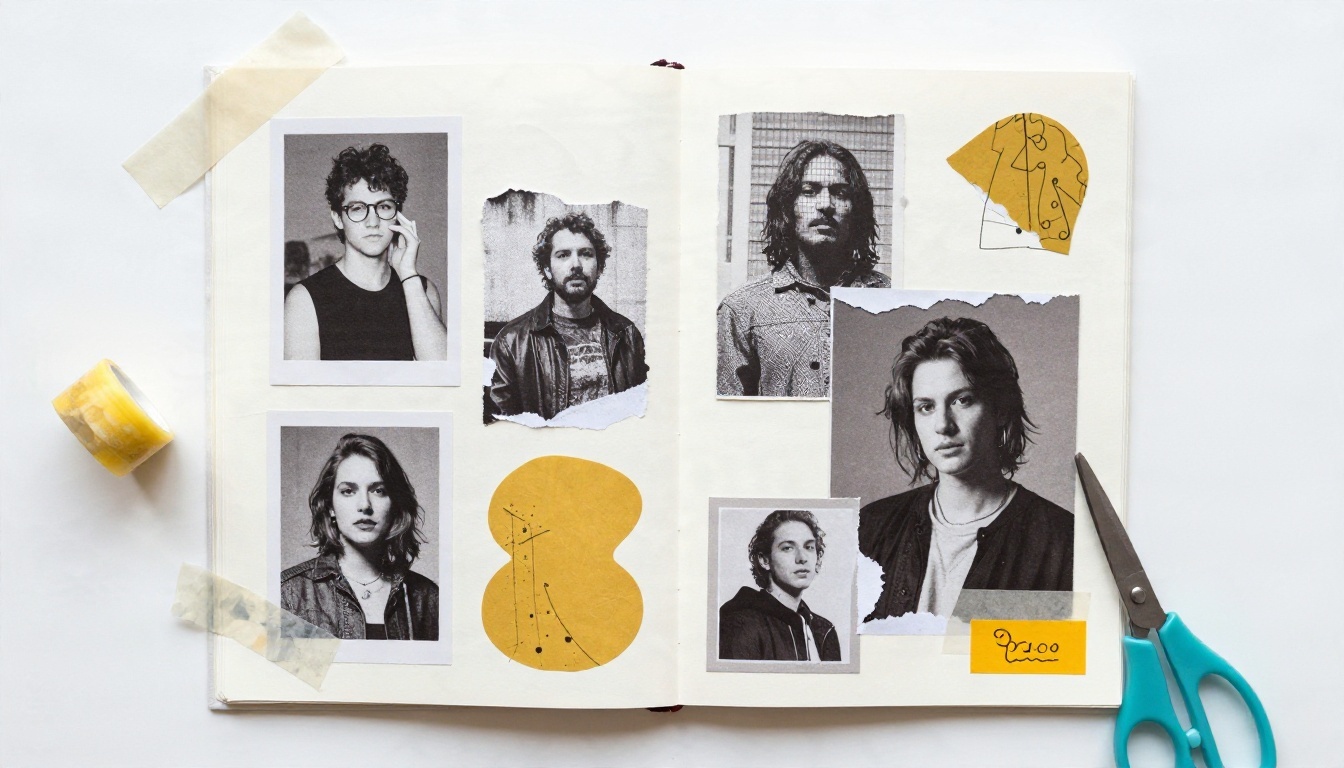
Think ransom note letters, torn edges, photocopied faces and strips of tape. Keep the palette black and white, then add one spot color such as red or yellow. The limited palette is what stops the chaos from turning muddy.
Vintage Botanical Collage
Old encyclopedias, seed catalogs and nature magazines supply flowers, insects and anatomical drawings. Combine them with a flat paper shape behind each cutout so they stand out. This style suits gentle subjects: gardening notes, grief, folklore or slow living.
Halftone and Photocopy Texture
Photocopy a photo three or four times, raising the contrast each pass. The image breaks into dots and rough grain, which gives a gritty, analog look. This is the quickest way to make a stock image feel like it belongs in your zine.
| Collage Style | Materials | Palette | Difficulty |
|---|
| Cut and paste punk | Newsprint, tape, marker | Black, white, one spot color | Easy |
| Vintage botanical | Old books, seed catalogs | Faded greens, creams | Medium |
| Halftone photocopy | Photos, copier | Grayscale | Easy |
| Paper shape abstract | Colored paper, scissors | Bold flat colors | Medium |
| Mixed media | Fabric, stamps, thread | Anything | Hard |
✅ Best practice: Scan or photograph every finished collage page at 300 dpi before you glue it permanently. Collage is fragile, and a good scan lets you reprint, resize and reuse it digitally.
Free Templates to Start With
You do not need to buy anything. A template is only a page grid with guides, and you can build one in ten minutes in any layout program, presentation tool or even a spreadsheet.
| Template | Pages | Paper | Best Use |
|---|
| Mini fold | 8 | One A4 or Letter sheet | First zine, giveaways |
| Half letter booklet | 12 to 24 | Letter sheets, folded | Essays, how-to zines |
| A5 booklet | 16 to 32 | A4 sheets, folded | Art, photography |
| Square photo zine | 20 | Custom or trimmed | Portfolios, trips |
| Single page poster zine | 1 sheet, 8 panels | Folded poster | Event maps, flyers |
To build your own template:
- Create a document at your final trim size.
- Add guides for margins, bleed and the center fold.
- Place a placeholder for the page number on every page.
- Set one body style and two heading styles.
- Save it as a template file, so each new issue starts from the same skeleton.
Reusing the template across issues gives your zine series a consistent look, even when the content changes completely.
How to Create a Zine Flipbook with Flipbooks AI
A printed zine reaches the people in the room. A flipbook reaches everyone else. Here is how to turn your finished zine into an interactive page-turning edition using Flipbooks AI.
Step by Step
- Start your account. Go to Flipbooks AI and create an account.
- Export a reading PDF. In your layout file, export pages in reading order, not in printer order. A printer imposed sheet will look scrambled online.
- Upload and convert. Drop the PDF into the PDF to Flipbook Converter. Your pages become a realistic page-turning flipbook in moments.
- Customize the look. Add your own branding, choose background colors that suit your collage palette and pick a page turn effect. You can also embed videos and audio, such as a recording of the poem on page three.
- Share it. Copy a direct link, or use the embed code option to place the zine on your own site. For private issues, such as a members only edition, add password protection.
- Check it on a phone. The flipbook is mobile responsive, so test reading it on a small screen, since most readers will open the link there.
Pro Features Worth Using
| Feature | What It Does | Plan |
|---|
| No watermarks | Keeps your artwork clean | All plans |
| Unlimited flipbooks | Publish every issue | Standard and above |
| Password protection | Limits who can read | Paid plans |
| Offline downloads | Lets readers save the zine | Paid plans |
| Analytics | Shows which pages get read | Professional |
| Lead generation | Collects reader emails | Professional |
See the full breakdown on the pricing page.
💡 Pro tip: Zines that double as portfolios do well as flipbooks. The Digital Portfolio Creator and Magazine Flipbook Creator are good fits for photo zines and longer artist publications.
Printing and Binding Without Headaches
Photocopy and Print Shop Tips
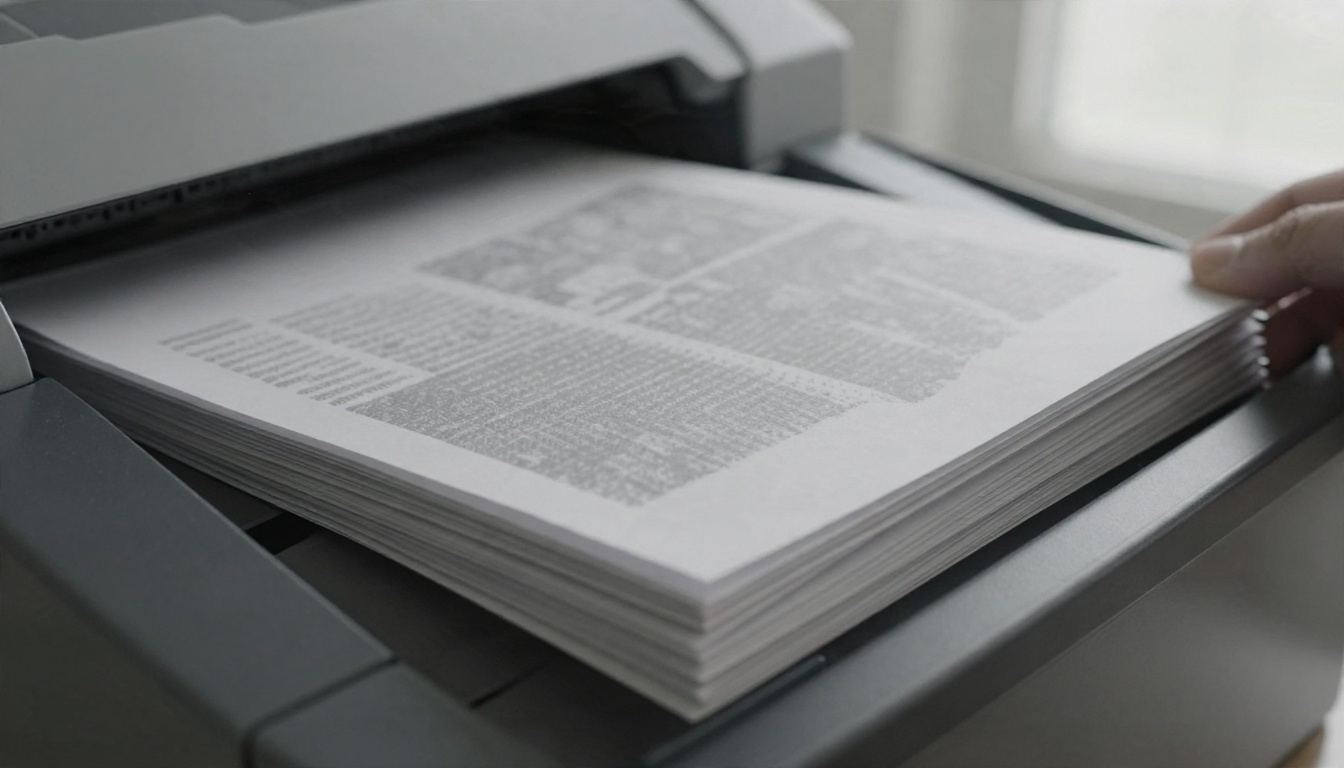
A photocopier is the traditional zine press, and it rewards a few simple habits. Run a test page first to see how your darkest blacks behave. Light gray text often disappears on cheap copiers, so push contrast higher than looks right on screen. Use the copier's lightest paper tray for pages with heavy ink coverage to avoid bleed through.
| Print Method | Cost per Copy | Quality | Best Run Size |
|---|
| Home inkjet | Medium | Good color, slow | 1 to 20 |
| Photocopier | Very low | Gritty, authentic | 20 to 200 |
| Digital print shop | Low to medium | Sharp, consistent | 50 to 500 |
| Offset or risograph | Low at volume | Rich, textured | 100 and up |
Saddle Stitch Binding
Saddle stitching means stapling through the fold. Open the zine flat, align the pages, and place two staples along the center crease, about a third of the way in from each end. A long arm stapler makes this easy, but a regular stapler works if you open it flat and press the staple into a soft pad of foam or cardboard. Fold the staple legs down with your thumb or a bone folder.
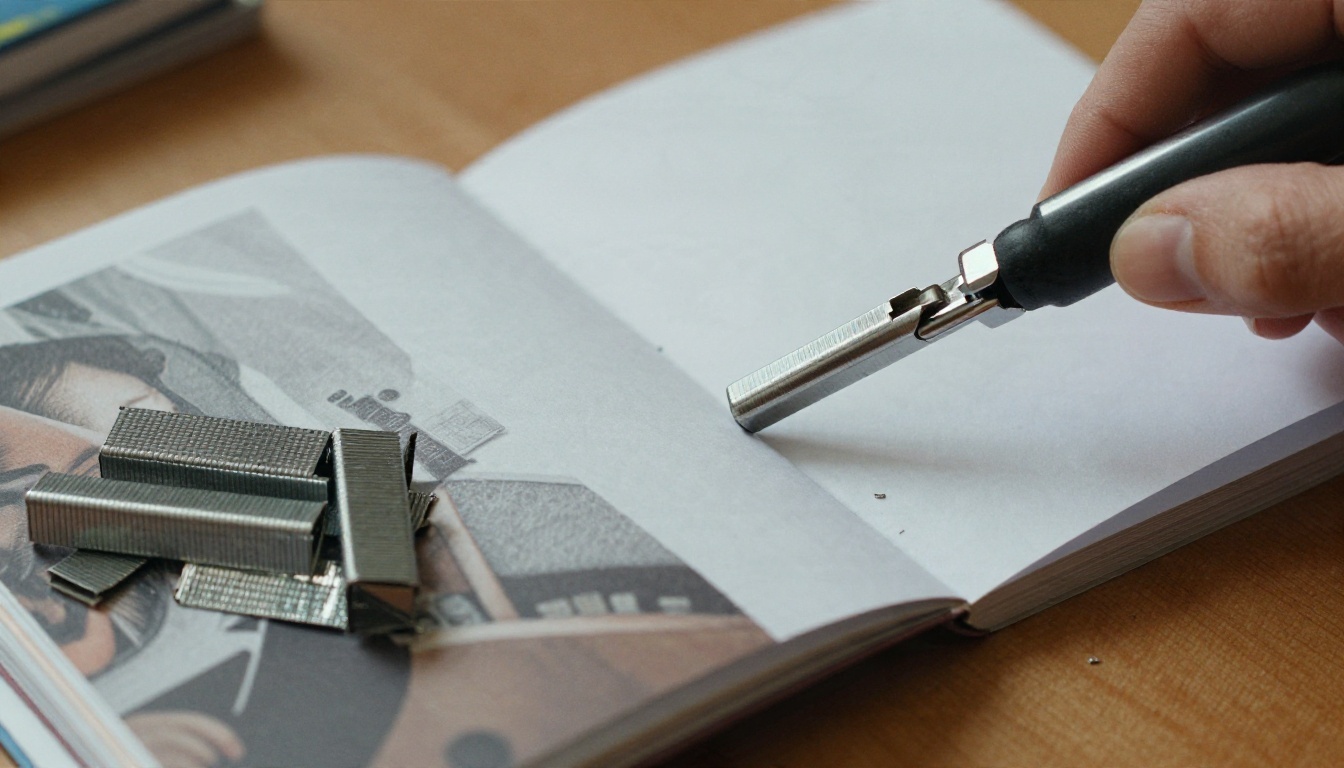
⚠️ Page count warning: Saddle stitch binding only works in multiples of four pages. Thick zines also push the inner pages outward, so trim the outer edge or keep your page count modest.
Make Your First Zine This Weekend
Here is a plan you can finish in two afternoons:
- Saturday morning: Choose a topic and write your one line pitch.
- Saturday afternoon: Sketch eight thumbnails, then cut and paste the collage pages.
- Sunday morning: Scan the pages, set the text, and export both a print version and a reading PDF.
- Sunday afternoon: Photocopy, fold, staple, and publish the online edition as a flipbook.
The result will not be perfect, and that is the point. A zine is a living thing, and your second issue will already look better than the first.

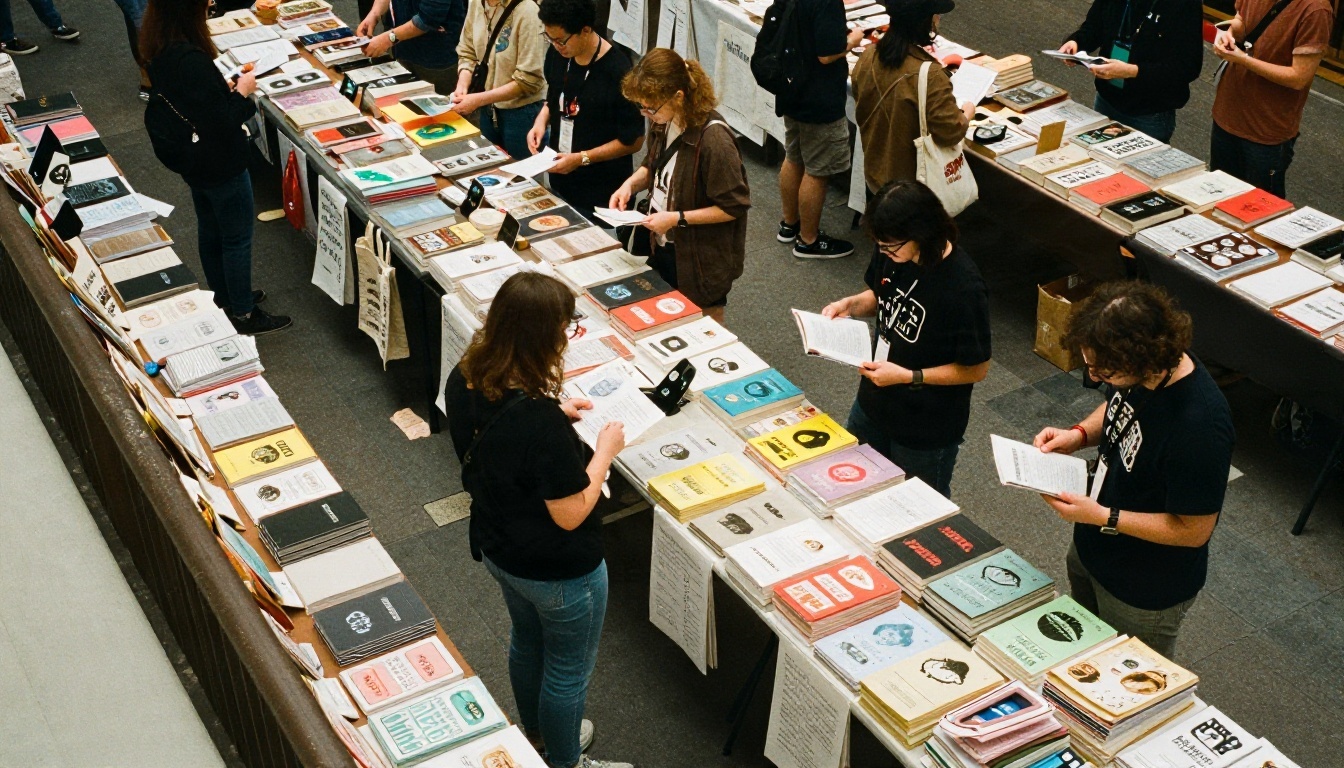
Once your zine is printed, take it to a local fair, where a table of handmade work is half the fun.
Ready to share yours beyond the fair table? Get started for free on Flipbooks AI, browse all flipbook tools for portfolios, magazines and e-books, or compare pricing plans to pick the setup that fits your next issue.



