A zine is a small, self-published booklet, and for students it may be the cheapest and fastest way to turn an idea into something people can hold, read and pass around. You need one sheet of paper, a pen and an afternoon. Better still, once the paper version is finished, you can scan it and publish it online through Flipbooks AI so classmates, teachers and family can flip through it on any phone.
This article gives you twelve zine ideas students actually finish, free templates you can copy today, project examples sorted by grade level, and a simple way to share your finished zine online without a watermark.
Why Zines Work in Class
Teachers keep returning to zines for a simple reason: they are small enough to finish. A research paper can feel endless. A zine has eight pages, and eight pages feels doable.
A Zine in Plain Terms
A zine (pronounced "zeen," short for magazine or fanzine) is a short DIY publication. It can be hand-drawn, typed, collaged from magazine clippings, or built in a design app. Most zines are made by folding a single sheet of paper into a booklet, which keeps production cost close to zero.
What Students Gain
Making a zine builds several skills at once:
- Editing: eight pages force students to cut everything that is not essential.
- Design sense: layout, contrast, and image choice all matter on a tiny page.
- Voice: a zine belongs to its maker, so personality shows up fast.
- Research habits: a zine about local history still needs real sources.
- Confidence: a finished, shareable object feels different from a graded worksheet.
💡 Pro tip: Set a hard page limit before students begin. Eight pages is the sweet spot because it matches the classic one-sheet fold.
12 Zine Ideas Students Actually Finish
The best zine topics are narrow. "My life" is too big. "Five things I wish I knew on my first day at this school" is just right.
Personal and Creative Ideas
- A day in my neighborhood: one page per hour, using photos or quick sketches.
- Playlist zine: eight songs, one page each, with a short story about why each matters.
- Comic diary: a week of small moments told in four-panel strips.
- Recipe memories: family dishes with a hand-drawn illustration and one short story per recipe.
Class and Study Ideas
- Revision zine: a single topic (the water cycle, the French Revolution, quadratic equations) boiled down to eight pages for classmates.
- Book review zine: a short review, a quote, and a drawn scene from a novel.
- Science field notes: observations from a school garden or a nearby park, with labeled drawings.
- Historical figure profile: a biography told through a timeline, a portrait, and primary source quotes.
Community and Club Ideas
- Club handbook: how to join, what the club does, and meeting dates.
- Local guide for new students: best lunch spots, quiet study corners, and shortcuts between buildings.
- Protest or awareness zine: a cause the student cares about, with facts and a call to act.
- Collaborative anthology: each student contributes one page and the class binds them together.
| Subject | Zine Idea | Best Format | Time Needed |
|---|
| English | Book review zine | 8-page fold | 1 to 2 class periods |
| Science | Field notes zine | Half-letter booklet | 2 to 3 class periods |
| History | Figure profile with timeline | 8-page fold | 2 class periods |
| Art | Collage portfolio | Square booklet | 3 class periods |
| Social studies | Local guide | Half-letter booklet | 2 class periods |
| Any class | Collaborative anthology | Combined PDF | 3 or more periods |
Free Zine Templates You Can Use
You do not need design software to start. A blank sheet and a ruler work. If you prefer a digital layout, set your page size first, then build each page as a separate artboard or slide and export the whole thing as a PDF.
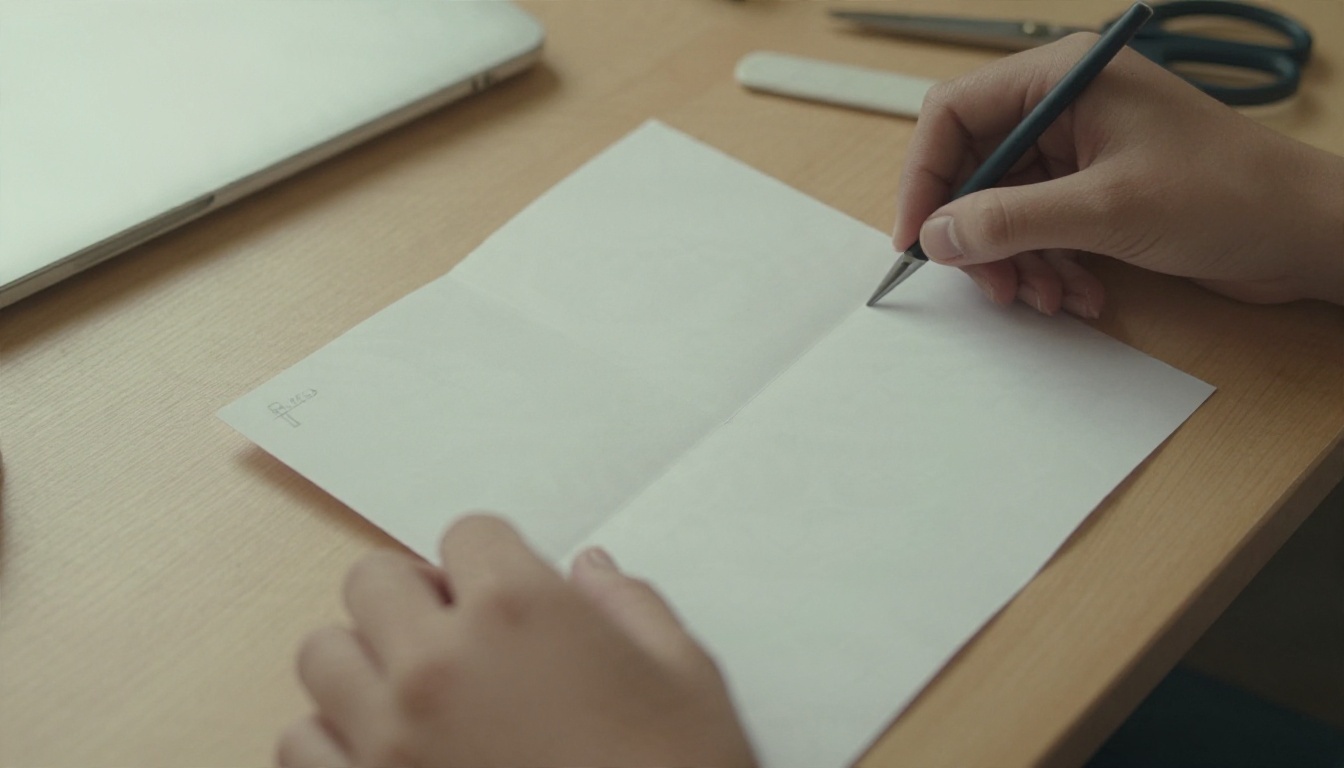
The One-Sheet Eight-Page Fold
This is the classic. Take one sheet of letter or A4 paper and follow these steps:
- Fold the sheet in half the long way, then open it.
- Fold it in half the short way, then fold it in half again so it forms a small rectangle.
- Open it back to the first long fold.
- Cut a slit along the center fold, stopping at the crease marks on each side.
- Fold the sheet lengthwise again, push the ends together so the slit opens into a diamond, and fold the pages into a booklet.
You now have a cover, a back page and six inside pages. Draw on the paper before folding, remembering that half the pages will be upside down. Number them in pencil on the flat sheet to avoid mistakes.
Half-Letter and Square Layouts
If you plan to share digitally, a standard page size makes life easier. Here is how the common options compare:
| Template | Page Size | Pages | Best For | Printing Effort |
|---|
| One-sheet fold | 4.25 x 2.75 in | 8 | Quick class projects | Very low |
| Half-letter booklet | 5.5 x 8.5 in | 12 to 24 | Research and anthologies | Medium (needs stapling) |
| Square booklet | 6 x 6 in | 12 to 20 | Photo and art zines | Medium |
| Digital-only vertical | 1080 x 1350 px | Any | Phone-first reading | None |
✅ Best practice: Leave at least 0.25 inches of margin on every page. Home printers cut off edges, and folded pages hide the inner margin.
Project Examples by Grade Level
Zines work across age groups, but the scope should change. Younger students need a clear structure. Older students can handle research, citations and group coordination.
| Grade Level | Project | Page Count | Skills Practiced |
|---|
| Middle school | "All About My Favorite Animal" | 8 | Research, drawing, short captions |
| High school | Historical turning point zine | 8 to 12 | Sources, thesis, visual argument |
| College | Thematic anthology or portfolio | 16 to 32 | Editing, curation, layout |
| Club or extracurricular | Welcome handbook | 12 | Clear writing, audience focus |

Middle School Example
A seventh-grade science teacher asks every student to pick one animal. Page one is the title. Pages two to seven each answer one question: where it lives, what it eats, who hunts it, how it raises young, one surprising fact, and one drawing. Page eight lists sources. The finished zines are photocopied, and each student trades with a partner.
High School Example
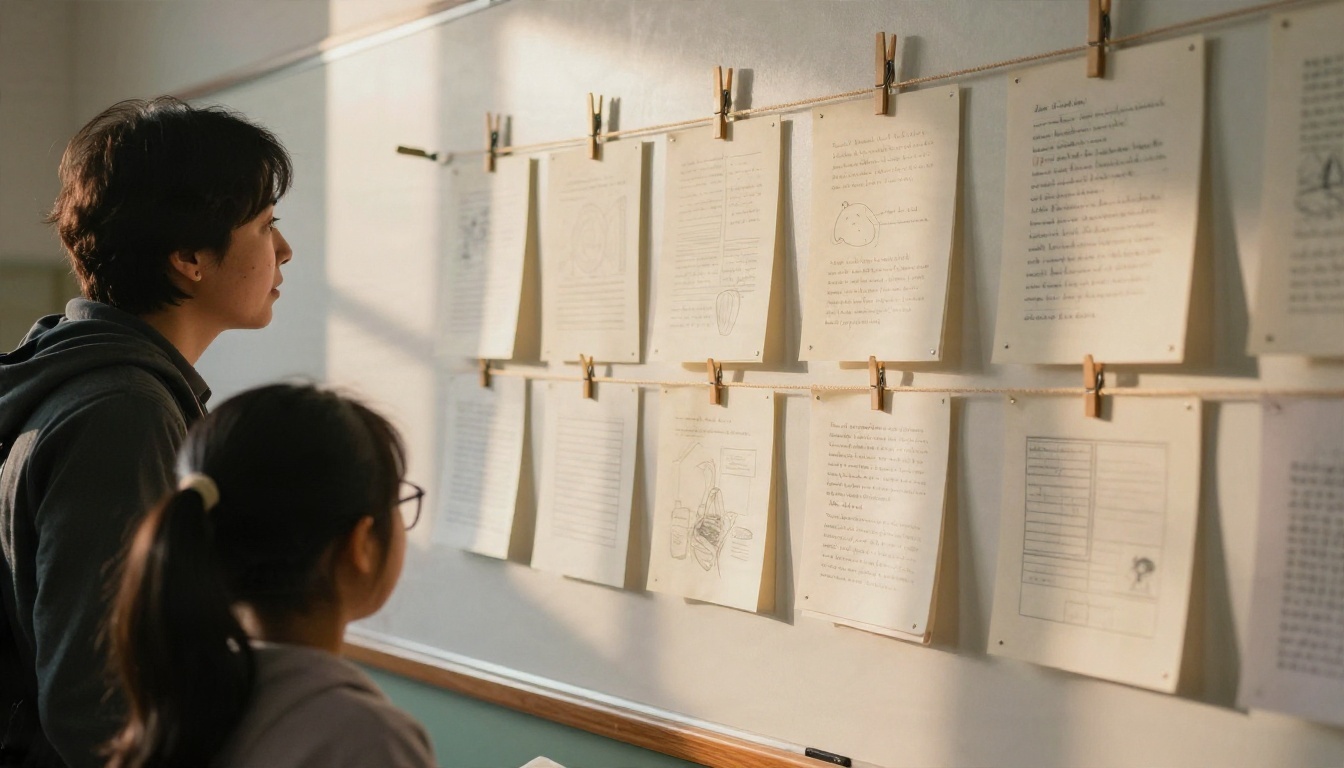
A history class makes zines about turning points in the twentieth century. Each student must include one primary source quote, a short timeline, and a "what if it went differently" page. The teacher scans all zines and publishes them as a class library, which means a parent can read a student's work from home.
College Example
An art department asks first-year students to produce a sixteen-page portfolio zine of their best work from the semester. Students print a small run for a gallery table and also publish a digital version through a tool like the Digital Portfolio Creator so admissions reviewers and internship recruiters can view it later.
How to Create a Zine with Flipbooks AI
Paper is great, but it gets lost in backpacks. A digital copy lasts, travels, and can be shared with a single link. Here is the quickest route from finished zine to shareable flipbook using Flipbooks AI.
Upload and Convert
- Scan your paper zine or export your digital layout as a PDF. Each page should be a separate page in the PDF, in reading order, not in print-imposition order.
- Create a free account on Flipbooks AI.
- Upload your file with the PDF to Flipbook Converter.
- Wait a few seconds while the PDF turns into a page-turning flipbook with a realistic fold effect.
💡 Scanning tip: Scan at 200 to 300 DPI. Lower looks blurry on large screens, and higher makes the file heavy without a visible gain.
Customize the Look
Once your flipbook is open, adjust the details so it feels like a real publication:
- Branding and colors: pick a background color that matches the mood of your zine.
- Page effects: choose how pages turn, from soft curls to quick flips.
- Multimedia: embed a short audio clip, such as you reading a poem, or a video behind a page.
- Mobile layout: every flipbook is mobile-responsive, so it works on a phone without pinching and zooming.
No watermark is placed on your work, which matters when a zine goes into a school portfolio or a scholarship application.
Share with a Link or Embed
When you are happy with the result, pick how to share it:
- Direct link: copy the URL and paste it into a message, email or class chat.
- Embed code: place the flipbook on a class blog, school page or personal site using the Embed Flipbook on Website tool.
- Password protection: lock the flipbook when a zine includes personal stories that should reach only a chosen audience.
- Offline download: save a copy so it can be read without a connection in a classroom with poor Wi-Fi.
Extra Options for Teachers
If you run a whole class, check the pricing plans. The Standard plan and above allow unlimited flipbooks, which suits a teacher publishing thirty student zines at once. The Professional plan adds analytics and lead generation, so you can see how many people opened a zine and which pages held attention longest. A Course Material Publisher setup works well for collecting all zines in one place.

Easy Ways to Share Online
Printing ten copies reaches ten people. A link can reach a hundred. Pick the method that fits your audience and privacy needs.
| Sharing Method | Best For | Privacy Level | Effort |
|---|
| Direct link | Friends, class group chats | Medium (anyone with the link) | Very low |
| Embed on a website | Class blogs, portfolios | Public | Low |
| Password-protected link | Personal stories, drafts | High | Low |
| Offline PDF or download | Low-connectivity classrooms | Depends on distribution | Low |
| QR code on a printed copy | School halls, open days | Public | Low |
Link and QR Code Sharing
Generate a QR code that points to your flipbook link and print it on a poster or on the back of the paper zine. A reader can pick up the paper copy, scan the code, and see the full-color digital version with sound and extra pages. This is a neat way to connect print and screen.
Embedding on a Class Website
If your class keeps a blog, embed each zine so classmates can browse without leaving the page. You can also pair this with a School Newsletter Creator issue that features the best zines of the month, or gather the whole class into a Yearbook Flipbook Maker project at the end of the year.
⚠️ Privacy note: Check your school's policy before posting student names, faces or addresses online. When in doubt, use first names only or add a password.
Common Mistakes to Avoid
Even a tiny booklet can go wrong. These are the issues teachers see most.
- Choosing a topic that is too broad. "Music" produces vague pages. "Three albums that got me through exams" produces a voice.
- Ignoring page order. Number pages in pencil on the flat sheet before folding. Upside-down pages are the classic error.
- Tiny, light text. Pencil and thin pens fade after scanning. Use dark ink and keep body text readable at small sizes.
- Skipping sources. Even a fun research zine needs a source line. Put it on the back page.
- Forgetting copyright. Collage with magazine clippings is fine for a classroom display, but a public online zine needs original or licensed images.
- Publishing without a proofread. Ask a classmate to read it once before you scan.
✅ Best practice: Build a small checklist on the board: topic, eight pages, title, author line, sources, margins, proofread. Students tick the boxes before they scan.
Start Your First Zine Today
You have the ideas, the folds and the sharing plan. All that is left is to pick a topic and put pen to paper. Begin with a single sheet, give yourself one hour, and see how far eight pages can go.
When the paper version is ready, here is the shortest path to publish it:
A zine can be messy, personal and imperfect. That is exactly why people enjoy reading it. Fold the paper, finish the pages, and share it with the people who will care.



