You cut, pasted, photocopied, and stapled a zine that looks exactly like you. Now you want it in front of readers who live three time zones away and will never see your zine table. A good zine online maker solves that in an afternoon: you pick a free template, build your pages, and publish a flipping, page-turning version that opens from a single link. With Flipbooks AI, that link works on phones, tablets, and laptops, with no watermark stamped across your artwork.
This article walks through the whole process in plain terms. You will see how digital zines differ from printed ones, which template formats save the most time, how to build pages that stay readable on small screens, and how to share your work. Then comes the part most zine makers skip: setting up an online zine library so every issue you publish stays easy to find.
What a Zine Online Maker Does
A zine online maker takes the pages you designed, usually as a PDF, and turns them into a browsable publication with real page-turn motion. Readers click or swipe, the page curls, and the sound and feel of flipping paper come back. It is the closest thing to holding your zine without mailing it.
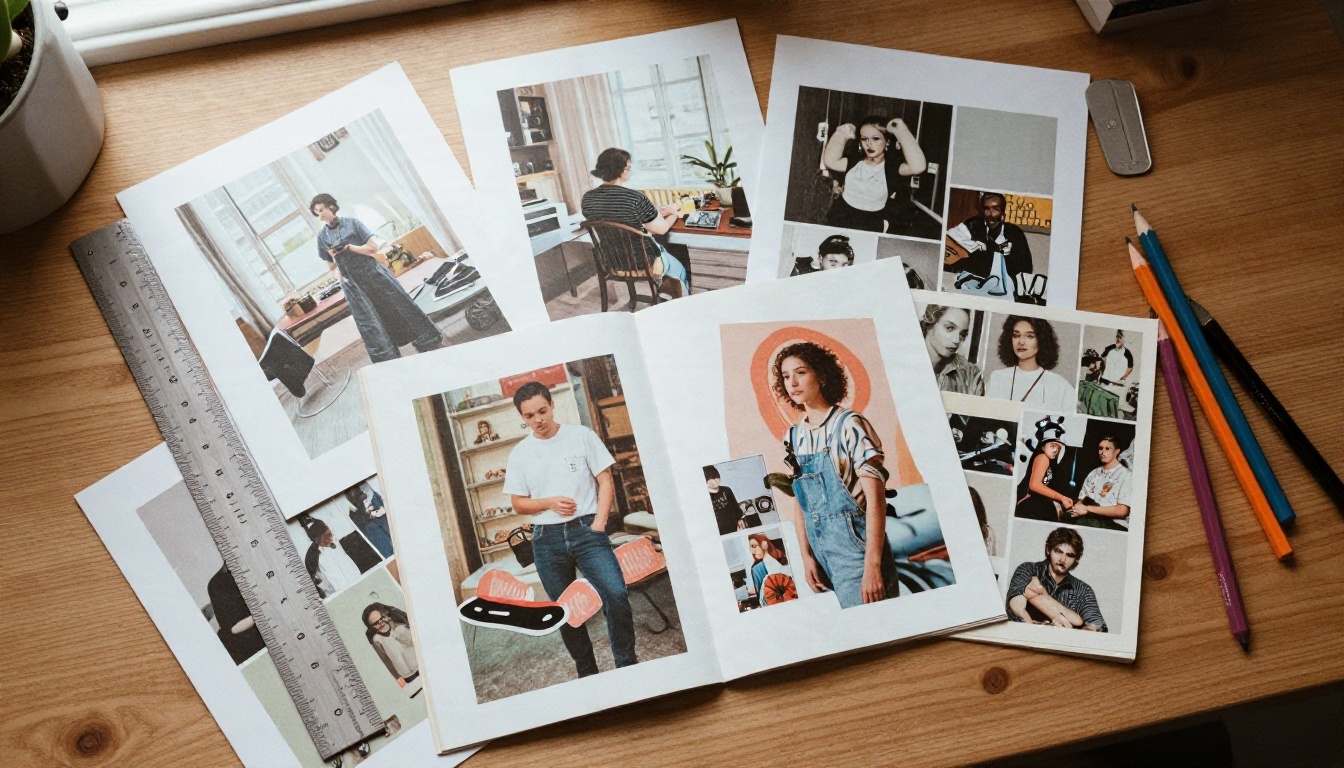
Print Zine vs Digital Zine
Neither format replaces the other. They solve different problems, and most makers end up using both.
| Feature | Printed Zine | Online Page Flip Zine |
|---|
| Cost per copy | Paper, ink, postage | Close to zero after publishing |
| Reach | Fairs, shops, mail | Anyone with a link |
| Update an error | Reprint everything | Replace the PDF |
| Texture and feel | Real paper grain | Simulated page turn |
| Multimedia | None | Video, audio, clickable links |
| Tracking readers | Guesswork | Analytics on Professional plans |
| Storage | Boxes in your closet | Cloud library |
💡 Pro tip: Treat the printed zine as the collectible and the online version as the sampler. Many readers who find your page flip link later buy the physical copy.
Who Makes Zines Online
The audience is wider than people expect. Here are a few real situations:
- Illustrators who publish a monthly sketchbook issue for their newsletter subscribers.
- Photographers who assemble a 12-page photo zine after a trip and share it with clients.
- Bands and DJs who release gig posters, lyrics, and tour diaries in one place.
- Teachers and clubs who publish a student zine without printing 60 copies.
- Small shops who turn a lookbook into a zine, a format that feels personal instead of corporate.
If your project leans toward photography, the Photography Portfolio tool is a natural fit. For fashion or styling zines, try the Interactive Lookbook Designer.
Free Templates That Save Hours
Starting from a blank page is where most zines stall. A template gives you margins, a grid, and a page count before you make a single creative decision. Free templates are plenty good enough, as long as you pick the right format for your content.

Pick a Page Count
Page count shapes everything: how much you write, how many images you need, and how the flip feels on screen. Here is how the common formats compare.
| Template Format | Pages | Best For | Time to Build |
|---|
| One-sheet mini zine | 8 | Poems, flash comics, quick photo sets | 1 to 2 hours |
| Half-letter booklet | 12 to 16 | Short stories, interviews, tour diaries | 1 day |
| Digest-size zine | 24 to 32 | Issue-based zines, recipe collections | 2 to 4 days |
| Square photo zine | 20 to 28 | Photography series, travel albums | 1 to 3 days |
| Long-form issue | 40+ | Anthologies, community projects | 1 week or more |
✅ Best practice: Print-ready layouts use page counts divisible by 4. Even if your zine only lives online, keep to that rule so you can print a run later without redesigning anything.
Five Template Ideas to Steal
- The field notes zine. Narrow columns, handwritten annotations, and small sketches in the margins.
- The photo essay. One full-bleed image per spread with a single sentence caption.
- The collage issue. Torn paper edges, tape strips, and bold headline cutouts scanned from your own desk.
- The interview zine. Two columns, large pull quotes, and a portrait on every third page.
- The recipe zine. A grid with ingredient lists on the left and step photos on the right. The Recipe Book Flipbook tool suits this layout well.
Fold Your Print Version First
Even if you plan to publish online only, folding a paper dummy is a fast way to test pacing. Fold one sheet of paper, number the pages, and sketch rough boxes. You will notice immediately if your opening spread is too crowded or if the back page needs a stronger ending.
Build the Pages
A page flip zine is read on a screen the size of a playing card as often as on a laptop. That changes how you design.
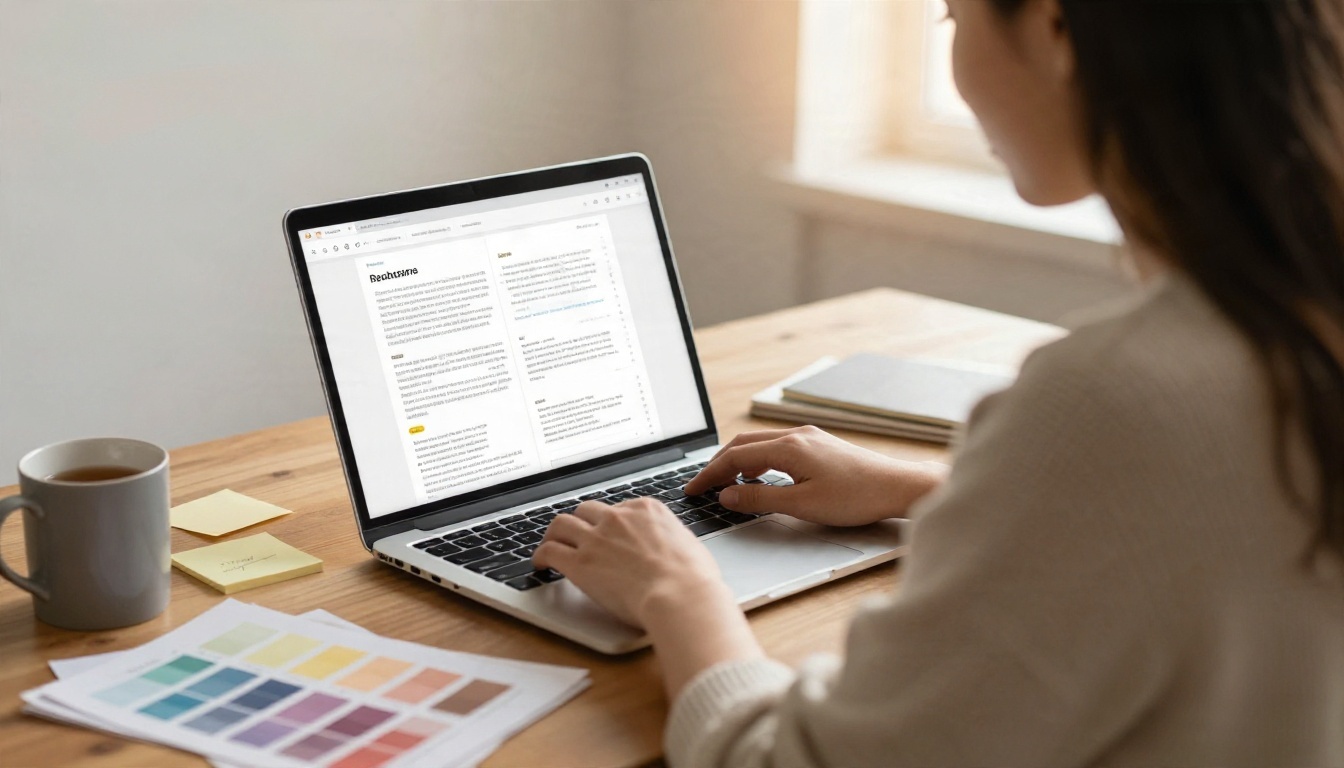
Layout Rules for Small Pages
- Keep body text at 10 pt or larger when exported, so it stays legible on a phone.
- Limit each page to one idea. A single headline, one image, one short paragraph.
- Leave generous outer margins. The page curl effect and device bezels eat into edges.
- Place important content away from the spine. Text that disappears into the gutter is a classic print mistake that carries over online.
- Use high contrast. Light gray text on cream paper looks great in a studio and disappears outdoors.
Images, Color, and Paper Texture
The charm of a zine is its handmade feel, and you can keep it digitally. Scan real paper, tape, and handwriting at 300 dpi and use those scans as backgrounds. Photocopier grain, halftone dots, and slightly crooked cutouts are features, not flaws.
| Visual Element | Source | Tip |
|---|
| Paper texture | Scan a sheet of kraft or newsprint | Use as a full-page background layer |
| Handwritten titles | Photograph or scan your own lettering | Crop tight and increase contrast |
| Halftone photos | Photocopy, then rescan | Run it twice for heavier grain |
| Tape and stickers | Scan on a white background | Save as transparent PNG |
| Color blocks | Pick two spot colors | Stick to two for a risograph look |
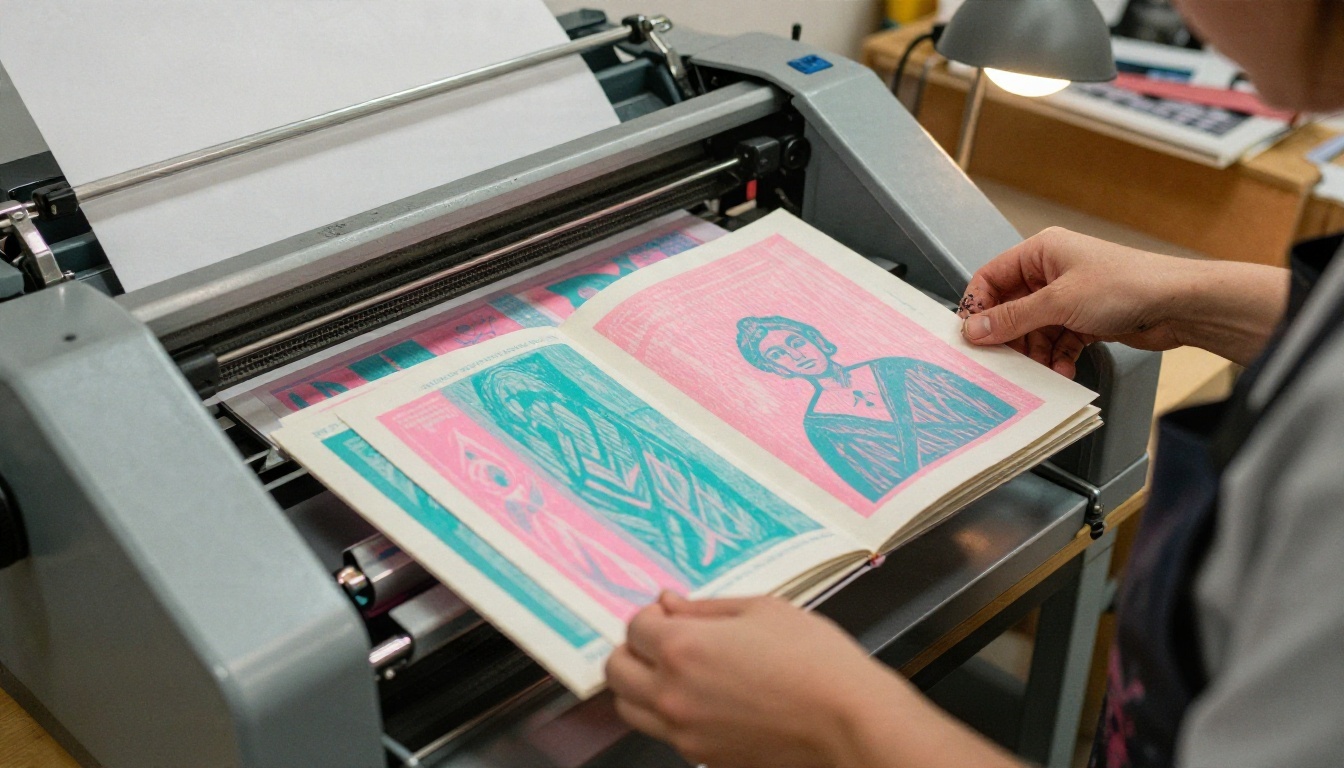
⚠️ Watch out: Huge uncompressed scans make a PDF slow to load. Export at a reasonable quality so each page appears quickly on mobile data.
Make a Zine with Flipbooks AI
If your pages are ready as a PDF, you are about 10 minutes from a published zine. The PDF to Flipbook Converter handles the conversion, and the Magazine Flipbook Creator is a good fit for zines with a magazine rhythm. To begin, create an account.

Upload Your PDF
- Sign in and choose Create new flipbook.
- Drag your PDF into the upload area. Each PDF page becomes a flipbook page, in the same order.
- Wait a few seconds for conversion. Your zine appears as a live preview with the page-turn effect.
- Flip through the preview and check that no page is cropped or rotated.
💡 Screenshot note: The preview shows your zine as a two-page spread on desktop and as single pages on mobile, so check both views before you publish.
Customize the Look
Once the PDF is converted, open the settings panel and adjust:
- Branding: add your zine logo or title and pick a background color that matches your cover art.
- Colors: choose a toolbar and background tone. Dark backgrounds make colorful pages pop.
- Page effects: select the flip speed and shadow depth. A softer curl suits a quiet photo zine, a snappier one suits a punk fanzine.
- Multimedia: embed a video of your studio, an audio track, or a clickable link on any page.
The platform is mobile-responsive by default, so your layout adapts to a phone without extra work.
Share and Protect
When you are happy with the preview, publish and choose how readers will find it:
- Direct link: copy the short URL and paste it into your bio, newsletter, or message.
- Embed code: paste a snippet into your website or blog. The Embed Flipbook on Website page shows how.
- Password protection: lock a private issue, such as a paid supporter zine, behind a password.
- Offline download: let readers save a copy for trips or poor connections.
You can test all of this before spending anything. See the pricing page for plan details, including unlimited flipbooks from the Standard plan up.
Page Flip Sharing That Works
Publishing is half the job. The other half is putting the link where people will actually click it.

Links, Embeds, and QR Codes
| Sharing Method | Best Place to Use It | Strength | Watch Out For |
|---|
| Direct link | Social bios, email, chat | Fastest to set up | Easy to lose in a feed |
| Embed on website | Portfolio or blog post | Readers stay on your site | Needs a site you control |
| QR code | Stickers, posters, printed zine back page | Bridges print and screen | Test with two phones first |
| Password link | Supporter issues, client work | Controlled access | Share the password separately |
| Offline download | Travel readers, classrooms | Works without signal | Cannot be updated after download |
💡 Pro tip: Print a small QR code on the back page of your physical zine pointing to the online edition. It turns every paper copy into a doorway to your whole catalog.
Share Where Zine Readers Hang Out
Skip generic broadcasting. Zine readers gather in specific places:
- Zine fair social accounts, which often repost vendor links before the event.
- Illustration and photography communities that welcome weekly show-and-tell posts.
- Independent bookshops that keep a shelf or a newsletter for local makers.
- Small mailing lists where a monthly issue link feels like a letter, not an ad.

Online Zine Library Ideas
One zine is a project. Five zines in one place is a body of work. An online zine library gives readers a reason to stay longer and gives you a home base that outlasts any social platform.

Organize by Issue or Theme
Pick a structure early so you do not have to rebuild it later.
| Library Structure | How It Works | Ideal For |
|---|
| By issue number | Issue 01, 02, 03 in order | Ongoing serial zines |
| By season | Spring, Summer, Autumn, Winter | Photographers and travelers |
| By topic | Food, music, city life, comics | Anthologies and collectives |
| By contributor | One shelf per artist | Community and club zines |
| By format | Mini zines, long issues, photo books | Makers with a mixed output |
A simple library page on your website with a thumbnail grid and short descriptions works well. Each thumbnail links to a flipbook, or you can embed several on one page. If your catalog grows into a larger publication, the E-Magazine Publishing Tool and the Newsletter Flipbook Publisher suit recurring issues.
Zine Fair and Bookstore Setups
A library does not have to live only on a website. Some practical ideas:
- Fair table card: a small card with a QR code to your full library, so people who walk past can browse later.
- Shop counter display: ask a friendly bookstore to keep a tablet or a sign pointing to your online issues.
- School or club archive: a single library link that new members can read to catch up on past issues.
- Collective shelf: several makers contribute a flipbook each, with one shared page listing all of them.
✅ Best practice: Give every issue a consistent title format and a square thumbnail. A uniform library looks professional even when the artwork inside is chaotic.
Pro Features Worth Using
Once your library has a few issues, the business side starts to matter. Here is what the platform adds as you grow.

| Capability | Why Zine Makers Care | Plan Level |
|---|
| No watermarks | Your artwork stays clean | All plans |
| Unlimited flipbooks | Publish every issue and spin-off | Standard and above |
| Password protection | Supporter-only and client issues | Paid plans |
| Embedded video and audio | Studio tours, playlists, readings | Paid plans |
| Analytics | See which issues get opened and where readers drop off | Professional |
| Lead generation | Collect emails before readers open a zine | Professional |
| Custom branding | Match your zine identity | Paid plans |
Analytics are especially useful for deciding what to make next. If readers abandon at page 14 every time, your 24-page issue may be better as a 16-page one. Lead generation lets you ask for an email address before the first page opens, which builds a mailing list directly from your zine. See the plan comparison for the full breakdown.
⚠️ Heads up: Lead capture works best on issues you offer as a free sampler. Keep your older, free issues open and gate only the special ones.
Publish Your First Zine Today
Zines have always been about making something small, fast, and personal. An online maker does not change that. It removes the postage, the print run, and the geography.
Here is a short plan for this week:
- Pick an 8 or 12 page template and fill it with one idea.
- Fold a paper dummy and check the pacing.
- Export a PDF with readable text and compressed images.
- Upload it, set your colors, and publish a page flip link.
- Add a QR code to your next printed batch.
Ready to publish? Create your free account on Flipbooks AI and upload your first PDF. Browse all flipbook tools to find a layout that fits your project, or compare plans when your library is ready to grow.



