You have a stack of ideas, a handful of photos, and a vague plan to put them on paper. The first question is always the same: should this be a zine or a booklet? The two look alike on a table, both are small, both are often stapled, yet they behave very differently in terms of tone, page count, printing cost and audience. Pick the wrong one and you either waste money on polish nobody asked for, or hand a client something that looks like a weekend experiment. This article breaks down the real differences, shows which page counts work, explains how printing is priced, and then shows how to publish either format as a free online flipbook with Flipbooks AI.
💡 Short answer: a zine is a personal, self-published, often handmade piece with a loud point of view. A booklet is a tidy, structured document built to inform, instruct or present. Both can be digital, and both can be printed.
What Is a Zine?
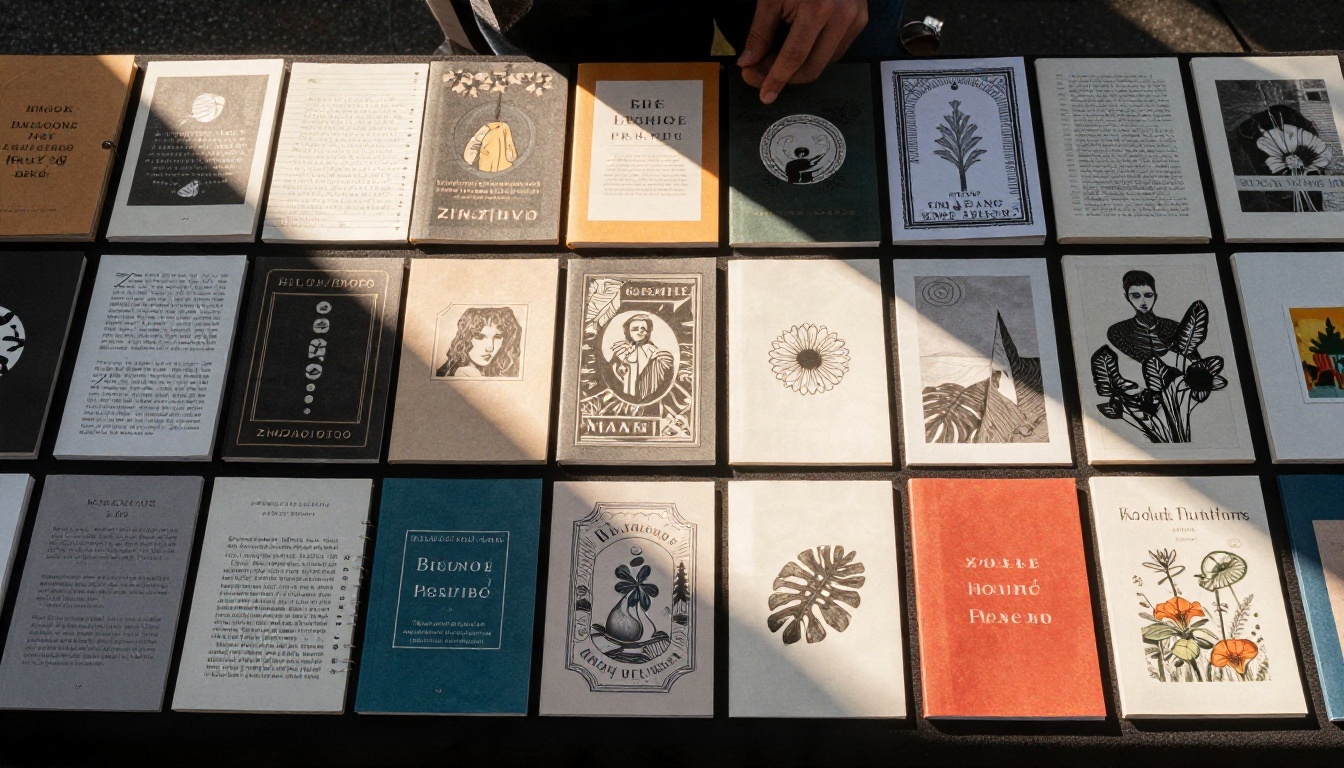
A zine (pronounced "zeen," short for fanzine or magazine) is a small self-published work, usually made in short runs by one person or a tiny collective. Think photocopied punk fliers, comic anthologies, photo essays, recipe collections, poetry, field notes. The rule is that there are no rules. Nobody signs off on your layout except you.
Origins and Spirit
Zine culture grew out of fan communities and DIY music scenes, where people needed cheap ways to share news and art without a publisher. That heritage still shapes the format. Rough edges, collage, hand lettering and mixed paper stocks are features, not flaws. A zine often feels like a conversation with the maker.
Typical Zine Formats
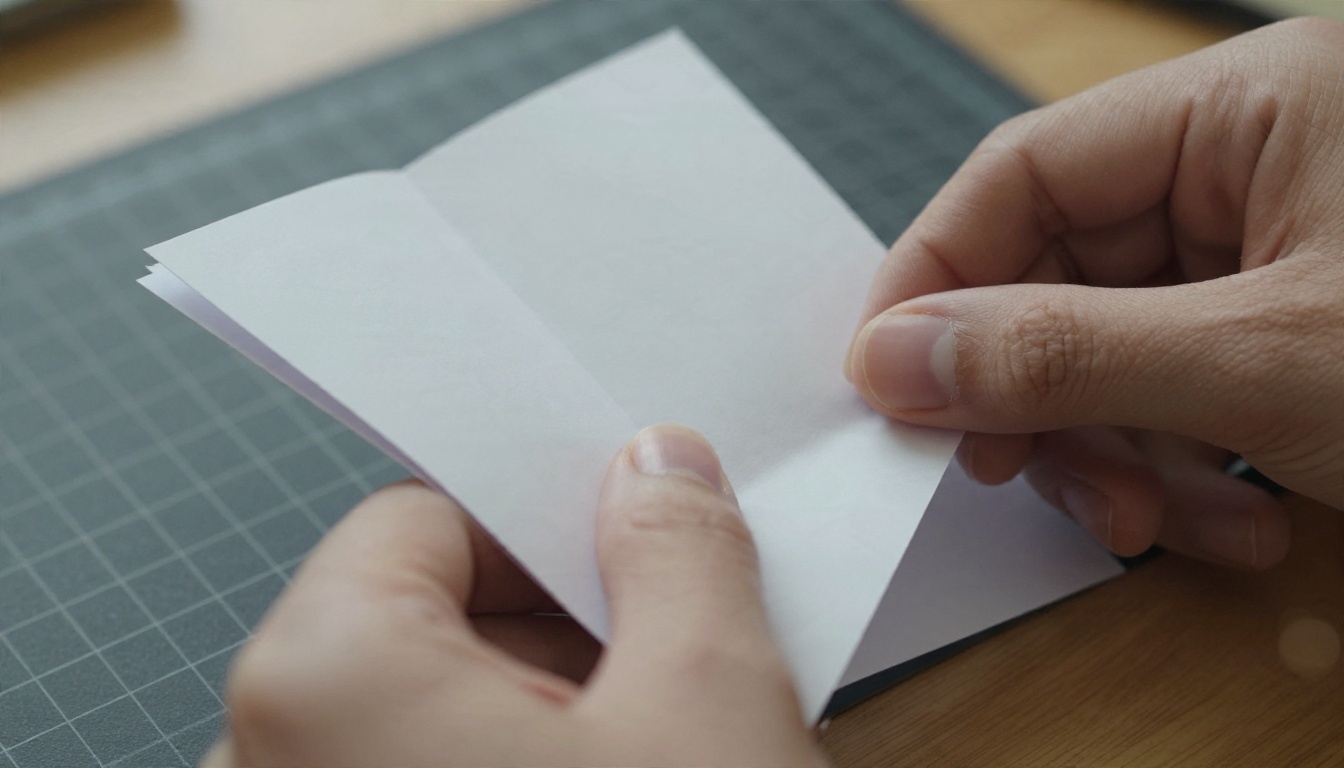
The most famous zine is the one-sheet, eight-page mini zine: a single sheet of letter or A4 paper folded and cut so it becomes a tiny booklet with no staples at all. Other common formats include:
- Half-letter zine: letter paper folded in half, stapled in the middle, usually 8 to 24 pages.
- Quarter-size zine: very small, fast to copy, popular for poetry and comics.
- Perzine: a personal zine about the author's life and opinions.
- Photo zine: image-led, often printed on better paper to show off the pictures.
- Digital zine: a PDF or flipbook shared by link, with no print run at all.
What Is a Booklet?
A booklet is a small, bound document, typically between 8 and 48 pages, designed to deliver information in an organized way. Event programs, product manuals, onboarding packs, short reports, museum leaflets and wedding order-of-service pages are all booklets. Where a zine says "here is my voice," a booklet says "here is what you need to know."
Where Booklets Shine
Booklets work best when consistency matters. Brand colors, a clear grid, readable type sizes and predictable navigation make a booklet feel trustworthy. Companies use them for:
Standard Binding Styles
Most booklets are saddle-stitched: sheets are nested, folded and stapled through the spine. Thicker booklets move to perfect binding (glued spine) or wire-o and coil binding. For small page counts, saddle stitching is fast, cheap and lies flat enough for reading.
Zine vs Booklet Side by Side
Here is the quickest way to see the gap. The physical object can be identical, so the difference is mostly about intent, production and audience.
| Feature | Zine | Booklet |
|---|
| Main purpose | Self-expression, art, community | Information, instruction, presentation |
| Tone | Personal, raw, experimental | Polished, consistent, professional |
| Typical page count | 4 to 40 pages | 8 to 48 pages |
| Design rules | Few or none | Grid, brand guidelines, templates |
| Common paper | Copy paper, colored stock, recycled | Uncoated or silk stock, sometimes gloss |
| Binding | Fold only, staples, hand-sewn | Saddle stitch, perfect bind, wire-o |
| Print run | 10 to 500 copies | 50 to several thousand |
| Distribution | Zine fairs, mail, shops, social media | Handouts, email, websites, events |
| Typical budget | Very low | Low to medium |
Quick Decision Rules
If you are stuck, run through this short checklist:
- Is the main goal expression? Choose a zine.
- Is the main goal clear communication to a defined audience? Choose a booklet.
- Do you need brand consistency across many copies or versions? Choose a booklet.
- Do you want to experiment with collage, odd sizes or rough textures? Choose a zine.
- Will you sell it at a fair or give it away to customers? Zine for the fair, booklet for the customers.
A Real-World Example
A freelance illustrator wants to promote her new series. She makes an 8-page one-sheet zine with sketches and notes, prints 100 copies at a copy shop, and sells them at a local fair for a few dollars. The same week, her day job asks for a 16-page booklet explaining a new product to clients. Same skills, same tools, two very different formats. And both can also live online, which is where things get interesting.
Page Counts That Actually Work
Page count is where most first-timers stumble. Paper is folded in sheets, and each folded sheet produces a fixed number of pages. Ignore that and you end up with blank pages in the middle of your work.
Multiples of Four Rule
For saddle-stitched booklets, the total page count must be a multiple of four, because one sheet folded in half gives four pages (two on the front, two on the back). So you can have 8, 12, 16, 20, 24 pages and so on. If you have 14 pages of content, plan for 16 and use the extra two as notes, a contact page or an ad for your next release.
The One-Sheet Zine Exception
The one-sheet mini zine is the only common format that breaks the multiple-of-four habit: one sheet gives you eight pages, with the front page and back page included. A single cut in the center of the sheet and a few folds is all it takes. The trade-off is that pages are tiny and the layout has to be rotated correctly, since some pages end up upside down on the flat sheet.
| Format | Sheets of paper | Total pages | Binding |
|---|
| One-sheet mini zine | 1 | 8 | Fold and cut, no staples |
| Half-letter zine | 2 | 8 | Staple in the middle |
| Short booklet | 3 | 12 | Saddle stitch |
| Standard booklet | 4 | 16 | Saddle stitch |
| Longer booklet | 6 | 24 | Saddle stitch |
| Thick booklet | 10 | 40 | Saddle stitch or perfect bind |
⚠️ Watch the thickness. As the page count climbs, the inner pages push outward when folded, an effect called creep. Past roughly 40 to 60 pages, depending on paper weight, most printers recommend perfect binding instead of staples.
How Many Pages Should You Choose?
- 8 pages: great for a first zine, a flyer replacement, or a single-topic story.
- 12 to 16 pages: the sweet spot for most booklets and photo zines.
- 20 to 32 pages: useful for event programs, short manuals and portfolio samples.
- 40+ pages: consider whether it is still a booklet, or really a small book or catalog.
Printing and Cost Breakdown
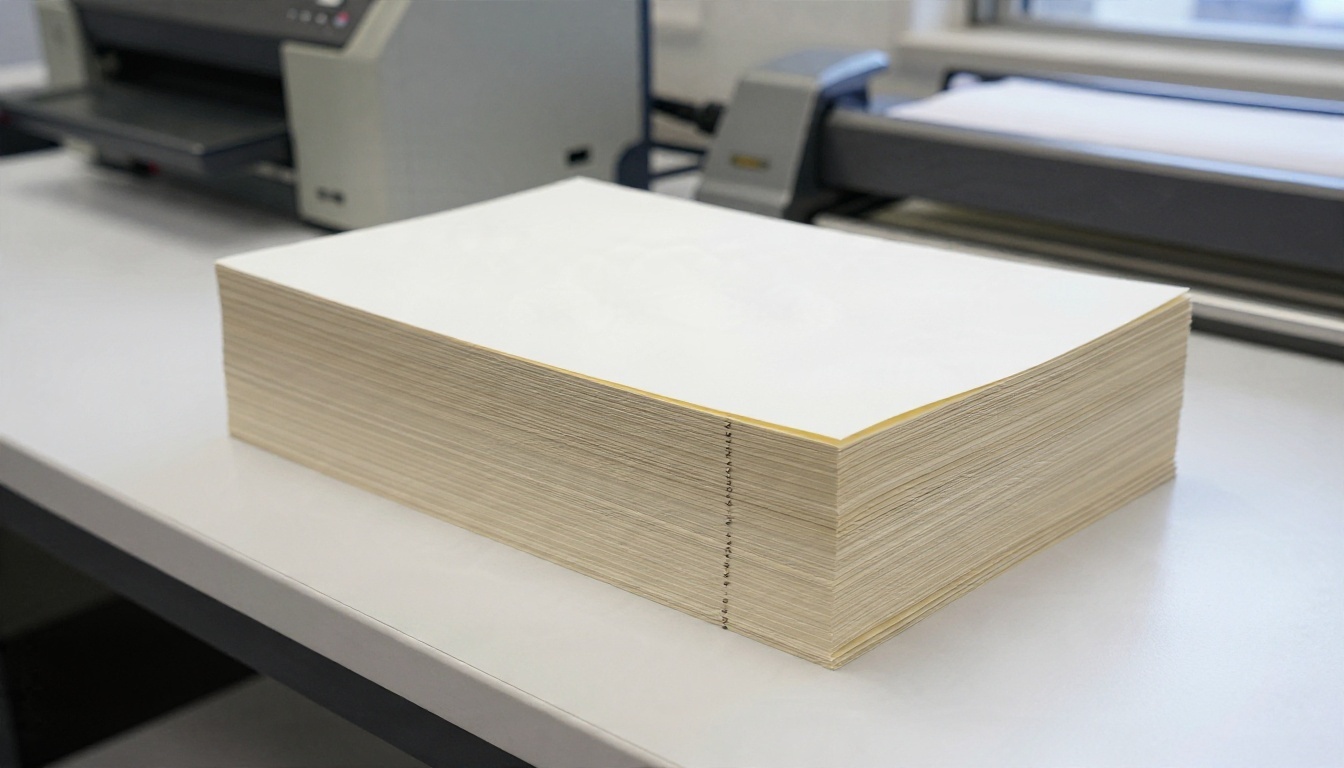
Printing costs depend on four things: paper, color, quantity and binding. Zines usually lean cheap and fast. Booklets lean toward consistent quality.
Home and Copy Shop Printing
For tiny runs, a home printer or local copy shop is hard to beat. Black and white copies are very cheap per sheet, and you can fold and staple them yourself over an evening. This is the classic zine route. Keep a long-reach stapler and a bone folder nearby, and use a ruler to score folds so they stay straight.
Online and Offset Printing
When you need 100 to several thousand copies, switch to a commercial printer. Digital print-on-demand handles mid-size runs well, while offset printing becomes economical in larger quantities. For booklets, ask for a proof before approving the full run, because color shifts between screen and paper are normal.
Imposition and Print Setup
Imposition is the process of arranging pages on a printing sheet so they come out in the right order once folded. Most commercial printers prefer a simple PDF in reading order and will impose it for you. For a home-made zine, you may need to arrange pages manually or use a layout template.
Check these settings before you send anything to print:
- Page size: match the folded size, such as A5 or half-letter.
- Bleed: add about 3 mm (0.125 in) if any image reaches the edge.
- Resolution: 300 dpi for images.
- Margins: keep text at least 5 mm away from edges and the spine.
- Color mode: CMYK for commercial printing, grayscale for black and white copying.
| Option | Best for | Typical run | Cost level | Quality |
|---|
| Home printer | First zines, tests | 1 to 30 | Low | Basic |
| Copy shop | Zines, handouts | 20 to 300 | Low | Good |
| Digital print-on-demand | Booklets, photo zines | 50 to 1,000 | Medium | High |
| Offset printing | Large booklet runs | 1,000+ | Low per copy | Very high |
| Online flipbook | Any format | Unlimited readers | No print cost | Screen-perfect |
✅ Best practice: order a single printed sample before a large run. Hold it, flip through it, and check that the text is readable at arm's length.
Build Your Zine or Booklet Online
Printing is wonderful, but it is not always practical. Shipping costs add up, runs sell out, and some readers will never meet you at a fair. A digital zine or booklet removes those limits. It can be read anywhere on a phone, tablet or laptop, updated at any time, and shared in seconds. With Flipbooks AI, you turn a finished PDF into a page-turning flipbook that feels like paper, with no watermarks.

How to Create a Zine Flipbook with Flipbooks AI
Follow these steps to publish your zine or booklet online:
- Design your pages. Use any design tool you like (Canva, Affinity, InDesign, Figma, even a word processor). Export a PDF in reading order, one page after another, not a printer-imposed sheet. Keep the pages at the same size.
- Open the platform. Go to Flipbooks AI and create an account. You can get started for free.
- Upload your PDF. The PDF to Flipbook Converter turns each PDF page into a flippable page, keeping your text sharp and your images in place.
- Customize the look. Add your own branding, colors and background, choose page-turn effects, and, if you like, embed videos and audio to give a zine soundtrack or an interview clip. A booklet can keep a calm, branded look.
- Set privacy. Share it publicly, or use password protection for private content such as a client booklet or a paid zine.
- Share it. Copy a direct link, post it on social media, or use the embed code to place it on your website. The layout is mobile-responsive, so readers get a smooth experience on any screen.
- Track and refine. On the Professional plan you get analytics and lead generation, so you can see how readers behave and collect emails. You can also allow offline downloads.
💡 Pro tip: for a zine, upload a PDF with spreads if your layout uses two-page images. For a booklet, upload single pages so the reading order stays predictable.
Which Flipbooks AI Tool Fits Your Project?
You can also browse all flipbook tools to find a template that matches your idea.
Printed, Digital, or Both?
The smartest approach is often both. Print a small run for fairs, gifts and shelves, and publish the same file online for everyone else. Put a link or a QR code on the printed copy so readers can find the digital version, and put a note on the digital version telling people where to buy the paper one. A single PDF feeds both outputs, so you do the layout work only once.
Mistakes That Waste Paper
Whether you print or publish online, these errors show up again and again.
Wrong Page Count
Sending 18 pages to a saddle-stitch printer means two blank pages. Plan in multiples of four, or use the extras deliberately.
Text Too Close to the Edge
Trimming is never perfectly exact. Keep text and logos inside safe margins, and give extra room near the spine, where pages curve.
Tiny Type
A zine can be playful, but if readers squint, they stop reading. For print, 9 to 11 pt is a comfortable minimum for body text. For screens, test your pages on a phone.
Low-Resolution Images
Photos pulled from social media look blurry on paper and on large screens. Use original files at 300 dpi wherever possible.
Skipping a Proof
A printed proof reveals cut-off text, odd colors and awkward page order. A digital preview does the same for flipbooks: open it on two devices before you share it widely.
⚠️ Warning: never send a file to print without checking that page 1 is your front page and the last page is your back page. It sounds obvious. It is the most common error.
Publish Yours Today
Choose a zine when your goal is voice, art and community. Choose a booklet when you need clear information, consistency and a professional look. Use the right page count, set up your file with bleed and margins, and pick a printing route that fits your budget. Then publish the same work online so it reaches readers who will never hold the paper copy.
Ready to publish? Get started for free on Flipbooks AI, upload your PDF, and share a link in minutes. Browse the full list of tools and templates to match your project, or compare pricing plans if you need analytics, lead generation and unlimited flipbooks. When you are set, create your account and pick a plan to publish your first zine or booklet today.



