You have a PDF. It took weeks to design, and now it sits in an inbox as a flat attachment that nobody opens past page two. An AI flipbook creator fixes that in a few minutes: you upload the file, the software rebuilds it as a page turning publication, and you share a single link. Tools like Flipbooks AI do this straight from the browser, so there is nothing to install and no design degree required.
But the search results are messy. Some tools are free online makers, some are mobile apps, some are desktop programs from another decade, and every one of them promises "realistic page flip animation." This article sorts through the options, shows what the animations really do, and walks you through a build from start to finish.
What an AI Flipbook Creator Does
A flipbook creator takes static pages and presents them like a physical book or magazine. The reader clicks or swipes, the page curls, and the next spread appears. That is the whole idea, but the details decide whether the result feels polished or clumsy.
From PDF to Page Turn
The AI part handles the boring work. It reads your PDF, detects page size and orientation, keeps the text sharp, builds thumbnails, and sets up the layout for desktop and phone screens. Older tools made you slice pages by hand or export image sequences. Now you drop in a file and get a working publication.
If your starting point is a document, the PDF to Flipbook Converter is the most direct route.
Who Actually Uses One
The audience is wider than most people expect:
- Restaurants that want a menu that opens like a real one
- Real estate agents sending property brochures
- Photographers presenting portfolios
- Retailers publishing seasonal catalogs
- Schools and trainers distributing manuals and newsletters
- Marketers who are tired of seeing PDFs get ignored
💡 Pro tip: A flipbook is a better fit than a PDF whenever the reader should feel the pages, not just scan them. Catalogs, lookbooks, and magazines gain the most.
Free Online Maker vs App
The words "free" and "app" get mixed up in searches, so here is the plain version. A free online maker runs in your browser. An app is installed on a phone or computer. Both can produce a flipbook, but they behave differently.
Browser Based Makers
An online maker keeps your project in the cloud. You can start on a laptop, tweak on a tablet, and the published link updates for everyone. There is no storage problem on your device and no update to install. For most people this is the best starting point, and it is why many free flipbook tools live online.
Mobile Apps
Apps shine for reading, less so for building. Typing, arranging pages, and uploading large PDFs is awkward on a small screen. Where apps make sense is quick capture: scanning a paper document, then sending it to a browser tool for the real build.
Side by Side
| Factor | Free Online Maker | Mobile App | Desktop Software |
|---|
| Installation | None | App store download | Installer required |
| Works on any device | Yes | Usually one platform | Usually one OS |
| Large PDF handling | Strong | Limited by phone | Strong |
| Sharing by link | Instant | Often exports first | Often manual upload |
| Updates and fixes | Automatic | Manual updates | Manual updates |
| Best for | Building and publishing | Reading and scanning | Offline production |
⚠️ Watch out: Many "free" tools stamp a watermark on every page or delete your flipbook after a trial. Always check the output before you send it to a client.
Page Flip Animation Options
Animation is what people notice first, and it is where cheap tools give themselves away. A good page flip follows the reader's finger, bends the paper along a believable curve, and casts a soft shadow underneath.
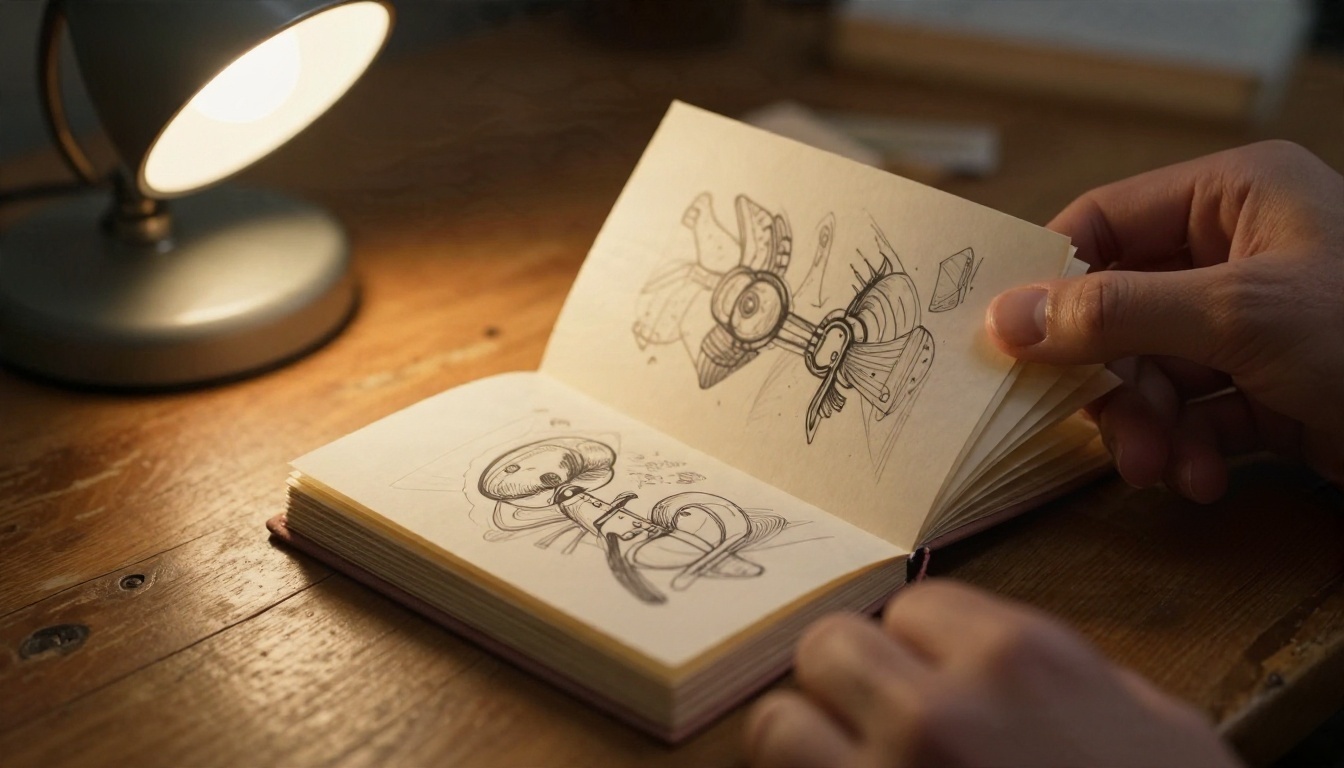
The idea is older than screens. A hand drawn flipbook shows motion through quick page turns, and digital versions borrow that tactile feeling. The difference is that a digital flipbook gives the reader control over the speed.
Curl, Slide, and Fade
Most tools offer three broad styles:
- Curl: the page peels from the corner and bends like paper. This is the classic look and the most convincing for magazines and books.
- Slide: pages move sideways like a carousel. Clean, fast, and suited to presentations.
- Fade: one page dissolves into the next. Subtle, but it loses the book feeling.
Sound and Speed
A soft paper rustle sound makes a surprising difference. It tells the reader something physical just happened. Keep it optional, though. Anyone reading in a quiet office will appreciate a mute button.
Speed matters too. A flip that takes more than a second feels slow, and one that takes under a quarter of a second feels like a glitch. Aim for something in between.
Mobile Performance
Heavy animation can stutter on older phones. The best creators serve lighter page images to small screens and keep the curl smooth by preloading the next page. Test your flipbook on a mid range phone, not just your own.
Animation Style Comparison
| Style | Feels Like | Best For | Performance on Phones |
|---|
| Curl | A real book | Magazines, catalogs, lookbooks | Good with optimized images |
| Slide | A slideshow | Sales decks, reports | Excellent |
| Fade | A gentle dissolve | Portfolios, short documents | Excellent |
| Zoom and flip | A product showcase | Product pages | Depends on image size |
Create a Flipbook with Flipbooks AI
Here is the practical part. This walkthrough uses Flipbooks AI, which is built around the PDF to flipbook flow and does not add watermarks. You can create an account and follow along.
Upload Your PDF
- Go to Flipbooks AI and sign in.
- Click the option to create a new flipbook.
- Drag your PDF into the upload area, or pick it from your computer.
- Wait for the conversion. A typical brochure takes a few moments, and a long catalog takes a bit more.
- Check the preview. You should see your pages arranged as spreads with a working page curl.
💡 Pro tip: Export your PDF at the final size with embedded fonts. Clean input gives clean output, and no tool can sharpen a blurry scan.
Customize the Look
This is where a plain conversion becomes your own publication. In the editor you can adjust:
- Branding: add your logo and choose a favicon and title
- Colors: set the background and toolbar colors to match your brand
- Page effects: pick the curl, shadow strength, and sound
- Multimedia: embed videos and audio on pages that need them
- Links: make URLs, buttons, and email addresses clickable
Keep the background simple. A neutral shade lets the pages stand out, and it keeps the focus on your content.
Share and Embed
Once it looks right, you have three main ways to publish:
- Direct link: copy the URL and send it by email or message.
- Embed code: paste a short snippet to show the flipbook inside your site. The Embed Flipbook on Website page explains the options.
- Password protection: lock private content like price lists or internal reports so only the right people can open it.
Pro Features

On the Professional plan you get analytics to see which pages people read and for how long, plus lead generation to collect an email address before the reader opens the flipbook. Offline downloads let readers save a copy for later. The Standard plan and above includes unlimited flipbooks. Check the current pricing plans for exact limits.
What You Get at Each Level
| Feature | Free Trial | Standard | Professional |
|---|
| No watermarks | Yes | Yes | Yes |
| Unlimited flipbooks | No | Yes | Yes |
| Password protection | Check pricing | Yes | Yes |
| Embed videos and audio | Yes | Yes | Yes |
| Custom branding | Yes | Yes | Yes |
| Analytics | No | No | Yes |
| Lead generation | No | No | Yes |
| Offline downloads | Check pricing | Check pricing | Yes |
⚠️ Plan details can change, so confirm the latest limits on the pricing page before you commit.
Real Use Cases That Work
Theory is nice, but examples show where a flipbook earns its place. Browse the full list of flipbook tools to find one that matches your project.
A Menu That Opens Like a Menu

A restaurant can turn its menu PDF into a flipbook, then print a QR code for each table. Guests scan, flip through starters and mains, and the owner updates prices without reprinting. The Restaurant Menu Creator is built for exactly this, and spas can use the Spa & Wellness Menu in the same way.
Fashion Lookbooks That Feel Editorial
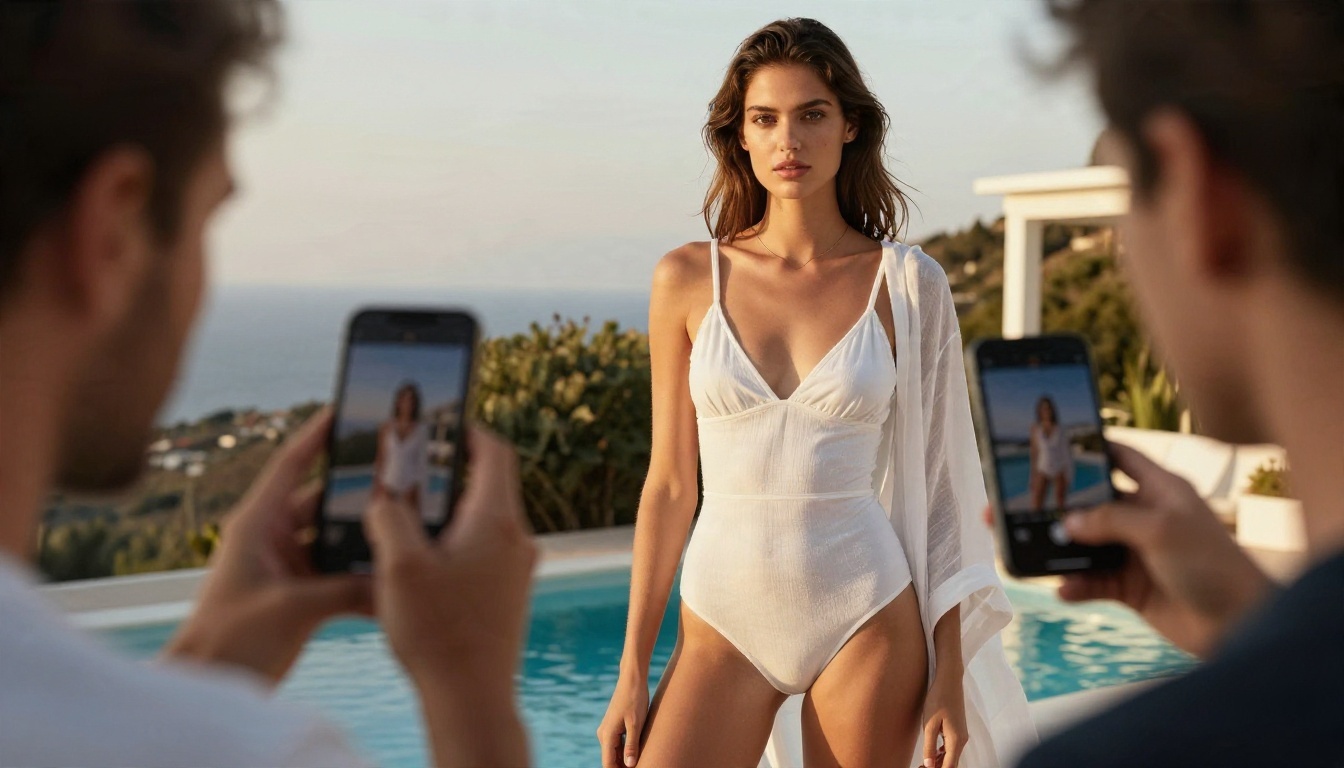
Fashion and swimwear brands rely on mood. A lookbook with big photography, a smooth page curl, and a clean layout sells the season before the customer sees a price. The Interactive Lookbook Designer and Fashion Catalog tools suit this style. Let the images carry the story and keep the text short.
Property Brochures on Any Screen
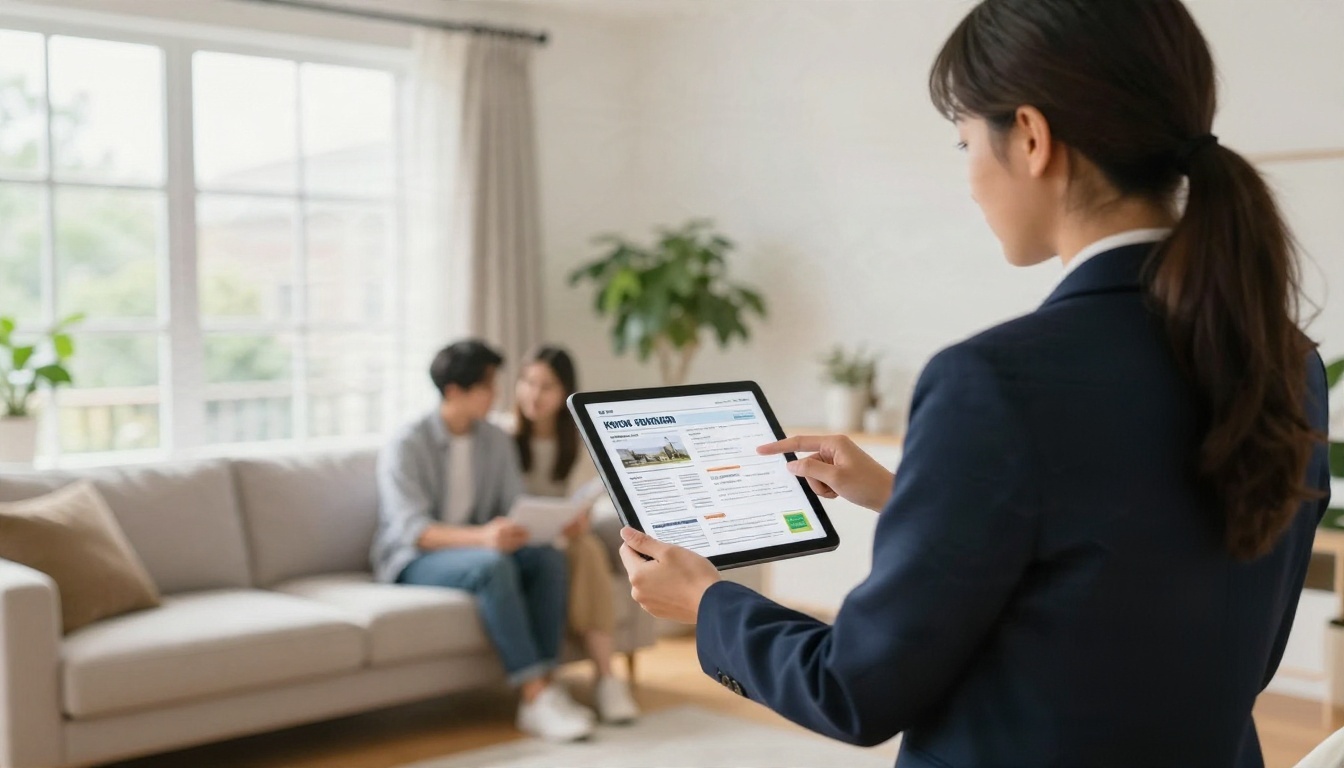
Real estate agents benefit by sending one link instead of a heavy attachment. Buyers open it on a phone, flip through photos and floor plans, and the agent sees which listings get read. Try the Real Estate Brochure tool for that workflow.
Portfolios Worth Opening

A photographer can send a portfolio that feels like a printed book without paying for printing. The Photography Portfolio and Digital Portfolio Creator tools are good starting points. Put the strongest image on page one, because most readers decide in seconds.
Use Case Summary
What Free Really Means
"Free" can mean four different things, and only some of them are useful. Before you invest hours in a project, check these points.
Watermarks and Branding
A watermark on every page makes your publication look unfinished. Some tools hide it behind a paywall and only reveal it on export. Flipbooks AI states that it adds no watermarks, ever, so what you preview is what your reader sees.
Limits That Surprise You
Look for caps on the number of flipbooks, page count, file size, and how long a link stays live. A free plan that deletes your work after 14 days is a trial, not a free tool.
Questions to Ask Before You Start
- Can I publish with my own branding?
- Does the link stay active after the trial?
- Can I protect a private flipbook with a password?
- Does it work well on phones?
- Can I embed it in my own website?
✅ Best practice: Build one real flipbook before you pay for anything. A small test shows you the conversion quality, the animation, and the sharing options in about ten minutes.
Common Mistakes to Avoid
Even a good tool cannot rescue a few classic errors.
- Uploading a low resolution PDF. Text turns soft and readers leave.
- Using tiny fonts. A page that reads fine on A4 may be unreadable on a phone. Zoom works, but it is a chore.
- Skipping the mobile test. More than half of readers will open your link on a phone.
- Adding sound that cannot be muted. It annoys more than it impresses.
- Forgetting the call to action. Put a clear link or button on the last page.
- Never checking analytics. If you are on a plan that includes them, look at which pages lose readers and fix them.
💡 Pro tip: Keep a short flipbook to start. Ten to twenty pages is easy to review, fast to load, and respects the reader's time.
Ready to Publish Your First One?
An AI flipbook creator should save you time, not add a new chore. Pick a browser based tool, choose a page curl that feels natural, and test on a phone before you share.
Ready to build? Get started for free on Flipbooks AI and turn your next PDF into a page turning publication. Browse all tools and templates to find the right layout for your project, or compare pricing plans when you are ready for unlimited flipbooks, analytics, and lead capture.



