You typed a prompt, an AI built a gorgeous three panel brochure in under a minute, and then the export button asked for a credit card. That moment is exactly why pricing, free plan limits, print sizes and PDF quality deserve a close look before you commit to any tool. Whether you are a boutique hotel owner, a real estate agent or a nonprofit coordinator, the right AI brochure generator saves hours. The wrong one leaves you with a watermarked, low resolution file that no print shop will accept. This article breaks down what these tools really cost, what "free" actually means, which sizes to choose, and how to export a PDF that prints cleanly. We will also show how Flipbooks AI fits in when you want the same brochure to work on screen as a page turning flipbook.
What These Generators Actually Do
An AI brochure generator takes a short brief (business type, tone, a few bullet points) and returns a laid out document with headings, copy, color palette and image placeholders. Some tools also write the text. Others only arrange what you paste in.
From Prompt to Layout
Most generators follow the same pipeline:
- You describe the brochure in a sentence or two.
- The AI picks a template family and a fold format.
- Copy and images are placed automatically.
- You edit text, swap photos and adjust brand colors.
- You export a PDF or PNG, sometimes with a paid unlock.
The quality gap between tools lives in steps 2 and 5. A good generator respects print geometry (panel widths, safe zones, bleed). A weak one produces a pretty screen mockup that falls apart on paper.
Where AI Falls Short
AI is fast but not careful. Expect to fix these by hand:
- Invented claims in generated copy, such as awards you never won
- Inconsistent spacing between panels, especially on tri-folds
- Stock-looking imagery that does not match your real product
- Wrong fold order, where the cover panel lands inside the fold
💡 Pro tip: Always proofread generated copy against your real facts, prices and opening hours before sending anything to print. A reprint costs far more than ten minutes of checking.
Free Plans: What You Get
"Free" is a spectrum. Some tools let you design and export forever. Others let you design for free and charge the moment you download. Here is how typical free tiers compare across the category.
| Feature | Truly free tier | Free to design, pay to export | Free trial only |
|---|
| Design and edit | Yes | Yes | Yes, time limited |
| PDF export | Yes, often with limits | Locked | Yes, until trial ends |
| Watermark | Sometimes small | Large on previews | None, then paywall |
| Print resolution | Usually 150 DPI | 300 DPI after payment | 300 DPI |
| Saved projects | 3 to 5 | Unlimited drafts | Unlimited, then deleted |
| Best for | One off flyers | Testing layouts | Short campaigns |

Watermarks and Export Limits
The most common free plan trap is the watermark. It may sit in a corner or run diagonally across the page. Either way it makes the file useless for print or client delivery. Other limits to check:
- Monthly export caps, often 3 to 10 files
- Resolution caps, where free PDFs are fine on screen but blurry on paper
- Page caps, usually 2 to 4 pages, which rules out an eight page booklet
- Template restrictions, with the best layouts marked as premium
Three Questions Before Signing Up
Before you spend an hour designing, ask:
- Can I download a PDF without a watermark on the free plan?
- Is the free export 300 DPI or only screen quality?
- Does the tool let me set bleed and crop marks?
If any answer is "no" or "unclear", assume the free plan is a demo, not a working tool. Platforms such as Flipbooks AI take a different line: no watermarks, ever, which matters when a brochure goes in front of customers.
Pricing Tiers Side by Side
Prices change often, so treat the ranges below as typical for the category, not a quote from any single vendor. Always confirm on the vendor's pricing page.
| Tier | Typical monthly price | What you usually get | Who it suits |
|---|
| Free | $0 | Limited templates, capped exports, watermark on some | One time projects |
| Individual | $10 to $20 | Unlimited exports, 300 DPI PDF, brand kit | Freelancers, small shops |
| Team | $25 to $50 per seat | Shared brand kit, comments, approval flow | Agencies, marketing teams |
| Business | $60 to $150+ | SSO, analytics, API access, priority support | Larger organizations |
Seats, Not Just Features
Team pricing often scales per user. A five person team on a $30 per seat plan pays $150 a month, which can exceed the cost of a flat rate plan from a different vendor. Count real editors, not everyone who might view a file.
Subscription vs Pay Per Print
If you need two brochures a year, a subscription is wasteful. Consider a month to month plan you cancel after export, or a one time export fee if offered. If you produce brochures weekly, an annual plan usually cuts the monthly rate by 20 to 40 percent.
⚠️ Warning: Annual plans often renew automatically. Set a calendar reminder a week before renewal so a one project tool does not bill you for a year you did not use.
Print Sizes That Work
Choosing the size first saves more reworking than any other decision. A generator that locks you into one format forces compromises on cost and layout.
| Format | Flat size | Folded size | Common use |
|---|
| A4 tri-fold | 297 x 210 mm | 99 x 210 mm panels | Hotels, services, events |
| US Letter tri-fold | 11 x 8.5 in | About 3.67 x 8.5 in panels | US businesses, clinics |
| A4 bi-fold | 297 x 210 mm | 148.5 x 210 mm (A5) | Product overviews |
| Half Letter bi-fold | 11 x 8.5 in | 5.5 x 8.5 in | Menus, programs |
| DL leaflet | 99 x 210 mm | Flat | Racks, counters, mailers |
| Square bi-fold | 8 x 8 in | 4 x 8 in | Portfolios, boutiques |
Bleed and Margins
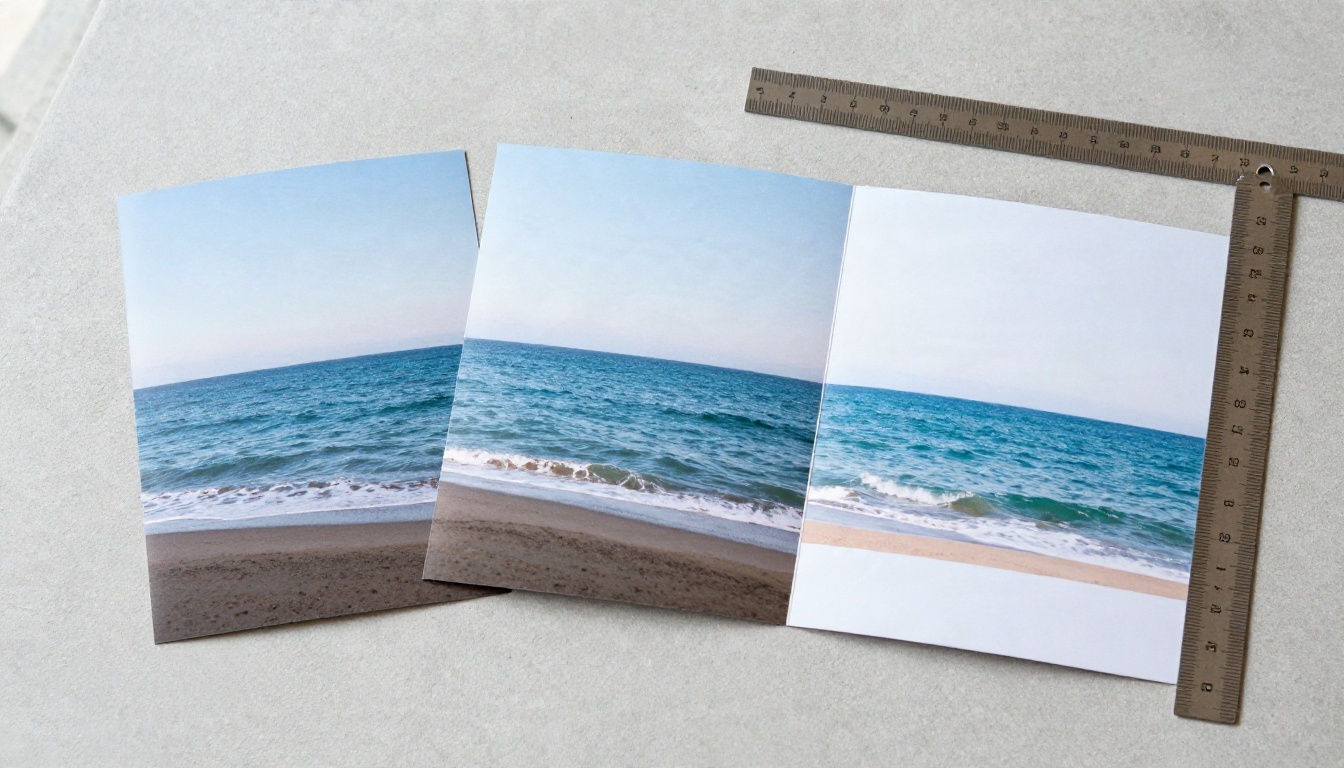
Printers cut paper in large sheets, and the blade is never perfectly exact. That is why bleed exists. Use these numbers as a starting point:
- Bleed: 3 mm (0.125 in) on every edge where color or images touch the trim
- Safe zone: keep text at least 5 mm (0.2 in) inside the trim line
- Resolution: 300 DPI for photos, vector for logos
- Color mode: CMYK for offset print, RGB is acceptable for most desktop inkjet jobs
Folds and Panel Widths
Here is a detail many generators get wrong: on a tri-fold, the inner flap panel is usually 1 to 2 mm narrower than the others so it tucks in without buckling. If your generator draws three equal panels, test fold a printed draft before ordering 500 copies.
✅ Best practice: Print one draft on plain office paper at 100 percent scale, fold it, and check that no text sits on a crease or too near the trim.
PDF Export Without Surprises
The PDF is the handoff between your screen and the paper. Everything that went right in the editor can go wrong here.
Print PDF vs Screen PDF
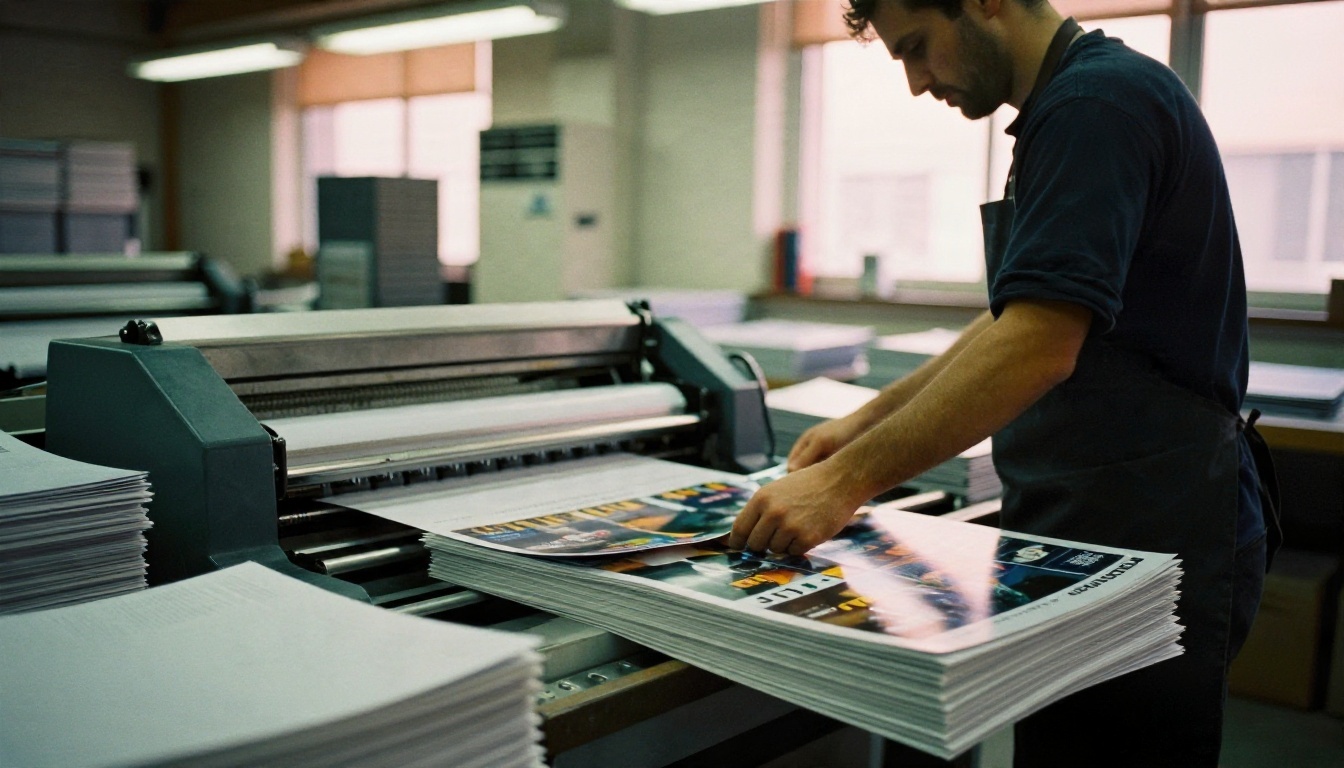
Many tools offer two export modes. They are not interchangeable.
| Setting | Print PDF | Screen PDF |
|---|
| Resolution | 300 DPI | 72 to 150 DPI |
| Bleed | Included | Not included |
| Crop marks | Optional | None |
| Color mode | CMYK or print profile | RGB |
| File size | Large (10 to 80 MB) | Small (1 to 5 MB) |
| Use | Print shop, home printer | Email, website, social |
If a generator exports only one kind of PDF, you will need a second tool to produce the other.
Final Checklist
Run through this list before you upload to a printer:
- Fonts are embedded or converted to outlines
- Bleed is present and images extend to the bleed edge
- Text sits inside the safe zone
- Images are 300 DPI at final size
- Page order matches the fold plan (outside spread, then inside spread)
- File name includes size and version, for example
spa-brochure-A4-trifold-v3.pdf
💡 Tip: Ask your printer for their PDF spec sheet. Most publish one and it takes two minutes to match.
Create a Brochure Flipbook with Flipbooks AI
Print is only half of the story. A brochure that also lives online as a page turning flipbook reaches people you will never hand a leaflet to. If you already have a print PDF, Flipbooks AI converts it into an interactive version without a watermark. You can try the Brochure Flipbook Maker or the Online Brochure Designer for this workflow.
Upload and Customize
- Open the platform. Go to Flipbooks AI and create an account.
- Upload your PDF. Drag the screen PDF into the uploader. The PDF to Flipbook Converter turns each page into a flippable spread, keeping fonts and images sharp.
- Apply your branding. Add your logo, pick background colors and choose a page turn effect that suits the mood, from soft curl to a firm flip.
- Add multimedia. Embed a short video tour, an audio greeting or clickable links on contact panels. A hotel can place a booking link right on the room page.
- Preview on mobile. The layout is responsive, so check it on a phone before publishing.
Share and Track
Once published, you have several ways to distribute:
- Direct link for email and messaging apps
- Embed code to place the brochure on a site page, see Embed Flipbook on Website
- Password protection for private pricing sheets or partner only editions
- Offline downloads so recipients can keep a copy
On the Professional plan you also get analytics (views, time per page) and lead generation, which captures an email before a reader opens the brochure. Review the pricing plans to see which tier matches your needs. Unlimited flipbooks are available from the Standard plan up.
| Capability | Print PDF only | PDF plus flipbook |
|---|
| Reach | Hand delivered | Anyone with a link |
| Update after publishing | Reprint | Replace file, same link |
| Tracking | None | Views and page analytics |
| Rich media | No | Video, audio, links |
| Cost per extra viewer | Paper and ink | Zero |
Real Examples by Industry
Brochure needs vary widely. These scenarios show how size, format and distribution combine.
A few quick stories:
- A real estate agent prints 200 letter size bi-folds for an open house, then sends the same file as a flipbook link to 600 email contacts. Analytics show which listings got the most page views.
- A spa owner keeps a printed tri-fold at the front desk and a password protected flipbook for corporate clients with negotiated rates.
- A nonprofit prints a short run for donors and posts the digital edition online, updating figures without reprinting.
Ready to Try It?
You now have the numbers: what free plans hide, what paid tiers usually cost, which sizes to choose and how to export a PDF a print shop will accept. Here is the short plan:
- Pick your format and size first.
- Choose a generator whose free plan exports without a watermark, or pay for one month and cancel.
- Export a 300 DPI print PDF with bleed, plus a lighter screen PDF.
- Turn the screen PDF into a flipbook so the brochure keeps working after the print run ends.
Ready to create your first flipbook? Get started for free on Flipbooks AI. Browse all flipbook tools to find the right fit for your industry, or compare pricing plans to choose what works for you.



