If you have spent years laying out flyers, newsletters, and trifold brochures in Microsoft Publisher, you already know the problem: Microsoft has announced that Publisher reaches end of support in October 2026, and no direct successor is coming. The good news is that the best replacements now run in a browser, cost nothing to start, and produce results that look better on a phone than a Publisher file ever did. Platforms like Flipbooks AI even turn a finished PDF into a page-turning online publication in minutes.
This article compares the realistic free options, shows which one fits a newsletter, which one fits a brochure, and walks through a hands-on tutorial so you can leave Publisher behind this week.
Why People Are Leaving Publisher
Publisher was never a bad tool. It was simple, it ran offline, and it let non-designers build a decent page layout without learning a professional design suite. But the way people share documents has changed, and the software has stood still.
The End of Support Problem
When a program stops receiving updates, three things start to happen. Security patches stop. New operating system releases may break features. And files created in the old format become harder to open on other machines. A .pub file is a closed format that almost no other application can edit, so every newsletter you saved is tied to software that is being retired.
That last point matters most. Your archive of brochures, price lists, and event flyers will outlive the program, so the first step in any migration is exporting everything to PDF while Publisher still opens.
⚠️ Export your active projects to PDF now. A PDF keeps the layout intact and works as the starting file for almost every tool in this comparison.
What You Actually Need
Before choosing a replacement, be honest about what you used Publisher for. Most people fall into one of these groups:
- Newsletter producers who send monthly updates to members, parents, or customers
- Small business owners who print brochures, menus, and price lists
- Teachers and club organizers who need event programs and flyers
- Real estate and hospitality teams who make property or service brochures
- Non-profit staff who publish annual summaries and donation appeals
If you recognize yourself, the real question is not "which program looks most like Publisher?" It is "where will my readers open this document?" Increasingly the answer is on a phone, through a link, which changes the whole decision.
Free Online Alternatives Compared
Here is a quick side by side view of the main categories of free tools. Prices and limits change often, so treat the free tier column as a general pattern rather than a promise.
| Tool Type | Best For | Strengths | Typical Free Tier Limit |
|---|
| Design editors (Canva style) | Flyers, posters, social graphics | Huge template libraries, drag and drop | Premium templates and assets locked |
| Word processors (Google Docs, Word online) | Text heavy newsletters | Familiar, easy collaboration | Weak control over layout and bleed |
| Page layout apps (Scribus and similar) | Print-first designers | Precise typography, CMYK support | Steep setup, desktop install |
| Flipbook publishers (Flipbooks AI) | Shareable brochures, newsletters, catalogs | Page-turn effect, links, embeds, analytics | Plan-based publishing limits |
| Email builders | Subscriber newsletters | Send and track in one place | Subscriber and send caps |
No single row wins every category. In practice, most people combine one design tool with one publishing tool.
Canva and Design-First Editors
Browser design editors are the closest thing to Publisher's spirit. You start from a template, replace the text and photos, and export a PDF. They shine for single-page flyers and social posts. Where they struggle is multi-page documents with consistent running headers, long text flows, and print-ready folds. They also tend to nudge you toward paid templates.
💡 Use a design editor for the artwork, then export as PDF. Treat the PDF as the master file that everything else is built from.
Google Docs and Word Online
For text-led newsletters, a word processor is surprisingly good. You can write with two columns, insert images, and let teammates comment in real time. The weak spot is layout control: images shift, columns break unpredictably, and trifold panels are painful. Good for a plain monthly update, poor for a glossy brochure.
Flipbook Publishers
A flipbook publisher does a different job. It does not replace the layout step, it replaces the distribution step, which is where Publisher always fell short. You upload a PDF and get a mobile-responsive page-turning document with a shareable link, embed code, and optional password protection. The PDF to Flipbook Converter is the quickest route if you already have files exported from Publisher.
Best Options for Newsletters
Newsletters split into two worlds, and choosing the wrong one is the most common mistake people make after leaving Publisher.
Email Versus Designed Newsletters
An email newsletter is a message sent to an inbox. It is short, mostly vertical, and judged in seconds. A designed newsletter is a multi-page document with a masthead, sections, photos, and often a print version. Schools, clubs, housing associations, and companies usually need the second kind, because it has room for photos, calendars, and longer stories.
You can combine them: send a short email with a headline and a link, and let readers open the full newsletter online.
Digital Flipbook Newsletters
A flipbook newsletter keeps the designed look and removes the printing and postage. Readers tap a link, flip through pages, and zoom into photos. You can embed videos, add clickable links, and update the next issue with the same link structure. The Newsletter Flipbook Publisher is built for exactly this, and educators can start with the School Newsletter Creator.

| Newsletter Need | Best Fit | Why |
|---|
| Weekly short update | Email builder | Fast, lands in inboxes |
| Monthly multi-page issue | Flipbook publisher | Keeps layout, easy sharing |
| Printed and digital copy | Design editor plus PDF | One file, two formats |
| Text only internal memo | Google Docs | Simple collaboration |
| Photo heavy club bulletin | Flipbook publisher | Page effects, zoom, mobile reading |
Best Options for Brochures
Brochures put more pressure on a tool than newsletters. They need folds that line up, images that stay sharp, and a layout that still works when it is read on a six inch screen.
Trifold and Print Brochures
If your brochure is destined for a printer, use a design editor with proper bleed and export a print-quality PDF. Check three things before sending: image resolution, safe margins near the folds, and color mode. Most online printers accept RGB, but ask if exact brand color matters.
✅ Always keep a separate digital version. Printed brochures run out, but a link stays available around the clock.
Interactive Online Brochures
An online brochure can do things paper cannot. It can hold a short video tour, link directly to a booking page, and be updated without a reprint. Industry-specific tools make the setup faster:
How to Create a Brochure with Flipbooks AI
Here is the full workflow for a brochure you built or exported from Publisher. It takes about ten minutes the first time.
Step 1: Create Your Account and Upload
- Go to Flipbooks AI and create an account.
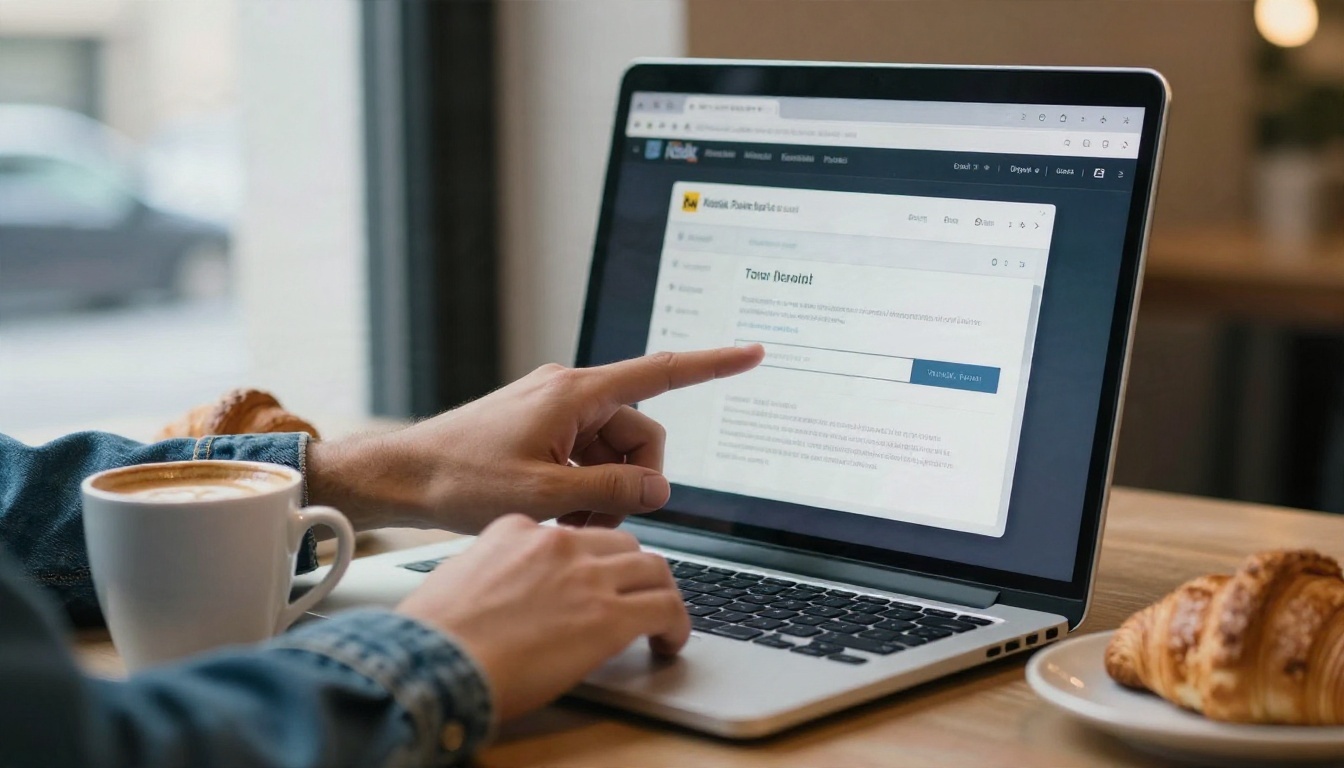
- Click to start a new flipbook and select your PDF. Files exported from Publisher work well, as do PDFs from Canva or Word.
- Wait a few seconds while the pages are converted. Each page becomes a crisp, zoomable spread.
💡 Upload at the original page size. Resizing the PDF before upload can blur text and photos.
Step 2: Customize the Look
Once the pages appear, open the customization panel. In practice you will adjust:
- Branding: add your logo and choose a background that matches your brand
- Colors: set the toolbar and background colors to your palette
- Page effects: pick the page-turn style and speed
- Multimedia: embed a video or audio clip, such as a welcome message or a property walkthrough
- Links: make phone numbers, email addresses, and booking buttons clickable
There are no watermarks, so the finished brochure looks like yours, not like a template ad.
Step 3: Share and Protect
Choose how people will reach it:
- Direct link for email, messaging apps, and QR codes
- Embed code to place the brochure on your website, as shown in the Embed Flipbook on Website tool
- Password protection for private material such as pricing for partners or internal handbooks
- Offline download for readers who want a copy on their device
Step 4: Track Results with Pro Features
On the Professional plan you gain analytics to see how many people open the brochure and which pages hold attention, plus lead generation to capture an email before someone reads. For a hotel or agency, that turns a static brochure into a measurable sales channel. Plans with unlimited flipbooks start at the Standard tier, so check pricing against how many documents you publish per year.
Real-World Examples
Theory is useful, but seeing how actual people switch makes the choice easier.
A Bakery Replaces Printed Menus
A neighborhood bakery used Publisher for a folded seasonal menu that was reprinted four times a year. Now the owner designs the menu once, exports it to PDF, and publishes it with the Restaurant Menu Creator. A QR code on each table opens the menu on a customer's phone. When a price changes, she replaces the file and the same QR code keeps working. Printing costs dropped to nearly zero, and the menu no longer looks outdated after a week.

A Non-Profit Publishes Its Annual Report
A community charity used to mail a printed annual summary to donors. Staff now build it in a design editor and publish through the Non-Profit Annual Report tool. Donors receive a link, flip through the stories, and watch a short embedded video from the director. The team also keeps a password protected version for board members that includes financial detail.

Here is how the three common workflows compare on cost and effort:
| Workflow | Monthly Cost | Setup Time | Mobile Friendly | Easy to Update |
|---|
| Publisher plus home printing | Paper, ink, postage | Low | No | No, must reprint |
| Design editor plus PDF email attachment | Free to low | Low | Partly, PDFs pinch and zoom | Resend each time |
| Design editor plus flipbook link | Free to low | Low | Yes, responsive | Yes, replace the file |
Skip the endless review videos and run through this short checklist.
- Where will readers open it? If the answer is phones, choose a responsive format.
- Do you need print? If yes, work in a design editor with bleed settings and export a print PDF.
- How often does it change? Frequent updates favor link-based publishing.
- Is it private? Choose a platform that supports passwords.
- Do you need results? Pick one with analytics if the brochure supports sales.
Three Mistakes to Avoid
- Waiting until Publisher fails. Convert your archive to PDF while the software still opens.
- Using low resolution photos. A blurry image looks worse on a large monitor than on paper.
- Skipping a mobile check. Open your finished document on your own phone before sending it out.
💡 Keep one master folder with the original design files and the exported PDFs. Name them by issue date so you can republish any past newsletter in seconds.
Ready to Replace Publisher?
You do not need a one-to-one clone of an aging desktop program. You need a simple chain: design in a browser, export a PDF, and publish it as something people actually enjoy reading. That chain is free to start, works on every device, and leaves you with a link you can share anywhere.
Ready to move your first newsletter or brochure? Create your free account on Flipbooks AI and upload a PDF today. Browse all available tools and templates to find the right layout for your project, or compare pricing plans to choose what suits your volume and features.



