You took 4,000 photos in twelve months, and they are sitting in a phone gallery next to screenshots and receipts. A baby's first year photo album fixes that. It turns a pile of files into a story with a beginning, a middle and a first birthday. With a free online maker like Flipbooks AI, you can also turn that album into a page-turning flipbook that grandparents open with one tap.
This article gives you three things: a month-by-month layout you can copy, a clear answer on album size, and a step-by-step way to build the whole thing online without a design degree.
Why a Monthly Album Works
Babies change fast. A newborn and a three-month-old look like different people, and by month nine you have a crawler who refuses to sit still for a portrait. A monthly structure gives you one anchor point per month, so you never end up with 60 pages of the same sleeping face and nothing from the spring.
The 12 Page Rhythm
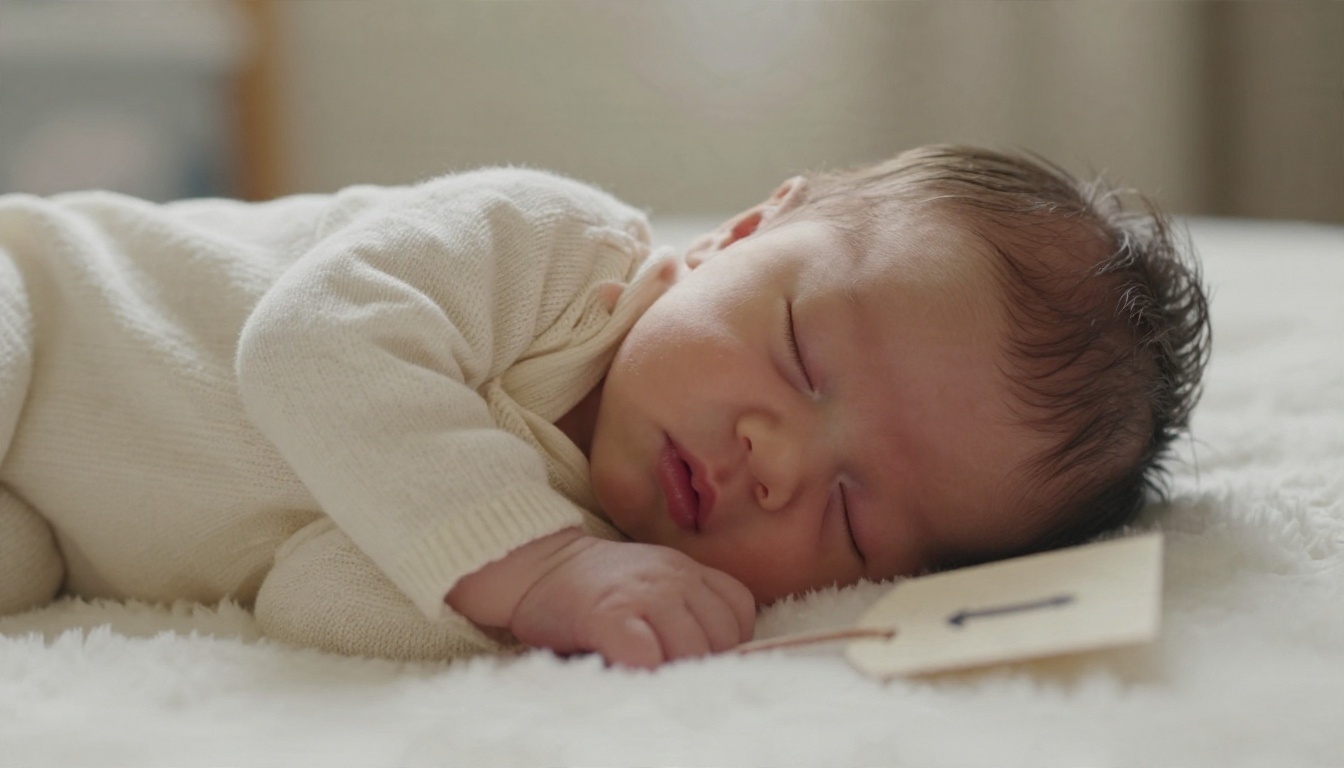
The simplest plan is one spread per month. A spread is two facing pages. The left page holds one hero portrait. The right page holds three to five smaller candid shots and a short note. That gives you 24 interior pages, plus an opening page and a closing page, for 26 in total.
If you want more room, add a bonus spread for the big firsts: first smile, first solid food, first crawl, first steps.
Print or Flipbook?
You do not have to choose. Many parents build one layout and use it twice: once as a PDF for a printer, once as an online flipbook for family far away. Here is how the two formats compare.
| Feature | Printed Album | Online Flipbook |
|---|
| Cost per copy | Moderate to high | One file, shared with anyone |
| Sharing with relatives abroad | Slow and costly | Instant link |
| Edits after finishing | Reprint needed | Replace the PDF, same link |
| Video and audio | Not possible | Embed first laugh and lullabies |
| Lasts on a shelf | Yes, for decades | Yes, if you keep the PDF backed up |
| Privacy | Physical control | Password protection available |
💡 Pro tip: Build the album as a PDF first. That single file feeds the printer, the flipbook and your backup drive.
The Month-by-Month Layout
Here is the plan at a glance. Use it as a checklist on your phone, and snap the photos as the months arrive instead of hunting for them at month twelve.
| Month | Milestone to Capture | Hero Shot Idea | Suggested Page Layout |
|---|
| 1 | Coming home, first bath | Sleeping in a swaddle | 1 large photo, 2 small |
| 2 | First social smile | Face close-up | 1 large, 3 small |
| 3 | Holding head up | Tummy time | 1 large, 4 small |
| 4 | Laughing out loud | Mid-laugh candid | Full-bleed photo and caption |
| 5 | Reaching and grabbing | Hand on a toy | 1 large, 3 small |
| 6 | Sitting, first solids | High chair mess | 1 large, 4 small |
| 7 | Rolling both ways | Floor action shot | Grid of 6 |
| 8 | Babbling, stranger shyness | Cuddle with a parent | 1 large, 2 small |
| 9 | Crawling | Low angle crawl | Full-bleed photo and caption |
| 10 | Pulling up to stand | Holding the sofa edge | 1 large, 3 small |
| 11 | Cruising, first words | Pointing at something | Grid of 4 |
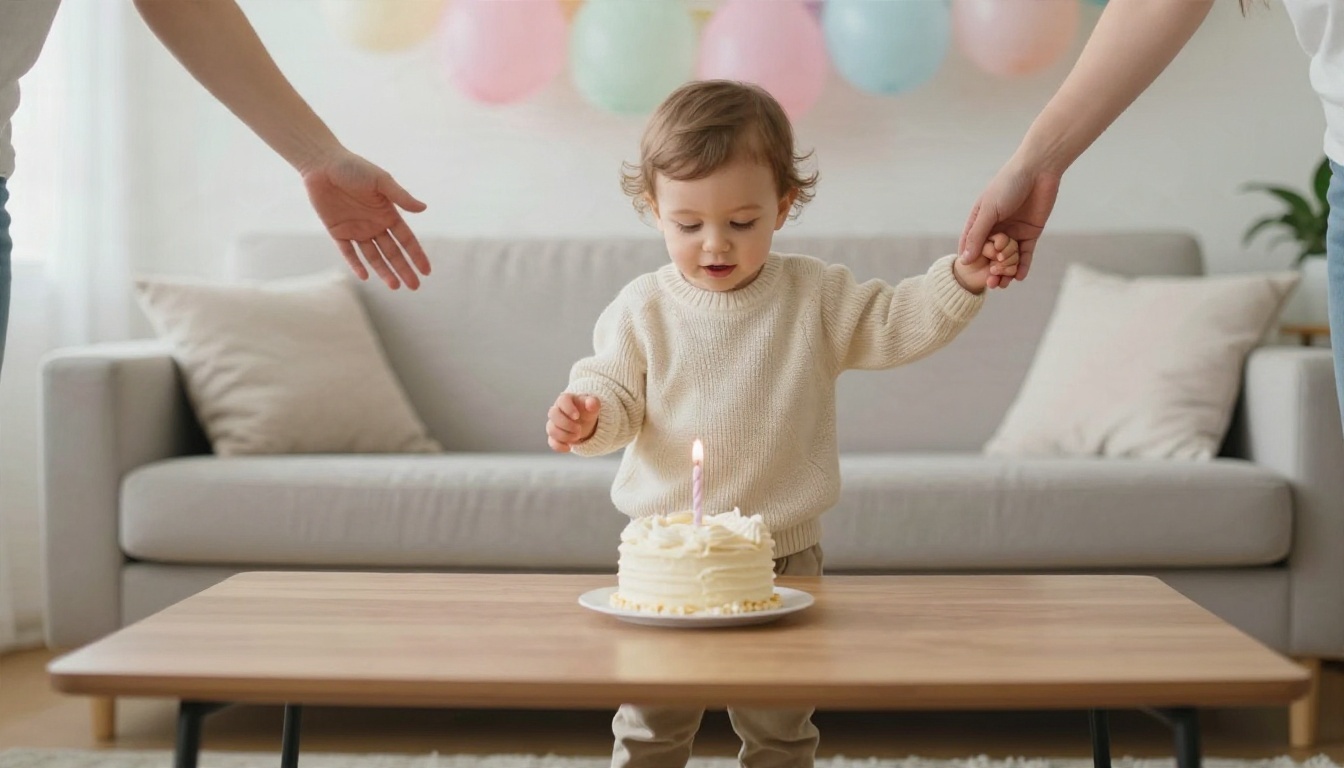
| 12 | First birthday | Cake smash or candle | Full spread, one photo |
Months 1 to 3: The Newborn Blur
These months are about tiny details. Photograph hands, feet, the curl of an ear. Parents are exhausted, so keep the shooting simple: one window, one blanket, one calm moment per week.
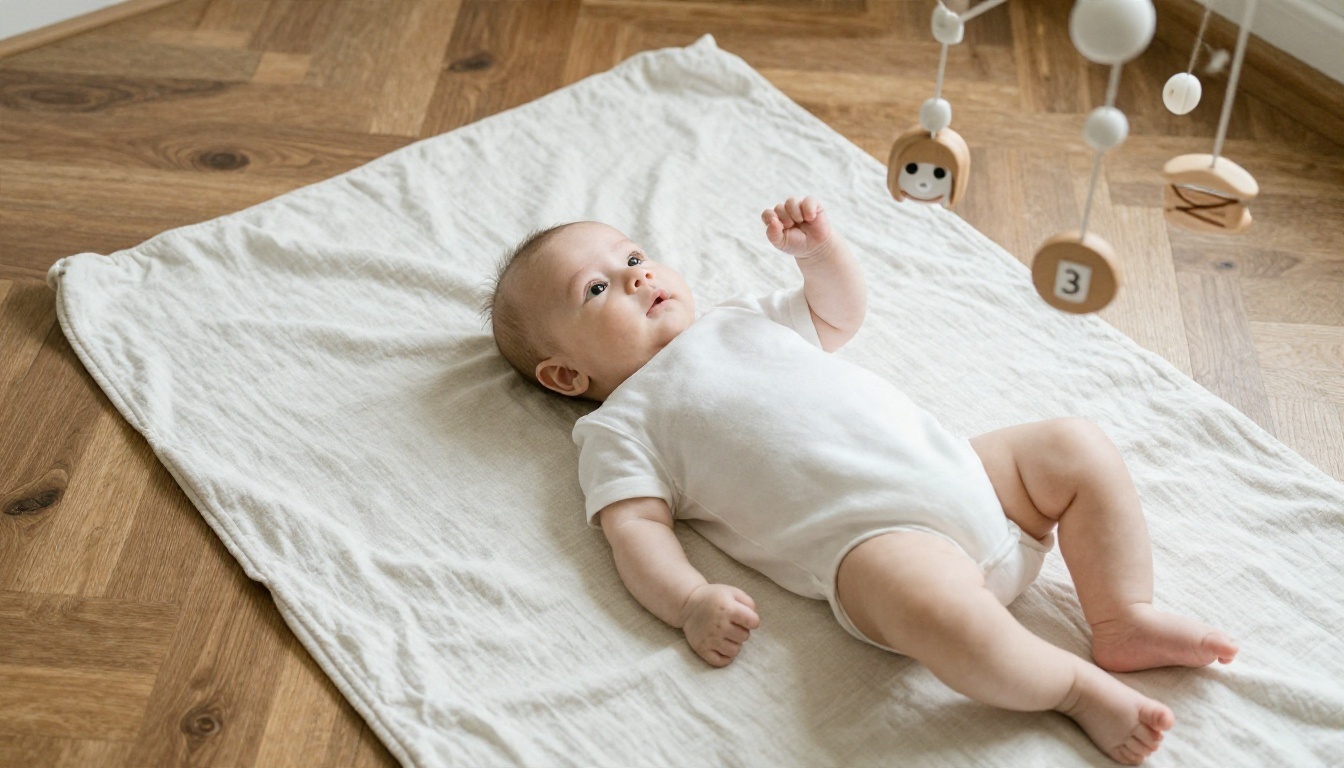
Use warm, soft layouts here: lots of white space, a single centered portrait, and a short line like "He slept through a thunderstorm."
Months 4 to 6: Personality Arrives
Now the baby looks back at you. Laughter, drool, and the first solid foods give you plenty of candid material. At month six, a sitting portrait on a plain blanket makes a lovely mirror to the month-one image.
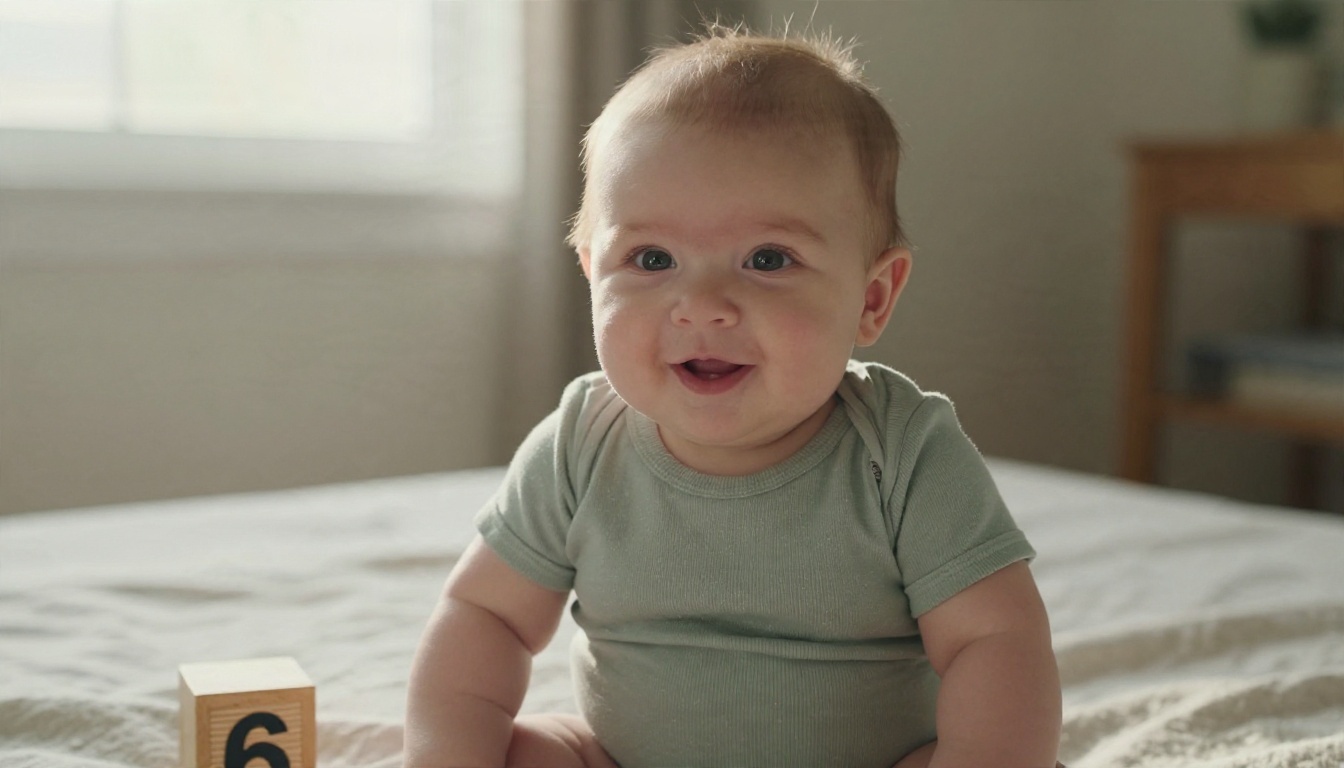
✅ Best practice: Shoot every monthly portrait in the same spot, same time of day, same angle. When the pages sit side by side, the growth is obvious without a single caption.
Months 7 to 9: Motion
Rolling, crawling and the first wobbly sit-ups make blurry photos, so use a faster shutter or your phone's burst mode. A grid layout of six small frames suits this stage better than one big hero shot, because the story is in the sequence.
Months 10 to 12: Almost One
Standing, cruising, waving, first words. Keep the final spread simple. A birthday candle, a sticky face, a toddler standing alone for three seconds.
Best Size for Your Album
Size depends on where the album will live. A shelf album wants a different shape than a phone-friendly flipbook. Think about the viewing screen and the printer before you design a single page.
| Size | Orientation | Best For | Photo Fit |
|---|
| 6 x 6 in | Square | Pocket gifts, grandparent copies | 1 to 2 photos per page |
| 8 x 8 in | Square | The all-round choice | 1 to 4 photos per page |
| 8.5 x 11 in | Portrait | Photos plus written notes | 2 to 5 photos per page |
| 11 x 8.5 in | Landscape | Wide candid shots, grids | 2 to 6 photos per page |
| 12 x 12 in | Square | Display-quality keepsake | Large hero portraits |
| 16:9 screen page | Landscape | Flipbook for tablets and TVs | 1 to 3 photos per page |
Square or Landscape?
Square is the favorite for baby albums because most phone photos crop cleanly to a square, and it feels like a classic keepsake. Landscape is better when you want to show a crawling sequence or a family group shot without cutting people off.
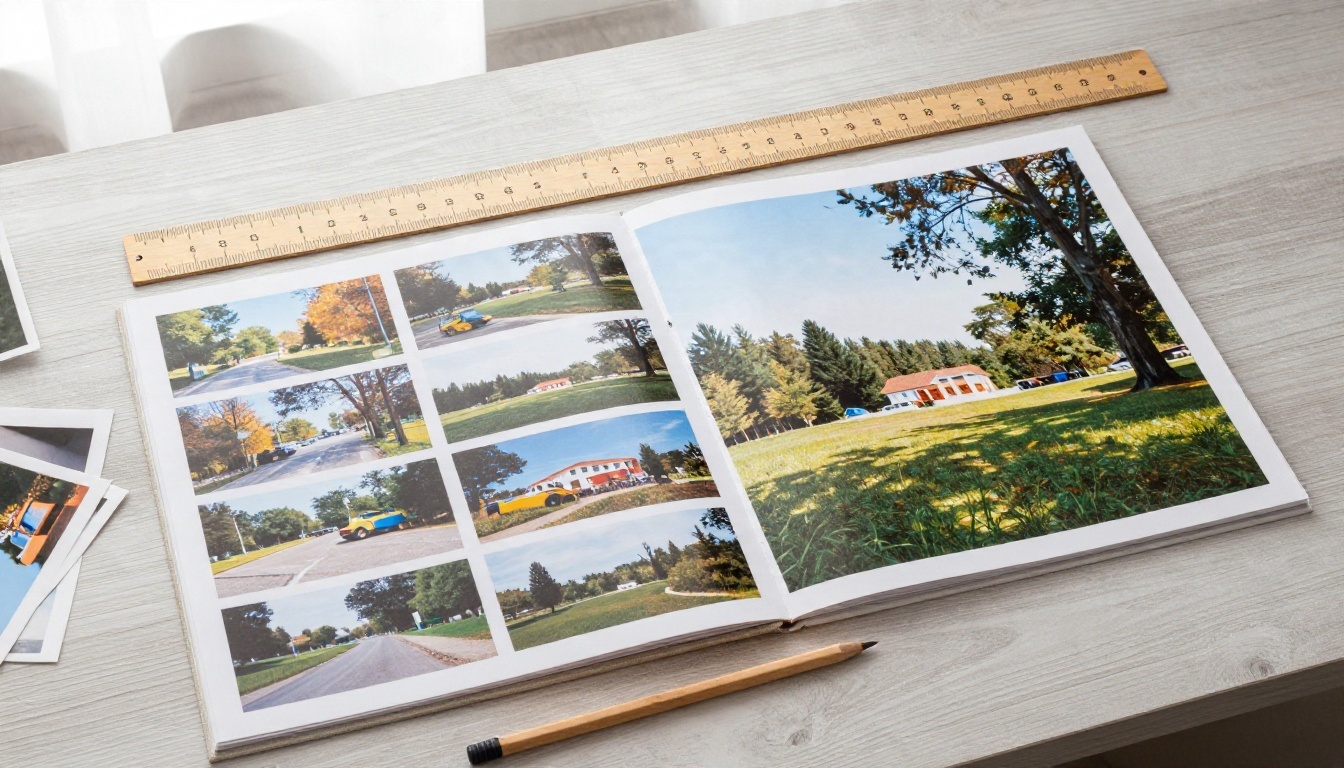
My own recommendation: go with 8 x 8 inches unless you have a reason not to. It prints well, scales down for phones, and almost every layout template supports it.
Resolution and Page Count
Image quality matters more than most people expect. A blurry photo looks fine on a phone and awful in print.
- For print: aim for 300 dpi. An 8 x 8 inch page needs about 2400 x 2400 pixels.
- For screen: 1600 pixels on the long edge is plenty.
- Page count: 24 to 40 pages is the sweet spot. Under 20 feels thin, over 60 gets heavy and slow to flip through.
- File size: keep your PDF under 100 MB so it uploads fast.
⚠️ Warning: Do not stretch a small photo to fill a big page. If a favorite shot is low resolution, shrink it and surround it with white space.
Free Online Maker: Step by Step
You do not need pricey software. Any tool that exports a PDF works, and then a flipbook platform handles the page-turning part.
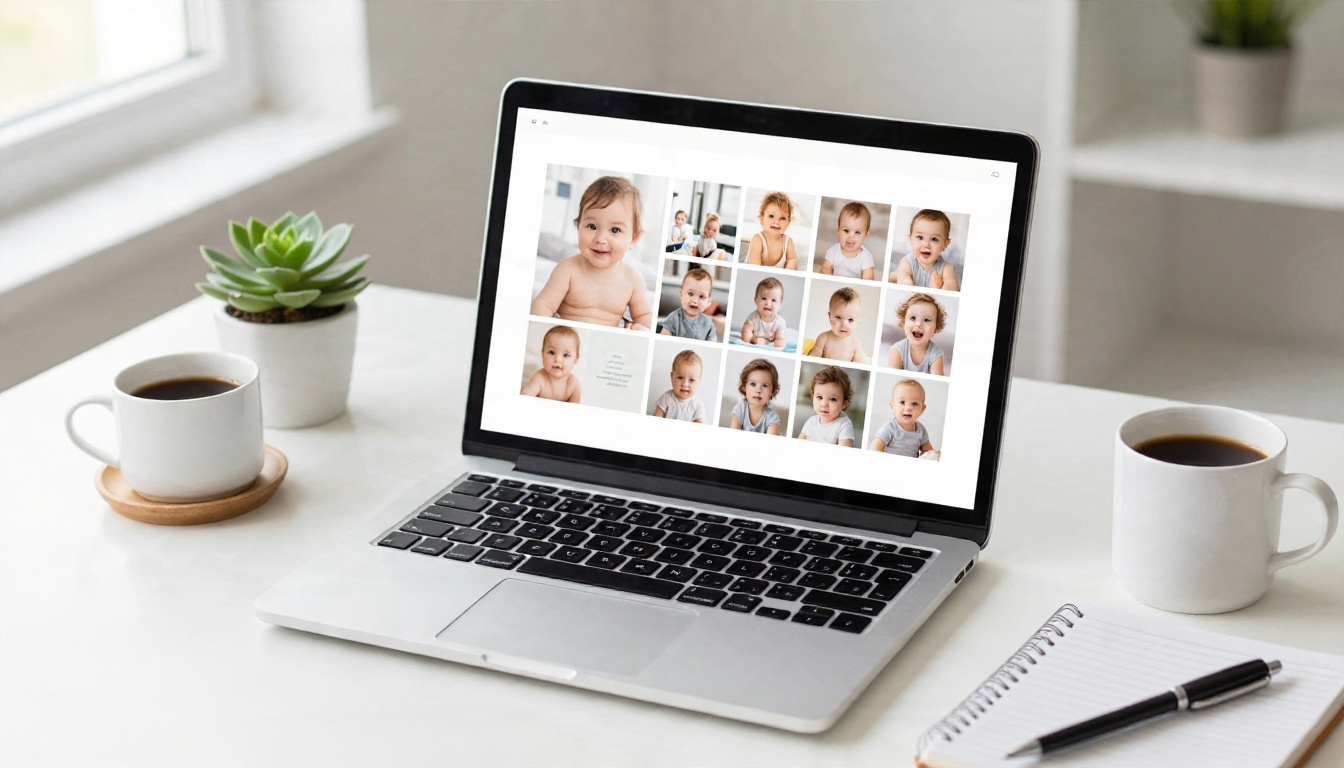
Gather and Sort Photos
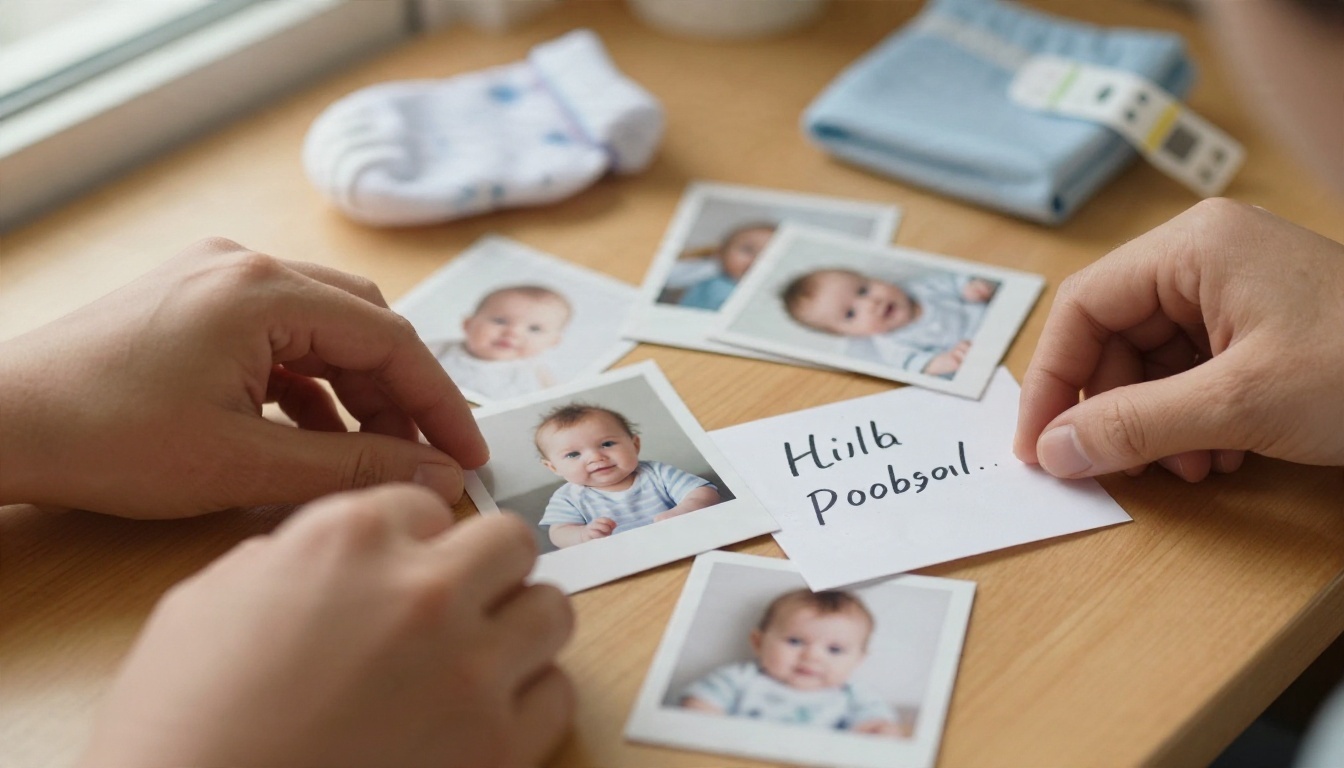
Before you open a design tool, spend 20 minutes sorting. Create twelve folders named Month 1 to Month 12. Move your best 8 to 12 photos into each one. Delete near-duplicates ruthlessly. If you kept milestone cards, a hospital bracelet or tiny socks, photograph those too, because small objects make wonderful page accents.
How to Create Your Album with Flipbooks AI
The process takes about ten minutes once your PDF exists. Here is the full workflow.
- Design the pages. Use Canva, Google Slides, Word or any layout tool. Set the page to 8 x 8 inches, or 16:9 if the album is for screens only. Follow the month-by-month table above.
- Export as PDF. Choose the highest quality setting so your portraits stay sharp.
- Open Flipbooks AI. Go to flipbooksai.com and create an account. You can start without paying.
- Upload the PDF. The PDF to Flipbook Converter turns each page into a realistic page-turning spread with a soft curl effect. No watermarks, ever.
- Style the viewer. Pick a background color that matches your nursery palette, such as cream, sage or blush. Add your custom branding if you like, such as the baby's name on the loading screen.
- Add sound and video. Embed a ten-second clip of the first giggle or a lullaby on the matching month. Relatives tend to replay these.
- Set privacy. Turn on password protection. This is a private family album, and a password keeps it that way.
- Share. Copy the direct link for a text message, or use the Embed Flipbook on Website tool if you keep a family blog.
💡 Pro tip: Name the file with the baby's name and year, such as "Mia-Year-One". The link then looks personal and relatives recognize it at a glance.
For a printed copy, use the same PDF and send it to your local print shop or an online photo book printer. One layout, two outputs.
Pick the Right Tool for Your Album
Flipbooks AI has several tools that fit a family project. Here is how they compare.
| Tool | Best For | Link |
|---|
| PDF to Flipbook Converter | Any finished album PDF | Open tool |
| Wedding Album Flipbook | Album style layouts with romantic spreads | Open tool |
| Photography Portfolio | Large photo-first pages | Open tool |
| Interactive E-Book Publisher | Albums with audio and written stories | Open tool |
You can browse the full list of flipbook tools if you want to try a different style.
Share With the Family
Sharing is where an online album beats a printed one. A single link reaches grandparents on a phone, an aunt on a tablet, and a cousin on a laptop. The pages are mobile-responsive, so nobody pinches and zooms.


On the paid plans, you also get offline downloads, which helps when a grandparent has patchy internet. If you share the album with a wider circle, the Professional plan adds analytics so you can see which pages get opened most. Compare the options on the pricing page.
Mistakes to Avoid
Most baby albums fail for predictable reasons. Here are the common ones.
- Waiting until month twelve. You will forget dates and stories. Add a page every month.
- No captions. In ten years you will not remember what the funny face was about. Write one sentence per page.
- Mixed styles. Three fonts and five colors make the album feel messy. Pick one font pair and one palette.
- Too many photos per page. Four is the comfortable maximum on an 8 x 8 page.
- Low resolution files. Check every photo at 100 percent zoom before you place it.
- Skipping a backup. Save the PDF in two places, such as a hard drive and cloud storage.
⚠️ Warning: Phone photos sent through messaging apps are heavily compressed. Always use the original file from your camera roll.
Real-World Examples
A few scenarios show how different families use the same idea.
- The long-distance grandparents: A couple living overseas gets a new flipbook link at the start of every month. The album grows one spread at a time, and the same link never changes.
- The new dad with a camera hobby: He shoots the same monthly portrait in the same chair and uses a grid layout at month twelve to show all twelve portraits on one page.
- The twin parents: They make two albums from one template. Same layout, different photos, one link each.
- The gift giver: A godmother builds a keepsake from photos she received during the year and sends a printed copy plus the online version for the baby's first birthday.
Ready to Build Your Album?
You already have the photos. A plan, a size and a maker are all it takes to turn them into something your family will actually open.
- Copy the month-by-month table into your notes app today.
- Pick 8 x 8 inches and a calm color palette.
- Design your pages and export a PDF.
- Get started for free on Flipbooks AI and upload it.
- Compare pricing plans if you want unlimited flipbooks, analytics and offline downloads.
Your baby will be one year old in no time. The album is how you keep every month of it.



