Teachers spend hours creating lesson materials that students barely glance at. A digital flipbook changes that equation entirely. With realistic page-turning animations, embedded media, and mobile-responsive design, flipbooks turn a flat PDF into something students actually interact with. Whether you teach kindergarten or AP Chemistry, the right free flipbook maker can cut your prep time and double the impact of your materials. Flipbooks AI offers one of the strongest free-tier options available for educators, and this article covers everything you need to know about it and the broader landscape of free tools.
Why Teachers Are Switching to Digital Flipbooks
Static PDFs have a serious problem: students download them, glance at the first page, and close them. Digital flipbooks solve this through interactivity. The page-flip animation alone creates a psychological "open me" effect that flat documents simply cannot replicate. Beyond aesthetics, flipbooks allow teachers to embed videos, audio clips, and hyperlinks directly in the material, making a single document function like an entire mini-lesson.
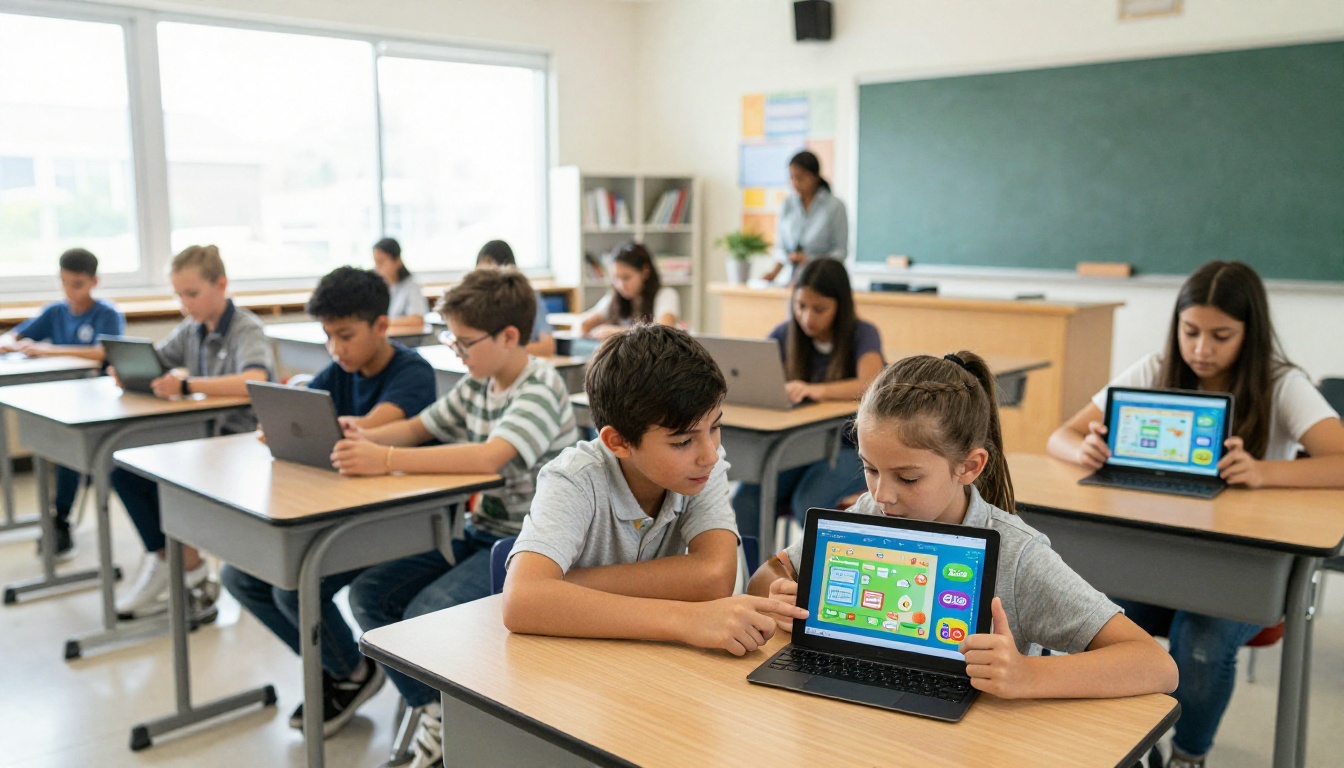
Classroom technology adoption surveys consistently show that teachers who switch to interactive digital formats report higher completion rates for assigned reading materials. The format works across subjects: science teachers embed experiment videos, history teachers link primary source documents, and language arts teachers add audio readings for accessibility.
💡 A flipbook does not require expensive software. Most platforms accept a standard PDF you already have, so your existing lesson materials are ready to go immediately.
The Real Classroom Benefits
- Higher student completion rates for assigned reading materials
- Embed multimedia directly in the document (videos, audio, links)
- Share instantly via a single URL, no app installation required for students
- Mobile-responsive so students can read on any device, including phones
- Eco-friendly replacement for printed handouts, reducing paper costs
- Analytics on who opened what and how long they spent (on paid plans)
What Free Plans Actually Offer
Not every free plan is created equal. Some platforms watermark everything, some cap you at one or two flipbooks total, and others limit the number of pages per document. Before committing to any tool, teachers need to understand exactly what the free tier includes, and where the hard walls are.
Flipbooks AI: The Strongest Free Option for Teachers
Flipbooks AI stands out for classroom use because it removes the two biggest frustrations teachers have with free tools: watermarks and flipbook count limits. The free plan gives you access to the core PDF-to-flipbook conversion without stamping your professional materials with a promotional badge.

The platform is built with educators in mind, offering dedicated tools including the Course Material Publisher, School Newsletter Creator, Training Manual Flipbook, and Yearbook Flipbook Maker. These are not generic business tools rebranded for education: they are purpose-built for the specific formats teachers actually produce.
Free vs. Paid: What You Actually Get
| Feature | Free | Standard | Professional |
|---|
| Watermarks | None | None | None |
| Flipbooks | Limited | Unlimited | Unlimited |
| PDF pages per flipbook | Up to 50 | Unlimited | Unlimited |
| Custom branding | Basic | Full | Full |
| Password protection | No | Yes | Yes |
| Analytics | No | Basic | Advanced |
| Lead generation forms | No | No | Yes |
| Offline downloads | No | Yes | Yes |
| Embed on website | Yes | Yes | Yes |
| Video and audio embed | No | Yes | Yes |
✅ Start with the free plan to test the workflow with one lesson unit. Once you see how students respond, upgrading to Standard becomes an easy, low-risk decision.
Why No Watermarks Matters in a Classroom
Most free tools add a "Made with [Platform Name]" banner across every page. For a teacher sharing professional materials with students or parents, this looks unprofessional and dilutes the presentation. Flipbooks AI's commitment to zero watermarks on any plan means your materials look exactly as you designed them.
How to Create a Classroom Flipbook with Flipbooks AI
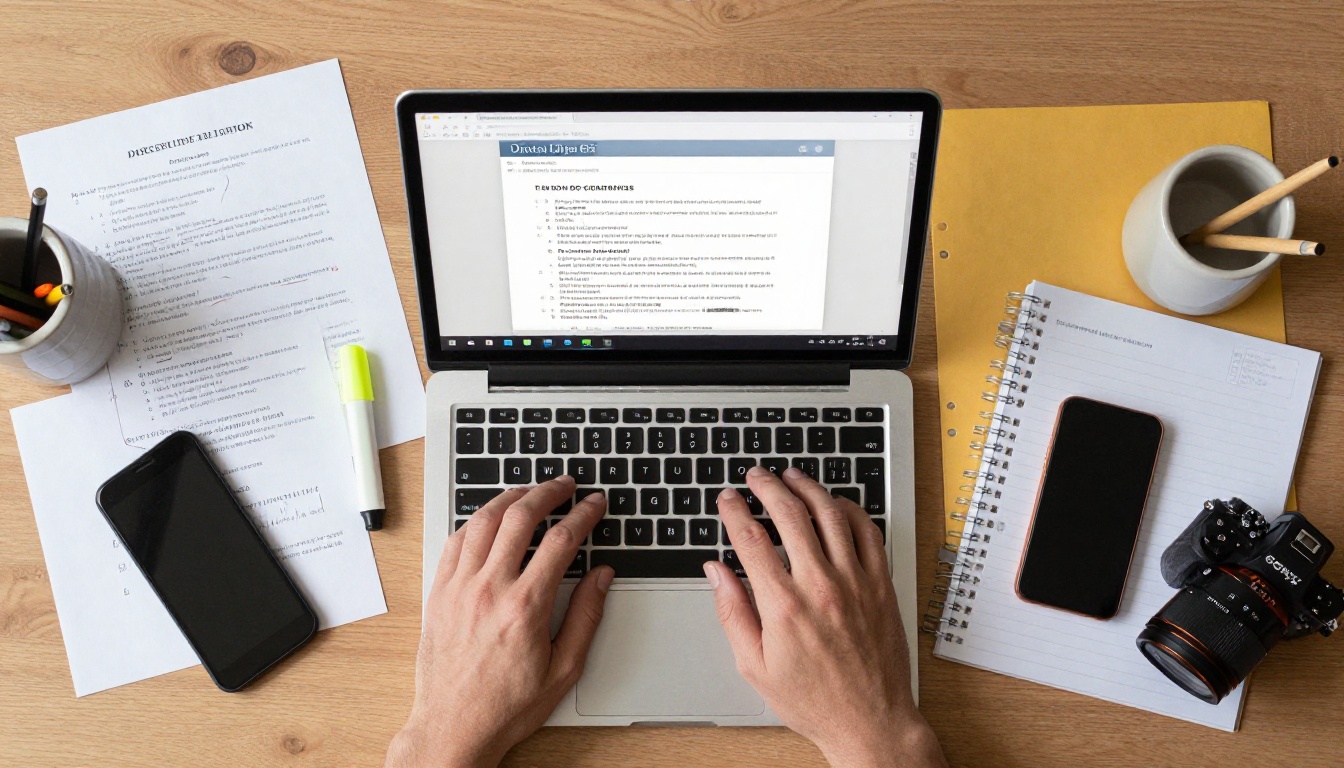
This tutorial walks through creating your first interactive lesson material from a PDF you already have.
Step 1: Create your account
Go to flipbooksai.com/account and sign up. The process takes under two minutes and requires no credit card for the free plan.
Step 2: Prepare your PDF
Export your lesson material, worksheet, or newsletter as a PDF. Most word processors and design tools have a direct PDF export. Keep the file under 50 pages for the free plan.
Step 3: Upload your PDF
Click the upload area in your dashboard and drag your PDF file in. The platform converts it automatically in seconds. You will see a live preview of your flipbook with the page-turn animation before you publish anything.
Step 4: Customize branding and appearance
Adjust the color palette to match your school's colors, add your name or classroom title, and choose the page flip style. Standard and Professional plan users can upload a custom logo for full institutional branding.
Step 5: Share with students
Copy the direct link and paste it into your learning management system (Google Classroom, Canvas, Schoology), email it to parents, or embed it directly on your class website using the provided embed code. The Embed Flipbook on Website tool makes this a one-step process.
💡 Use password protection (Standard plan) for materials you want to share only with enrolled students or parents who attended a specific session. This prevents unauthorized distribution.
Step 6: Track engagement with analytics (Professional)
With the Professional plan, access analytics showing how many students opened the flipbook, which pages they spent the most time on, and overall completion rates. This data is genuinely useful for identifying which sections confused or lost students mid-reading.
Top Use Cases for Teachers by Subject
Different subjects and grade levels call for different flipbook formats. These are the most effective classroom applications across the curriculum.
Science and STEM Classes
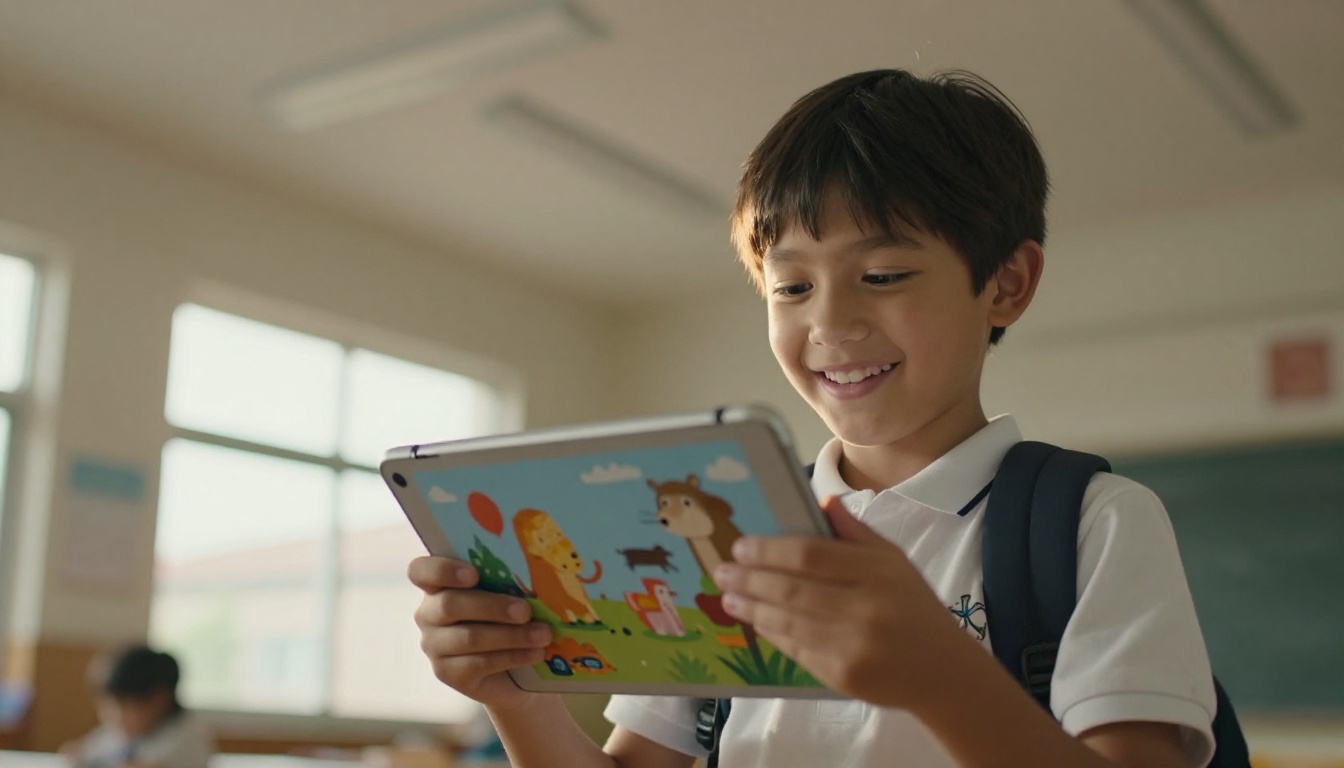
Science teachers get the most value from flipbooks by embedding experiment videos directly into the document. A lab procedure that used to be a flat bulleted list becomes a flipbook page with an embedded video showing the correct technique alongside written steps, eliminating the need to pause class and switch to YouTube.
Recommended tool: Course Material Publisher
History and Social Studies
Primary source analysis works beautifully in flipbook format. Teachers can create document-based question (DBQ) packets where students flip through historical documents with discussion questions embedded alongside each source, all in a single shareable link.
English and Language Arts
Reading guides, novel study packets, and writing rubrics all benefit from flipbook format. Audio readings can be embedded for students who benefit from hearing text read aloud, making the same document work for multiple learning styles simultaneously.
Recommended tool: Interactive E-Book Publisher
School Newsletters and Parent Communications
The School Newsletter Creator is built specifically for educators who want to share professional-looking communications with parents and families. A newsletter flipbook sent via a single link looks dramatically more polished than a static PDF attachment in an email.
Yearbooks and Class Memory Projects
The Yearbook Flipbook Maker lets teachers create end-of-year digital yearbooks that students can share and view on any device, with zero printing costs and the ability to embed video clips from class events.
Multiple platforms offer free tiers. Here is how the main options compare, specifically evaluated for classroom use:
| Platform | Watermarks on Free | Free Flipbook Limit | Edu-Specific Tools | Ads Inside Flipbook | Mobile Responsive |
|---|
| Flipbooks AI | None | Yes (limited) | Yes | No | Yes |
| Issuu | Yes | 1 publication | No | Yes | Yes |
| FlipHTML5 | Yes | 3 flipbooks | No | No | Yes |
| Yumpu | Yes | Unlimited | No | Yes (ads displayed) | Yes |
| Heyzine | None | 3 flipbooks | No | No | Yes |
| Canva (Presentation) | None | Unlimited | No | No | Limited |
⚠️ Platforms that display third-party advertisements inside the flipbook are not appropriate for classroom use. Ads can be irrelevant, distracting, or potentially inappropriate for minors, and they undermine the professional quality of your materials.
The Hidden Cost of Ad-Supported Free Plans
Some free platforms display advertisements inside the flipbook itself, not just on the platform dashboard. For a classroom context, this creates two problems: ad content is unpredictable and potentially inappropriate for younger students, and ads compete directly with your educational content for student attention.
Digital Flipbooks Across Different School Settings
The flipbook format adapts well to different age groups and institutional contexts. Here is how teachers at each level use it most effectively.
Elementary Schools (K-5)
Younger students respond particularly well to the page-flip animation because it mirrors the physical books they are learning to read. Teachers in grades K-5 use flipbooks for:
- Illustrated story books with embedded audio read-alouds
- Vocabulary collections with one word and image per page spread
- Parent communication newsletters sent home digitally
- End-of-year class memory books with student photos and writing samples
Middle Schools (Grades 6-8)
Middle school students benefit from flipbook-format study guides that break dense content into visually separated pages. The format reduces the overwhelming feeling of looking at a wall of text, and the ability to share a link through a learning management system fits how this age group already works.
High Schools and AP Courses
High school teachers use flipbooks for:
- AP exam preparation packets with practice questions per page
- Research paper source packets with annotated primary documents
- College application guidance materials for counselors
- Internship and extracurricular program handbooks
Special Education and Accessibility
For students with reading difficulties, flipbooks that embed audio content on every page provide a meaningful accessibility improvement over static PDF materials. The combination of visual page layout and embedded audio supports multiple learning modalities simultaneously, without requiring separate materials for different student needs.
Structuring Content for Maximum Impact
The page-flip format is not just visual novelty. It fundamentally changes how students mentally organize information. Each page turn creates a natural cognitive break that helps with retention and chunking of content.
The Ideal Flipbook Lesson Structure
- Title page: Topic title, teacher name, class period, date
- Objectives page: Learning goals stated clearly in student-facing language
- Content pages: One main concept per page spread, with visuals
- Activity pages: Practice problems or discussion questions
- Takeaways page: Main points in bullet format for quick review
- Resources page: Links to additional materials, citations, or extension reading
What NOT to Put in a Flipbook
Not every document benefits from the flipbook format. Avoid converting:
- Long reference documents students need to search with ctrl+F
- Materials with complex mathematical formulas requiring high zoom levels
- Documents where page order does not matter and non-linear navigation is needed
Building a Teacher Collaboration Library
One of the underused aspects of flipbook platforms is their potential for department-wide collaboration. Grade-level teams can create shared flipbook libraries of lesson materials that any team member can share with their own classes.

The Training Manual Flipbook tool is particularly useful for department heads creating onboarding materials for new teachers, or for coaches developing student athlete handbooks that need to be updated annually without reprinting.
💡 Build a department flipbook library where each teacher contributes one high-quality unit per semester. By end of year, the whole team has a resource collection without any single teacher bearing the full creation burden.
Flipbook Features Every Teacher Should Know
| Feature | What It Does | Best Classroom Use |
|---|
| Page-flip animation | Simulates physical book turning | All lesson materials |
| Embed video | Places a video player inside a page | Lab demonstrations, recorded lectures |
| Embed audio | Adds audio player to any page | Read-alouds, pronunciation guides |
| Password protection | Restricts access to link recipients | Private class materials, assessments |
| Analytics | Tracks opens and time per page | Identifying confusing sections |
| Lead gen forms | Collects student info or responses | Event sign-ups, feedback surveys |
| Offline download | Allows reading without internet | Take-home packets, low-connectivity areas |
| Mobile responsive | Works on phones and tablets | Student homework access from home |
Start Creating Your First Classroom Flipbook
If you have been printing and emailing PDFs to students, switching to flipbooks is one of the highest-impact, lowest-effort changes you can make to your classroom materials. The format is more engaging, far easier to share, and significantly more memorable than a flat document attachment.
Start by picking one existing lesson unit and converting its PDF to a flipbook. Share it in your next class and observe how students interact with it compared to the same content in static form. The difference in attention and completion rates is typically visible within the first session.
Create your first classroom flipbook today at Flipbooks AI. The free plan requires no credit card, and the Standard and Professional plans add unlimited flipbooks, password protection, video and audio embedding, and detailed analytics for teachers who want to go further.
Browse the full collection of education-focused flipbook tools including the Course Material Publisher, School Newsletter Creator, and Yearbook Flipbook Maker to find exactly what fits your classroom workflow. Compare pricing plans to see which tier matches your school's needs.



