Your product launch gets one shot at a first impression, and a PDF attachment in an email is not the impression you want to make. A flipbook changes everything. It transforms your static launch materials into an interactive, page-turning experience that buyers actually open, scroll through, and share. If you want to make a flipbook for your product launch, this is the complete breakdown of how it works, what to include, and why it performs better than anything else in your marketing stack.
Flipbooks AI makes it possible in minutes, with no design skills required. Upload your PDF, apply branding, and share a link that works on any device.
Why Static PDFs Are Killing Your Launch Momentum
Most product launches rely on the same materials: a PDF lookbook, a press release, and a product spec sheet. These files get attached to emails, sit in Google Drive folders, and disappear without a trace. Nobody knows if a prospect opened the PDF, how far they read, or whether they forwarded it.
The numbers tell an uncomfortable story. Interactive digital content consistently outperforms static files across every key metric.
| Metric | Static PDF | Interactive Flipbook |
|---|
| Average open rate | 20-25% | 40-60% |
| Time on page | 45 seconds | 3-5 minutes |
| Share rate | Very low | 3x higher |
| Mobile experience | Poor (zoom required) | Fully responsive |
| Analytics available | None | Full page tracking |
| Embedding on website | Not possible | Embed code available |
A flipbook is not just a prettier PDF. It is a trackable, shareable, embeddable asset that tells you exactly how buyers are engaging with your launch materials.
💡 The page-turn animation in a flipbook creates a psychological commitment effect. Once a reader "turns" a page, they are far more likely to keep reading than someone scrolling a flat document.
What Makes Flipbooks Perfect for Product Launches
Product launches are high-stakes moments. Your materials need to work harder than usual, across more channels, with more people watching. A digital flipbook fits that brief in ways no other format does.
They Work on Every Device
Your prospects are reading on phones, tablets, and desktops. A responsive flipbook automatically adjusts to any screen size without pinching, zooming, or horizontal scrolling. The experience is consistent whether someone opens your link from a LinkedIn message or a desktop email.
They Are Built for Sharing
A flipbook lives at a unique URL. You paste one link into an email, a Slack message, a tweet, or a press release, and anyone can open it instantly. No download required. No "the attachment was too large" bounce-backs.
They Embed Directly on Your Website
On the day of your launch, you want buyers landing on your site to see your product in the best possible light. Embed a flipbook directly on your product page and give visitors an interactive browsing experience without ever leaving your site.
They Tell You What Buyers Care About
Which page did prospects spend the most time on? Where did they drop off? Did they revisit the pricing page three times? The analytics inside a professional flipbook give your sales team real intelligence before they make their first call.
Real-World Use Cases by Product Type
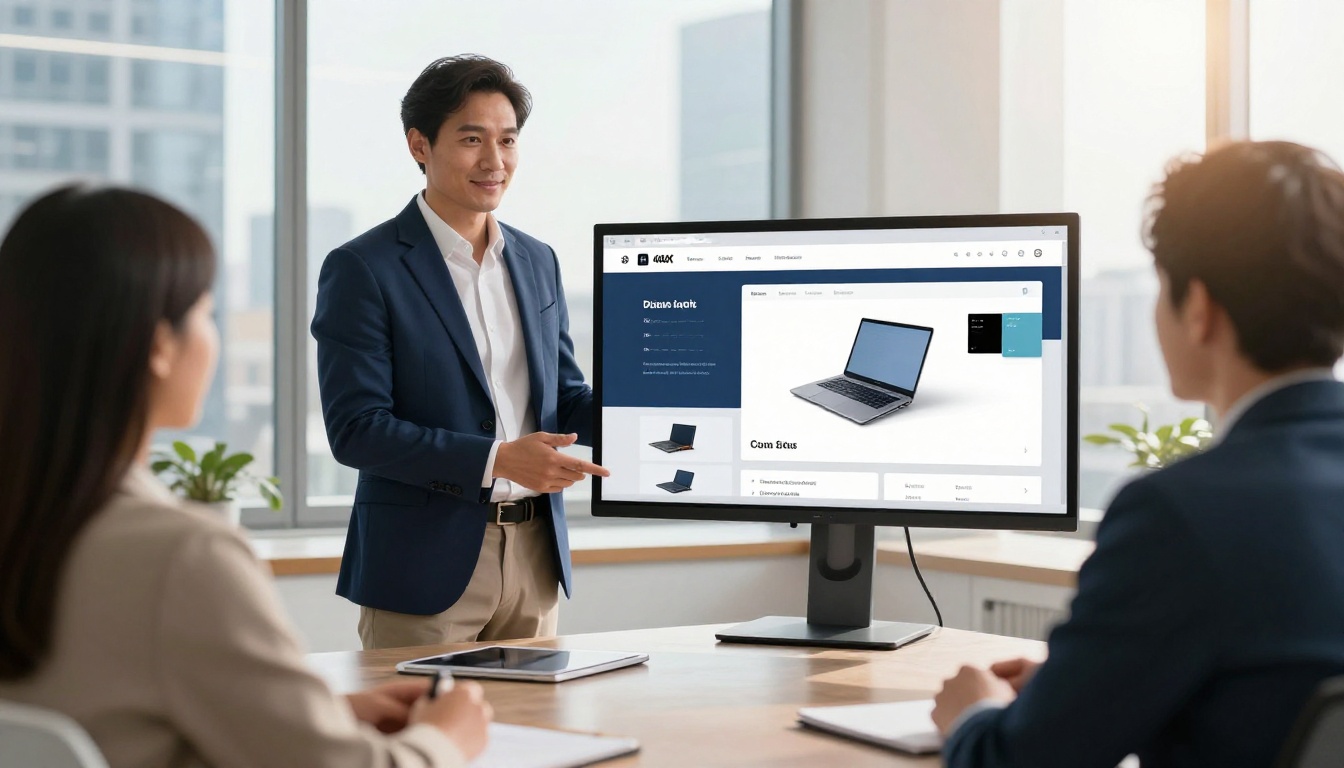
Not every product launch looks the same. A SaaS company launching a new feature has different needs than a cosmetics brand revealing a new line. The right flipbook format depends on your product and your audience.
Each of these formats follows the same core workflow: design a PDF, convert it, brand it, and share it. The content inside is what changes.
How to Make a Flipbook for Your Product Launch
This is the step-by-step process from blank canvas to live link, using Flipbooks AI.
Step 1: Design Your Launch PDF
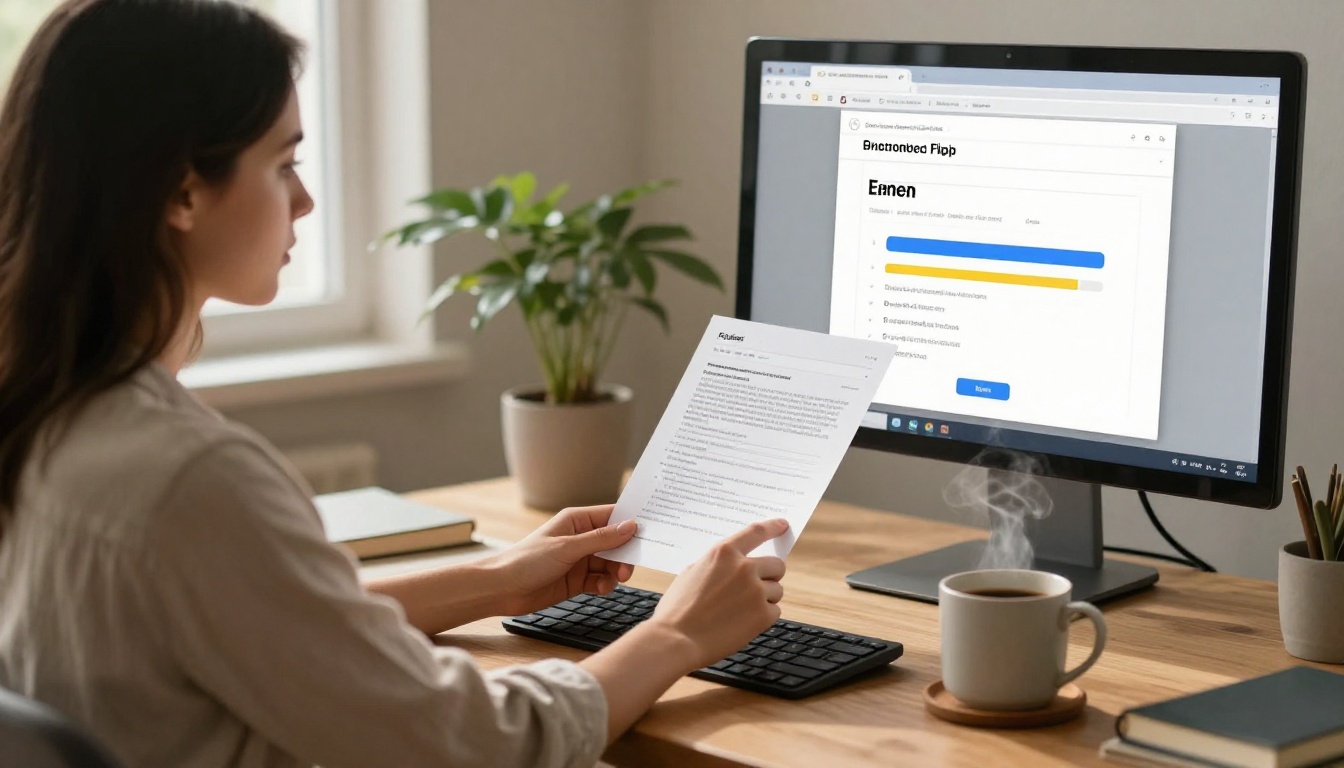
Before you can create a flipbook, you need a PDF. This is where your design work happens, in Canva, Adobe InDesign, Figma, or any tool that exports to PDF.
What to include in your launch PDF:
- Cover page: Product name, hero image, launch date
- Problem page: What pain point does this solve?
- Product reveal: High-quality photography from multiple angles
- Feature breakdown: Key benefits, not just specs
- Social proof: Beta user quotes, press coverage, testimonials
- Pricing page: Clear tiers with what is included at each level
- Call to action: Where to buy, sign up, or get in touch
✅ Design for a 16:9 widescreen ratio if you plan to embed on a website, or 4:3 if primarily sharing via email and social.
Step 2: Upload Your PDF to Flipbooks AI
Go to Flipbooks AI and create your account. The upload process takes under two minutes.
- Click New Flipbook from your dashboard
- Drag and drop your PDF file or click to browse
- Wait for the automatic conversion, typically 30-90 seconds depending on file size
- Preview your flipbook in the built-in viewer
The PDF to Flipbook Converter preserves all your fonts, images, and layouts exactly as designed. Nothing shifts, nothing breaks.
Step 3: Apply Your Brand Identity
A product launch flipbook needs to feel like your brand, not like a generic digital publication. Flipbooks AI gives you full control over the visual identity.
Branding options include:
- Custom logo: Appears in the flipbook header
- Brand colors: Applied to the navigation bar, page controls, and UI elements
- Custom domain: Share from yourbrand.flipbooksai.com or your own domain
- Background texture: Solid color, gradient, or image behind the flipbook pages
- Cover thumbnail: The preview image buyers see before opening
⚠️ Inconsistent branding between your flipbook and your website creates confusion on launch day. Match colors exactly using hex codes, not approximate color names.
Step 4: Add Interactive Elements
This is where a flipbook goes from "nice" to "wow." Static pages become experiences.
- Embed videos: Add product demo videos directly inside the flipbook pages
- Clickable links: Every URL in your PDF becomes a live hyperlink automatically
- Audio narration: Record a voiceover for key pages
- Animated page turns: Choose from several page-flip animation styles
Step 5: Configure Sharing and Privacy
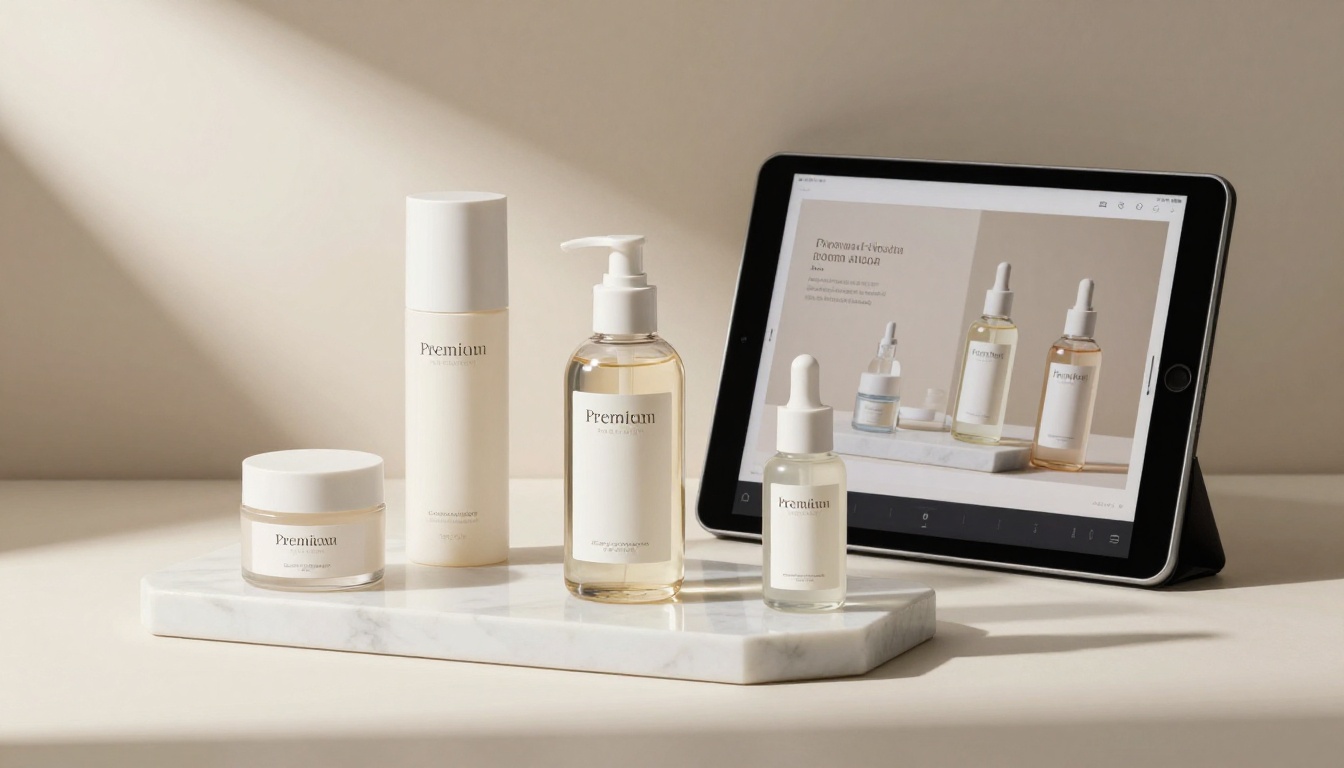
Depending on your launch strategy, you may want different access levels for different audiences.
Public launch: Share a direct link with no restrictions. Ideal for press releases and social media.
Pre-launch preview: Password-protect your flipbook and share only with press, influencers, or early access subscribers. They get a unique link plus password, and you control exactly who sees it before your official date.
Investor deck: Keep it private with a password, or use the lead generation gate (Professional plan) to collect contact information before anyone can view the flipbook.
Website embed: Copy the embed code from your flipbook dashboard and paste it into any web page. Works with WordPress, Shopify, Webflow, Squarespace, and any other platform that accepts HTML.
Step 6: Track Engagement After Launch
The analytics inside your flipbook dashboard show you more than any email open rate ever could.
Metrics available on the Professional plan:
- Total views and unique visitors
- Average time spent per page
- Geographic distribution of readers
- Device breakdown (mobile vs. desktop vs. tablet)
- Leads captured through the lead generation gate
This data is invaluable for your follow-up sales calls. When a prospect spent four minutes on your pricing page and revisited the feature comparison twice, your sales team can open that conversation with precision.

Comparing Flipbooks AI Plans for Product Launches
Choosing the right plan depends on the scale of your launch and what features matter most.
| Feature | Free | Standard | Professional |
|---|
| Flipbooks | 3 | Unlimited | Unlimited |
| Watermark | Yes | No | No |
| Custom branding | No | Yes | Yes |
| Password protection | No | Yes | Yes |
| Analytics | No | Basic | Full |
| Lead generation | No | No | Yes |
| Offline download | No | No | Yes |
| Custom domain | No | No | Yes |
| Video embedding | No | Yes | Yes |
For most product launches, Standard covers the essentials: unlimited flipbooks, no watermarks, and custom branding. If your launch involves collecting leads or needs advanced analytics for a sales team, Professional is worth it from day one. Compare all options at flipbooksai.com/pricing.
What to Put Inside Your Product Launch Flipbook
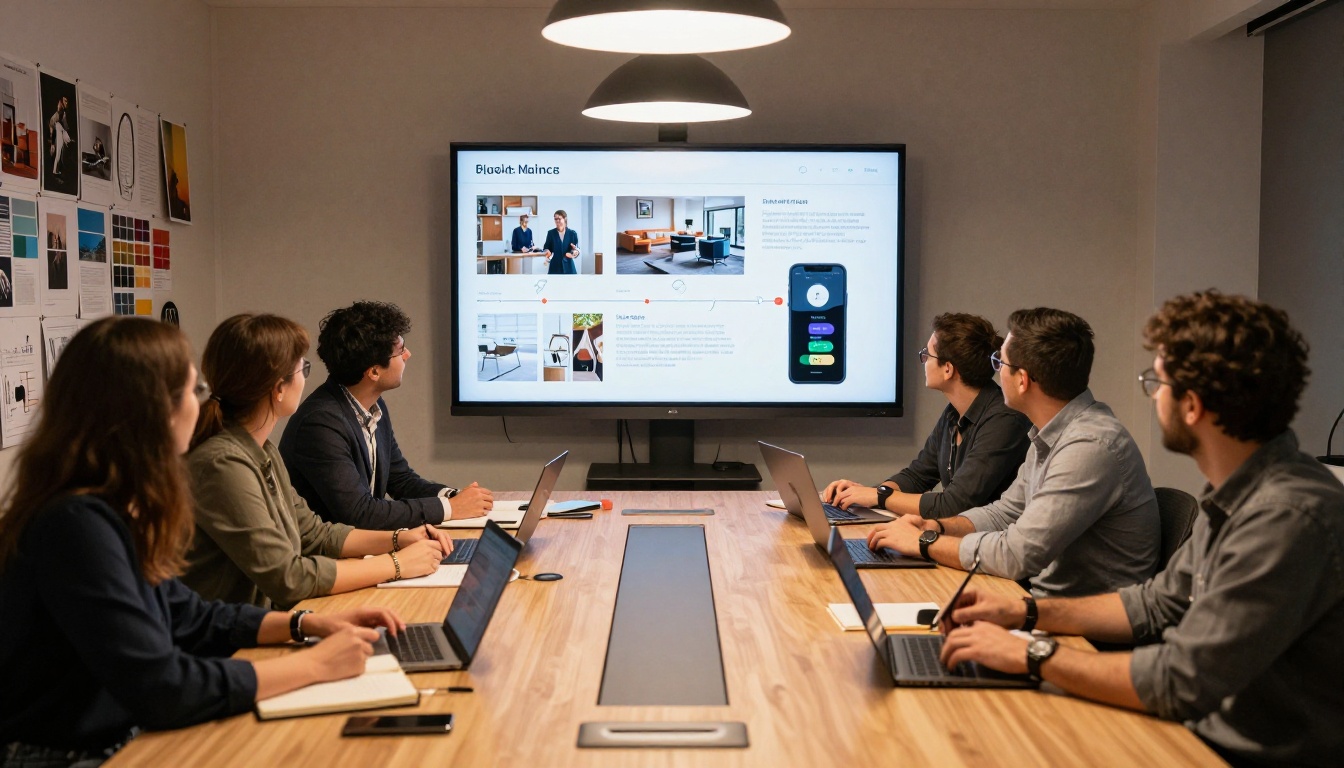
The format only works if the content is right. Here is what the strongest product launch flipbooks include, in order.
The Cover Page
Your cover is the thumbnail prospects see before they even open the flipbook. It needs one strong hero image of your product, your product name in clear typography, and your launch date or tagline. Nothing else.
The Problem Statement
Before you show your product, show the problem it solves. Two to three pages that articulate exactly what buyers are struggling with today builds the emotional case for what comes next.
The Product Reveal
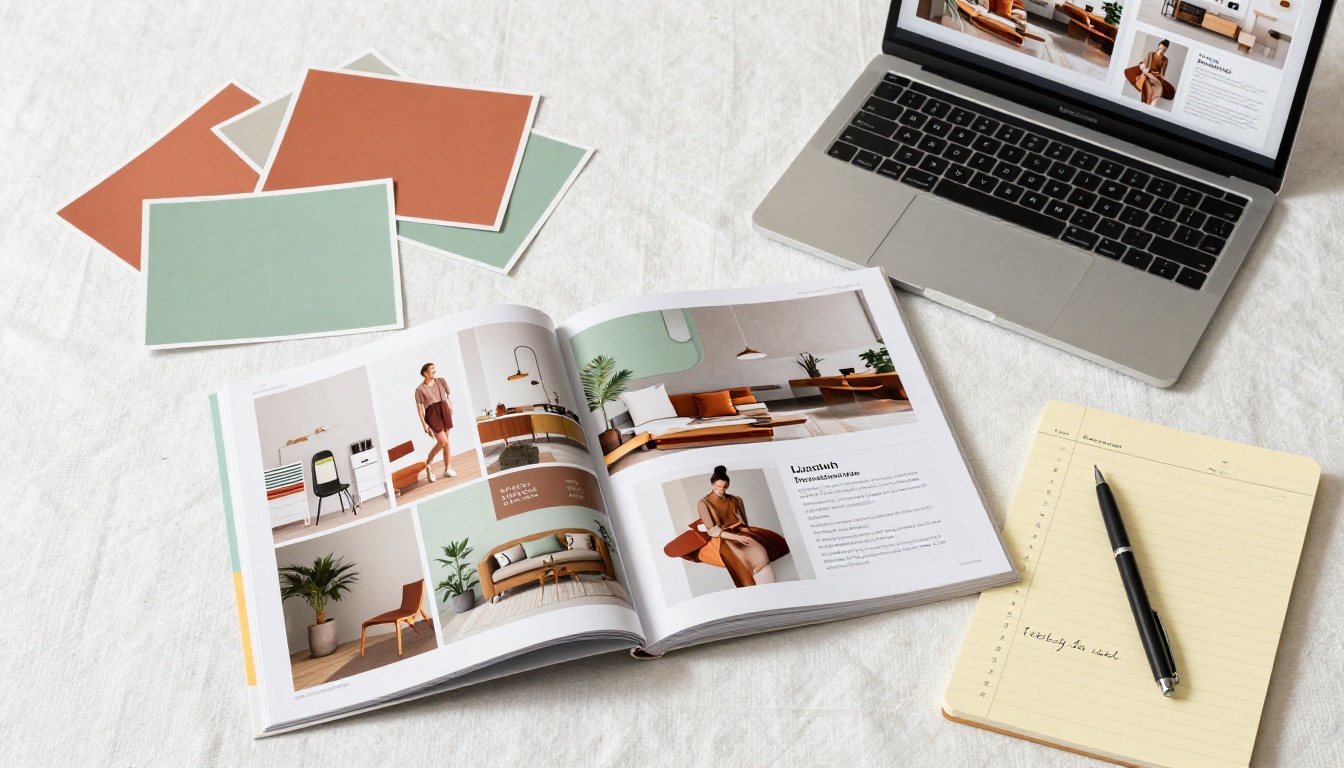
This is your money section. High-resolution photography from multiple angles, lifestyle shots showing the product in use, and for digital products, clean interface screenshots. Give buyers enough visual information to picture themselves using it.
Feature Breakdown
List the top five to seven features in plain language. Not technical specifications. Benefits. What does each feature do for the buyer? Use icons, short headlines, and two-sentence descriptions per feature.
Social Proof
Even on launch day, you can include social proof from beta users, early access customers, or press coverage. A single powerful quote with a name, photo, and company title carries more weight than a page of bullet points.
Pricing
Be direct. Show your pricing tiers in a clean table format with a clear recommendation for each tier. Include what is and is not in each plan. Ambiguity on pricing creates friction.
The Call to Action
Every launch flipbook needs a closing page with one clear action. Visit the website, start a free trial, book a demo, or place a pre-order. One button. One URL. Do not give buyers four options and hope they pick one.
💡 Add a QR code on your closing page. When buyers share a screenshot of your flipbook on social media, the QR code brings new viewers directly to your launch page.
Distributing Your Flipbook on Launch Day
Creating a great flipbook is half the battle. The other half is getting it in front of the right people at the right moment.
Email Campaigns
Replace your traditional PDF attachment with a flipbook link in your launch email. Instead of "See the attached PDF," write "Browse the interactive launch catalog" with a link. Your click-through rates will be noticeably higher because a link feels lower friction than a download.
Social Media
Post the cover page as a static image with your flipbook link in the caption. On LinkedIn, this format consistently drives high engagement because the post looks like a native image but the link leads to a full interactive experience.
For Instagram and TikTok, record a short screen recording of yourself flipping through the pages. This "flipping" content style performs exceptionally well because the page-turn animation is visually satisfying to watch.
Press and Media Outreach
Journalists receive hundreds of press releases. Sending a link to a beautifully designed press kit flipbook instead of a zip file full of PDFs and images instantly sets you apart. Include high-res photography, your media contact information, and key product stats all in one browsable document.
Website Launch Page
Embed your flipbook directly on your product launch page. Visitors who might have bounced after reading a text block will stay and browse when they can interact with an actual flipbook. The average session duration on pages with embedded flipbooks is significantly higher than on text-only landing pages.
3 Mistakes That Sink Product Launch Flipbooks
Overloading Every Page
A flipbook that tries to say everything says nothing. Limit each page to one idea: one feature, one benefit, one piece of social proof. White space is not wasted space. It is the breathing room that makes your content readable.
Using Low-Resolution Images
The page-turn animation draws attention to your visuals. If your product photography is low resolution, it will look worse in a flipbook than it does in a static document because the interactive format invites closer inspection. Use a minimum of 150 DPI for PDF export.
Sharing Without a Tracking Strategy
If you share your flipbook without a plan for following up on the analytics, you are leaving money on the table. Before launch day, agree on which metrics matter (total views, time on pricing page, leads captured) and who on your team is responsible for acting on that data.

Depending on the nature of your launch, one of these specialized formats may serve you better than a generic flipbook.
All of these tools are available through Flipbooks AI and follow the same PDF upload workflow. The difference is in the templates and the intended audience.
Make Your Launch Count
Your product launch window is short. You have days, sometimes hours, to capture attention, generate buzz, and drive the first wave of buyers before the moment passes. A digital flipbook is one of the highest-leverage assets you can create in that window because it works across every channel simultaneously.
It works in your email. It works on your website. It works in your press outreach. It works on social media. And it keeps working after launch day because the link never expires and the analytics keep collecting data.
Ready to build your launch asset? Create your flipbook on Flipbooks AI in minutes, not days. Browse all available flipbook tools and templates to find the format that fits your product and your audience.
When you are ready to go beyond the basics, check out the pricing plans to add analytics, lead generation, and custom branding to your launch strategy.



