Most wholesale buyers receive your catalog as a PDF attachment. It downloads to their desktop, sits in a folder named "vendors Q2," and gets opened exactly once, maybe. That's not a catalog strategy, that's digital hoarding. If you're ready to stop sending files that disappear, turning your wholesale catalog into a flipbook changes how buyers actually experience your products.
Flipbooks AI makes this conversion straightforward: upload your PDF, apply your branding, and share a link that opens a page-turning catalog in any browser, on any device, with zero download required.

Why PDF Catalogs Fail Wholesale Buyers
PDF catalogs were a reasonable solution when email was the primary channel and buyers sat at desktop computers all day. That's not how B2B purchasing works anymore.
The Inbox Problem
A typical wholesale buyer manages relationships with dozens of suppliers. When your 47-page PDF arrives, it competes with invoices, order confirmations, and three other vendor catalogs. Even motivated buyers often defer opening heavy attachments. When they do open them, PDF readers offer no tactile interaction, no zoom-optimized product views, and no way to share a specific page with a colleague.
Mobile Browsing Has Changed Everything
More than 60% of B2B buyers now research purchases on mobile devices before making a decision. PDFs on mobile are functional but miserable. Pages render tiny, zooming is clunky, and navigating to page 34 in a 60-page PDF feels like a punishment. A flipbook catalog built for mobile renders properly at every screen size, lets buyers swipe between pages naturally, and keeps product images sharp.
⚠️ If your catalog isn't readable on a phone, a large portion of your buyers are having a bad experience with your brand before they even place an order.
What a Flipbook Catalog Actually Does
The term "flipbook" describes the core behavior: pages that turn visually, just like a physical catalog or magazine. But the experience goes much further than aesthetics.
Page-Turn vs. Static Scroll
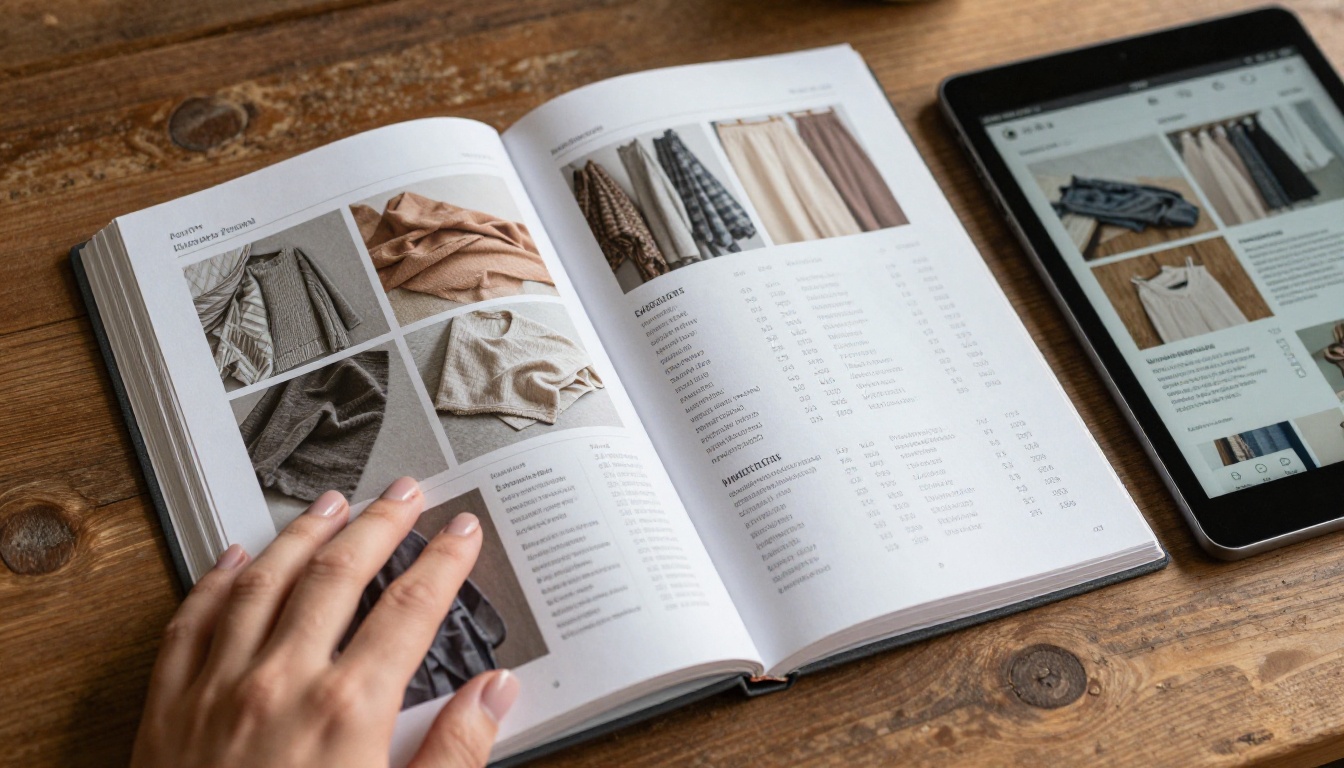
When a buyer opens a flipbook, they see a double-page spread with your products laid out exactly as designed. They click or swipe to turn pages. The physical motion creates something a PDF scroll cannot: a sense of browsing, of discovery. Buyers spend more time in a flipbook because the interaction itself encourages exploration.
How Buyers Interact Differently
With a flipbook catalog, buyers can:
- Zoom into specific products without losing context of the full page layout
- Share a direct link to a specific page with a purchasing manager
- Bookmark products they want to revisit
- View embedded videos showing product dimensions or usage
- Download a PDF copy for offline reference when needed
These are not features that exist in a standard email attachment. They're behaviors that turn passive catalog viewing into active product consideration.
The Business Case for Going Digital
Before building your flipbook, it helps to understand what you're actually replacing and what you're gaining. The numbers tell a clear story.
Print vs. Digital Catalog: What You're Actually Spending
| Factor | Print Catalog | Digital Flipbook |
|---|
| Production cost | $3,000 to $15,000 per run | One-time design cost |
| Per-copy cost | $4 to $12 each | $0 |
| Distribution cost | Postage and fulfillment | Share a link |
| Update cost | Reprint entire catalog | Edit PDF, re-upload |
| Analytics | None | Full page-by-page data |
| Shelf life | Until reprinted | Always current |
| Global reach | Shipping fees apply | Instant, worldwide |
The cost argument alone justifies the switch. But the strategic argument is stronger: a digital flipbook gives you data. You can see which pages buyers spend the most time on, which products get the most attention, and where buyers drop off. A printed catalog tells you nothing after it leaves your warehouse.
Real-World Wholesale Use Cases
- Apparel and fashion: Seasonal lookbooks with fabric color variants shown clearly across full-bleed spreads
- Food and beverage: Distributor catalogs with portion sizes, allergen info, and pricing tiers all in one document
- Hardware and tools: Technical spec pages with zoom-in capability for part numbers and tolerances
- Home goods: Room-setting product photography with complementary SKU suggestions on adjacent pages
💡 If you sell wholesale across multiple categories, create separate flipbooks per category and share the right one with the right buyer. No more sending a 200-page catalog to a buyer who only orders from two departments.

How to Build Your Wholesale Flipbook
The process takes less than 15 minutes if your PDF is already designed. Here's exactly how it works using the Catalog Flipbook Creator on Flipbooks AI.
Step 1: Prepare Your PDF
Before uploading, make sure your PDF is print-quality (at least 150 DPI, ideally 300 DPI). Flipbooks render best from high-resolution source files. If your catalog was designed in InDesign, Canva, or similar software, export it at maximum quality.
Check before uploading:
- All fonts are embedded in the PDF
- Images are not pixelated at full size
- Page bleeds and margins look correct
- Any hyperlinks in the PDF are active and pointing to current URLs
Step 2: Upload to Flipbooks AI
Go to Flipbooks AI and create your account. From your dashboard, click to create a new flipbook and drag your PDF into the upload zone.

The conversion is automatic. Within seconds, your PDF becomes an interactive flipbook with page-turn animations, zoom capability, and a shareable URL. The PDF to Flipbook Converter handles multi-page documents of any length without quality loss.
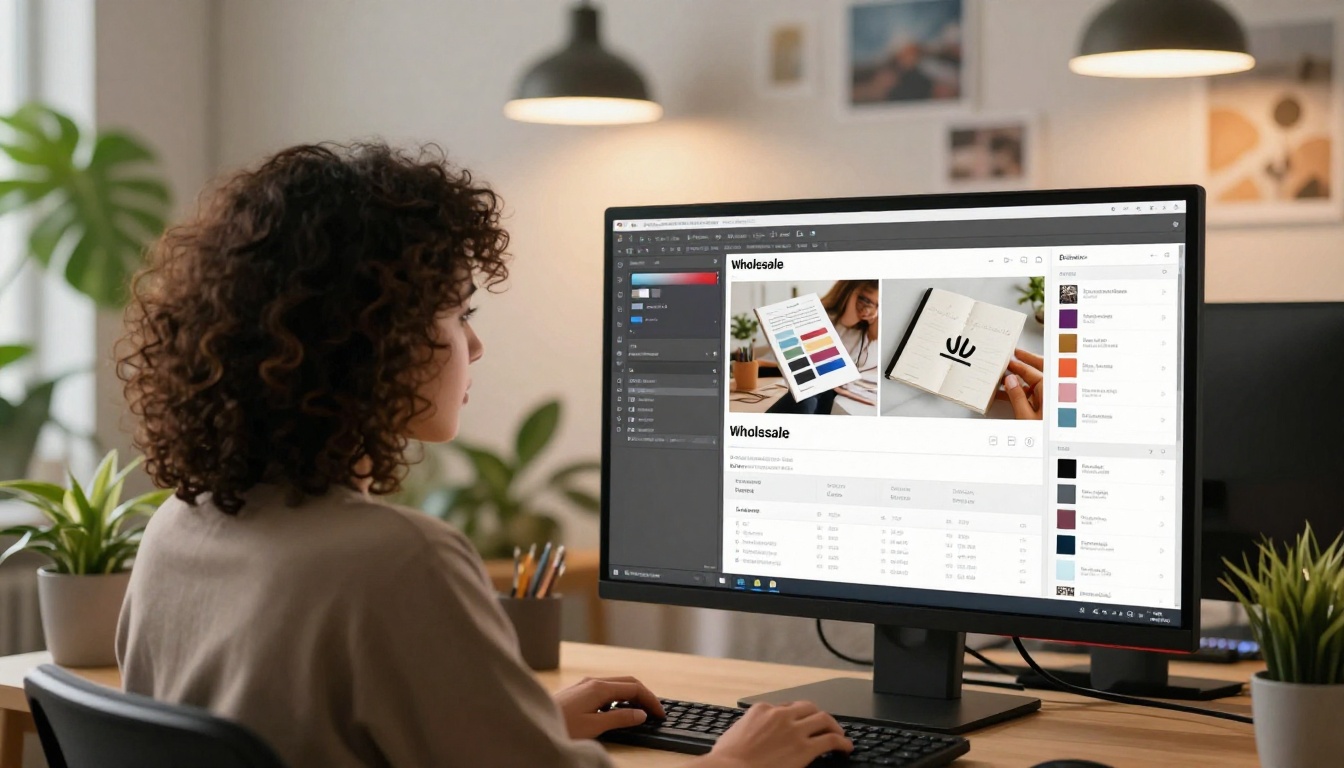
Step 3: Apply Your Wholesale Branding
This step separates a generic flipbook from one that reinforces your brand at every buyer touchpoint. From the editor panel:
- Upload your logo and set its position (top left is standard for wholesale)
- Set your brand colors for the flipbook interface and navigation buttons
- Choose your preferred font for any overlay text
- Add a branded background behind the page spread
- Set a custom favicon if sharing via a branded domain
💡 For wholesale catalogs with confidential pricing, use password protection so only verified buyers can access your rates. This is available on the Professional plan at Flipbooks AI and takes 30 seconds to configure.
Step 4: Set Your Sharing Options
Once branding is applied, you have several distribution options:
- Direct link: A clean URL you paste into email, WhatsApp, or your CRM
- Embed code: Place your catalog inside your B2B portal so buyers browse without leaving your site, using the Embed Flipbook on Website tool
- Password protection: Required entry for confidential pricing catalogs
- Download option: Let buyers save a PDF copy for offline reference
Step 5: Track What Buyers Actually Read
After sharing, the analytics panel shows real data on buyer behavior: total views, time spent per page, geographic location of viewers, and lead capture data if you've enabled the lead generation form (Professional plan).
This data directly informs your next catalog design. If page 12 with your new seasonal line gets 4x the average view time, that category deserves more space in your next edition.
Features That Actually Matter for Wholesale
Not every flipbook platform is built for B2B catalog distribution. Here's what separates a platform worth using from one that simply converts your PDF and stops there.
Plan Comparison for Wholesale Operations
| Feature | Free | Standard | Professional |
|---|
| Flipbooks | 1 | Unlimited | Unlimited |
| Custom branding | No | Yes | Yes |
| Password protection | No | Yes | Yes |
| Analytics | No | Basic | Full page-level data |
| Lead generation forms | No | No | Yes |
| Offline downloads | No | Yes | Yes |
| Embedded video and audio | No | Yes | Yes |
| Custom domain | No | No | Yes |
| No watermarks | No | Yes | Yes |
For most wholesale operations, the Standard plan covers everything needed. If you're using catalog analytics to refine your product strategy or capturing leads directly from the flipbook, the Professional plan pays for itself quickly.
✅ No watermarks on Standard and Professional means your catalog looks exactly as you designed it, with no third-party branding appearing on your product presentation.

Where to Share Your Wholesale Flipbook
The flipbook link is versatile. These are the highest-impact places to use it.
Email Campaigns to Buyers
Replace PDF attachments with a single line: "Browse our new season catalog here," linked to your flipbook. Email clients don't block links the way they flag large attachments. Open rates for catalog links tend to be higher because the barrier to viewing is lower, and buyers can forward the link easily to colleagues.
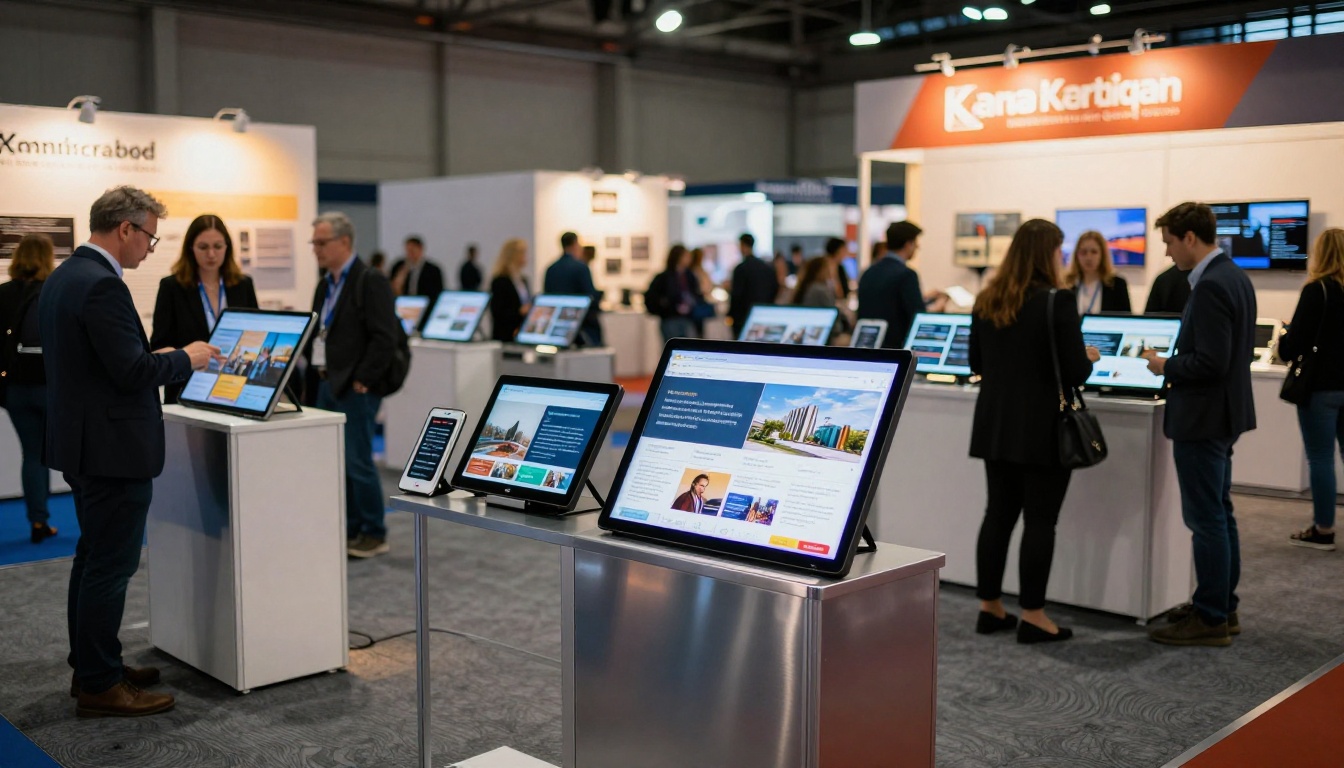
Trade Show Follow-Ups
After a trade show conversation, send your flipbook within 24 hours while your products are still top of mind. Buyers who met you in person are far more likely to browse your catalog within the first 48 hours. The link opens instantly in any browser, with no app or plugin required.
Embedded on Your B2B Portal
If you run a wholesale ordering portal or a password-protected buyer section on your website, embed your flipbook directly on the page. Buyers browse your catalog without leaving your ecosystem, and you capture their behavior data in the analytics panel.
Mobile-First Buyer Outreach
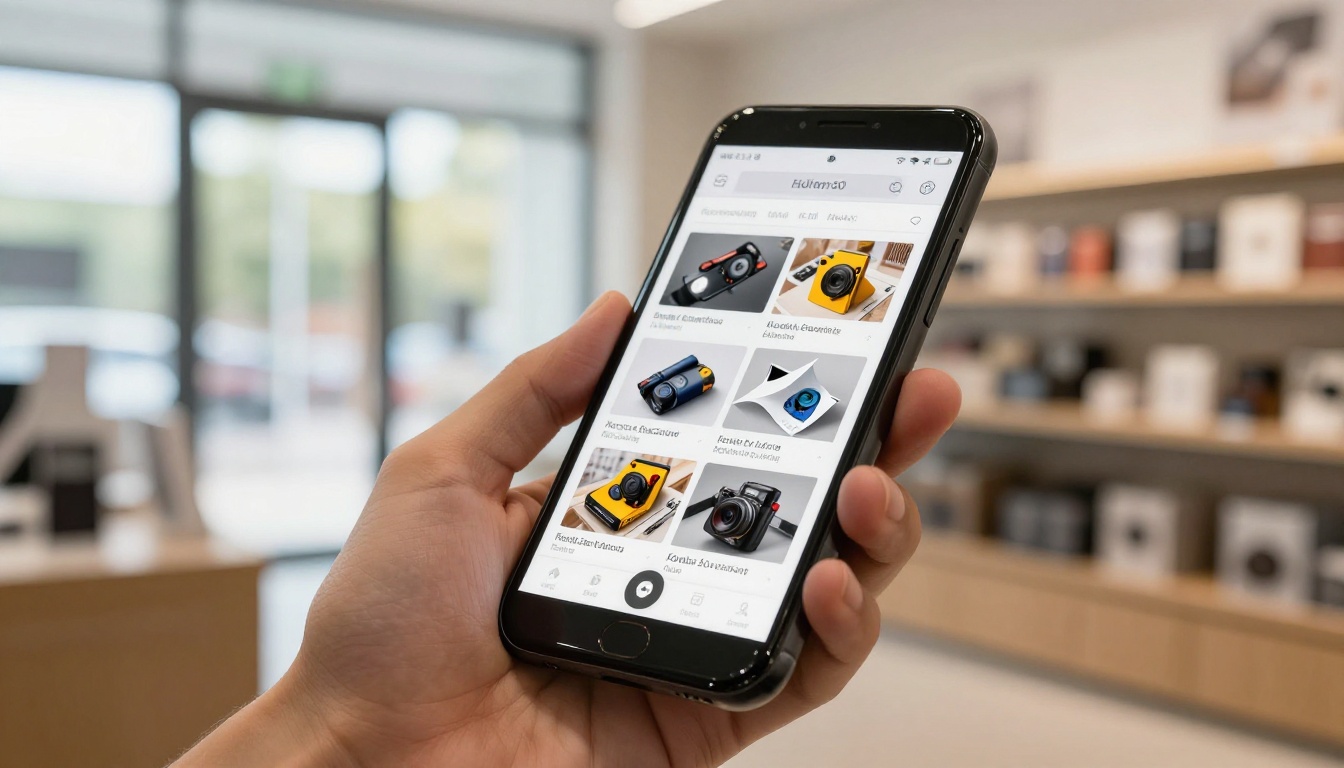
A flipbook link sent via SMS or messaging apps opens in the phone browser with no friction. Buyers can swipe through your product pages during a commute, at a trade show, or between meetings, exactly when purchasing decisions get made informally.
Which Wholesale Sectors Gain the Most
Apparel and Fashion Wholesalers
Seasonal collections change fast. Reprinting a full catalog twice a year is expensive and wasteful. A digital flipbook lets you update the PDF and re-upload, instantly refreshing the catalog every buyer has already bookmarked. Use the Fashion Catalog tool for apparel-specific layouts with full-bleed imagery.
Food and Beverage Distributors
Portion photos, allergen tables, and pricing tiers change more frequently than in most industries. A static printed catalog becomes inaccurate within months. A digital flipbook is always the current version, and you control exactly when buyers see an update.
Home Goods and Furniture
Large-item photography is where digital catalogs outperform print most dramatically. Buyers zoom into texture details, color options, and material finishes that are impossible to appreciate in a small printed image. The Furniture Catalog Maker handles full-bleed product imagery with excellent rendering.
Hardware and Industrial Supplies
Part numbers, SKU references, and spec tables need to be readable at a glance. A flipbook's zoom capability means buyers can verify part numbers without squinting, reducing mis-orders and unnecessary returns.
What Happens After You Switch
Wholesale buyers are not going to start reading PDF attachments differently. The medium is the problem, not the buyers. A static file that requires a download, a compatible app, or a specific reader creates friction before a buyer has even seen your products.
A flipbook removes that friction entirely. Your catalog opens in a browser, on any device, in seconds. Buyers browse the way they browse everything else: with natural swipes and clicks, not awkward scroll-and-zoom workarounds.
The conversion takes minutes. The results show up in every catalog campaign you run from that point forward: higher open rates, more time spent with your products, and real data on what buyers actually want to order.
Your next catalog season is an opportunity to stop guessing what resonates and start knowing. Every page view, every zoom interaction, and every return visit becomes a data point that sharpens your product strategy and your sales conversations.
Ready to build your first wholesale flipbook? Get started for free on Flipbooks AI and have your catalog live before your next buyer outreach. Browse all catalog tools and templates to find the right fit for your product category, or compare pricing plans to choose the tier that matches your catalog volume and analytics needs.



