A cafe owner at 6:40 a.m. has about ninety seconds to decide what pastry and bread order goes in before the first rush. If your wholesale price list is a four-page PDF buried under last week's invoice, that order goes to the other bakery. This article walks through how bakeries send wholesale price lists that cafes actually reorder from, and how a clean digital format built on Flipbooks AI turns a one-time quote into a standing weekly order.
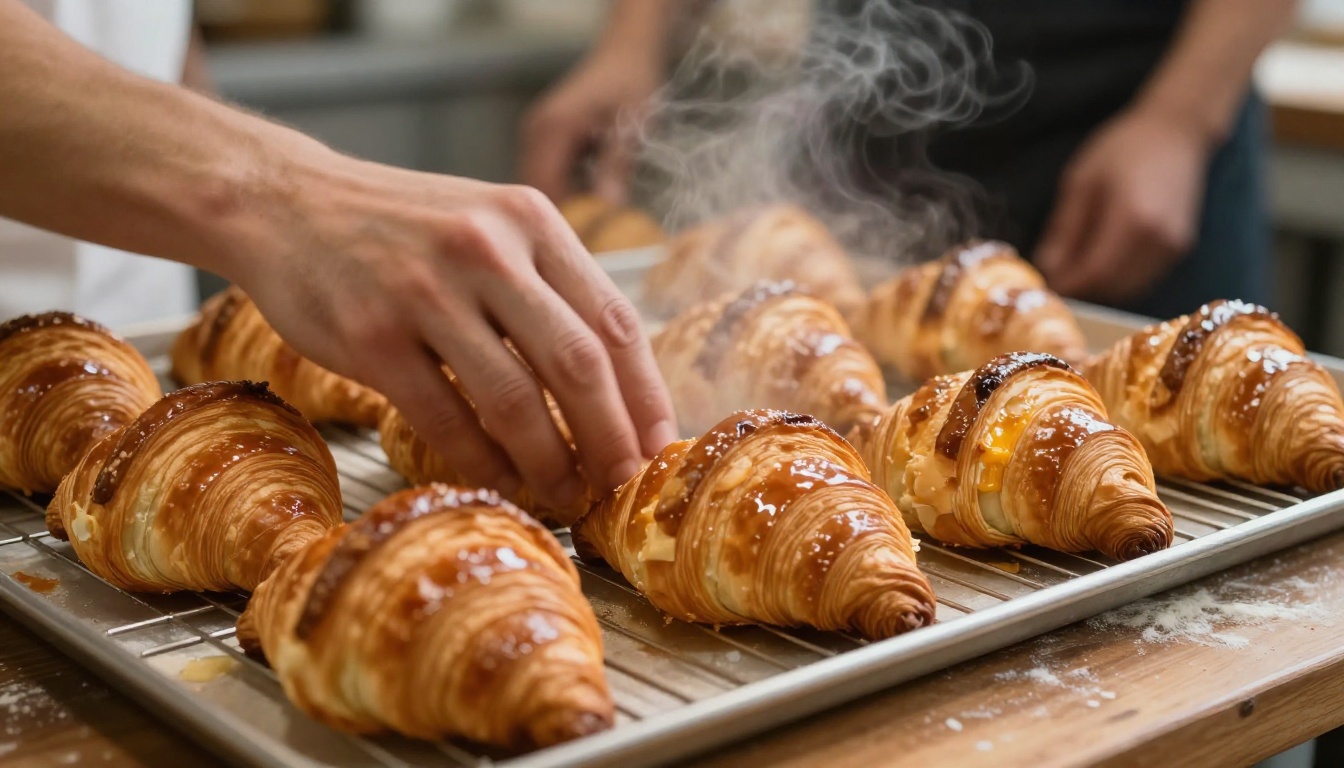
Why Most Price Lists Fail
Most bakery price lists are built for the baker, not the buyer. They list every product alphabetically, bury the minimum order in a footnote and change quietly without telling anyone. A cafe manager opening that file on a phone has to pinch, zoom and scroll sideways just to find the price of a dozen butter croissants.
Here is what usually goes wrong:
- Flat PDFs that do not fit a phone screen
- No photos, so buyers guess what a "country loaf" looks like
- Hidden terms: delivery days, cutoff times and minimums sit on the last page
- Stale versions floating around in old email threads
- No clear path from reading the list to placing an order
💡 Pro tip: If a buyer cannot place an order from the first screen of your price list, you are asking them to do extra work. Most will not.
What Cafes Actually Want
Talk to ten cafe owners and the same wishes come up. They want to see the product, know the price per unit and per case, and know exactly when to order for next-day delivery. They also want to trust that the list they are looking at is current.
The Cost of a Missed Reorder
A single cafe ordering 40 loaves and 60 pastries a week is worth thousands of dollars a year. Losing that account because your list was hard to read is a very expensive formatting problem.
What Goes Into a Good List
A wholesale price list is a sales tool and an operations document at once. Treat it that way. The structure below works for most small and mid-size bakeries.
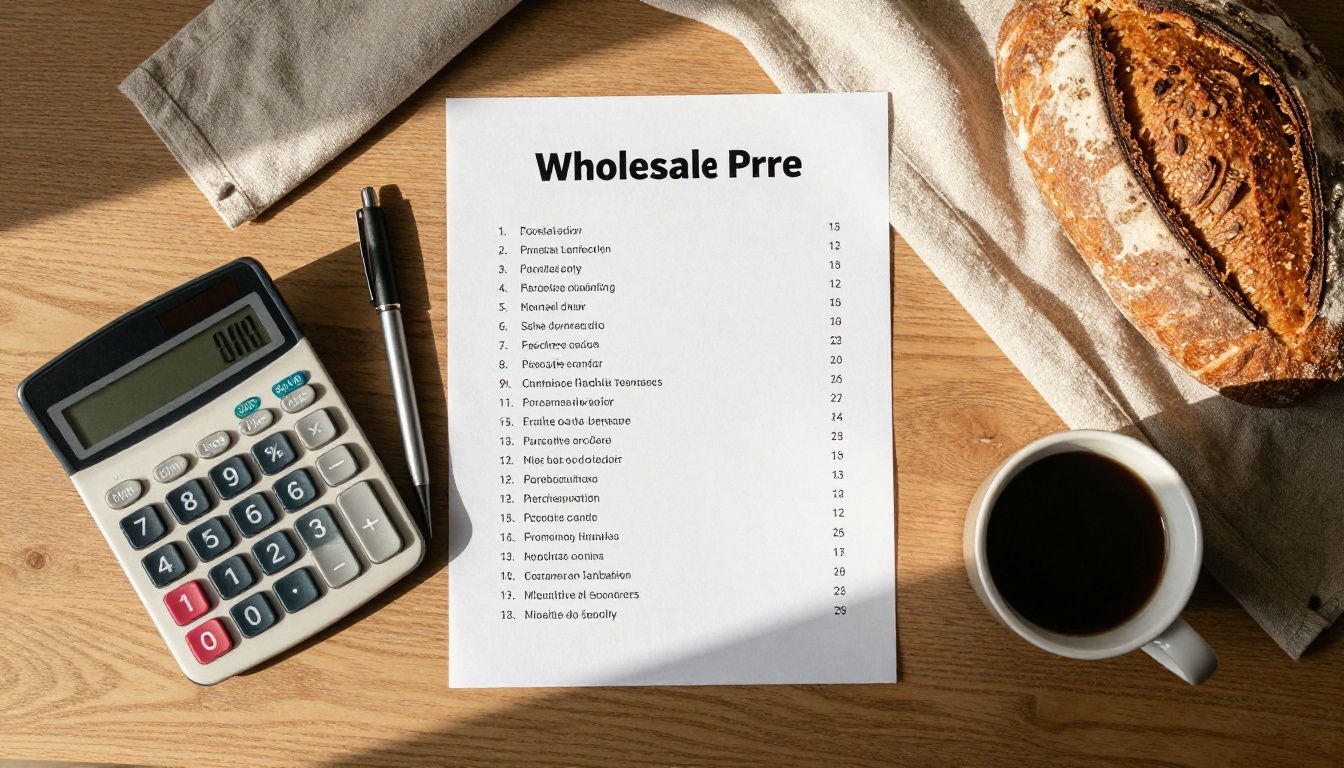
Open With Terms, Not Products
Put the rules on page one in plain language. Buyers should see them before they fall in love with a product they cannot get.
- Delivery days (for example Tuesday, Thursday and Saturday)
- Order cutoff (for example 2 p.m. the day before)
- Minimum order per delivery
- Payment terms (net 7, net 14, card on file)
- Contact for same-day changes
Group Products by How Cafes Buy
Cafes do not shop alphabetically. They shop by daypart and by menu slot. Group your products the way a cafe plans its display case.
| Section | Typical Items | Why It Works |
|---|
| Morning pastries | Croissants, danishes, morning buns | Matches the 7 a.m. display case |
| Sandwich breads | Sourdough, rye, ciabatta, brioche buns | Lets kitchens build one order |
| Sweet treats | Cookies, brownies, loaf cakes | Easy add-ons at checkout counter |
| Specialty and seasonal | Holiday loaves, limited bakes | Creates urgency to order early |
| Dietary options | Gluten-free, vegan | Helps cafes serve more customers |
Show Unit and Case Pricing
Always show both. A cafe that buys a case of 12 wants to see the per-unit cost so it can price the item on its own menu with a healthy margin.
| Product | Unit Price | Case Size | Case Price |
|---|
| Butter croissant | $2.10 | 12 | $25.20 |
| Pain au chocolat | $2.40 | 12 | $28.80 |
| Sourdough loaf, 800 g | $5.50 | 6 | $33.00 |
| Brioche bun | $0.95 | 24 | $22.80 |
| Almond cookie | $1.35 | 20 | $27.00 |
⚠️ Warning: Never list a price without the pack size. "Croissant, $2.10" invites a dozen back-and-forth emails.
Why Flipbooks Beat Flat PDFs
A flipbook is a price list that behaves like a good website. It opens in a browser, turns pages with a swipe, fits any screen and updates in one place. Buyers do not download anything, and you do not worry about which version they have.

| Feature | Flat PDF Attachment | Flipbook Link |
|---|
| Opens on a phone | Needs pinch and zoom | Fits the screen, swipe to turn |
| Update a price | Resend to every buyer | Update once, link stays the same |
| Photos and video | Heavy file, slow to load | Fast, embedded media |
| Track who opened it | No | Yes, with analytics |
| Protect with password | Sometimes | Yes |
| Looks professional | Depends on the file | Page-turn polish, custom branding |
One Link for Every Cafe
You send the same link to every account. When flour prices rise or a seasonal bake goes live, you update the source file and the buyer sees the change the next time they open it. No more "which version is this?"
Photos Sell Product
A buyer who sees a glossy croissant with visible lamination orders more of them than one who reads the word "croissant." Short clips of a bake or a case of sliced bread work too, and Flipbooks AI lets you embed video and audio right in the pages.
How to Build Your Price List
You can design the pages in any tool you already use, such as Canva, Word or InDesign, then export to PDF. The conversion into a shareable flipbook takes a few minutes.
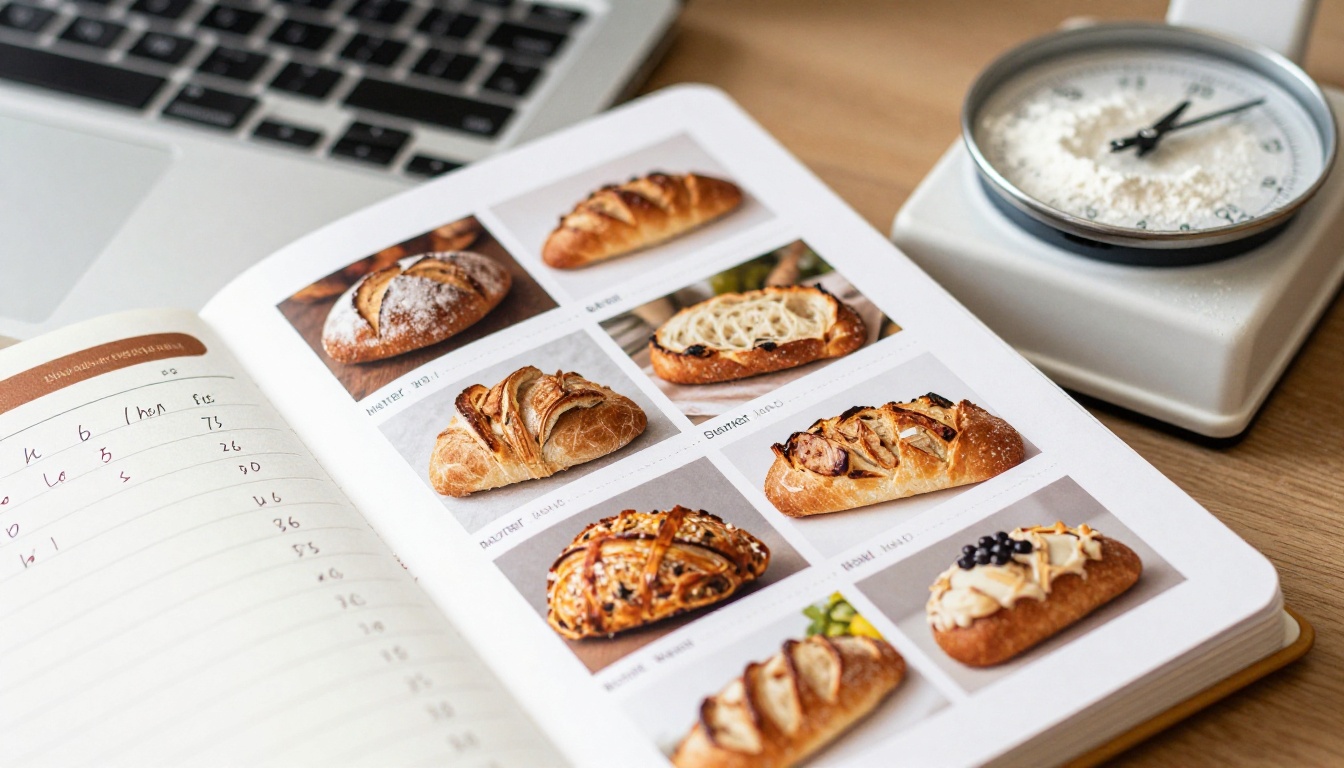
Step 1: Create Your Account
Start at Flipbooks AI and sign in. You can look at pricing plans first to see which tier fits the number of lists you want to publish.
Step 2: Upload the PDF
Use the PDF to Flipbook Converter. Drop in your price list and the pages convert into a flipbook with realistic page turns. For a bakery with a short line, a Digital Price List Generator is a fast starting point, and the Digital Catalog Maker suits larger ranges with dozens of items.
Step 3: Customize the Look
Match the flipbook to your brand so cafes recognize you instantly:
- Add your logo and brand colors
- Pick a page-turn effect that feels natural
- Embed a short bake video or a sample photo gallery
- Set a cover that shows your best-selling item
Step 4: Choose How to Share
- Direct link for email, text and WhatsApp
- Embed code for the wholesale page of your website, using the Embed Flipbook on Website tool
- Password protection so only approved accounts can see wholesale rates
- Offline download for buyers who want a copy in the kitchen
✅ Best practice: Keep wholesale prices behind a password. Your retail customers should not see trade rates, and competitors should not either.
Step 5: Track and Follow Up
On the Professional plan you get analytics and lead generation. You can see which cafes opened the list, which pages they spent time on and when. That makes your follow-up call specific: "I saw you looked at our seasonal page, want me to hold a few loaves for Saturday?"
Sending It the Right Way
The best list still fails if the message that carries it is weak. Keep the message short, personal and built around a single action.

A Message Template That Works
Hi Maria, thanks for tasting our sourdough and croissants on Tuesday. Here is our wholesale list with prices, case sizes and delivery days: [link]. If you order by 2 p.m., you will have it by 7 a.m. the next day. Want me to set up a trial order for this Thursday?
Notice what it does. It references a real moment, gives one link, states the cutoff and proposes one concrete next step.
Pick the Right Channel
| Channel | Best For | Watch Out For |
|---|
| Email | First contact and formal accounts | Buried in a busy inbox |
| Text or WhatsApp | Weekly reminders and quick changes | Needs permission first |
| In person with QR code | Tastings and drop-offs | Needs a printed card |
| Website wholesale page | New leads who find you online | Needs password gate for rates |
Time It Around the Kitchen
Cafe managers plan ordering in the late afternoon, after the day's sales are clear. A message at 3 p.m. beats a message at 8 a.m., when they are already buried in the rush.
Make Reordering Painless
Sending the list is half the job. The goal is a habit: the cafe opens the same link every week and orders in under a minute.
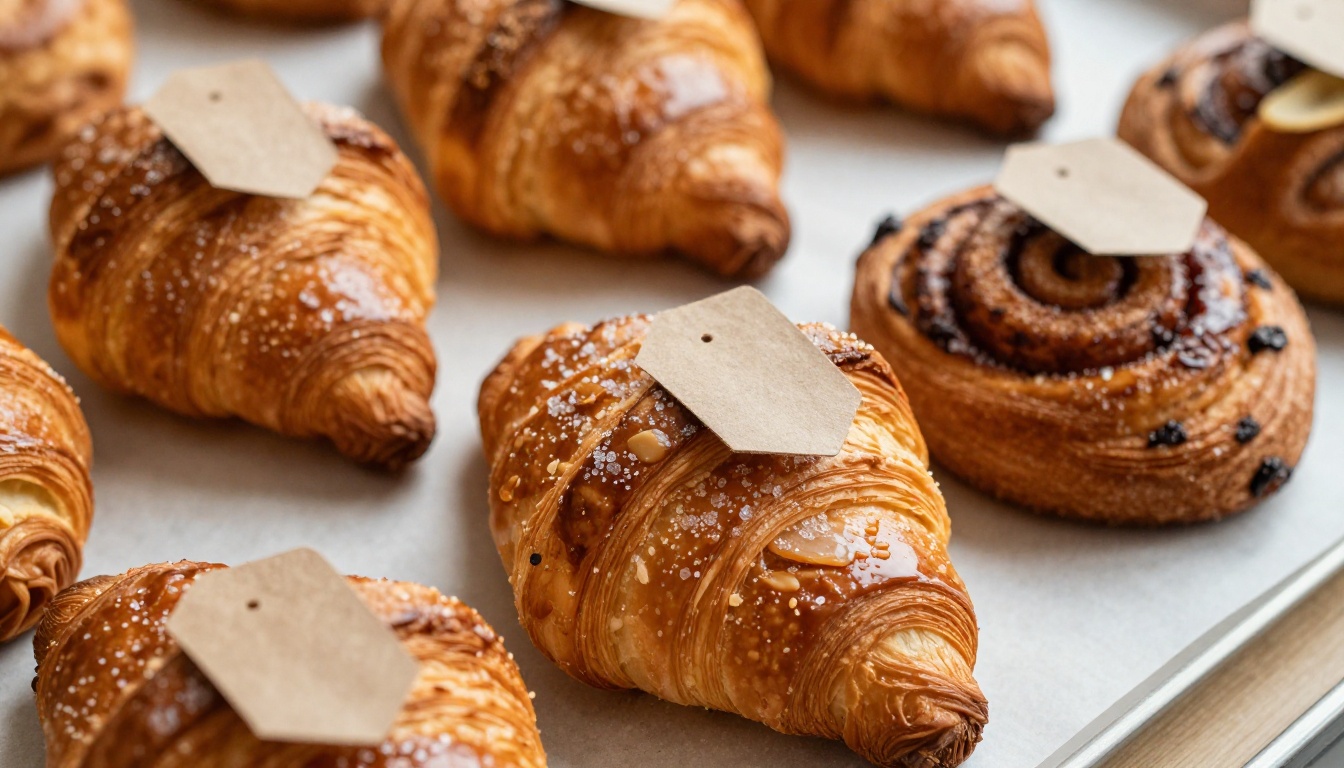
Use Item Codes
Give every product a short code, like CR12 for a case of 12 croissants. Cafes can reply with "CR12 x2, SD6 x1" and you know exactly what to pack. It cuts errors and saves typing on a phone.
Offer Standing Orders
For regular accounts, set up a default weekly order they can adjust instead of rebuilding from scratch. The price list stays the reference and the standing order does the heavy lifting.
Add a QR Code to Every Box
Print a small card with a QR code that opens the flipbook and tuck it in each delivery. The cafe team sees it every time they unpack, and a new hire in the kitchen can find the list without asking the owner.
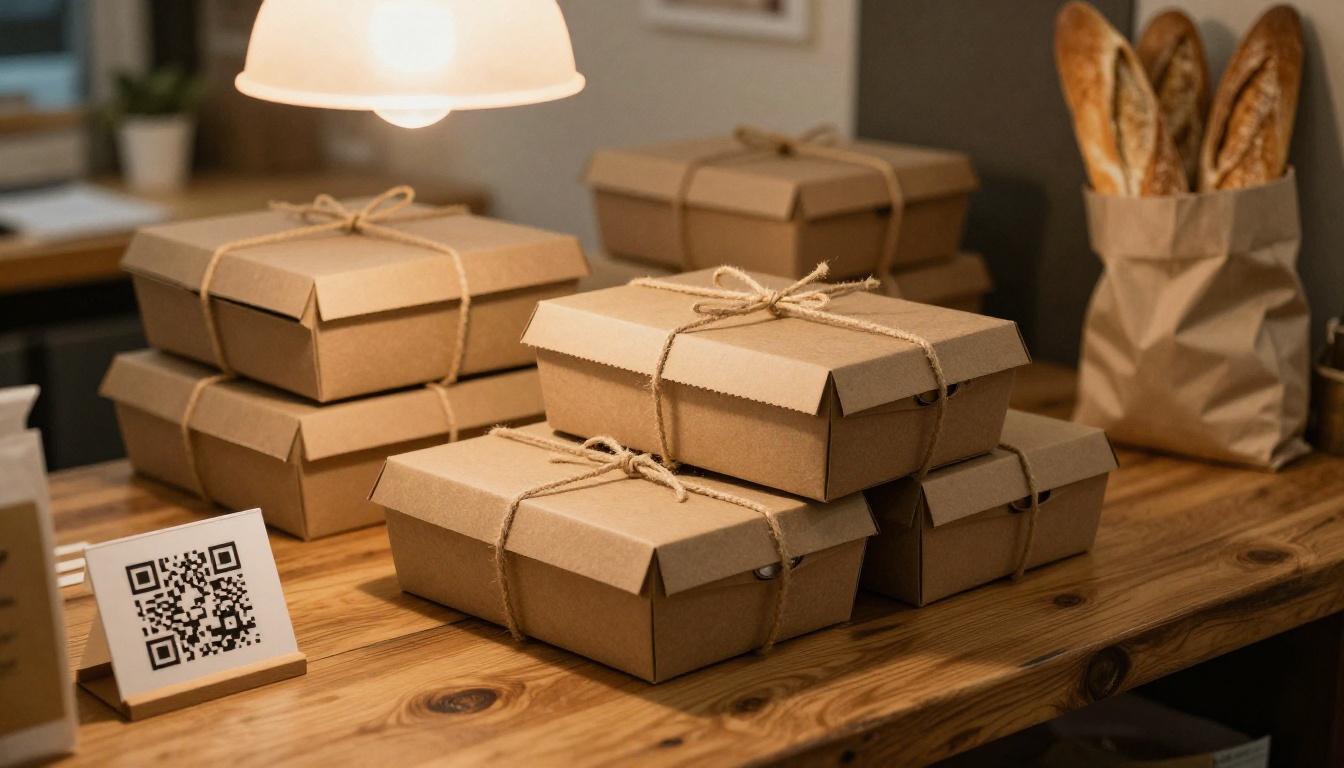
💡 Pro tip: A QR card on the box does more than a polite email. It meets the buyer at the exact moment they are thinking about the next order.
Real Examples From the Counter
These are the kinds of setups small bakeries use. They show how the same flipbook adapts to different businesses.
The Neighborhood Bakery
A two-person bakery supplies six cafes. It keeps a 6-page flipbook with a photo for each product, sends the link each Monday and takes orders by text. The owner updates one file when a price shifts, and every cafe sees it right away.
The Regional Wholesaler
A larger bakery delivers across a city. It publishes a password-protected flipbook per region, with delivery days that differ by zone. Analytics show which cafes never open the list, so the sales rep calls those accounts first.
The Seasonal Specialist
A bakery known for holiday loaves releases a limited flipbook each autumn with early-order pricing. Cafes that open it get a reminder two weeks before the cutoff.
| Bakery Type | List Size | Update Frequency | Main Benefit |
|---|
| Neighborhood | 6 pages | Monthly | Fast changes, fewer calls |
| Regional wholesaler | 12 to 20 pages | Weekly | Zone-specific terms, tracking |
| Seasonal specialist | 4 to 8 pages | Per season | Urgency and early orders |
Mistakes to Avoid
Even a good list can be undone by small errors. Watch for these:
- Too many items. Fifty products overwhelm a buyer. Lead with your best fifteen.
- Prices without dates. Add "Valid through" so buyers know the list is current.
- No photo for the star product. Your best seller deserves a full-width image.
- Hidden minimums. Surprises at checkout damage trust faster than a higher price.
- Never following up. Open rates tell you who is interested. Use them.
⚠️ Warning: Changing prices without telling regular accounts is the fastest way to lose them. Add a short "What changed" note on the first page of each update.
Put It Into Practice
You do not need a new brand or a new website to do this. You need one clear price list, one link and one habit of sending it at the right time.
Here is a simple plan for this week:
- Pick your top 15 products and take clear photos of each
- Write terms, cutoffs and minimums on page one
- Convert the PDF with the PDF to Flipbook Converter
- Send the link to three cafes you already trust
- Follow up with a call to anyone who opened it but did not order
Ready to build your list? Get started for free on Flipbooks AI, browse all flipbook tools to find the right template, or compare pricing plans to pick the tier with analytics and password protection. When you are ready for the Professional features, you can upgrade from your account in a few clicks.



