It is the first week of March, and your front desk already looks like a costume warehouse. A mom wants to know if the jazz number comes in a youth large. A dad asks why the tap costume costs more than last year. Three families never saw the email with the order form. If that sounds familiar, the fix is not another reminder message. It is one clean, flippable catalog that every parent can open on a phone. Studios that publish their costume catalogs with Flipbooks AI stop answering the same question forty times and start collecting correct orders on the first try.
This article walks through exactly how dance studios share recital costume catalogs with parents, from building the pages to choosing the right sharing method, with tables, a tutorial and a timeline you can copy.
Why Paper Catalogs Fall Short
Most studios begin with a stack of printed sheets or a PDF attached to an email. Both work for ten families. Neither holds up at sixty.

Printed sheets get lost
A paper handout travels from the studio bag to the car seat to the kitchen counter, where it disappears under mail. When a parent finally looks for it, the order deadline has passed. You then reprint, hand it out again and chase the family for a form.
PDF attachments are clumsy
A large PDF can bounce from small inboxes. On a phone, parents pinch and zoom to read a size chart, then lose their place. Updating a price means sending a new file, and now two versions float around. Parents order from the old one.
Questions pile up
Every unclear photo or missing size range becomes a text message. Teachers end up acting as customer service during class time, which nobody signed up for.
💡 Pro tip: Count the costume questions you answered last season. Whatever number you get, the goal for this year is to cut it in half with a catalog that answers them before they are asked.
What a Good Costume Catalog Contains
A catalog is not a photo dump. Parents need to make a decision in a few minutes, usually while doing something else. Give them the details in a predictable order.
One page per class
Group costumes by class or routine: Ballet 2 on one spread, Hip Hop Crew on another. Parents search for their child's class name, not a style code. Put the class name, the dance title and the performance date at the top of each page.
Clear photos and fabric notes
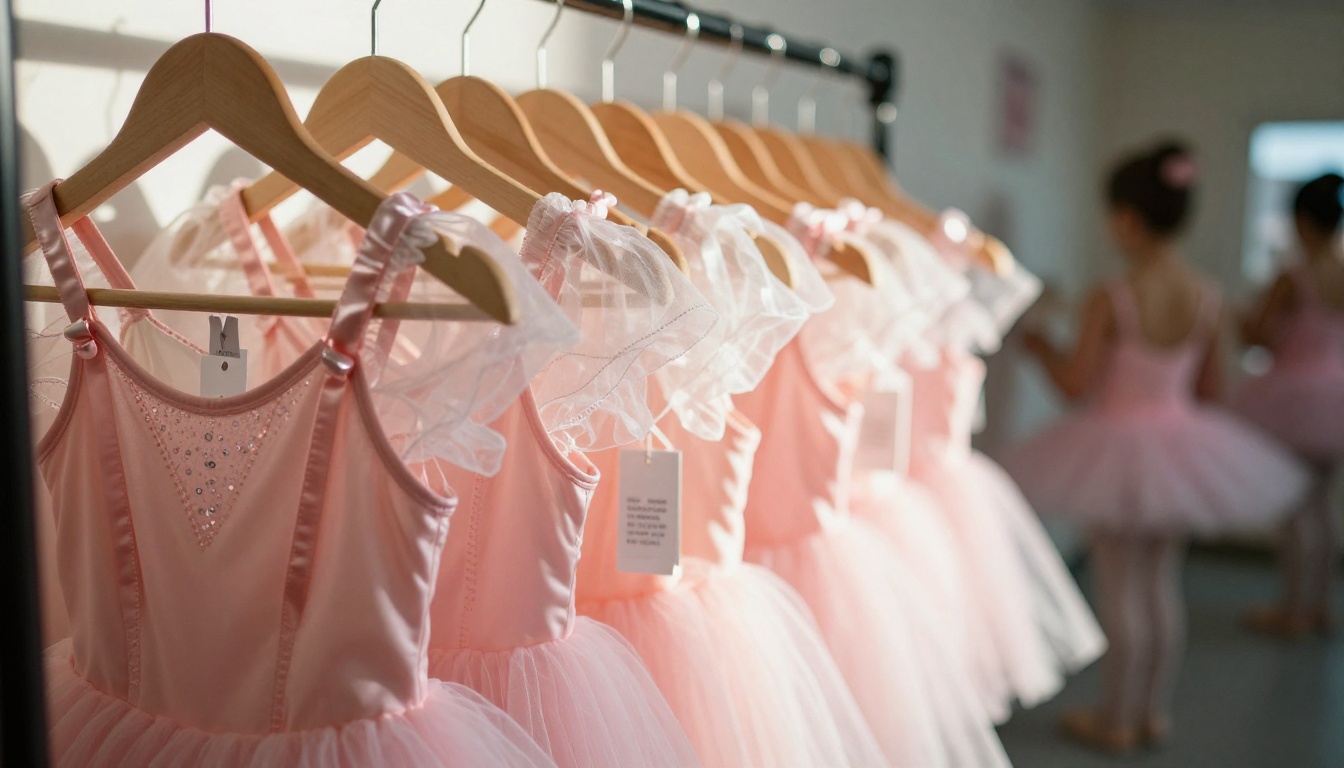
Show the costume on a real dancer, front and back if the back is detailed. Add a short note on fabric, such as stretch velvet, mesh sleeves or a tulle skirt. Parents buy more confidently when they can picture the texture.
Sizes, prices and deadlines
Put a size chart on the page itself, not three pages later. List the price, what is included (headpiece, tights, gloves) and the final order date in bold.
Here is how the main details compare across typical formats:
| Detail | Printed sheet | Emailed PDF | Digital flipbook |
|---|
| Easy to update after sending | No | No, new file needed | Yes, same link |
| Readable on a phone | No | Poor | Yes, responsive |
| Photos and video previews | Limited | Heavy file size | Yes |
| Tracks who opened it | No | No | Yes, with analytics |
| Cost per family | Printing fees | Free | Low, shared by all |
How to Create Your Catalog With Flipbooks AI
If you already have a design in Canva, Word or Google Slides, you are most of the way there. Export it as a PDF and turn it into a page-turning catalog.
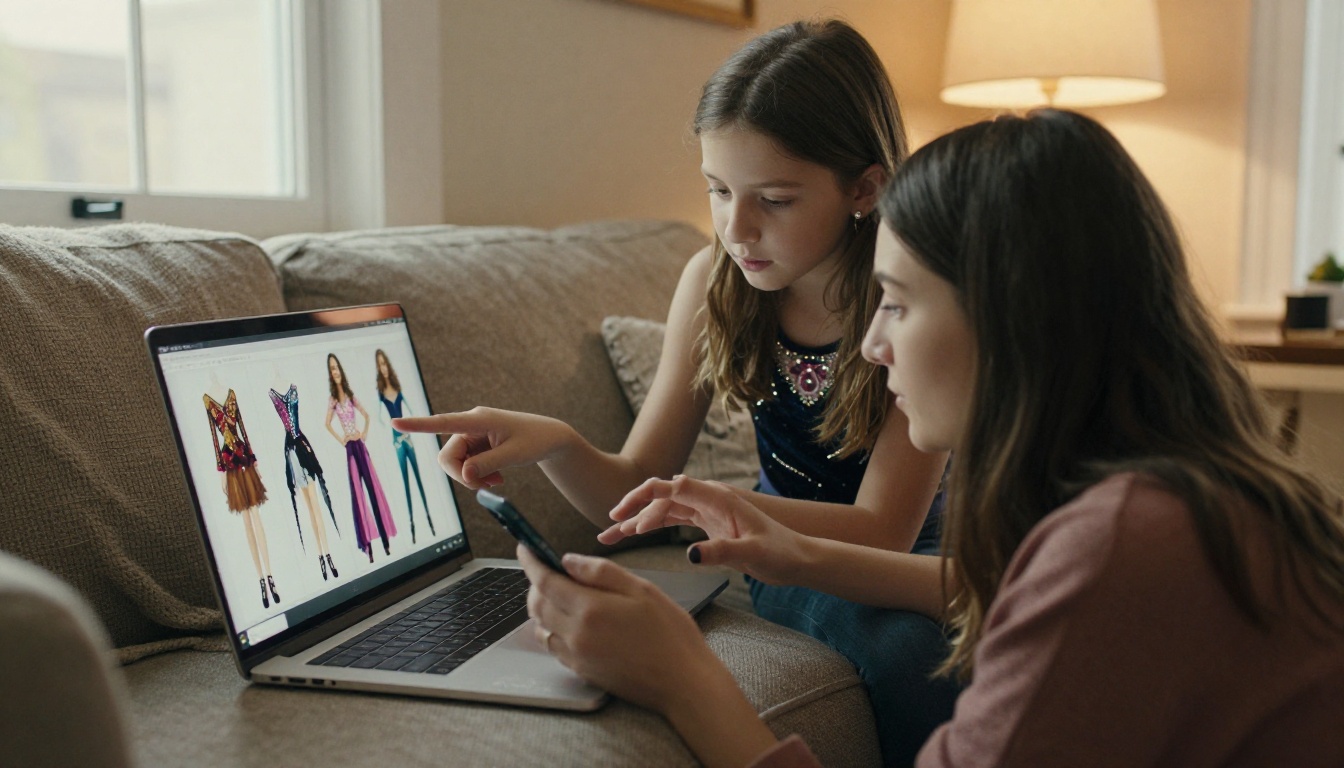
Step-by-step setup
- Create an account on Flipbooks AI.
- Upload your costume PDF with the PDF to Flipbook Converter. Every page becomes a flippable spread.
- Add your studio logo, brand colors and a background that matches your recital theme.
- Insert short videos or audio clips if you want parents to see a costume in motion, or hear the music for a routine.
- Choose how you will share it (more on that below) and publish.
The Digital Catalog Maker and the Catalog Flipbook Creator are two good starting points if you want a template tailored for products with photos and prices.
Customization that parents notice
- Studio branding: your logo and colors make the catalog look official, which reduces doubts about whether an order is legitimate.
- Page effects: the page-turn animation feels familiar and keeps older relatives engaged when they scroll through photos.
- No watermarks: the flipbook looks like your studio's own document, not a third-party file.
- Mobile-responsive design: the layout adapts to any screen without pinching.
✅ Best practice: Test the catalog on your own phone, then on a friend's older phone. If a size chart is hard to read on either, enlarge it.
Ways to Share With Parents
Once the flipbook is live, you have several delivery paths. Most studios use at least two.
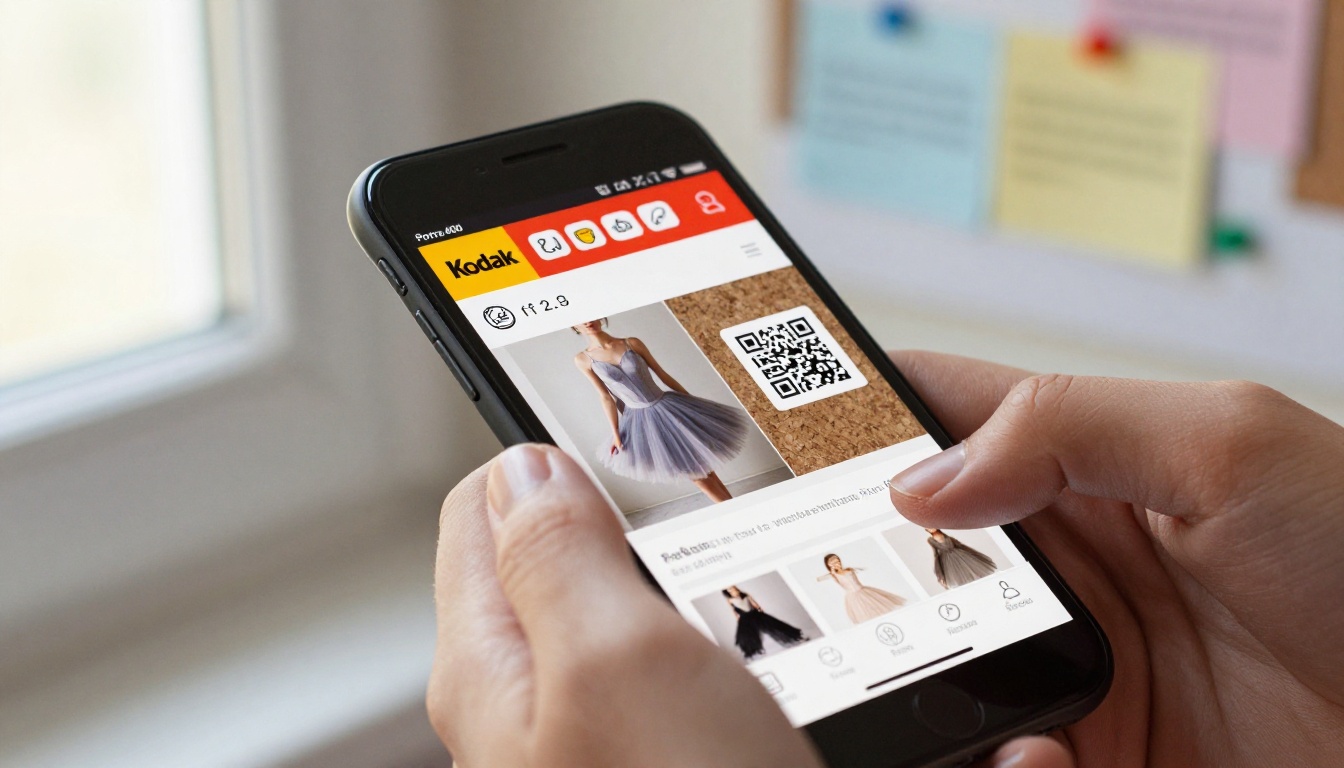
Direct link in email and text
The simplest option. Paste the link in your recital newsletter and in your parent group message. Because the link never changes, an updated page reaches everyone automatically.
QR code at the front desk
Print a QR code on a small sign by the check-in table and on every class flyer. Parents scan it while waiting for pickup. This works especially well for families who do not read studio emails.
Embed on your website
Place the catalog on your recital page with the Embed Flipbook on Website tool. New families discover it without asking, and your website becomes the single source of truth.
Password-protected access
Costumes often include photos of minors. A password keeps the catalog limited to enrolled families. Share the password in your parent portal or welcome message.
| Sharing method | Best for | Effort | Privacy level |
|---|
| Direct link | Email and group chats | Very low | Medium |
| QR code | Front desk, flyers | Low | Medium |
| Website embed | Recital info page | Medium | Low to medium |
| Password protection | Photos of minors | Low | High |
⚠️ Warning: Do not post a public link with children's photos in a social media group unless every family has signed a photo release.
Real Studio Examples
Three common studio setups show how this plays out.
The small neighborhood studio
A studio with 45 dancers builds one 12-page catalog. The owner sends the link to families and prints a QR code for the desk. Order forms arrive correctly filled in because the size chart sits beside each costume. Questions drop to a handful of messages.
The competition team
A team of 20 senior dancers has costumes custom ordered for several routines. The coach shares a password-protected flipbook with only team parents, including a video of each routine so families can see how the costume moves. Lead capture on the flipbook records which parents opened it, so the coach knows who still needs a nudge.

The multi-location studio
A studio with three locations makes one catalog per location and embeds each one on its location page. Staff stop emailing the wrong version because the link on each page is always current.
Collecting Orders Without the Chaos
A catalog is only half the job. The other half is getting a clean order from every family.
Match the catalog to the order form
Use the same costume names and class labels in the catalog and in your form. If the page says "Lyrical Level 3 Tunic", the form should say the same thing. Mismatched names cause wrong orders.
Use measurements, not guesses
Offer a sizing session at the studio and a printable measuring chart in the catalog. Ask parents to record chest, waist and torso length. Costume sizes vary by brand, so a child's clothing size is a poor guide.
Set one deadline and repeat it
Put the deadline at the bottom of every page and in each message. Reminding parents once is not enough. Three reminders across two weeks is closer to right.
💡 Pro tip: Turn on analytics with the Professional plan so you can see which pages get opened most. If a costume page gets many views but few orders, the price or sizing may need a clearer explanation.
A Simple Costume Timeline
Planning backwards from the recital keeps everything calm. Here is a timeline many studios follow.
| When | Task | Who |
|---|
| 12 weeks before | Choose costumes, request vendor quotes | Owner and choreographers |
| 10 weeks before | Photograph samples, build the catalog | Admin staff |
| 9 weeks before | Publish flipbook and share link | Owner |
| 8 weeks before | Sizing sessions at the studio | Teachers |
| 7 weeks before | Order deadline | Parents |
| 4 weeks before | Costumes arrive, alterations | Staff and volunteers |
| 1 week before | Dress rehearsal, fix problems | Everyone |
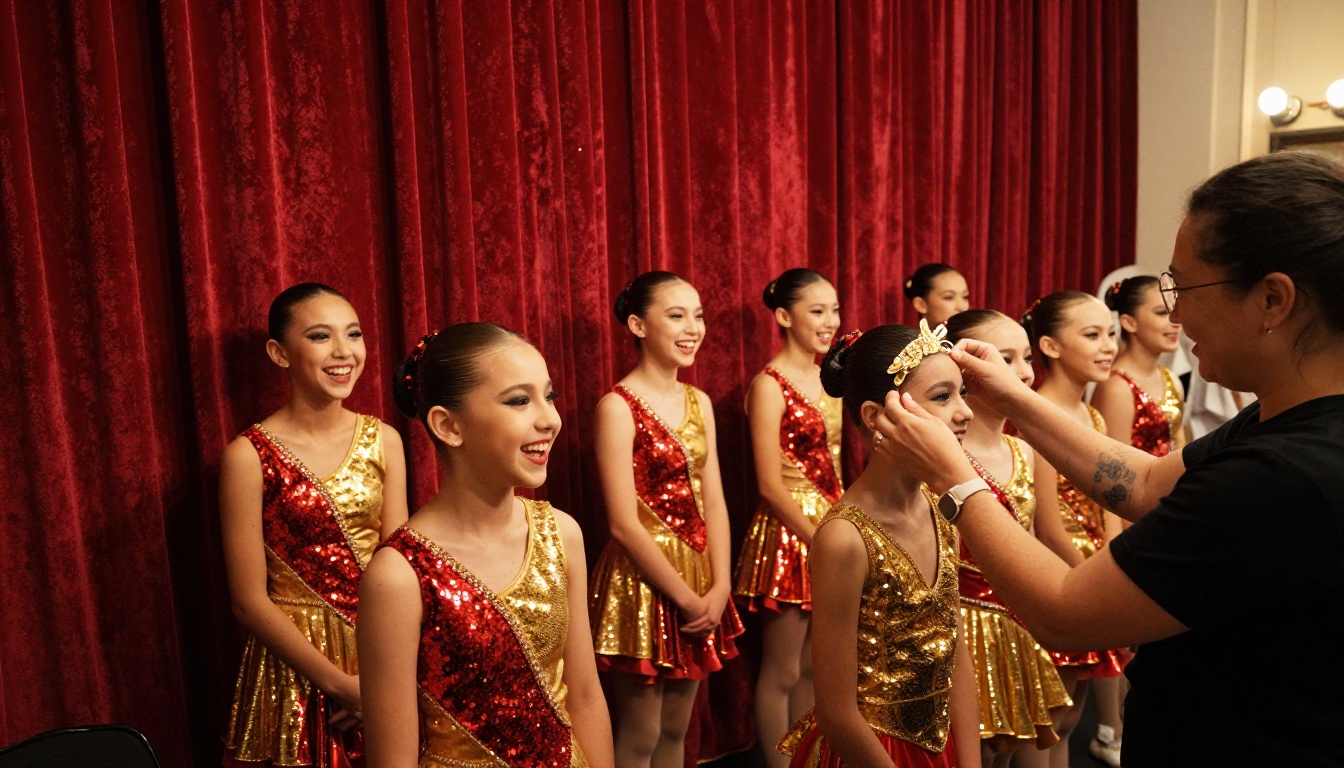
What to do after the deadline
Close the order window, then update the catalog with a "sold out" or "ordered" note instead of deleting pages. Parents who missed the deadline can see what happened and contact you directly.
Reuse next season
Keep the flipbook structure and swap in new photos. Parents who remember last year's link will find the same layout, and you save hours.
Mistakes to Avoid
Even a polished catalog can cause trouble if you skip the basics.
- Hiding the price. Parents will ask anyway. Show it on the page.
- Using only stock photos. Show real costumes on real dancers whenever you can.
- Forgetting accessibility. Use readable fonts and high contrast so grandparents can read it too.
- Sending the link once. Repeat it in every recital message.
- Skipping a test. Open the final link on two different devices before announcing it.

Start Your Studio Catalog Today
Recital week should feel like a celebration, not a logistics emergency. A single digital catalog gives every parent the same information at the same time, in a format that works on the device they already hold.

Ready to build yours? Get started for free on Flipbooks AI, browse all flipbook tools for event programs and price lists, such as the Event Program Maker, and compare pricing plans to choose the option that fits your studio. When you want analytics for your whole season, you can also upgrade from your account.



