It is Thursday night, and the choir librarian is still at the photocopier. Forty copies of the anthem, thirty of the offertory, a last-minute swap for the closing hymn, and a stapler that jams every fifth page. Multiply that by fifty-two Sundays and you have a hidden workload, and a hidden budget line, that most congregations never question. A digital hymnal replaces the paper pile with a single link every singer can open on a phone, tablet or laptop. Tools like Flipbooks AI turn your existing PDFs into page-turning online songbooks, so the music you already own becomes easy to share, easy to update and impossible to leave at home.
This article walks through why choirs are moving to digital sheet music, how to organize a songbook that people actually use, what to do about copyright, and how to build and share your first digital hymnal step by step.
Why Choirs Are Leaving Paper Behind
Paper hymnals served congregations well for centuries. They also come with problems every choir director knows by heart: worn bindings, missing pages, thirty slightly different editions of the same hymn, and the constant cost of copies. When a director changes one verse on Saturday, the printed packet is already outdated.
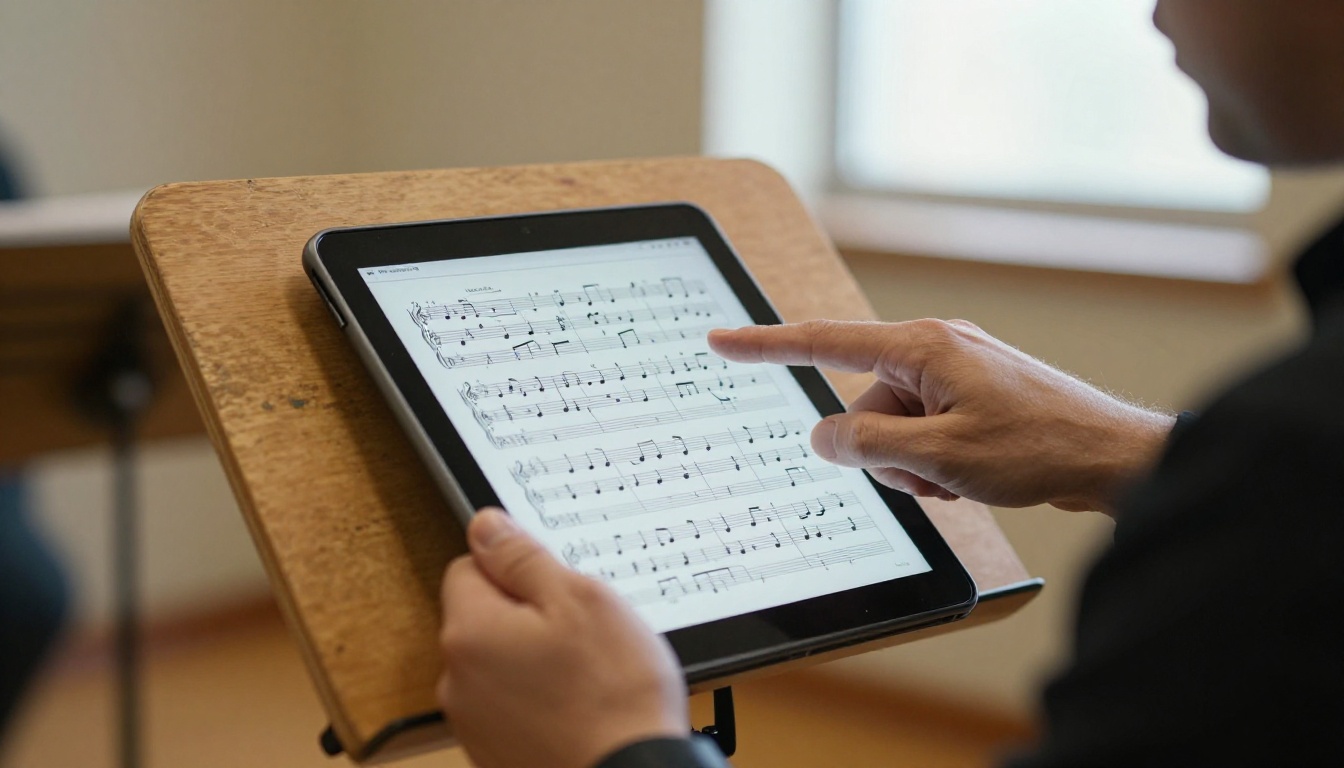
The Hidden Cost of Printing
Printing looks cheap until you add it up. A choir of 30 singers receiving 8 pages per week, across 48 weeks, uses more than 11,000 sheets a year. Add toner, staples, folders and volunteer hours, and the number grows quickly.
| Cost item | Paper packets (30 singers) | Digital hymnal |
|---|
| Paper per year | About 11,500 sheets | 0 |
| Toner and ink | Recurring monthly cost | 0 |
| Volunteer prep time | 2 to 4 hours weekly | Under 30 minutes |
| Last-minute changes | Reprint everything | Update one file |
| Lost or damaged copies | Common | None |
💡 Pro tip: Track the real number for one month before you switch. Counting copies and volunteer minutes makes the case to your finance committee far better than any argument about convenience.
The Version Problem
A choir with three editions of the same hymn is a choir that sings three different endings. A single online songbook gives everyone the same arrangement, the same key signature printed on the page, and the same verse order. When the director makes a change, every singer sees it the next time they open the link.
What a Digital Hymnal Actually Looks Like
A digital hymnal is not a folder of loose PDFs buried in someone's email. It is a flipbook: a page-turning online publication that behaves like a real book, with a table of contents, search, zoom and a link you can share anywhere.

Paper, PDF Folder or Flipbook?
Choirs usually start with a shared folder of PDFs, then run into its limits. Here is how the three formats compare.
| Feature | Paper packet | PDF folder | Flipbook hymnal |
|---|
| Works on any phone | No | Sometimes | Yes |
| Page-turn feel | Yes | No | Yes |
| One link for everything | No | Partly | Yes |
| Password protection | No | Limited | Yes |
| Update without resending | No | No | Yes |
| Offline use | Yes | Yes | Yes, with downloads |
| Reading stats | No | No | Yes (Professional plan) |
Built for Every Age Group
Not every singer loves screens, and that is fine. A good digital hymnal serves both groups. Singers with weaker eyesight can zoom in far beyond the size of any printed page. Younger members can open the same link on their phones during the commute. Anyone who prefers paper can still print a single page from the same source file.
How Churches Organize Their Songbooks
The best digital hymnals are organized the way singers think, not the way files happen to be stored. Before you upload anything, decide how people will look for music.
Sort by Season and Service
Most choirs find music by the liturgical calendar or service type. Build sections that match the way your rehearsal plan already works:
- Advent and Christmas: carols, processionals, candle-lighting hymns
- Lent and Easter: penitential pieces, Holy Week anthems, Easter alleluias
- Ordinary Time: the weekly workhorse hymns and responses
- Special services: weddings, funerals, baptisms, memorials
- Seasonal events: harvest festival, homecoming, patronal feast
Scan Cleanly, Once
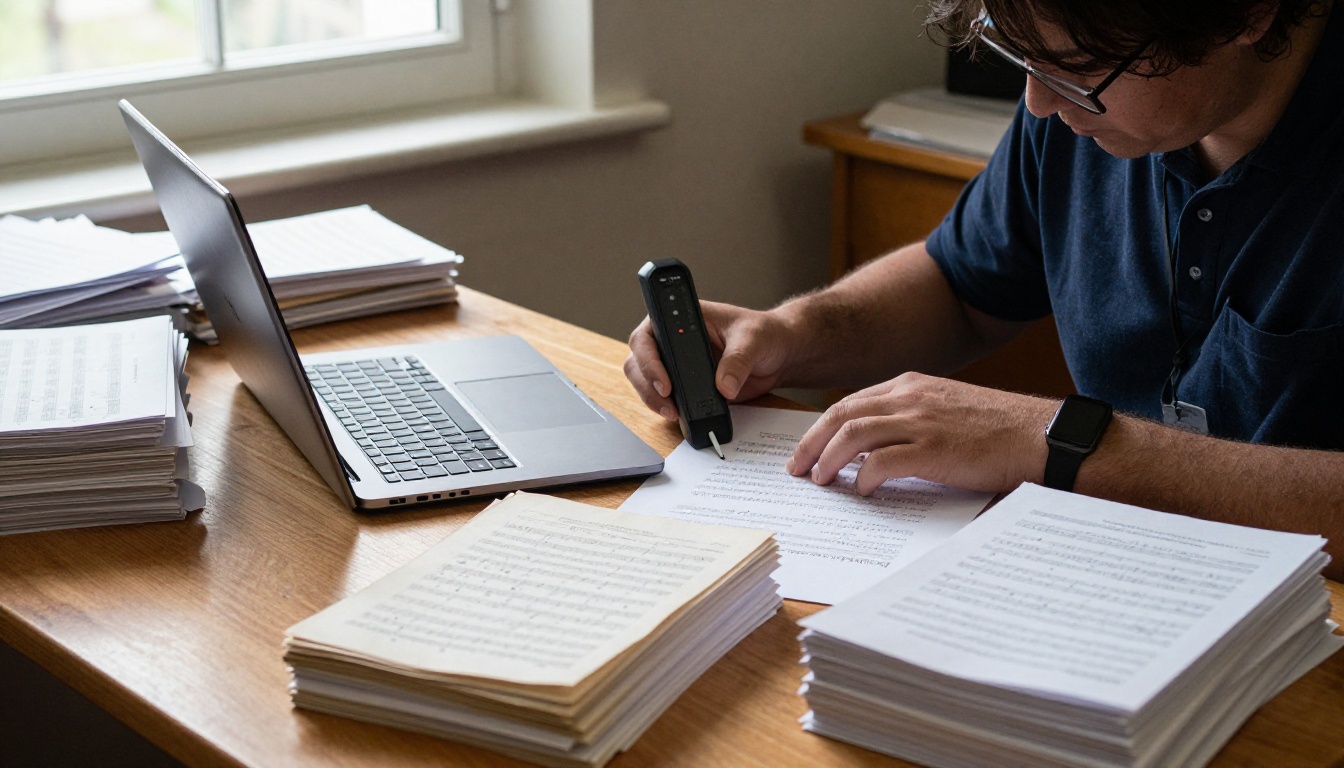
If your music exists only on paper, a one-time scanning project pays for itself. Scan at 300 DPI, keep pages straight, and name each file with the hymn title and number. A clean scan of an old hymnal page becomes a permanent asset instead of another photocopy of a photocopy.
✅ Best practice: Keep one master PDF per section. When a hymn changes, you edit the section, not the whole book.
Add a Table of Contents
A songbook of 200 pages is useless without a way to find page 143. Add a linked table of contents and an index by first line. Singers who know the tune but forget the title will thank you.
Copyright Rules Every Choir Should Know
Going digital does not change copyright law, but it does make careless sharing easier. Take a few minutes to sort your library before publishing.
Public Domain Hymns
Many traditional hymns, especially older texts and tunes, are in the public domain and can be shared freely. Modern arrangements of those same hymns, however, may still be protected. Check the specific edition, not just the title.
Licensed and Purchased Music
Contemporary songs and modern anthems usually require a license or a purchase for each copy. Many congregations hold a blanket church license that permits reproduction for worship, and some publishers sell digital performance rights separately. Read the terms before you upload.
| Music type | Typical status | Safe way to share |
|---|
| Traditional hymns (old editions) | Often public domain | Open or private link |
| Modern arrangements | Protected | Private link, license required |
| Purchased anthems | Protected per copy | Password-protected link |
| Original compositions by your choir | You own it | Any link you choose |
| Contemporary worship songs | Licensed | Check your church license |
⚠️ Warning: A private link is not a legal permission slip. Password protection controls who sees the music, but your license decides whether you may share it at all.
How to Create a Digital Hymnal with Flipbooks AI
If your music is already in PDF form, you can have a working songbook in an afternoon. Here is the full process.
Step 1: Create Your Account
Head to Flipbooks AI and sign up. There are no watermarks on your finished publication, which matters when a songbook goes in front of a congregation.
Step 2: Upload and Convert Your PDF
- Merge your scanned or exported hymns into one PDF per section, or one for the whole book.
- Open the PDF to Flipbook Converter.
- Upload the file and wait while it converts into page-turning pages.
- Check the page order and fix anything that scanned crookedly.

Step 3: Customize the Look
Add your church name and colors so the hymnal feels like part of your community. You can adjust the page-turn effect, set a background that suits a quiet worship setting, and add a logo to the toolbar. For a seasonal booklet, the Event Program Maker is a helpful starting point.
Step 4: Add Audio for Practice
This is where digital beats paper by a wide margin. You can embed audio and video, so a singer learning the alto line can listen to a recorded part while viewing the score. Upload a rehearsal track for each anthem and attach it to the relevant page.
Step 5: Choose How to Share It
You have several options:
- Direct link: paste it into the choir group chat or weekly email
- Embed code: place the songbook on your church website with the Embed Flipbook on Website tool
- Password protection: limit access to current choir members only
- QR code: print one on the rehearsal room door and the bulletin
Step 6: Track Use and Download Offline
On the Professional plan, analytics show which sections get opened and how often, so you can see whether the new Advent packet is being used before the first rehearsal. Singers can also download the book for offline use, which solves the problem of weak signal in thick stone buildings. See the pricing plans to compare what each tier includes.
Real Scenarios from Choir Life
Theory is easy. Here is how digital hymnals work in situations choirs actually face.
The Christmas Eve Crunch
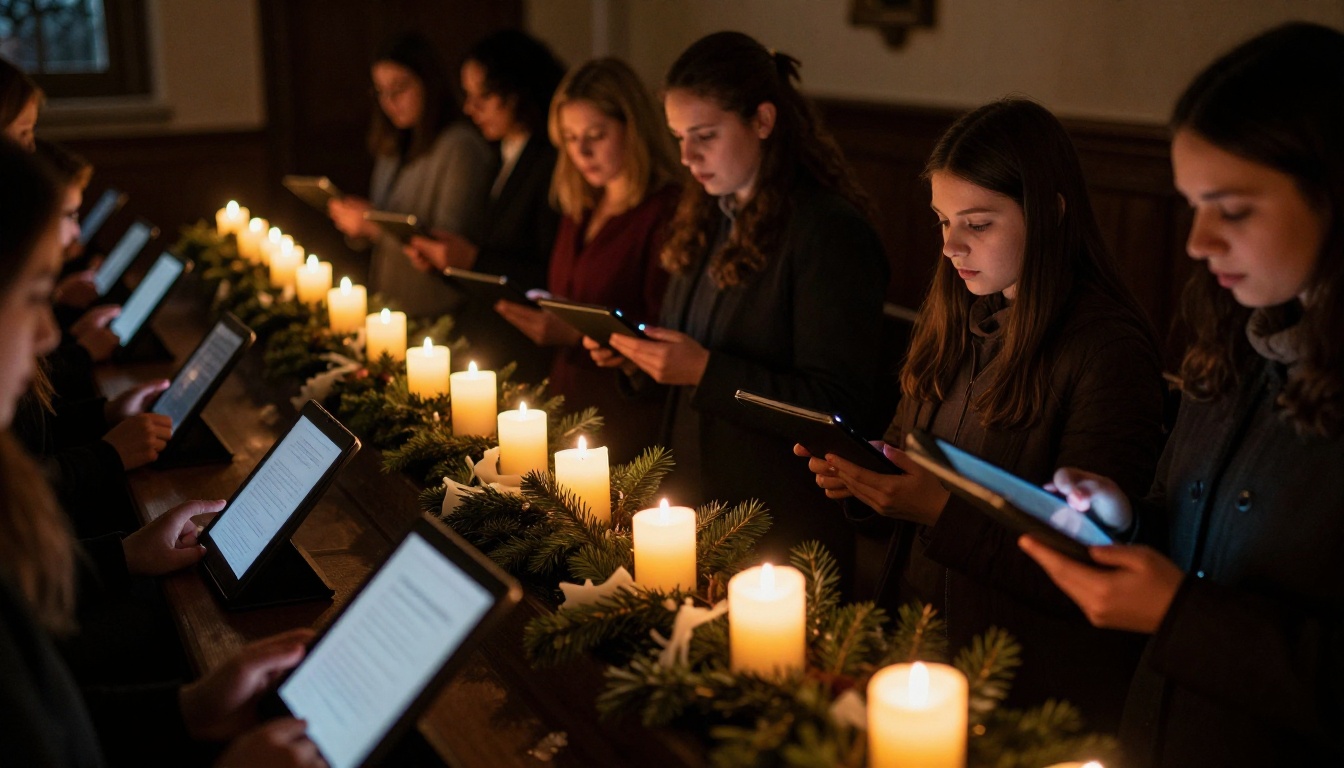
A parish with a 40-voice choir prepares eleven carols for a candlelight service. Instead of printing eleven packets, the director publishes a single Christmas flipbook and shares the link two weeks early. Singers practice at home with embedded audio. On the night itself, the choir holds tablets set to a dim display, and no one fumbles with pages in the dark.
The Weekly Rehearsal Update
A director decides on Saturday to swap the offertory anthem. Previously that meant a frantic Sunday morning reprint. Now the director replaces one section of the flipbook, and singers see the change at the next refresh. Nobody needs to be told twice.
The Home Practice Habit
A young singer commuting by train opens the hymnal on a phone and practices an alto line before she even reaches the rehearsal room. Because the book is built for mobile screens, she does not have to pinch and scroll through a clumsy PDF.

Visiting Singers and Guest Soloists
Guest musicians no longer need a stack of envelopes in the mail. Send a password-protected link, and they arrive already knowing the music.
Common Mistakes to Avoid
Digital transitions fail for predictable reasons. Watch for these.
- Forcing everyone at once. Run paper and digital side by side for a month. Let skeptical members opt in.
- Poor scans. Skewed pages and faded notes frustrate singers. Rescan anything unreadable.
- No naming system. If nobody can find the Palm Sunday anthem, the project is dead on arrival.
- Ignoring copyright. Sort your library before you publish, not after a complaint.
- Skipping a tablet stand. Screens on laps cause neck strain, so budget for a few cheap music stands that hold tablets securely.
- No backup plan. Keep an offline download and a few printed copies for equipment failures.
💡 Pro tip: Appoint one "digital librarian" who owns the songbook. Shared ownership means no ownership.
Not every digital option fits every church. Compare the main approaches before you commit.
| Option | Best for | Weak spot |
|---|
| Shared cloud folder | Very small choirs | No page-turn feel, messy links |
| Dedicated score-reading apps | Individual musicians | Each singer needs their own setup |
| Email attachments | One-time sends | Outdated the moment it is sent |
| Flipbook hymnal | Whole choirs and congregations | Needs an initial setup afternoon |
For congregational use beyond the choir, the same technology works for newsletters, bulletins and annual reports. Many congregations that start with a songbook end up publishing their non-profit annual report the same way.

Your Next Step Toward Paperless Rehearsals
Choirs do not need a technology overhaul. They need less photocopying and more singing. Start small: pick the next seasonal collection, scan or export it to PDF, and publish it as a single shared flipbook. Ask the choir for feedback after three weeks, then expand from there.
Ready to try it? Get started for free on Flipbooks AI and convert your first section today. Browse all available flipbook tools to find templates for programs and bulletins, or compare pricing plans to choose what suits your congregation's size and needs.



