A jar of honey sells itself at a market stall. People taste it, smell the lavender, and watch you wrap it in paper. A honey gift box is a different story, because nobody can taste a box through a screen or a text message. That is exactly why more beekeepers now turn to a digital catalog: a page-turning, phone-friendly showcase that does the talking when you cannot be there. With a tool like Flipbooks AI, you can turn a simple PDF into an interactive catalog in minutes and send one link to every customer.
This article walks through the whole process. You will see what belongs in a honey catalog, how to photograph and price your boxes, how to build the flipbook, and where to share it so it actually produces orders.
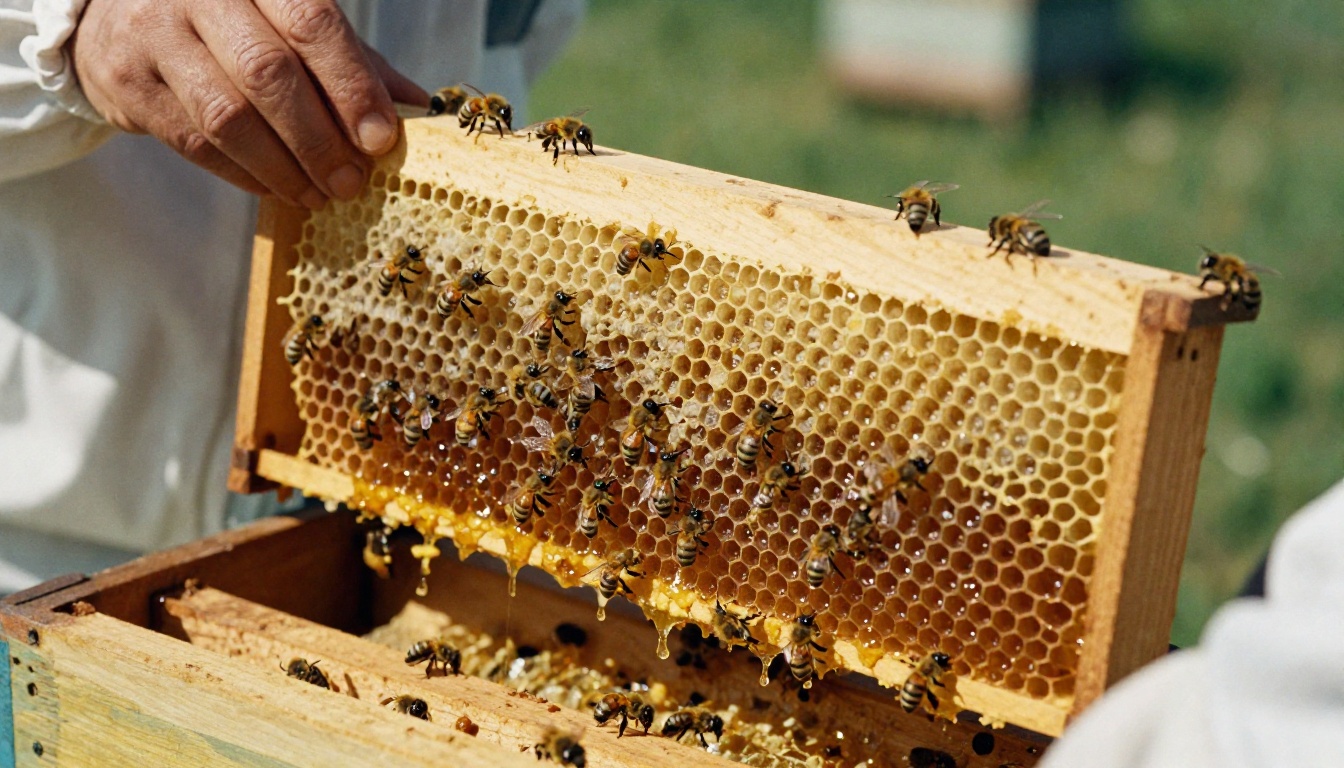
Why Honey Gift Boxes Need a Catalog
Gift boxes are a considered purchase. A buyer choosing a present wants to compare sizes, see what is inside, and picture the unboxing. A single product photo on a social post rarely answers those questions.
A catalog solves three problems at once:
- It shows the full range in one place, from the single jar to the premium hamper.
- It tells the story of your hives, your region and your harvest.
- It gives buyers a shareable link they can forward to a partner, an office manager or a gift committee.
💡 Pro tip: Gift buyers often decide on behalf of someone else. Make the catalog easy to forward, because the person who opens it may not be the person who pays.
The Problem With Loose Photos
Many small producers send buyers a folder of pictures and a price list in a chat message. Prices get lost, photos arrive out of order, and nobody remembers which box had the honeycomb. A catalog keeps everything in a fixed, branded sequence.
Who Buys Honey Gift Boxes
The buyer groups are broader than most beekeepers expect. Each one wants something slightly different from your catalog.
| Buyer type | What they want to see | Typical order |
|---|
| Individual gift shopper | Attractive boxes, clear prices, delivery dates | 1 to 3 boxes |
| Corporate gifting manager | Branded options, bulk pricing, lead times | 25 to 200 boxes |
| Boutique grocery or deli | Wholesale margins, shelf-ready packaging | 12 to 60 boxes |
| Wedding or event planner | Small favor jars, custom labels | 50 to 300 units |
| Holiday hamper company | Consistent supply, jar specs, certificates | 100+ jars |
What Goes Inside the Catalog
A good honey catalog is not a long document. Aim for 8 to 16 pages that move buyers from curiosity to checkout.
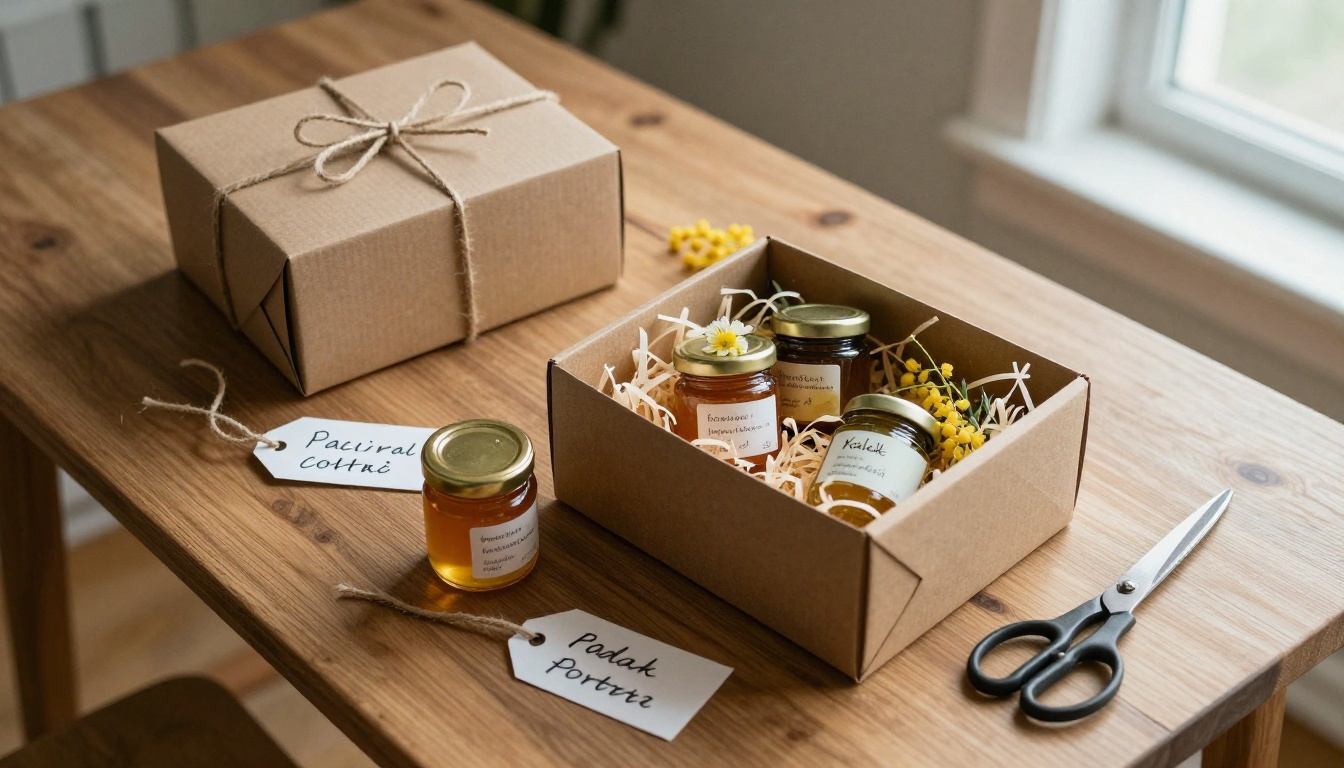
Suggested Page Order
- Cover page with your logo and one strong box photo.
- Your story in a short paragraph: where the hives sit, how long you have kept bees.
- Honey varieties such as wildflower, acacia, linden or buckwheat, each with a tasting note.
- Gift box range with one page per box.
- Seasonal editions for spring, harvest and the holidays.
- Custom and bulk orders with minimums and lead times.
- Shipping and delivery details.
- How to order with a link, email and phone number.
Write Tasting Notes, Not Product Specs
Shoppers buy flavor and feeling. Replace "250g jar, raw honey" with something a person can imagine: "Pale gold, floral, with a clean finish that works in tea or on warm bread." Keep each note to one or two sentences.
✅ Best practice: Put the origin on every page. Words like "harvested from our hives near the river valley" build trust and justify a premium.
Build Gift Boxes People Can Compare
Buyers decide faster when the options are laddered. Three or four boxes is the sweet spot. Too many choices slow people down.
| Box name | Contents | Price point | Best for |
|---|
| Starter Sampler | 3 mini jars, wooden dipper | Entry | Casual gifts, favors |
| Classic Hive Box | 2 full jars, honeycomb piece, candle | Mid | Birthdays, hosts |
| Harvest Hamper | 4 jars, comb, beeswax balm, tea | Premium | Holidays, thank-yous |
| Corporate Set | 2 jars with custom label and card | Custom quote | Client gifts |
Price the Middle Option to Win
Most buyers pick the middle box when three are shown. Put your best margin there, and use the premium hamper as an anchor that makes the mid-range feel reasonable.
Show What Is Inside
For every box, show an open view and a closed view. Include a short contents list. People hate surprises when the item is a gift for someone else.
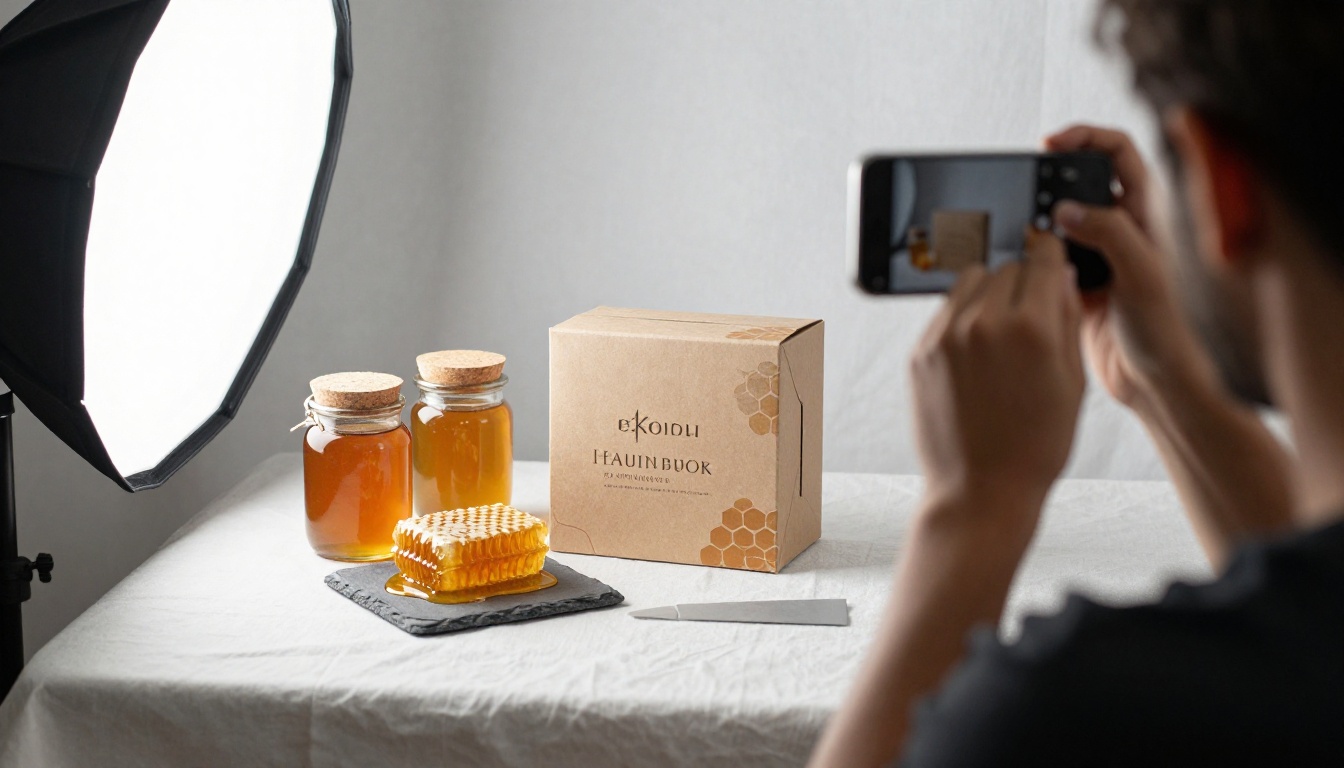
Photograph Honey So It Looks Like Honey
Honey is photogenic, but only in the right light. Flat, overhead lighting makes it look dull and brown. Side or back light makes it glow amber.
Follow these simple rules:
- Use window light. Place the box beside a window and turn off room lamps.
- Backlight the jars. Light passing through the honey creates that golden glow.
- Add texture. A wooden dipper, a piece of comb or a sprig of lavender adds life.
- Shoot three angles. One wide, one top-down, one close-up on the label.
- Keep the background simple. Linen, kraft paper or dark wood all work well.
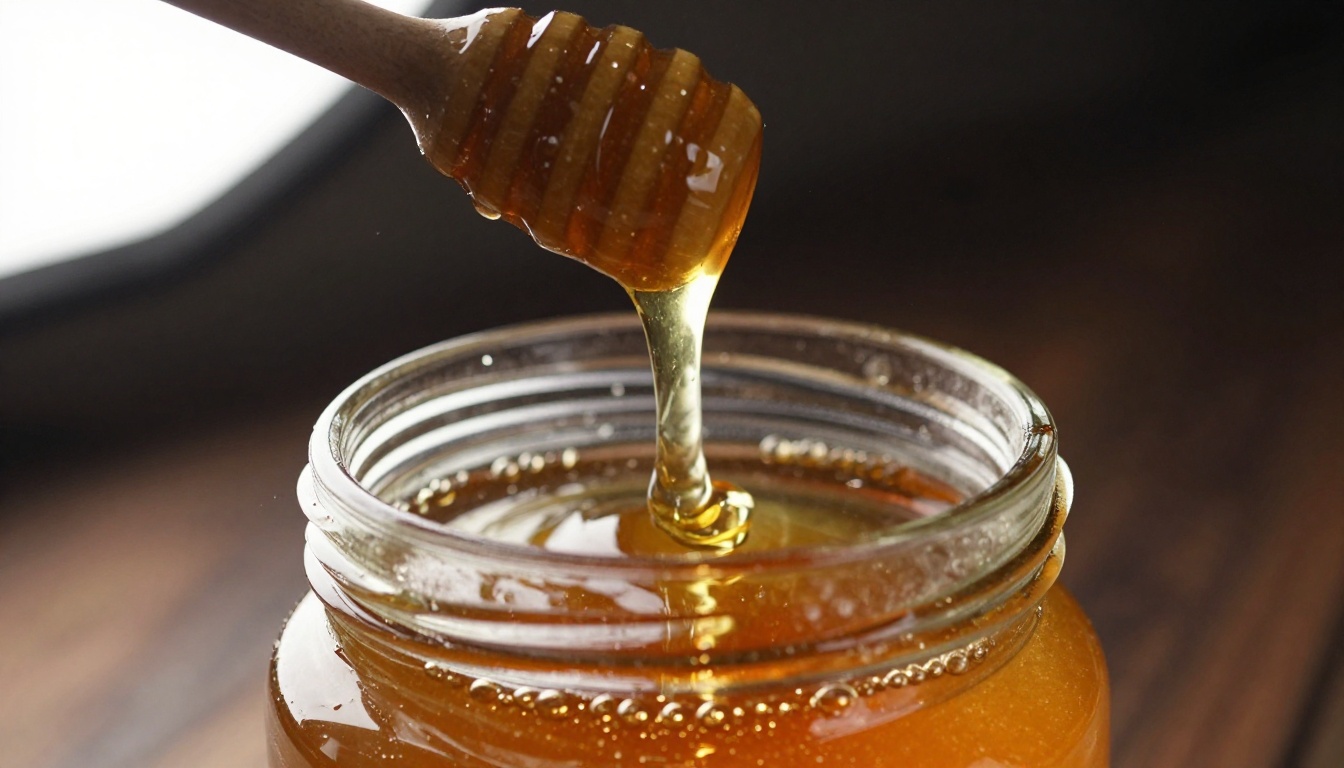
💡 Pro tip: A single "pour shot" with a dipper and a thin ribbon of honey often becomes the most-shared image in the catalog. Use it on the cover page or the story page.
How to Create a Honey Catalog with Flipbooks AI
If you already have photos and prices, the build itself takes less than an hour. Here is the full process using Flipbooks AI.
Step 1: Design the Pages as a PDF
Lay out your pages in a design tool you already know, such as Canva, Word or Google Slides. Export the file as a PDF. A landscape layout reads well on both desktop and phones.
Step 2: Create Your Account and Upload
Go to Flipbooks AI and create your account. Then upload the PDF with the PDF to Flipbook Converter. The converter reads each page and builds a realistic page-turning book. If you prefer a catalog-first workflow, the Digital Catalog Maker and the Product Catalog tools are made for exactly this job.
Step 3: Customize the Look
Match the flipbook to your brand:
- Add your logo and set a background color that matches your label, such as warm cream or deep amber.
- Choose a page-flip effect and sound if you like the tactile feel.
- Embed a short video or audio clip of the harvest or the bees. Flipbooks AI supports embedded video and audio, which is a lovely touch on the story page.
- Check the mobile layout, since most gift shoppers will open the link on a phone.
Step 4: Choose How to Share
You have several sharing options:
- Direct link for chat messages, email and social bios.
- Embed code to place the catalog on your own shop page using the Embed Flipbook on Website tool.
- Password protection for wholesale or corporate editions that include special prices.
- Offline download so a boutique buyer can review the catalog without a connection.
Step 5: Track Interest
On the Professional plan, you get analytics and lead generation. You can see which pages get the most views and capture emails before a visitor flips past page three. See the current options on the pricing page.
| Feature | Why a beekeeper needs it | Plan |
|---|
| No watermarks | Looks like your own brand | All plans |
| Unlimited flipbooks | One catalog per season and per buyer type | Standard and above |
| Password protection | Private wholesale price list | Standard and above |
| Embedded video and audio | Hive tours and harvest clips | All plans |
| Analytics | See which boxes get attention | Professional |
| Lead generation | Capture emails for holiday campaigns | Professional |

Where to Use the Catalog
A catalog only helps if it travels. Put the link everywhere a buyer might ask, "What do you have?"
At the Farmers Market
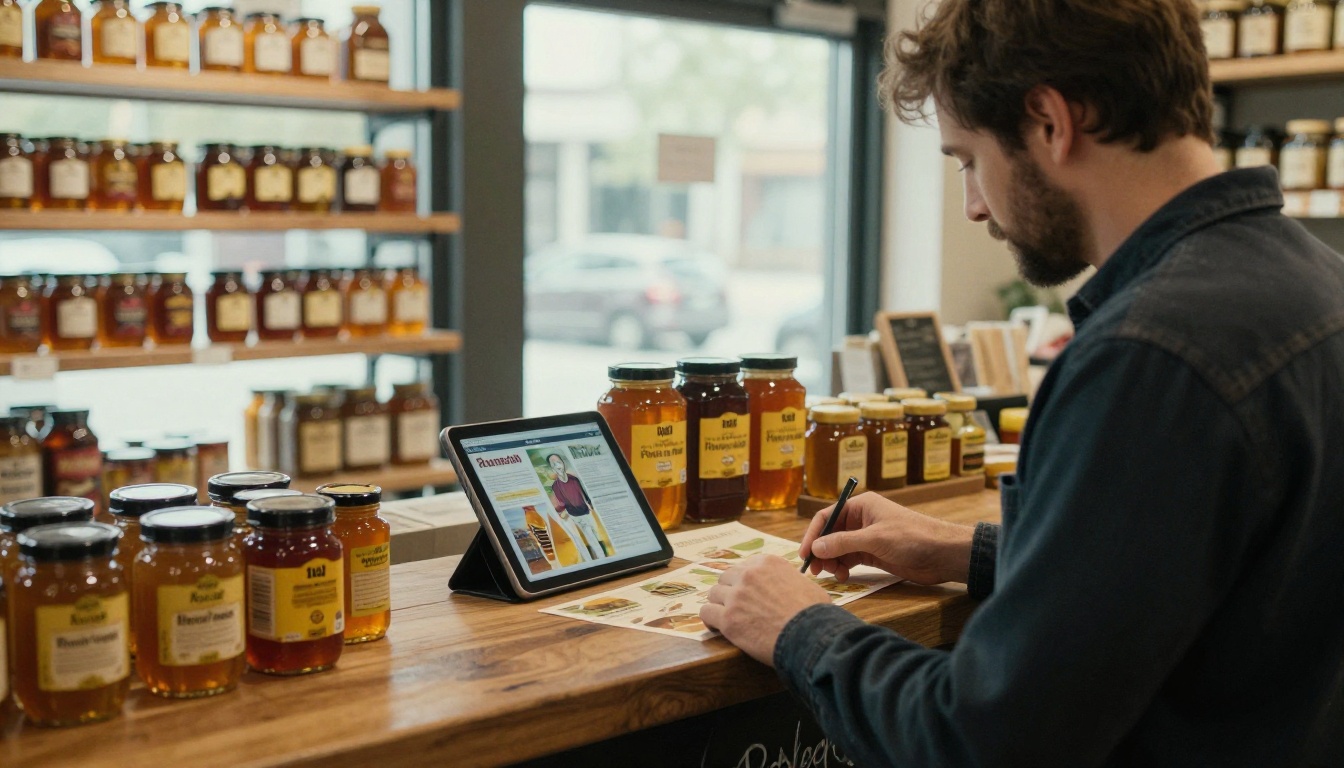
Print a small card with a QR code that opens the flipbook. Visitors who like your jars can browse the gift boxes at home and order later. Many sellers keep a tablet at the stall for people who want to flip through while they taste.
In Your Social Bio and Messages
Replace the long product list in your messages with the catalog link. When someone asks about gifts, one tap shows every option, with prices and delivery details.
With Shops and Delis
Send boutique buyers a password-protected wholesale edition with margins, case sizes and shelf-ready photos. It looks professional, and it keeps retail and wholesale prices separate.

With Corporate Buyers
Companies buy gifts in bulk, and they want proof that you can deliver. Include a page with sample custom labels, minimum quantities, and production lead times. Link to an order form or a calendar for a call.
A Real-World Example
Picture a family apiary with 40 hives. For years, they sold jars at two markets and answered gift questions by message. Orders for boxes came in slowly, and every request needed a long back-and-forth.
They built a 12-page catalog with four boxes, a seasonal holiday page and a wholesale edition. They shared the link in their bio, printed a QR code on market cards, and emailed the wholesale version to local delis. The change was practical rather than magical: buyers could answer their own questions, so the beekeepers spent their time on hives and packing instead of typing prices.
| Before the catalog | After the catalog |
|---|
| Prices sent one by one | One link with every price |
| Photos scattered across chats | Branded, ordered pages |
| Wholesale and retail mixed | Separate protected editions |
| No idea what buyers looked at | Page-level analytics |
Plan the Seasons
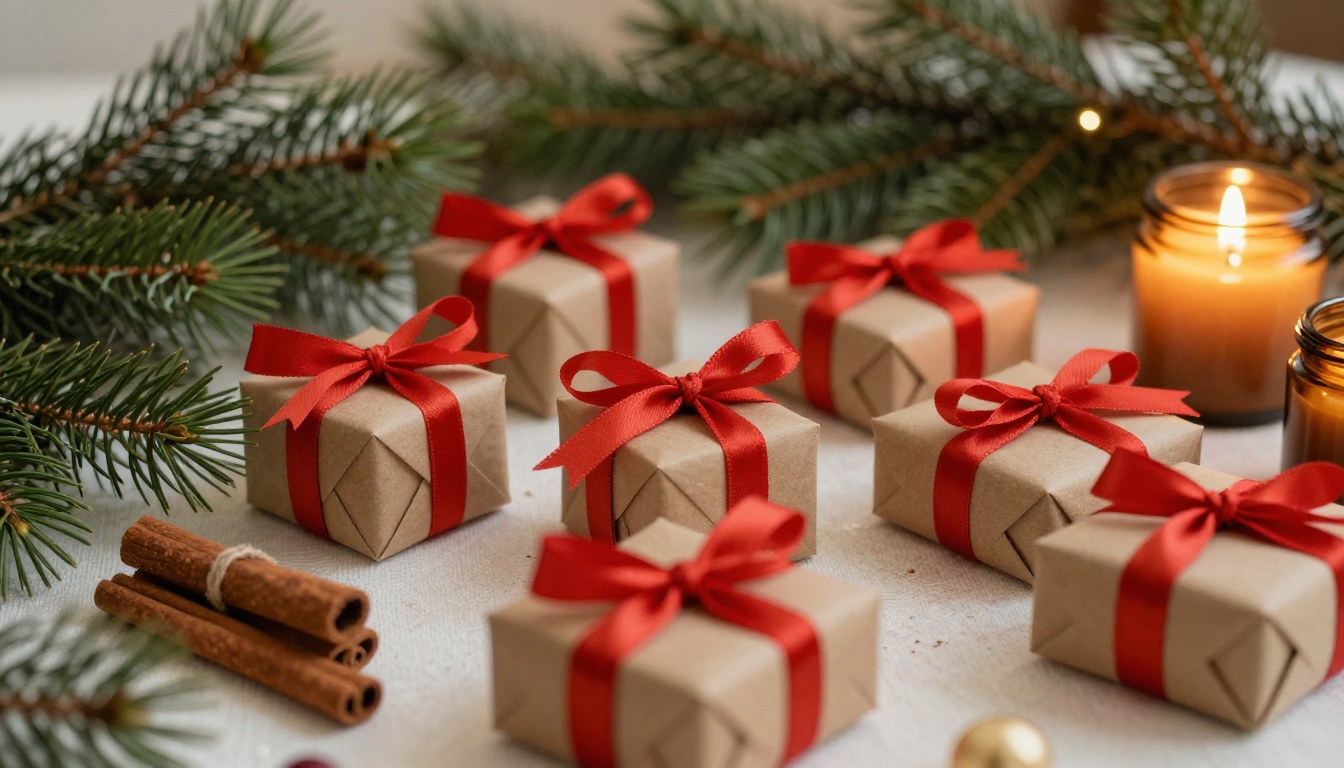
Honey sells all year, but gift boxes peak at specific times. Build your catalog calendar around them.
| Season | Gift occasion | Catalog update |
|---|
| Late winter | Valentine's Day, tea gifts | Small romantic sampler |
| Spring | Mother's Day, weddings | Favor jars, floral honeys |
| Summer | Hosting, travel gifts | Light and portable boxes |
| Autumn | Harvest, teachers, thank-yous | New-harvest edition |
| Winter | Holidays, corporate gifts | Premium hampers, bulk pricing |
⚠️ Warning: Do not promise delivery dates you cannot keep during the holidays. State a clear last order date on the catalog page and on your order link.
Update Instead of Rebuilding
When prices or seasonal boxes change, edit the PDF and replace the flipbook. Your share link and QR code can stay the same, so printed cards keep working.
Handle Shipping and Orders Clearly
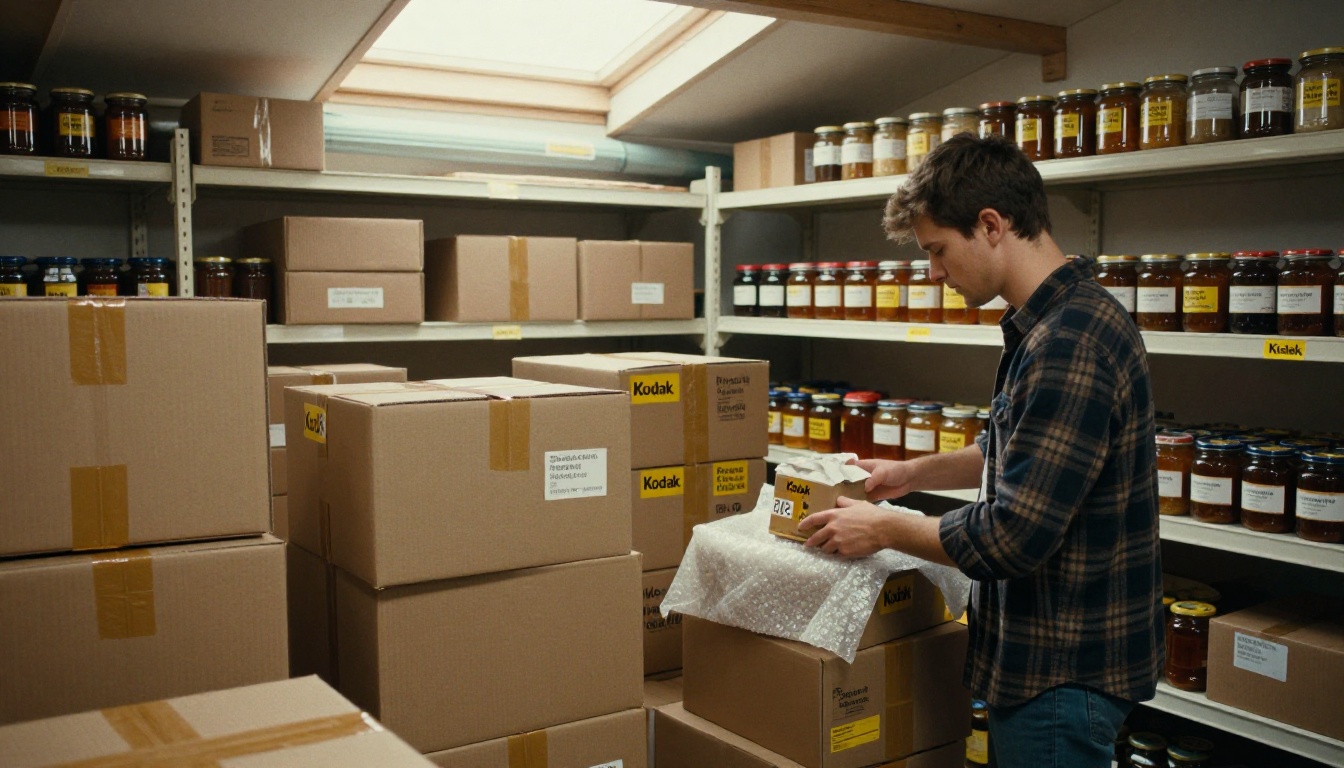
Honey is heavy and glass is fragile. A catalog page about shipping prevents most customer questions.
Include:
- Delivery zones and typical delivery times.
- Shipping costs or free-shipping thresholds.
- Packaging notes, such as protective padding and recycled materials.
- Your return and breakage policy in plain language.
- How to order: an order form link, an email and a phone number.
Three Common Mistakes
- Too many boxes. Buyers freeze when shown ten options.
- No prices. If the catalog hides the price, buyers assume it is expensive.
- No next step. Always end with a clear way to order.
Make the Catalog Feel Like Your Apiary
People buy honey from people. Add a page with a photo of you and the hives, and tell the buyer how the bees work through the seasons. Mention sustainable practices, pollinator habitats or local flowers if they are true for your farm.
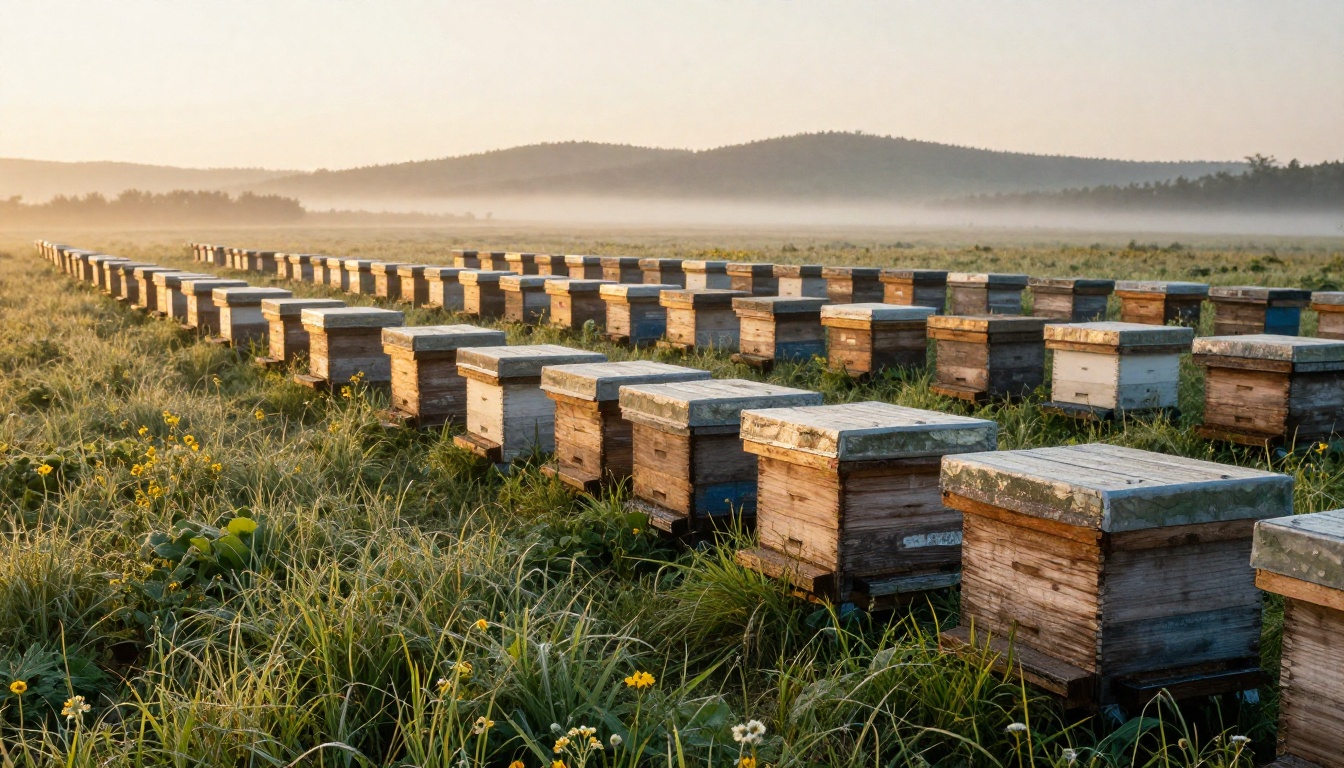
💡 Pro tip: Add a short video of the hives to the story page. A fifteen-second clip of bees at the entrance does more for trust than three paragraphs of text.
Start Selling Honey Boxes Online
You do not need a developer, a store platform or a printing budget to start. You need good photos, three or four well-priced boxes, and a catalog that opens on a phone. Here are your next steps:
- Photograph your boxes in window light.
- Lay out a short PDF using the page order above.
- Upload it and create your flipbook in minutes.
- Share the link, QR code and wholesale edition.
- Review the numbers and refresh the catalog each season.
Browse all the flipbook tools to find the right template for your catalog, compare pricing plans to pick the features you need, or get started for free and publish your first honey catalog today.



