Most wholesale brands still send their linesheet as a PDF attachment. It gets downloaded, maybe opened once, then buried in a buyer's downloads folder. If the buyer doesn't place an order that day, chances are they won't find it again.
The fix isn't a better PDF. It's a format that works the way buyers actually browse today: interactive, mobile-friendly, shareable with a single link, and trackable so you know who opened what. That's exactly what a flipbook linesheet delivers, and this article shows you how to build one from scratch.

What a Linesheet Actually Does
A linesheet is a wholesale sales document. It gives buyers the product information they need to place an order: item names, SKUs, pricing, colorways, minimum order quantities, and order terms. It is not a brochure. It is not a lookbook. It is a functional tool built around decisions, not inspiration.
Linesheet vs. Lookbook vs. Catalog
| Document | Purpose | Audience | Style |
|---|
| Linesheet | Ordering reference | Wholesale buyers | Data-dense, functional |
| Lookbook | Brand storytelling | Consumers, press | Visual, editorial |
| Catalog | Broad product overview | Retail and trade | Mixed: visual plus data |
Buyers don't want a lifestyle photoshoot when they're placing a wholesale order. They want to quickly find item numbers, pricing tiers, and available colors. Your linesheet should let them do that in under two minutes.
What Buyers Expect to Find
- Item name and SKU for reordering and inventory reference
- Wholesale price and suggested retail price (MSRP)
- Available colorways with names or codes
- Size range and size breakdown per style
- Minimum order quantity per style or per order
- Lead time and delivery windows
- Payment and return terms
Missing any one of these forces buyers to email you before ordering. That friction slows down deals and costs you sales.

Why Static PDFs Lose Wholesale Deals
PDF linesheets were the standard for a reason: easy to make, easy to print, and universally readable. But they create friction at every step of the buying process.
Buyers Don't Open Attachments
Email open rates for attachments sit below 20% in B2B contexts. A PDF attached to an email competes with every other message in a buyer's inbox. Even when downloaded, it requires the buyer to find it again days later when they're ready to order.
A shareable link, by contrast, opens instantly in the browser. No download required. No searching through files.
PDFs Break on Mobile
Over 60% of email is read on mobile. A PDF linesheet formatted for letter-size paper pinches and zooms poorly on a phone screen. Buyers browsing on mobile during a trade show or on the go simply won't bother with it.
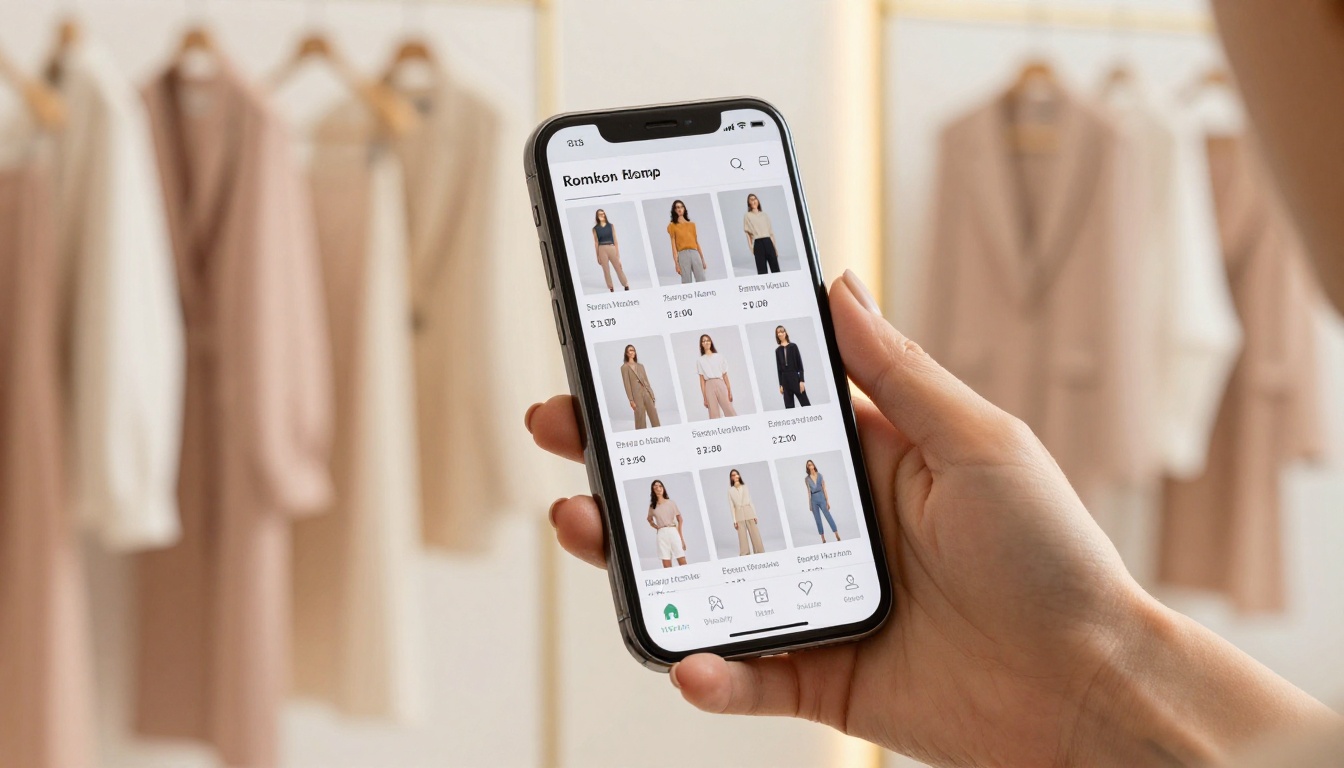
A flipbook linesheet adapts to any screen automatically, presenting your products cleanly whether the buyer is on a desktop, tablet, or phone.
You Can't Track Who Saw What
With a PDF, you send it and wait. You have no idea if the buyer opened it, which products they spent time on, or whether they passed it to a colleague. That information matters enormously for follow-up.
A digital flipbook linesheet with analytics tells you which buyers opened the link, how long they spent on each page, and how many times they returned. That's follow-up intelligence a PDF simply cannot give you.

What Makes a Strong Flipbook Linesheet
The format is only part of the equation. Structure and content determine whether a buyer places an order or passes.
A Layout That Moves Buyers Forward
Every page should have one job. A product page shows the product, gives essential specs, and makes ordering easy. Don't mix editorial storytelling with ordering information on the same page.
Effective layout principles:
- One product per page for hero items; two to four per page for accessories or basics
- Consistent formatting across all product pages so buyers can scan fast
- Clear visual hierarchy: product photo first, name and SKU second, pricing third, colorways fourth
- White space to prevent a cramped, overwhelming feel
Pricing Clarity Buyers Need
Pricing confusion kills deals. Be specific about which price you're showing. Label it clearly: "Wholesale Price," "MSRP," or "Keystone." If you offer tiered pricing based on quantity, include a simple table on each relevant product page.
| Quantity | Wholesale Price |
|---|
| 1 to 5 units | $38.00 |
| 6 to 11 units | $34.00 |
| 12+ units | $30.00 |
💡 Include MSRP alongside wholesale price on every product page. Buyers use the margin calculation to justify the purchase to themselves before committing.
Colorways, Minimums, and Terms
Bury your minimum order quantity or payment terms in an accompanying email and buyers will miss them. Put them in the linesheet, on a dedicated order terms page, and repeat the MOQ on each product page.
Colorway presentation matters too. Don't just list color names: show fabric swatches or color chips. "Dusty Rose" means something different to every buyer without a visual reference.

How to Build It Section by Section
The Opening Page
Your first page is prime real estate. Include:
- Brand logo
- Season and year (e.g., "Fall/Winter 2025")
- Collection name
- Contact information: sales rep name, email, phone
- Ordering deadline or ship window
This is the one place to include a brief brand statement, two or three sentences maximum. Buyers want context, not a full brand story.
Product Pages That Convert
Structure each product page the same way every time:
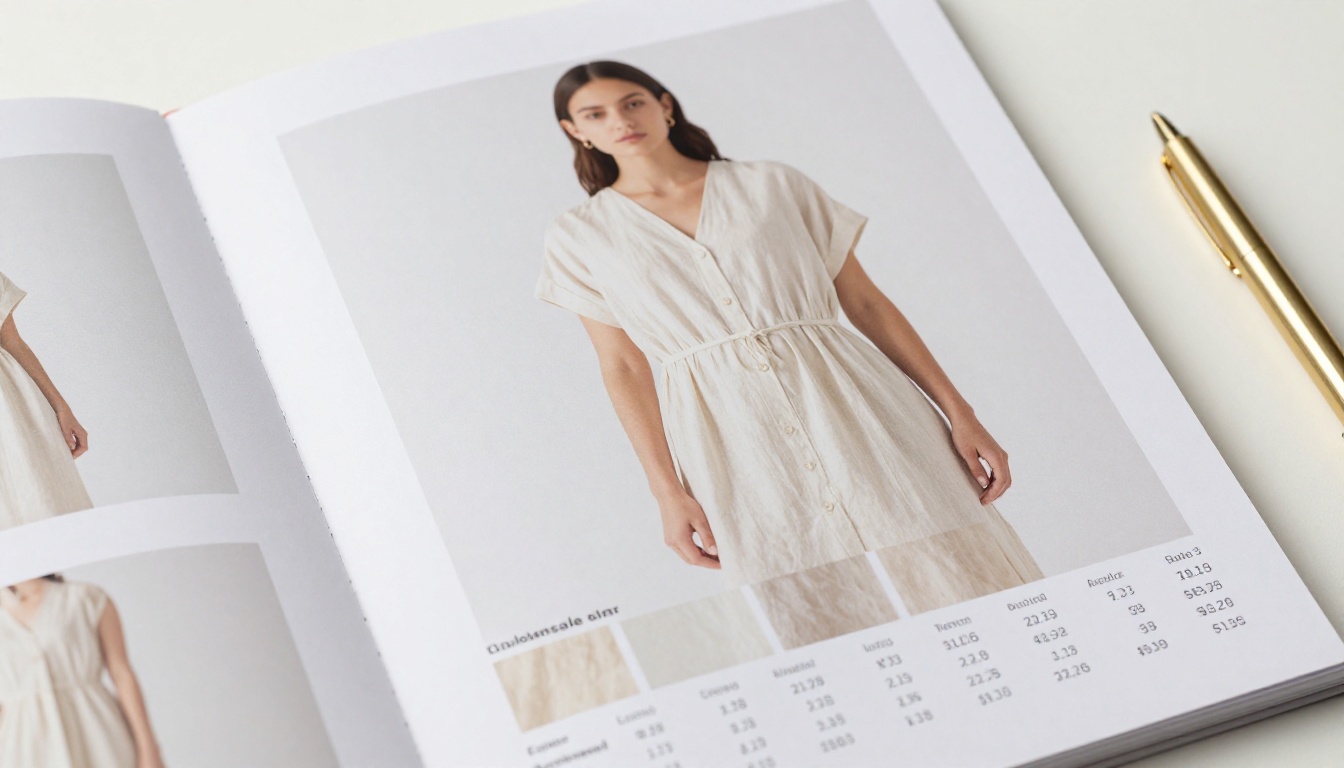
- Hero product photo on a clean studio background
- Product name
- SKU or item number
- Available colorways with visual swatches
- Size range
- Wholesale price and MSRP
- MOQ per style
- Brief description, two sentences max covering fabric content and a standout feature
✅ Use high-resolution white-background product photos. Lifestyle shots work in a lookbook. In a linesheet, buyers need to see the product clearly without distraction.
Order Terms Page
Dedicate a full page to terms. Include:
- Payment terms (Net 30, prepay, credit card, etc.)
- Return and exchange policy
- Lead time from order to shipment
- Shipping policy and cost structure
- Cancellation policy
Buyers often reference this page multiple times across a buying session. Make it easy to find by positioning it at the end, just before your contact page.
How to Create a Linesheet Flipbook with Flipbooks AI
Flipbooks AI has a purpose-built workflow for turning product PDFs into interactive flipbooks. Here's how to go from a finished linesheet PDF to a shareable link ready for buyers.
Step 1: Prepare Your PDF
Before uploading, do a final check:
- All fonts embedded, not just linked
- Images at 150 DPI minimum, 300 DPI recommended
- All pages the same size and orientation
- Bleeds and margins consistent throughout
- File size under 100MB (compress images if needed)
Export from InDesign, Canva, or Figma as PDF print quality. Avoid web-optimized exports that reduce image quality.
Step 2: Upload and Convert
- Go to Flipbooks AI and create or log in to your account
- Click "New Flipbook" and select your PDF file
- The platform converts your PDF pages into an interactive flipbook with animated page turns
- Preview the flipbook to confirm all pages converted cleanly
Conversion takes under a minute for most linesheets. You'll see a real-time preview as pages load. If any page looks off, re-upload with a corrected PDF.
⚠️ If your PDF has unusual fonts or complex layering, simplify the layout before uploading. Flatten layers in Illustrator or export with "Flatten Transparency" in InDesign for the cleanest results.
Step 3: Brand Your Flipbook
This is where the digital version surpasses a static PDF. In the Flipbooks AI editor:
- Upload your brand logo
- Set brand colors for the flipbook interface
- Choose a page turn style: classic flip, slide, or fade
- Add a custom background color or texture
- Set the flipbook title and cover thumbnail
Your buyers see a polished, branded experience the moment they open the link, not a generic PDF viewer.
Step 4: Set Privacy and Sharing Options
For wholesale linesheets with private pricing, use password protection. Set a password buyers must enter before viewing. Share the password in your outreach email. This keeps your wholesale pricing from spreading to end consumers.
Options available on paid plans:
- Public: Anyone with the link can view
- Password protected: Requires a password to open
- Private: Only authorized users can access
💡 Password-protect every linesheet that contains wholesale pricing. Wholesale pricing is confidential. A buyer forwarding your link should not expose your rates to competitors or end consumers.
Step 5: Share With Buyers
Once published, copy the shareable link and use it anywhere:
- Paste directly into an email body, no attachment needed
- Add a "View Linesheet" button to your wholesale inquiry auto-reply
- Share via WhatsApp or direct message for trade show follow-up
- Embed the flipbook on your wholesale portal using the embed code
- Include the link in your Faire, Abound, or wholesale platform profile
With the Digital Catalog Maker and PDF to Flipbook Converter, the full process from upload to live link takes about ten minutes.

Sharing Your Linesheet With Buyers
Email vs. Direct Link
Attaching a PDF signals that buyers need to download something. A link signals instant access. When sending your linesheet by email, write:
"View our current linesheet here: [link]"
Not:
"Please find our linesheet attached."
That single change improves open-to-view rates. The link opens in the browser immediately with no app required.
Trade Show Approach
At trade shows, you often meet buyers in brief five to ten minute interactions. Hand them a card with a QR code linking to your flipbook linesheet. When they sit down that evening to review the brands they met, your linesheet is one tap away.
You can also pull up the flipbook on a tablet at your booth and hand it to buyers to browse themselves. The page-turn interaction holds attention longer than scrolling through a static file.
Password Protection for Private Pricing
Retail buyers talk to each other. A linesheet link forwarded outside your intended audience can expose pricing to end consumers or competitors. Use password protection for every linesheet that includes wholesale pricing.
When emailing buyers, include:
- The flipbook link
- The password in the same email
- A clear note: "Password: [YOURPASS]. Please keep pricing confidential."

Tracking Who Reads Your Linesheet
One of the strongest reasons to use a digital flipbook over a PDF is what you learn after you send it.
View Data by Buyer
With the analytics available on the Professional plan, you can see:
- How many times the flipbook was opened
- Which pages received the most time
- Total time spent per session
- Device and location data
If a buyer spent three minutes on a specific product page and then closed the flipbook, that's a warm follow-up signal. Reach out specifically about that product rather than sending a generic check-in.
Lead Capture Built In
The lead generation feature lets you add a form gate before buyers access the flipbook. They submit their name, store name, and email before viewing. This builds your wholesale contact list automatically, even when buyers find your linesheet through a shared link.
For brands attending trade shows, this means every person who scans your QR code and opens the flipbook becomes a trackable contact in your pipeline.
Flipbooks AI Plans for Wholesale Brands
Choosing the right plan depends on how many linesheets you send and whether you need analytics and lead capture.
| Feature | Free | Standard | Professional |
|---|
| Flipbooks | 1 | Unlimited | Unlimited |
| Watermarks | Yes | No | No |
| Password protection | No | Yes | Yes |
| Custom branding | No | Yes | Yes |
| Analytics | No | No | Yes |
| Lead generation | No | No | Yes |
| Offline downloads | No | Yes | Yes |
| Embed on website | No | Yes | Yes |
| Mobile responsive | Yes | Yes | Yes |
💡 For wholesale brands sending linesheets to multiple buyers, the Standard plan is the minimum. Password protection and no watermarks are non-negotiable for a professional buyer experience.
Most brands building a wholesale channel will benefit most from the Professional plan. Knowing which buyers opened your linesheet and which products held their attention changes how you prioritize follow-up calls and emails.
Browse pricing plans to choose the tier that fits your current sales volume.

Common Mistakes That Cost You Orders
Too Many Pages
A linesheet is not a full catalog. Buyers don't want 80 pages. If your collection is large, create category-specific linesheets: tops, bottoms, accessories, outerwear. Send buyers the relevant section, not everything at once.
Missing Order Terms
Sending a linesheet without payment terms, MOQs, and lead times forces buyers to email you asking for basics. That friction delays orders. Every piece of information needed to place an order should live inside the linesheet itself.
Inconsistent Photography
Mixing studio shots with lifestyle photos, different backgrounds, or varying image quality creates a disorganized feel. Buyers read visual inconsistency as a sign of operational inconsistency. Consistent product photography throughout the linesheet signals a well-run brand.
No Clear Call to Action
End your linesheet with an action page: how to place an order, who to contact, and what happens next. Include:
- Sales contact name and email
- Order form link or process description
- Ordering deadline for the current season
- The next step: "Reply to this email to request a sample order"
Who Uses Flipbook Linesheets
Wholesale flipbook linesheets work across product categories. A few real-world scenarios:
Fashion and apparel brands attending trade shows create season-specific linesheets with product photography, colorways, and pricing. They share password-protected links with store buyers they meet, then track which buyers return to the link in the days after the show.
Home goods and lifestyle brands add embed codes to their wholesale portal so buyers can browse the full linesheet without leaving the website. The Catalog Flipbook Creator makes embedding clean and straightforward.
Jewelry and accessories brands use the flipbook format to show multiple colorway variants per piece, with clear quantity-based pricing tiers and minimum order details.
Beauty and skincare brands create linesheets for their product SKUs with ingredient highlights and margin breakdowns, sent to spa and boutique buyers as a single shareable link instead of a multi-attachment email.
In each case, the flipbook format makes the linesheet easier to open, easier to browse, and easier to act on than a static file.
Start Sending Linesheets That Get Opened
Your linesheet is often the first detailed look a buyer gets at your brand. A polished, interactive flipbook signals that you run a professional operation. A PDF attachment with outdated formatting signals the opposite.
The content matters: clear pricing, clean product photography, and thorough order terms. The format matters too: mobile-friendly, password-protected, and trackable.
Flipbooks AI makes it straightforward to go from a finished PDF to a live, shareable flipbook in under ten minutes. No design skills needed. No watermarks on paid plans. No app required for buyers to open it.
Ready to upgrade your wholesale outreach? Create your account and convert your first linesheet today. Browse all available tools and templates for product catalogs, digital lookbooks, and more. Or compare pricing plans to find the right fit for your sales volume.



